Mineuniverse
Resource Packs
Bedwars Remastered

Bedwars Remastered

RESOURCE PACK
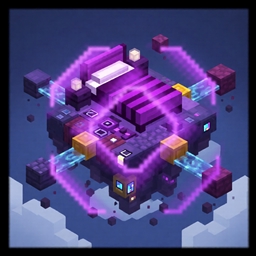
A competitive BedWars & PvP texture pack focused on clean visuals, improved clarity, and performance-friendly design while preserving a vanilla-style look.
by Zensiyoo
Download Claim this project
32,474 downloads
0 likes
Updated Oct 14, 2026
0 hypes
16x
Advertisement Remove ads with Premium →

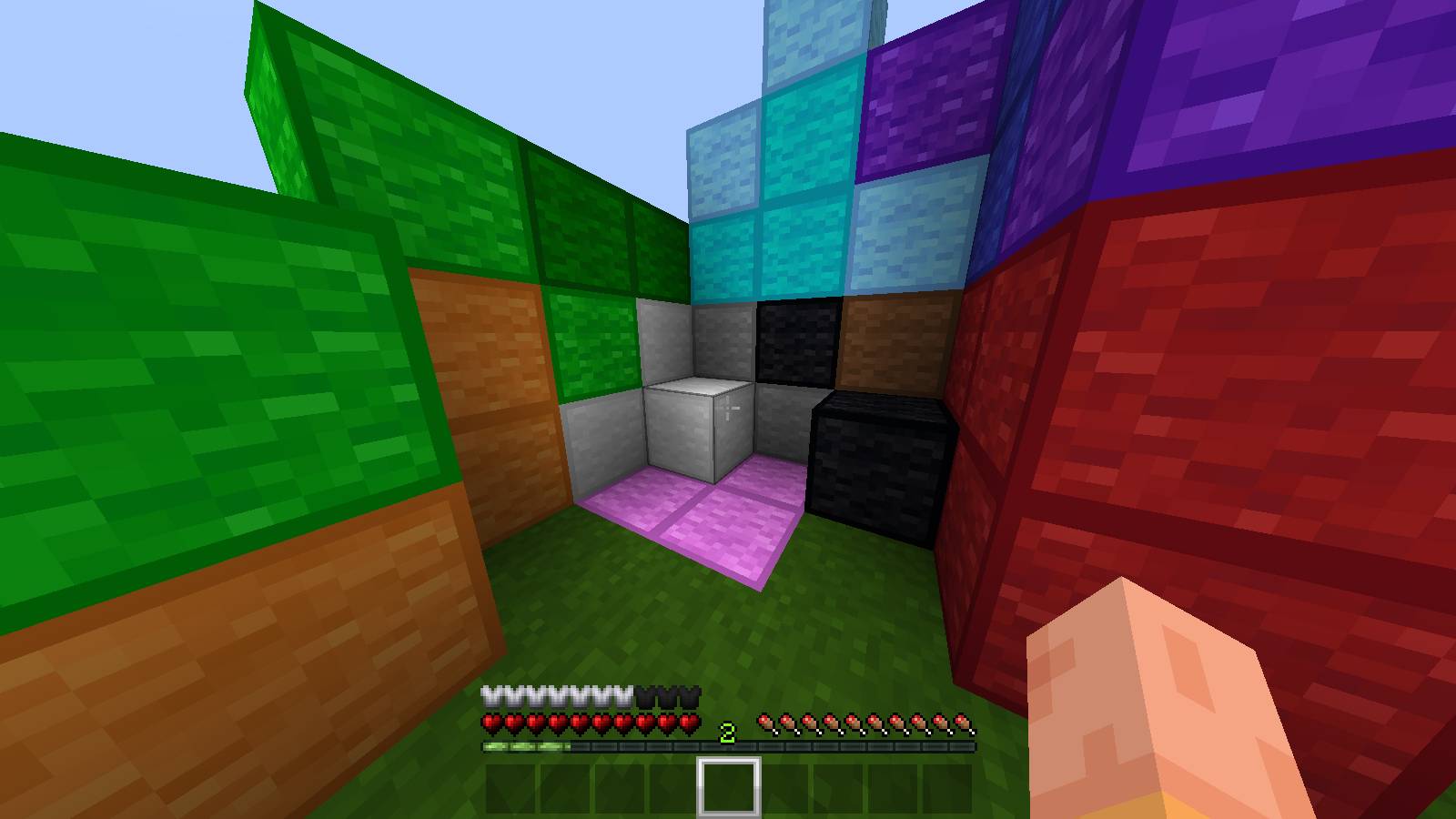
This BedWars & PvP texture pack is carefully crafted for competitive Minecraft gameplay. It prioritizes clarity, consistency, and performance to help players react faster during intense PvP encounters. Textures are clean and well-defined, reducing visual clutter while keeping all essential items and blocks instantly recognizable.

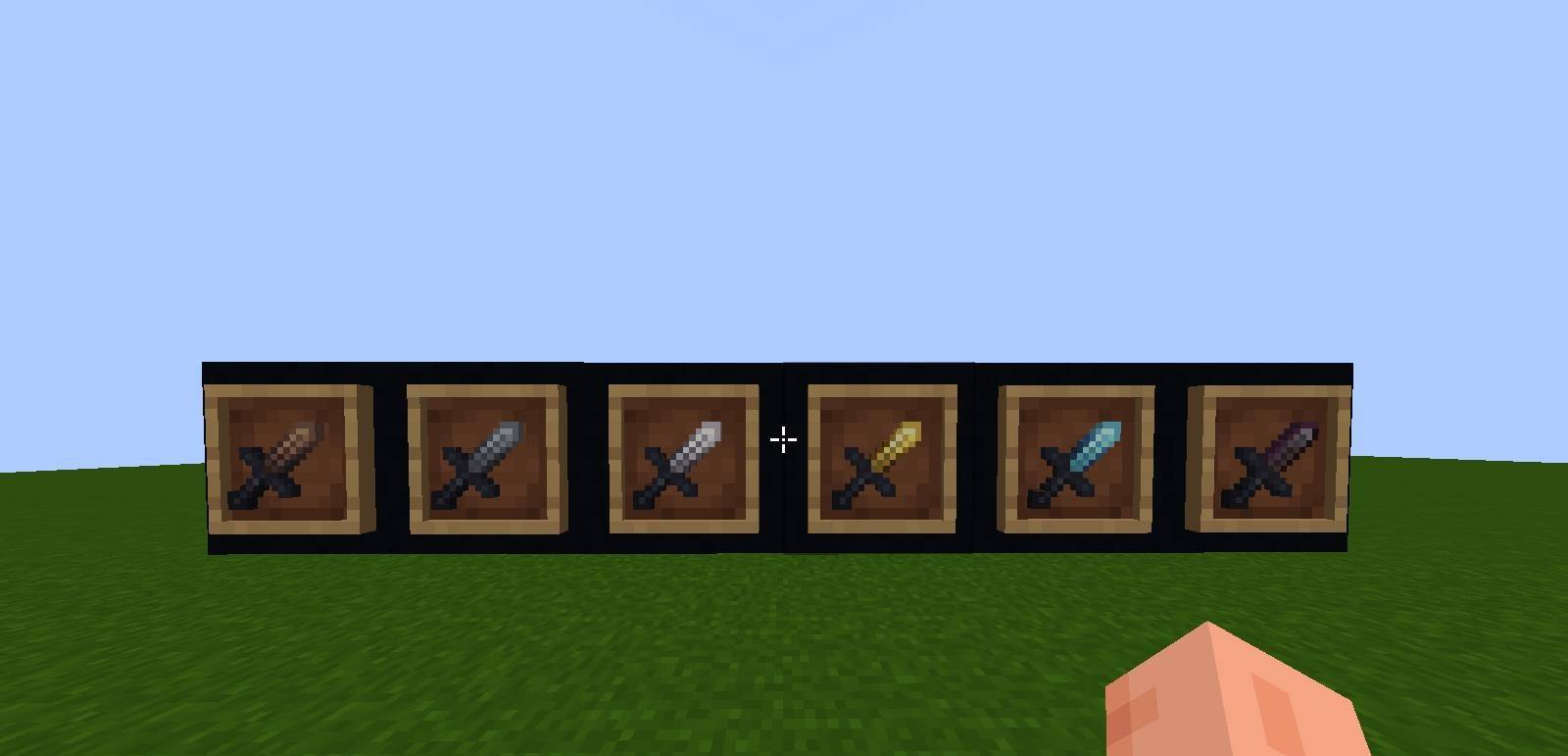
Weapons, armor, blocks, and UI elements are optimized for combat visibility without breaking the vanilla aesthetic. The pack maintains a smooth, vanilla-inspired style with subtle enhancements that support focused gameplay. Designed specifically for competitive modes, it is ideal for BedWars, SkyWars, Duels, and other PvP-based game modes.


Features

  • Clean and competitive PvP-focused textures

  • Improved visibility for weapons, tools, and armor

  • Optimized blocks for faster BedWars bridging and building

  • Reduced visual clutter for better focus in combat

  • Vanilla-inspired style with modern PvP enhancements

  • Performance-friendly for smoother gameplay

  • Suitable for BedWars, SkyWars, Duels, and PvP servers

Bedwars Remastered
MC 1.21.11, 26.1, 26.1.1, 26.1.2, 26.2, 26.3
Release 2026-09-26 Get
Bedwars Remastered.zip
MC 1.21, 1.21.8, 1.21.5, 1.21.4, 1.21.1, 1.21.6, 1.21.3, 1.21.7, 1.8.9, 1.21.2, 1.9, 1.21.9, 1.21.10, 1.21.11
Release 2026-01-08 Get

Requirements & install

How to use this resource pack in Minecraft
Resolution
16x
Minecraft
1.21.9 – 26.3
Install folder
.minecraft/resourcepacks

How to install resource packs

  1. Download the resource pack .zip file (do not extract it).
  2. In Minecraft open Options → Resource Packs → Open Pack Folder.
  3. Drop the .zip into the resourcepacks folder (.minecraft/resourcepacks).
  4. Move the pack to the Selected column and click Done.
Browse more: 16x resource packs 32x resource packs 64x resource packs 128x resource packs 256x resource packs 512x+ resource packs Resource Packs for 26.3 All resource packs

More from Zensiyoo

Advertisement Remove ads with Premium →

You Might Also Like