Bedrock Stuff
Bedrock Textures “ported” over to Java
Part 1
UI
Like playing Java but also like the Bedrock UI(user interface)? Well wait no longer!
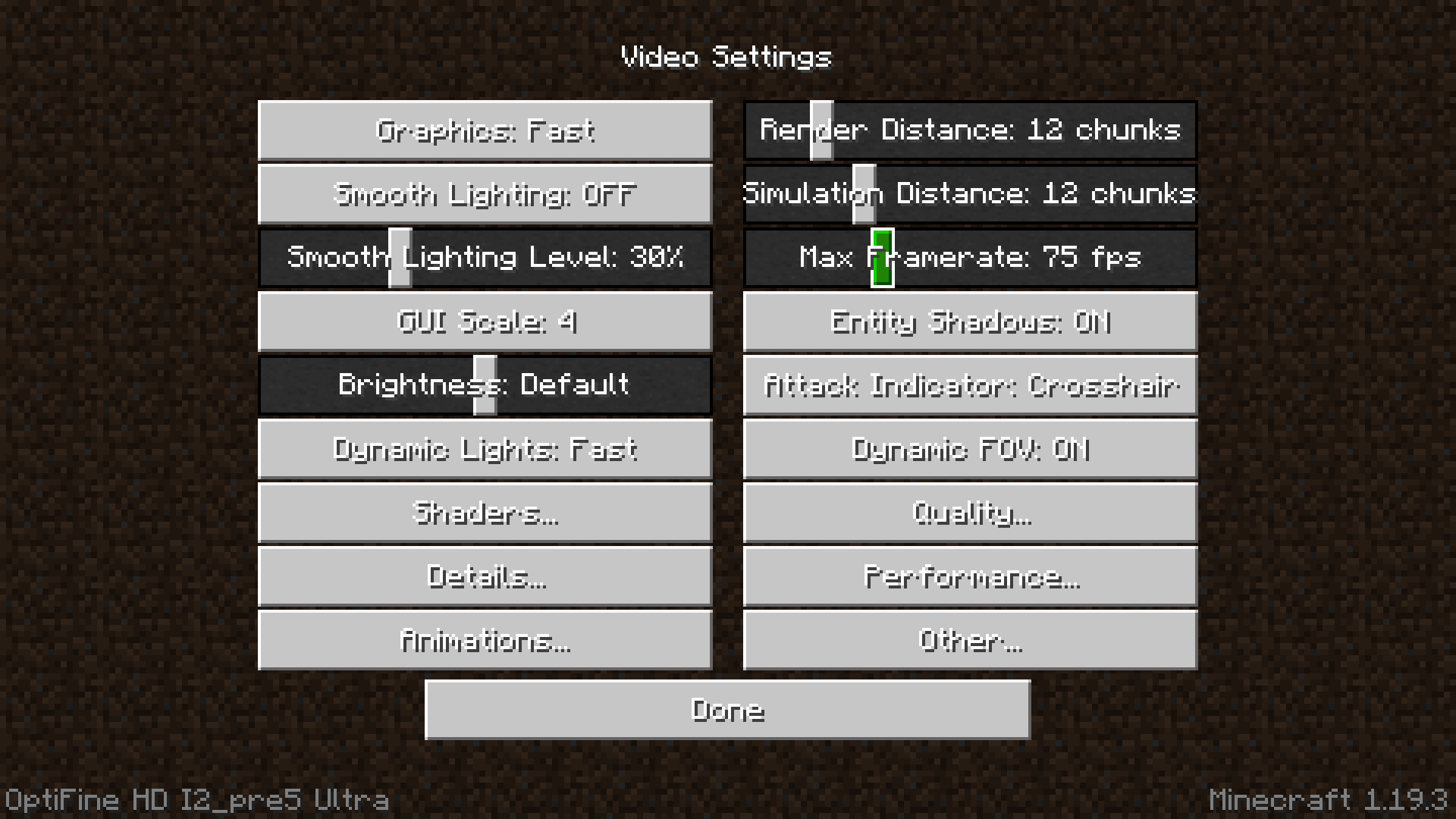
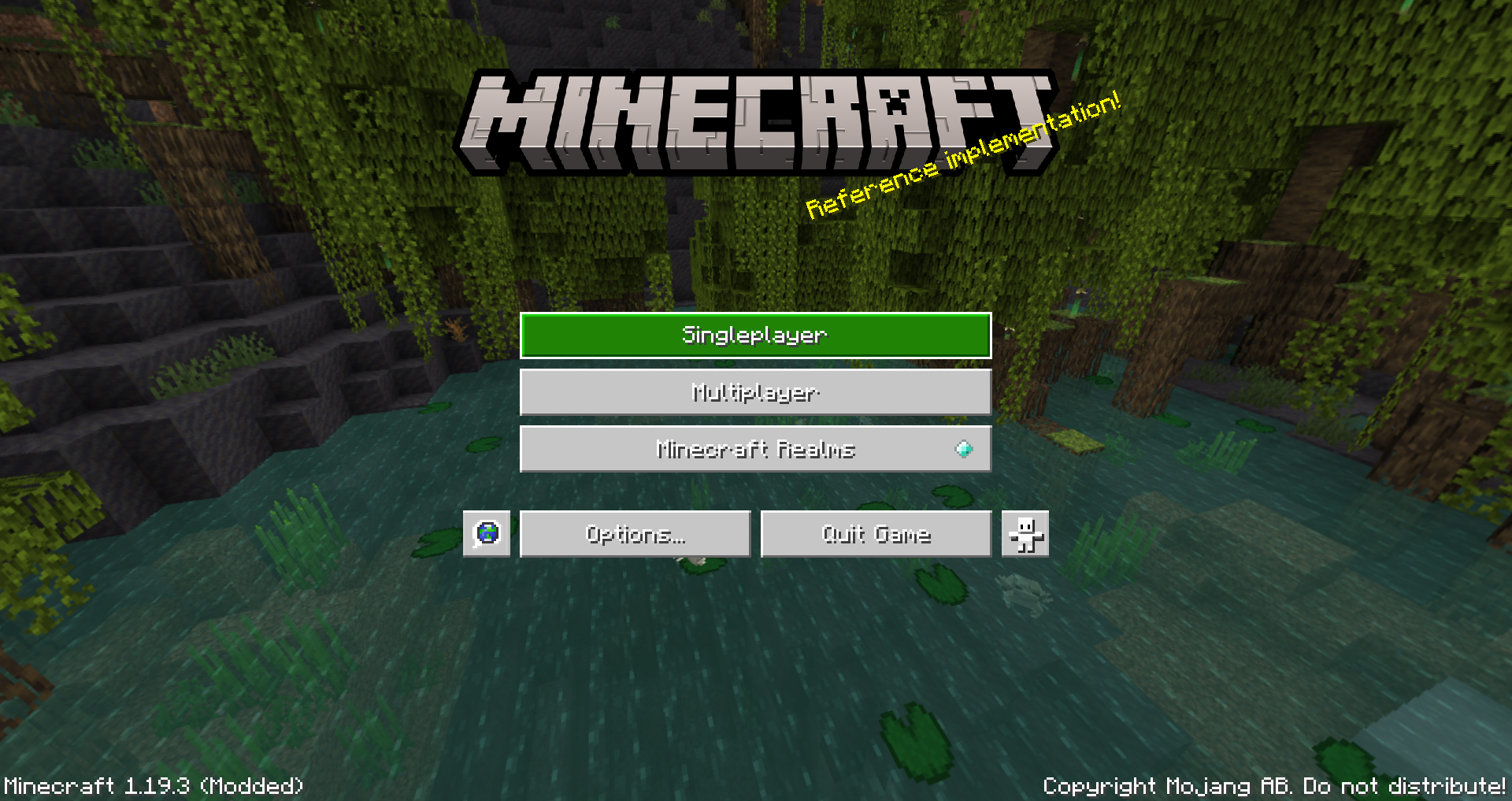
Bedrock Stuff is a experimental resource pack that brings Bedrock's main UI elements to Java.
Features
- Modern and Sleek Bedrock Buttons
- The Flat Title Screen Text (not splashes)


Issues
- The button font color cannot be changed to black when unfocused (as I know of)

Buttons for toggling stuff ("View Bobbing" "Graphics: Fancy/Fast/Fabulous") cannot be simple switches like in Bedrock (because it is impossible)

How To Install
- Download the Pack from CurseForge or PlanetMinecraft
- Open Minecraft 1.19 and click on "Options" in the main menu
- Click on "Resource Packs" in the options menu
- Click on the "Open Resource Pack Folder" button
- Move the downloaded "§dBedRockStuff-Pack-pt1_ui" resource pack file into the resource pack folder
- Go back to Minecraft 1.19 and click on the arrow button next to the "BedRockStuff-Pack-pt1_ui" resource pack
- Click "Done" to finish
These are some of the key UI elements of Bedrock that I liked and wanted over in Java.
This project is still a work in progress!
This is a Java Pack not Bedrock!