Mineuniverse
Resource Packs
BCL [Biome Colored Lava]

BCL [Biome Colored Lava]

RESOURCE PACK
Adds biome dependent lava coloring! Supports Vanilla, Incendium, Nullscape, Better Nether, Better End, FokaStudio's End Expansion, ByG, BoP and Infernal Expansion all of them from 1.17 to 1.19
by TeraBuildsStuff
Download Claim this project
11,001 downloads
0 likes
0 followers
Updated Oct 14, 2026
0 hypes
Follow0
16x Miscellaneous Mod Support
Advertisement Remove ads with Premium →

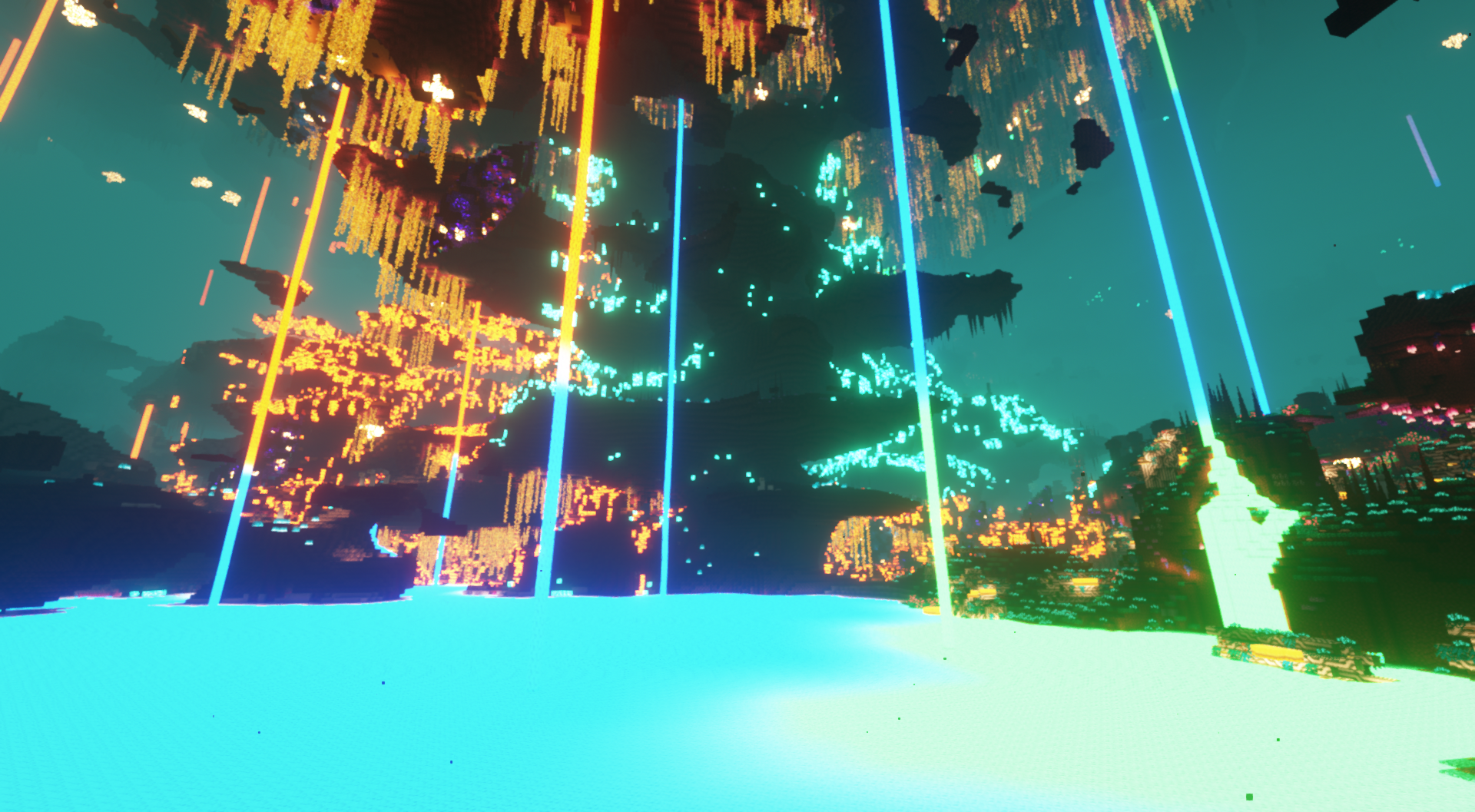
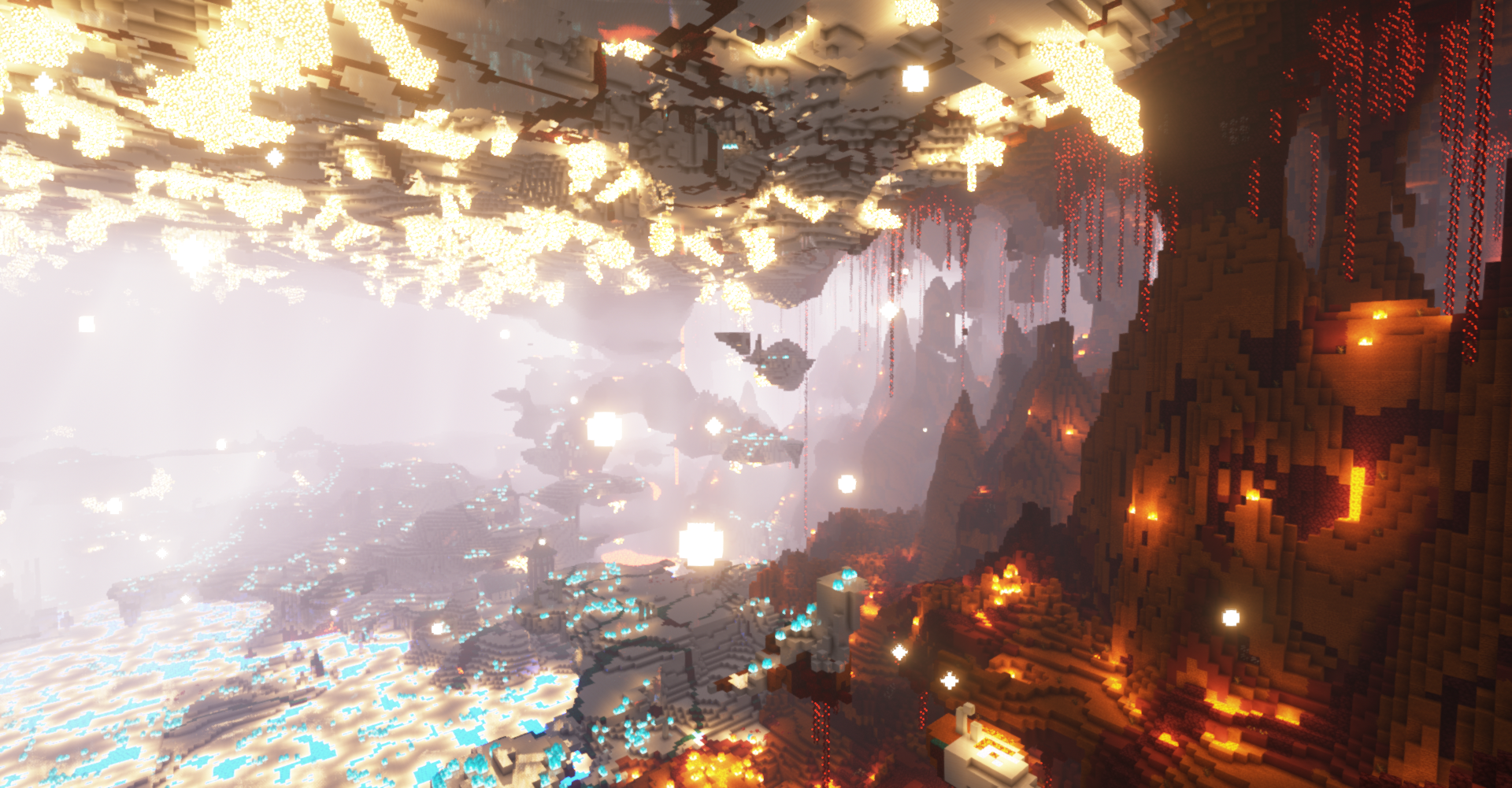
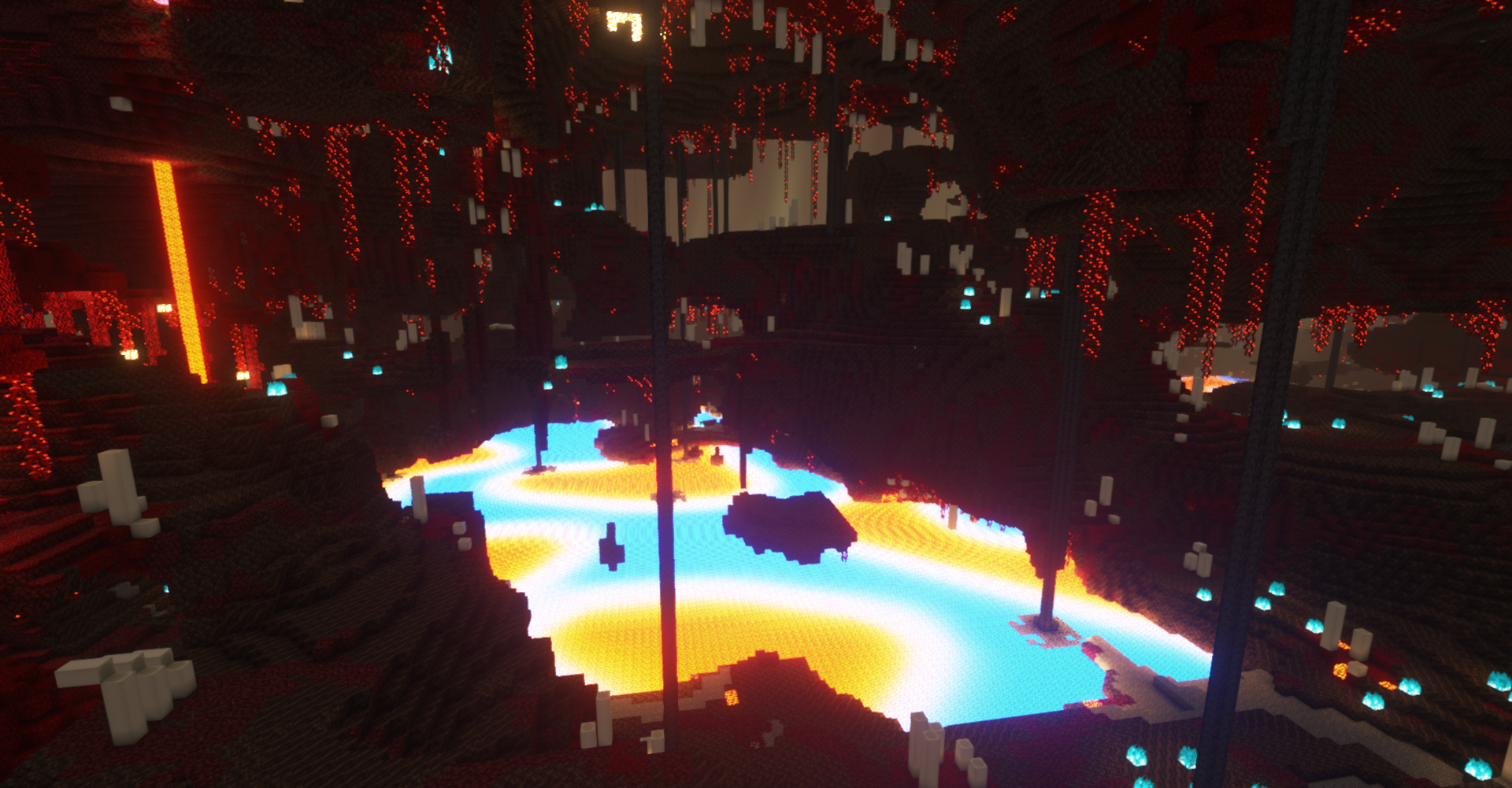
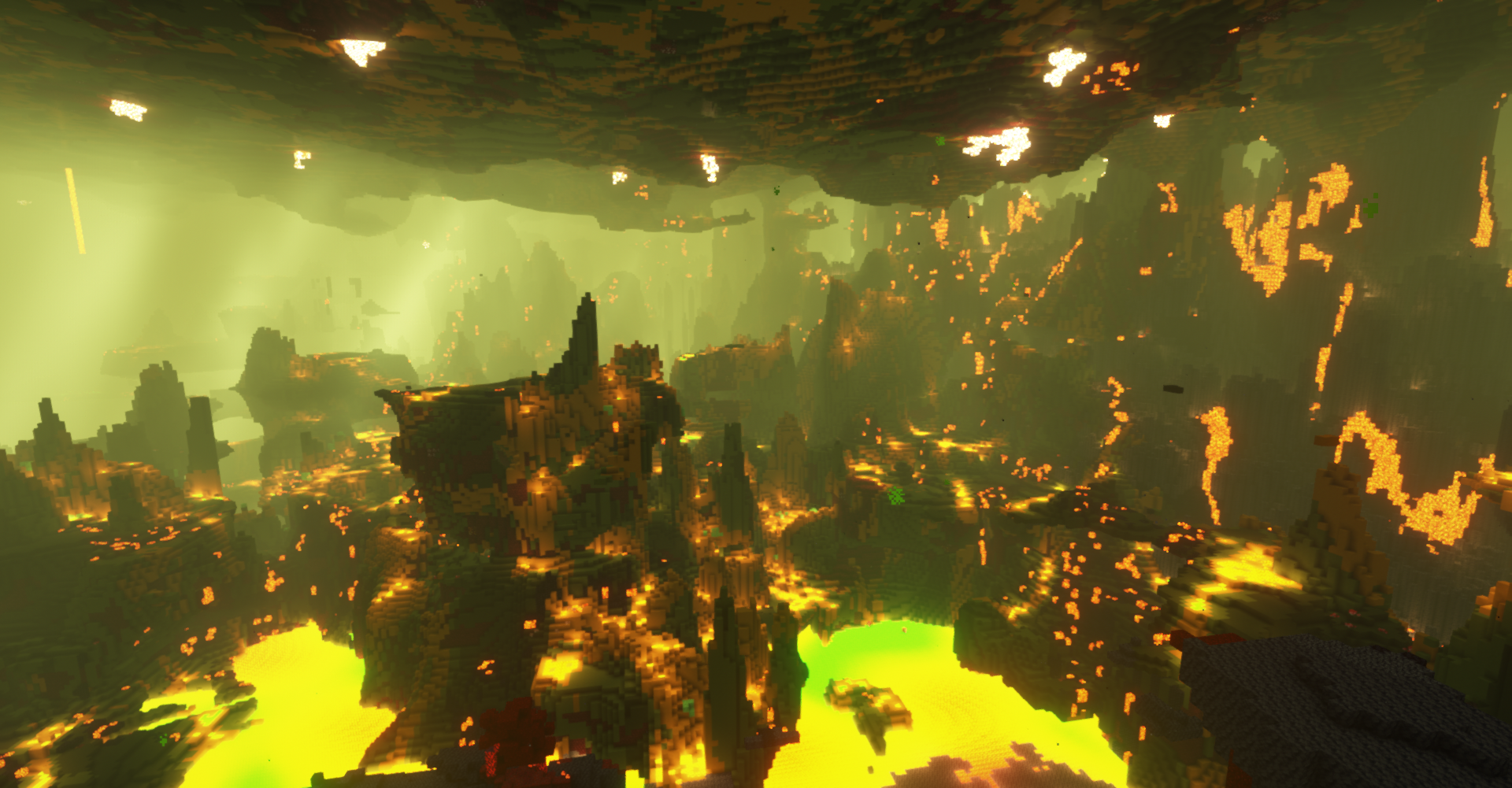
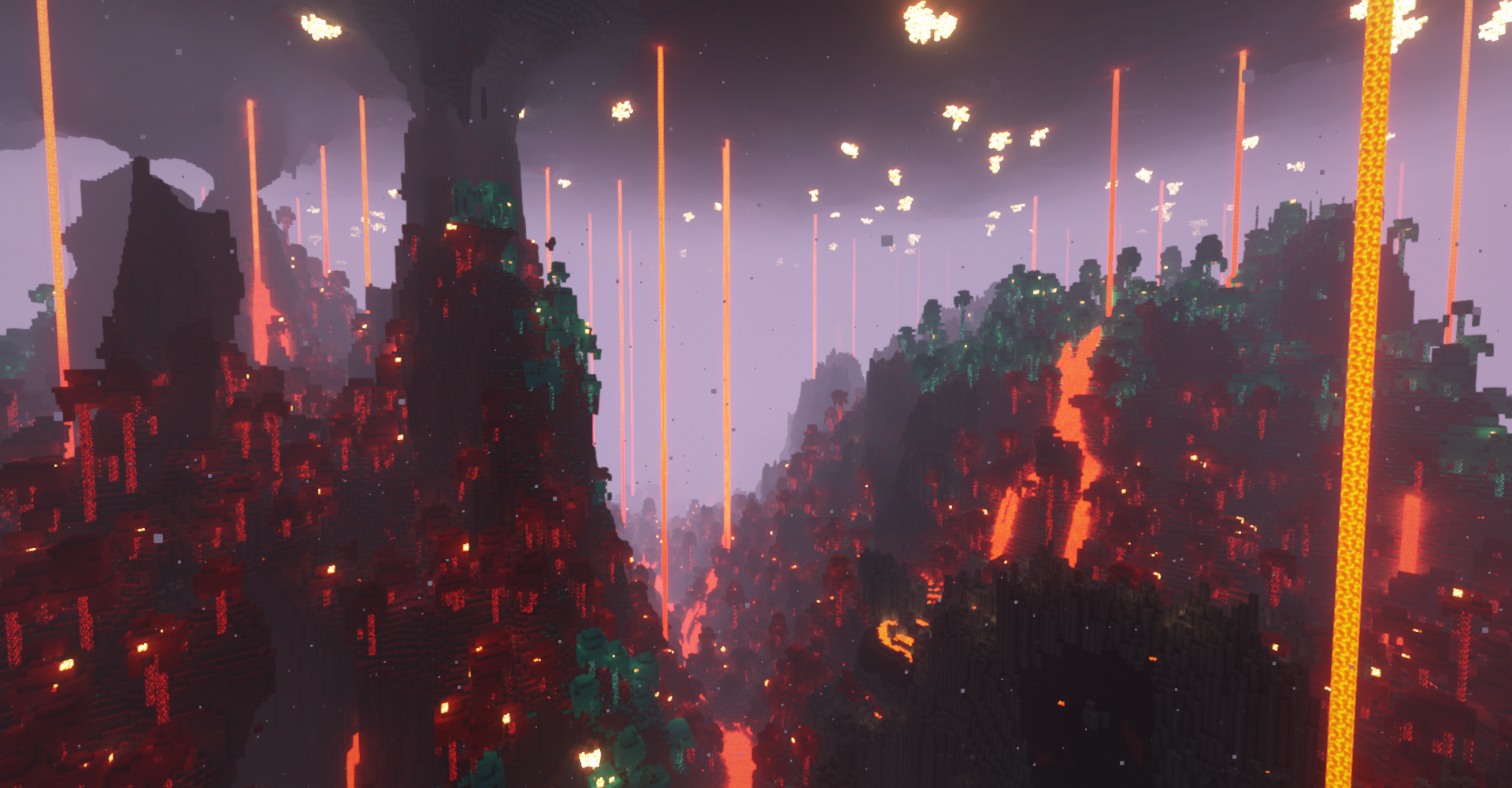
This small Resource Pack makes the lava colormapped and the magma blocks biome dependent, creating colorful and sinister lava seas.
Now compatible with all 1.17 to 1.19 versions of Incendium, Better Nether, Nullscape, Better End, Byg, BoP, Infernal Expansion and Ender Expansion, but only with Colormatic (lava will appear orange in all biomes if used only with Optifine).

Requires Colormatic and a CTM and Mob texture mod/optifine replacement.
It is recommended to turn up the biome blending, it is also recommended to reduce the lava emissiveness when used with some shaders, since the lava lightning is based on the lava greyscale and not the colormapped render. Some shaders are not compatible with custom colormaps.


An Incendium Nether panorama
If you which for support on other mods/datapacks, let me know!

BCL [Biome Colored Lava] 5.0
MC 1.17.1, 1.18.1, 1.17, 1.19-Snapshot, 1.18.2, 1.19.2, 1.19.1, 1.17-Snapshot, 1.18, 1.18-Snapshot, 1.19
Release 2022-09-02 Get
Biome Colored Lava 4.1
MC 1.17.1, 1.18.1, 1.17, 1.18.2, 1.19.1, 1.18, 1.19
Release 2022-07-10 Get
Biome colored lava 4.0a
MC 1.17.1, 1.18.1, 1.17, 1.18.2, 1.19.1, 1.18, 1.19
Release 2022-07-08 Get
Biome colored lava 4.0
MC 1.17.1, 1.18.1, 1.18.2, 1.19.1, 1.18, 1.19
Release 2022-07-05 Get
Biome colored lava 3.0.zip
MC 1.17.1, 1.18.1, 1.17, 1.18.2, 1.18
Release 2022-06-03 Get

Requirements & install

How to use this resource pack in Minecraft
Resolution
16x
Minecraft
1.18-Snapshot – 1.19.2
Install folder
.minecraft/resourcepacks

How to install resource packs

  1. Download the resource pack .zip file (do not extract it).
  2. In Minecraft open Options → Resource Packs → Open Pack Folder.
  3. Drop the .zip into the resourcepacks folder (.minecraft/resourcepacks).
  4. Move the pack to the Selected column and click Done.
Browse more: 16x resource packs 32x resource packs 64x resource packs 128x resource packs 256x resource packs 512x+ resource packs Resource Packs for 1.19.2 All resource packs

More from TeraBuildsStuff

Advertisement Remove ads with Premium →

You Might Also Like