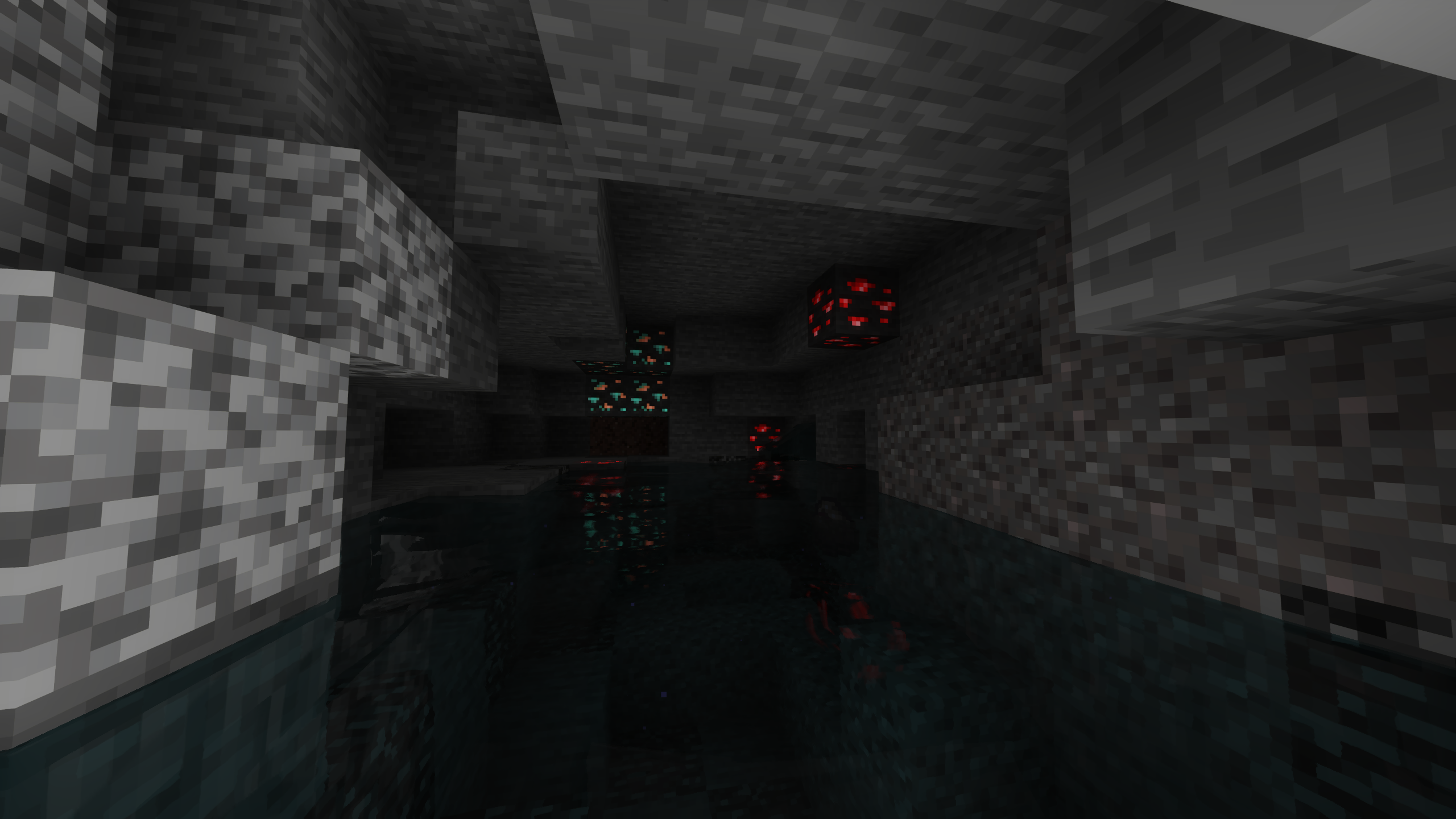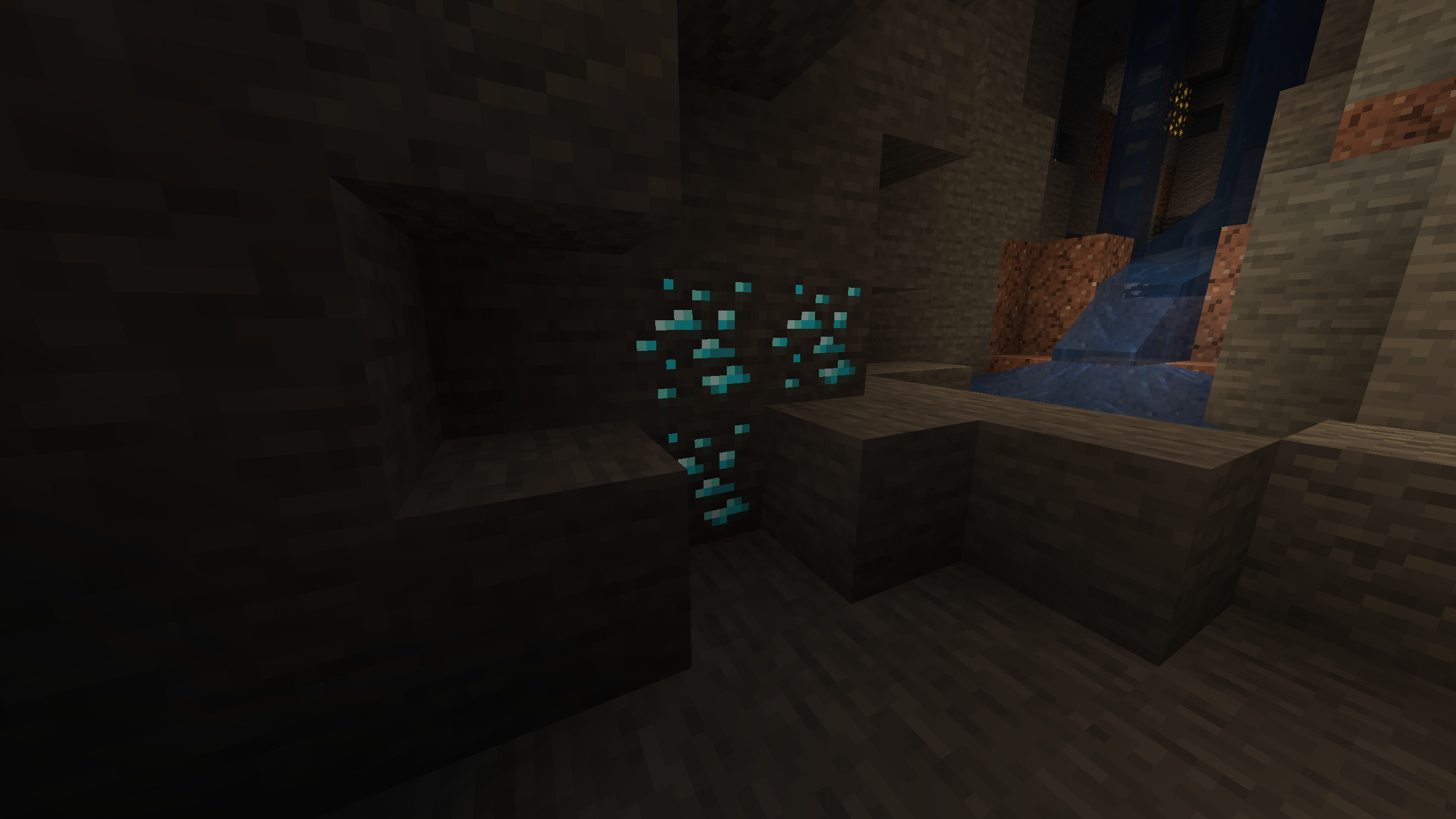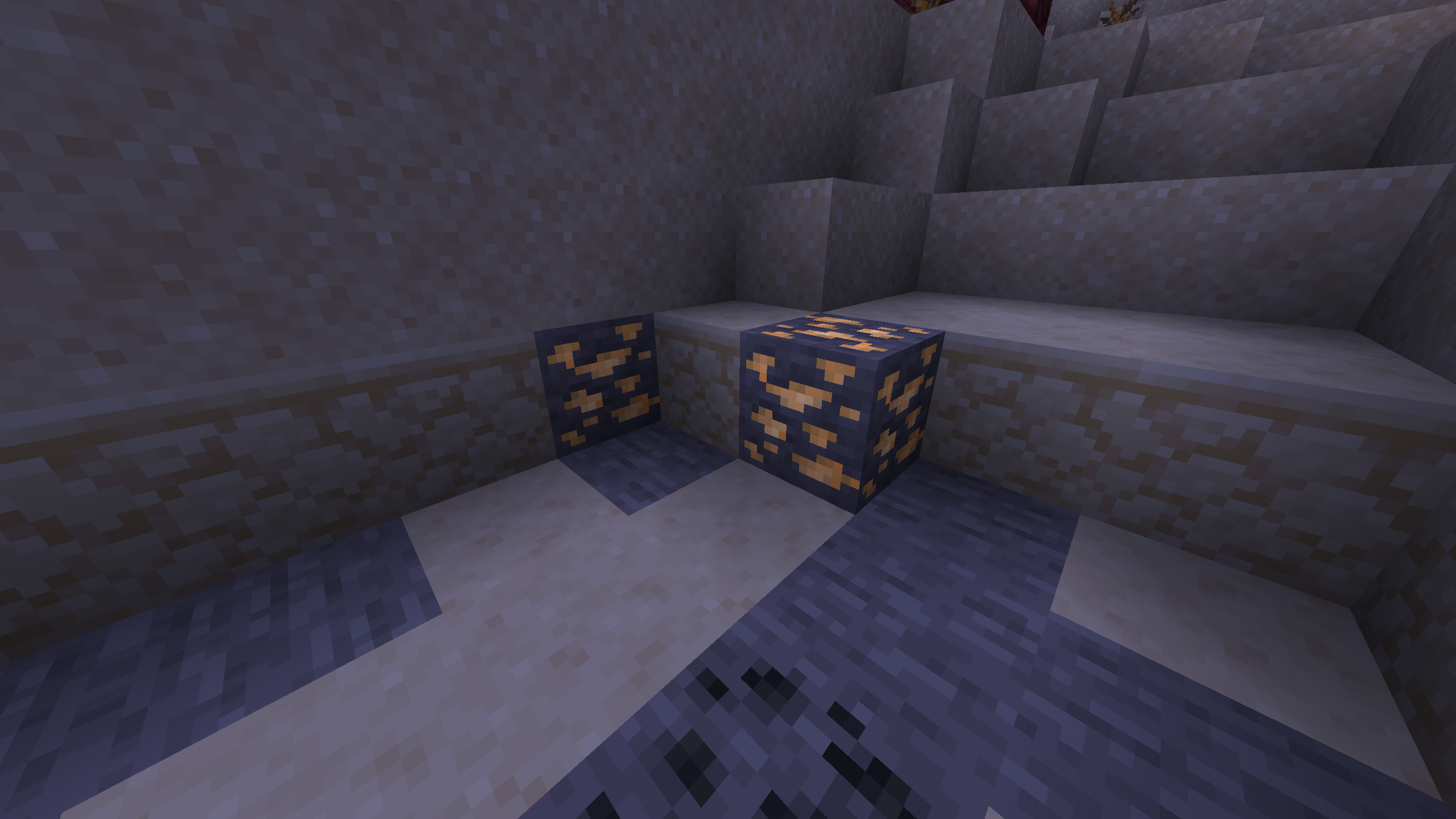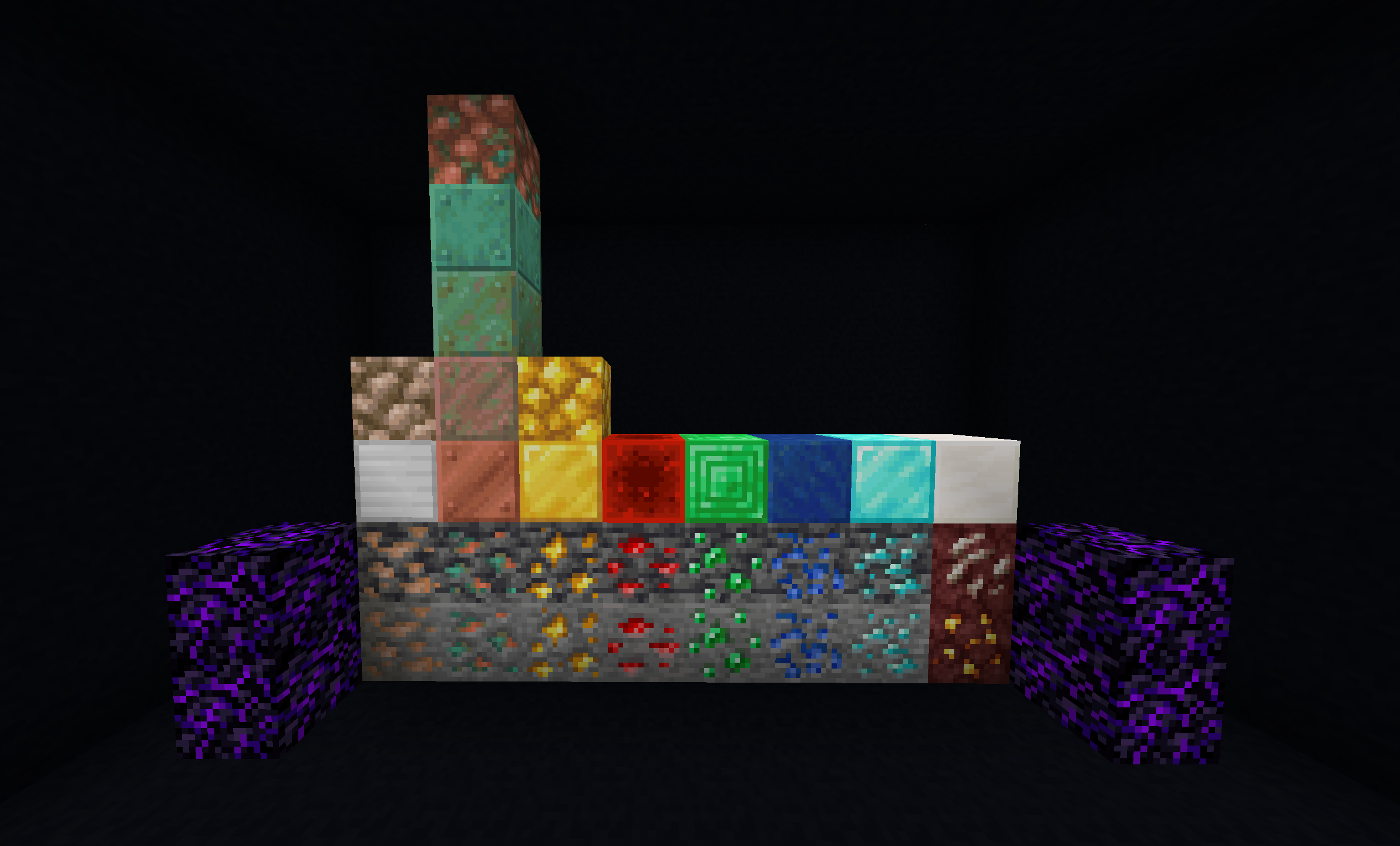
Fabric
This resource pack uses the ConnectedTexturesMod CTM format.
It requires CTM for Fabric and Fabric API to work. If you are using Sodium/Iris, Indium is required.
Forge
This resource pack has not been tested with Forge and CTM (but it should work) and versions of Minecraft older than 1.17.
Optifine
No dependecies.
Installation
Install the latest versions of CTM for Fabric and Fabric API and apply the resource pack in Minecraft's settings.
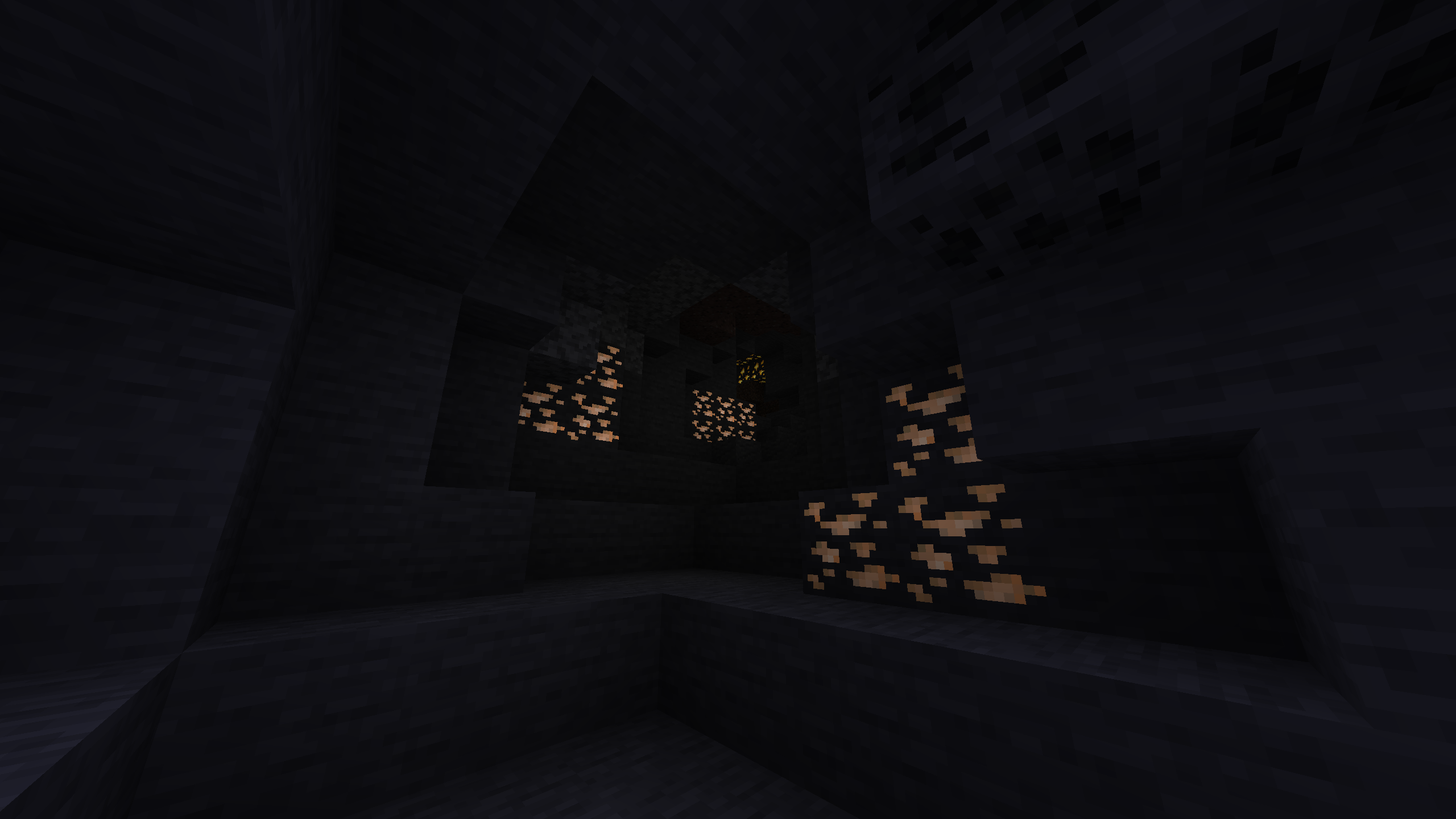
For Optifine users after applying the RP in the game's settings, go to Video Settings, Quality... and enable Emissive Textures.
Known Issues
Fabric
- Blocks' animations are broken while using Sodium/Iris with Indium. This is Sodium's fault and it's currently being worked on.
Alternatively you can disable "Animate Only Visible Textures" from the Advanced Video Settings...' tab, but this will probably reduce the number of frames per second.
- With an Iris shader enabled ores appear darker than they should be (on every face but the upper one). This issue has been fixed with Iris 1.1.2.
Optifine
- Since it is not possible to select the level of light intensity of single blocks, every block has the same intensity (MAX).
For this reason, quartz blocks are not emissive and copper blocks have the same light intensity while with Fabric every copper block has a different one.
Huge thanks to Hebgbs from another site for helping porting this resource pack to OF.