Mineuniverse
Resource Packs
BareBones Merl Official

BareBones Merl Official

RESOURCE PACK
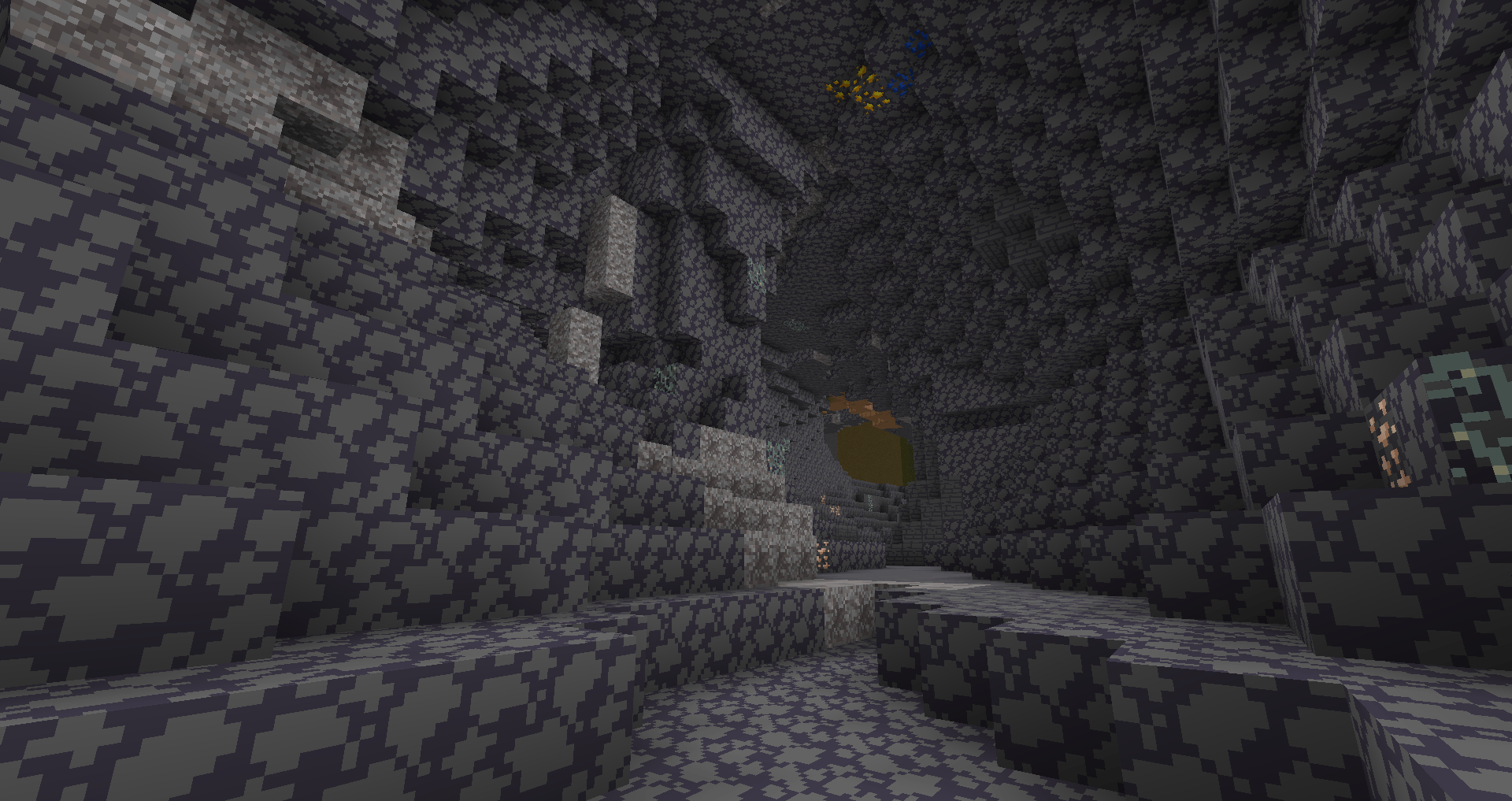
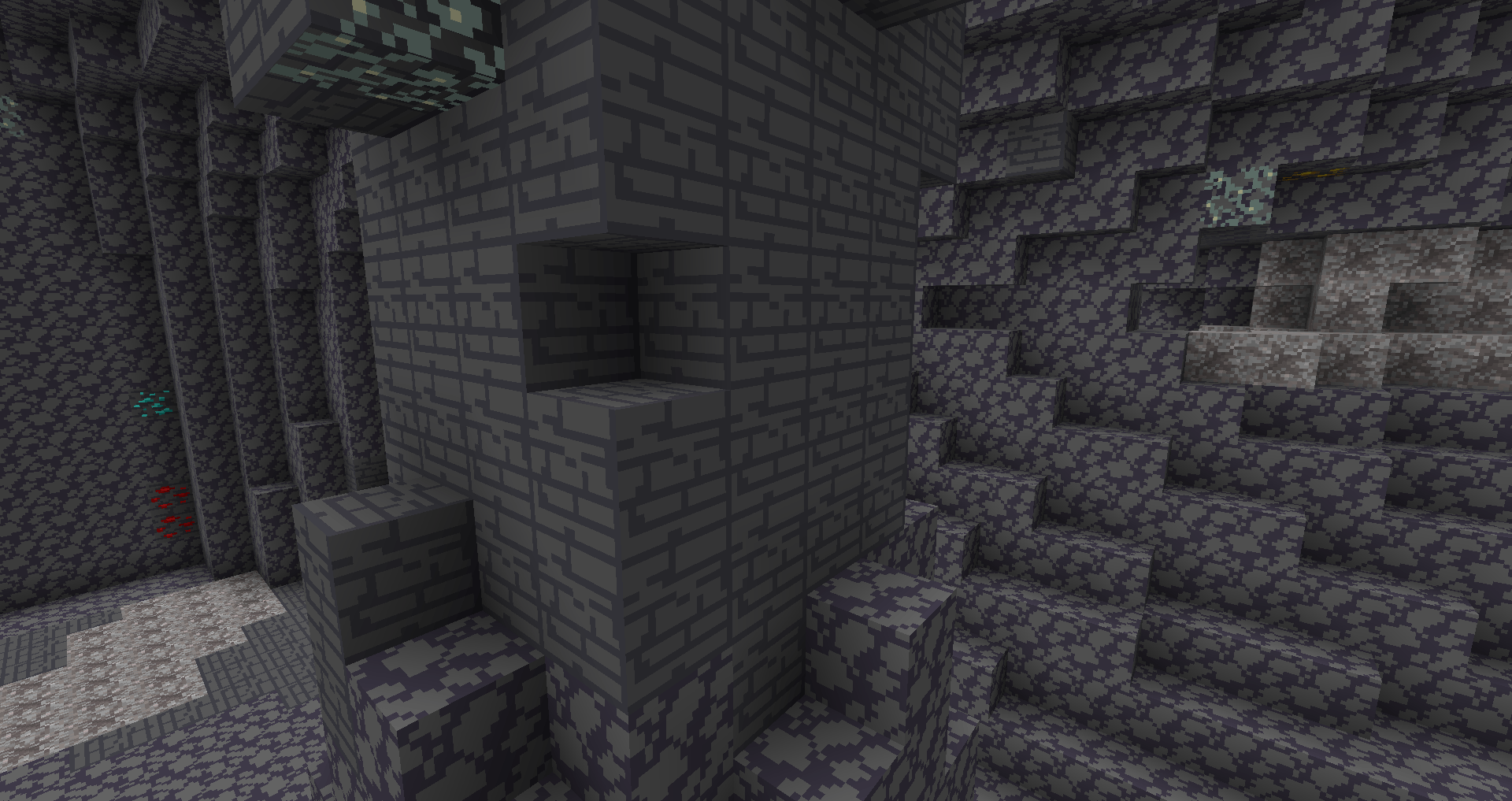
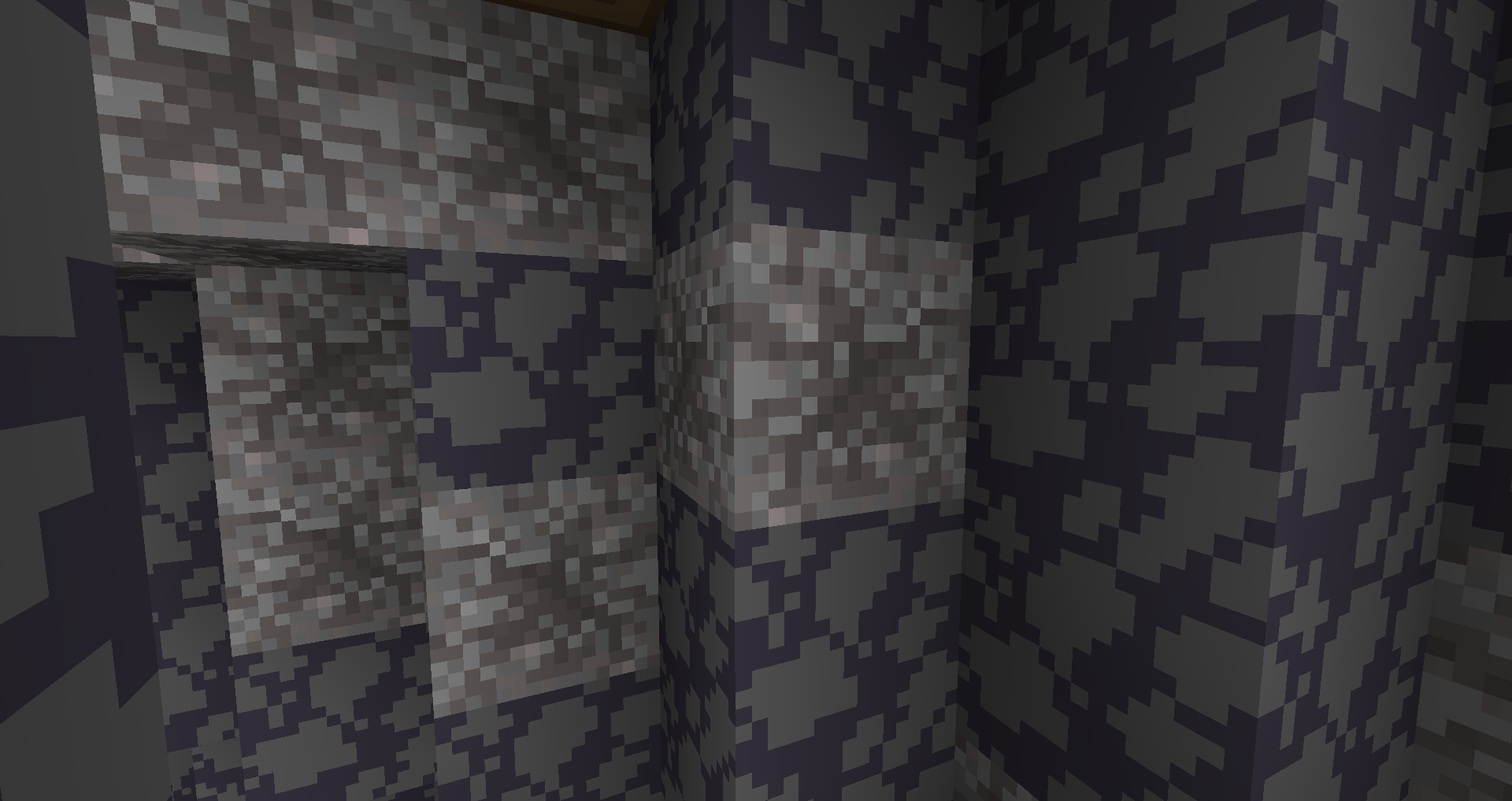
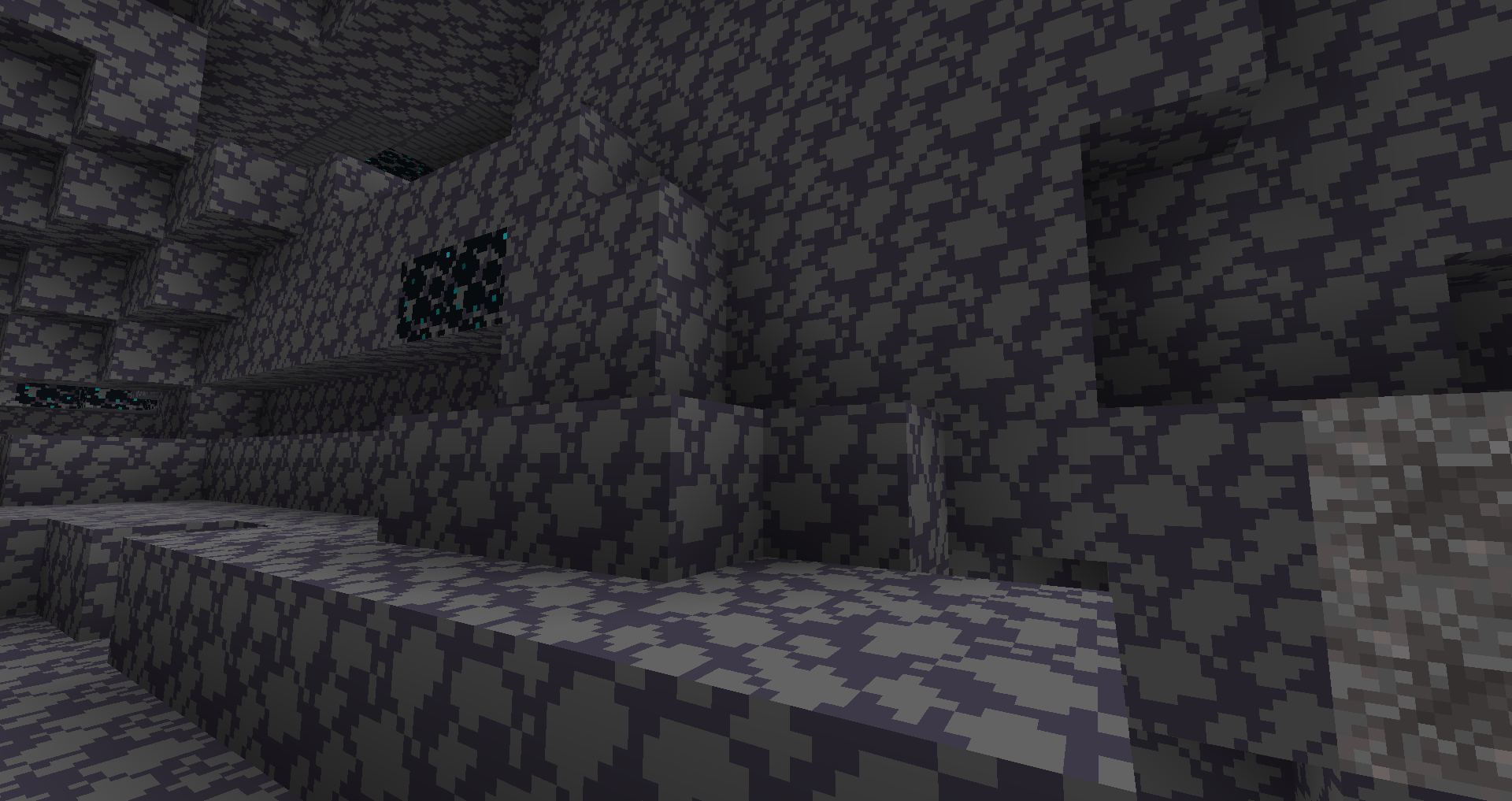
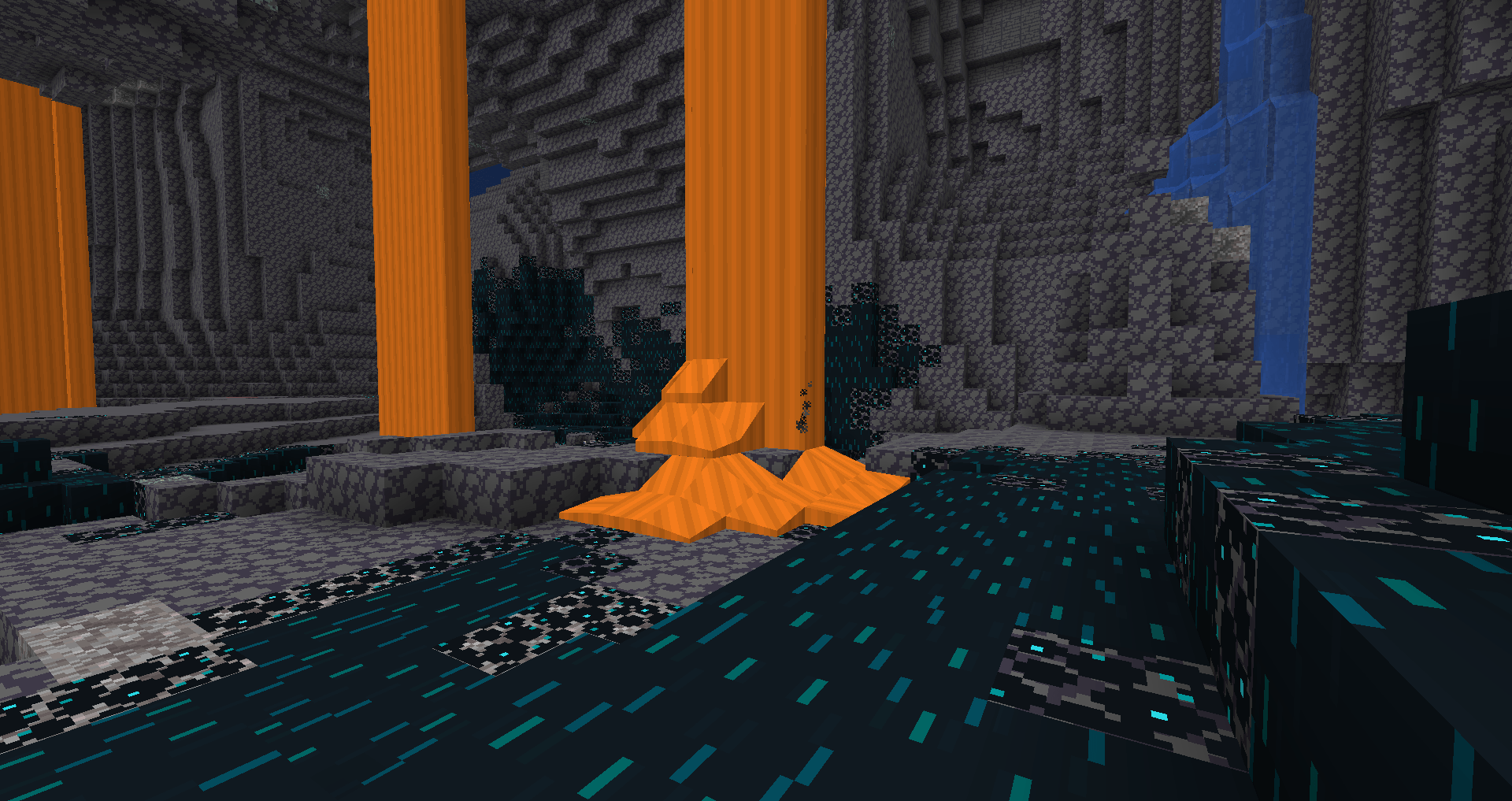
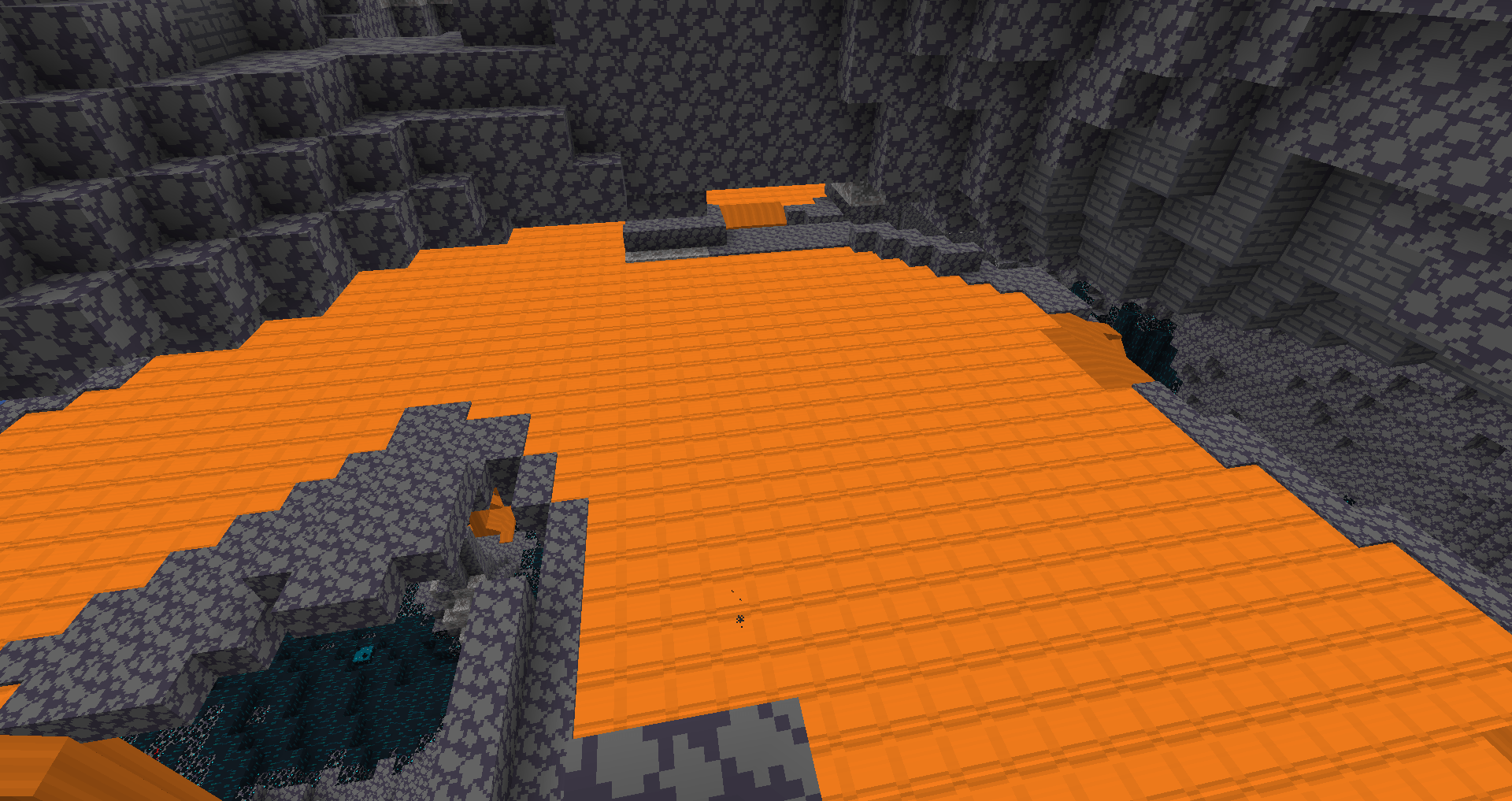
This project aims at replicating Minecraft's official Barebones texture leaked from Merl.
by user_l7lj7hzauw77dt65
Download Claim this project
1,074 downloads
0 likes
Updated Oct 14, 2026
0 hypes
16x
Advertisement Remove ads with Premium →

⚠ THIS PROJECT IS DISCONTINUED HERE ⚠

Hi, I am discontinuing this project from curseforge. I cannot manage modrinth and curseforge easily. When I update the files, I have to upload it on curseforge and modrinth one by one. I am also trying to support as many versions as possible. That is why I am switching to my modrinth repo and discontinuing from here, I really want to add new packs here as well but managing 2 platforms at once is a big hassle. Please update your packs on my modrinth page.

I have a lot of files for different minecraft versions. When I update the datapack, I have to upload the new files one at a time, which is a huge hassle.


⚠ THIS PROJECT IS IN EARLY DEVELOPMENT ⚠

You may have wrong or missing textures. I am not responsible if your game crashes.

Bare Bones Merl Ofiicial

This project is a resource pack of Merl's leaked Bare Bones texture. If you have no idea, please watch PheonixSC's or other peoples videos.

BareBones_Atlas_Pack.zip
MC 1.21.2-Snapshot, 1.21, 1.21.6-snapshot, 1.21.1-Snapshot, 1.21.8, 1.21.5, 1.21.4, 1.21.5-Snapshot, 1.21.1, 1.21.6, 1.21.3, 1.21.7, 1.21-Snapshot, 1.21.4-Snapshot, 1.21.2
Beta 2026-01-28 Get
BareBones_Merl.zip
MC 1.21.2-Snapshot, 1.21, 1.21.6-snapshot, 1.21.1-Snapshot, 1.21.8, 1.21.5, 1.21.4, 1.21.5-Snapshot, 1.21.1, 1.21.6, 1.21.3, 1.21.7, 1.21-Snapshot, 1.21.4-Snapshot, 1.21.2
Beta 2026-01-26 Get

Requirements & install

How to use this resource pack in Minecraft
Resolution
16x
Minecraft
1.21.4-Snapshot – 1.21.8
Install folder
.minecraft/resourcepacks

How to install resource packs

  1. Download the resource pack .zip file (do not extract it).
  2. In Minecraft open Options → Resource Packs → Open Pack Folder.
  3. Drop the .zip into the resourcepacks folder (.minecraft/resourcepacks).
  4. Move the pack to the Selected column and click Done.
Browse more: 16x resource packs 32x resource packs 64x resource packs 128x resource packs 256x resource packs 512x+ resource packs Resource Packs for 1.21.8 All resource packs
Advertisement Remove ads with Premium →

You Might Also Like