Mineuniverse
Resource Packs
BareBones-BetterPvp

BareBones-BetterPvp

RESOURCE PACK
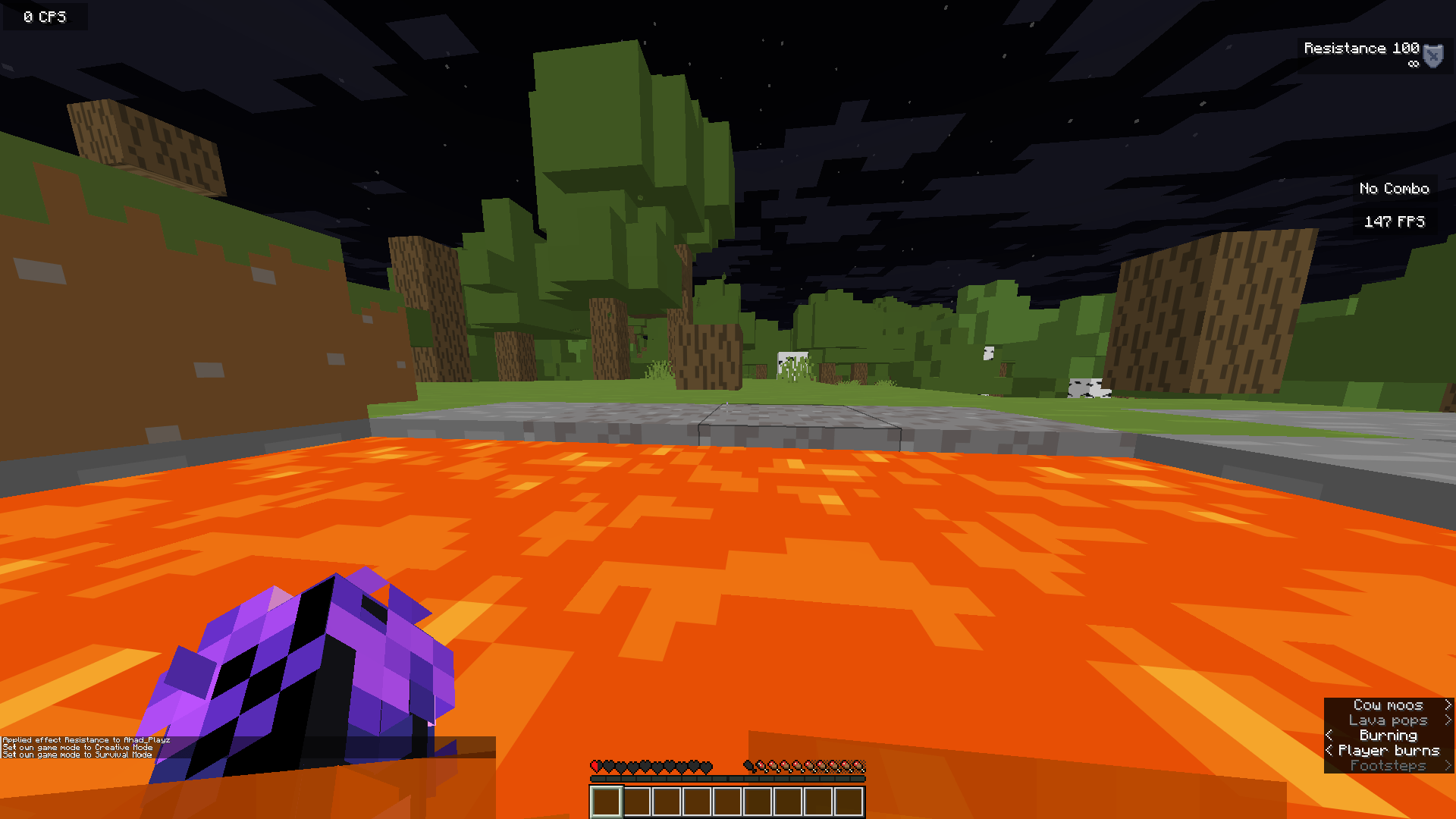
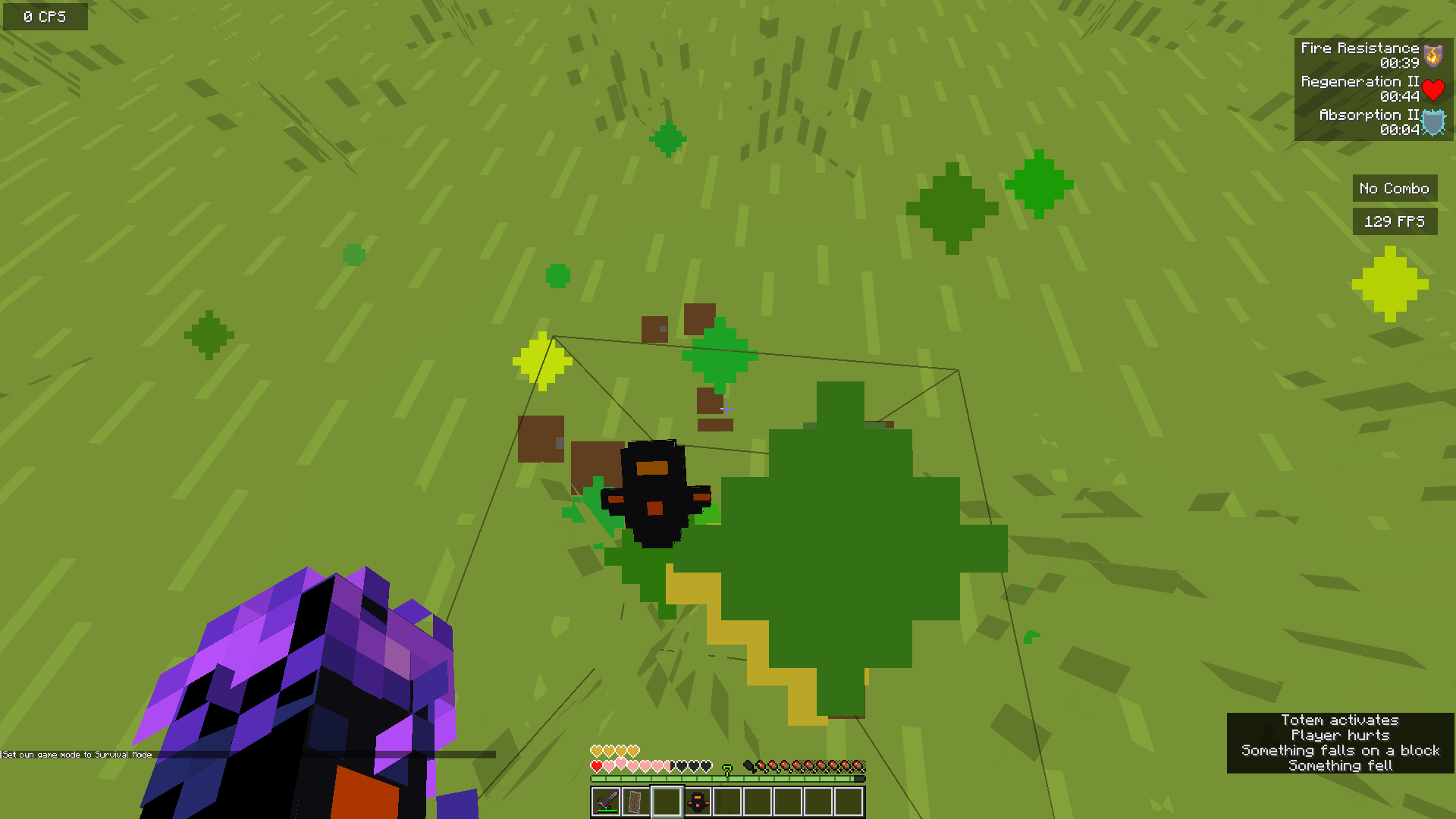
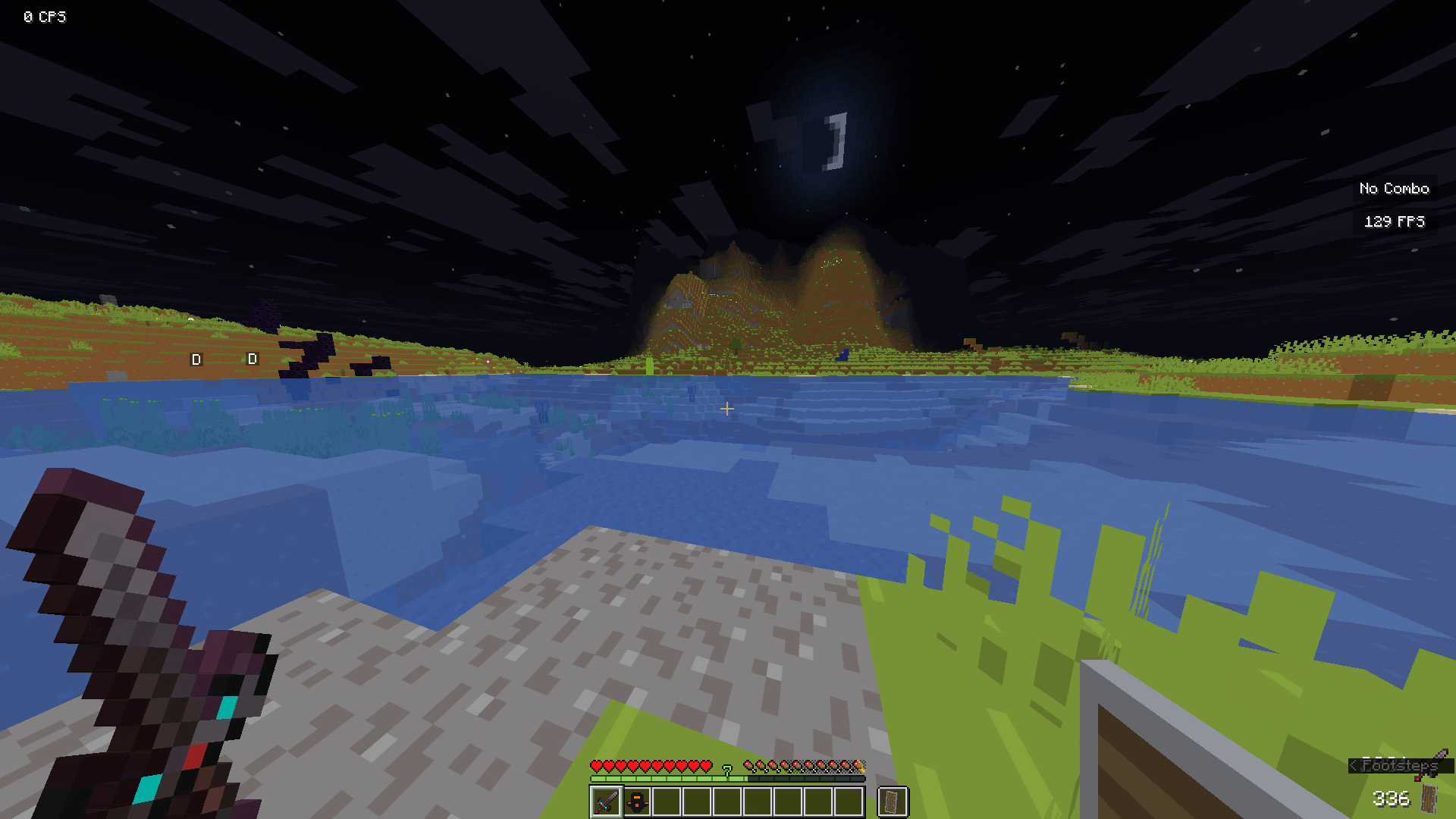
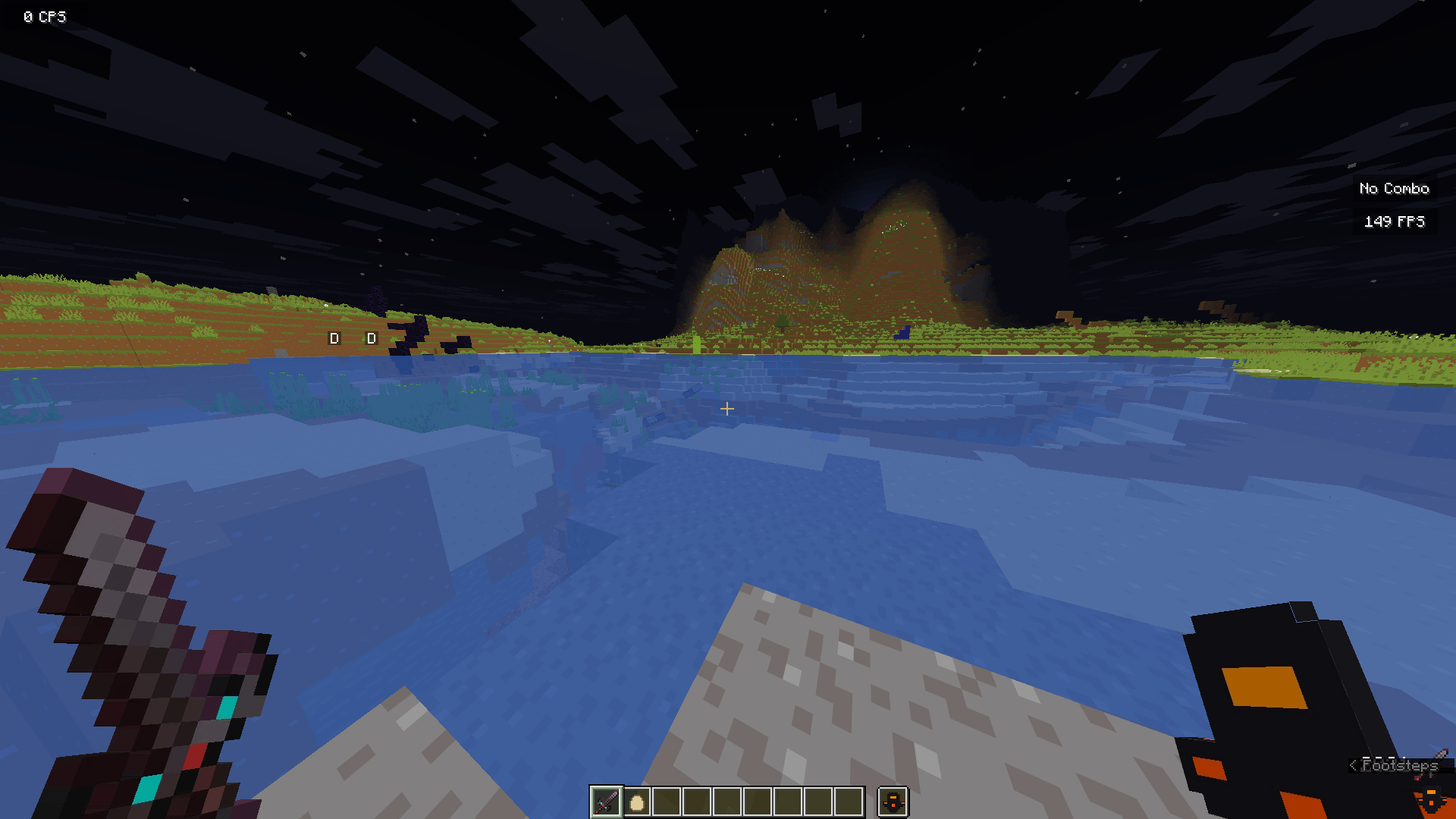
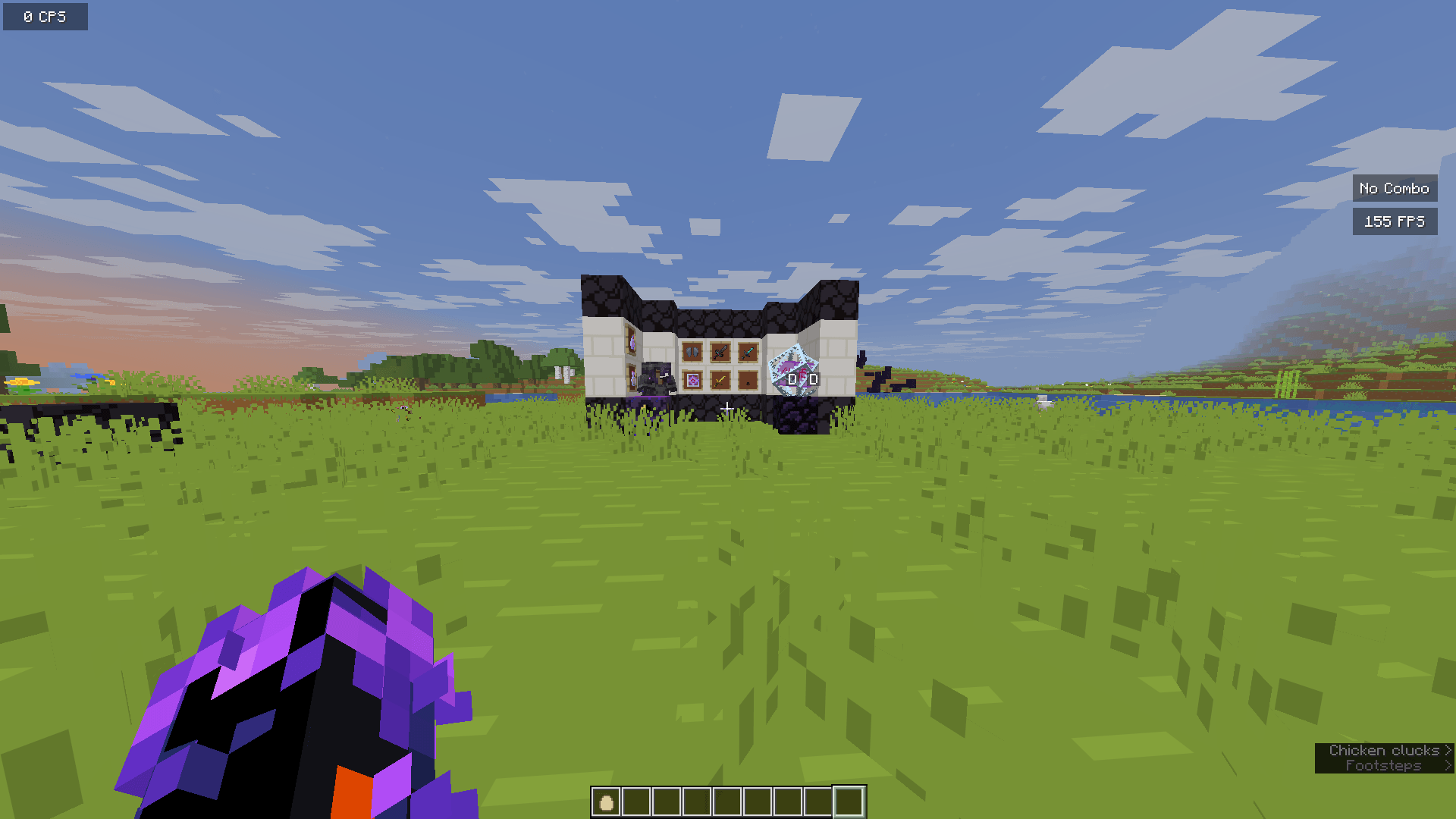
Barebones-Better by Ahad_Playz is a high-performance, CPVP-optimized resource pack that blends a clean, minimalist aesthetic with crisp visuals and frame-boosting 16x16 textures to give you a definitive competitive edge.
by AHAD_PLAYZ
Download Claim this project
6,895 downloads
0 likes
Updated Oct 14, 2026
0 hypes
16x
Advertisement Remove ads with Premium →

Barebones-Better PvP by Ahad_Playz

The Ultimate Blend of Minimalist Style & Competitive Edge

Are you tired of choosing between the clean, satisfying look of "Bare Bones" and the high-performance needs of competitive PvP? Barebones-Better is the solution. Built by Ahad_Playz, this pack takes the iconic, simplified aesthetic you love and re-engineers it for the high-stakes world of Crystal, Netherite, and Bridge PvP.

Why Choose Barebones-Better?

Designed with input from competitive players, this pack ensures that every texture serves a purpose. We’ve stripped away the noise so you can focus on your clicks and movement.

  • CPVP Optimized: Custom, high-contrast textures for End Crystals, Obsidian, and Totems make your timing perfect and your placements precise.

  • Performance Focused: Lightweight, 16x16 simplistic textures that minimize frame drops and eliminate input lag, keeping your FPS high even in the most chaotic fights.

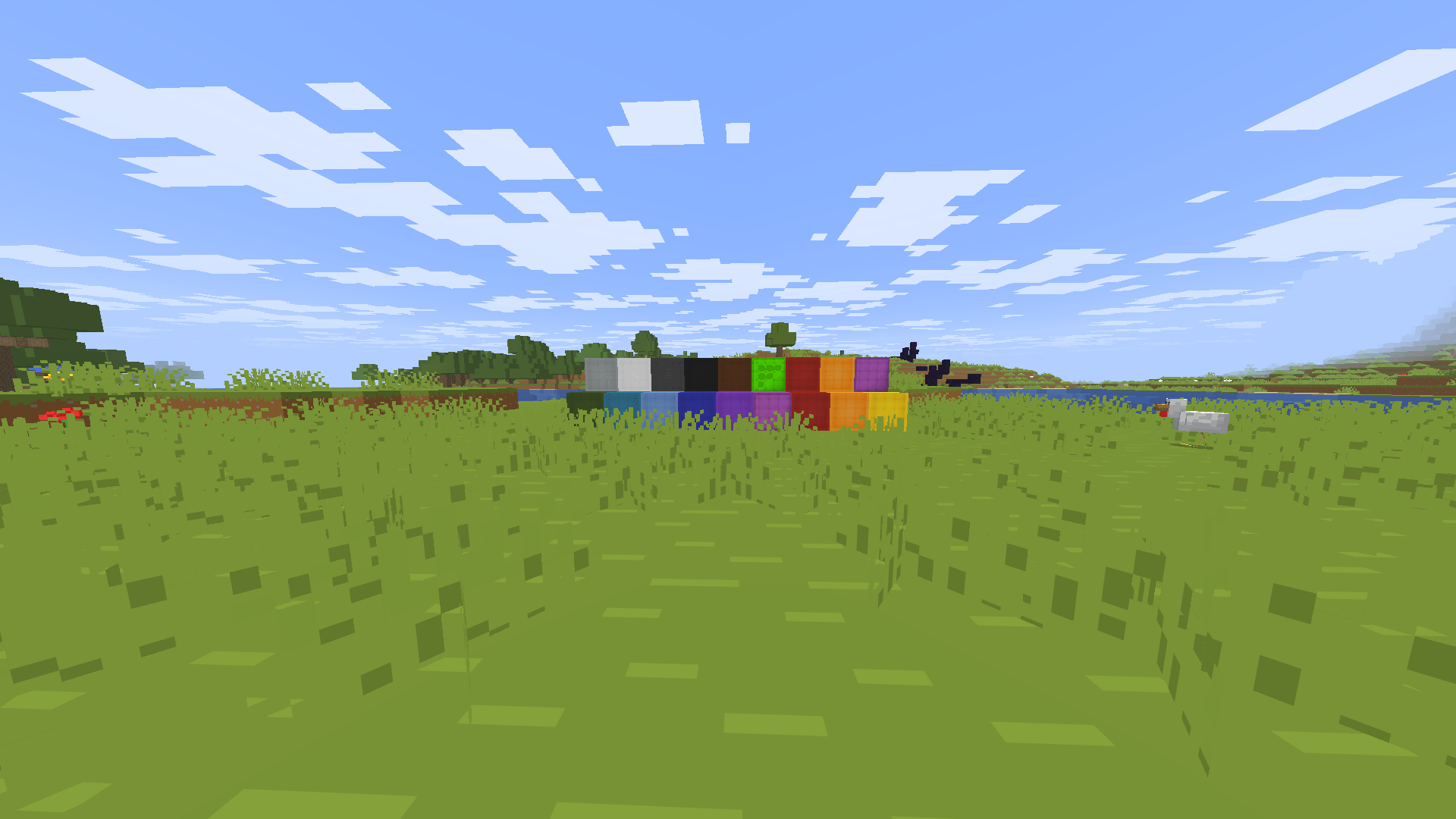
  • Visual Clarity: Optimized wool textures for better tracking, low-fire overlays, and a clean, unobtrusive GUI.

  • Signature Style: Features vibrant purple sweep animations and modernized item sprites that make your gameplay look as sharp as it feels.

  • NethPot Ready: Specifically tuned for Netherite Pot PvP, ensuring consistent visibility and fast, error-free inventory management

Barebones-BetterPvP.zip
MC 1.21, 1.21.8, 1.21.5, 1.21.4, 1.21.1, 1.21.6, 1.21.3, 1.21.7, 1.21.2, 1.21.9, 1.21.10, 1.21.11
Release 2026-02-27 Get

Requirements & install

How to use this resource pack in Minecraft
Resolution
16x
Minecraft
1.21.4 – 1.21.11
Install folder
.minecraft/resourcepacks

How to install resource packs

  1. Download the resource pack .zip file (do not extract it).
  2. In Minecraft open Options → Resource Packs → Open Pack Folder.
  3. Drop the .zip into the resourcepacks folder (.minecraft/resourcepacks).
  4. Move the pack to the Selected column and click Done.
Browse more: 16x resource packs 32x resource packs 64x resource packs 128x resource packs 256x resource packs 512x+ resource packs Resource Packs for 1.21.11 All resource packs

More from AHAD_PLAYZ

Advertisement Remove ads with Premium →

You Might Also Like