Mineuniverse
Resource Packs
Bare Skies - Trailers' sky

Bare Skies - Trailers' sky

RESOURCE PACK
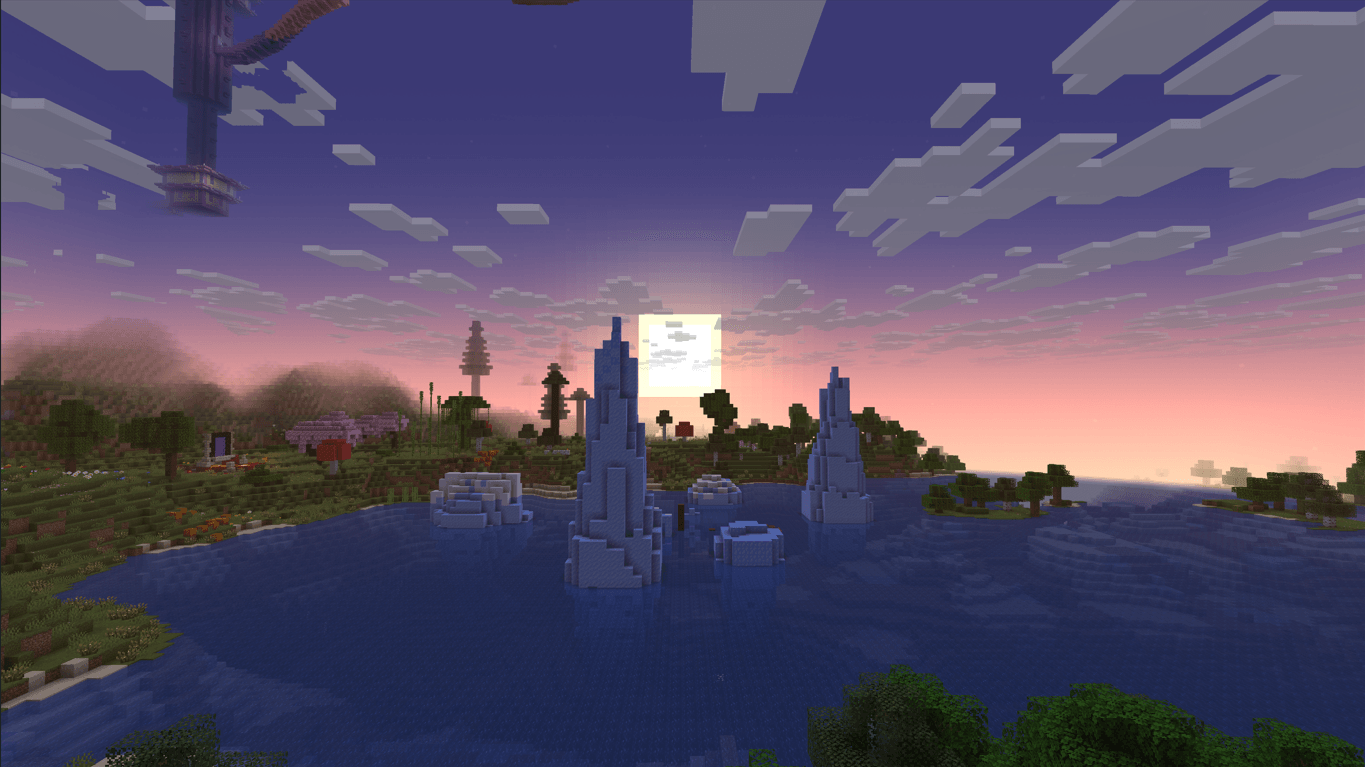
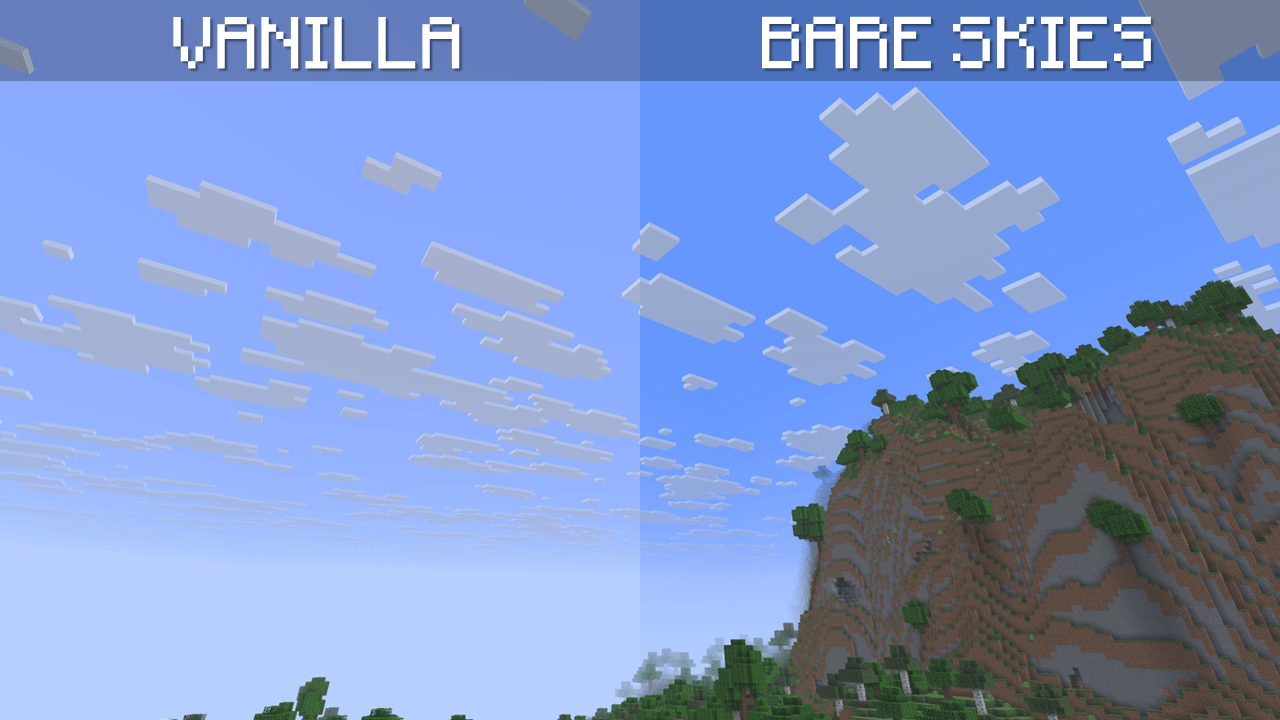
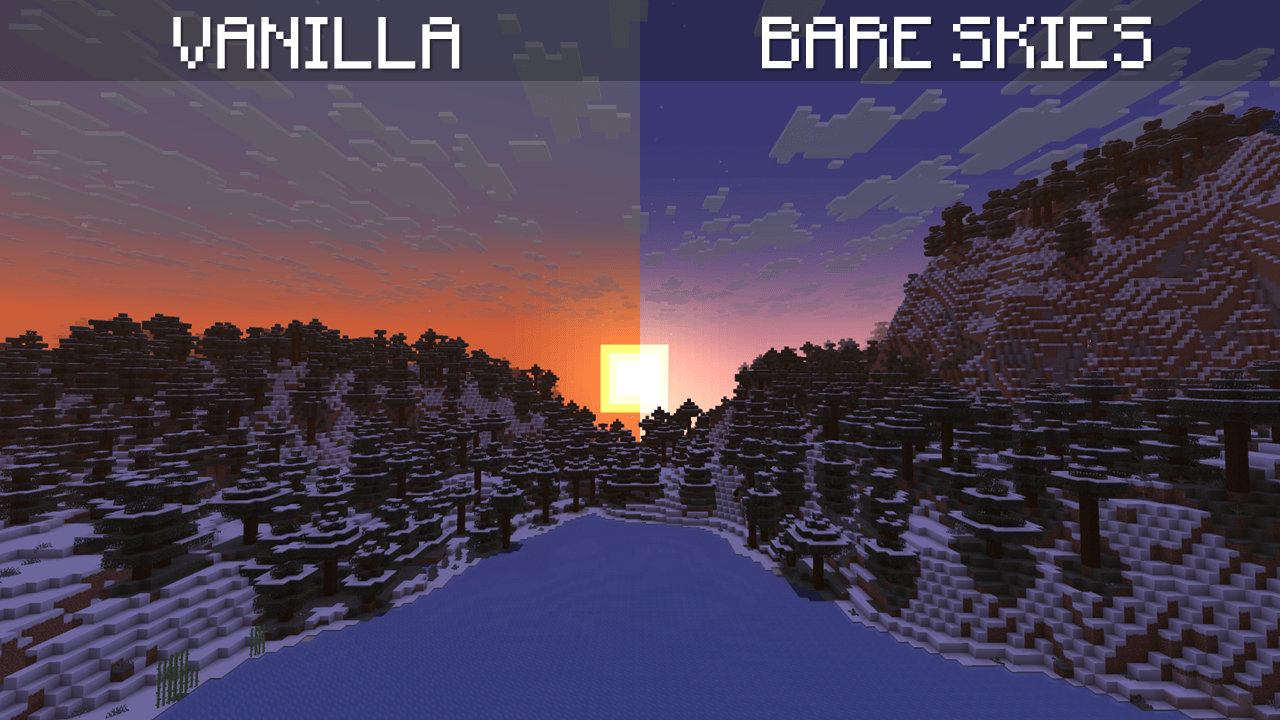
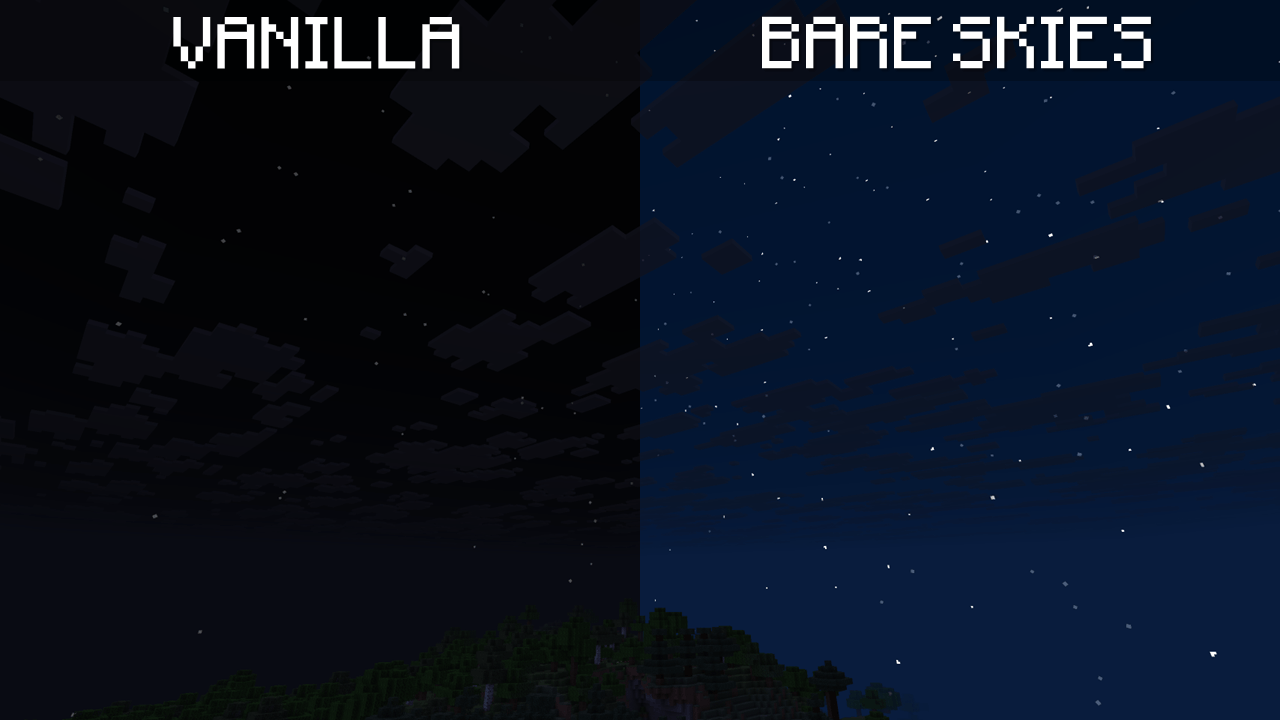
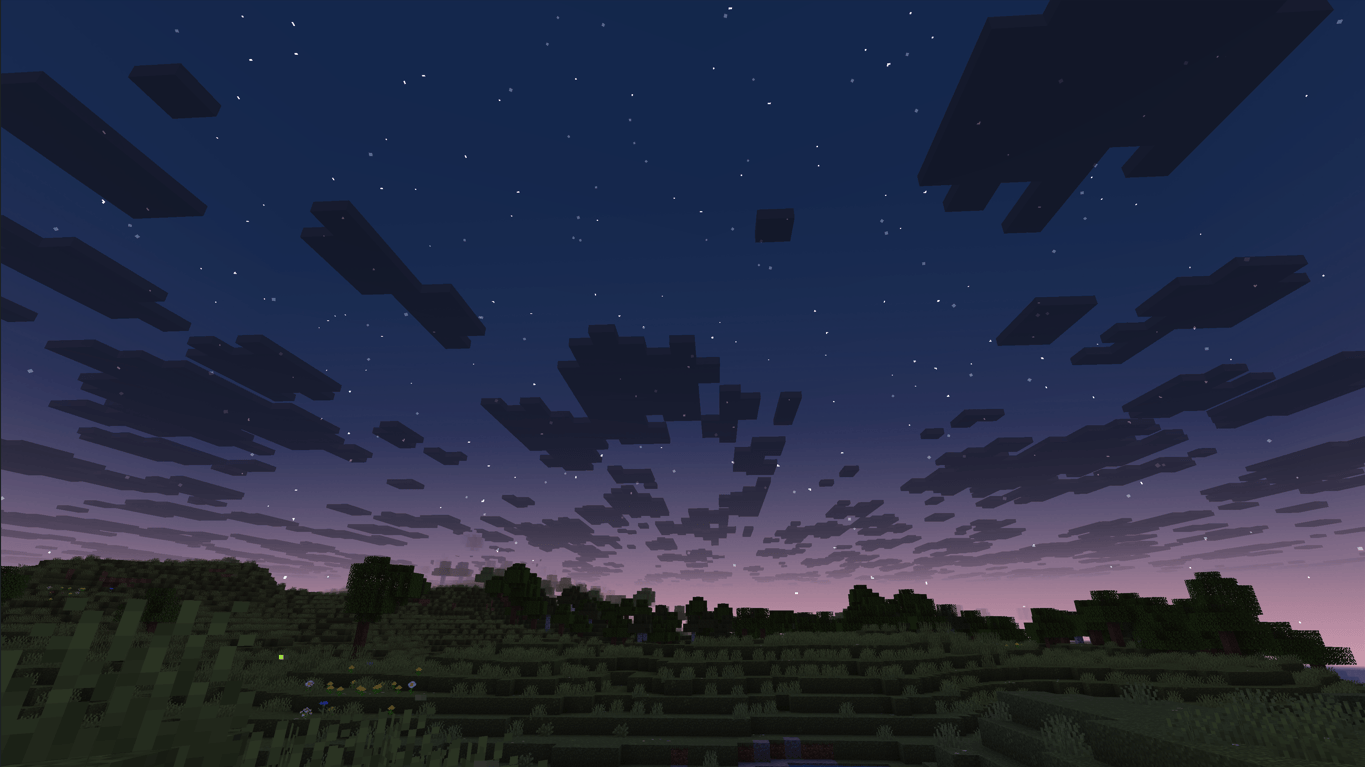
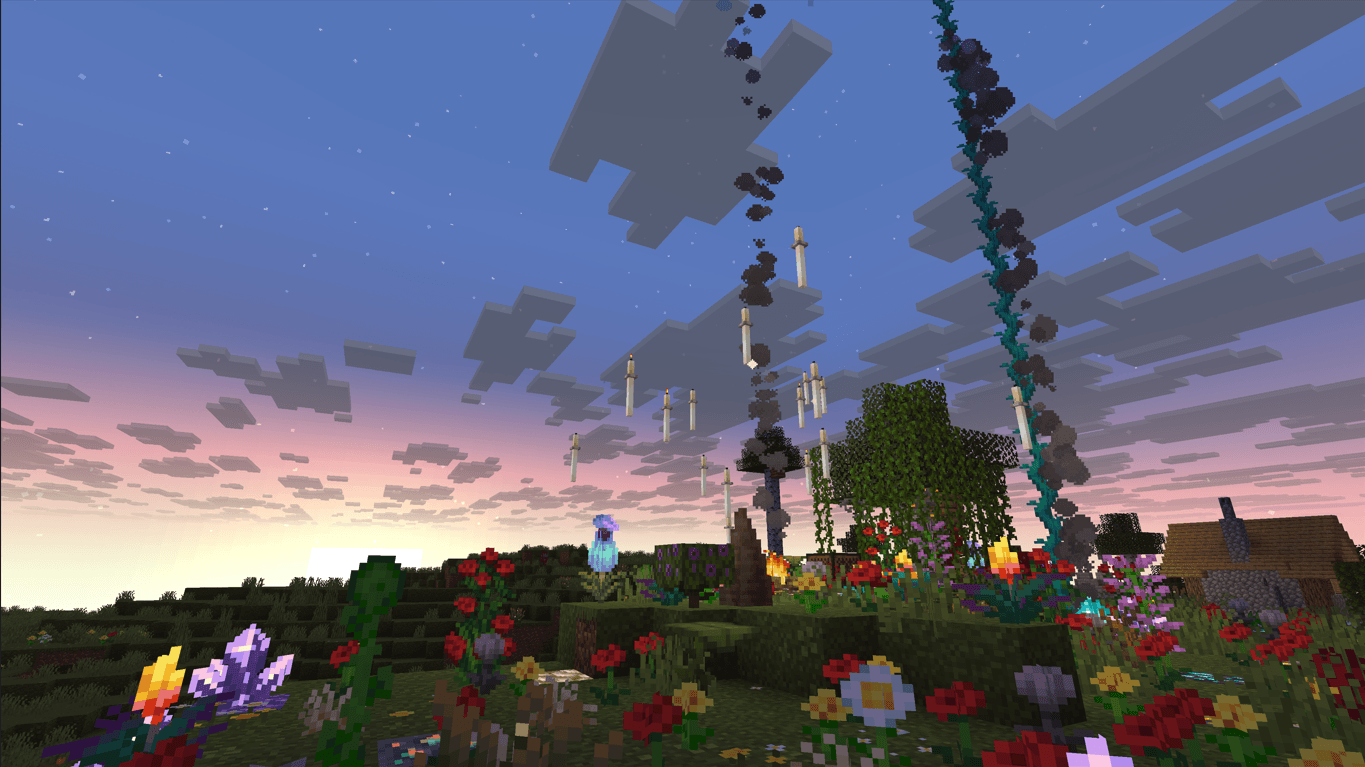
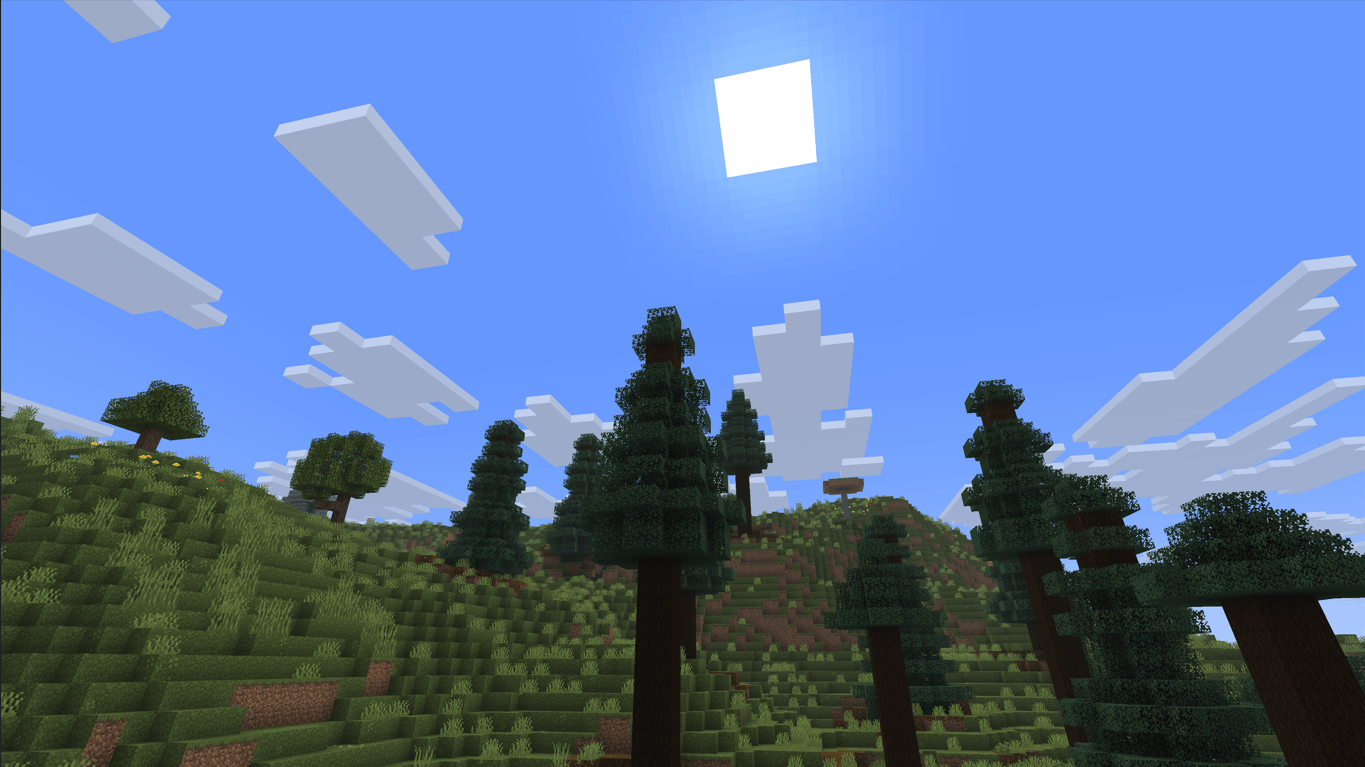
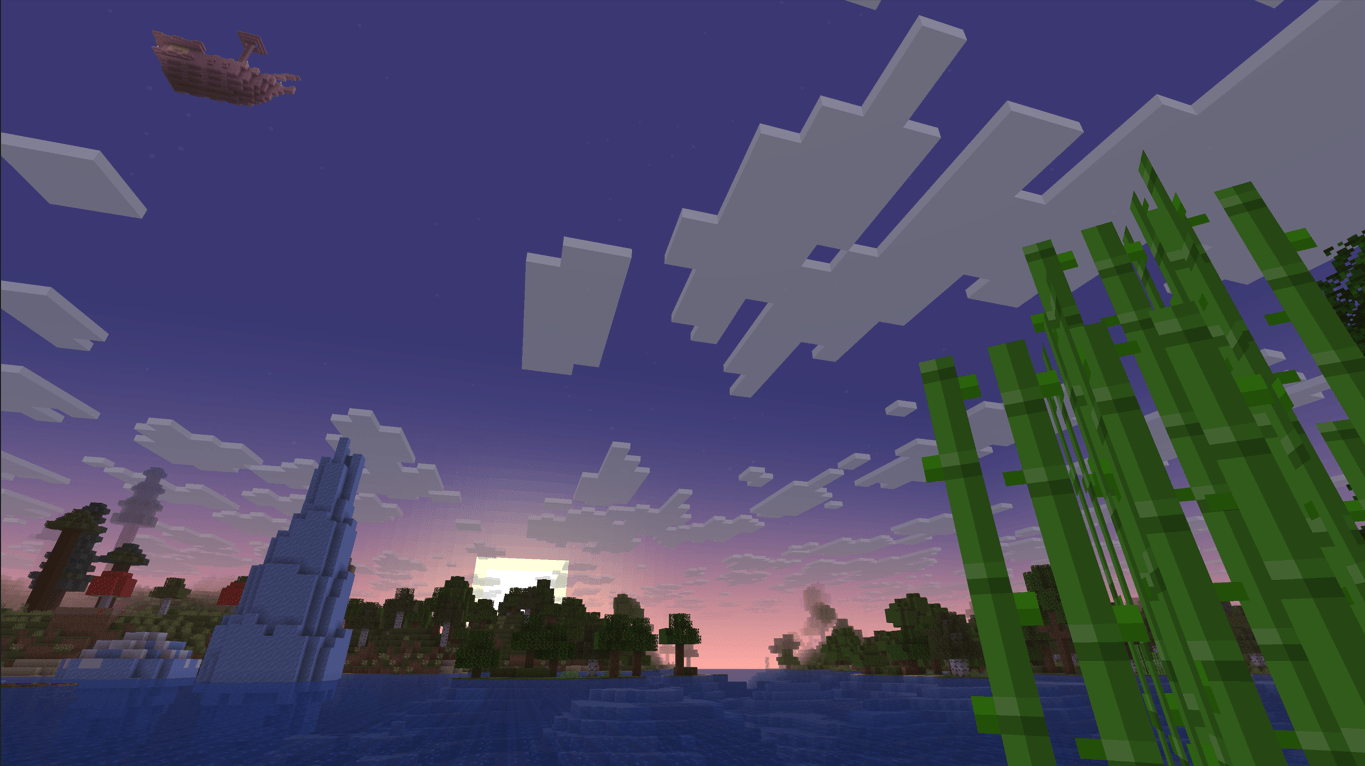
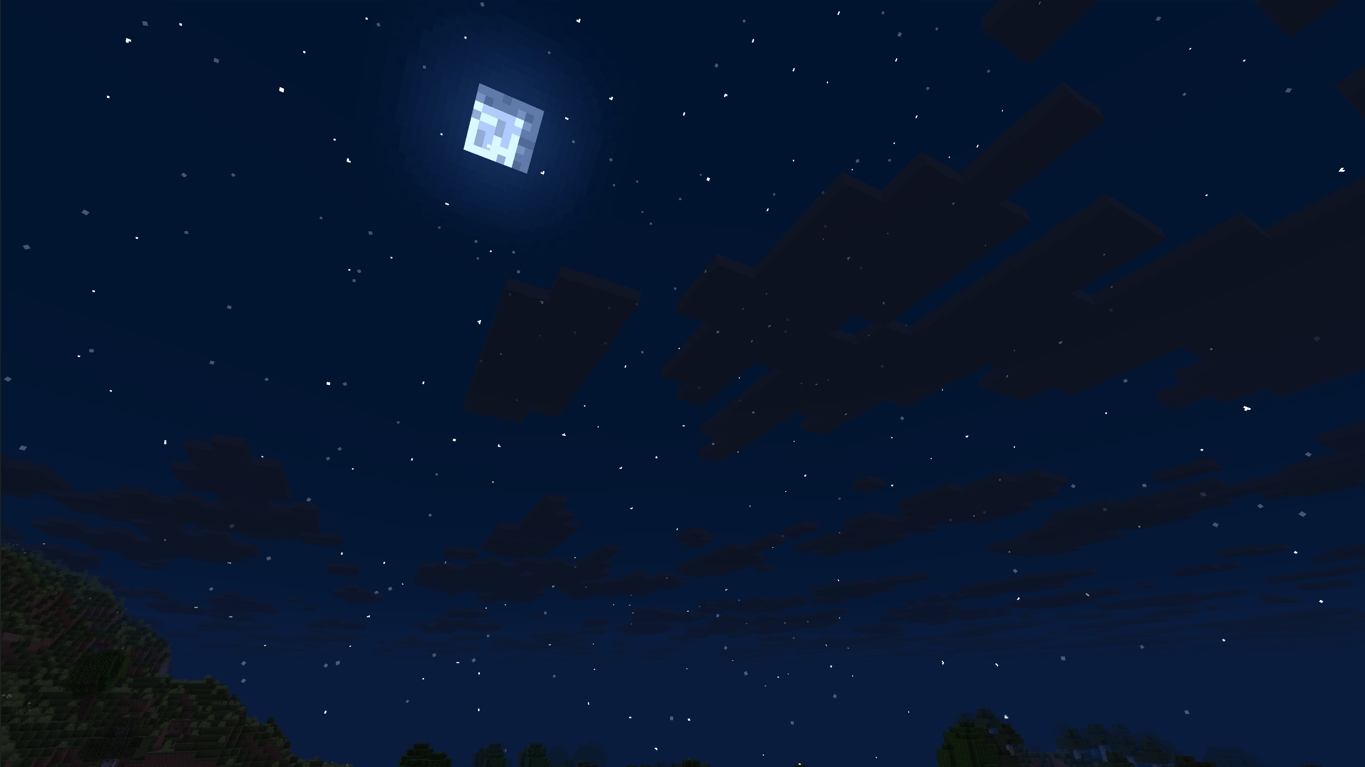
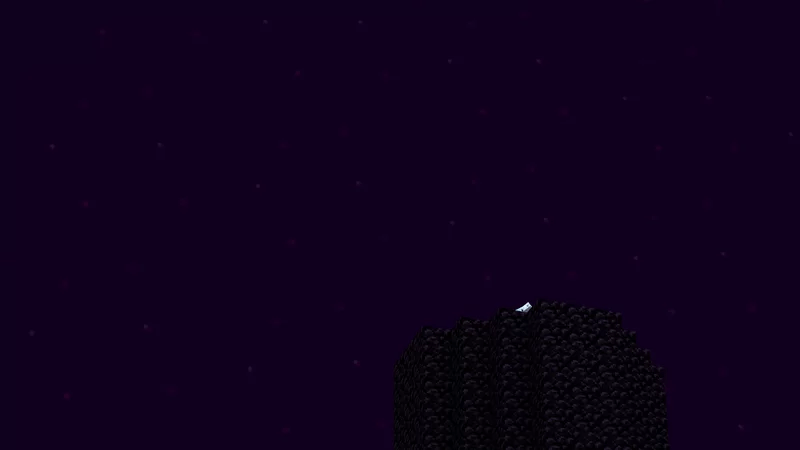
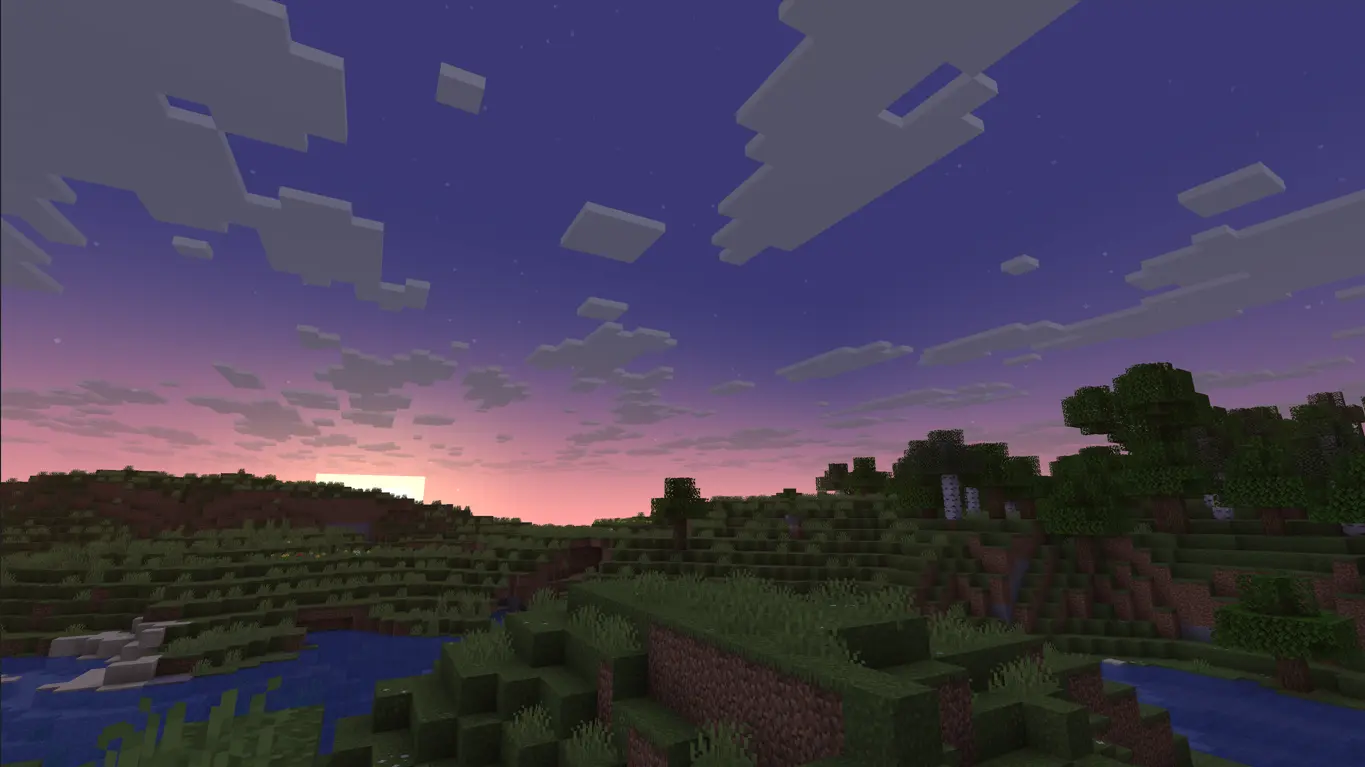
Brings back the iconic Bare Bones skies with fully renewed sky textures, restoring the vibrant and cinematic atmosphere of Minecraft’s official trailers without losing the vanilla feel.
by JosephCrafting_
Download Claim this project
10,941 downloads
0 likes
0 followers
Updated Oct 14, 2026
0 hypes
Follow0
16x Animated Miscellaneous Modern Traditional
Advertisement Remove ads with Premium →

Tired of Minecraft’s pale skies? Want warmer, cozier nights and the vibrant atmosphere of the official trailers — without needing shaders? This pack is for you.

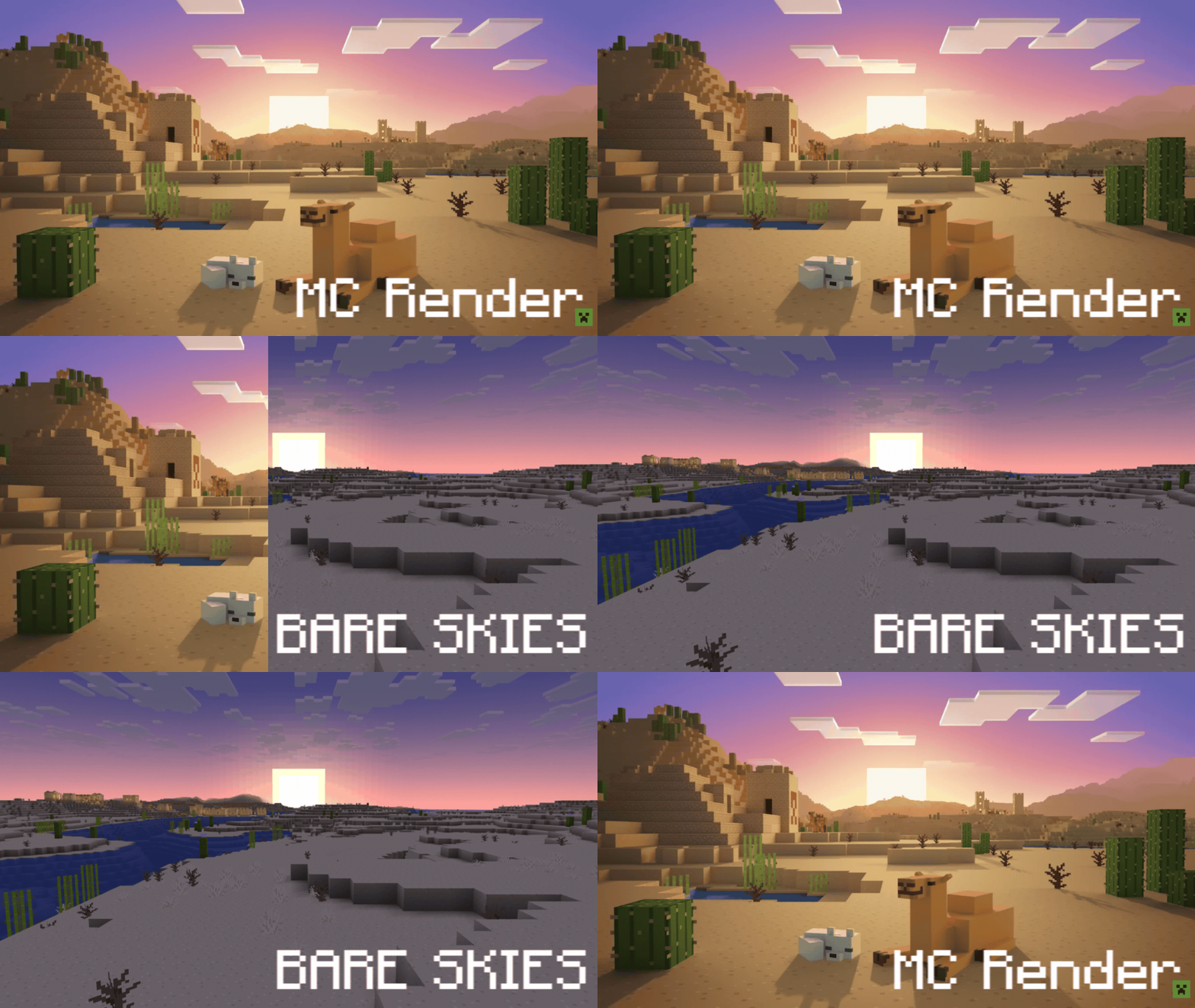
Demo GIF. MC Render - Bare Skies

Banner 2

Works with: Optifine (any version), Skyboxify (currently used in Fabulously Optimized) and Nuit with Nuit Interop.


TIPS:

(Use "Mod Menu" to apply them)

1. You can use "Chunks Fade In" to make the fog render properly according to the custom skybox. Then, to avoid a small visual problem with this, use "Sodium Extra" and in the Rendering section, set the "Atmospheric Fog - Environment End" option to 300%.

2. Finally, if you play on servers, use "Smooth Skies" to eliminate the void texture in the sky bottom. Set the "Fog View Distance" option to 550 and make sure "Lower Sky Void Darkness" is enabled.


Thanks to Robot Pants for the original textures, used with explicit permission, which helped me develop this project more easily. Since those textures are no longer included in this pack, it is forbidden to use or recycle any part of this pack in any other project, unless I explicitly grant permission.

Bare Skies 1.6
MC 1.21, 1.21.8, 1.21.5, 1.21.4, 1.21.1, 1.21.6, 1.21.3, 1.21.7, 1.21.2, 1.21.9, 1.21.10, 1.21.11, 26.1, 26.1.1, 26.1.2, 26.2, 26.3
Release 2026-07-12 Get
Bare Skies 1.5
MC 1.21, 1.21.8, 1.21.5, 1.21.4, 1.21.1, 1.21.6, 1.21.3, 1.21.7, 1.21.2, 1.21.9, 1.21.10, 1.21.11, 26.1, 26.1.1, 26.1.2, 26.2
Release 2026-07-04 Get
Bare Skies 1.4.3
MC 1.21, 1.21.8, 1.21.5, 1.21.4, 1.21.1, 1.21.6, 1.21.3, 1.21.7, 1.21.2, 1.21.9, 1.21.10, 1.21.11, 26.1, 26.1.1, 26.1.2, 26.2
Release 2026-06-26 Get
bare-skies-1.4.2.zip
MC 1.21, 1.21.8, 1.21.5, 1.21.4, 1.21.1, 1.21.6, 1.21.3, 1.21.7, 1.21.2, 1.21.9, 1.21.10, 1.21.11, 26.1, 26.1.1, 26.1.2, 26.2
Release 2026-06-19 Get
bare-skies-1.4.1.zip
MC 1.21, 1.21.8, 1.21.5, 1.21.4, 1.21.1, 1.21.6, 1.21.3, 1.21.7, 1.21.2, 1.21.9, 1.21.10, 1.21.11, 26.1, 26.1.1, 26.1.2
Release 2026-06-13 Get
bare-skies-1.4.zip
MC 1.21, 1.21.8, 1.21.5, 1.21.4, 1.21.1, 1.21.6, 1.21.3, 1.21.7, 1.21.2, 1.21.9, 1.21.10, 1.21.11, 26.1, 26.1.1, 26.1.2
Release 2026-06-10 Get
BARE SKIES 1.3.1
MC 1.21, 1.21.8, 1.21.5, 1.21.4, 1.21.1, 1.21.6, 1.21.3, 1.21.7, 1.21.2, 1.21.9, 1.21.10, 1.21.11, 26.1, 26.1.1, 26.1.2
Release 2026-06-05 Get
bare-skies-1.3.zip
MC 1.21, 1.21.8, 1.21.5, 1.21.4, 1.21.1, 1.21.6, 1.21.3, 1.21.7, 1.21.2, 1.21.9, 1.21.10, 1.21.11, 26.1, 26.1.1, 26.1.2
Release 2026-06-02 Get

Requirements & install

How to use this resource pack in Minecraft
Resolution
16x
Minecraft
1.21.9 – 26.3
Install folder
.minecraft/resourcepacks

How to install resource packs

  1. Download the resource pack .zip file (do not extract it).
  2. In Minecraft open Options → Resource Packs → Open Pack Folder.
  3. Drop the .zip into the resourcepacks folder (.minecraft/resourcepacks).
  4. Move the pack to the Selected column and click Done.
Browse more: 16x resource packs 32x resource packs 64x resource packs 128x resource packs 256x resource packs 512x+ resource packs Resource Packs for 26.3 All resource packs

More from JosephCrafting_

Advertisement Remove ads with Premium →

You Might Also Like