Mineuniverse
Resource Packs
Bane's Dreamy Rails!

Bane's Dreamy Rails!

RESOURCE PACK
Want 3D rails? With labPBR support? And emissives? And supports mods (currently only Create)? Well this is for you!
by SoupBane
Download Claim this project
Add a badge to your pageLink to Bane's Dreamy Rails! from a README, website or forum post.
Preview: Badge

Badges update automatically and link to the resource pack page on MineUniverse.

175 downloads
0 likes
0 followers
Updated Oct 14, 2026
0 hypes
Follow0
16x Miscellaneous Mod Support Traditional
Advertisement Remove ads with Premium →

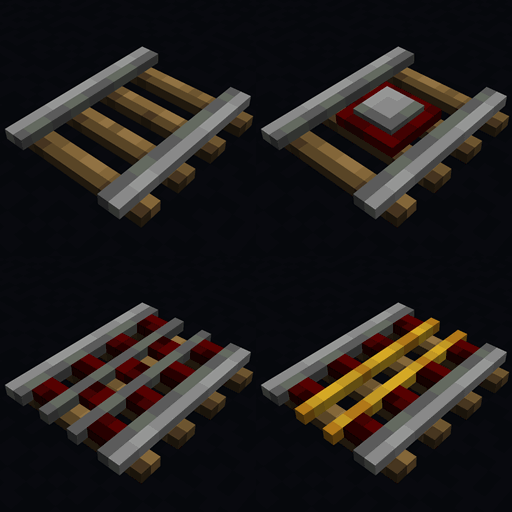
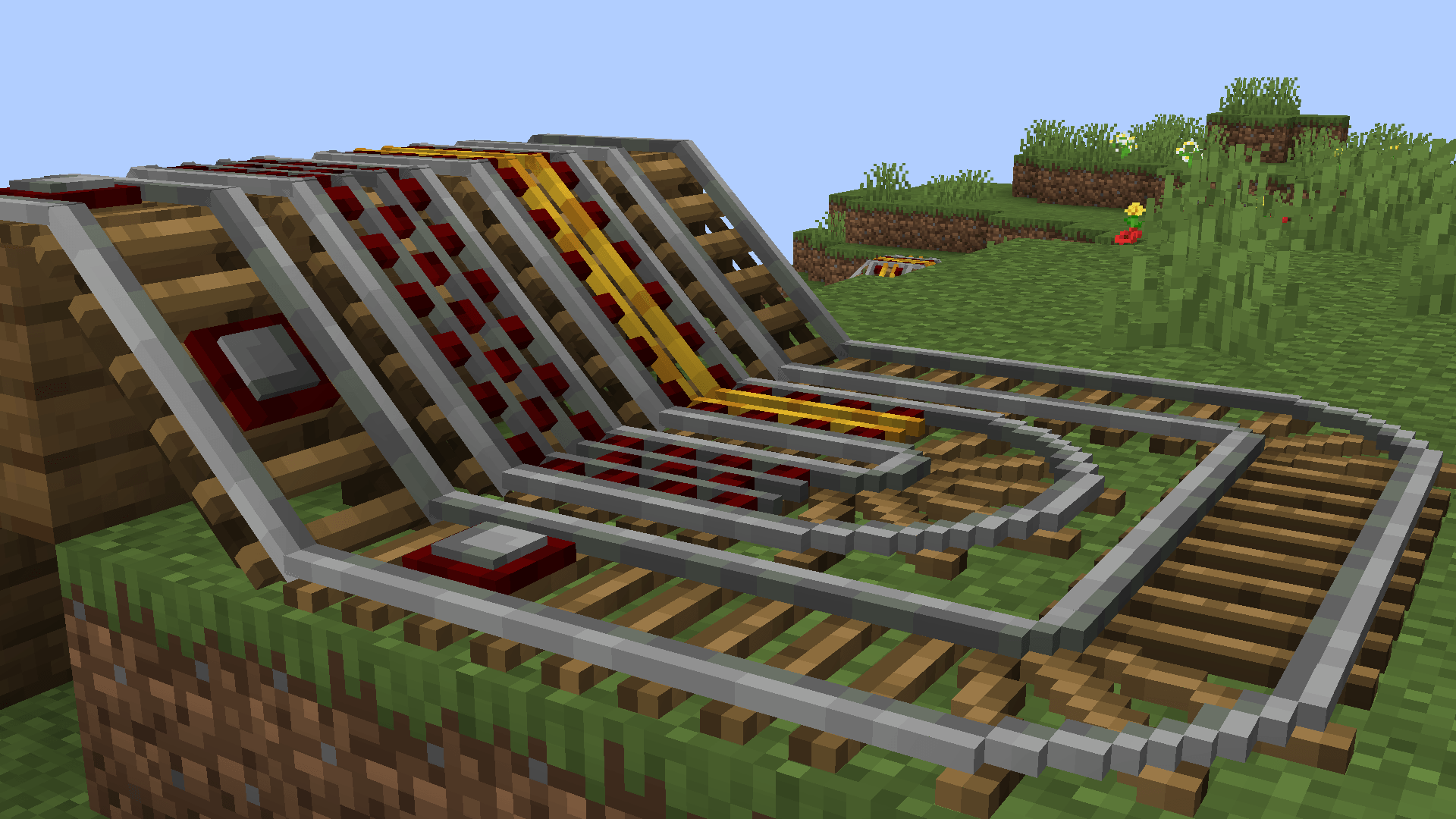
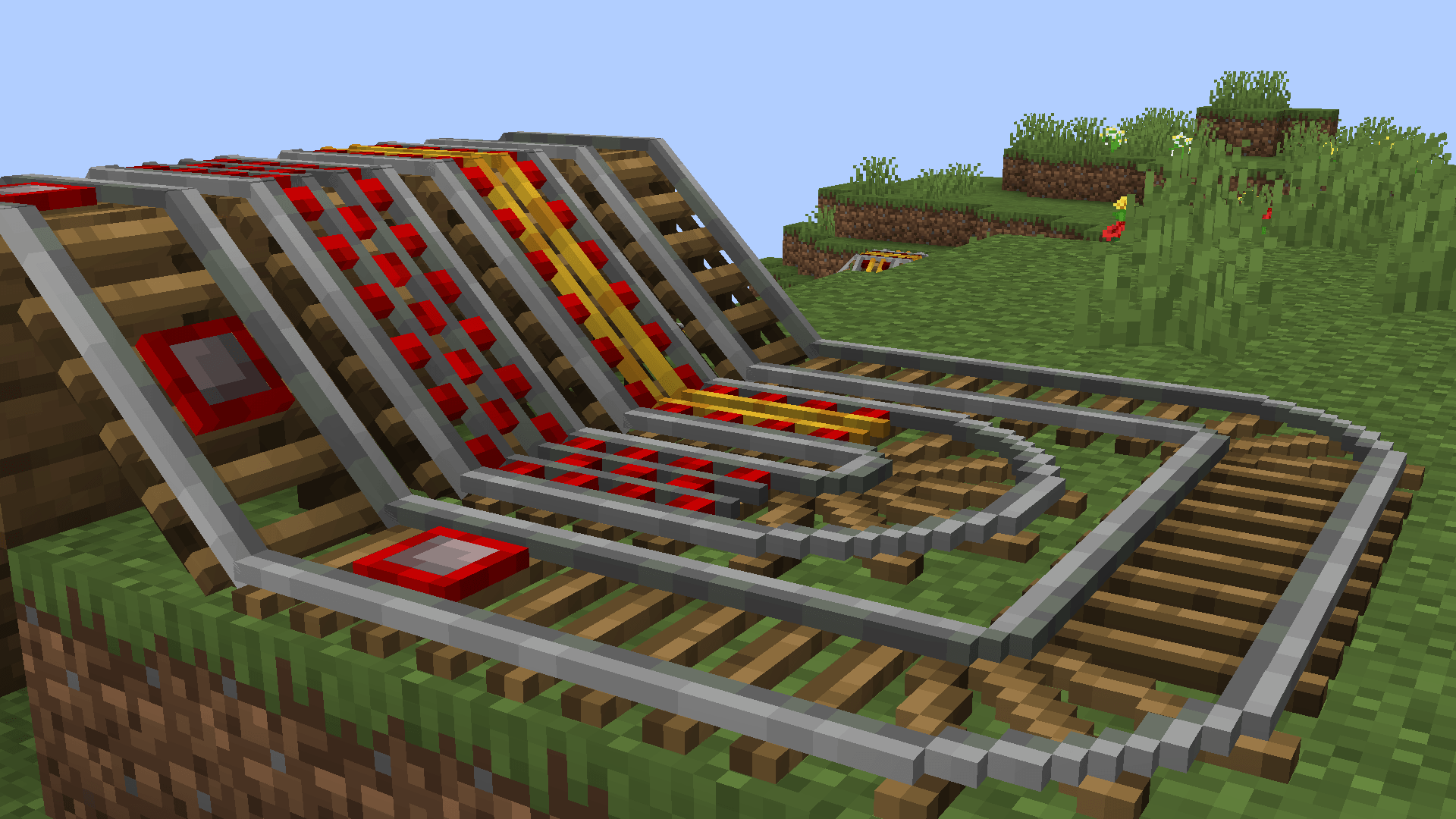
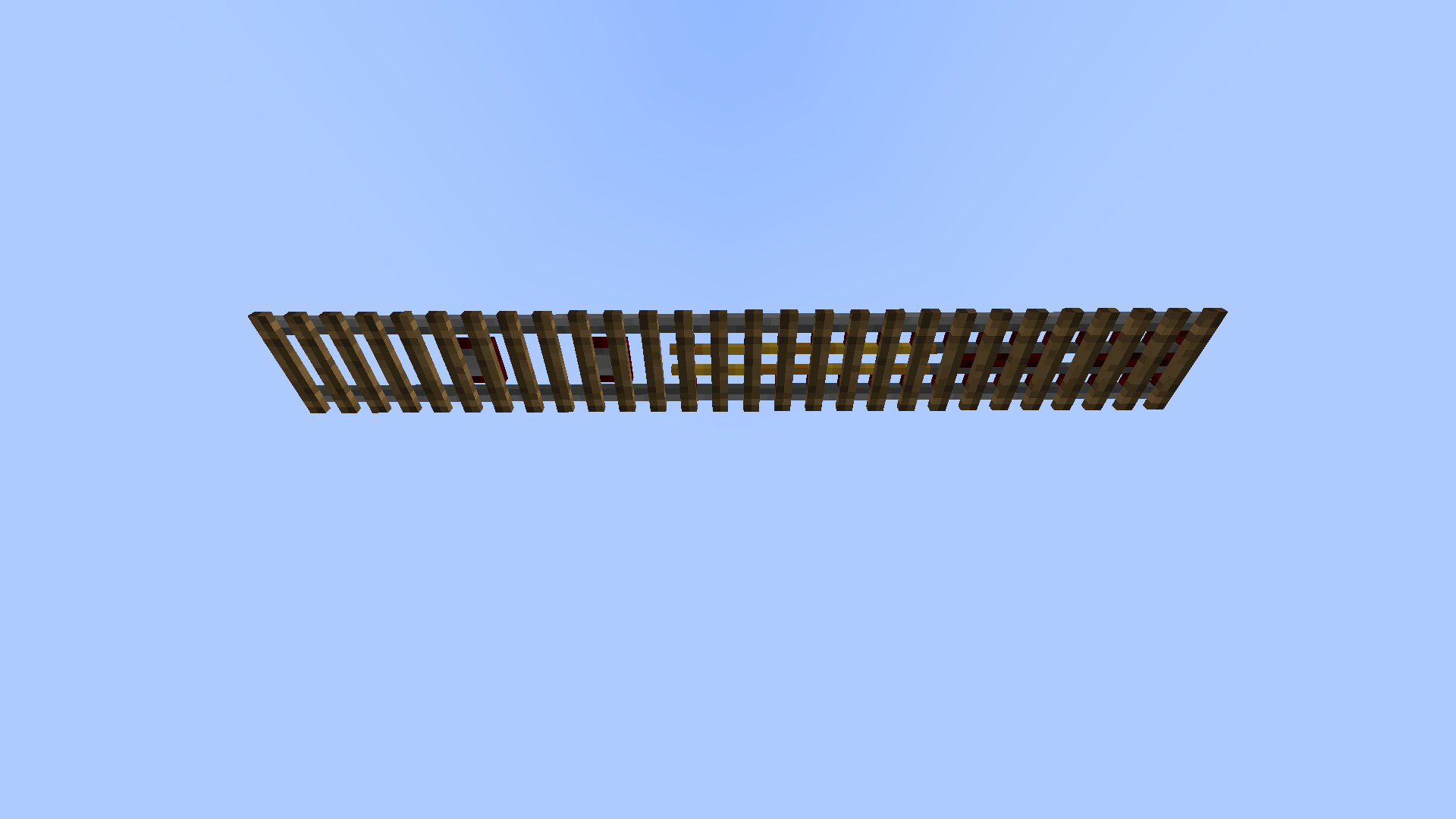
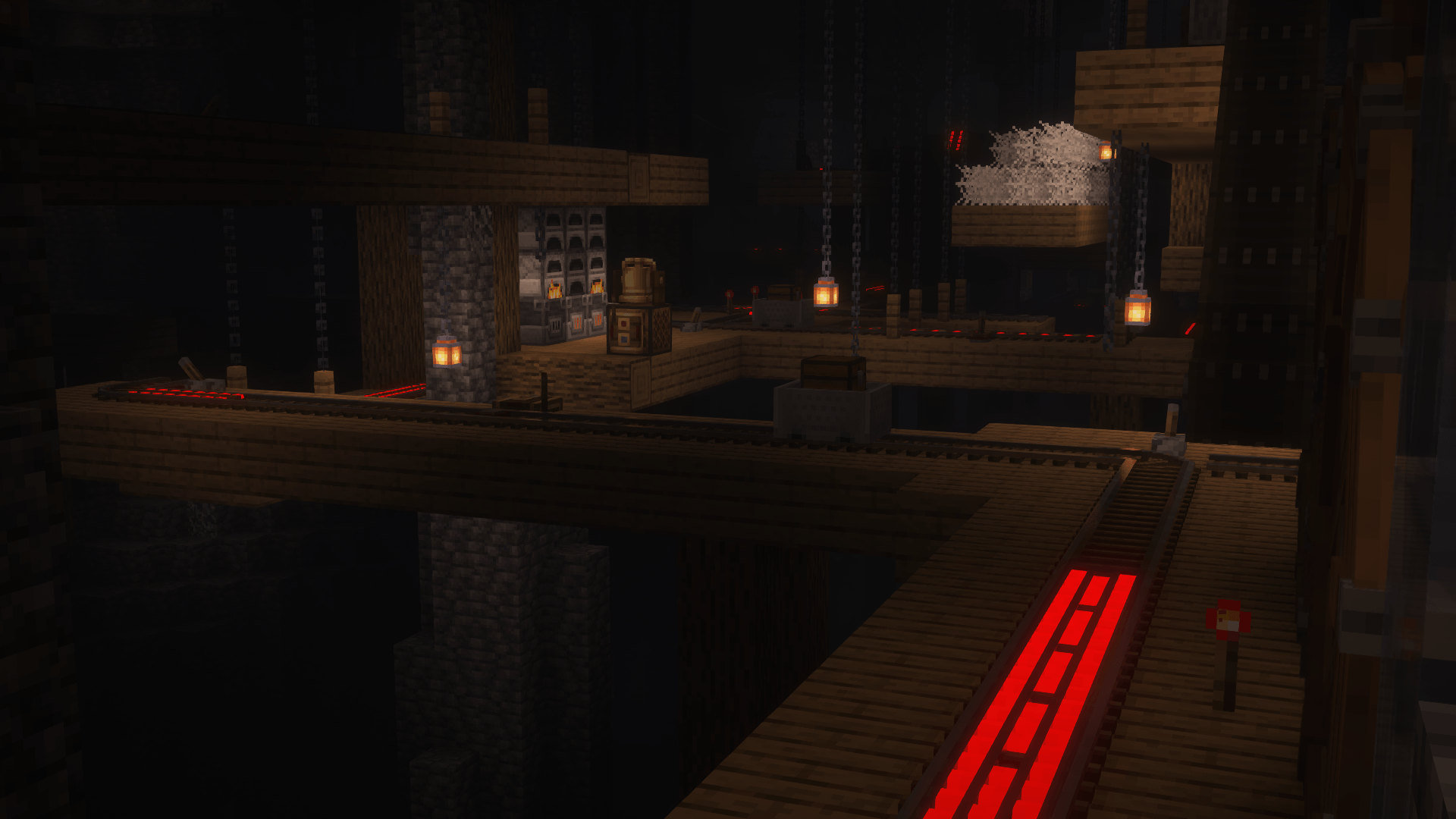
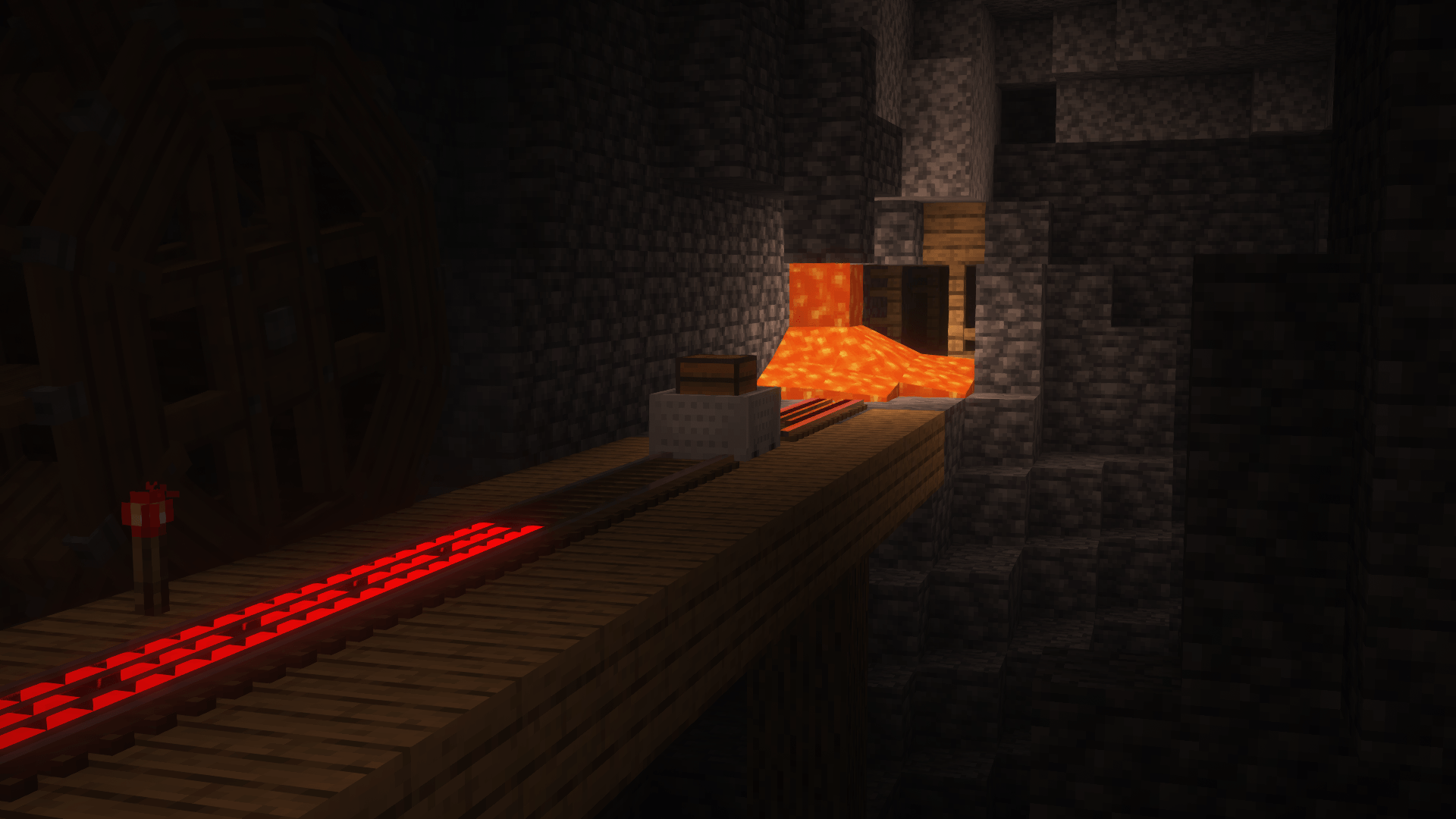
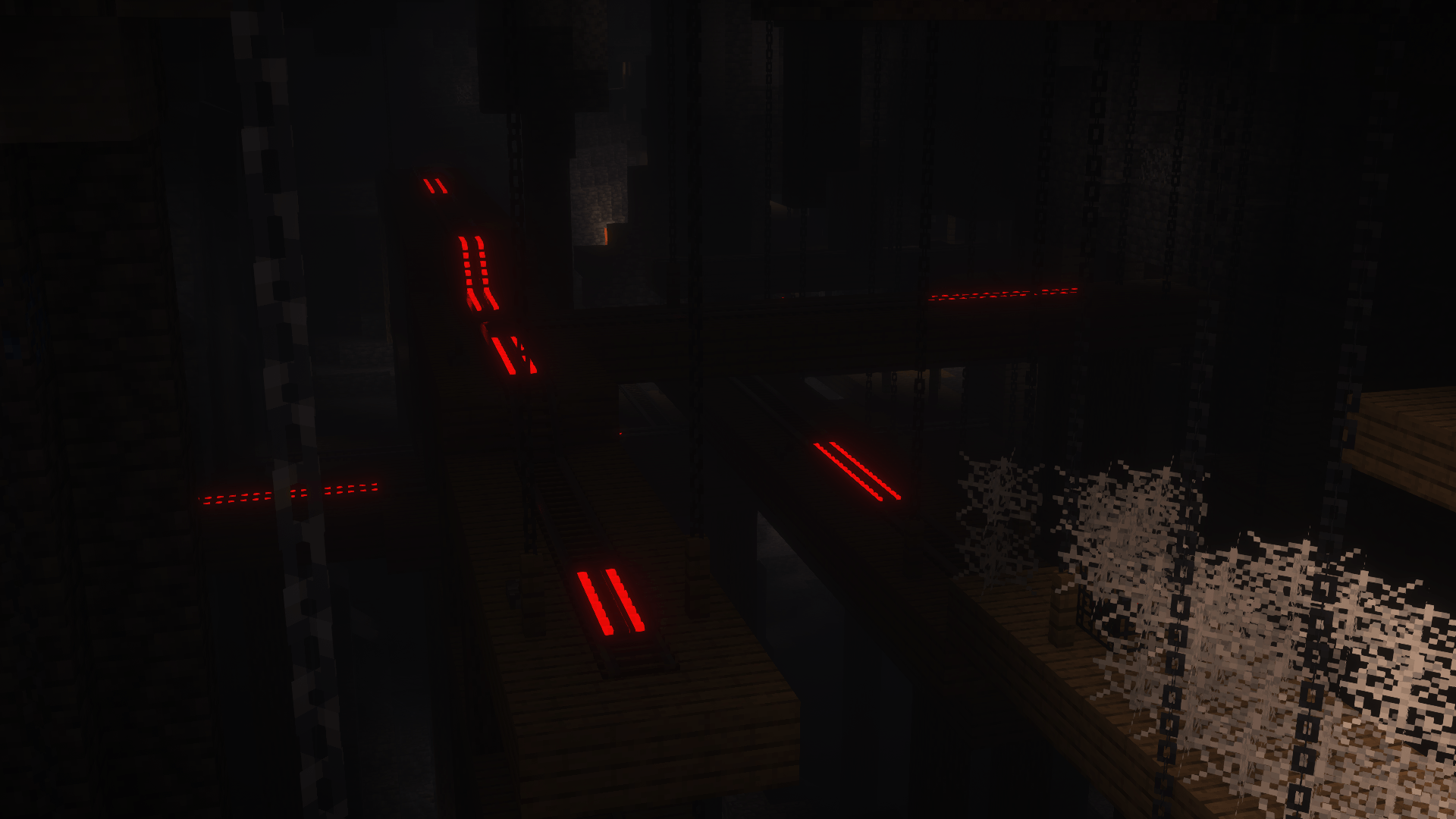
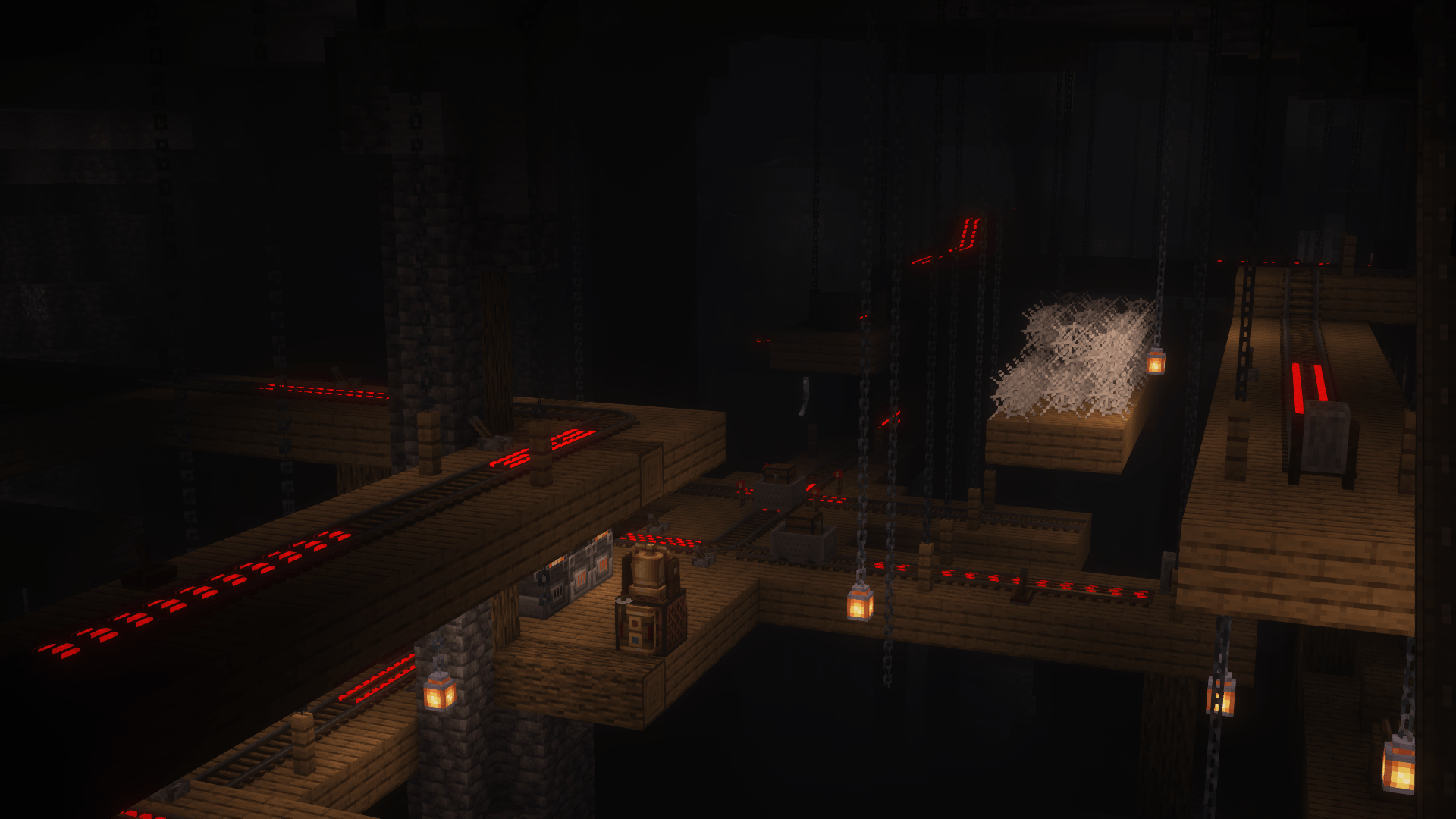
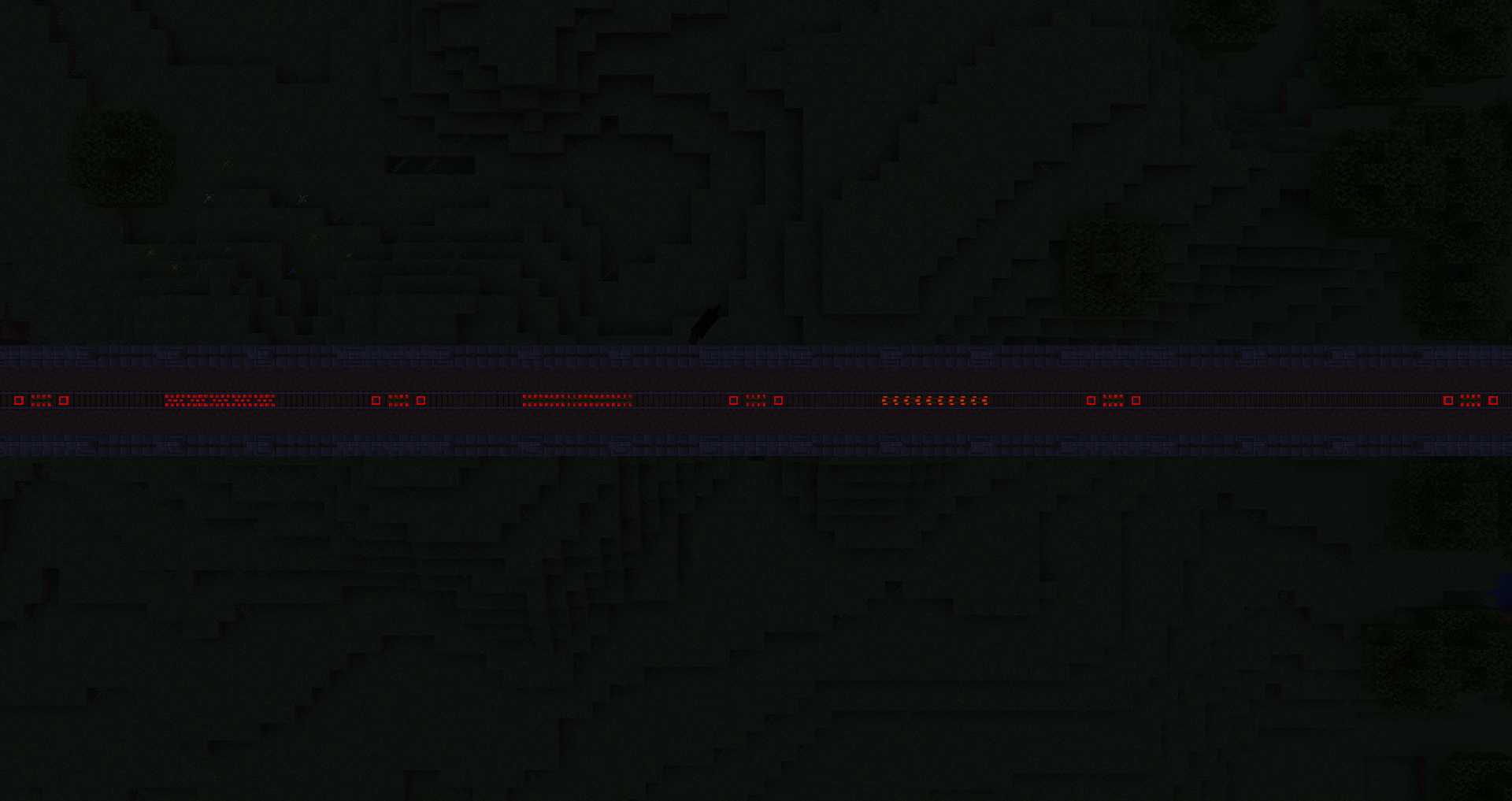
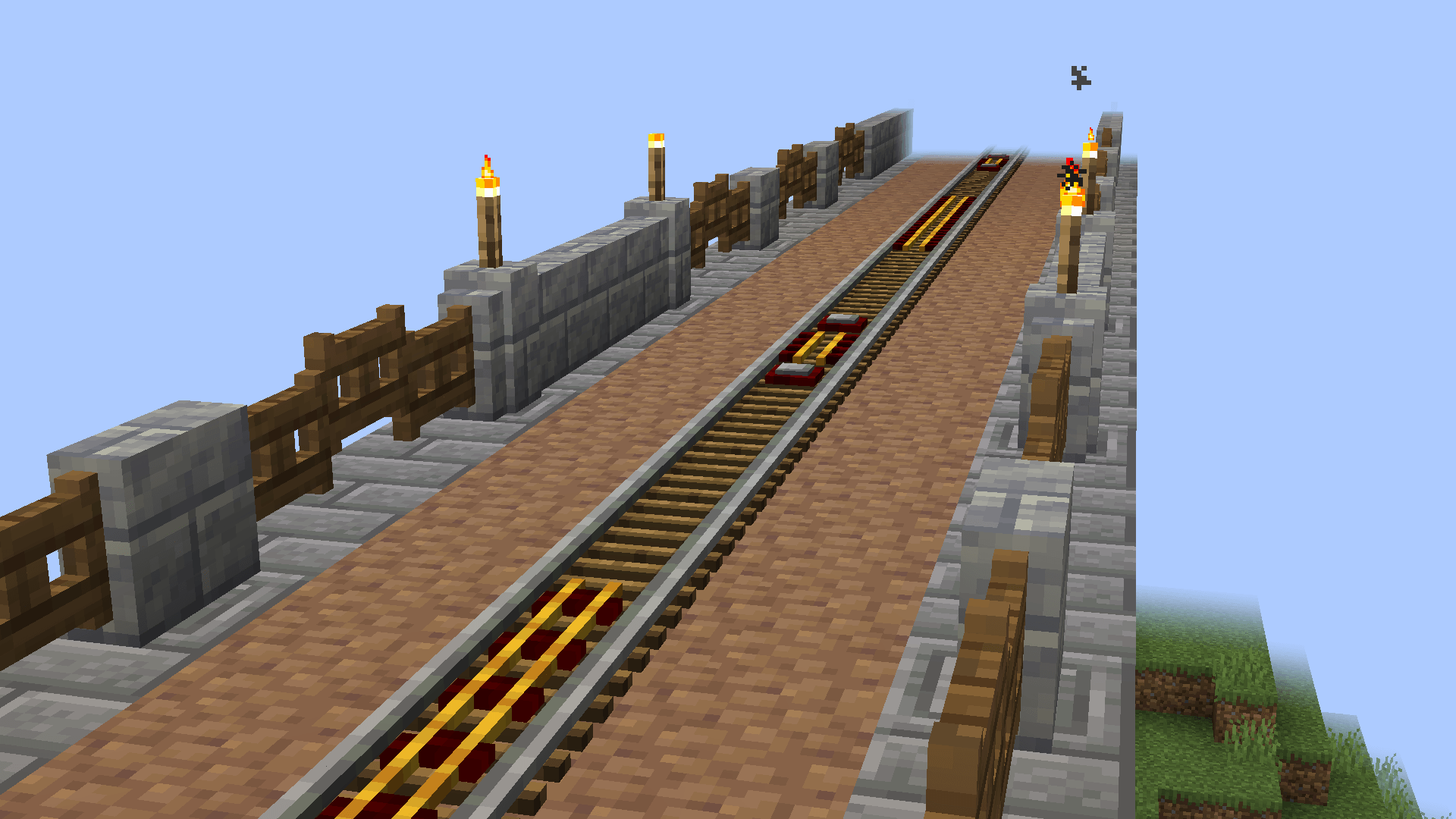
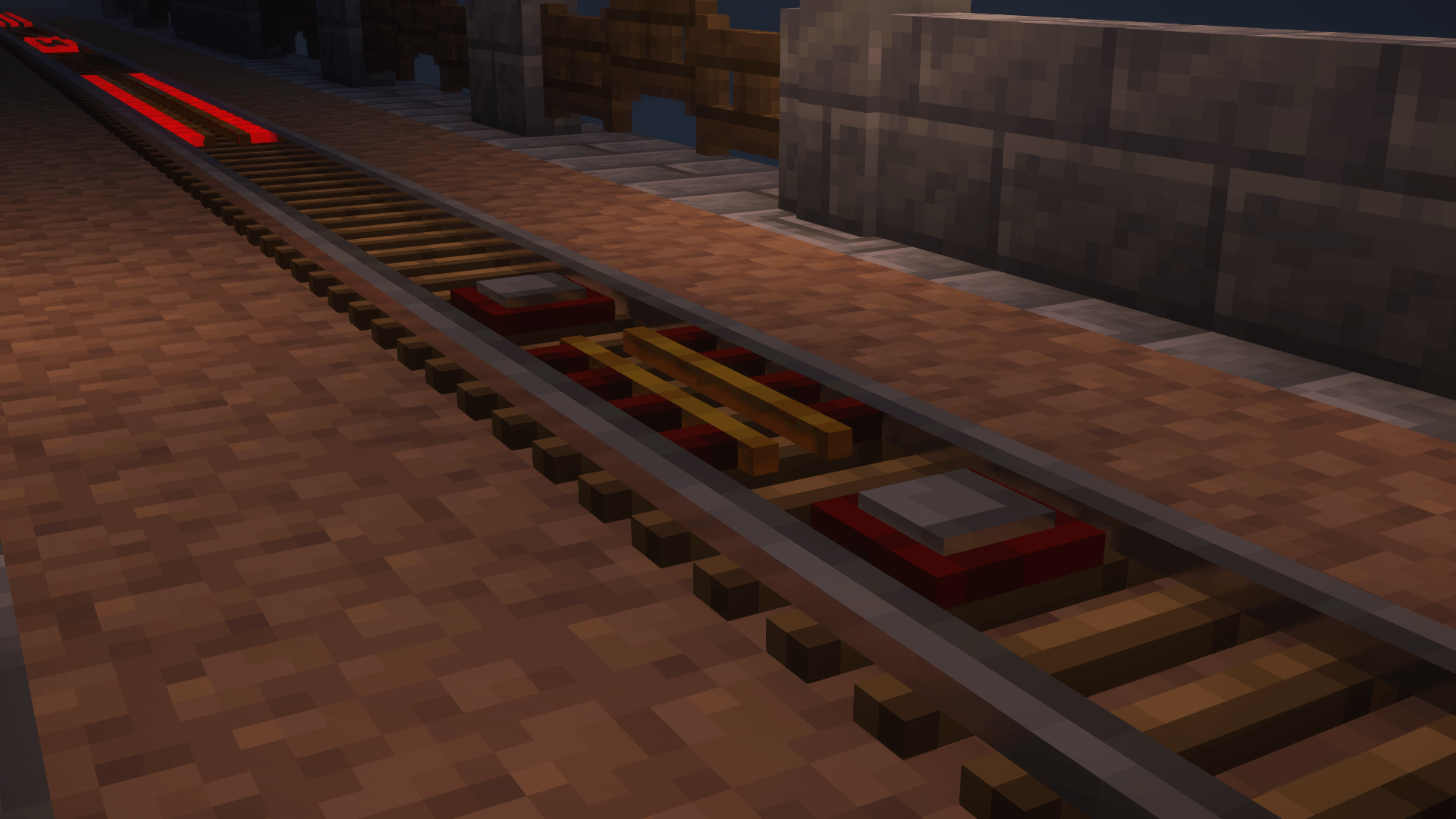
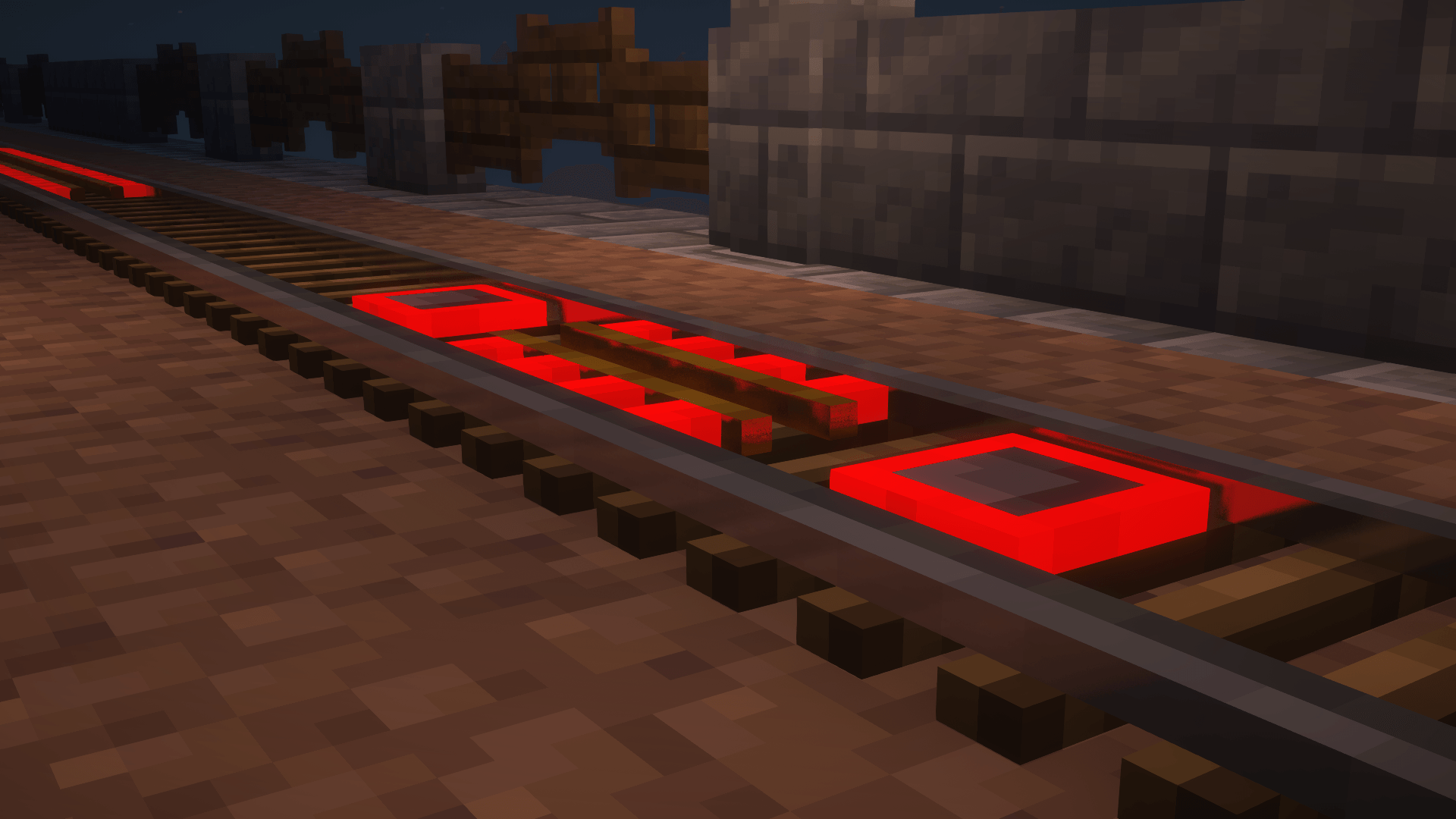
This resource pack makes rails 3D, and with actual models instead of extruded textures. The undersides are properly textured, and the slopes are now custom models rather than being stretched out textures! The textures are given proper labPBR support, so certain shaderpacks can make them shiny and glow! Mods that add emissive qualities (Optifine, Connectedness, etc) also work, but only for the emissiveness. This also features redesigns of the activator, powered, and controller rails!


I'll be updating this to various different versions of the game with time, but as the time of writing this, I'm very tired of working on this XP


If you have/know any mods that you'd like to see supported, leave a comment! No guarentee that I'll add it, but I'll try my best!


Known Issues

-Sloped Controller Rails have missing textures even though it should work

-Sloped rails are inconsistant with positioning

-Controller Rails always glow, even when off


-Textures based off the default Minecraft textures

-Complimentary Reimagined shaders used for some gallery pictures

-Models inspired by Diagonal Perfect Rails 3d PBR over on Modrinth 

Bane's Dreamy Rails V1
MC 1.19.2
Release 2025-05-03 Get

Requirements & install

How to use this resource pack in Minecraft
Resolution
16x
Minecraft
1.19.2
Install folder
.minecraft/resourcepacks

How to install resource packs

  1. Download the resource pack .zip file (do not extract it).
  2. In Minecraft open Options → Resource Packs → Open Pack Folder.
  3. Drop the .zip into the resourcepacks folder (.minecraft/resourcepacks).
  4. Move the pack to the Selected column and click Done.
Browse more: 16x resource packs 32x resource packs 64x resource packs 128x resource packs 256x resource packs 512x+ resource packs Resource Packs for 1.19.2 All resource packs

More from SoupBane

Advertisement Remove ads with Premium →

You Might Also Like