Mineuniverse
Resource Packs
Banana's 3D End Crystal

Banana's 3D End Crystal

RESOURCE PACK
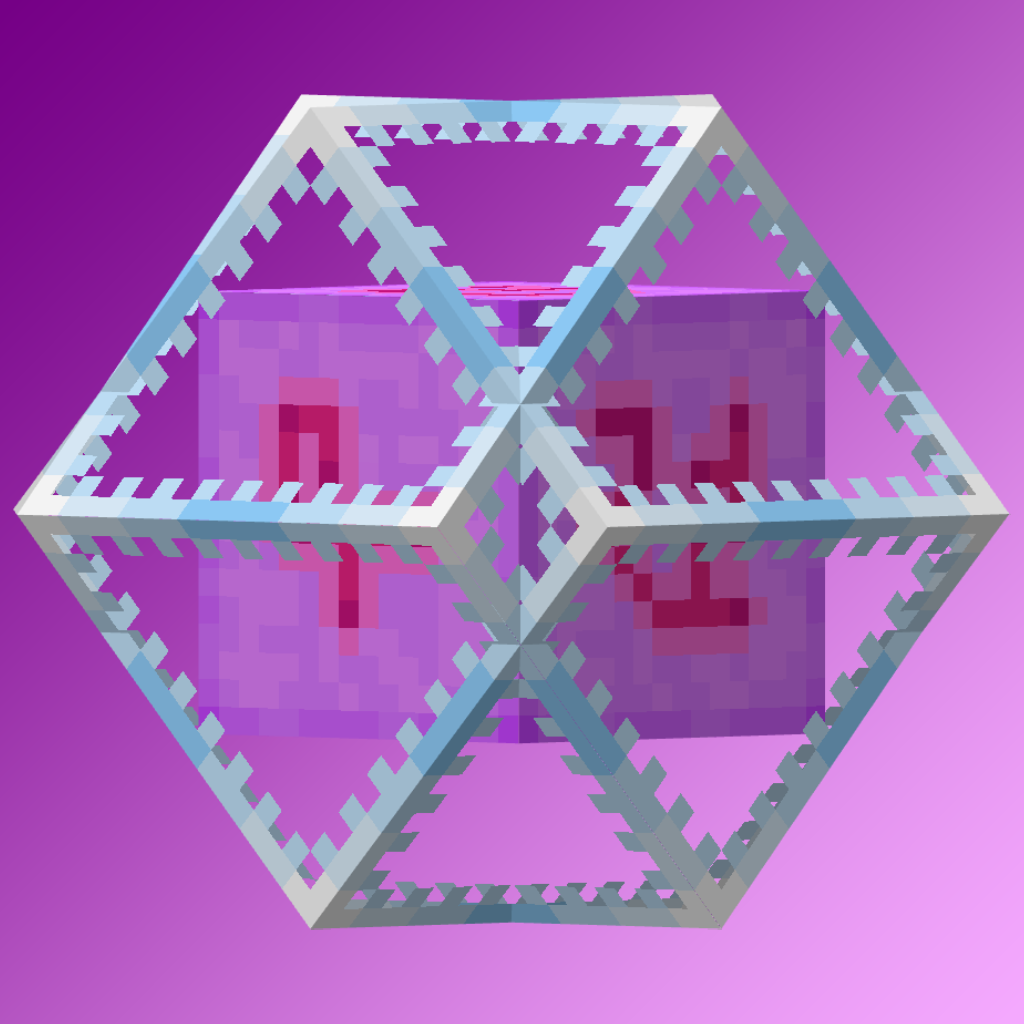
Makes the end crystal 3D when in your hand, but keeps it 2D everywhere else 1.21.4+. No mods required. For versions 1.21-1.21.11
by banana_monkey123
Download Claim this project
Add a badge to your pageLink to Banana's 3D End Crystal from a README, website or forum post.
Preview: Badge

Badges update automatically and link to the resource pack page on MineUniverse.

15,384 downloads
0 likes
0 followers
Updated Oct 14, 2026
0 hypes
Follow0
16x Miscellaneous
Advertisement Remove ads with Premium →

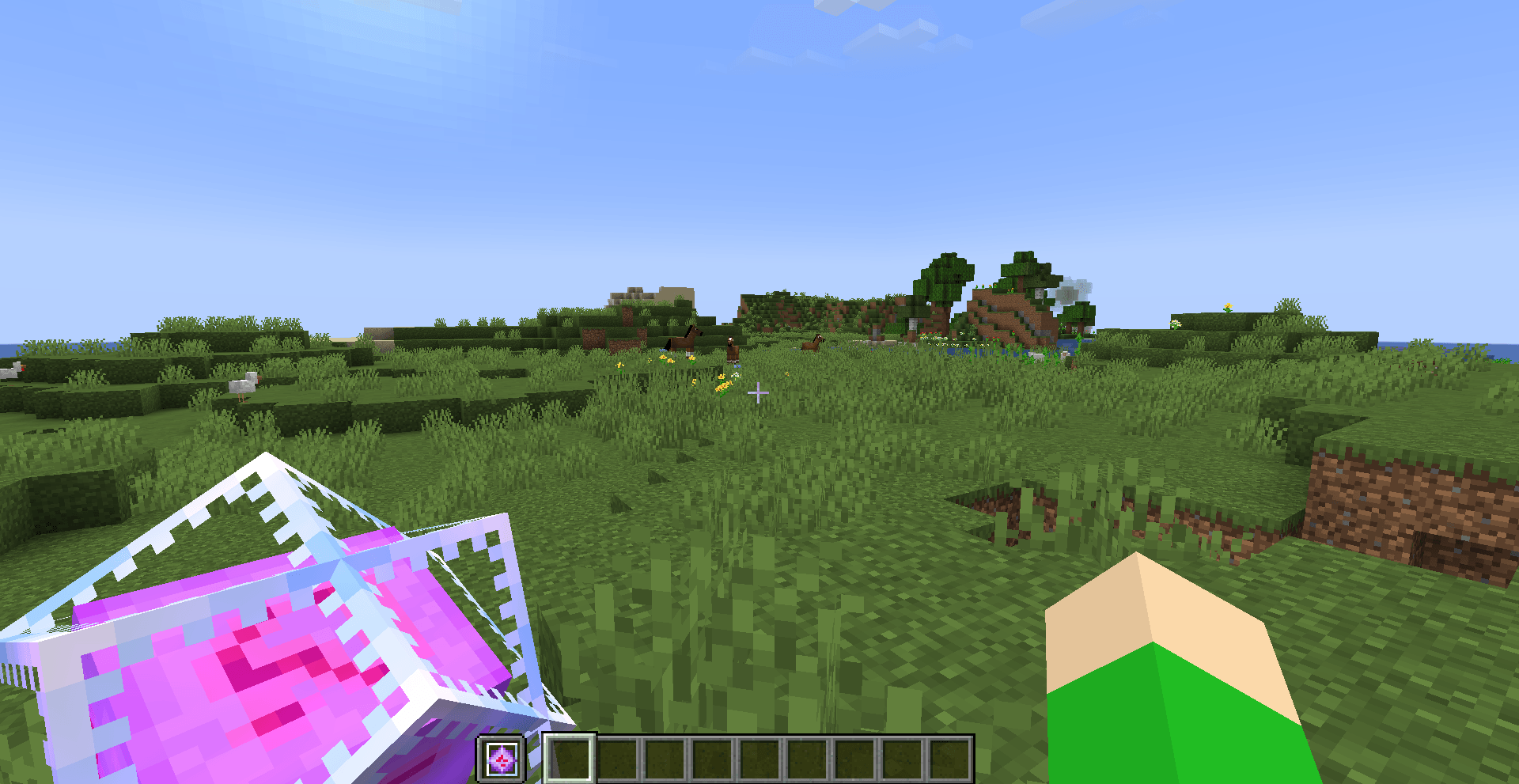
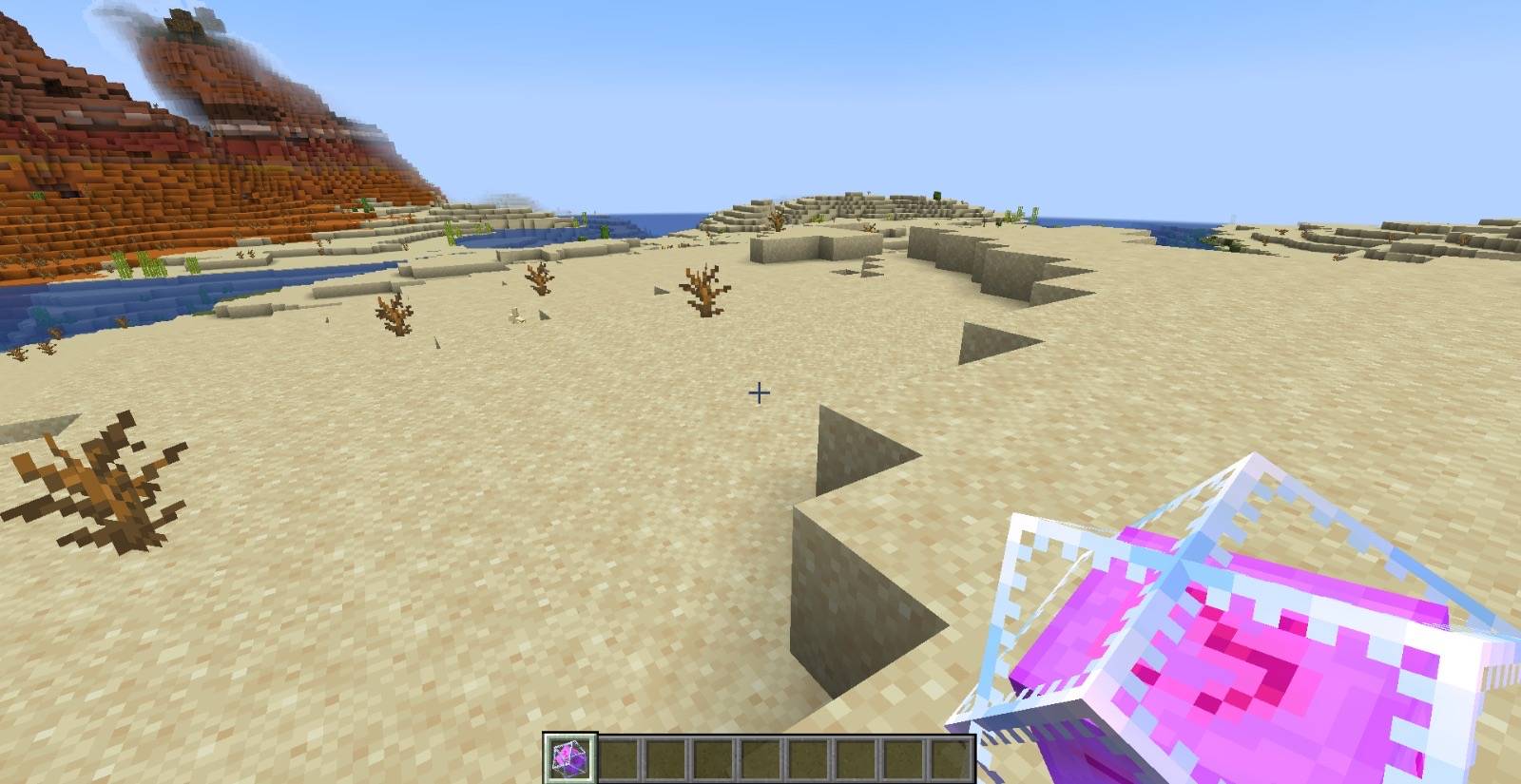
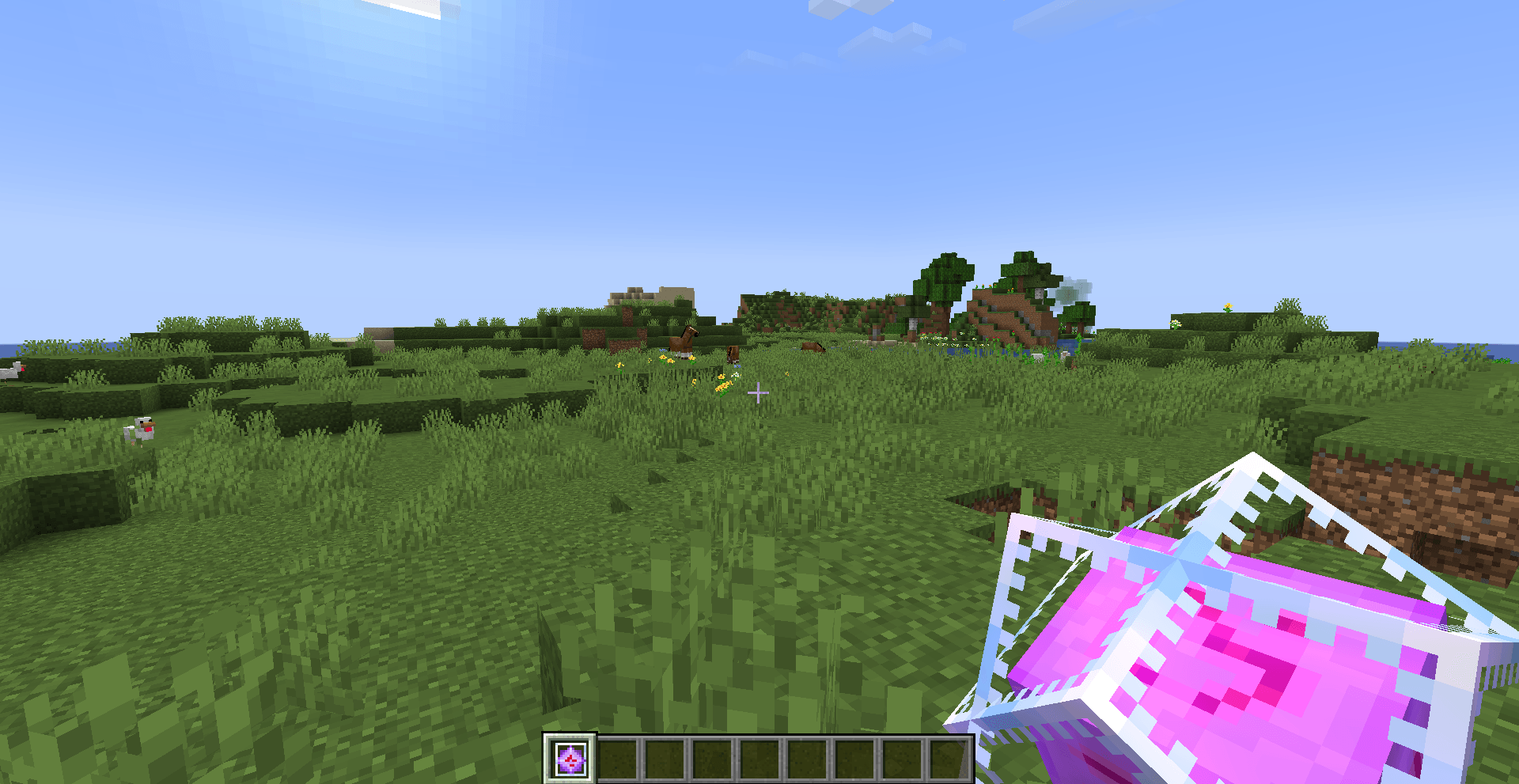
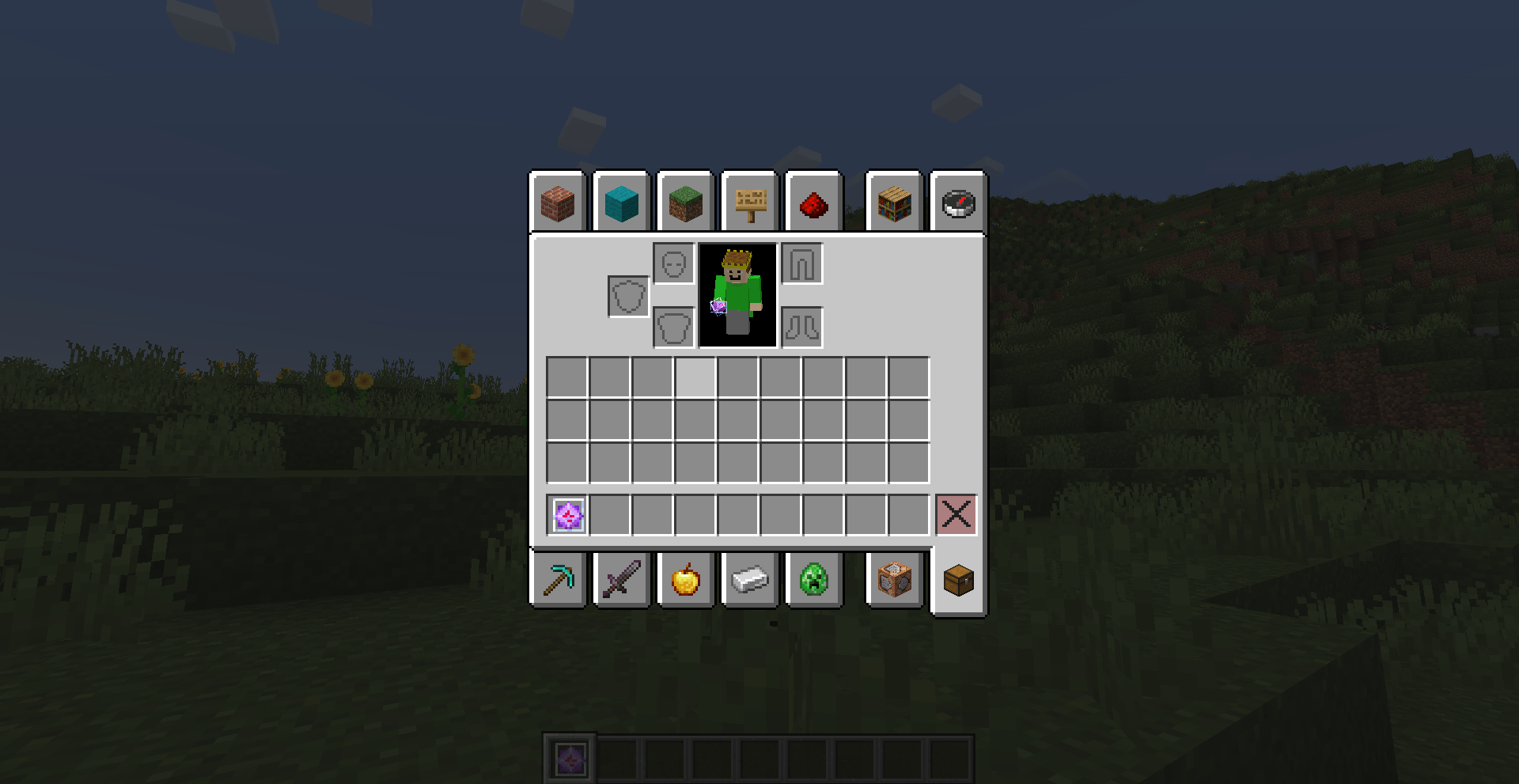
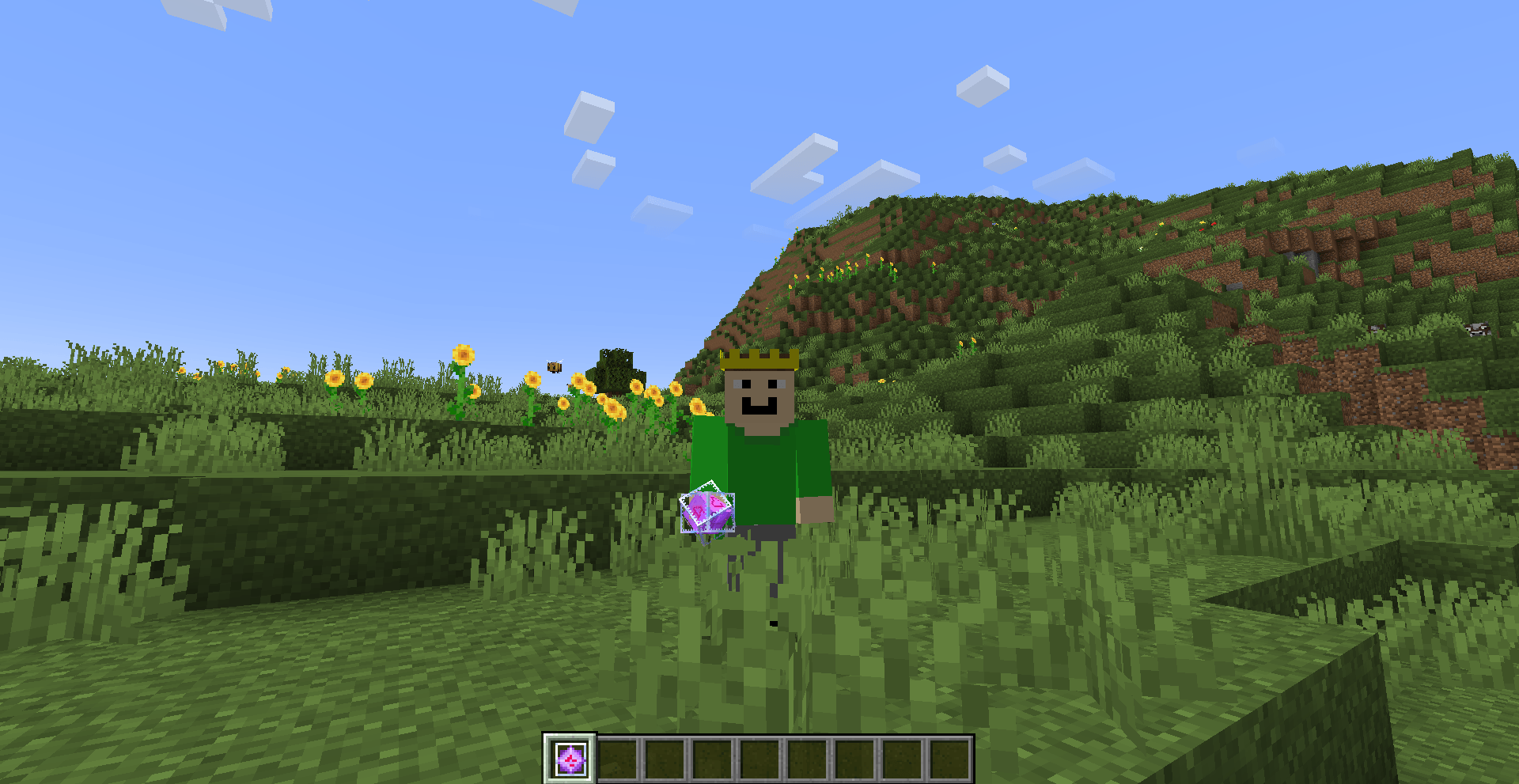
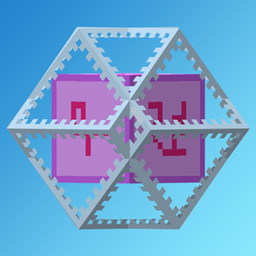
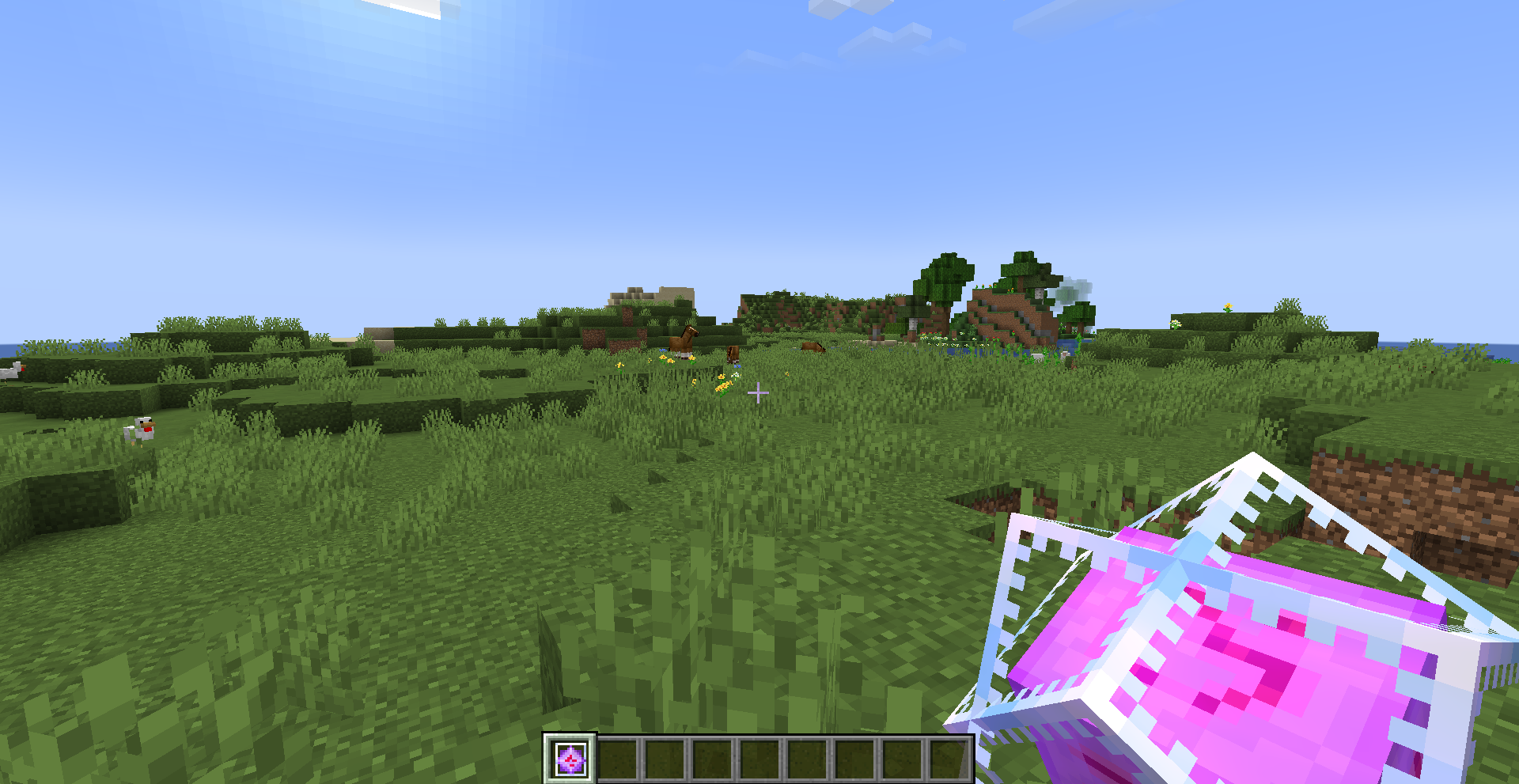
Makes the end crystal 3D when in hand. For versions: 1.21-1.21.3: Does not have 2D GUI item 1.21.4+: Does have 2D GUI item 3D end crystal in a players hand, remaining 2d in the hotbar
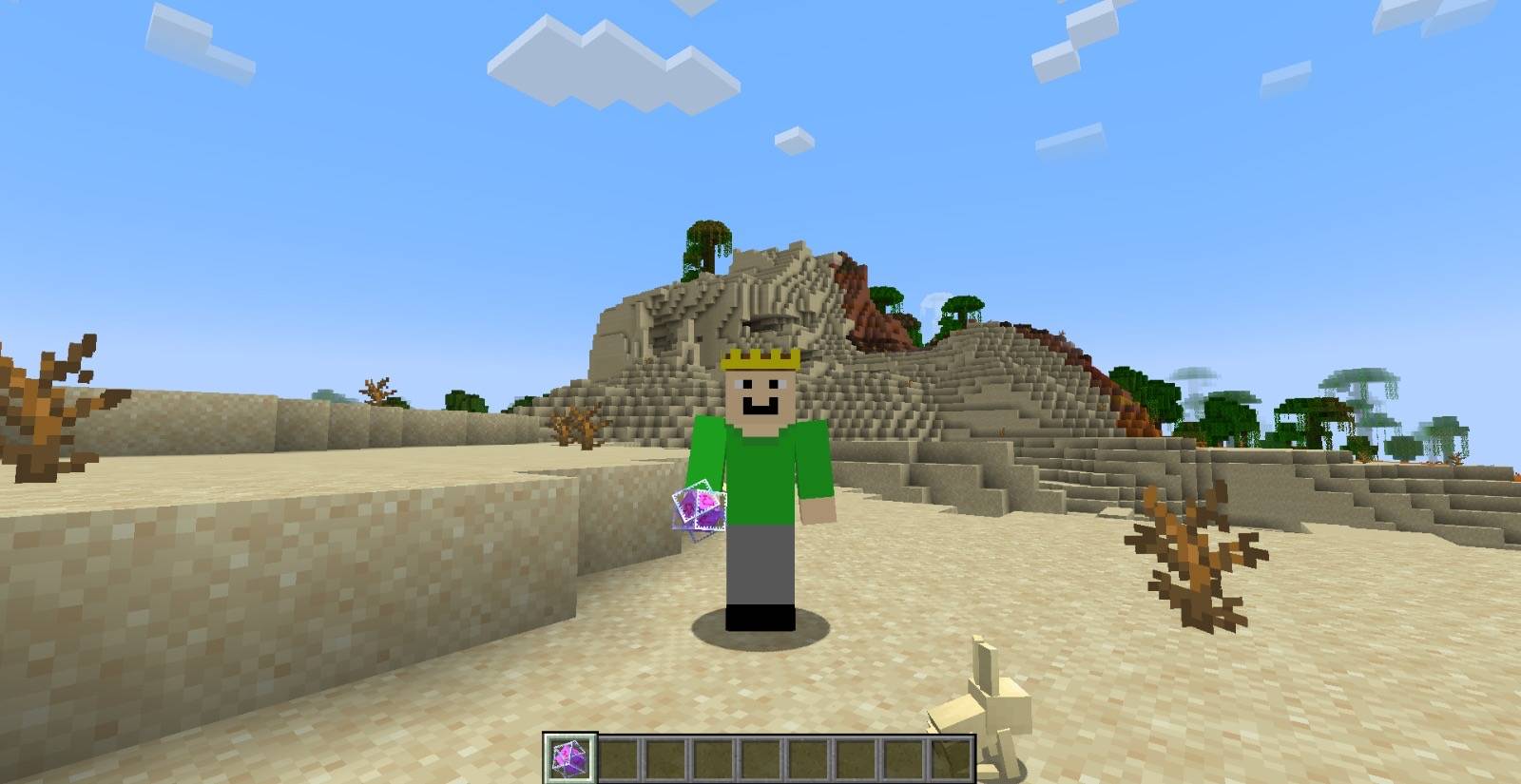
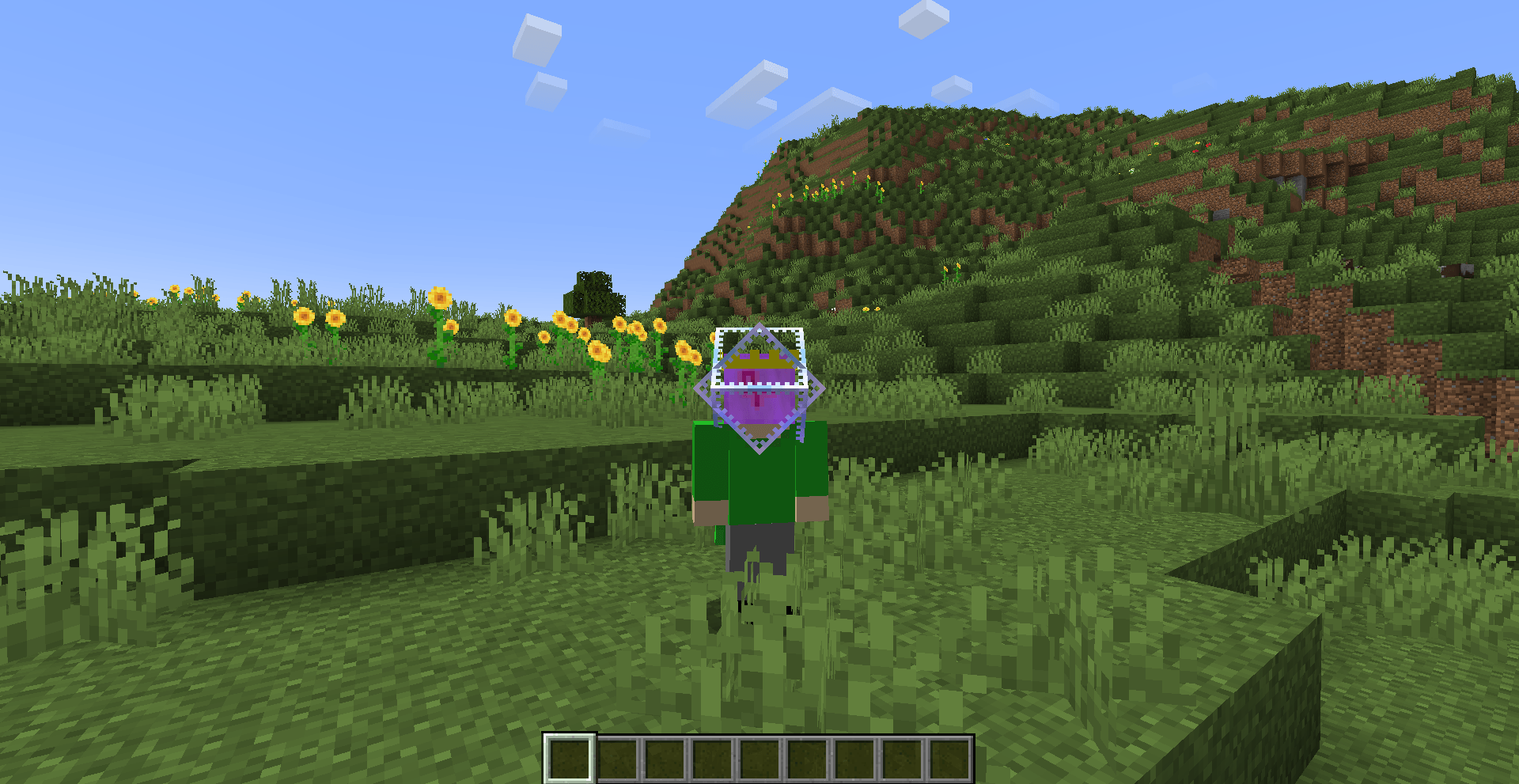
Oh, and it also makes it 3D on your head, if you want that.
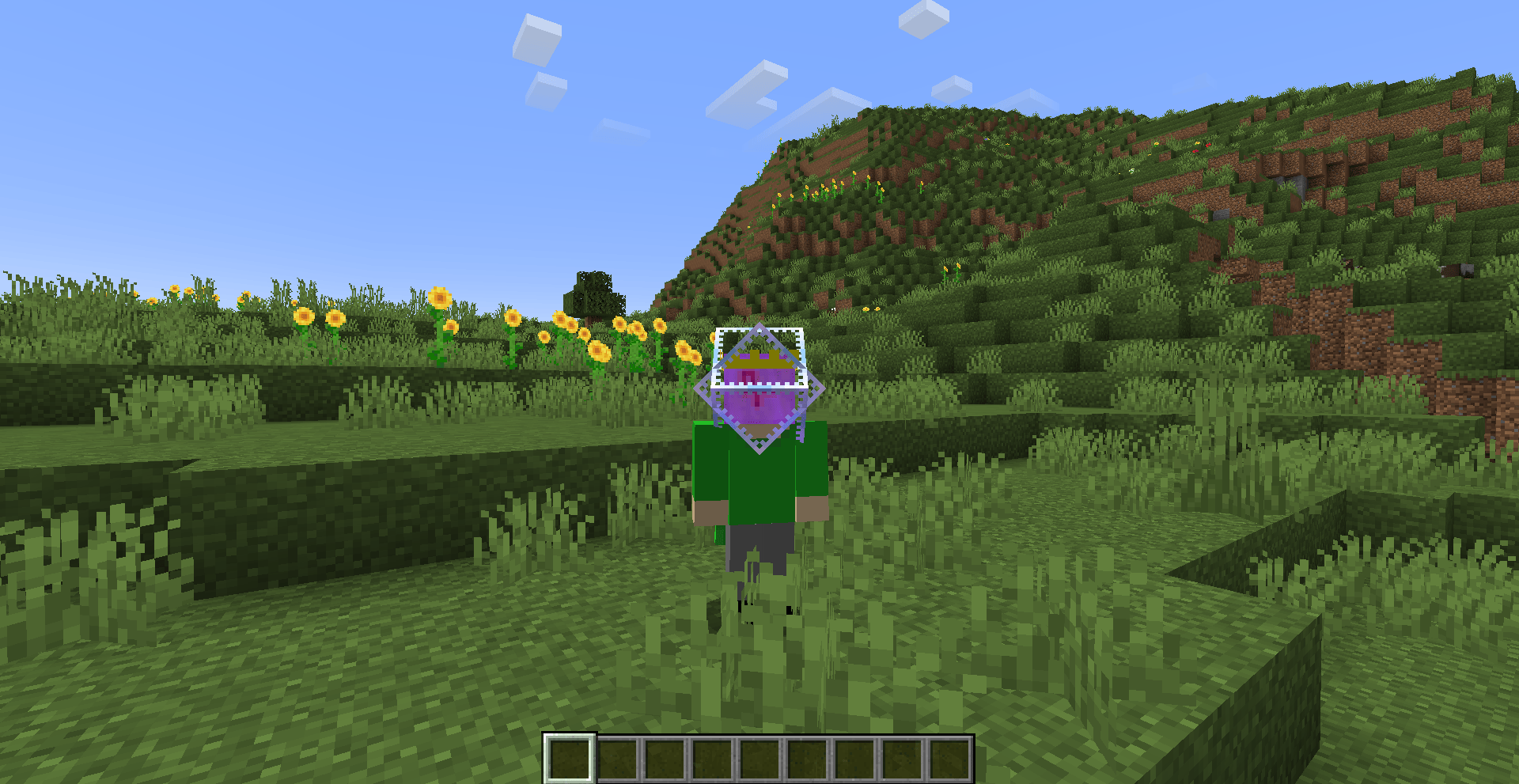
An end crystal replacing a players head

Feel free to check out my other projects here, and check out my modrinth here!

You can use this pack in any modpacks as long as they stay on modrinth or curseforge. You can create content with this pack but anything else please ask me on my discord. If you want to share it elsewhere, please do so by providing a link to the modrinth and/or curseforge project page. If I have given you permission for something not stated here, then, if I request you to, you must remove it.

3D End Crystal 1.0.10.zip
MC 1.21.9, 1.21.10, 1.21.11, 26.1, 26.2, 26.3
Release 2026-09-18 Get
3D End Crystal 1.0.9
MC 1.21.9, 1.21.10, 1.21.11, 26.1, 26.2
Release 2026-06-17 Get
3D End Crystal 1.0.8
MC 1.21.9, 1.21.10, 1.21.11, 26.1
Release 2026-03-28 Get
3D End Crystal 1.0.7
MC 1.21.9, 1.21.10, 1.21.11
Release 2025-12-10 Get
3D End Crystal 1.0.0
MC 1.21, 1.21.1, 1.21.3, 1.21.2
Release 2025-11-20 Get
3D End Crystal 1.0.5
MC 1.21.8, 1.21.5, 1.21.4, 1.21.6, 1.21.7
Release 2025-11-20 Get
3D End Crystal 1.0.6
MC 1.21.9, 1.21.10
Release 2025-11-20 Get

Requirements & install

How to use this resource pack in Minecraft
Resolution
16x
Minecraft
1.21.7 – 26.3
Install folder
.minecraft/resourcepacks

How to install resource packs

  1. Download the resource pack .zip file (do not extract it).
  2. In Minecraft open Options → Resource Packs → Open Pack Folder.
  3. Drop the .zip into the resourcepacks folder (.minecraft/resourcepacks).
  4. Move the pack to the Selected column and click Done.
Browse more: 16x resource packs 32x resource packs 64x resource packs 128x resource packs 256x resource packs 512x+ resource packs Resource Packs for 26.3 All resource packs

More from banana_monkey123

Advertisement Remove ads with Premium →

You Might Also Like