Mineuniverse
Resource Packs
Backported Chickens

Backported Chickens

RESOURCE PACK
Backports the new chicken variants with a simple resource pack!
by Sloosh
Download Claim this project
2,311 downloads
0 likes
Updated Oct 14, 2026
0 hypes
16x Miscellaneous
Advertisement Remove ads with Premium →

Backported Chickens

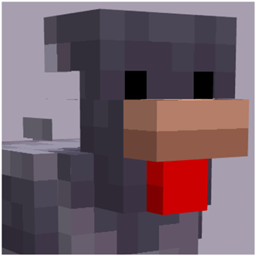
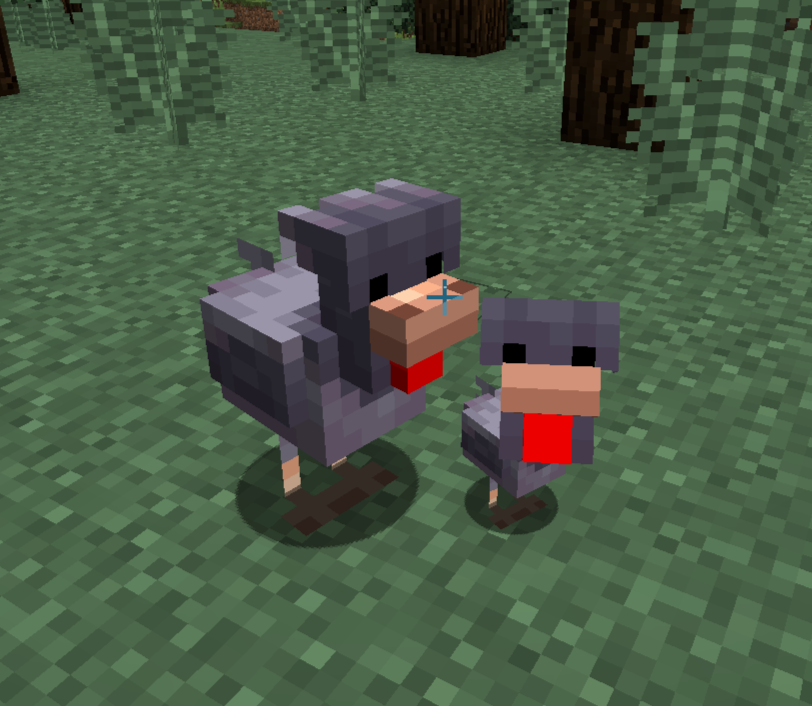
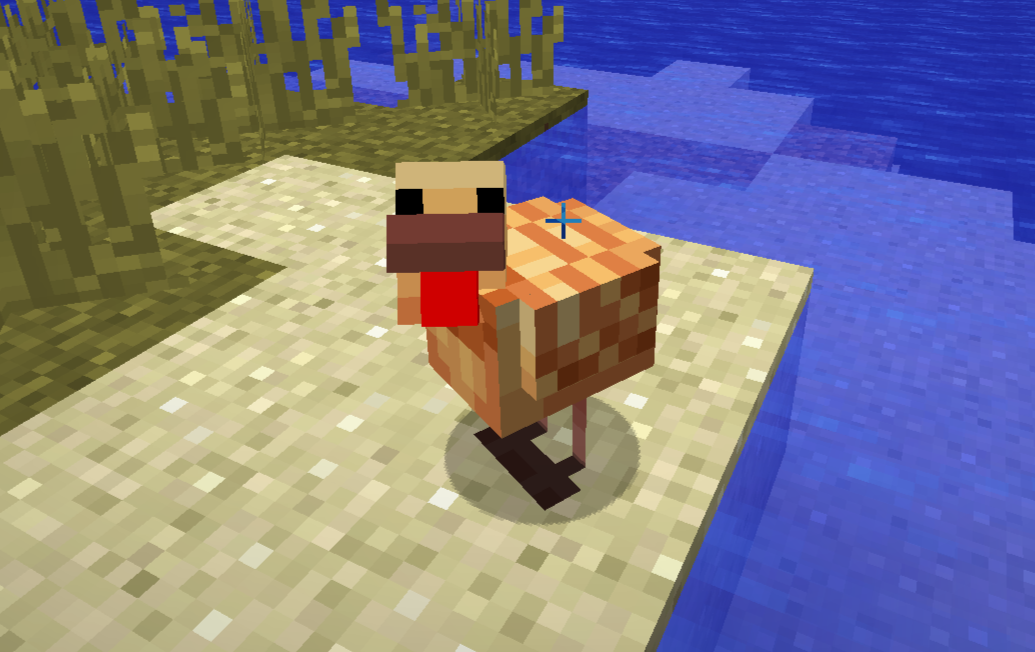
A simple but effective resource pack which backports the new warm and cold chicken variants to previous versions of the game! Each pig variant now spawns in their respective biome, including support for outdated biome IDs in older versions.

Unfortunately, due to this being a resource pack, chickens will drop regular eggs regardless of their texture. This means that cracking an egg will not guarantee the same variant as its parent.

Requires: Optifine or both EMF + ETF to work!


---------------------------------------

Download Links

Optifine: https://optifine.net/home

Entity Model Features: https://modrinth.com/mod/entity-model-features

Entity Texture Features: https://modrinth.com/mod/entitytexturefeatures

---------------------------------------

Also check out:

Backported Piggies: https://www.curseforge.com/minecraft/texture-packs/backported-piggies

Backported Cows: https://www.curseforge.com/minecraft/texture-packs/backported-cows

This project on Modrinth: https://modrinth.com/resourcepack/backportedchickens

---------------------------------------

All assets within this resource pack are owned by Mojang and do not belong to me

Backported Chickens.zip
MC 1.17.1, 1.16.3, 1.13.1, 1.19.3, 1.20.2, 1.21, 1.16.1, 1.18.1, 1.9.4, 1.9.2, 1.14.4, 1.12.1, 1.17, 1.12, 1.14.3, 1.13, 1.19.4, 1.16.5, 1.10.2, 1.21.4, 1.18.2, 1.19.2, 1.15.2
Release 2025-02-09 Get

Requirements & install

How to use this resource pack in Minecraft
Resolution
16x
Minecraft
1.18.1 – 1.21.4
Install folder
.minecraft/resourcepacks

How to install resource packs

  1. Download the resource pack .zip file (do not extract it).
  2. In Minecraft open Options → Resource Packs → Open Pack Folder.
  3. Drop the .zip into the resourcepacks folder (.minecraft/resourcepacks).
  4. Move the pack to the Selected column and click Done.
Browse more: 16x resource packs 32x resource packs 64x resource packs 128x resource packs 256x resource packs 512x+ resource packs Resource Packs for 1.21.4 All resource packs

More from Sloosh

Advertisement Remove ads with Premium →

You Might Also Like