Mineuniverse
Resource Packs
Azu's Enhanced Zombie Variants x Fresh Animations

Azu's Enhanced Zombie Variants x Fresh Animations

RESOURCE PACK
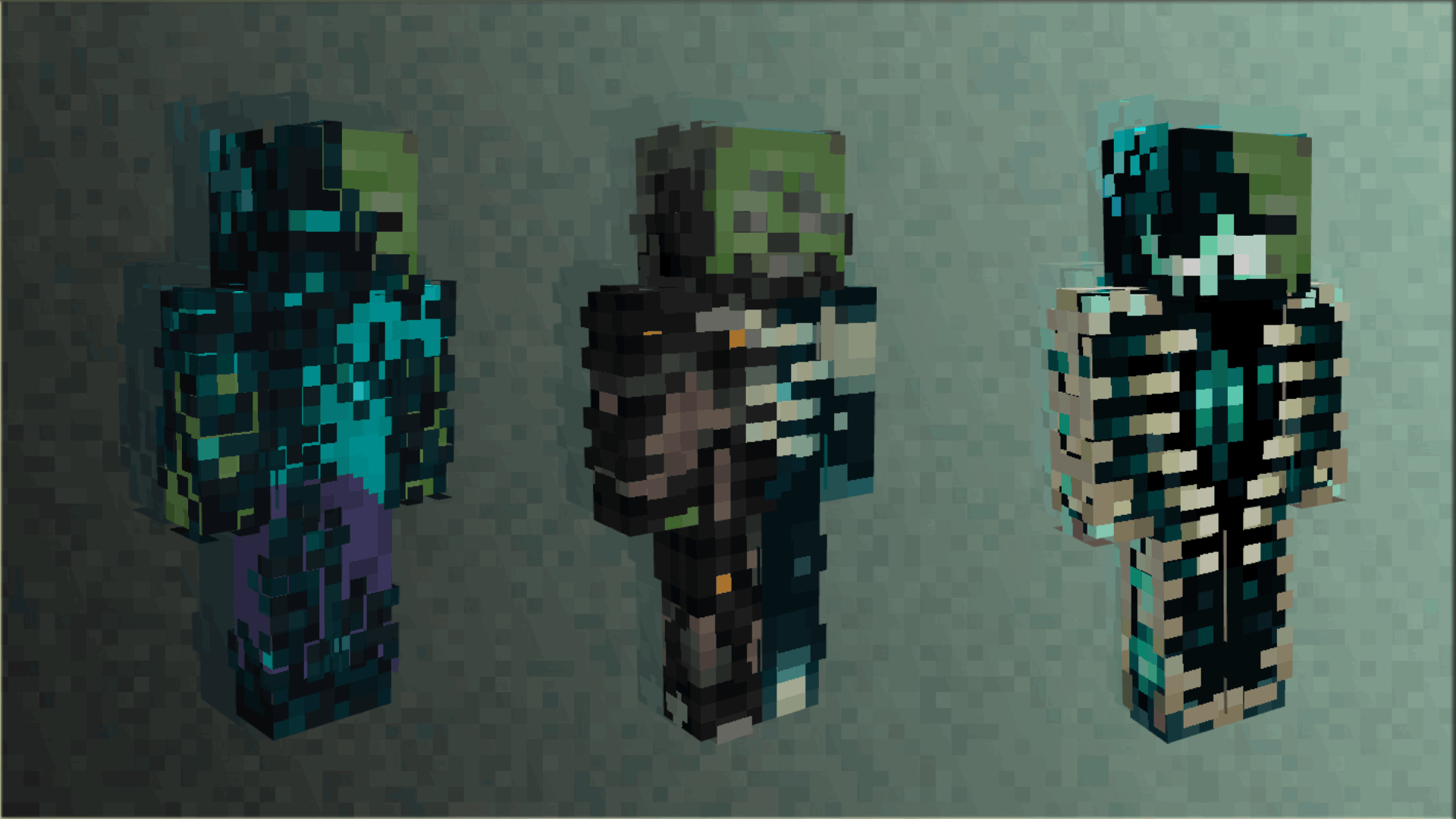
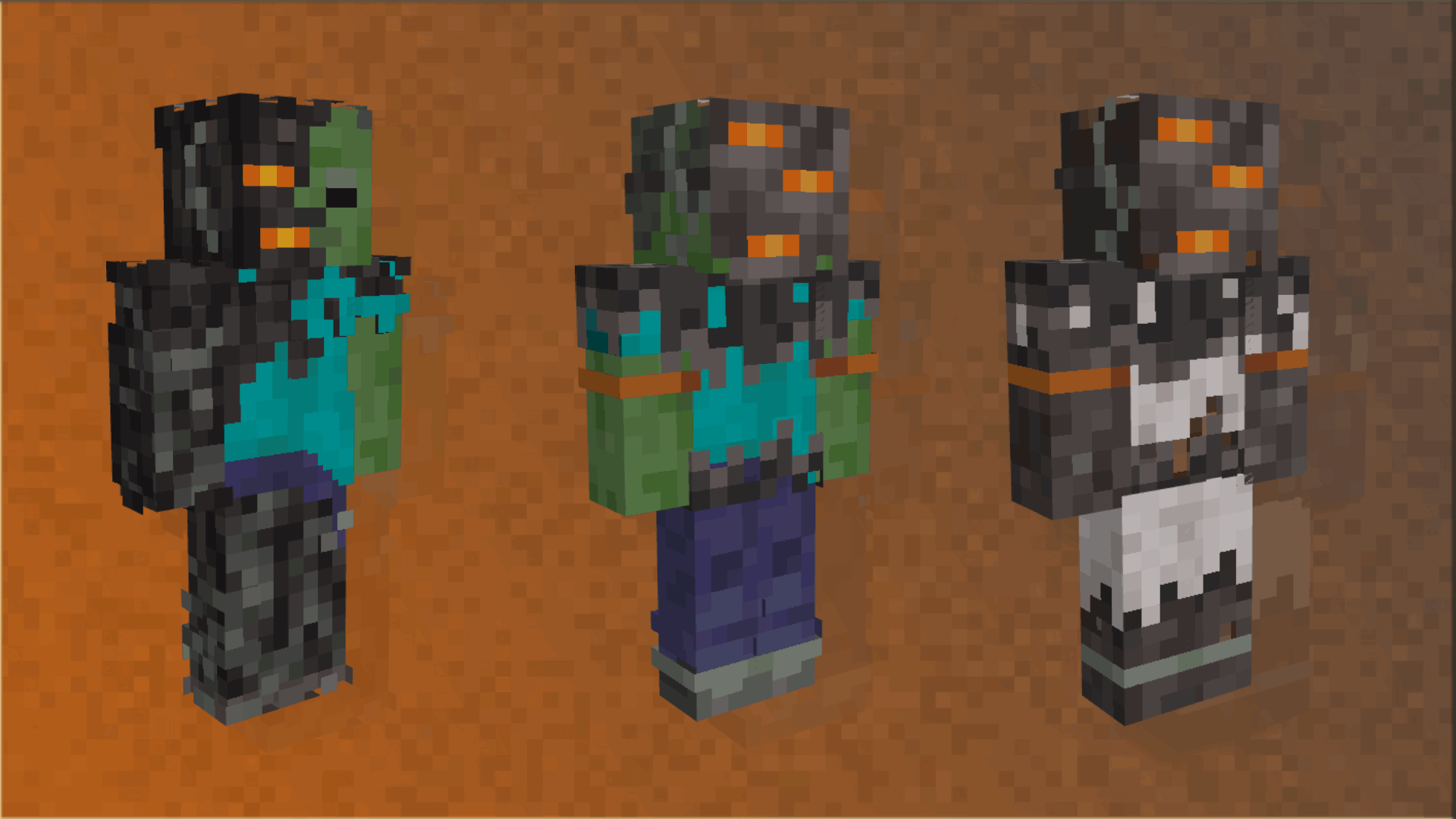
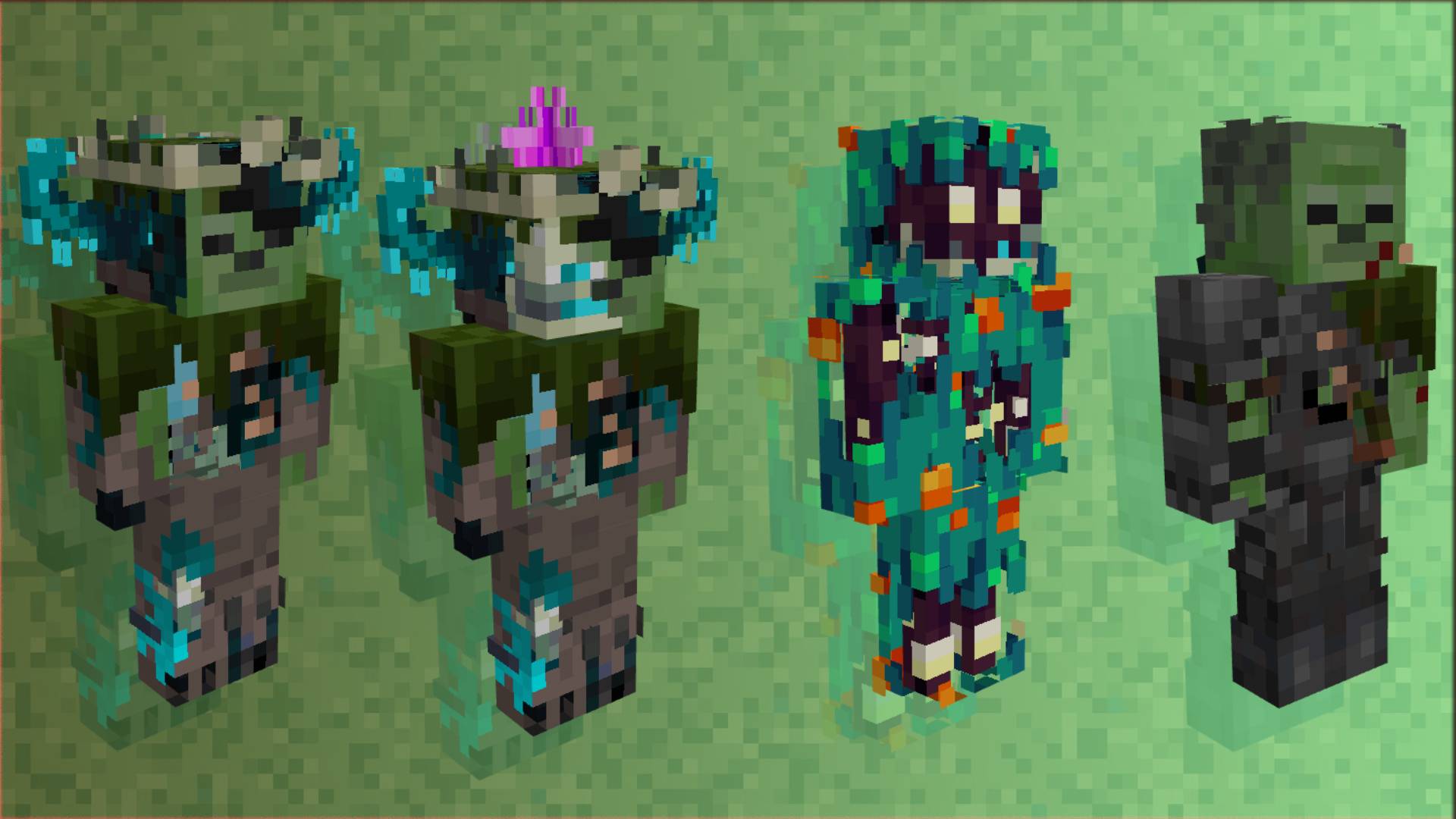
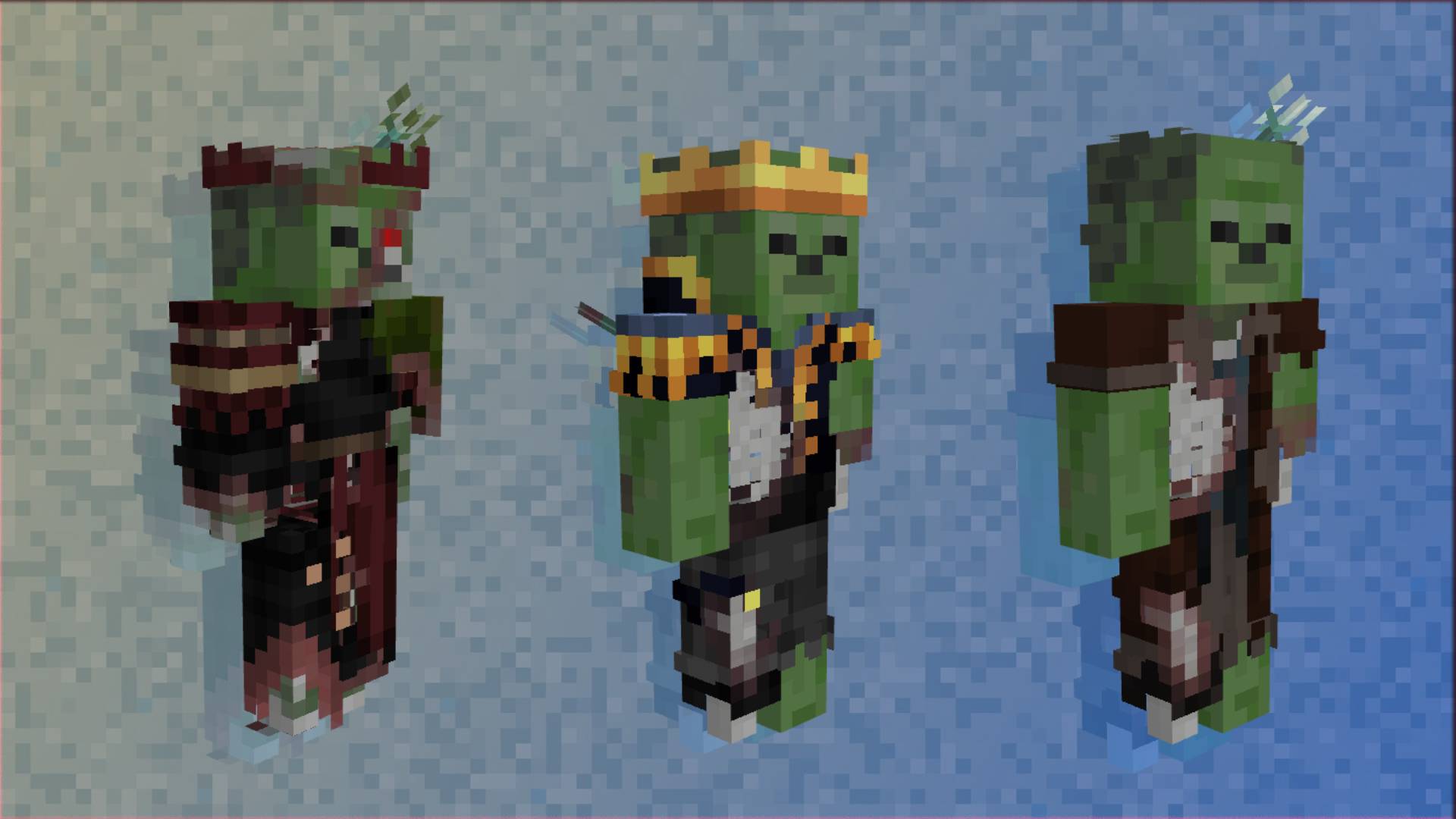
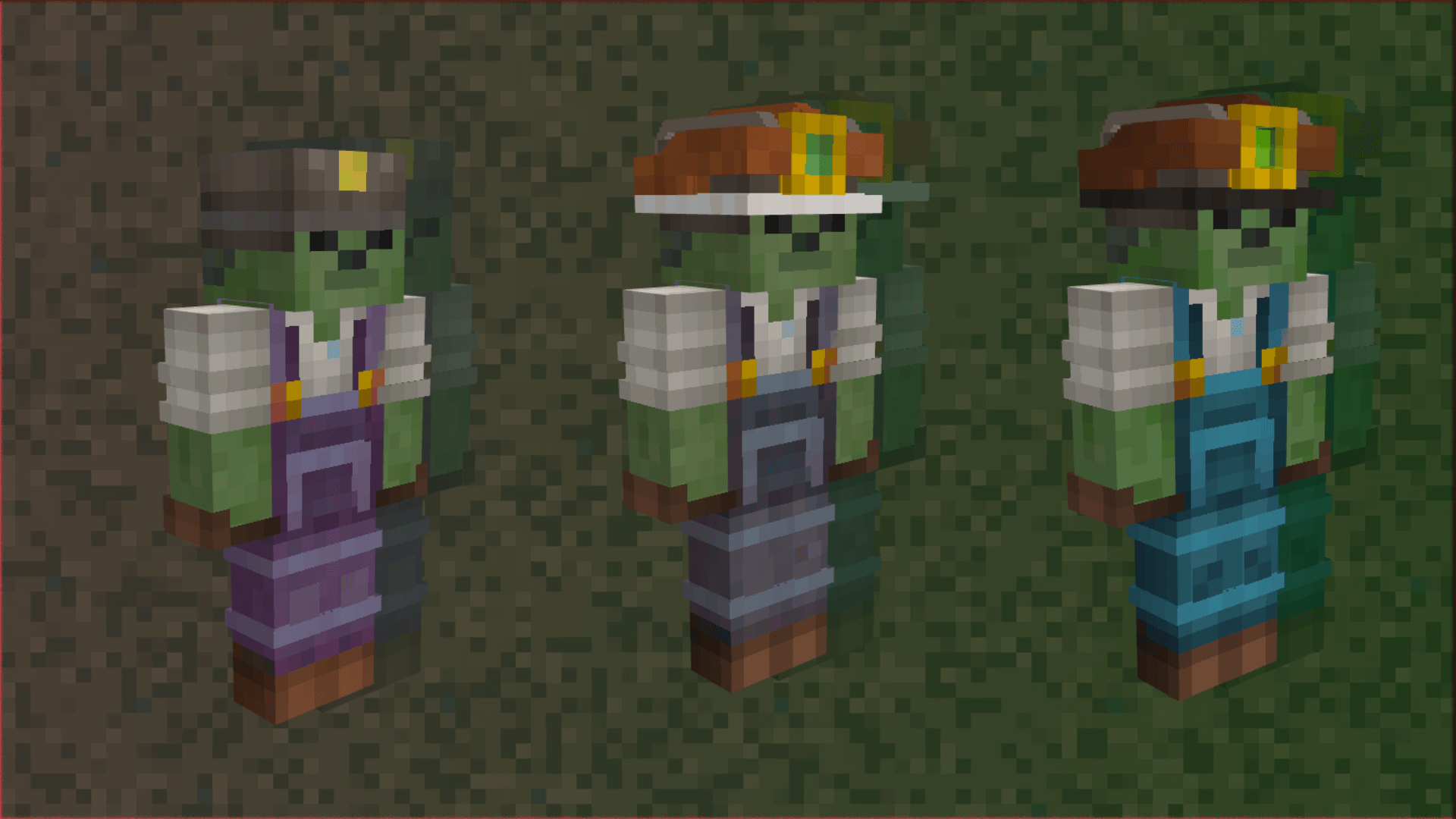
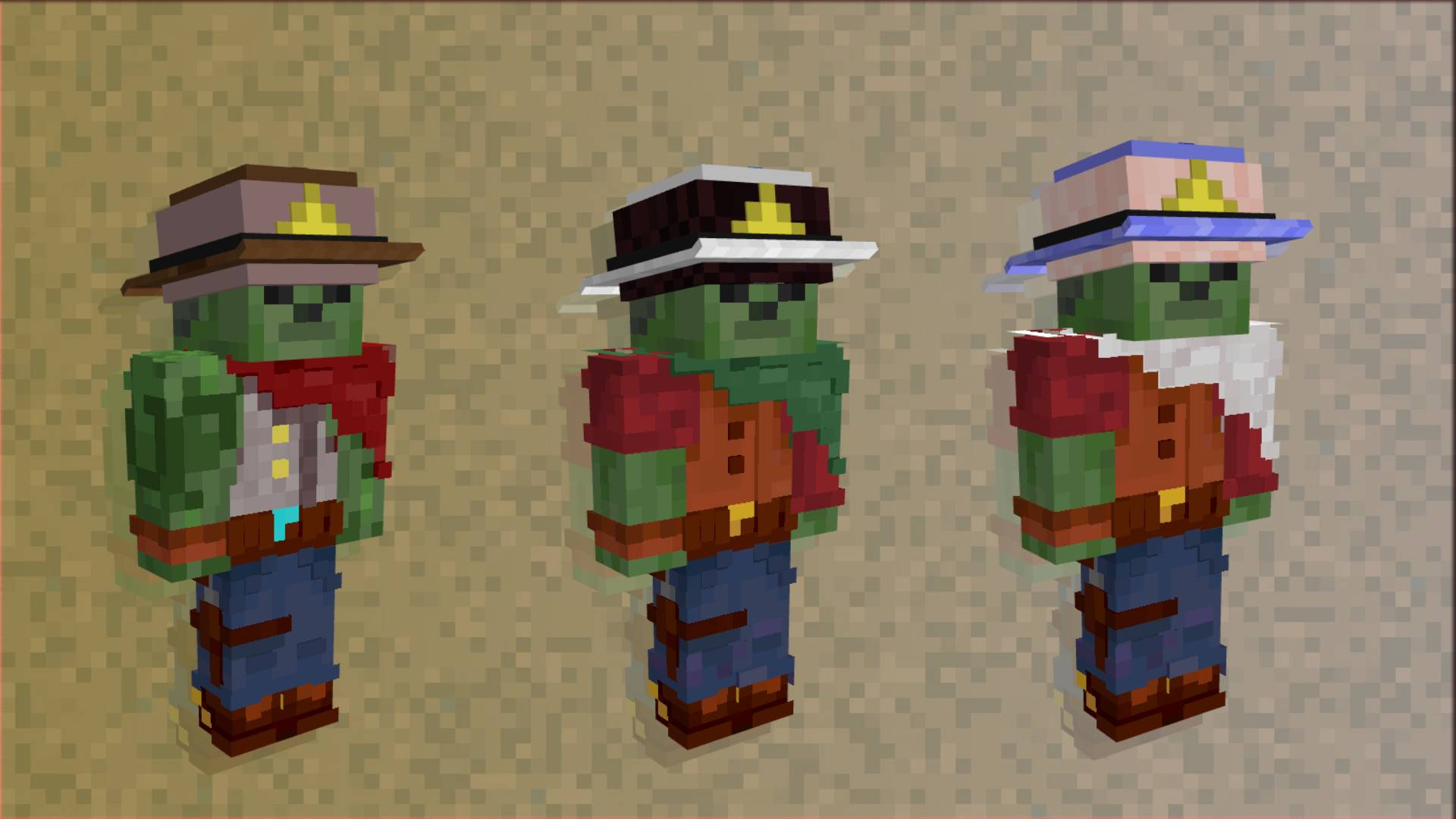
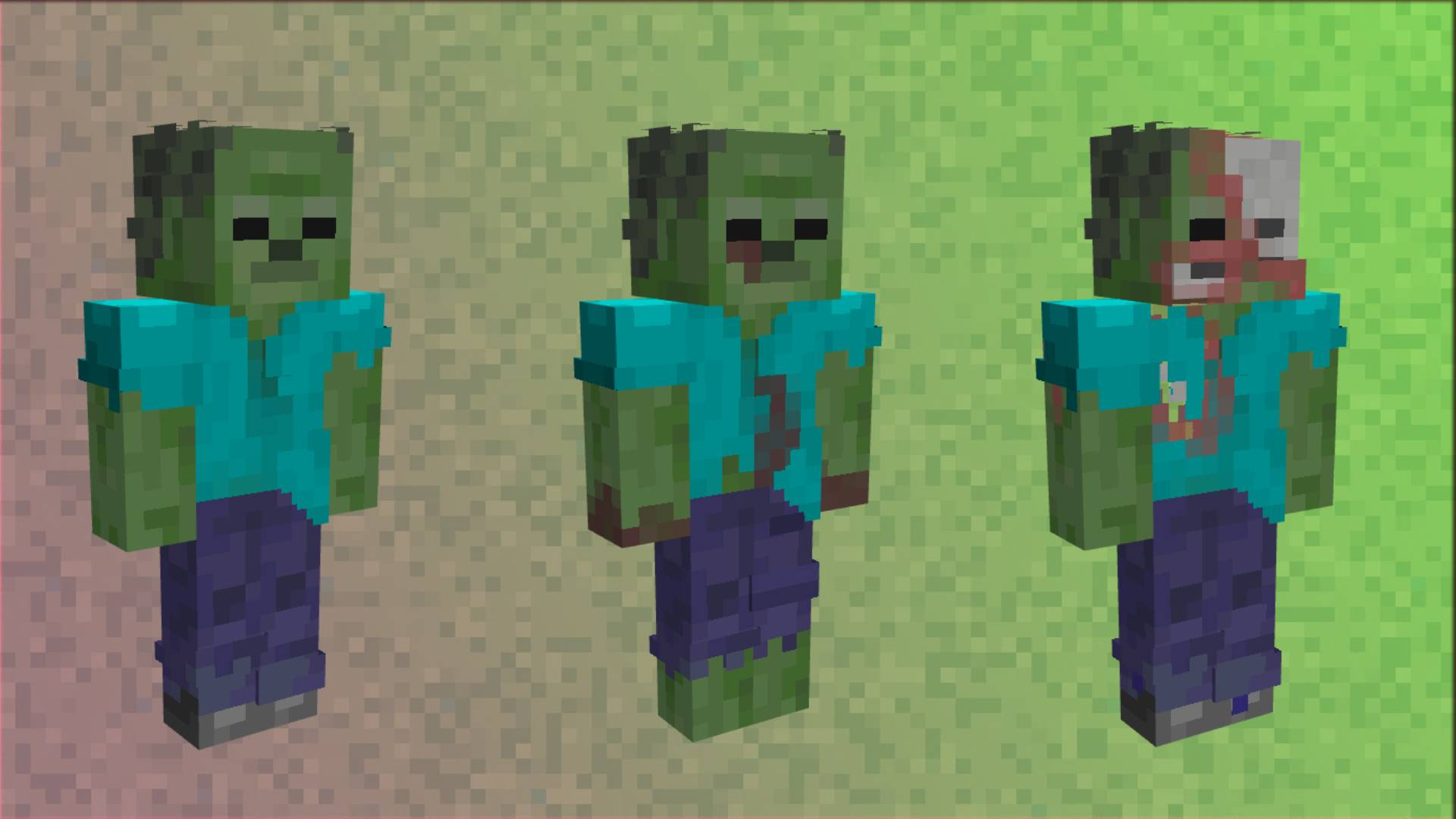
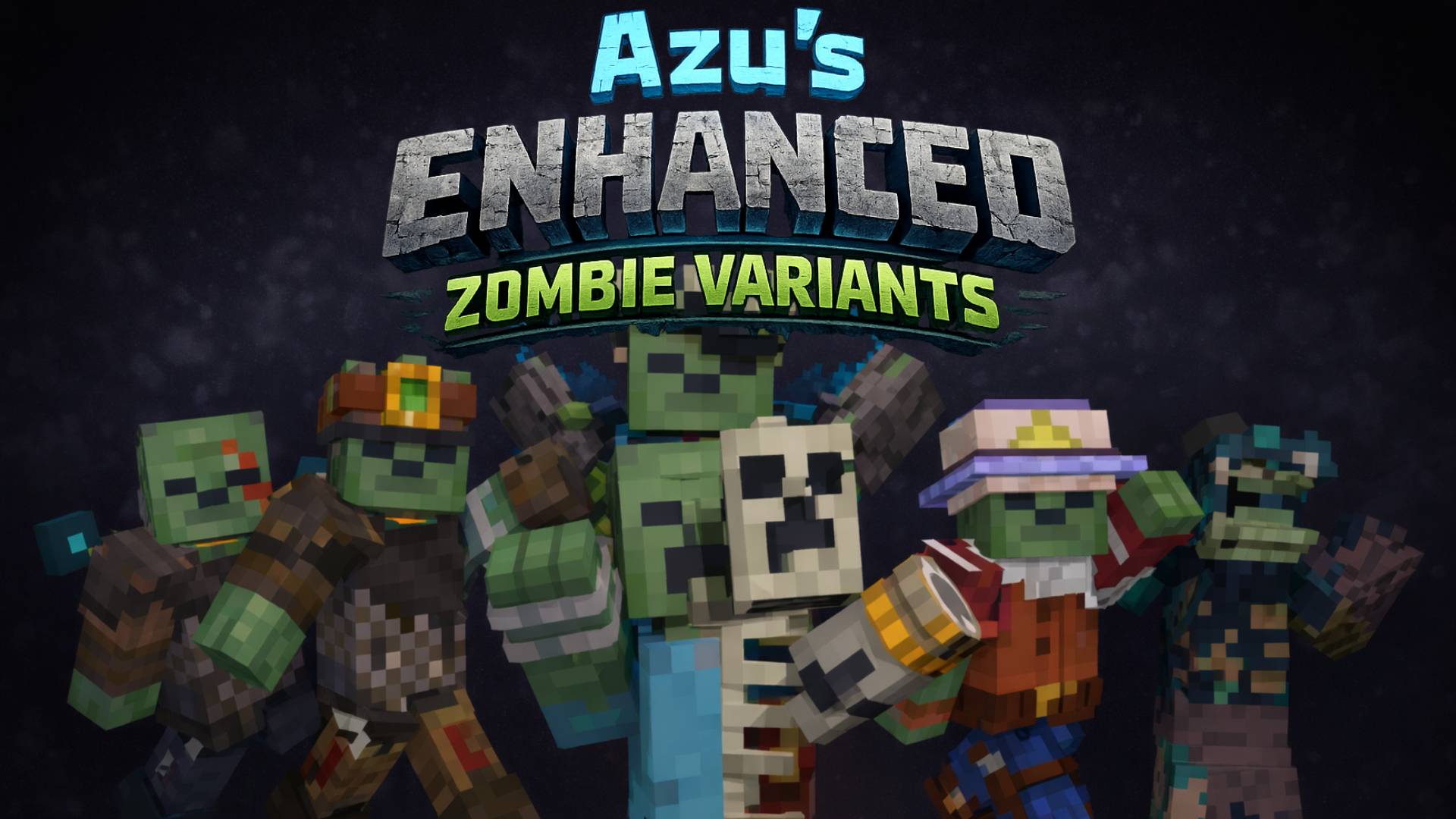
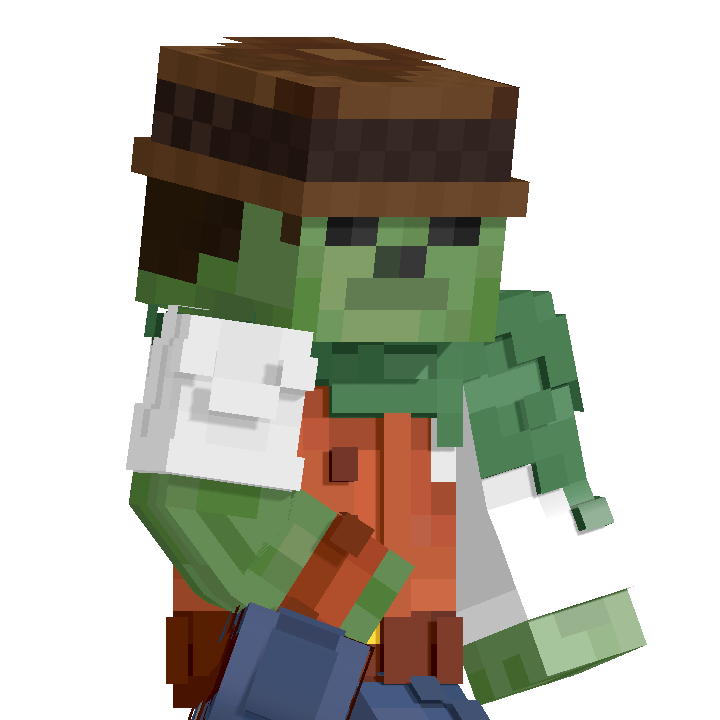
Revamp the undead with new textures, models, and custom animations for Zombies, Husks, and Drowned. Requires EMF/ETF.
by AZUHKAI
Download Claim this project
Add a badge to your pageLink to Azu's Enhanced Zombie Variants x Fresh Animations from a README, website or forum post.
Preview: Badge

Badges update automatically and link to the resource pack page on MineUniverse.

4,997 downloads
0 likes
0 followers
Updated Oct 14, 2026
0 hypes
Follow0
16x Animated
Advertisement Remove ads with Premium →

Azu's Enhanced Zombie Variants!


It's a resource pack that refreshes the appearance of zombies with a wide variety of models and textures. It includes random variants and unique designs tailored to each biome and altitude level.


CRÉDITOS:

Special thanks to FreshLX for their amazing model animations. We recommend downloading Fresh Animations for the full experience... Fresh Animations

IMPORTANT


This package uses an OptiFine feature called CEM (Custom Entity Model) for its 3D functionality, so it is recommended.

[EMF] and ETFs share the same feature, but it is required for it to work.


Azu's Enhanced Zombie Variants FA v1.2
MC 1.21, 1.20.2, 1.21.8, 1.20.5, 1.21.5, 1.21.4, 1.20.1, 1.20, 1.20.6, 1.21.1, 1.21.6, 1.21.3, 1.21.7, 1.20.4, 1.20.3, 1.21.2, 1.21.9, 1.21.10, 1.21.11, 26.1, 26.1.1, 26.1.2
Release 2026-06-30 Get
Azu's Enhanced Zombie Variants FA v0.1
MC 1.21, 1.20.2, 1.21.8, 1.20.5, 1.21.5, 1.21.4, 1.20.1, 1.20, 1.20.6, 1.21.1, 1.21.6, 1.21.3, 1.21.7, 1.20.4, 1.20.3, 1.21.2, 1.21.9, 1.21.10, 1.21.11, 26.1, 26.1.1, 26.1.2
Release 2026-06-17 Get
Azu's Enhanced Zombie Variants
MC 1.21, 1.20.2, 1.21.8, 1.20.5, 1.21.5, 1.21.4, 1.20.1, 1.20, 1.20.6, 1.21.1, 1.21.6, 1.21.3, 1.21.7, 1.20.4, 1.20.3, 1.21.2, 1.21.9, 1.21.10, 1.21.11, 26.1, 26.1.1, 26.1.2
Release 2026-01-15 Get

Requirements & install

How to use this resource pack in Minecraft
Resolution
16x
Minecraft
1.21.7 – 26.1.2
Install folder
.minecraft/resourcepacks

How to install resource packs

  1. Download the resource pack .zip file (do not extract it).
  2. In Minecraft open Options → Resource Packs → Open Pack Folder.
  3. Drop the .zip into the resourcepacks folder (.minecraft/resourcepacks).
  4. Move the pack to the Selected column and click Done.
Browse more: 16x resource packs 32x resource packs 64x resource packs 128x resource packs 256x resource packs 512x+ resource packs Resource Packs for 26.1.2 All resource packs

More from AZUHKAI

Advertisement Remove ads with Premium →

You Might Also Like