Mineuniverse
Resource Packs
Azalea LogSwap

Azalea LogSwap

RESOURCE PACK
Fix for worlds/servers using multiple mods that give Azalea its own log type.
by Gamemassa2
Download Claim this project
165 downloads
0 likes
Updated Oct 14, 2026
0 hypes
Data Packs Mod Support
Advertisement Remove ads with Premium →

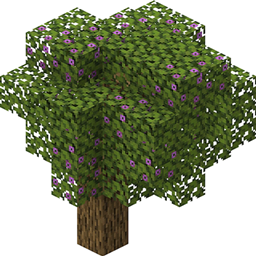
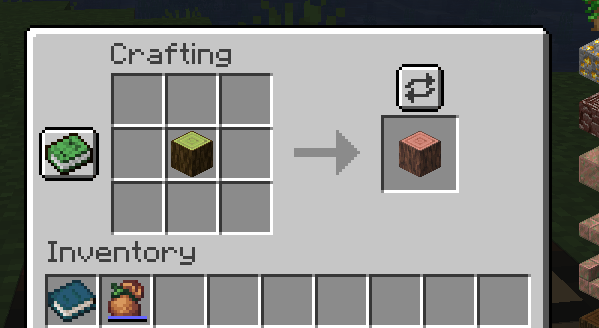
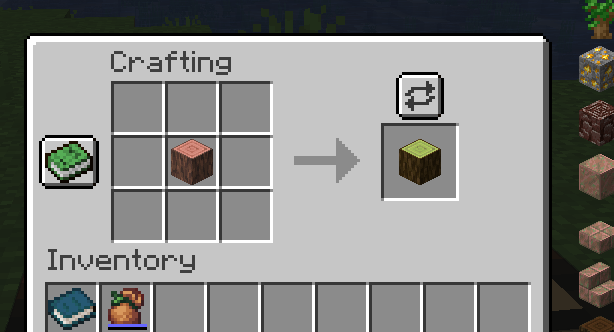
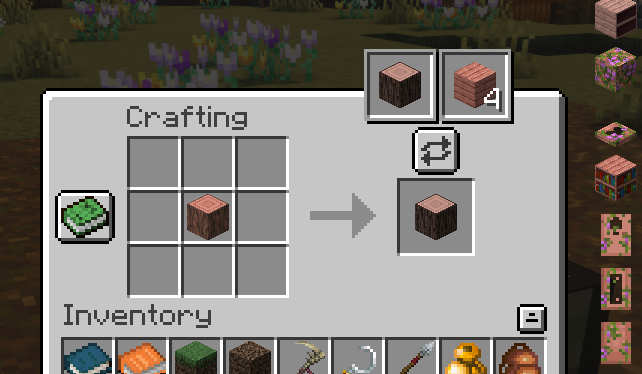
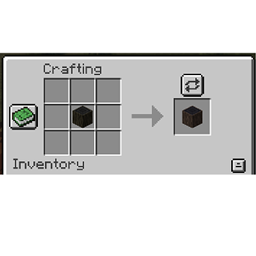
Multiple Forge/Fabric mods give Azalea its own type of log, but these mods often overlap each other such that Azalea trees will only generate (naturally or via planting) with logs from one mod, and logs from the other mod can only be obtained in Creative Mode. This data pack can be used in conjunction with Polymorph (Forge | Fabric) to create a partial workaround for that issue by allowing you to turn one Azalea log into the other in your crafting table.


Forge version requires Quark and Ecologics.

 

Fabric version requires Charm and Ecologics.

Azalea LogSwap (Fabric)
MC 1.19.2, 1.19.1, 1.19
Release 2022-09-15 Get
Azalea LogSwap (Forge)
MC 1.19.1, 1.19.2, 1.19
Release 2022-09-15 Get

Requirements & install

How to use this resource pack in Minecraft
Resolution
Not specified
Minecraft
1.19 – 1.19.2
Install folder
.minecraft/resourcepacks

How to install resource packs

  1. Download the resource pack .zip file (do not extract it).
  2. In Minecraft open Options → Resource Packs → Open Pack Folder.
  3. Drop the .zip into the resourcepacks folder (.minecraft/resourcepacks).
  4. Move the pack to the Selected column and click Done.
Browse more: 16x resource packs 32x resource packs 64x resource packs 128x resource packs 256x resource packs 512x+ resource packs Resource Packs for 1.19.2 All resource packs

More from Gamemassa2

Advertisement Remove ads with Premium →

You Might Also Like