Mineuniverse
Resource Packs
Awesome Dungeon πŸ“¦

Awesome Dungeon πŸ“¦

RESOURCE PACK
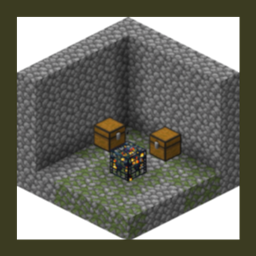
This datapack adds structures/dungeons to your world.
by jtl_elisa
Download Claim this project
43,154 downloads
0 likes
Updated Oct 14, 2026
0 hypes
Data Packs Medieval Miscellaneous
Advertisement Remove ads with Premium →


Intro :

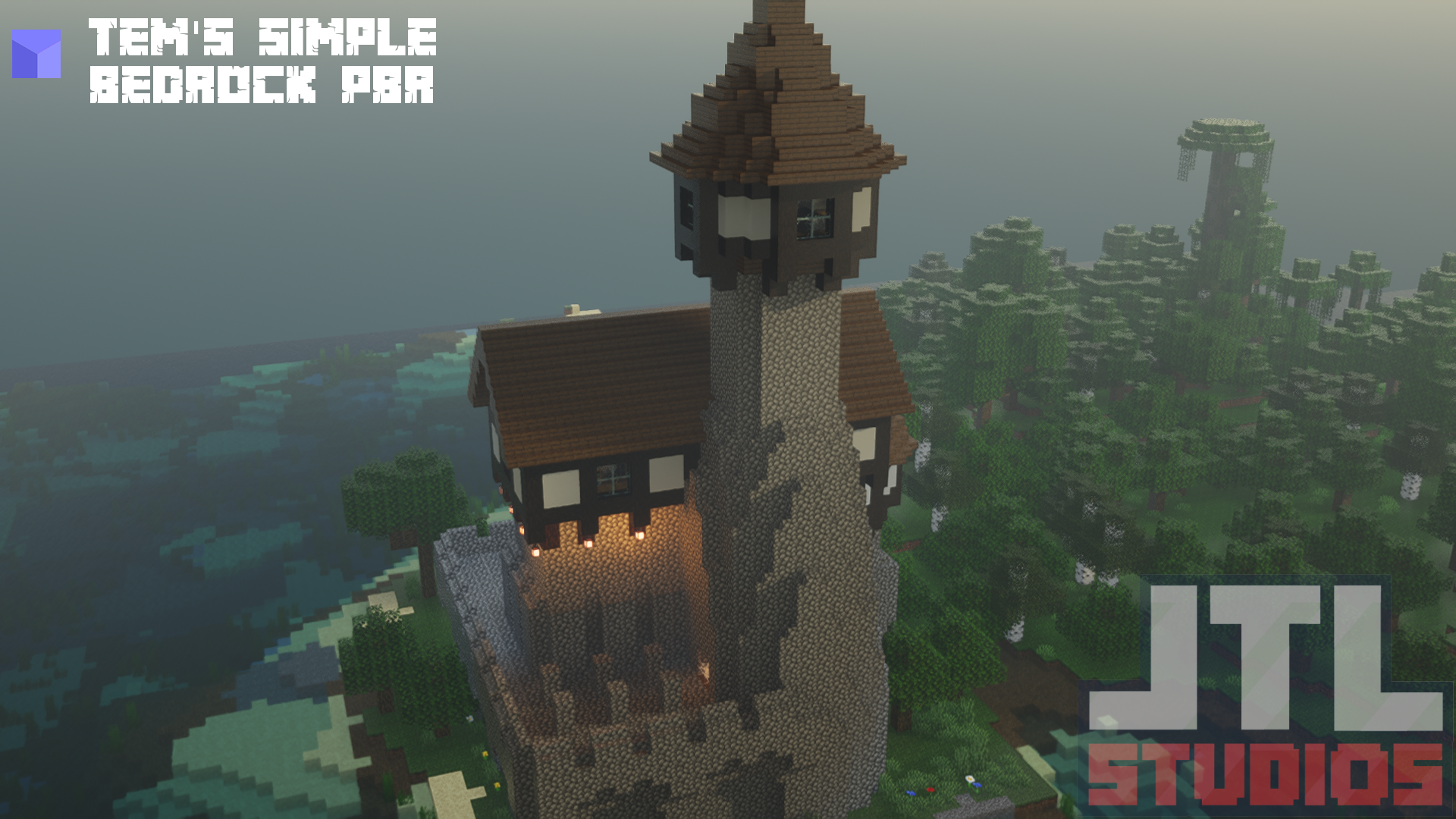
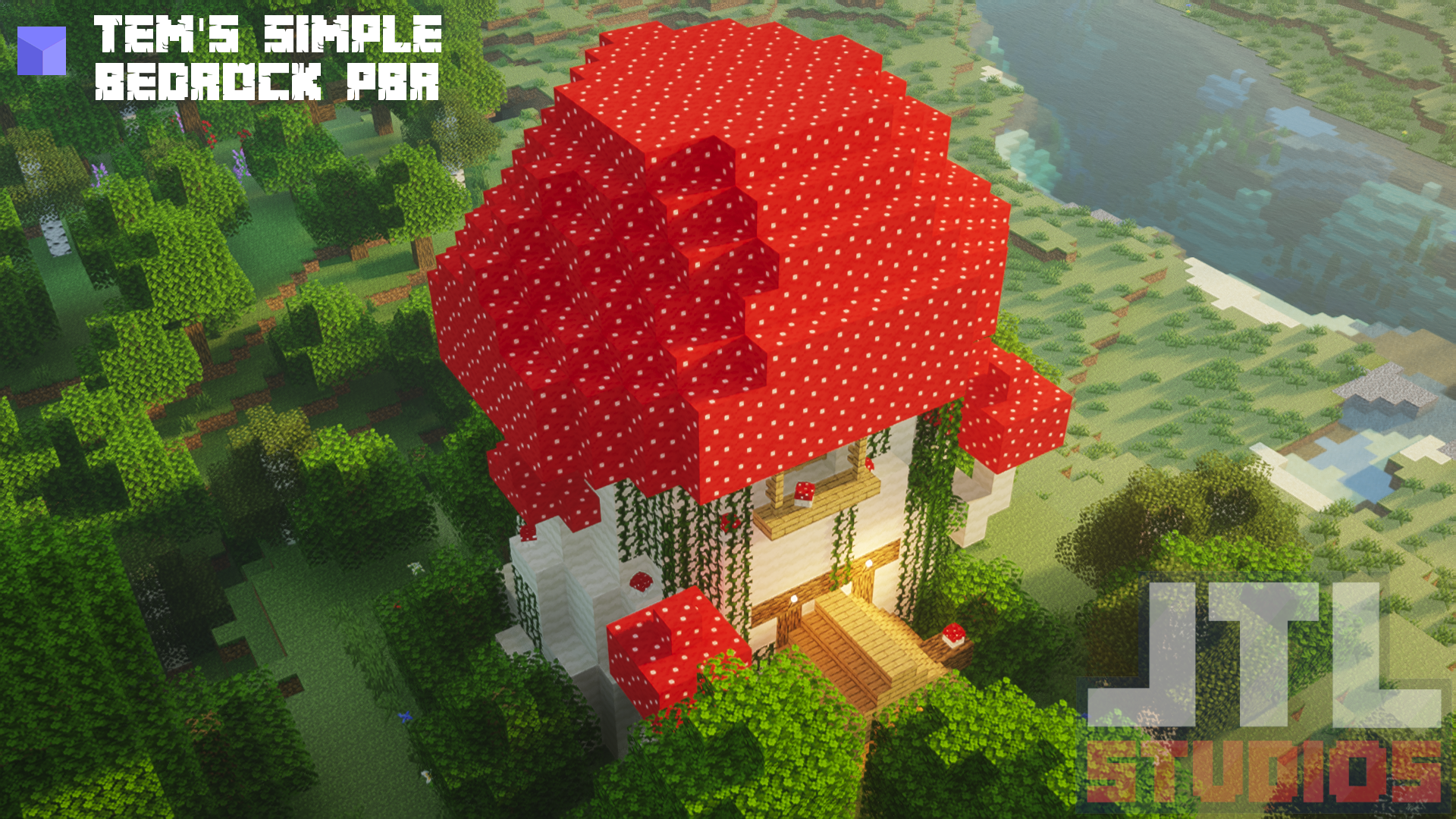
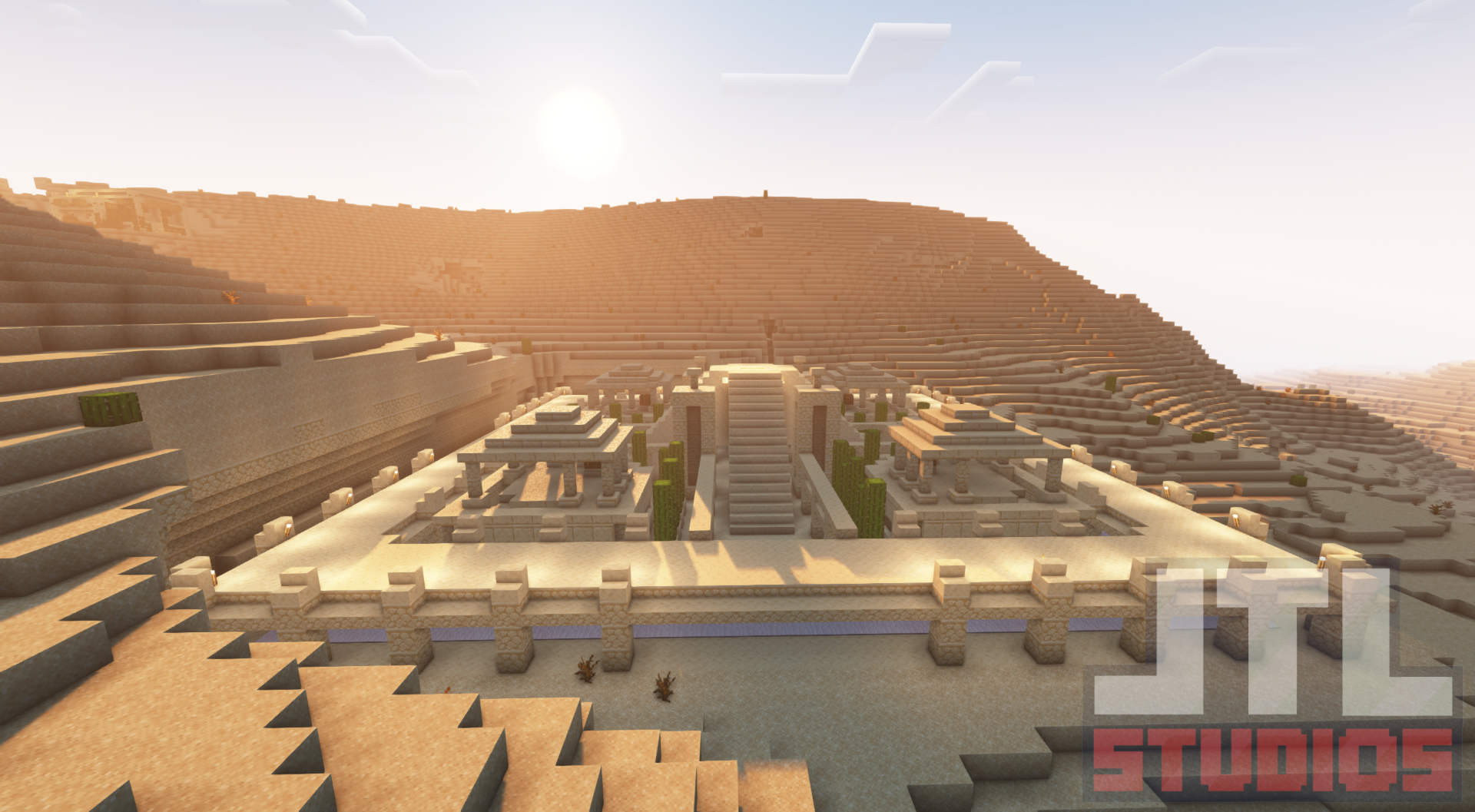
This datapack adds a variety of structures and dungeons to your overworld, enriching your exploration experience. The dungeons are designed with mob spawners and chests containing loot, providing resources and opportunities to interact with the environment.

  • 🌳 The Giant Jungle Tree
  • 🏯 Abandoned Oak Palace
  • 🏰 Better Default Temple Jungle
  • 🏰 The Swamp Temple
  • 🏜️ Desert Temple Husk
  • 🏰 The Z Thower
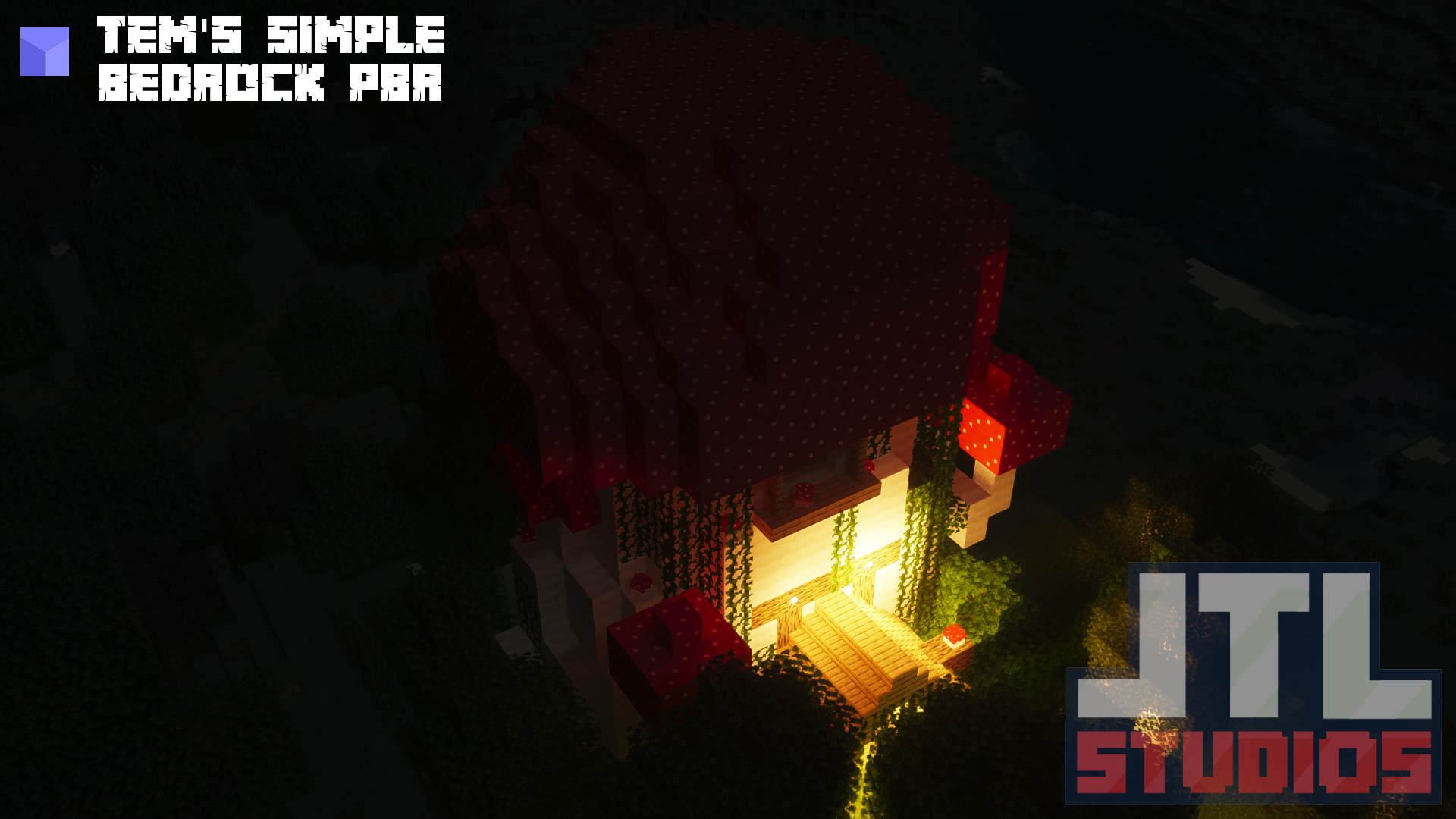
  • πŸ„ Mushroom Abandonned
  • 🏚️ The Usine
  • 🏰 Witch Castle 


Links :

Find our resources and join the community:

πŸ”— Link Tree


πŸ”— Discord


πŸ”— Github


Partners :

This project is proudly supported by BisectHosting. Check out their services to easily host your projects with quality and reliability.

banner bisechosting

Call to Action :

Have questions? Need help? Join us on Discord or visit our GitHub to get involved with the community and contribute!


Awesome Dungeon 4.0.1 - Datapack 26.2
MC 26.2
Release 2026-10-12 Get
aws_dungeon_1.19.3.zip
MC 1.19.3
Release 2023-03-16 Get
awesome_dungeon_1.19.2+3.1.0.zip
MC 1.19.2
Release 2023-03-14 Get
awesomedungeon-1.19.2-3.0.0.zip
MC 1.19.2, 1.19.1
Release 2022-09-16 Get
Awesome Dungeon πŸ“¦ v4
MC 1.19-Snapshot, 1.19
Release 2022-06-17 Get
Awesome Dungeon πŸ“¦
MC 1.18.2
Release 2022-04-11 Get
Awesome Dungeon
MC 1.18.2
Release 2022-04-02 Get

Requirements & install

How to use this resource pack in Minecraft
Resolution
Not specified
Minecraft
1.18.2 – 26.2
Install folder
.minecraft/resourcepacks

How to install resource packs

  1. Download the resource pack .zip file (do not extract it).
  2. In Minecraft open Options β†’ Resource Packs β†’ Open Pack Folder.
  3. Drop the .zip into the resourcepacks folder (.minecraft/resourcepacks).
  4. Move the pack to the Selected column and click Done.
Browse more: 16x resource packs 32x resource packs 64x resource packs 128x resource packs 256x resource packs 512x+ resource packs Resource Packs for 26.2 All resource packs

More from jtl_elisa

Advertisement Remove ads with Premium →

You Might Also Like