Mineuniverse
Resource Packs
Aura Tools

Aura Tools

RESOURCE PACK
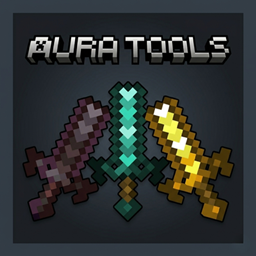
"A sleek 16x16 resource pack that redefines Minecraft tools! Featuring unique shapes for every tier—including a custom Copper set—Aura Tools brings a fresh, professional look to your survival world."
by Zensiyoo
Download Claim this project
Add a badge to your pageLink to Aura Tools from a README, website or forum post.
Preview: Badge

Badges update automatically and link to the resource pack page on MineUniverse.

613 downloads
0 likes
0 followers
Updated Oct 14, 2026
0 hypes
Follow0
16x
Advertisement Remove ads with Premium →

Aura Tools is a lightweight yet impactful 16x16 resource pack designed to give your equipment a modern and refined silhouette. Instead of the standard blocky vanilla textures, this pack introduces custom shapes and a more professional color palette while staying true to the classic Minecraft performance.

💎 Key Features

  • Optimized 16x16 Textures: Designed to be performance-friendly while offering a completely new look.

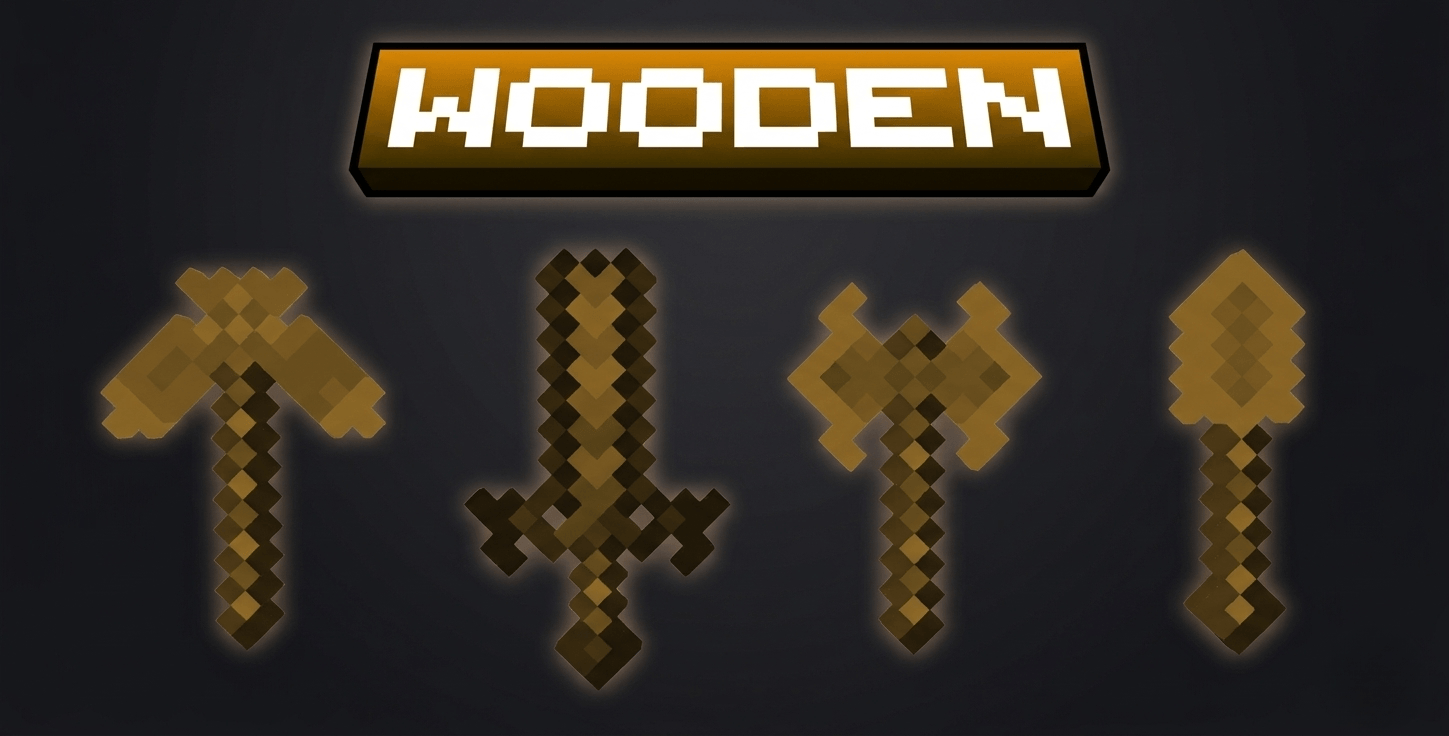
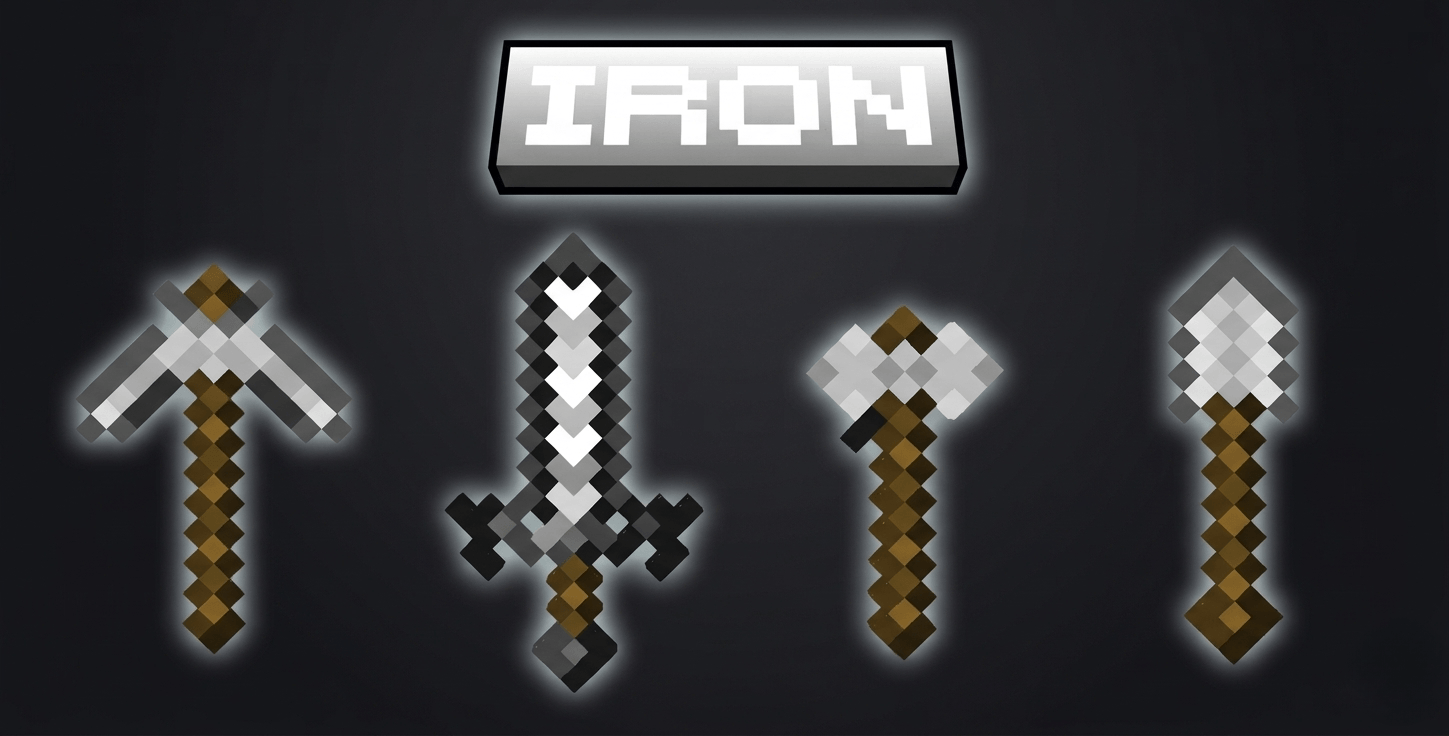
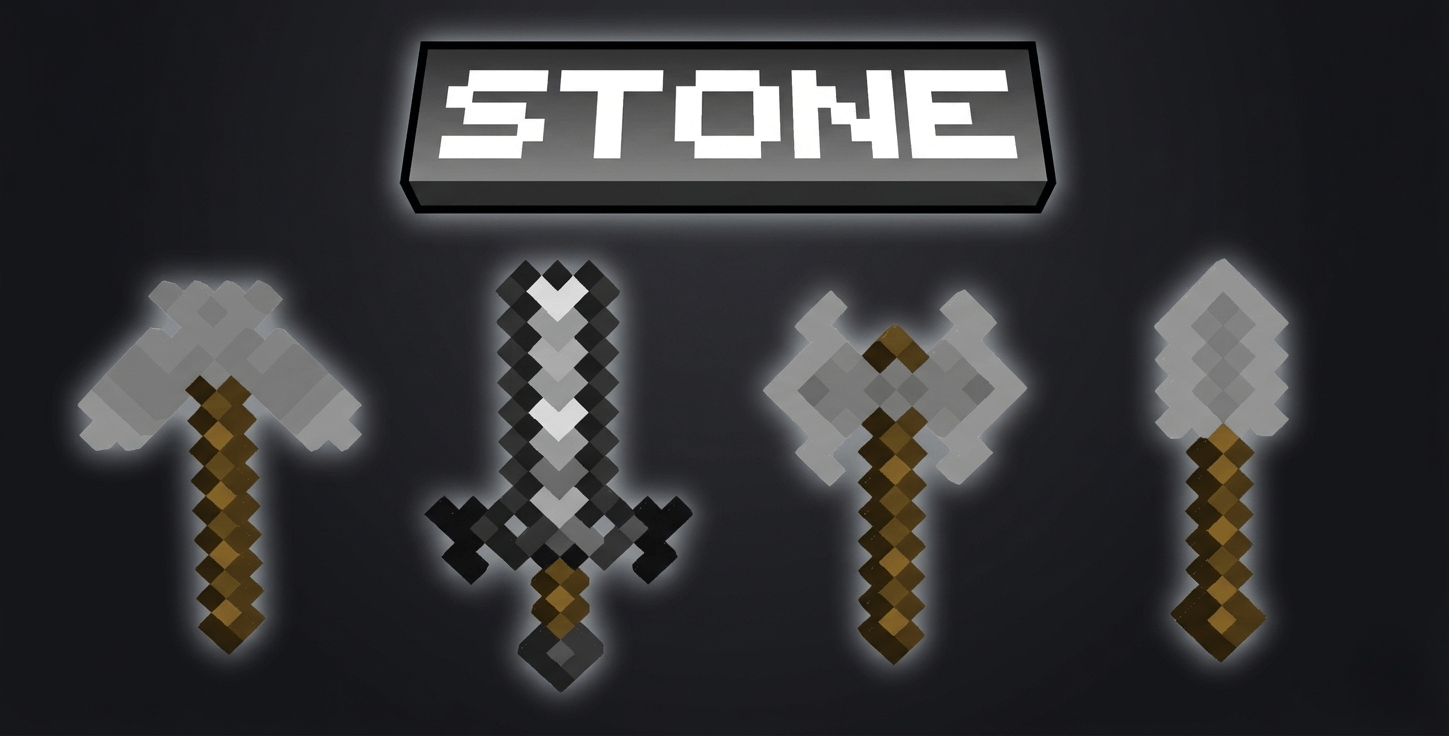
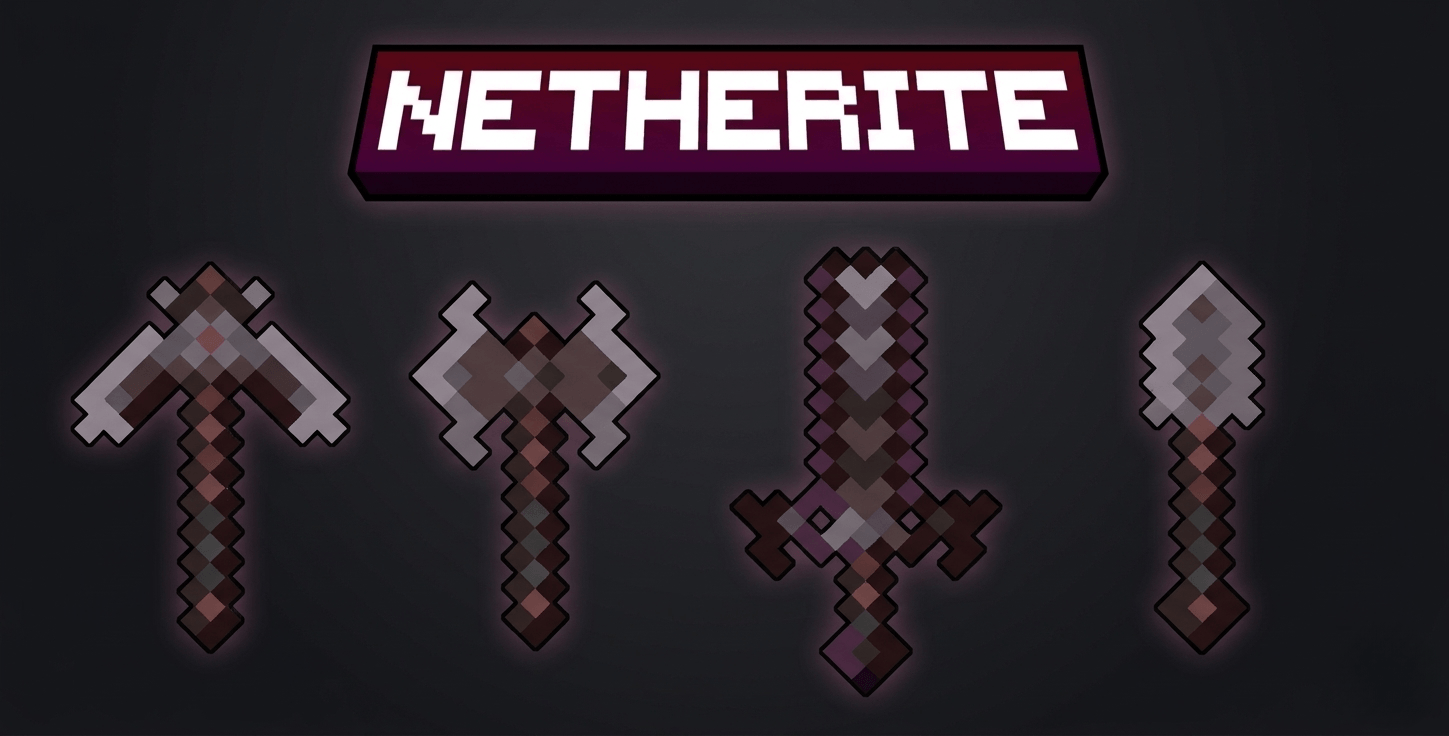
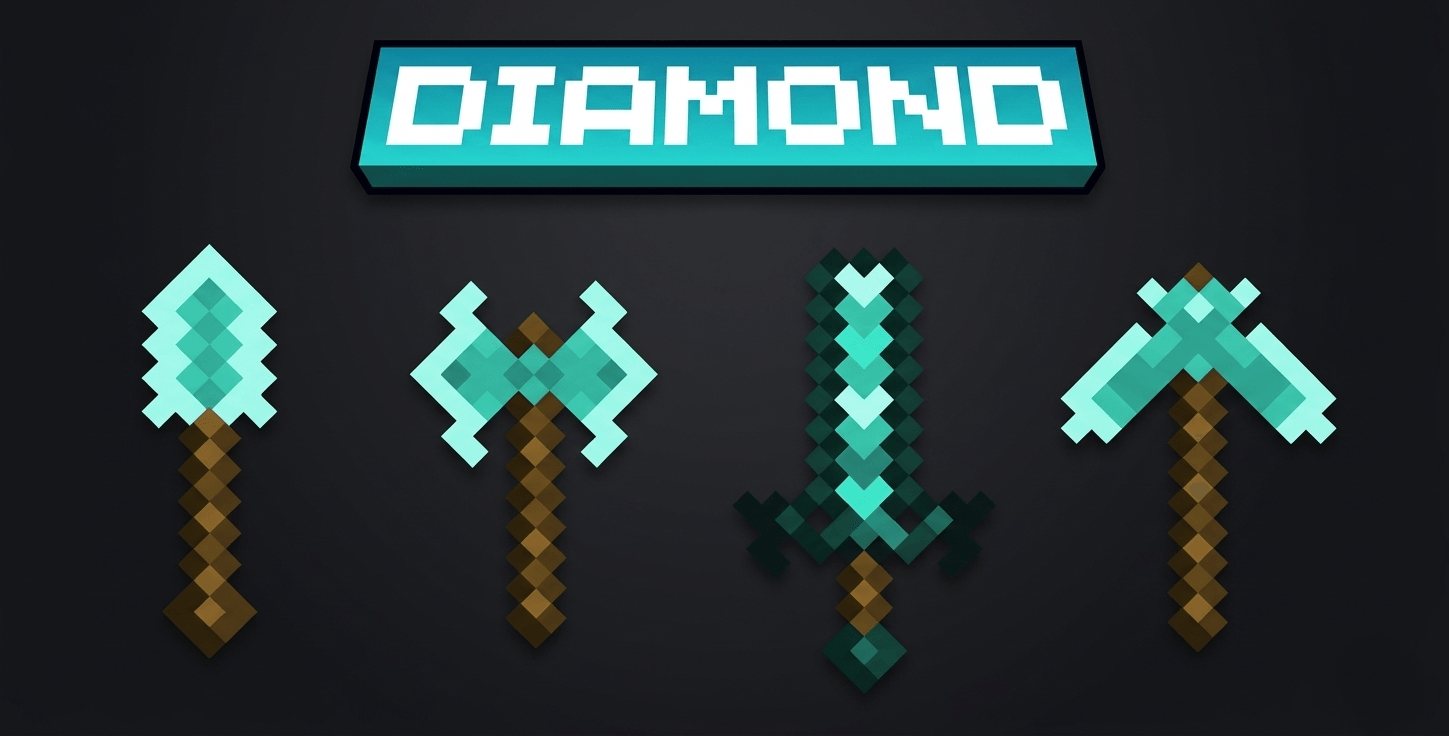
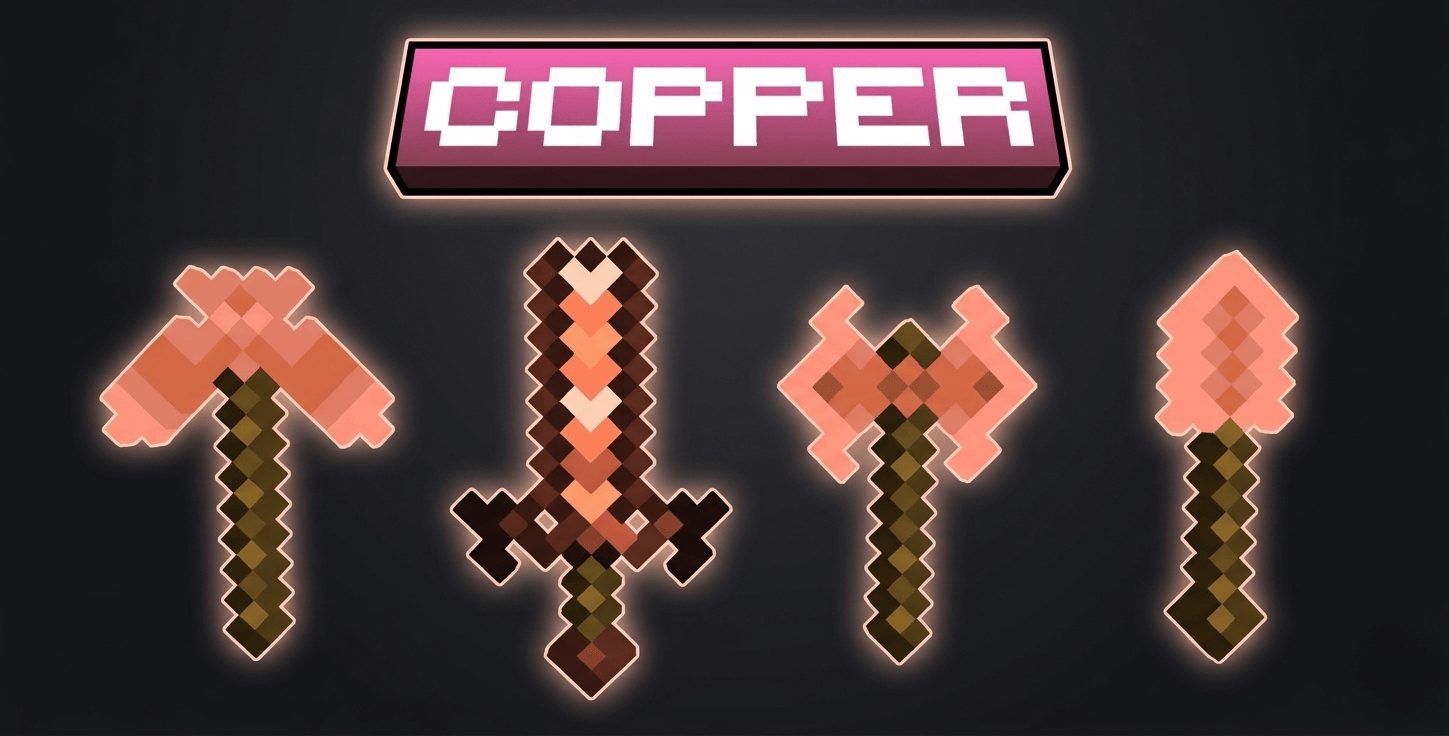
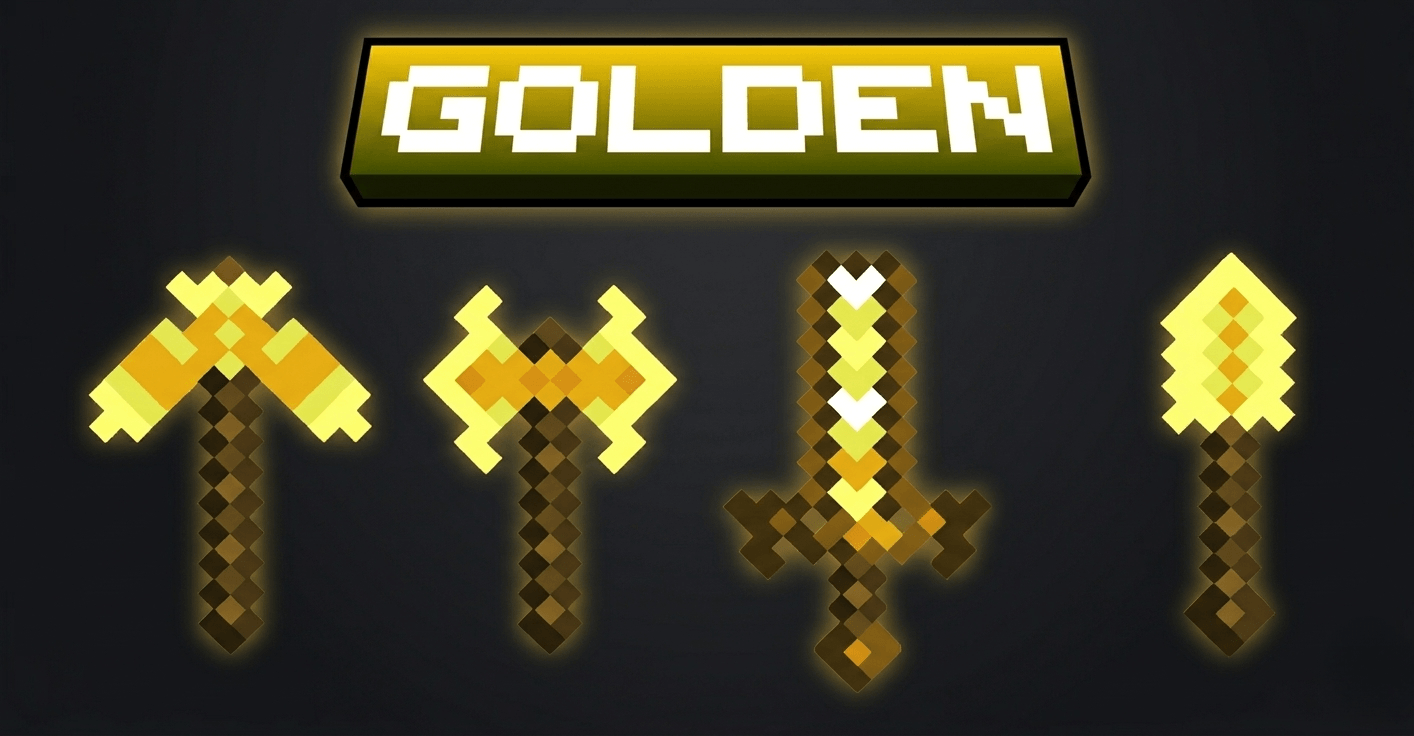
  • Custom Tool Shapes: Unique silhouettes for Swords, Pickaxes, Axes, and Shovels to make your gear feel special.

  • Complete Tier Overhaul:

    • Netherite: Dark, heavy, and powerful appearance.

    • Diamond: Sharp, crystalline, and iconic.

    • Gold: Brilliant, high-contrast royal textures.

    • Iron: Clean, polished, and industrial.

    • Copper: A special rose-gold aesthetic for early-game flair.

    • Stone & Wood: Refined, clean shapes for a better starting experience.

§lAura Tools.zip
MC 1.21, 1.21.8, 1.21.5, 1.21.4, 1.21.1, 1.21.6, 1.21.3, 1.21.7, 1.21.2, 1.21.9, 1.21.10, 1.21.11, 26.1, 26.1.1
Release 2026-04-03 Get

Requirements & install

How to use this resource pack in Minecraft
Resolution
16x
Minecraft
1.21.6 – 26.1.1
Install folder
.minecraft/resourcepacks

How to install resource packs

  1. Download the resource pack .zip file (do not extract it).
  2. In Minecraft open Options → Resource Packs → Open Pack Folder.
  3. Drop the .zip into the resourcepacks folder (.minecraft/resourcepacks).
  4. Move the pack to the Selected column and click Done.
Browse more: 16x resource packs 32x resource packs 64x resource packs 128x resource packs 256x resource packs 512x+ resource packs Resource Packs for 26.1.1 All resource packs

More from Zensiyoo

Advertisement Remove ads with Premium →

You Might Also Like