Mineuniverse
Resource Packs
! Astronyx [16x] B&W

! Astronyx [16x] B&W

RESOURCE PACK
A clean black and white 16x PvP texture pack variant featuring a minimal monochrome style and polished competitive visuals.
by agent_fr0sty
Download Claim this project
Add a badge to your pageLink to ! Astronyx [16x] B&W from a README, website or forum post.
Preview: Badge

Badges update automatically and link to the resource pack page on MineUniverse.

780 downloads
0 likes
0 followers
Updated Oct 14, 2026
0 hypes
Follow0
16x
Advertisement Remove ads with Premium →

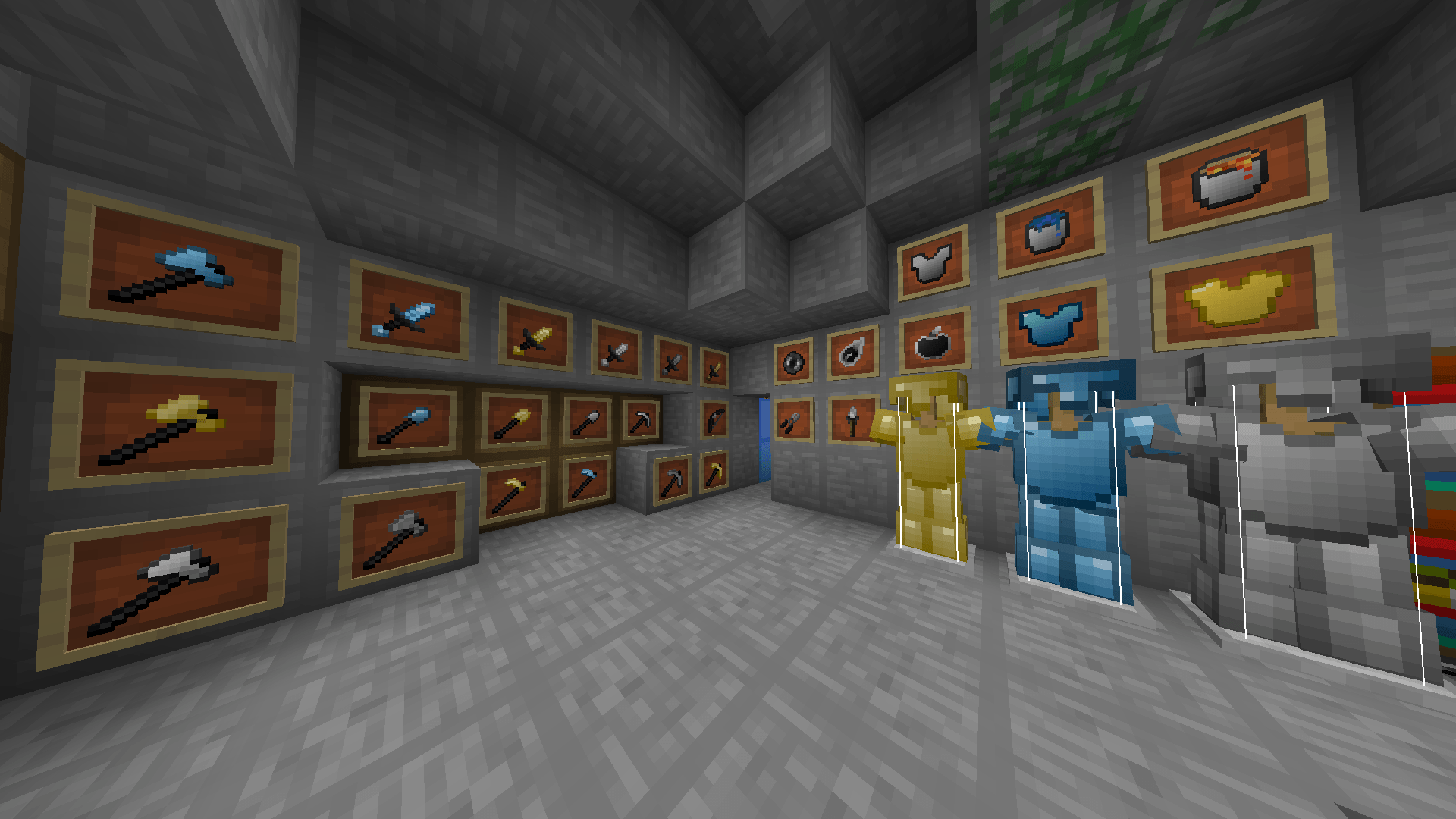
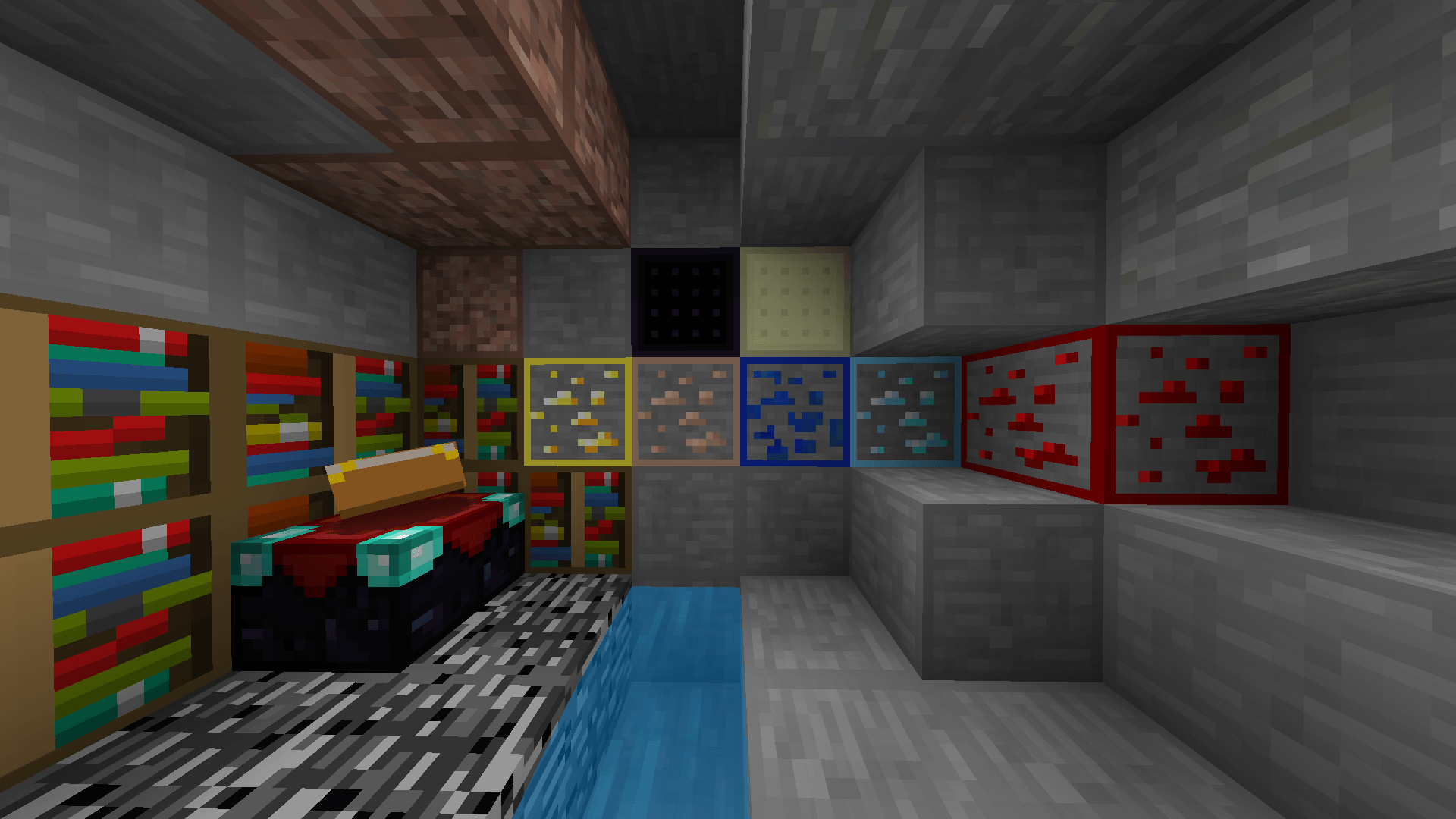
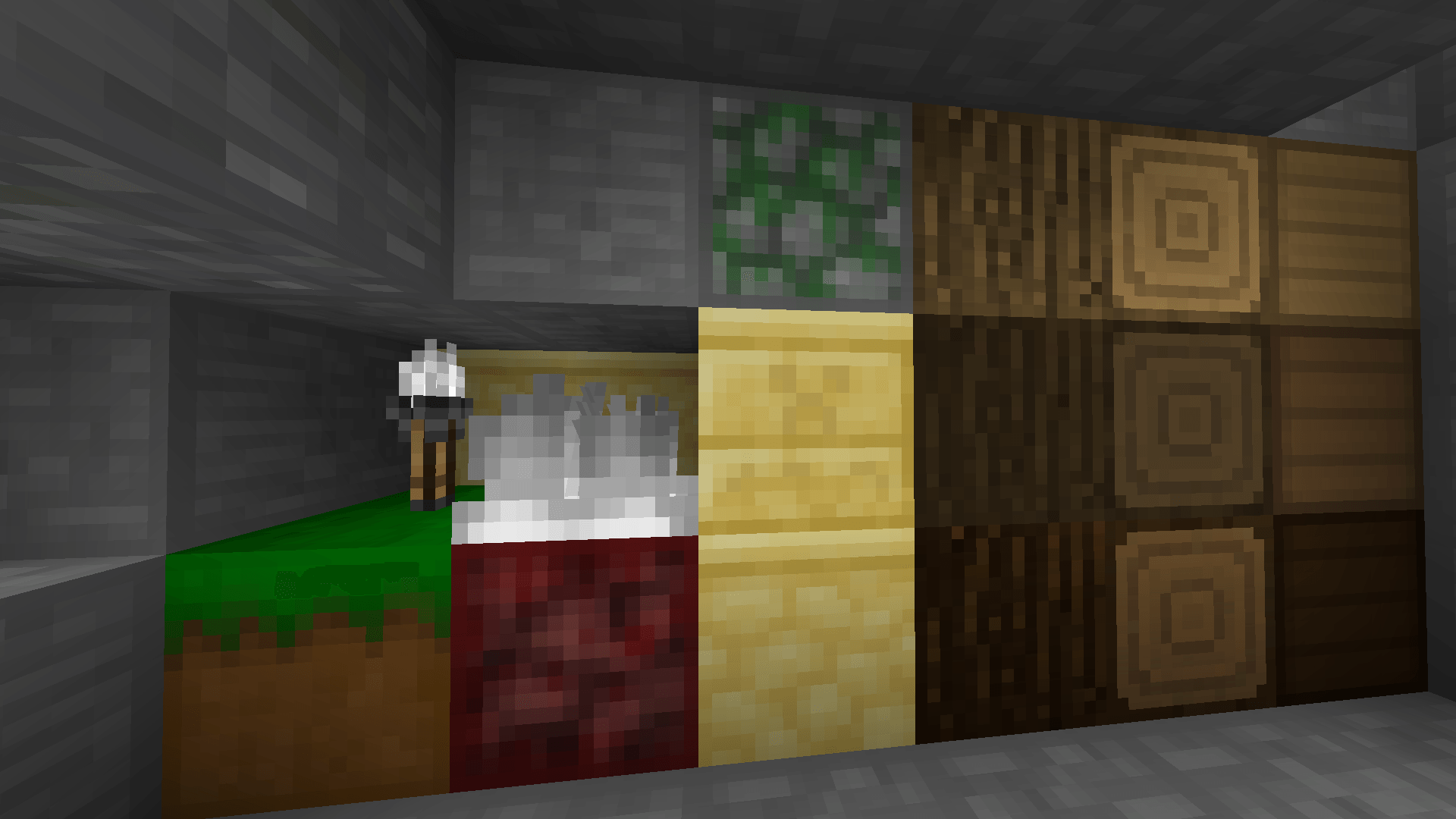
Astronyx 16x – Black & White Edition is a monochrome PvP-focused Minecraft texture pack built around a clean black, white, and grayscale visual style.

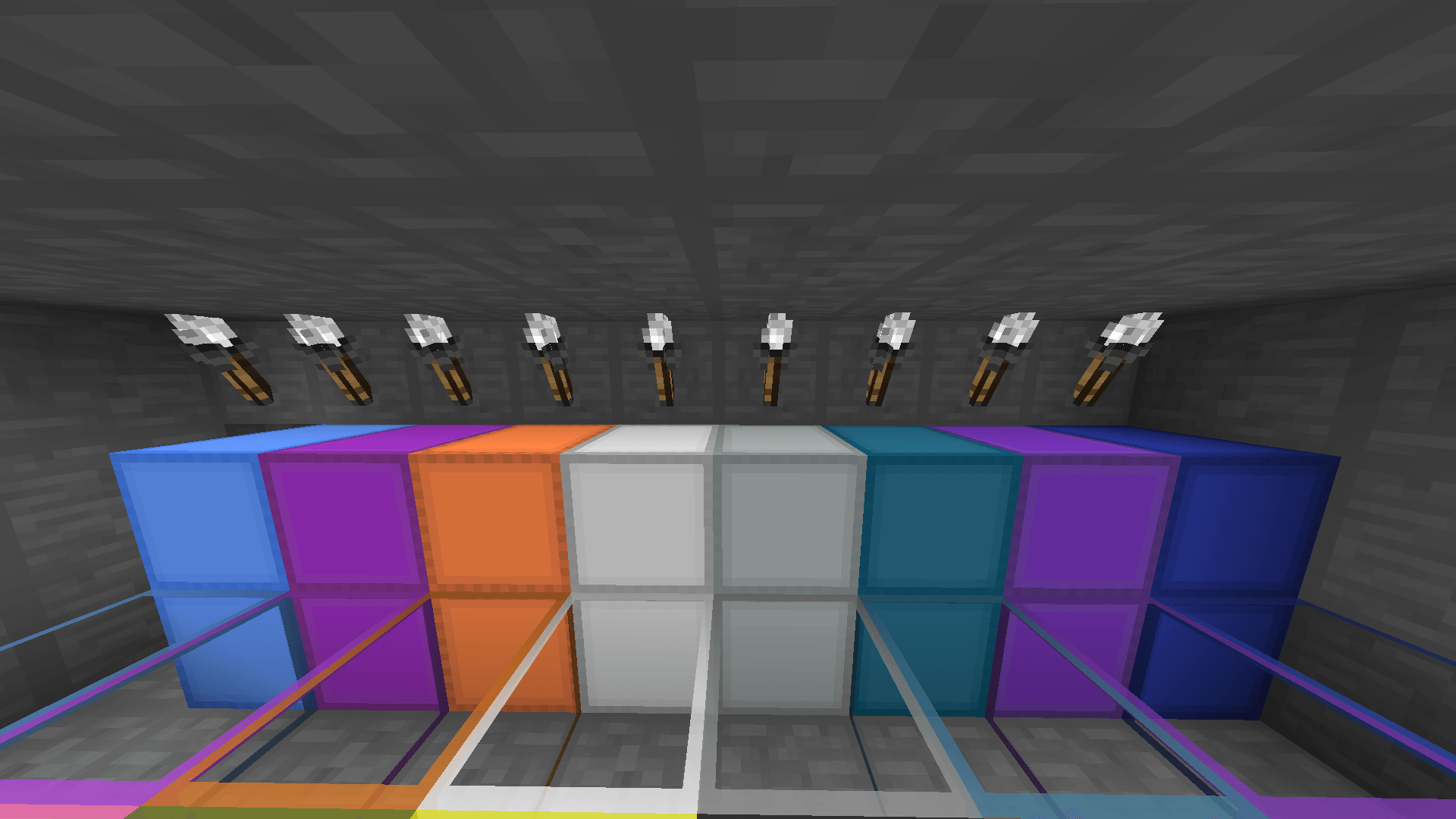
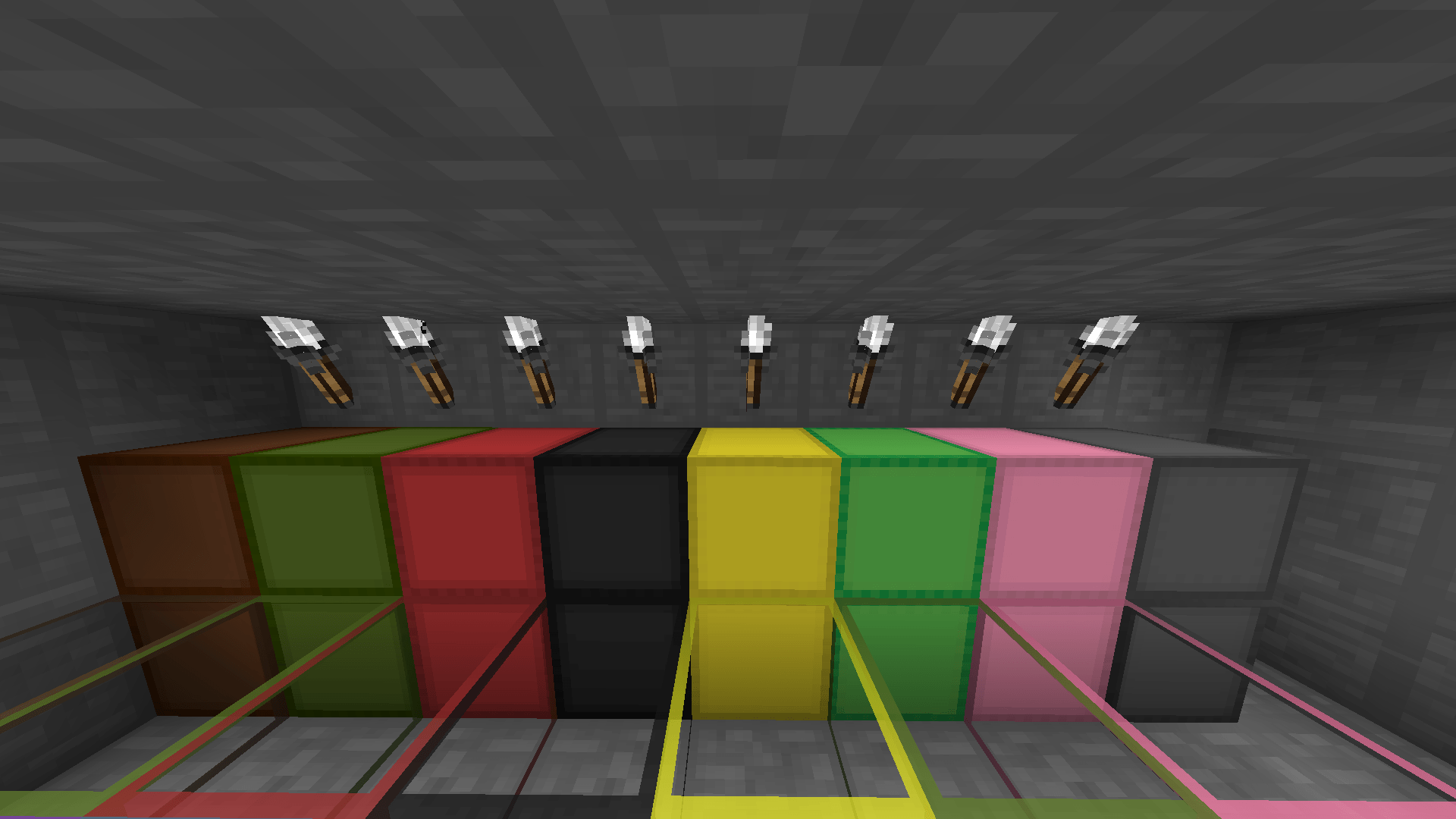
This edition reimagines many textures with a simplified high-contrast design, giving blocks, items, armor, particles, and interface elements a sharp and consistent monochrome look while keeping the core Astronyx style.

The pack includes customized block textures, reworked PvP-related items, custom particles, a transparent GUI, No Pumpkin Blur, custom sky elements, and additional visual refinements designed around the black-and-white theme.

Features include:
• Monochrome black & white theme
• Customized block textures
• Custom armor textures
• Transparent custom GUI
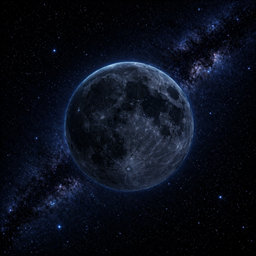
• Custom moon and sun
• No Pumpkin Blur
• Custom critical hit and sharpness particles
• Customized PvP-related items and tools
• Clean minimalistic visual style

Hope you enjoy using Astronyx 16x – Black & White Edition.

! Astronyx [16x] B&W.zip
MC 1.8.9
Release 2026-05-12 Get
! Astronyx [16x] B&W.zip
MC 1.8.9
Release 2026-05-08 Get
! Astronyx [16x] B&W.zip
MC 1.8.9
Release 2026-05-04 Get
! Astronyx [16x] B&W.zip
MC 1.8.9
Release 2026-05-03 Get
! Astronyx [16x] B&W.zip
MC 1.8.9
Release 2026-05-03 Get

Requirements & install

How to use this resource pack in Minecraft
Resolution
16x
Minecraft
1.8.9
Install folder
.minecraft/resourcepacks

How to install resource packs

  1. Download the resource pack .zip file (do not extract it).
  2. In Minecraft open Options → Resource Packs → Open Pack Folder.
  3. Drop the .zip into the resourcepacks folder (.minecraft/resourcepacks).
  4. Move the pack to the Selected column and click Done.
Browse more: 16x resource packs 32x resource packs 64x resource packs 128x resource packs 256x resource packs 512x+ resource packs Resource Packs for 1.8.9 All resource packs

More from agent_fr0sty

Advertisement Remove ads with Premium →

You Might Also Like