Mineuniverse
Resource Packs
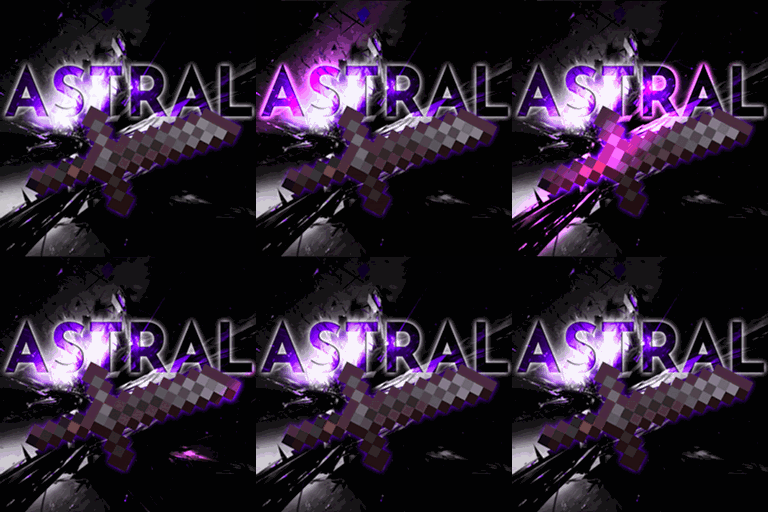
ASTRAL PvP Essentials

ASTRAL PvP Essentials

RESOURCE PACK
An All-In-One PvP Pack With A Space Theme
by AscentMC
Download Claim this project
8,084 downloads
0 likes
Updated Oct 14, 2026
0 hypes
16x
Advertisement Remove ads with Premium →

Enhances Pvp Visuals While Keeping Block/Item Textures Vanilla

Beyond The Stars

built on onyx pvp essentials

About:

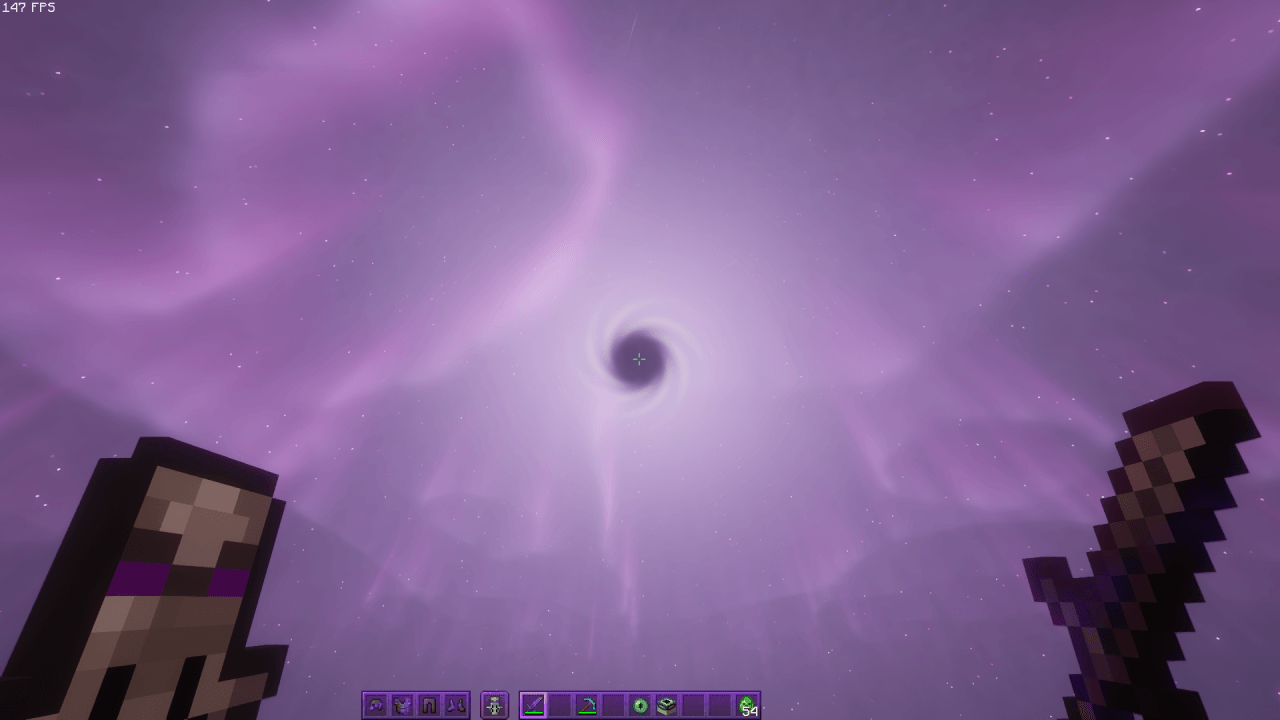
Astral PvP Essentials is designed for players who want a cleaner, more focused combat experience. It removes visual clutter and tones down distracting effects so you can track opponents and react faster in fights.

With a themed UI, refined particles, and optimized visuals, everything feels smoother and easier to read. Every change is subtle but meaningful.
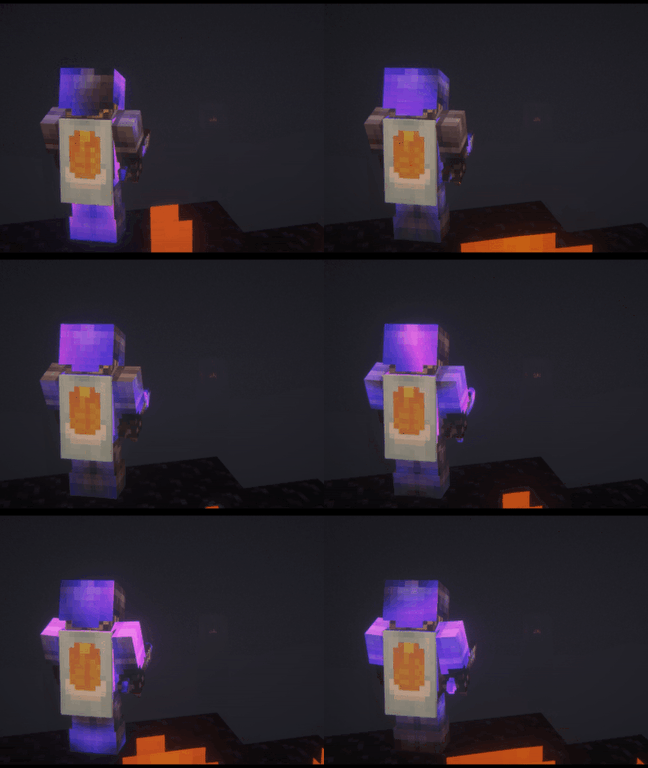
 

Features:

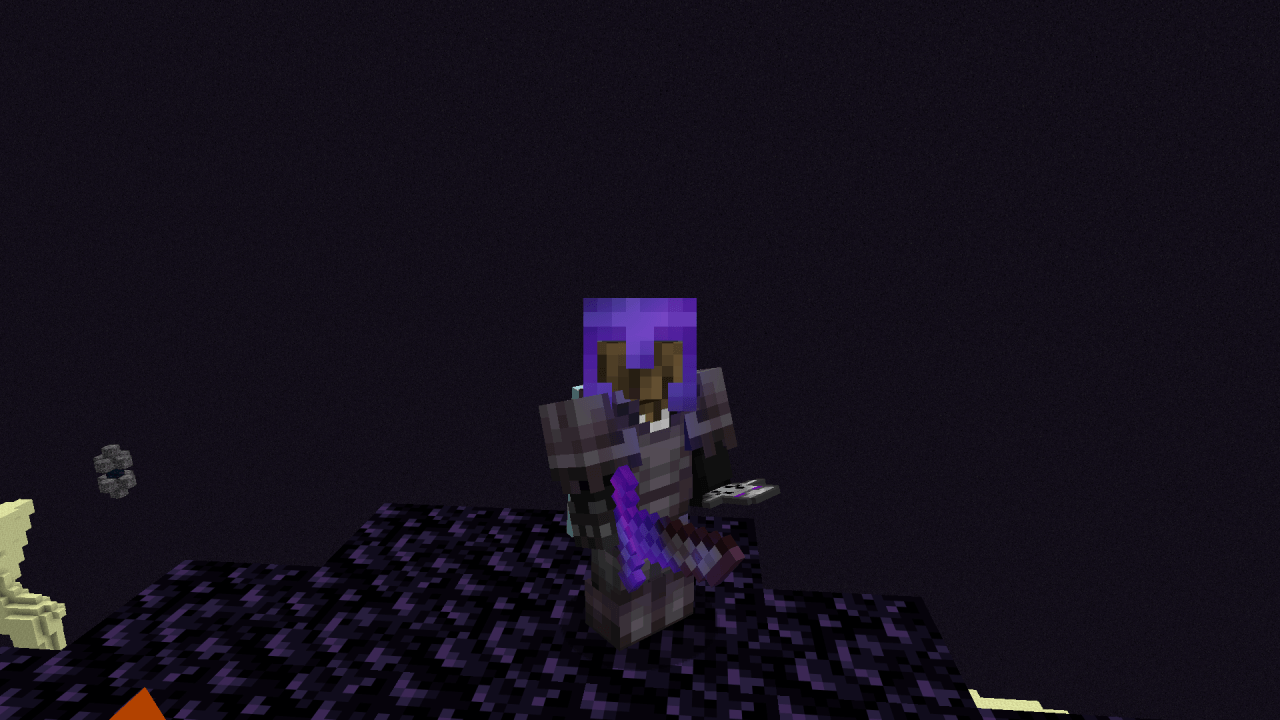
  • Lower Fire
  • Lower Shield
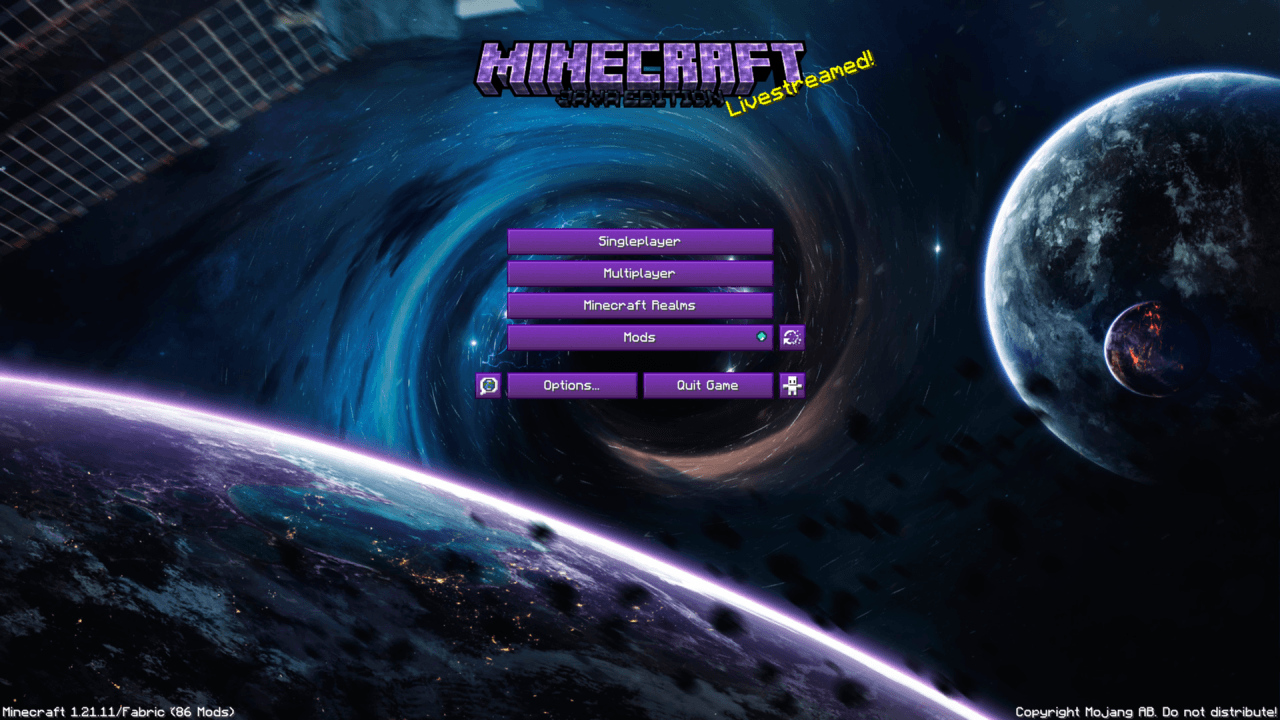
  • Space / Purple Themed Custom UI
  • Vanilla+ Enchantment Glint
  • Smaller Tools For Better Visibility
  • Retextured Effect/Crit/Hit Particles
  • Removed Unwanted Particles (ex. explosions, food etc.)

NOT YOUR THING? - check out ONYX PVP Essentials! *FREE*

NOT ENOUGH? - check out ONYX Ultra! *50% OFF*


YT - https://www.youtube.com/@ascent_mc

TikTok - https://www.tiktok.com/@ascent.mc

Store - https://ascentmc.gumroad.com/

ASTRAL Essentials 1.1.0
MC 1.21.2-Snapshot, 1.21, 1.21.6-snapshot, 1.21.1-Snapshot, 1.21.8, 1.21.5, 1.21.4, 1.21.5-Snapshot, 1.21.1, 1.21.6, 1.21.3, 1.21.7, 1.21-Snapshot, 1.21.4-Snapshot, 1.21.2
Release 2026-09-19 Get
ASTRAL Essentials 1.0.0
MC 1.21.2-Snapshot, 1.21, 1.21.6-snapshot, 1.21.1-Snapshot, 1.21.8, 1.21.5, 1.21.4, 1.21.5-Snapshot, 1.21.1, 1.21.6, 1.21.3, 1.21.7, 1.21-Snapshot, 1.21.4-Snapshot, 1.21.2
Release 2026-05-16 Get
ASTRAL Essentials 0.9.0
MC 1.21.2-Snapshot, 1.21, 1.21.6-snapshot, 1.21.1-Snapshot, 1.21.8, 1.21.5, 1.21.4, 1.21.5-Snapshot, 1.21.1, 1.21.6, 1.21.3, 1.21.7, 1.21-Snapshot, 1.21.4-Snapshot, 1.21.2
Release 2026-05-09 Get

Requirements & install

How to use this resource pack in Minecraft
Resolution
16x
Minecraft
1.21.4-Snapshot – 1.21.8
Install folder
.minecraft/resourcepacks

How to install resource packs

  1. Download the resource pack .zip file (do not extract it).
  2. In Minecraft open Options → Resource Packs → Open Pack Folder.
  3. Drop the .zip into the resourcepacks folder (.minecraft/resourcepacks).
  4. Move the pack to the Selected column and click Done.
Browse more: 16x resource packs 32x resource packs 64x resource packs 128x resource packs 256x resource packs 512x+ resource packs Resource Packs for 1.21.8 All resource packs

More from AscentMC

Advertisement Remove ads with Premium →

You Might Also Like