Mineuniverse
Resource Packs
Ash Blast 10K Special Texture Pack (Java Edition)

Ash Blast 10K Special Texture Pack (Java Edition)

RESOURCE PACK
A clean all-in-one Minecraft Java PvP & FPS resource pack for Minecraft Java 1.21.6+ (26.2). Improve visibility, boost performance, and enjoy a smoother PvP experience with optimized textures and useful combat features.
by ashblastofficial
Download Claim this project
2,965 downloads
0 likes
0 followers
Updated Oct 14, 2026
0 hypes
Follow0
16x Miscellaneous Modern
Advertisement Remove ads with Premium →

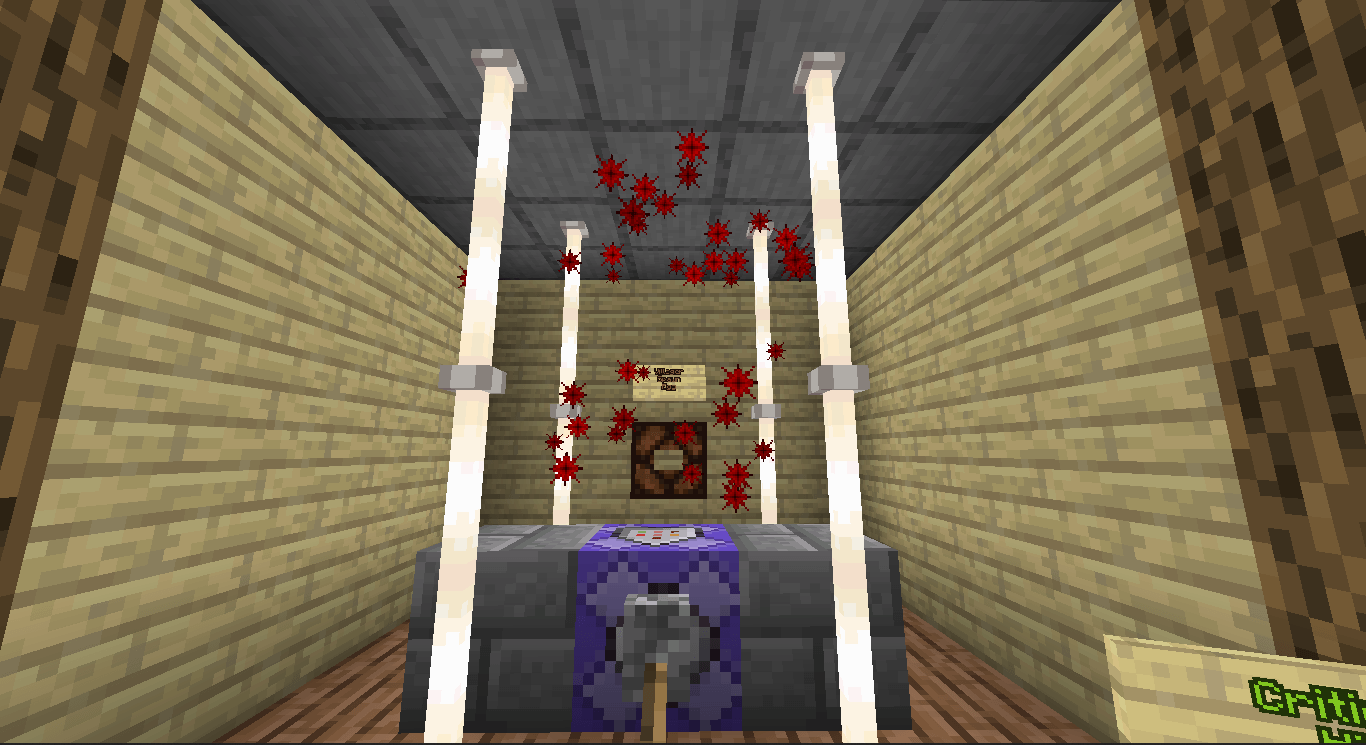
Take your Minecraft Java PvP experience to the next level with Ash Blast 10K Special Texture Pack.

⭐ Features

✅ FPS Friendly

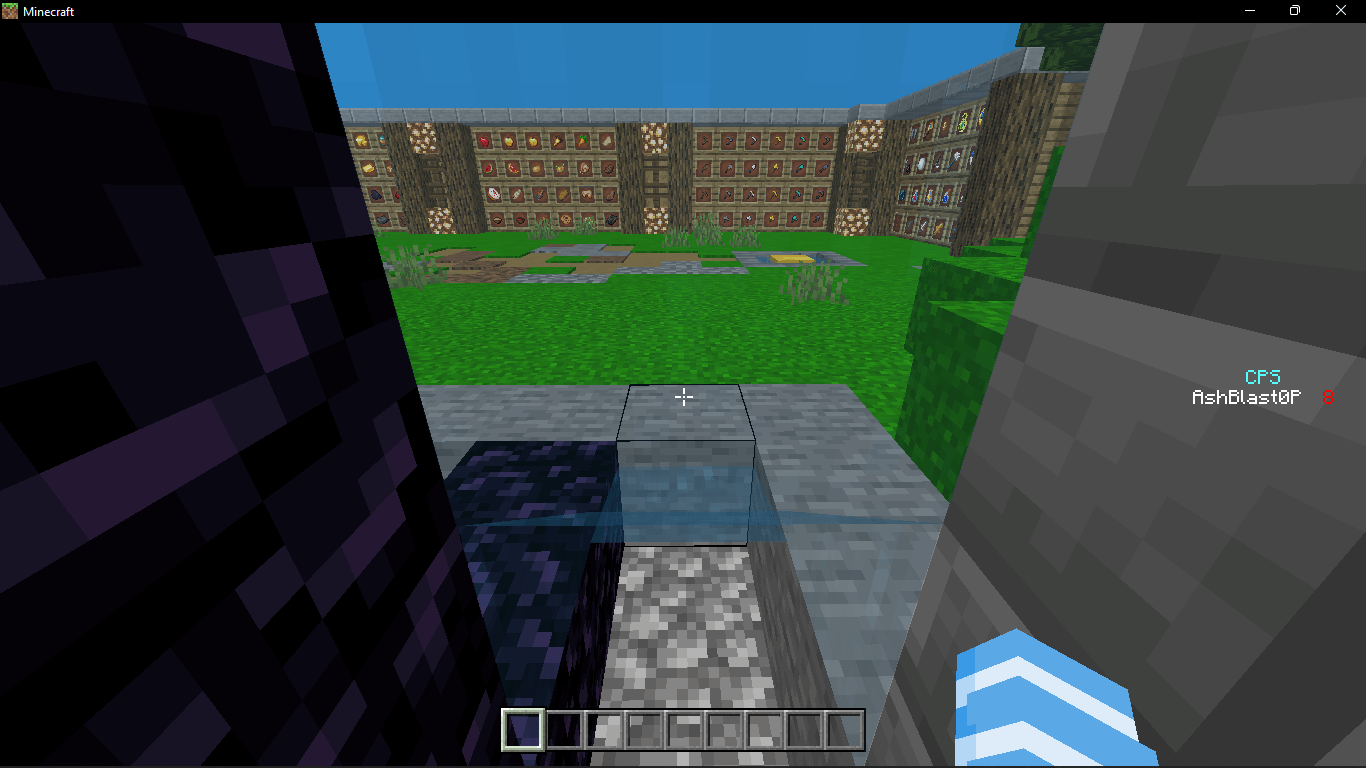
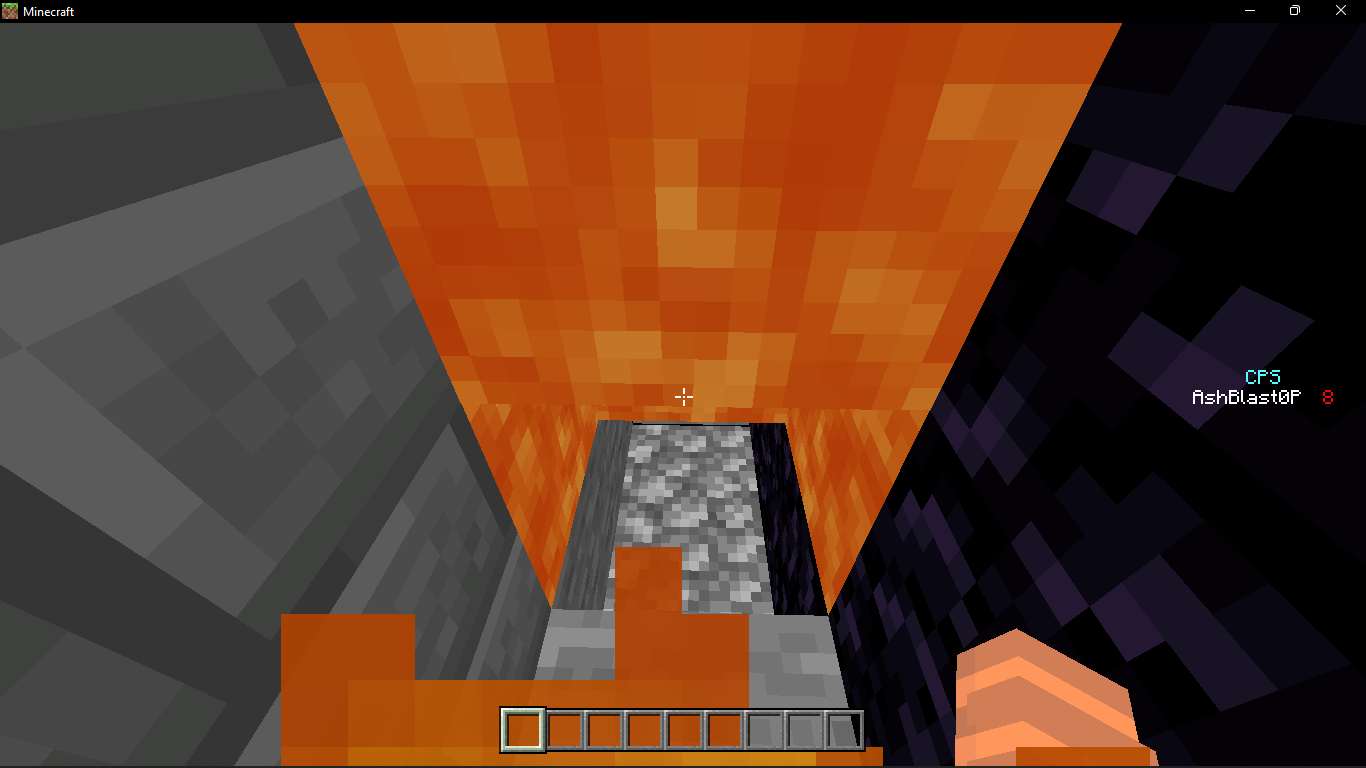
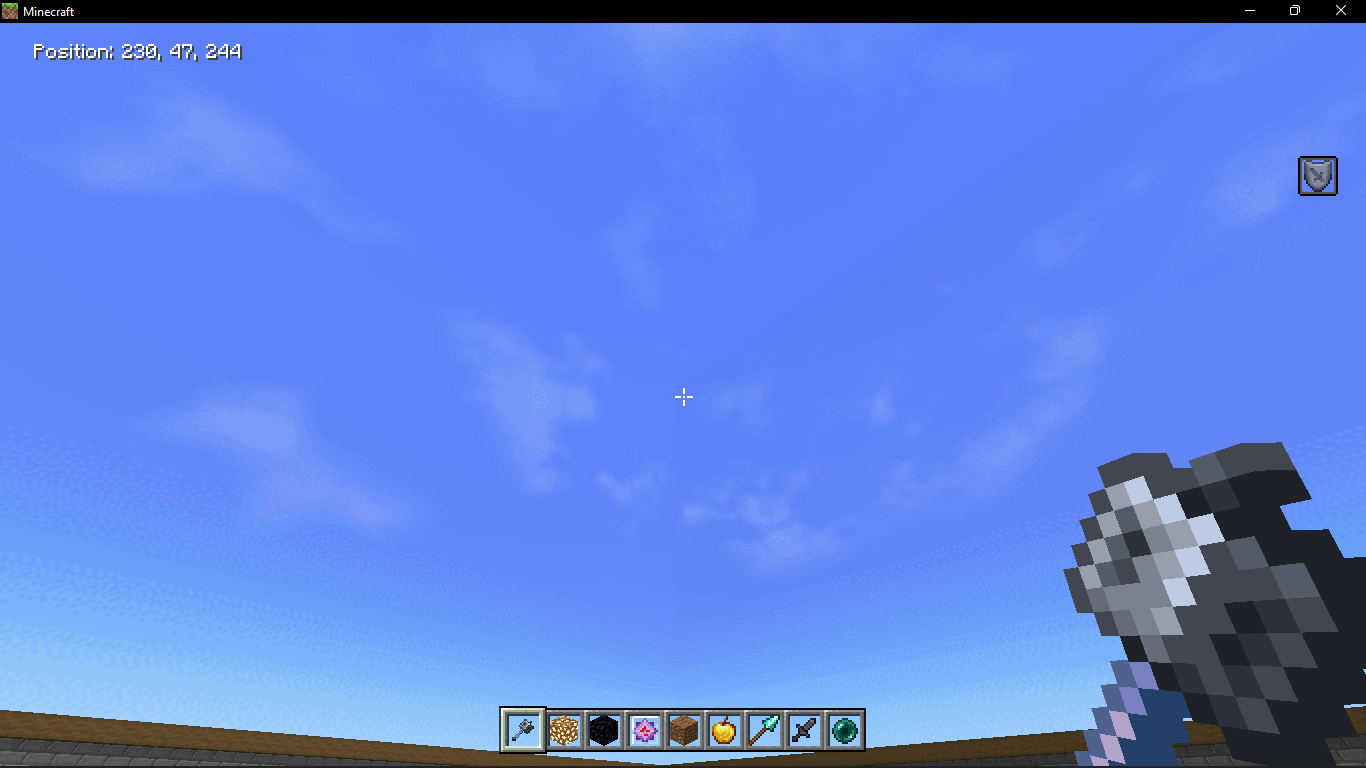
✅ Better PvP Visibility

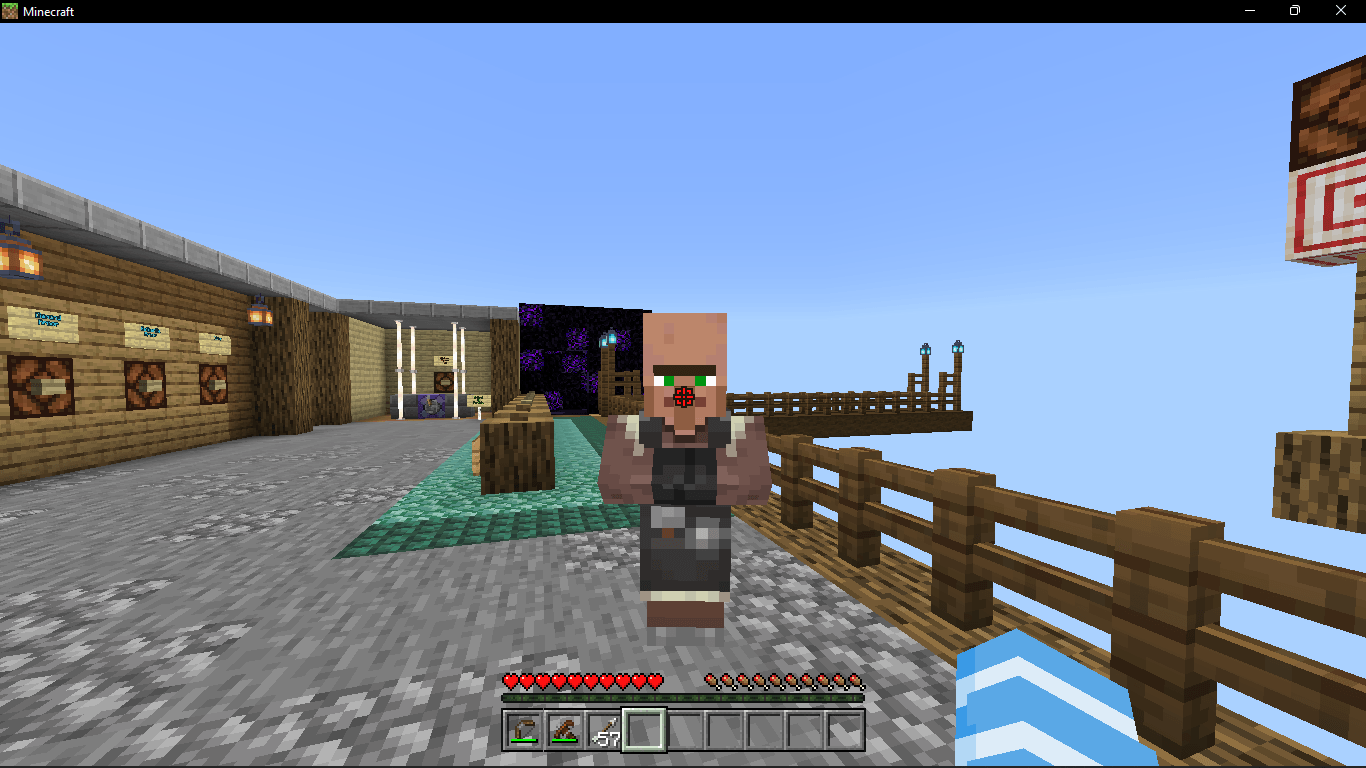
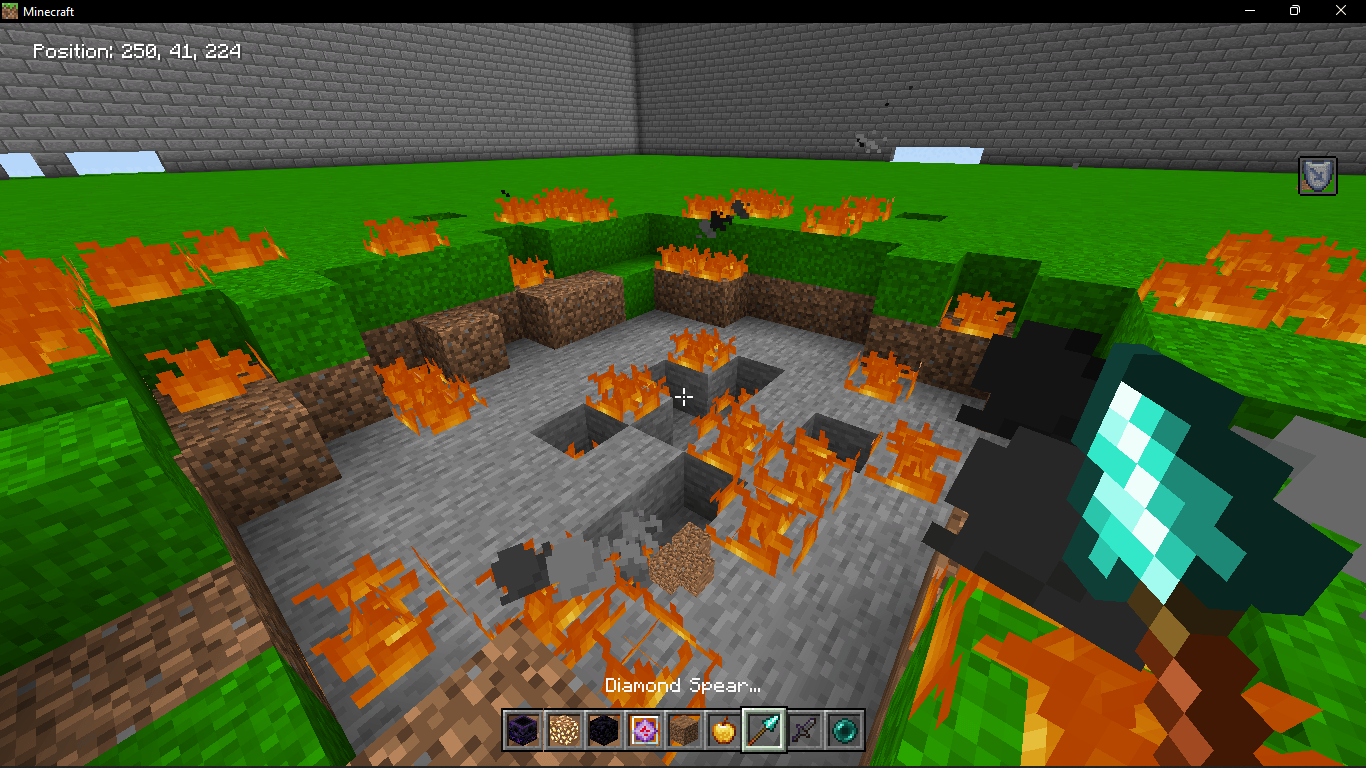
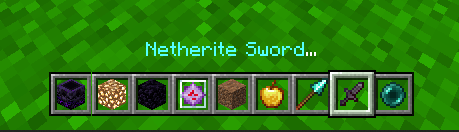
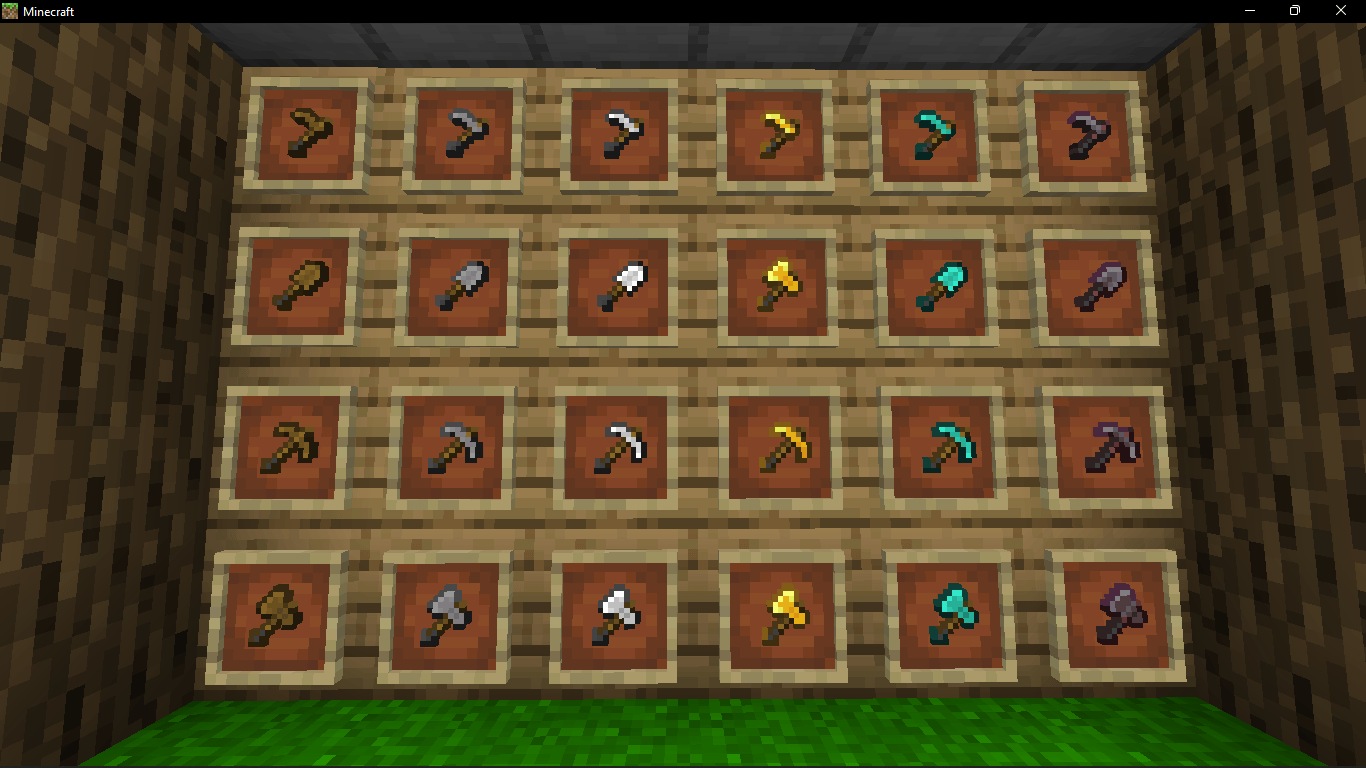
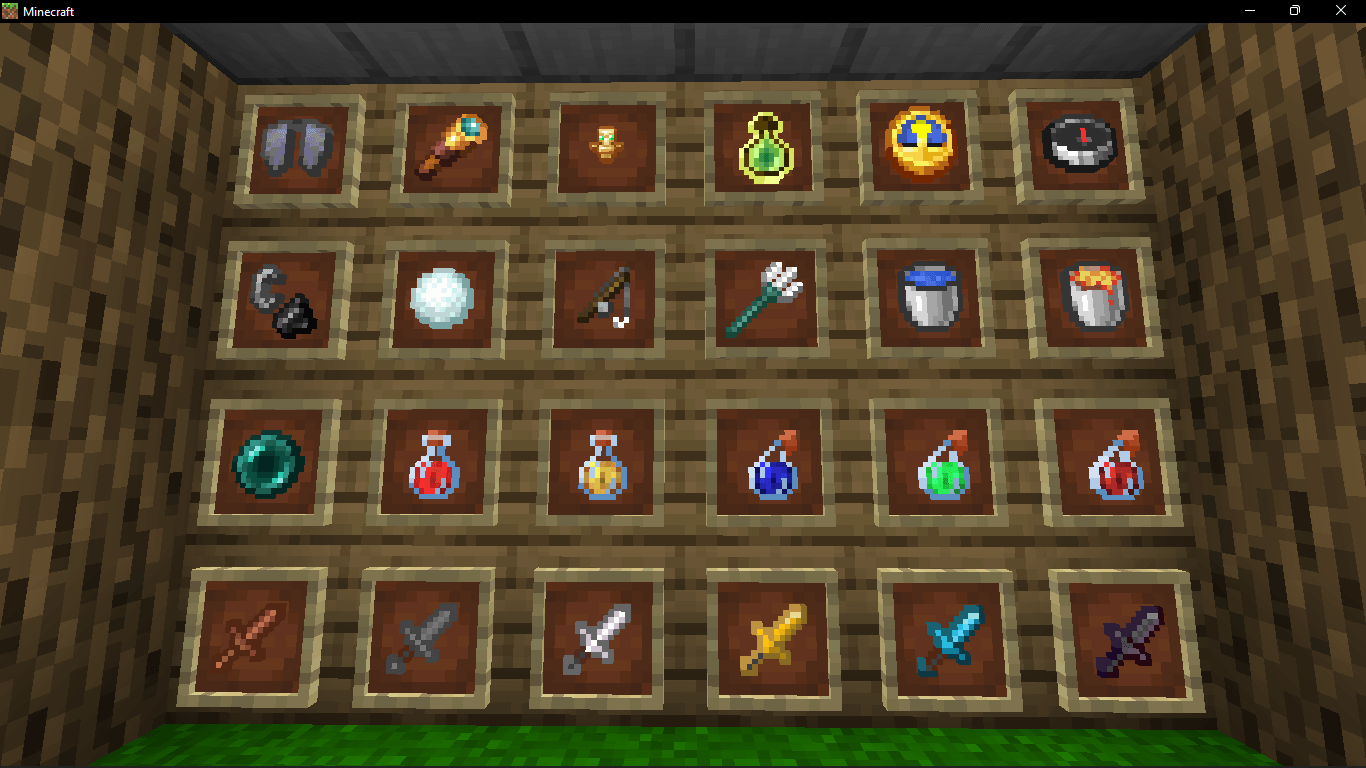
✅ Better Tools, Small Mace & Spear

✅ Advanced Crosshair

✅ Better Graphics & Custom Sky

✅ Custom Crit Sound & Crit Particles

✅ Short Fire & Clear Fire

✅ Clear View

✅ Enchantment Glint Hider

✅ Optimized Textures

✅ PvP & Survival Friendly


🎮 Perfect For

✅ Crystal PvP

✅ Lifesteal SMP

✅ Survival SMP

✅ Hardcore Worlds

✅ Multiplayer Servers

✅ Competitive PvP


📥 Installation

  1. Download the resource pack.
  2. Open Minecraft Java Edition.
  3. Go to Options → Resource Packs.
  4. Move the pack into the Resource Packs folder.
  5. Enable the pack and enjoy!

🧾 Additional Information

✔ Minecraft Java Edition 1.21.6+ (26.2)

✔ Multiplayer Compatible

✔ Lightweight & FPS Friendly

✔ Easy to Install


❤️ Credits

Created by Ash Blast

Special Thanks

• Vempie Warden

• Kush

Version: V1

Platform: Minecraft Java Edition


⚠️ Copyright Notice

This resource pack was created specifically for the Minecraft Java community based on player feedback and popular feature requests. The pack has been developed as a unique combination of custom textures, optimizations, and visual improvements. No resource pack has been intentionally copied or reuploaded as-is. Any similarities to existing packs are purely coincidental or based on common community-requested features.


Ash_Blast_10K_Special_Pack_V2_26.2.zip
MC 26.2
Release 2026-07-05 Get

Requirements & install

How to use this resource pack in Minecraft
Resolution
16x
Minecraft
26.2
Install folder
.minecraft/resourcepacks

How to install resource packs

  1. Download the resource pack .zip file (do not extract it).
  2. In Minecraft open Options → Resource Packs → Open Pack Folder.
  3. Drop the .zip into the resourcepacks folder (.minecraft/resourcepacks).
  4. Move the pack to the Selected column and click Done.
Browse more: 16x resource packs 32x resource packs 64x resource packs 128x resource packs 256x resource packs 512x+ resource packs Resource Packs for 26.2 All resource packs

More from ashblastofficial

Advertisement Remove ads with Premium →

You Might Also Like