Mineuniverse
Resource Packs
Artisan's Armory | Equipment Overhaul

Artisan's Armory | Equipment Overhaul

RESOURCE PACK
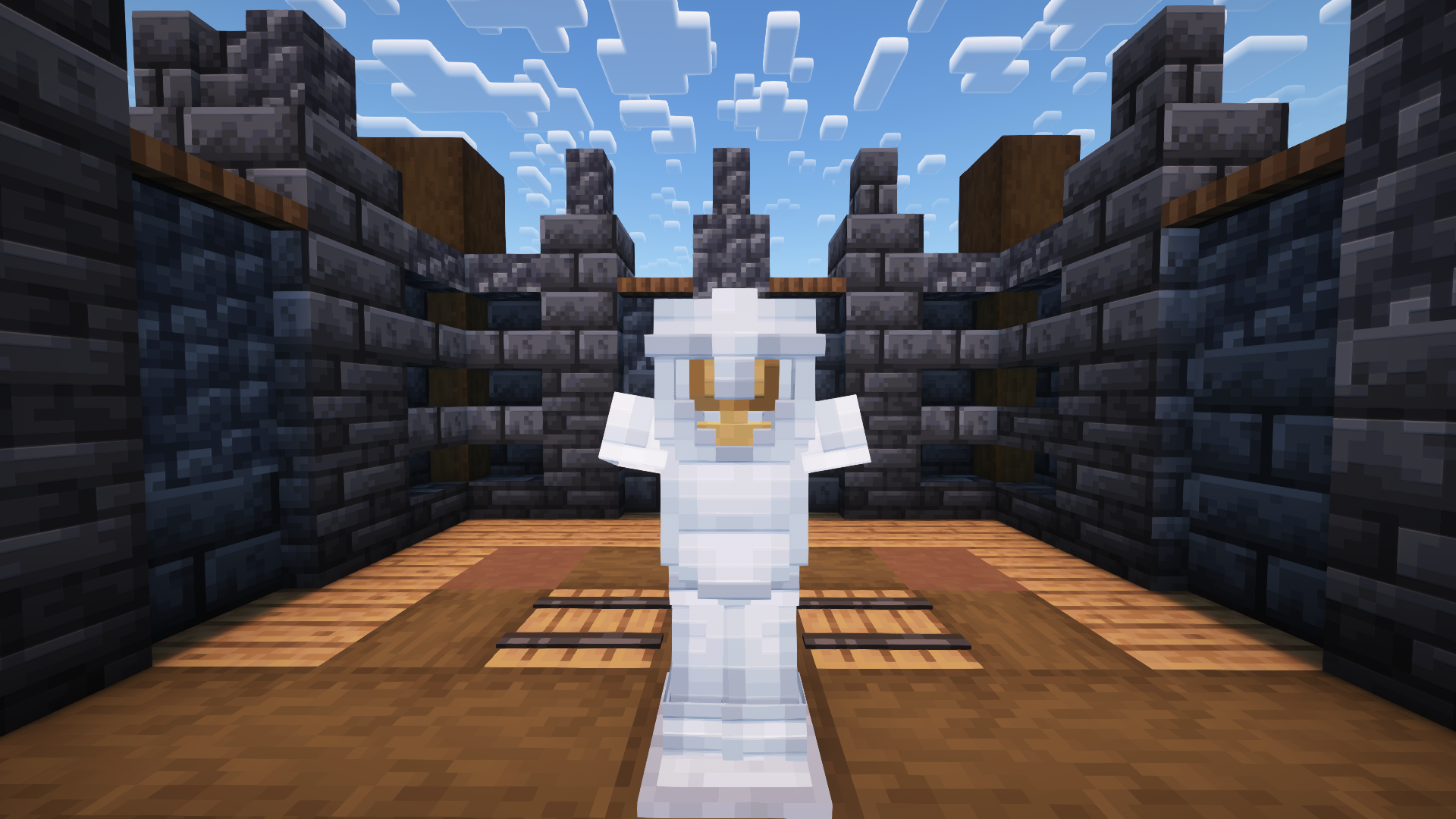
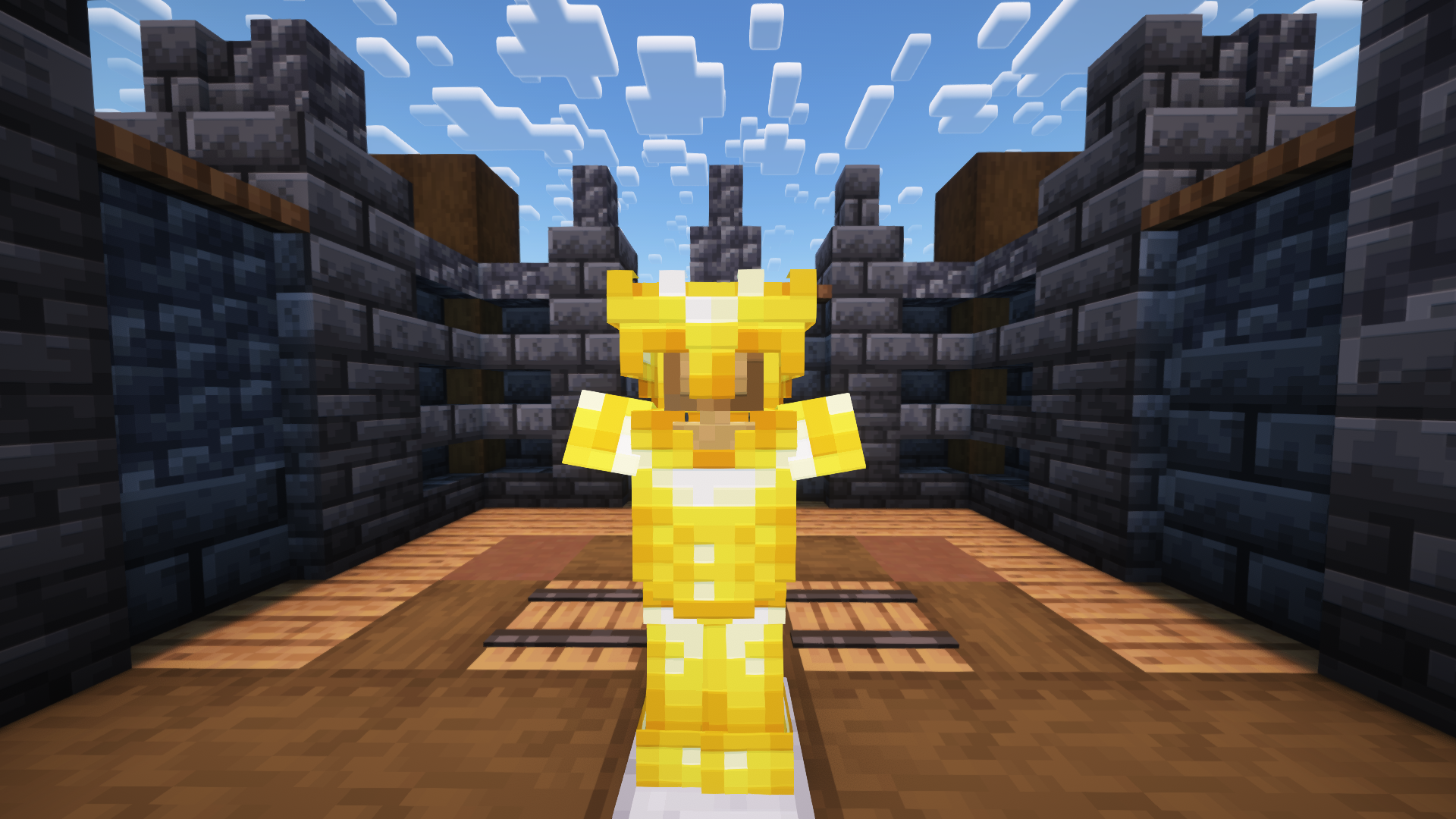
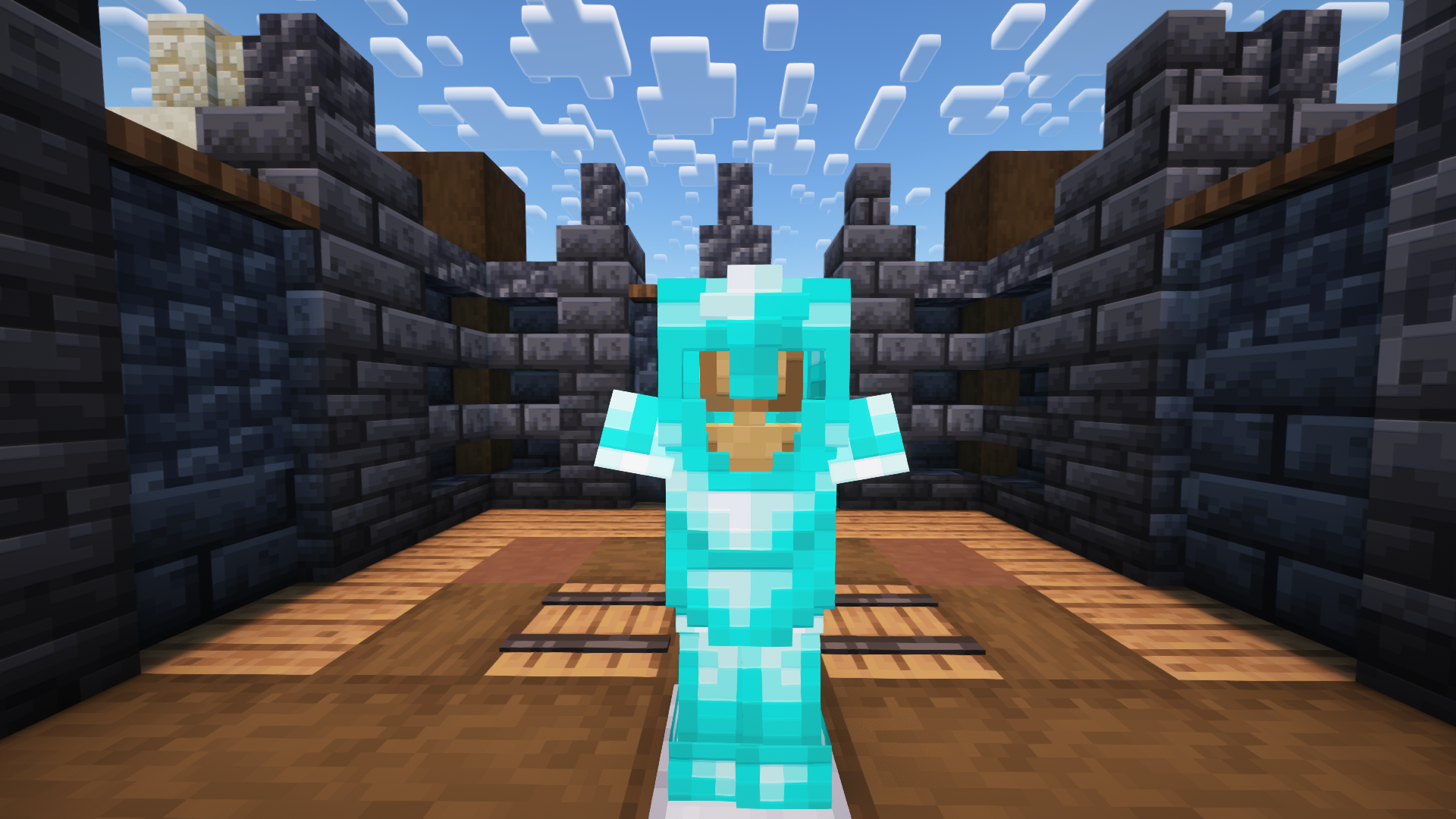
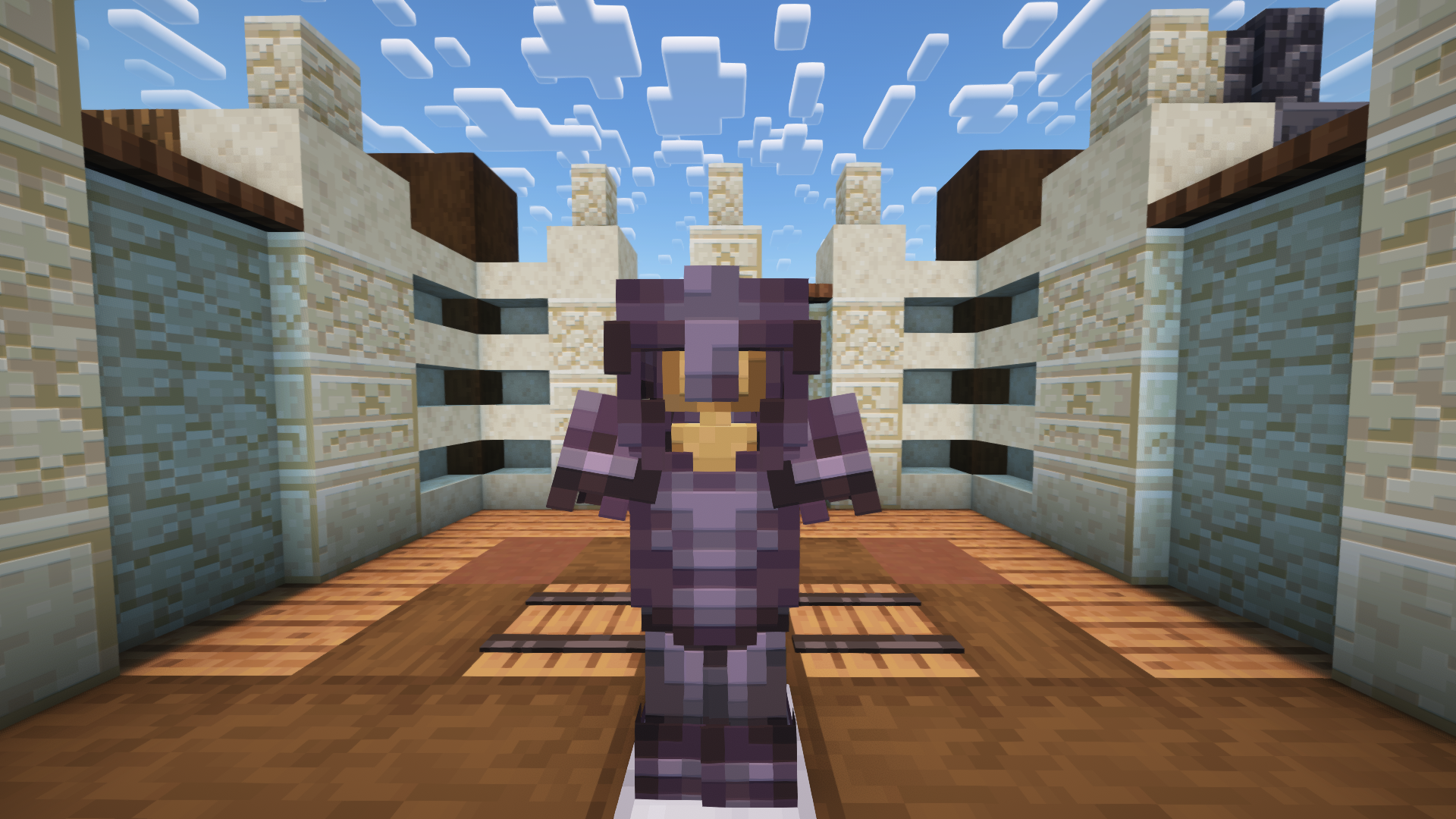
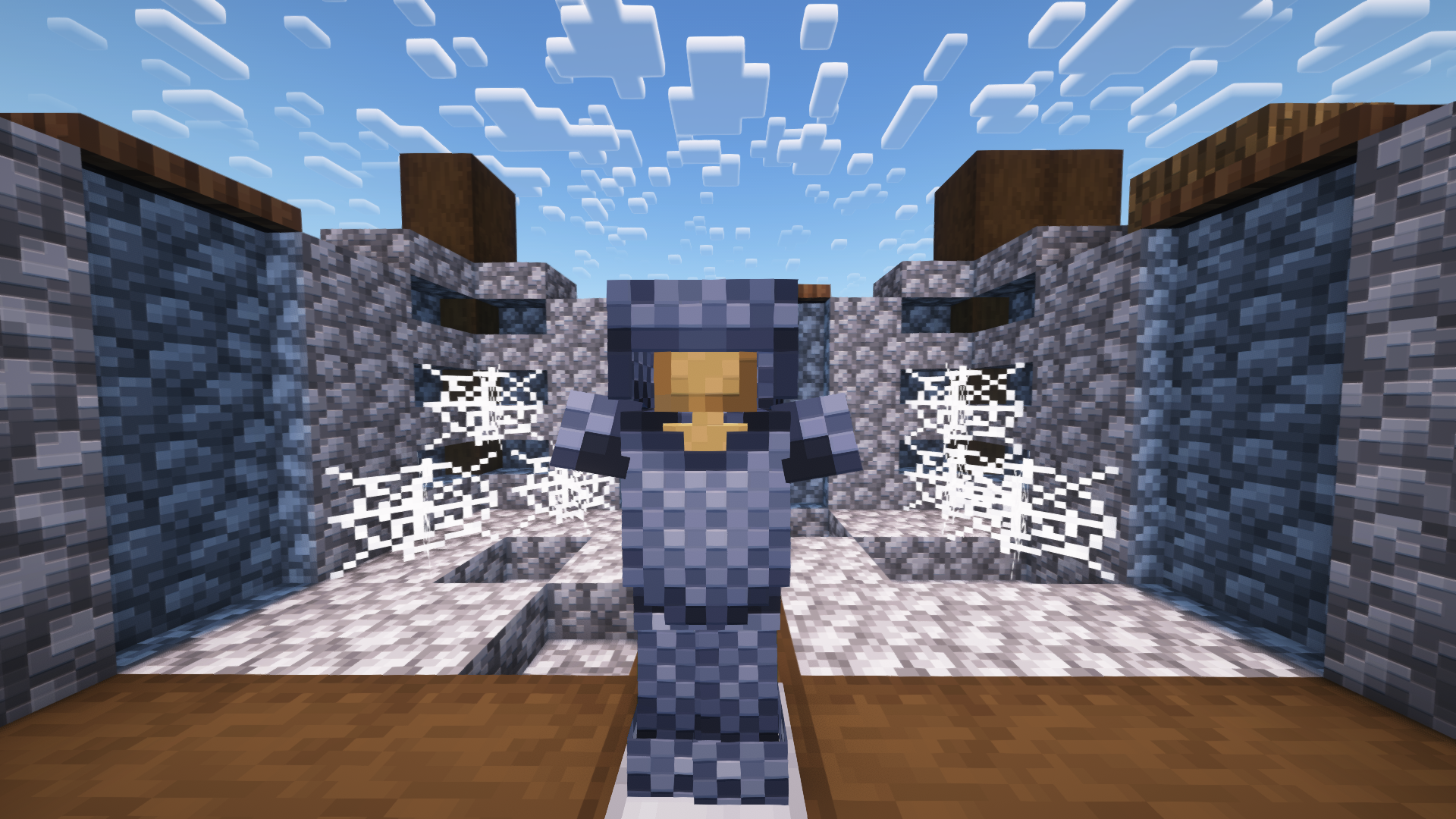
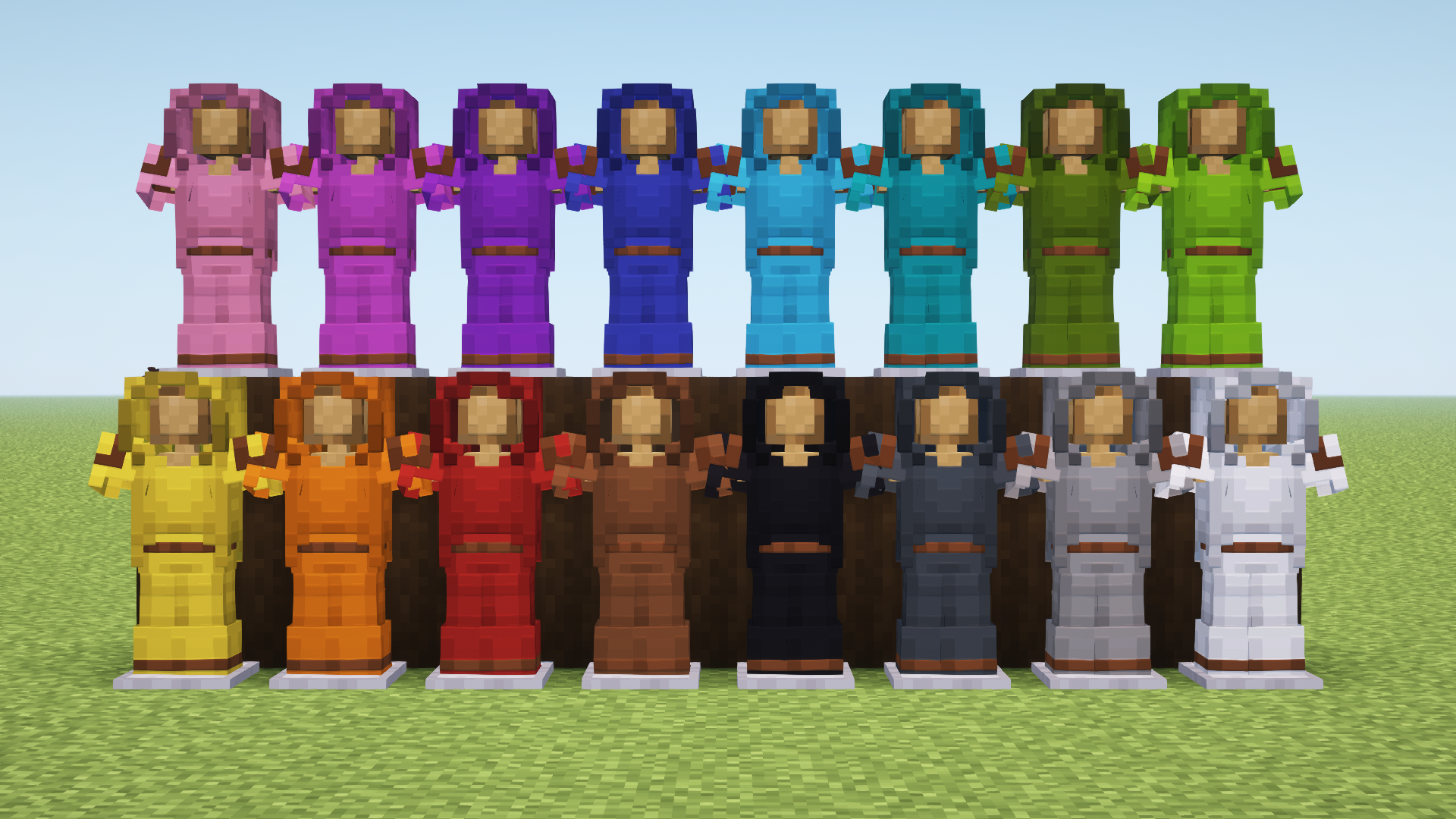
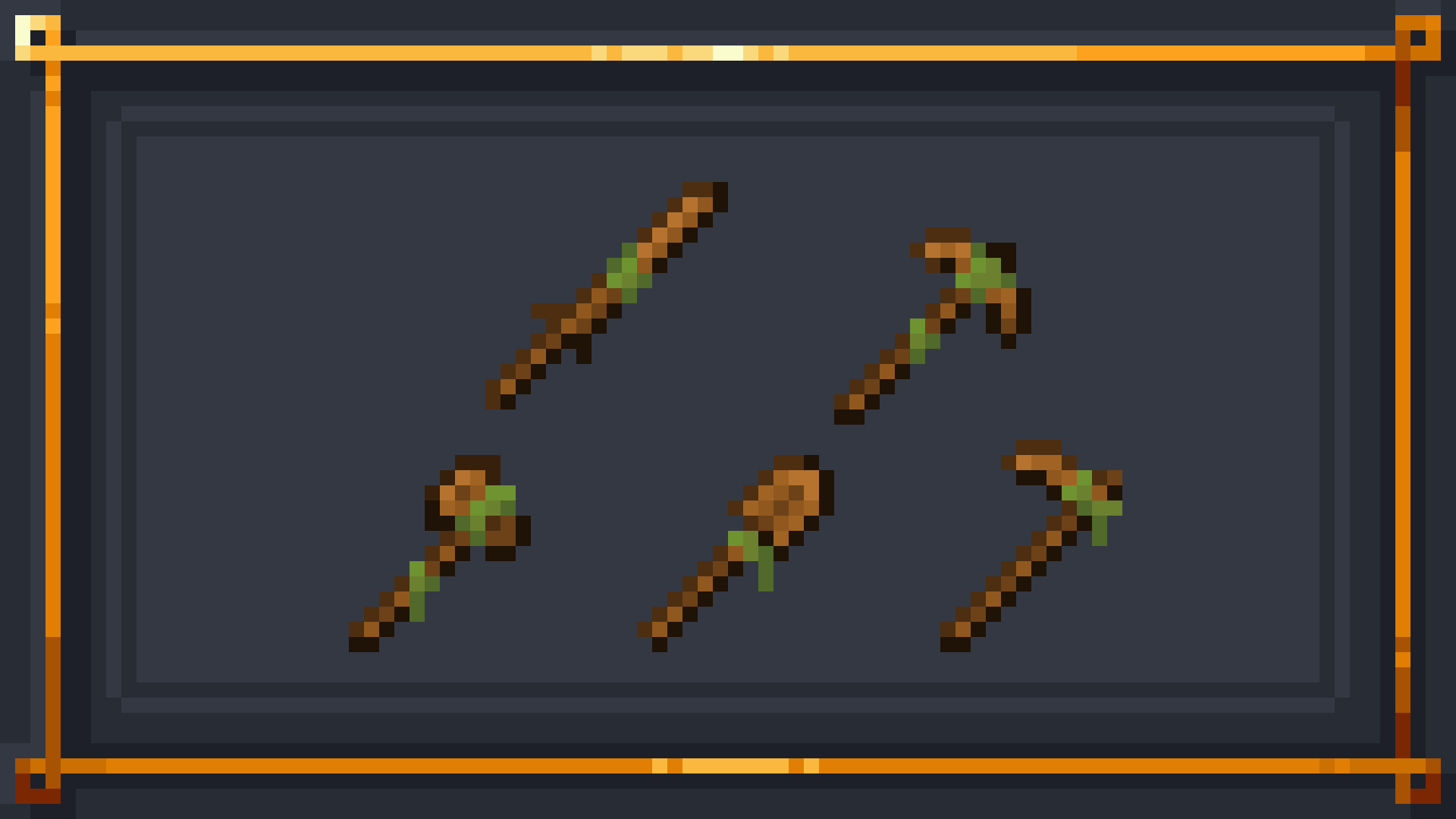
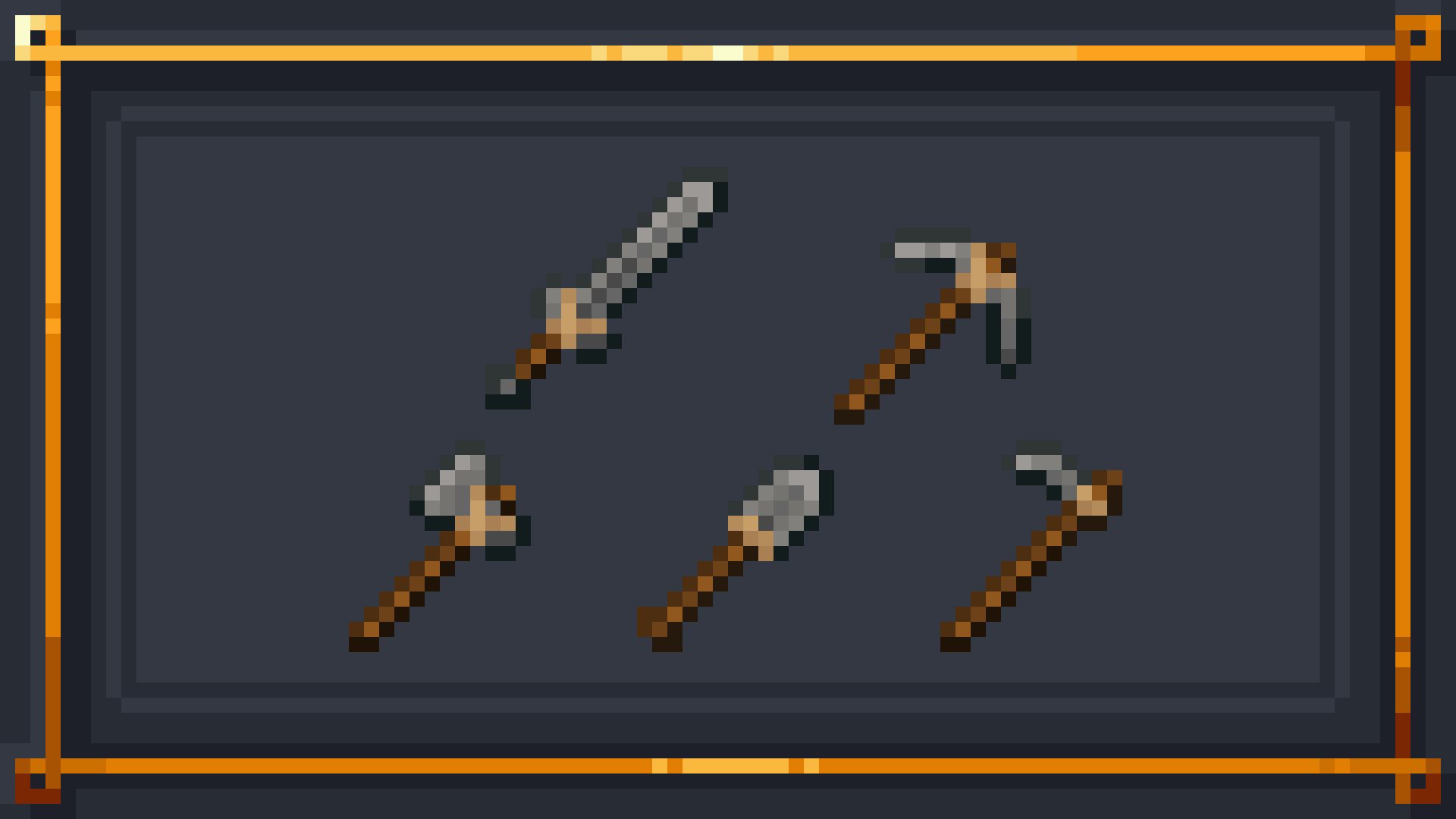
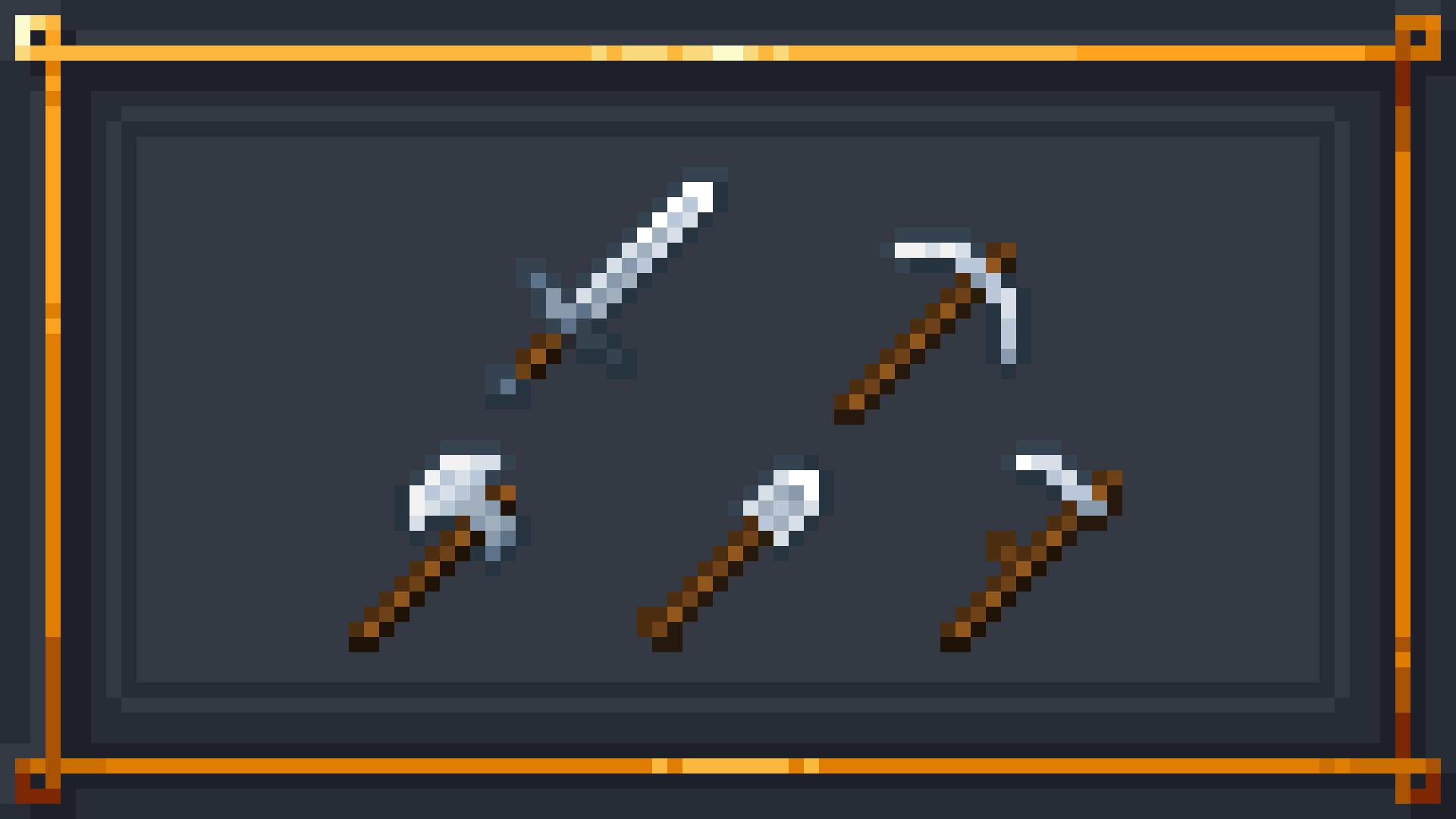
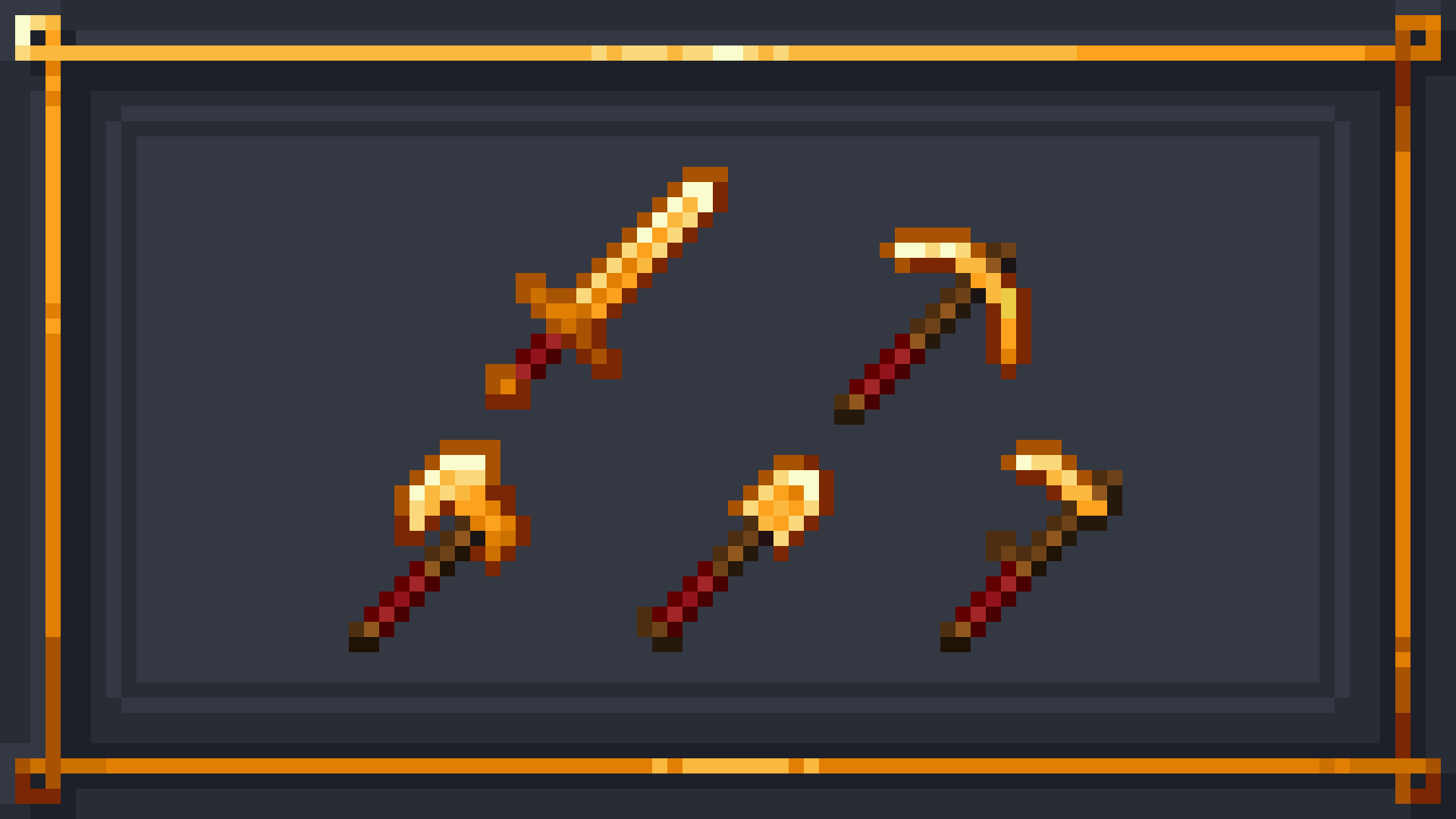
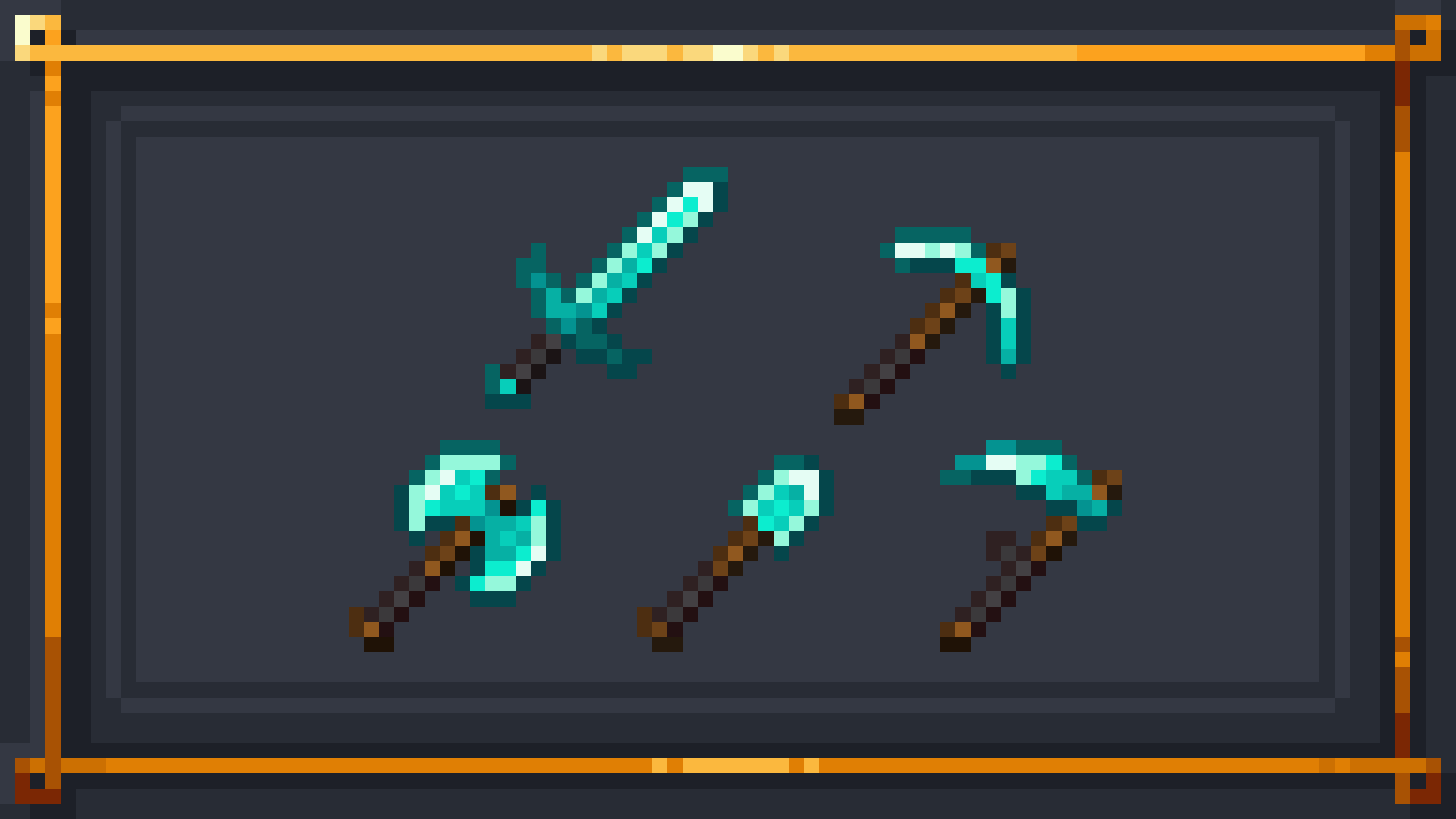
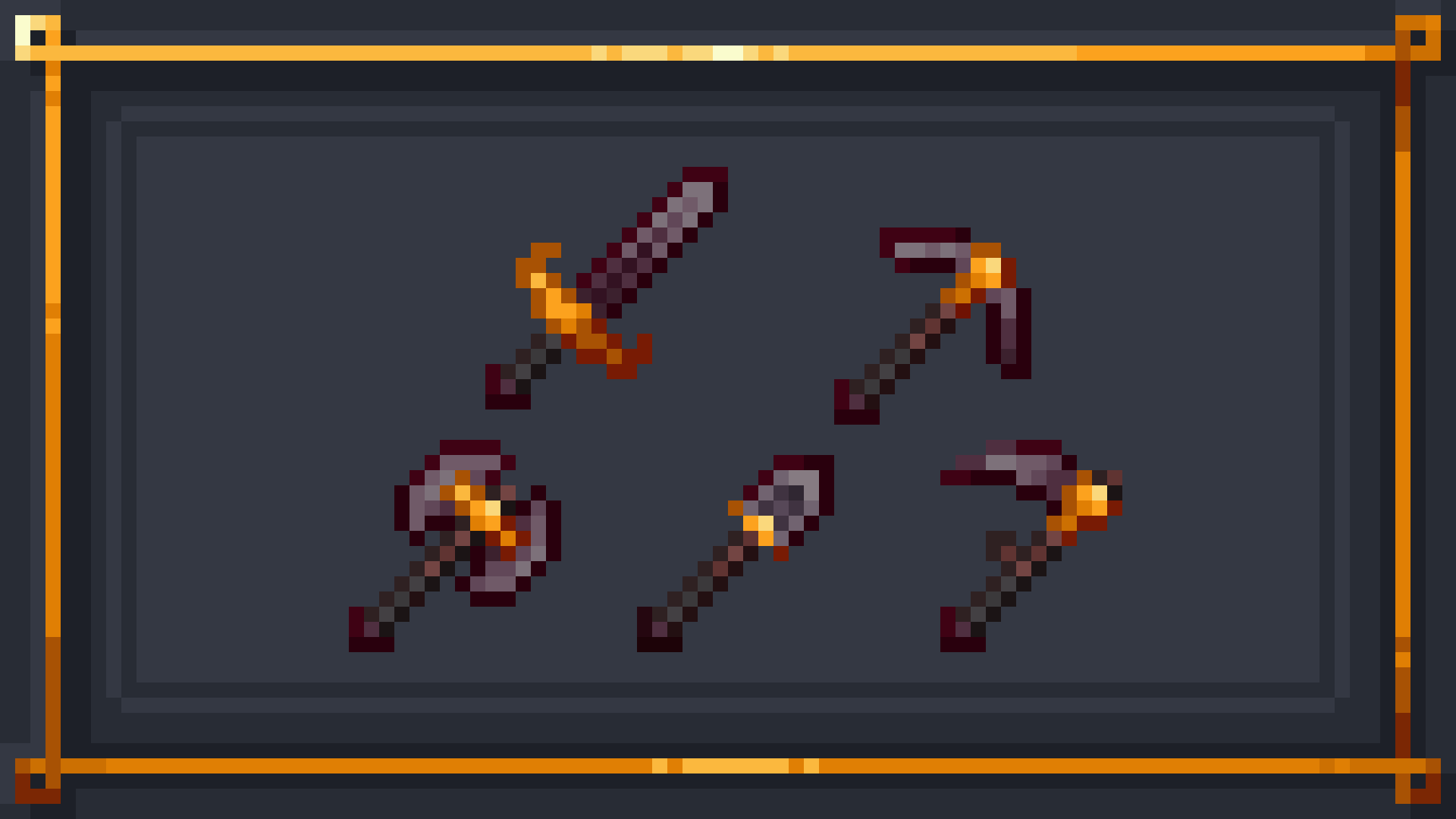
This pack changes Minecraft's boring equipment with a fresh spin on the classic textures.
by RagonAkashi
Download Claim this project
Add a badge to your pageLink to Artisan's Armory | Equipment Overhaul from a README, website or forum post.
Preview: Badge

Badges update automatically and link to the resource pack page on MineUniverse.

27,320 downloads
0 likes
0 followers
Updated Oct 14, 2026
0 hypes
Follow0
16x Miscellaneous
Advertisement Remove ads with Premium →

Artisan's Armory-


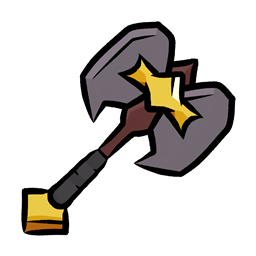
-is a simple, yet ever expanding pack. We're starting with Minecraft's tools and weaponry, but soon enough we'll be changing much more. The pack maintains the vanilla style, but isn't afraid to make the big changes. Frankly, I find Minecraft's colors to be lacking in many area's. That's why this pack fully overhauls the color pallets of each set. In addition, fun tweaks have been made to give each set a fresh feel from it's predecessors!


Video Showcase


Plans For the Future


- Parity Ore Changes

- Custom Buckets

- Custom Enchantment Books

- 3D Tools (when held)


If you have any ideas, please leave them below and I'll be sure to add it to the list. Anyways, thank you for checking out my pack!

2.0 | The Armor Update
MC 1.16-Snapshot, 1.17.1, 1.9.1, 1.16.3, 1.13.1, 1.9.3, 1.19.3, 1.15-Snapshot, 1.16.1, 1.18.1, 1.19.4-Snapshot, 1.10-Snapshot, 1.9.4, 1.9.2, 1.14.4, 1.14.1, 1.12.1, 1.17, 1.12
Release 2023-08-16 Get
Artisan's Armory 1.0.zip
MC 1.17.1, 1.9.1, 1.16.3, 1.13.1, 1.9.3, 1.19.3, 1.16.1, 1.18.1, 1.9.4, 1.9.2, 1.14.4, 1.14.1, 1.12.1, 1.17, 1.12, 1.14.3, 1.15, 1.16, 1.13, 1.19.4, 1.16.5, 1.10.2, 1.11
Release 2023-08-02 Get

Requirements & install

How to use this resource pack in Minecraft
Resolution
16x
Minecraft
1.16.3 – 1.19.4
Install folder
.minecraft/resourcepacks

How to install resource packs

  1. Download the resource pack .zip file (do not extract it).
  2. In Minecraft open Options → Resource Packs → Open Pack Folder.
  3. Drop the .zip into the resourcepacks folder (.minecraft/resourcepacks).
  4. Move the pack to the Selected column and click Done.
Browse more: 16x resource packs 32x resource packs 64x resource packs 128x resource packs 256x resource packs 512x+ resource packs Resource Packs for 1.19.4 All resource packs

More from RagonAkashi

Advertisement Remove ads with Premium →

You Might Also Like