Mineuniverse
Resource Packs
Armory Of The Wild

Armory Of The Wild

RESOURCE PACK
A mixed 32x 16x texture pack adding BOTW and TOTK content.
by ModraOfH
Download Claim this project
Add a badge to your pageLink to Armory Of The Wild from a README, website or forum post.
Preview: Badge

Badges update automatically and link to the resource pack page on MineUniverse.

801 downloads
0 likes
0 followers
Updated Oct 14, 2026
0 hypes
Follow0
32x Mod Support
Advertisement Remove ads with Premium →

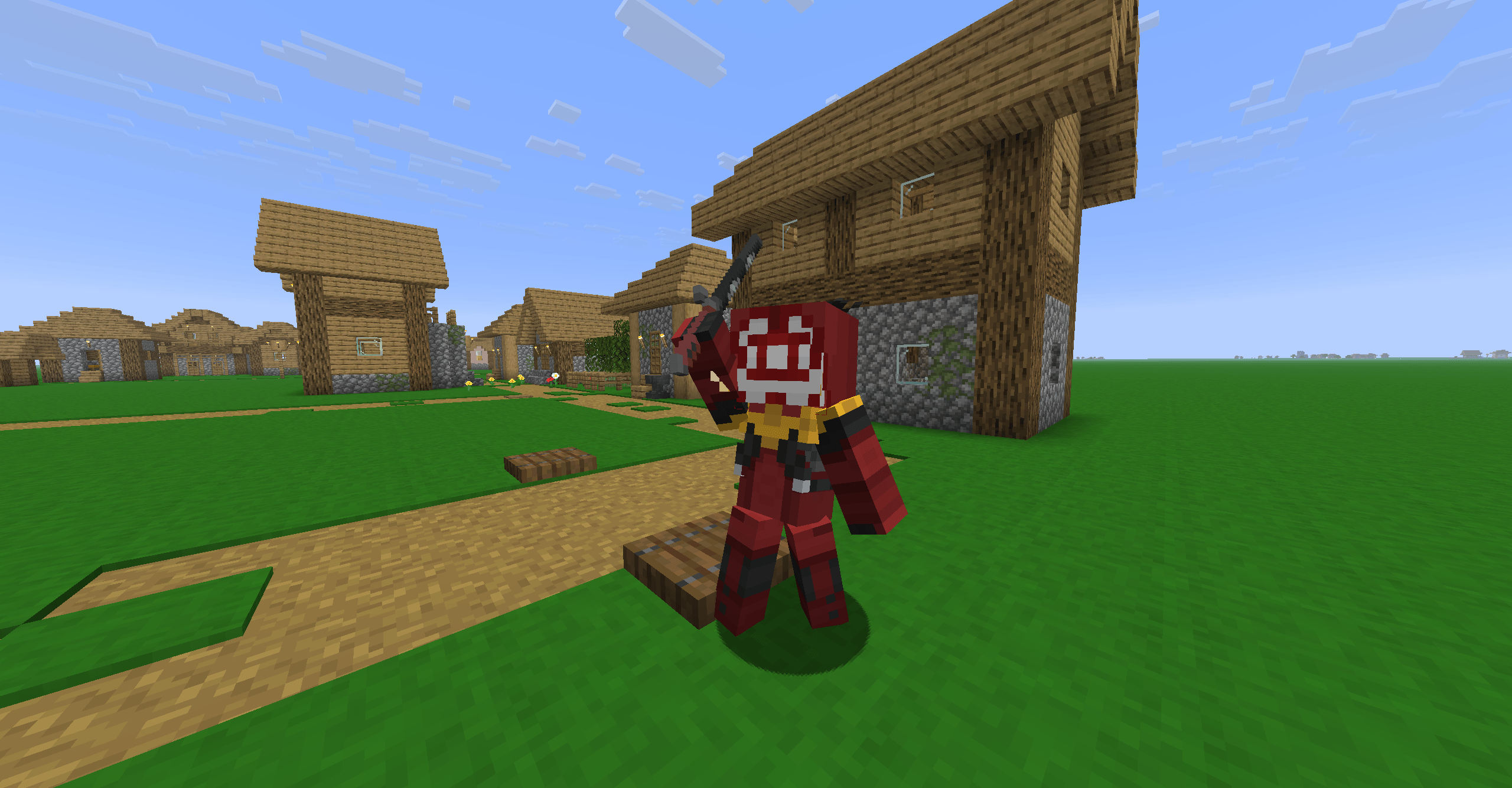
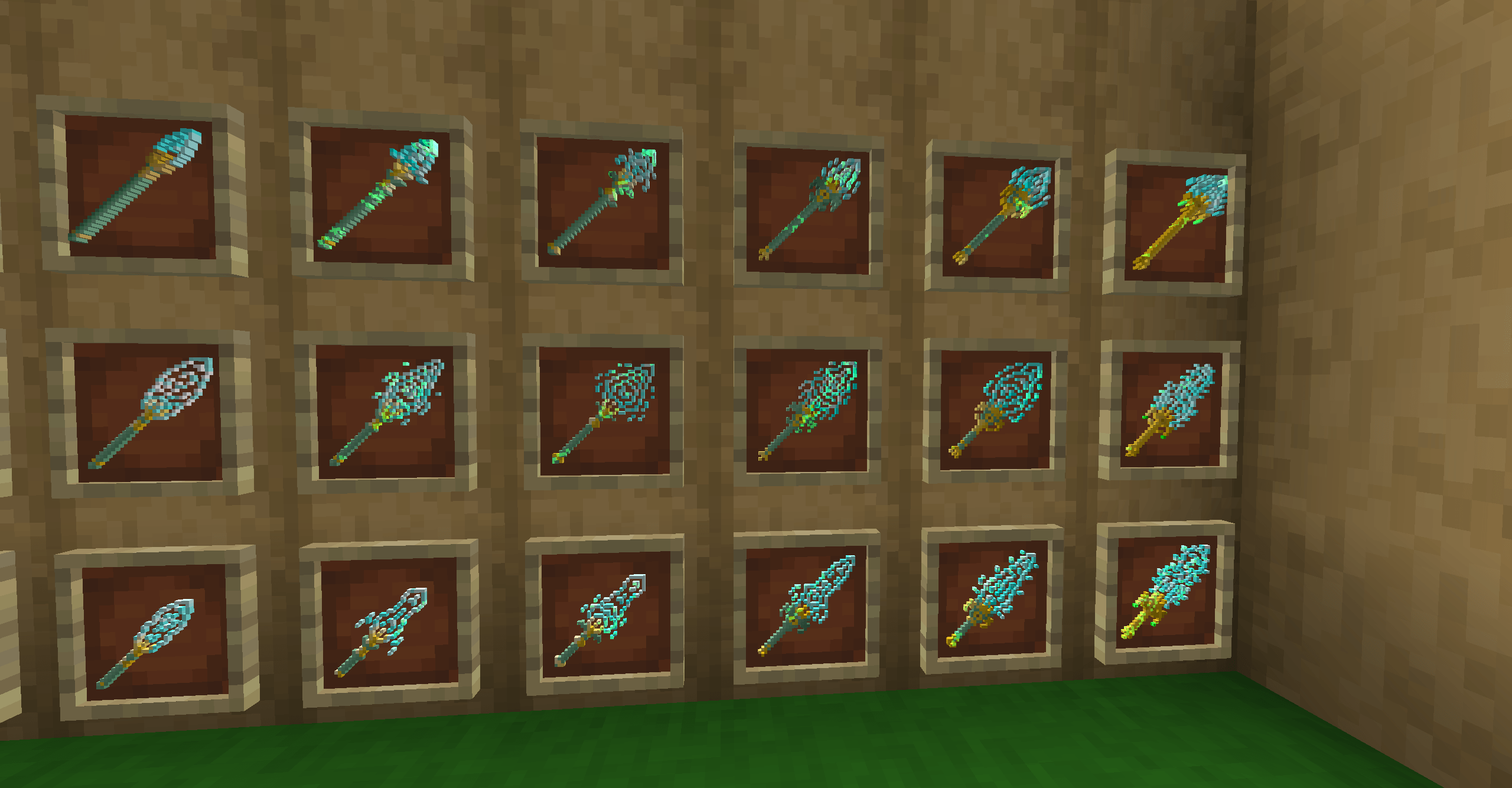
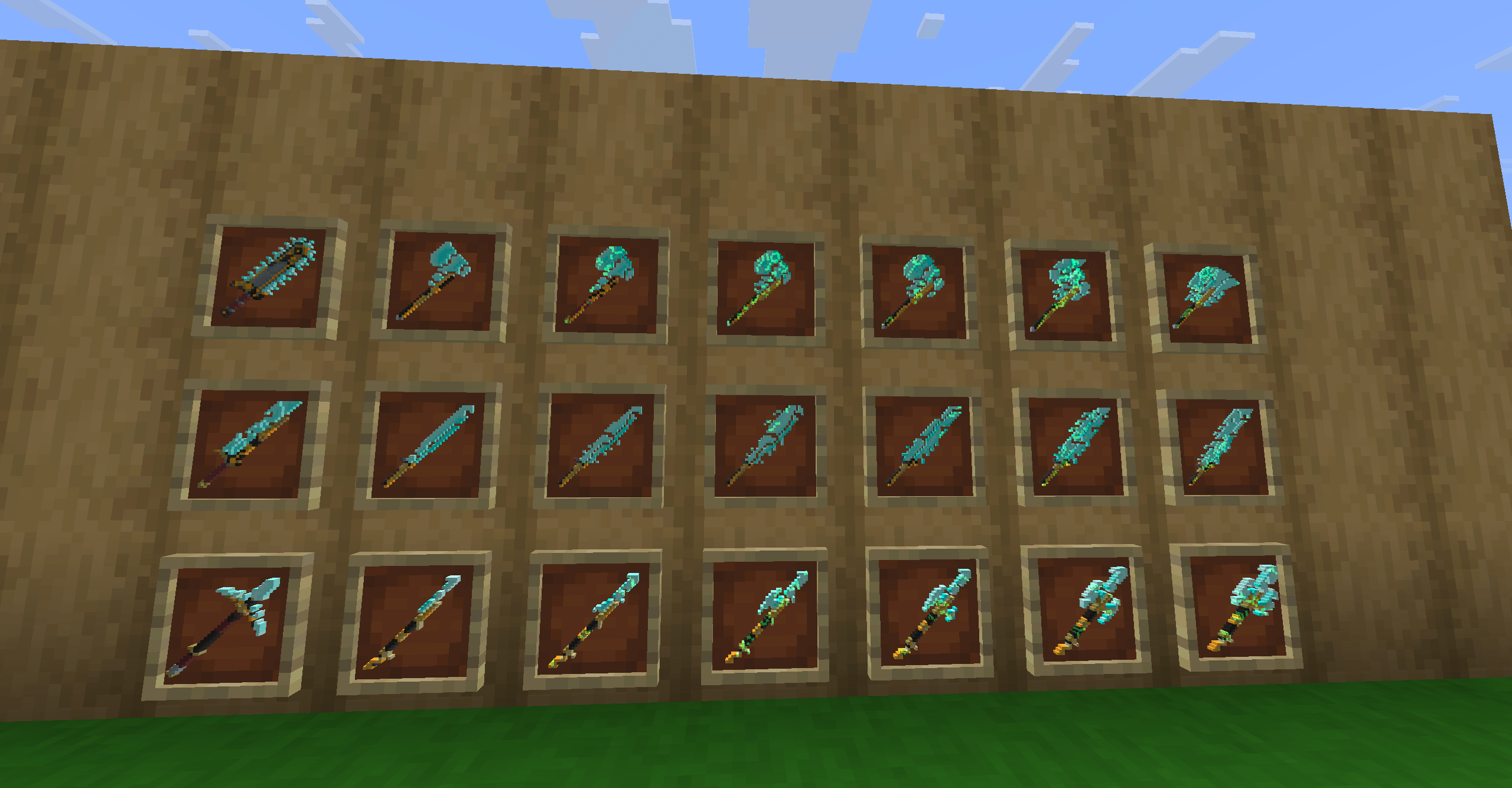
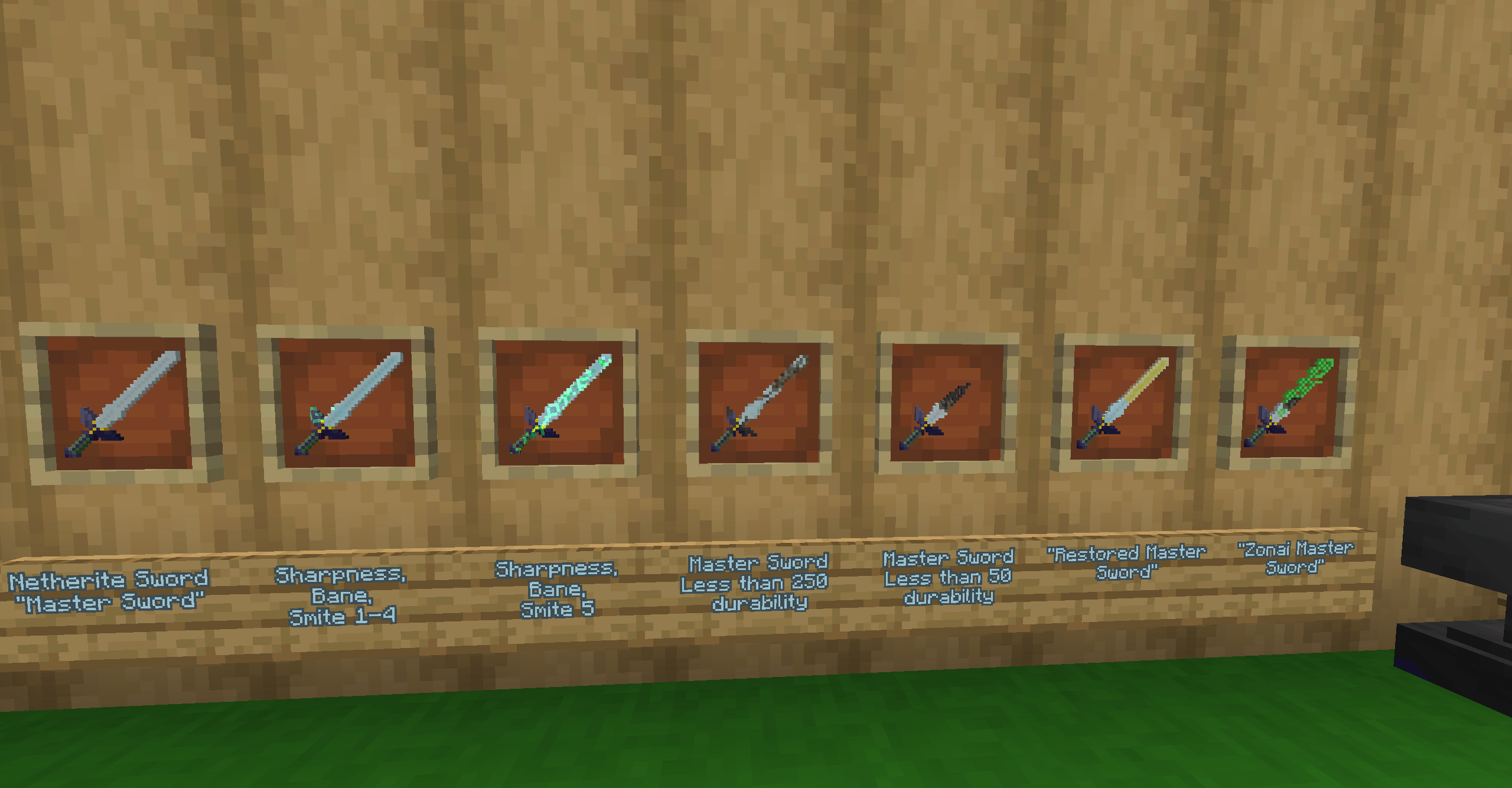
Heavily WIP  Zelda BOTW/TOTK resource pack, much more will be added when I have motivation to keep working. Currently all the tools have been changed along with backported spears and copper age backport weapons and tools.

Polytone and ETF/EMF are highly recommended to use with this texture pack.
Credit to FreshLX for the animations
You do not have permission to use any assets made by me with the intent to upload your own texture pack.

You may use this in your modpacks if you wish to do so.


Armory Of The Wild
MC 1.20.1, 1.21.1, 26.2
Release 2026-09-02 Get
Armory Of The Wild
MC 1.20.1, 1.21.1, 26.2
Release 2026-08-24 Get
Armory Of The Wild
MC 1.20.1, 1.21.1, 26.2
Release 2026-08-20 Get
Armory Of The Wild.zip
MC 1.20.1, 1.21.1, 26.2
Release 2026-08-19 Get
Armory Of The Wild.zip
MC 1.20.1, 1.21.1, 26.2
Release 2026-08-17 Get
Armory Of The Wild.zip
MC 1.20.1, 1.21.1, 26.2
Release 2026-08-15 Get
Armory Of The Wild (test update).zip
MC 1.20.1, 1.21.1, 26.2
Release 2026-08-14 Get
Armory Of The Wild.zip
MC 1.20.1, 1.21.1, 26.2
Release 2026-08-10 Get
Armory Of The Wild
MC 1.20.1, 1.21.1
Release 2026-07-05 Get
Armory Of The Wild
MC 1.20.1, 1.21.1
Beta 2026-01-21 Get
Armory Of The Wild
MC 1.20.1, 1.21.1
Beta 2026-01-11 Get

Requirements & install

How to use this resource pack in Minecraft
Resolution
32x
Minecraft
1.20.1 – 26.2
Install folder
.minecraft/resourcepacks

How to install resource packs

  1. Download the resource pack .zip file (do not extract it).
  2. In Minecraft open Options → Resource Packs → Open Pack Folder.
  3. Drop the .zip into the resourcepacks folder (.minecraft/resourcepacks).
  4. Move the pack to the Selected column and click Done.
Browse more: 16x resource packs 32x resource packs 64x resource packs 128x resource packs 256x resource packs 512x+ resource packs Resource Packs for 26.2 All resource packs
Advertisement Remove ads with Premium →

You Might Also Like