Mineuniverse
Resource Packs
Armor Reimagined! [Java]

Armor Reimagined! [Java]

RESOURCE PACK
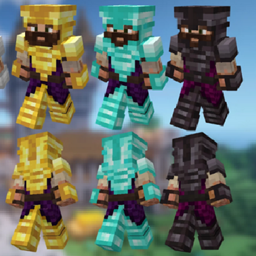
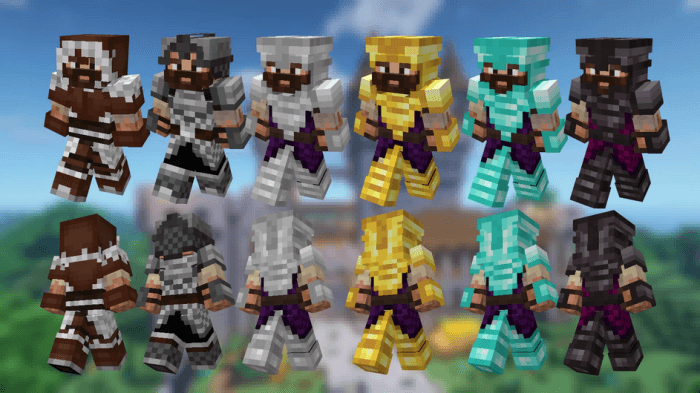
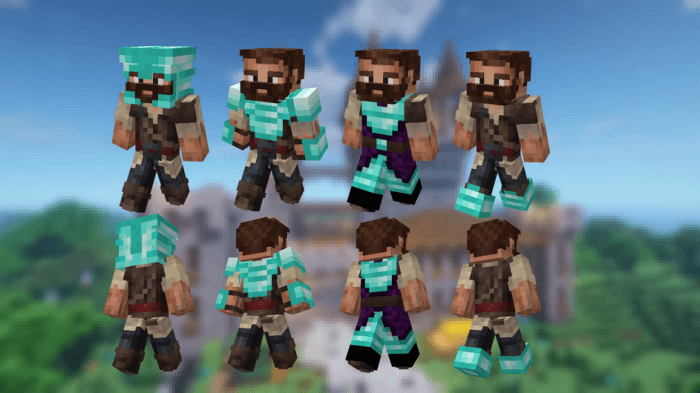
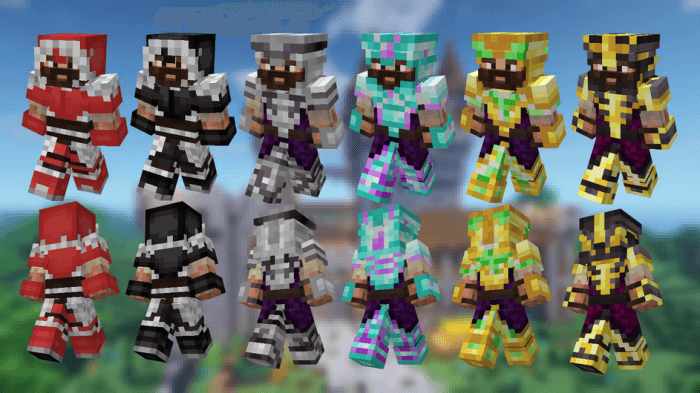
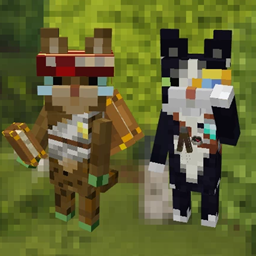
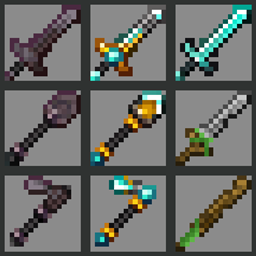
This texture pack changes every armor texture that, while still vanilla-friendly, gives them a more medieval look! Also, makes the leggings a full-body armor (under-armor if you like) so they look great with elytras!
by KhalMika
Download Claim this project
Add a badge to your pageLink to Armor Reimagined! [Java] from a README, website or forum post.
Preview: Badge

Badges update automatically and link to the resource pack page on MineUniverse.

17,134 downloads
0 likes
0 followers
Updated Oct 14, 2026
0 hypes
Follow0
16x Medieval Miscellaneous
Advertisement Remove ads with Premium →

<span style="color:#3598db"><span style="text-decoration:underline">This texture pack changes every armor texture that, while still vanilla-friendly, gives them a more medieval look! Also, makes the leggings a full-body armor (under-armor if you like) so they look great with elytras!</span></span>

<span style="color:#e03e2d">You're able to modify any of it's files FOR PERSONAL USE ONLY. Or else ask me :)</span>

<span style="color:#e03e2d">If you want to use this on your pack/mod/server/video, etc just ask and give me credits, it's all I ask!</span>

<span style="color:#e03e2d">If you want to distribute this on another site, YouTube, etc, please always link it to this page only (curseforge or mcpedl).</span>

<span style="color:#e03e2d">You're NOT able to claim this pack as yours.</span>

[Java] Armor Reimagined - 26.3 Trims Fixed
MC 1.21.8, 1.21.7, 1.21.9, 1.21.10, 1.21.11, 26.1, 26.2, 26.3
Release 2026-10-08 Get
[Java] Armor Reimagined - The Copper Update
MC 1.21.8, 1.21.7, 1.21.9, 1.21.10, 1.21.11, 26.1, 26.2
Release 2025-11-03 Get
[Java] Armor Reimagined
MC 1.17.1, 1.20.2, 1.21, 1.20.5, 1.21.5, 1.16, 1.19.4, 1.21.4, 1.18.2, 1.20.3, 1.20.1, 1.20, 1.20.6, 1.20.4, 1.21.3, 1.21.1, 1.21.6, 1.21.2
Release 2025-06-22 Get

Requirements & install

How to use this resource pack in Minecraft
Resolution
16x
Minecraft
1.21.7 – 26.3
Install folder
.minecraft/resourcepacks

How to install resource packs

  1. Download the resource pack .zip file (do not extract it).
  2. In Minecraft open Options → Resource Packs → Open Pack Folder.
  3. Drop the .zip into the resourcepacks folder (.minecraft/resourcepacks).
  4. Move the pack to the Selected column and click Done.
Browse more: 16x resource packs 32x resource packs 64x resource packs 128x resource packs 256x resource packs 512x+ resource packs Resource Packs for 26.3 All resource packs

More from KhalMika

Advertisement Remove ads with Premium →

You Might Also Like