The overlay for the ArdaCraft server - designed to be used with the Conquest Reforged resource pack.
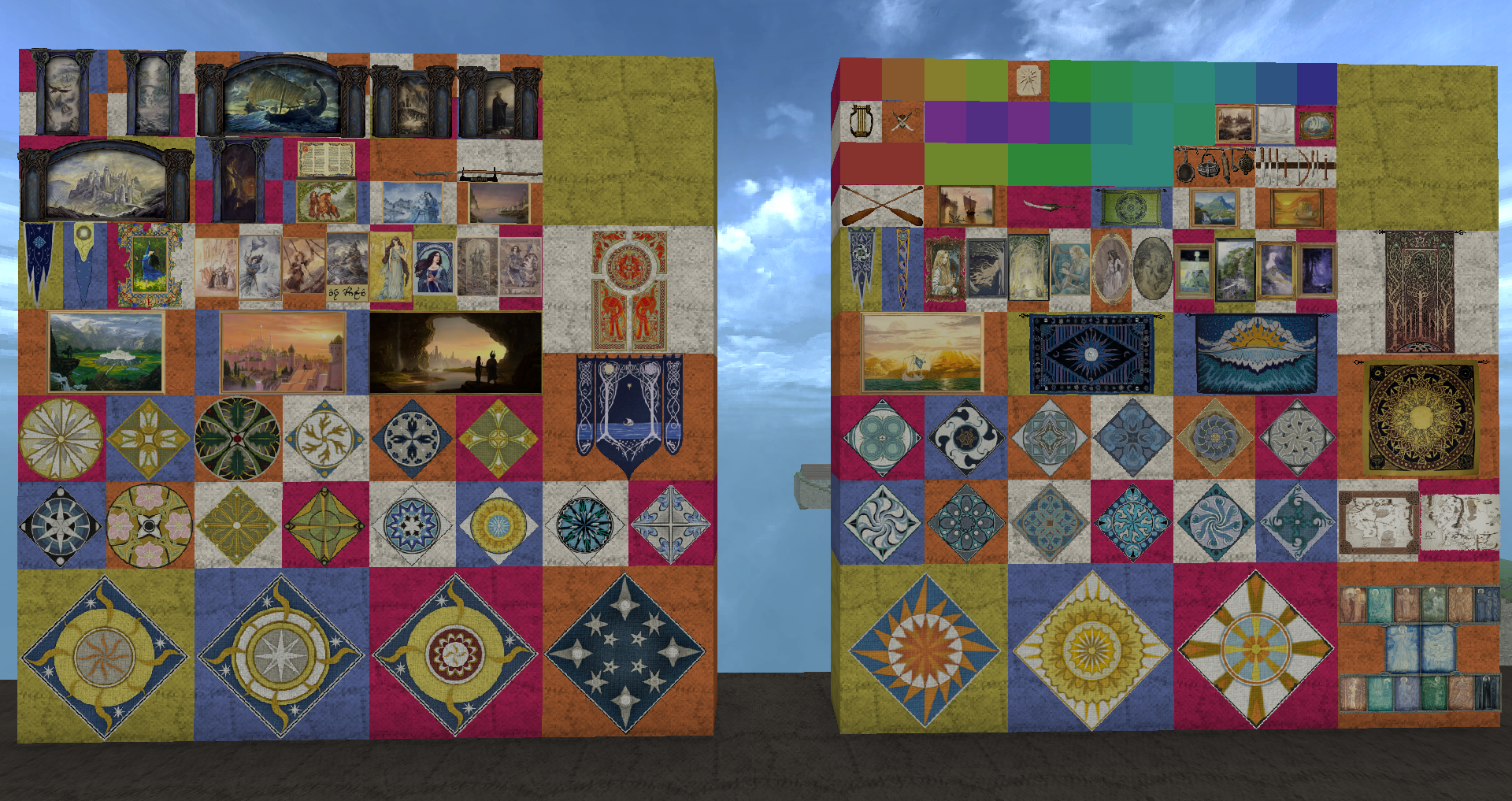
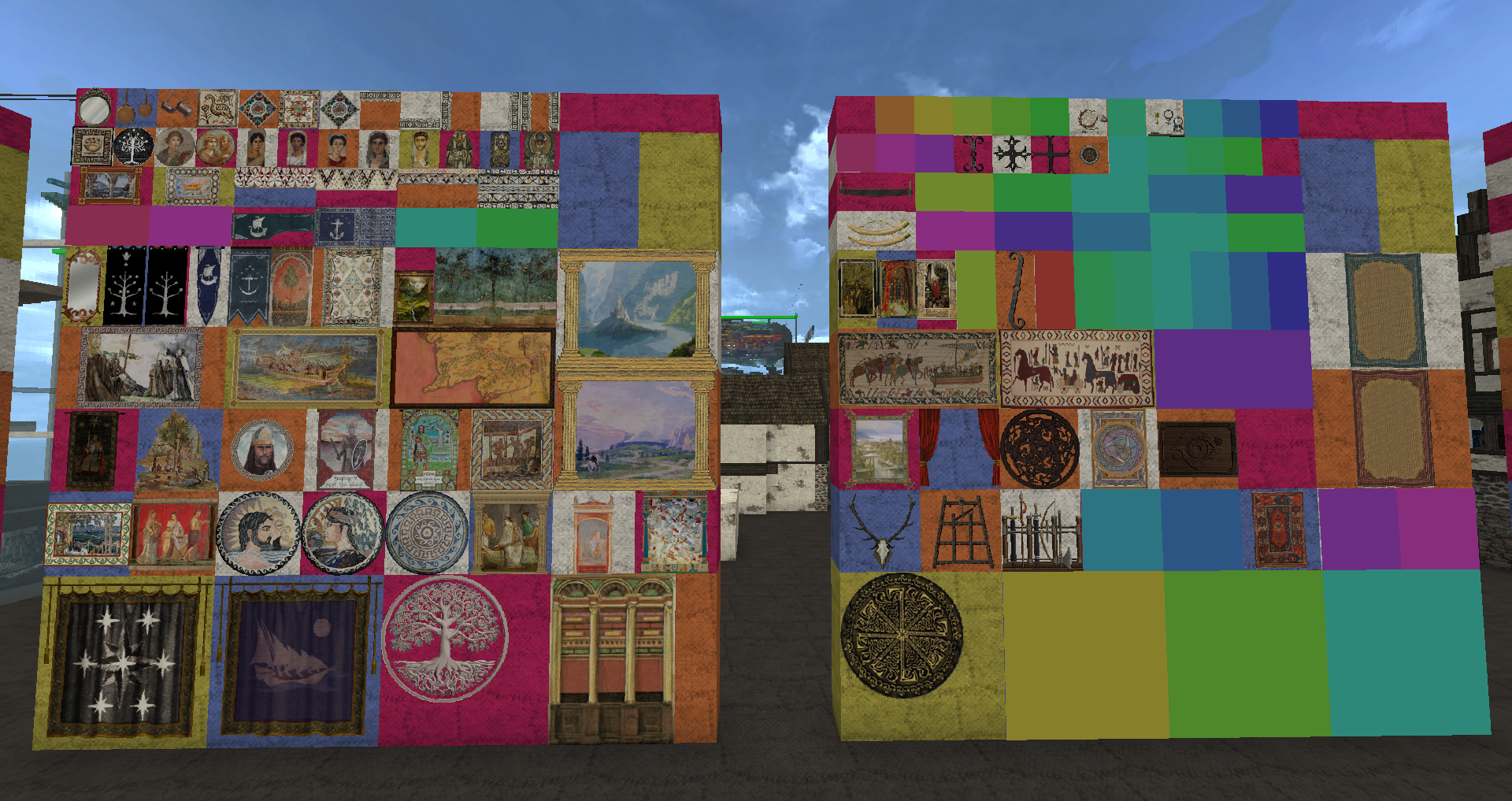
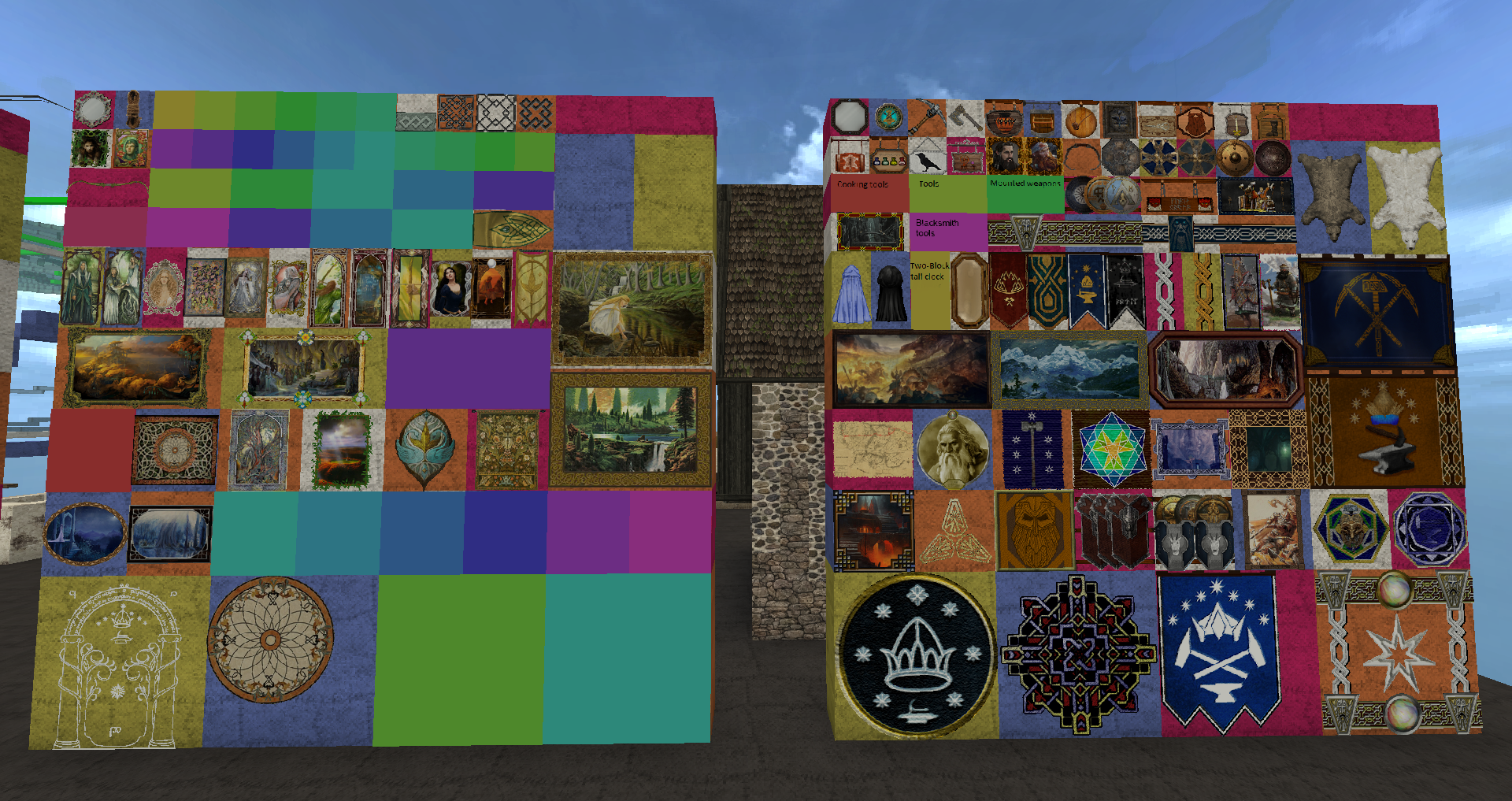
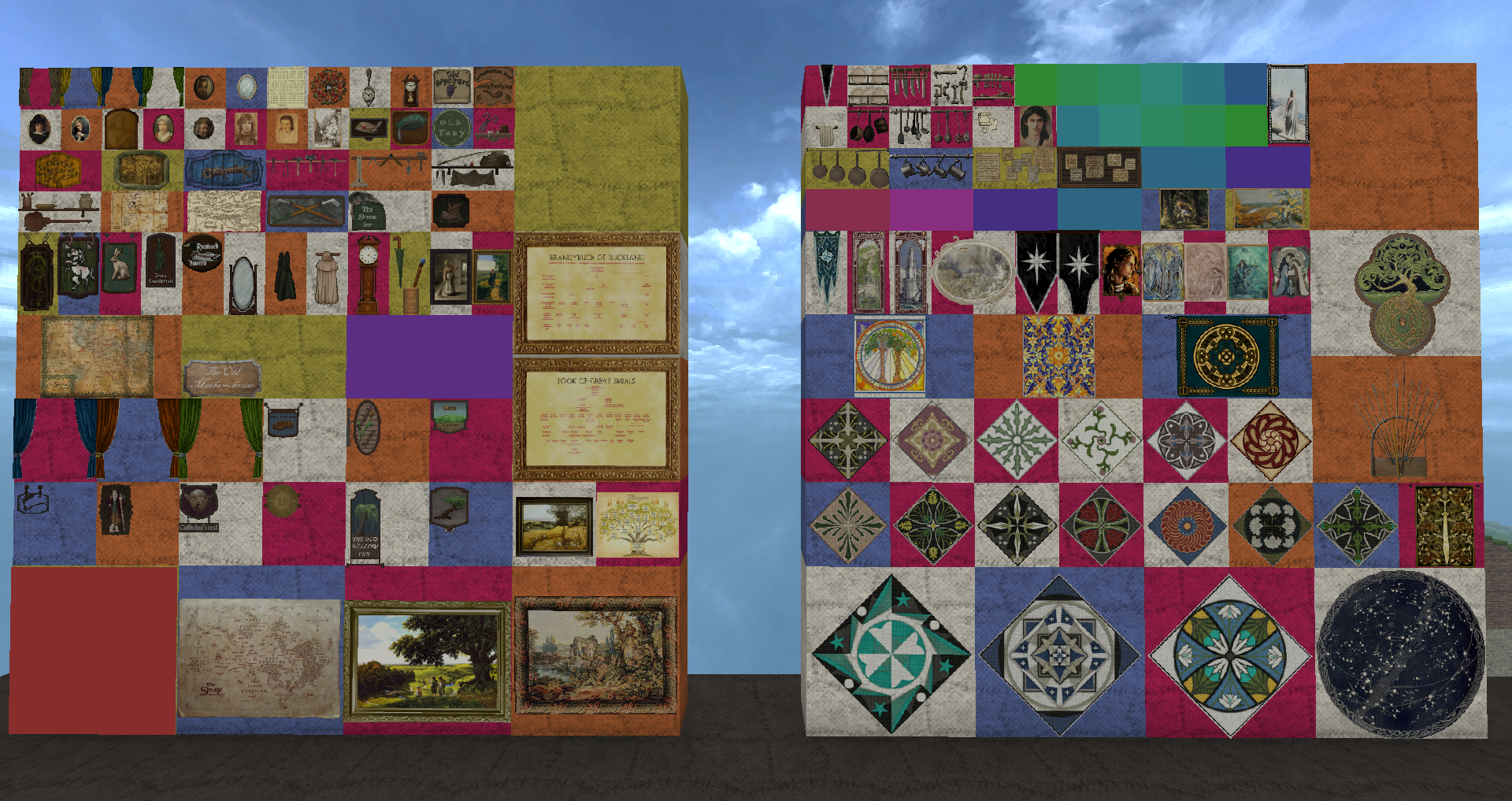
This resource pack adds many additional paintings which take advantage of Conquest Reforged's additional painting slots. It also has other tweaks to ensure that ArdaCraft's players see the server's builds as intended.
Example of our paintings:

About the server
ArdaCraft is a project recreating the world of J.R.R. Tolkien's Middle-earth in Minecraft which began in 2014. The final size of the map is estimated at around 2300 square kilometres (~890 square miles), making it the largest re-creation of Middle-earth ever attempted, outside of works relying on procedural generation.
ArdaCraft focuses on geological, botanical, and historical research in order to make its world as believable as possible. This includes researching historical farming techniques, understanding the likely climate of various areas in order to predict the kinds of plant species which should occur there, and examining analagous historical cultures for various regions - for example, Iron Age Celts for Dunland, or the Anglo-Saxons for Rohan.
In addition, a heavy emphasis is placed upon lore accuracy. Tolkien's legendarium, letters and sketches are all analysed to create as good of a representation of his world as possible, given the constraints of the game.