Mineuniverse
Resource Packs
Arcle's Medieval Containers

Arcle's Medieval Containers

RESOURCE PACK
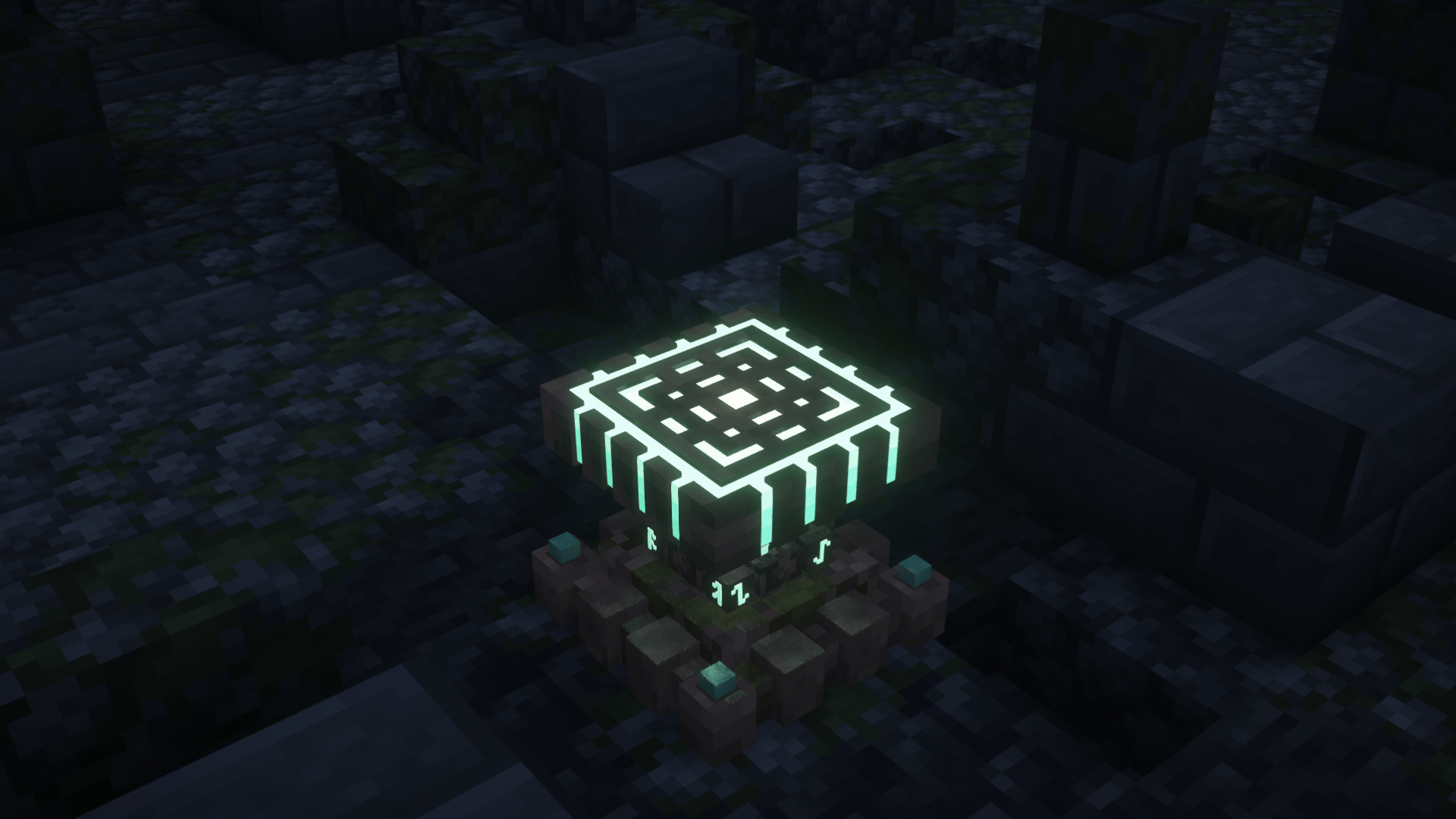
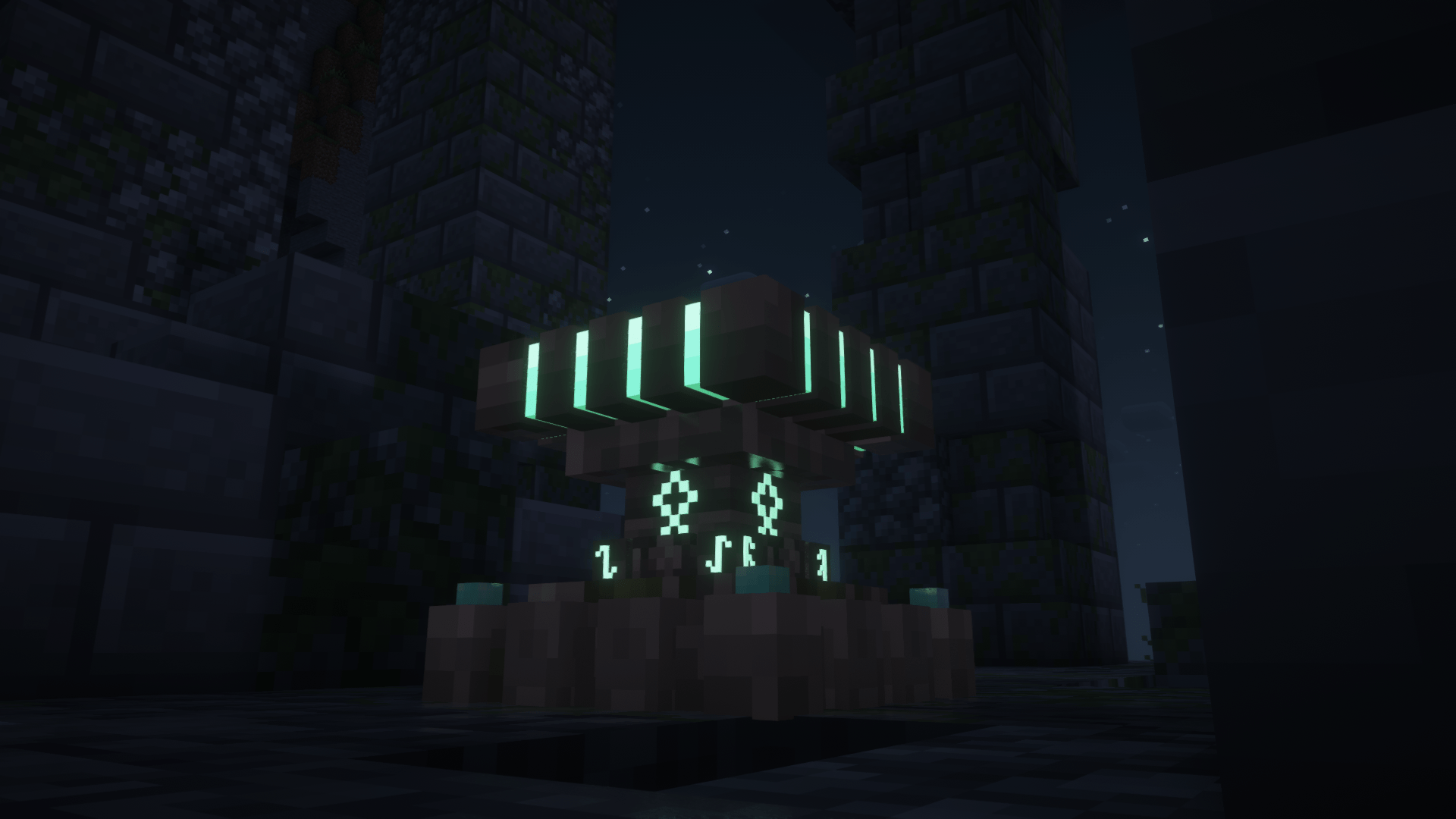
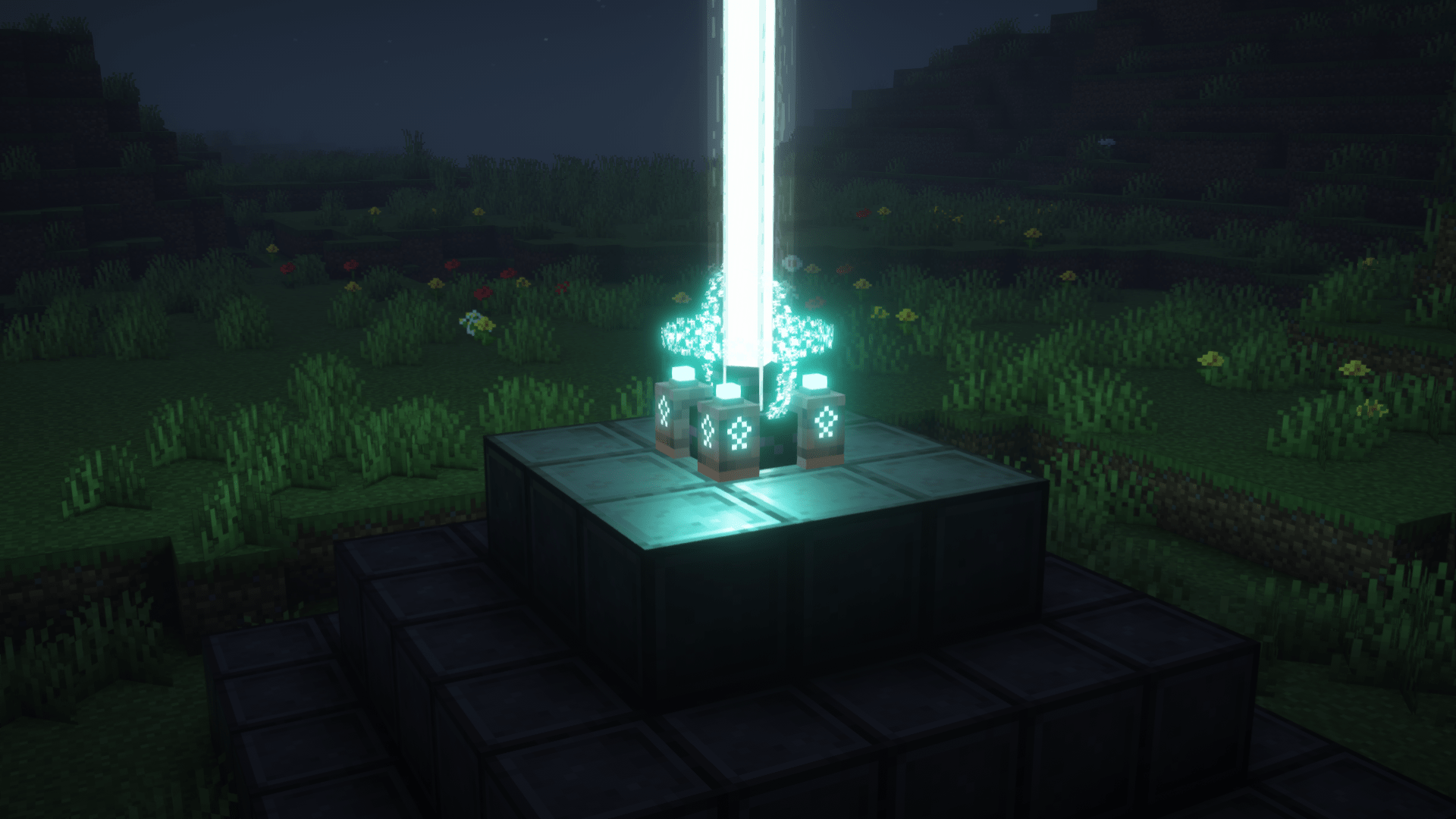
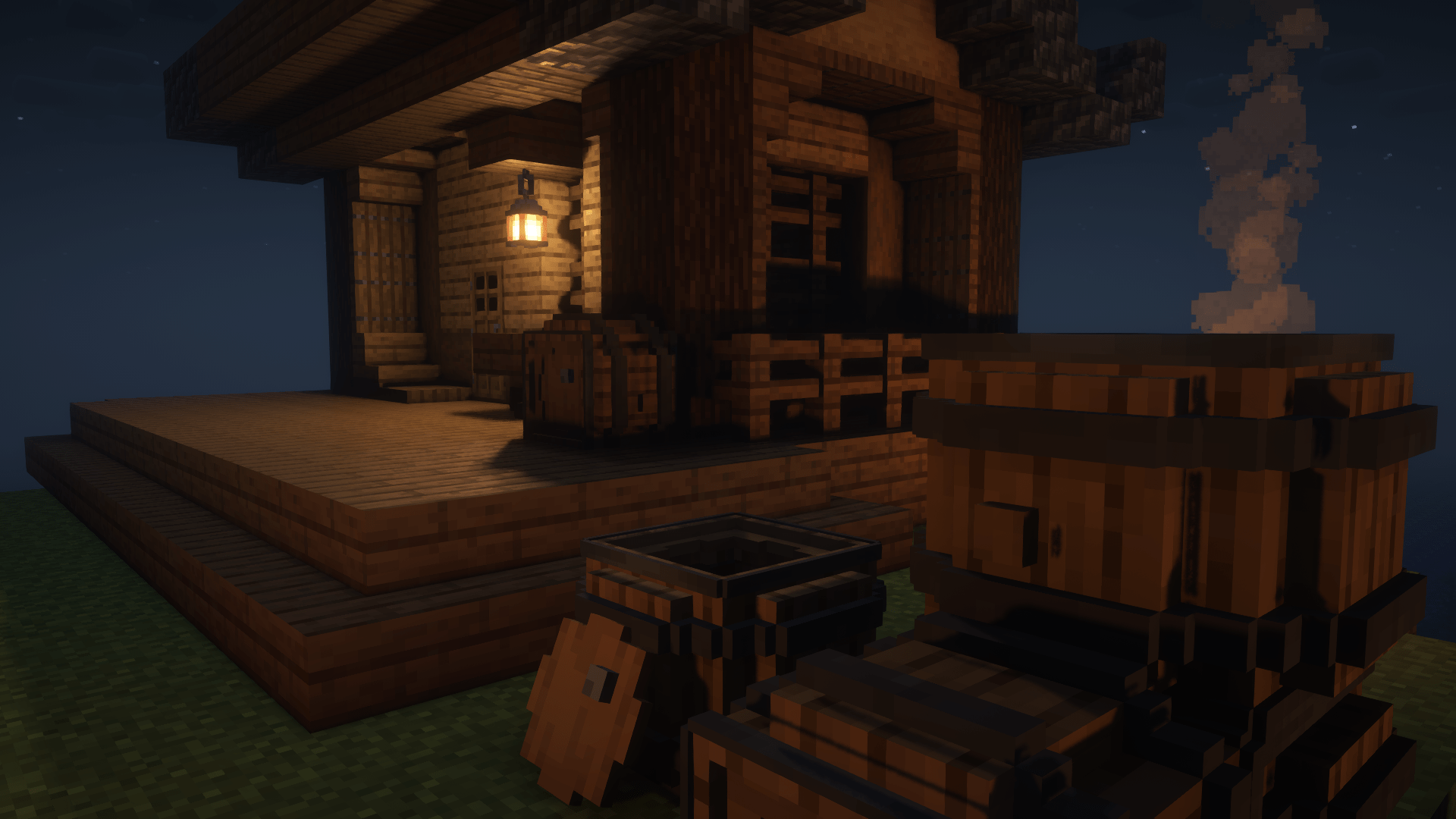
This pack gives all the containers a medieval look!
by ArcleBreeze
Download Claim this project
Add a badge to your pageLink to Arcle's Medieval Containers from a README, website or forum post.
Preview: Badge

Badges update automatically and link to the resource pack page on MineUniverse.

70,014 downloads
0 likes
0 followers
Updated Oct 14, 2026
0 hypes
Follow0
16x Animated Medieval Miscellaneous
Advertisement Remove ads with Premium →

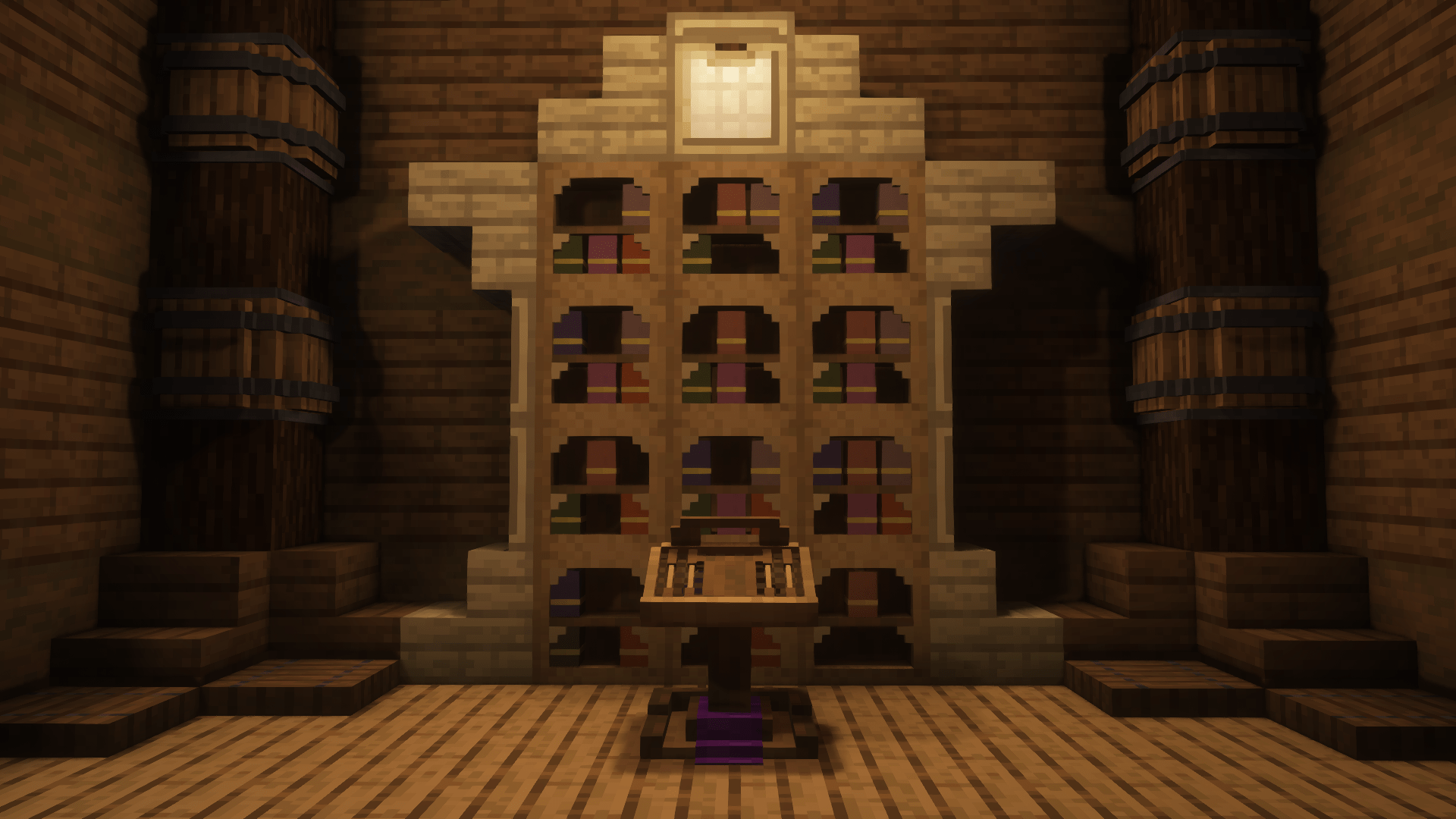
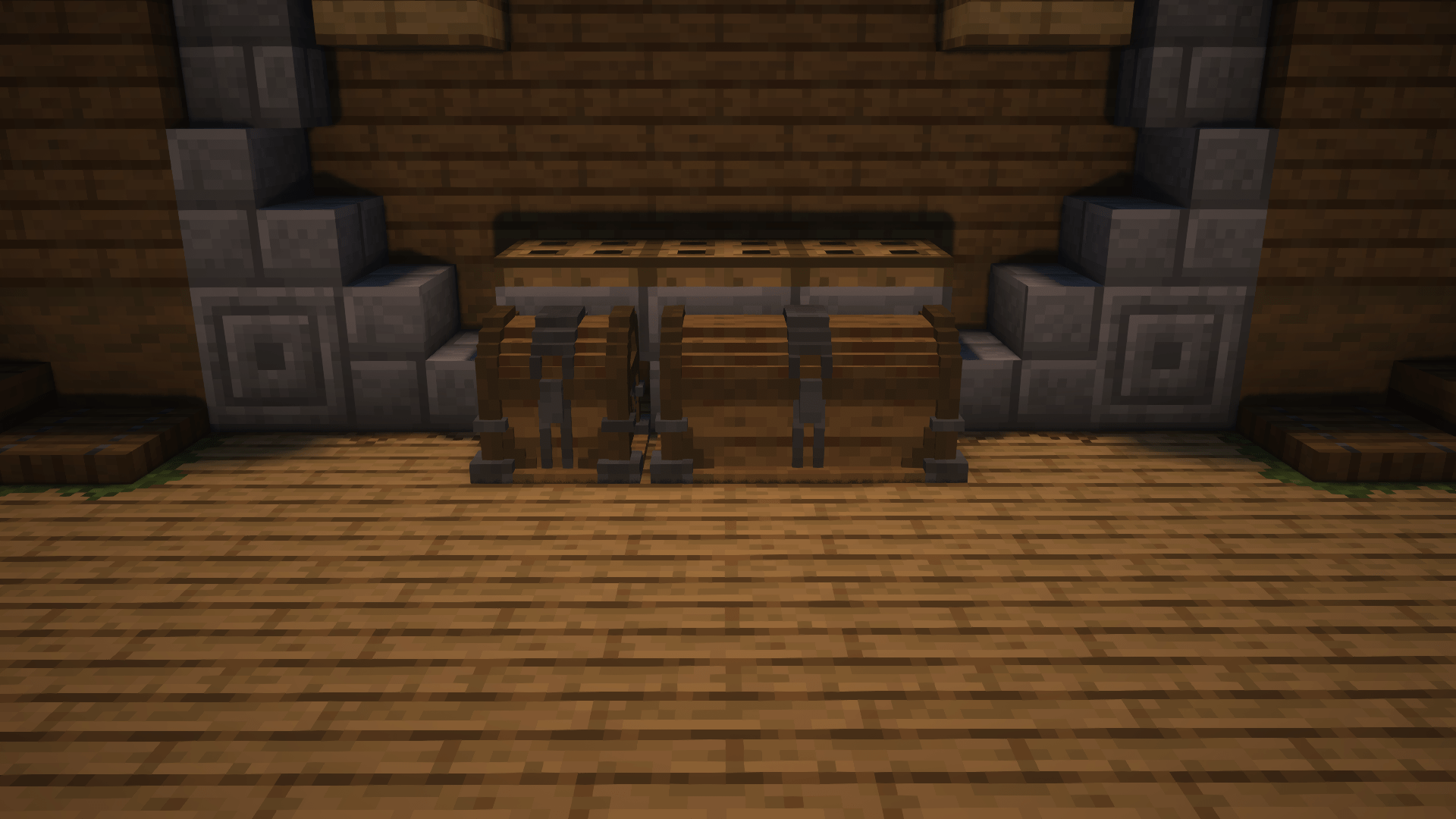
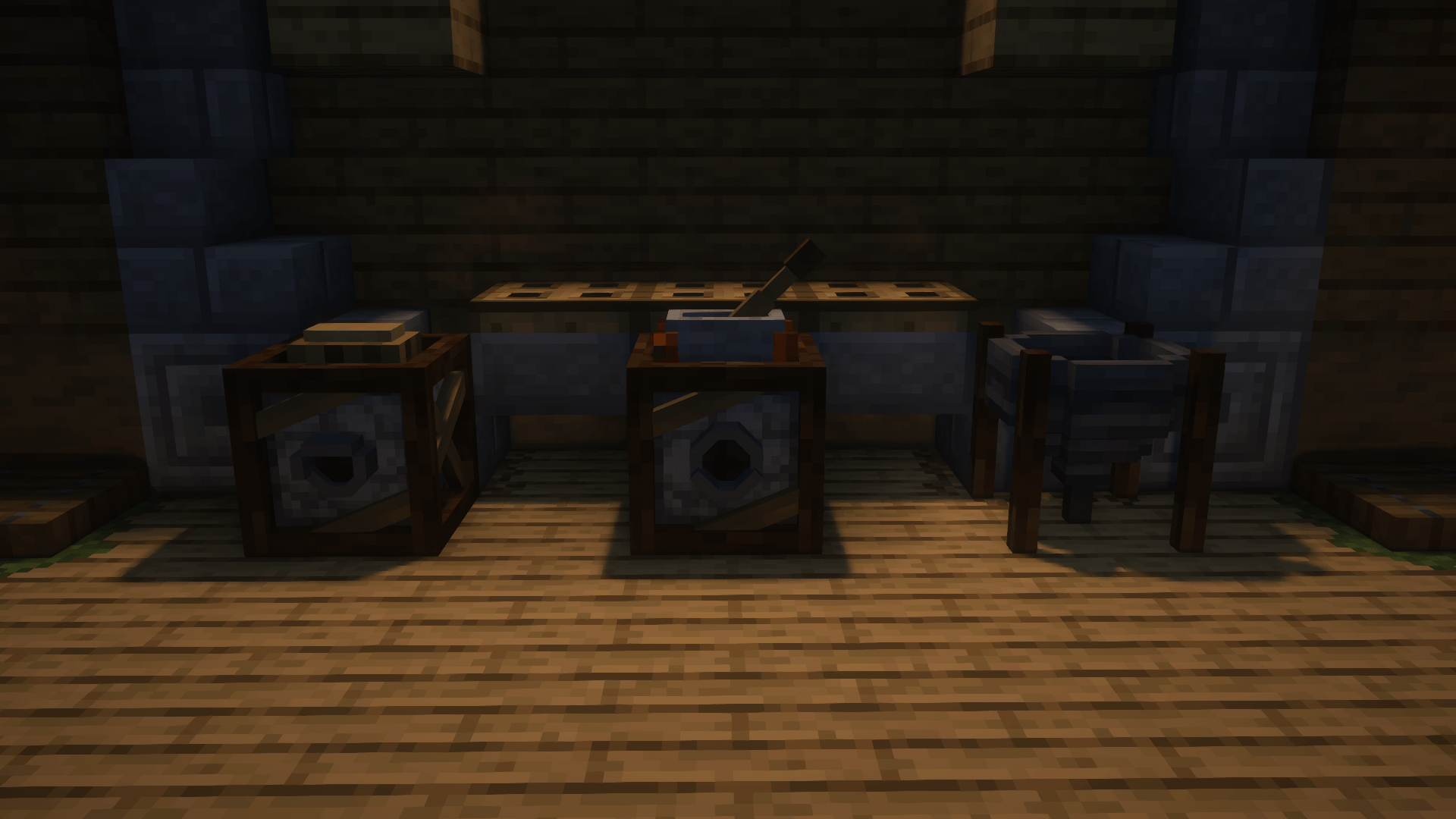
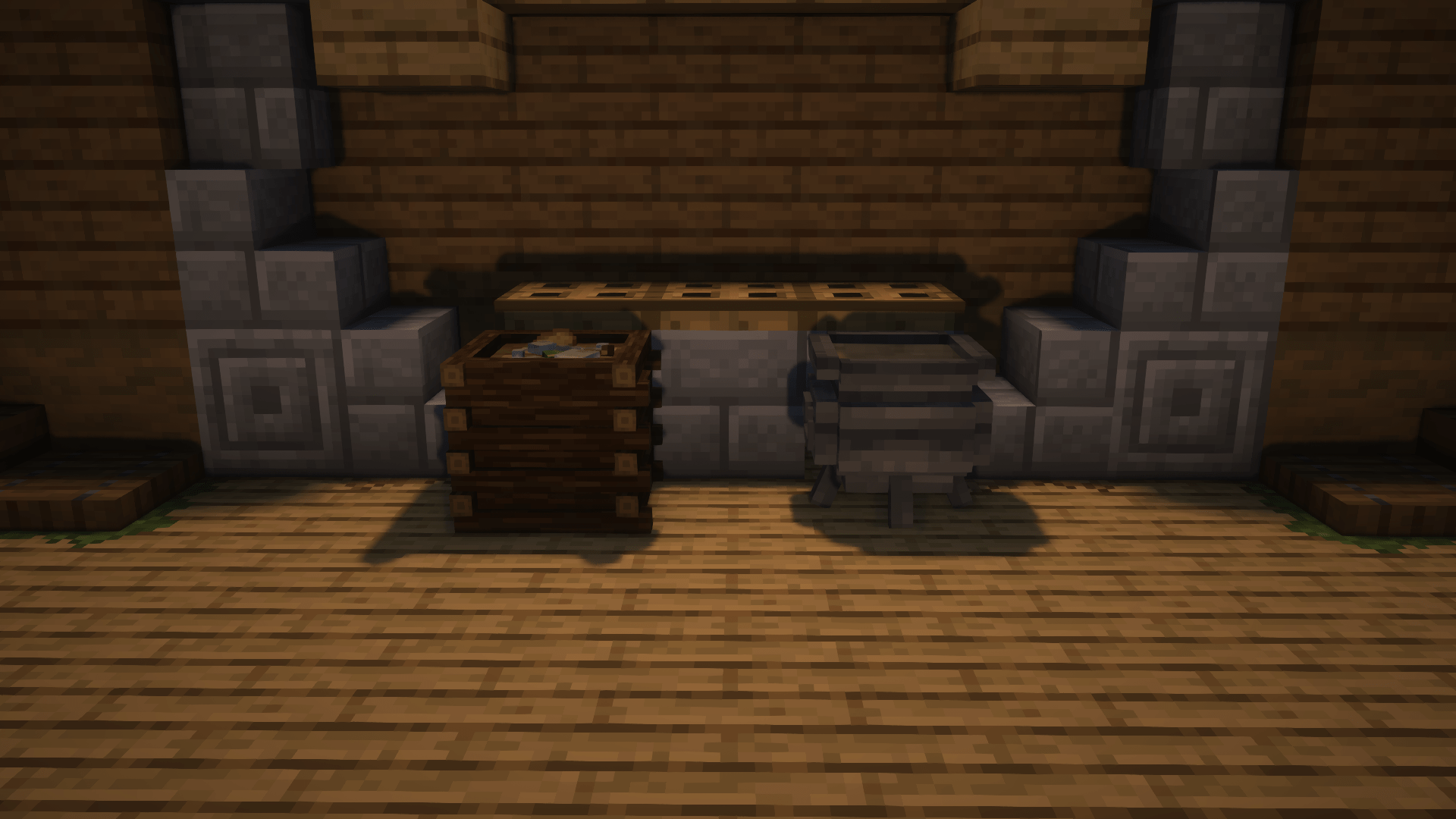
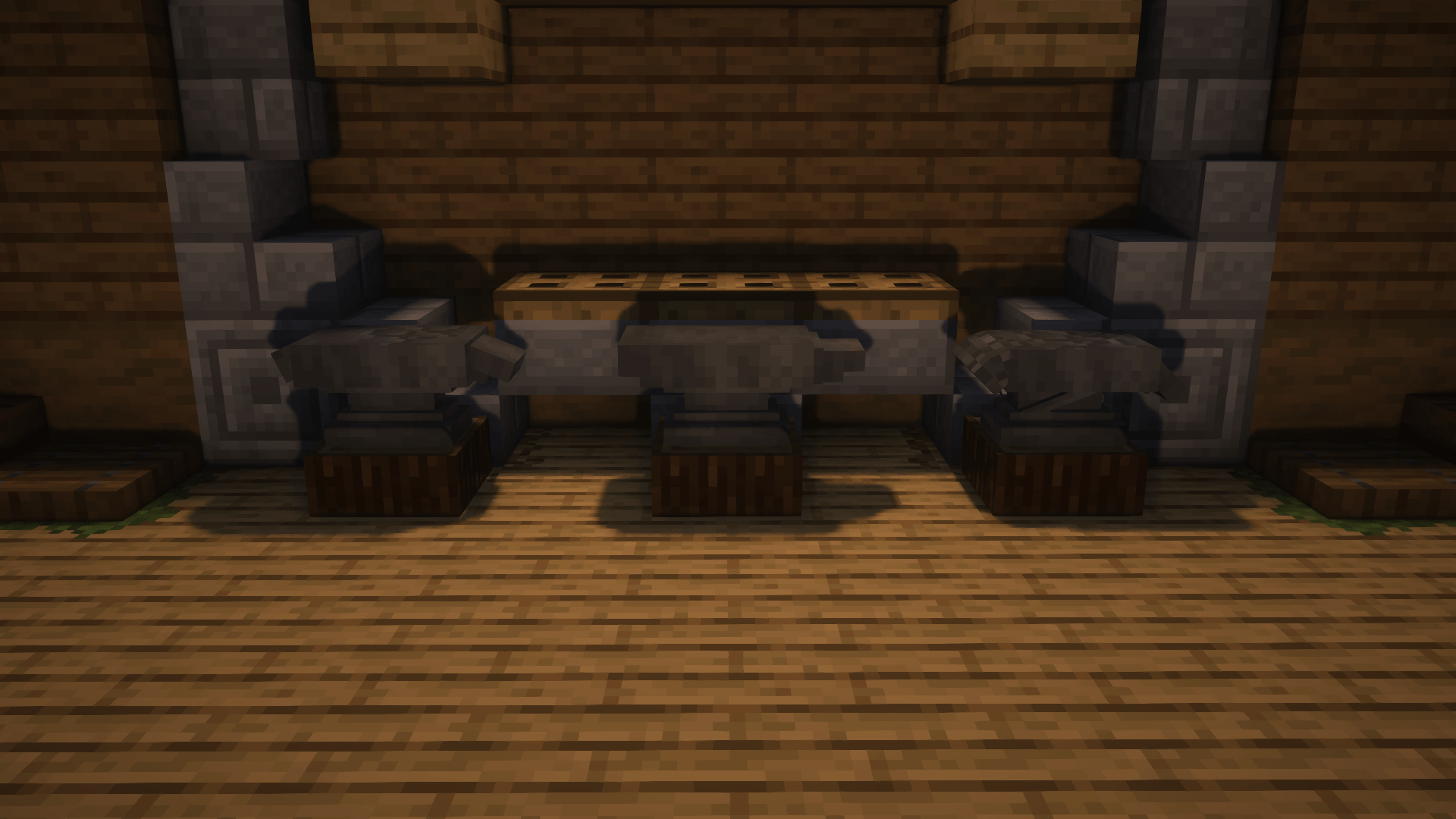
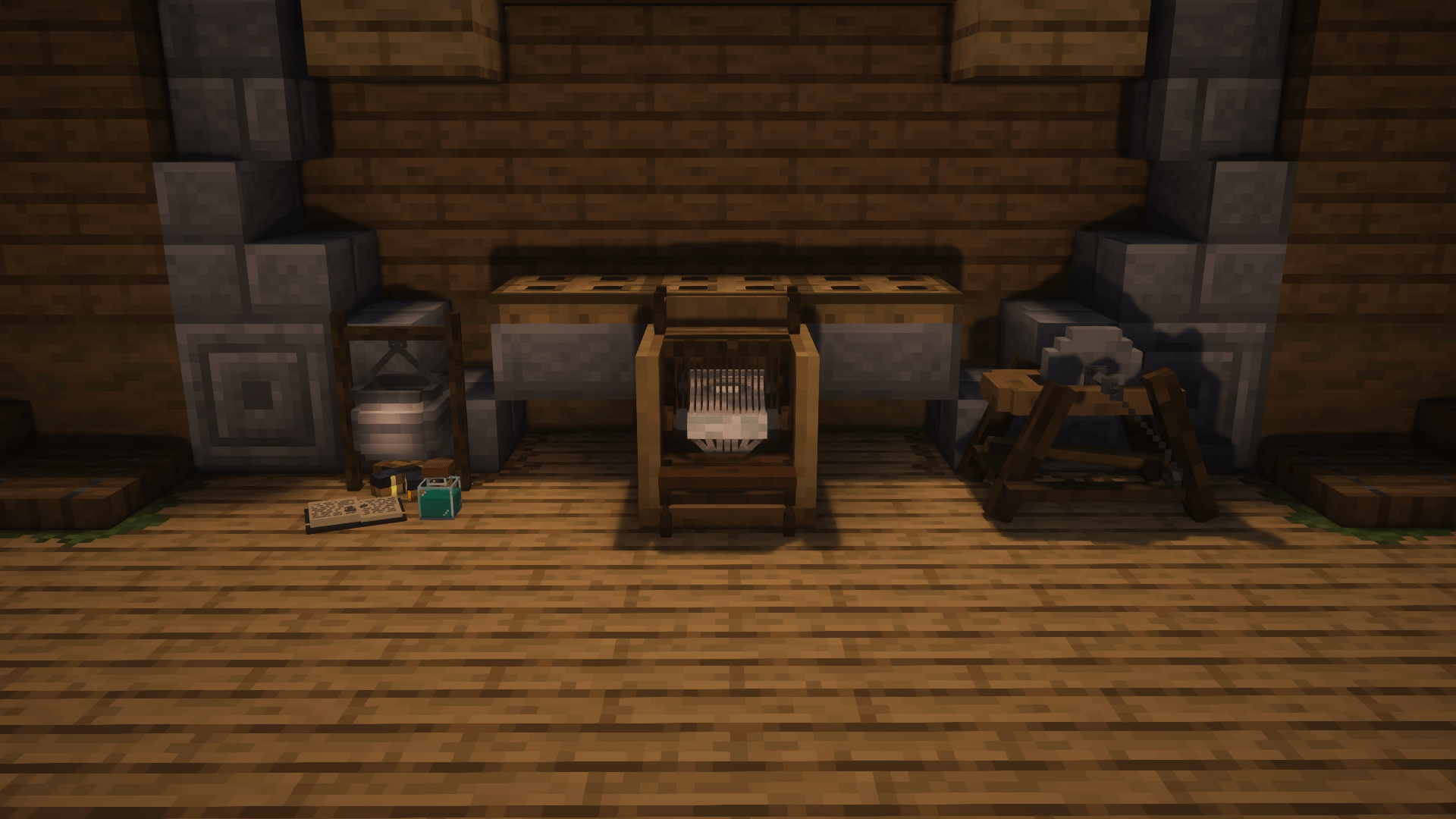
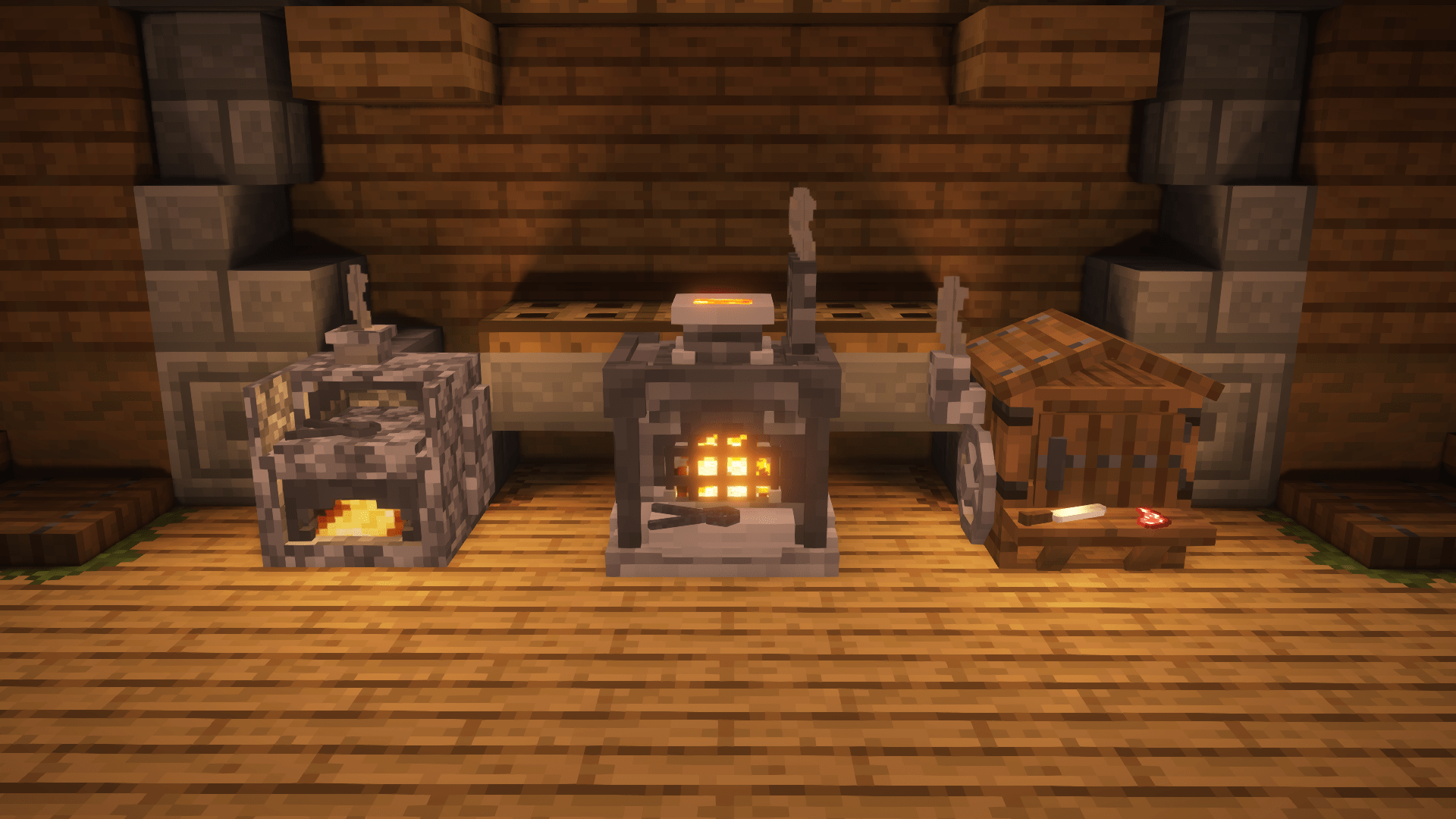
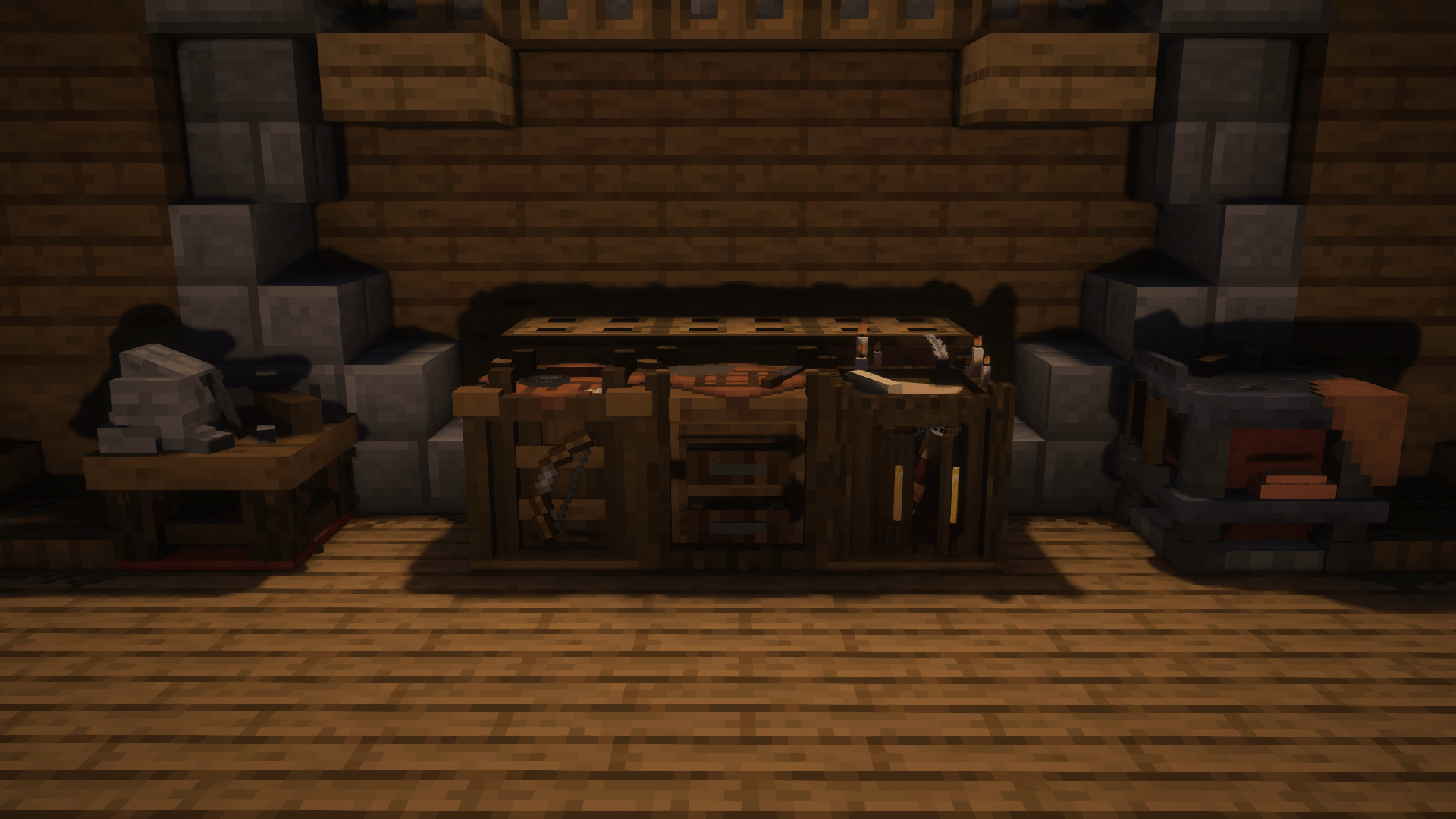
This pack gives (almost) all the interactive blocks a new medieval look! Almost all the blocks were remodeled using actual objects from the medieval ages as references.

This pack requires OptiFine or a combination of Entity Model Features, Entity Texture Features and Polytone to work properly. You may use Continuity (FABRIC) or MoreMcmeta Emissive Textures (FORGE) for emissive textures if you're not using OptiFine.

If you're having issues with chests and enchanting tables, that's probably because of the following reasons:
-You don't have OptiFine or Entity Model & Texture Features installed.
-There are other resource packs you have installed that override this pack.
-You have custom entity models disabled.

To solve the issue:
-Install OptiFine or Entity Texture and Model Features
-Bring the resource pack to the top (if that doesn't work, remove the resource pack that overrides this pack)
-Check your OptiFine settings (if you're using OptiFine)
-Check your Entity Model and Texture features settings (if you're using those)
 

Blocks Remade:

-Crafting Table
-Smithing Table
-Fletching Table
-Cartography Table
-Enchanting Table
-Chiseling Table (Stonecutter)

-Furnace
-Smoker
-Blast Furnace

-Barrel
-Chest (Requires OptiFine or Entity Texture/Model Features)
-Composter
-Cauldron

-Loom
-Grindstone
-Anvil
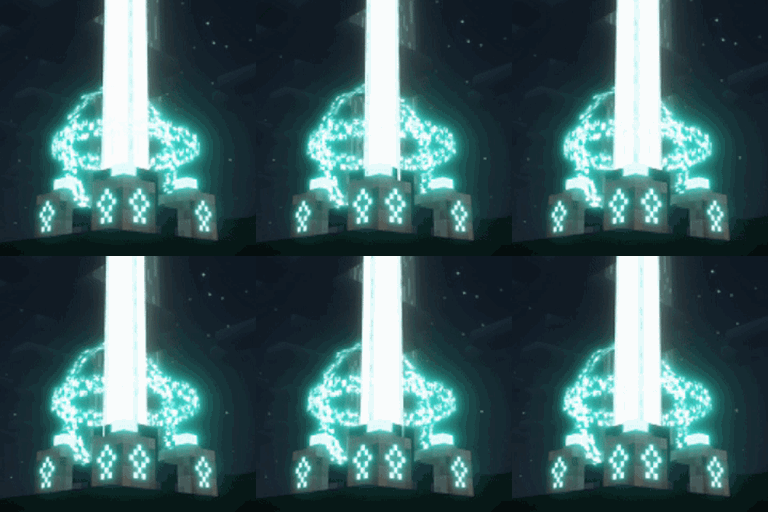
-Beacon
-Brewing Cauldron (Brewing Stand)
-Chiseled Bookshelf
-Lectern
-Dispenser
-Dropper
-Hopper
-Lever
-Buttons

--------------------------------------------------------------------
Known Issues:

  • The "Enhanced Chests" feature from Enhanced Block Entities mod causes the chest to look weird.

--------------------------------------------------------------------
Image credits:
Rethinking Voxels shaders used.

Arcle's Medieval Containers-v0.2
MC 1.19.3, 1.20.2, 1.21, 1.20.5, 1.19.4, 1.19.2, 1.20.3, 1.20.1, 1.20, 1.20.6, 1.19.1, 1.20.4, 1.21.1, 1.19
Release 2024-10-14 Get
Arcle's Medieval Containers-v0.1
MC 1.19.3, 1.20.2, 1.21, 1.20.5, 1.19.4, 1.19.2, 1.20.3, 1.20.1, 1.20, 1.20.6, 1.19.1, 1.20.4, 1.21.1, 1.19
Release 2024-10-13 Get
Arcle's Medieval Containers-v0 (OUTDATED / BROKEN)
MC 1.19.3, 1.20.2, 1.21, 1.20.5, 1.19.4, 1.19.2, 1.20.3, 1.20.1, 1.20, 1.20.6, 1.19.1, 1.20.4, 1.21.1, 1.19
Release 2024-10-10 Get

Requirements & install

How to use this resource pack in Minecraft
Resolution
16x
Minecraft
1.20.1 – 1.21.1
Install folder
.minecraft/resourcepacks

How to install resource packs

  1. Download the resource pack .zip file (do not extract it).
  2. In Minecraft open Options → Resource Packs → Open Pack Folder.
  3. Drop the .zip into the resourcepacks folder (.minecraft/resourcepacks).
  4. Move the pack to the Selected column and click Done.
Browse more: 16x resource packs 32x resource packs 64x resource packs 128x resource packs 256x resource packs 512x+ resource packs Resource Packs for 1.21.1 All resource packs

More from ArcleBreeze

Advertisement Remove ads with Premium →

You Might Also Like