Mineuniverse
Resource Packs
AR's OreUI

AR's OreUI

RESOURCE PACK
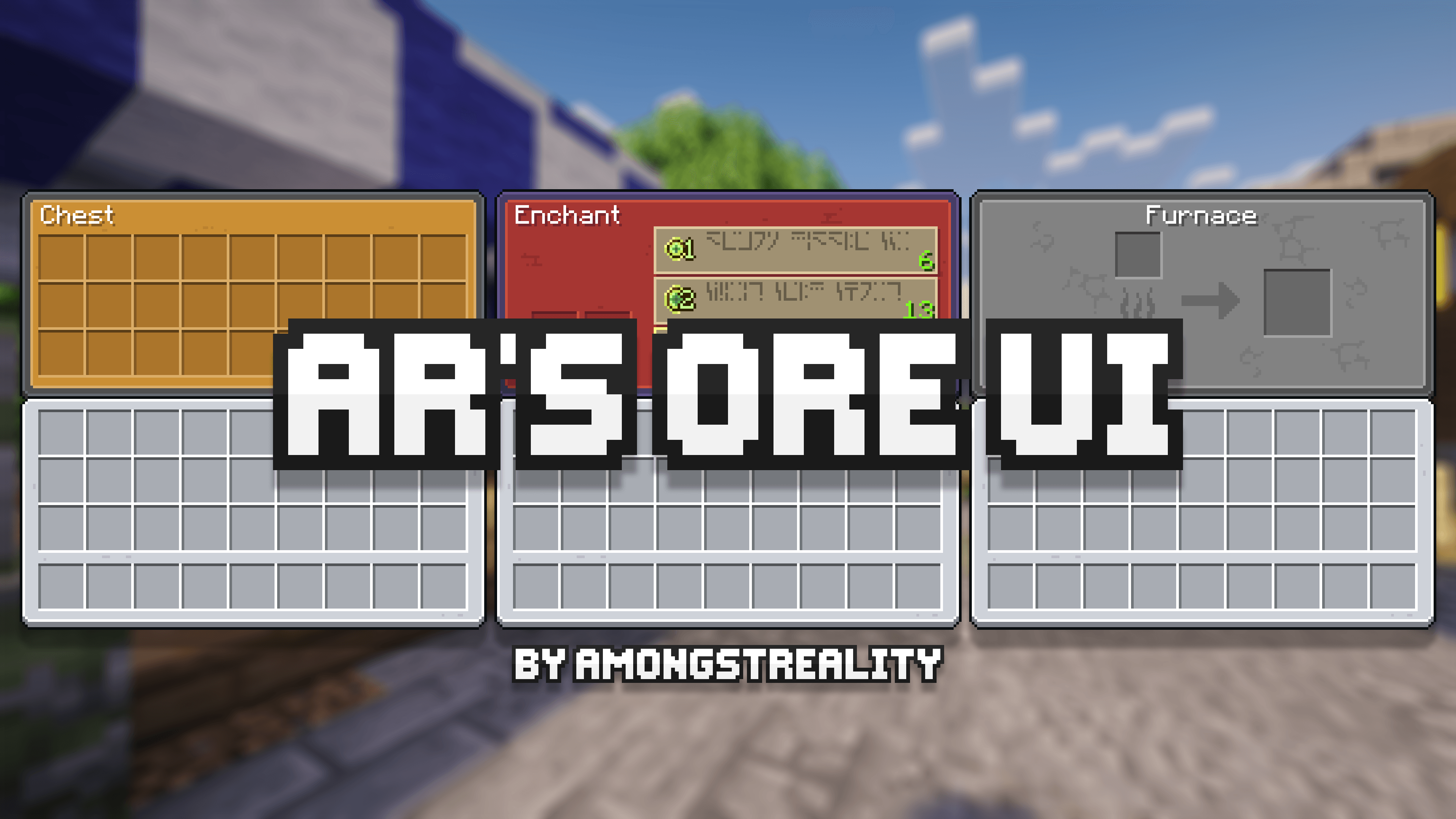
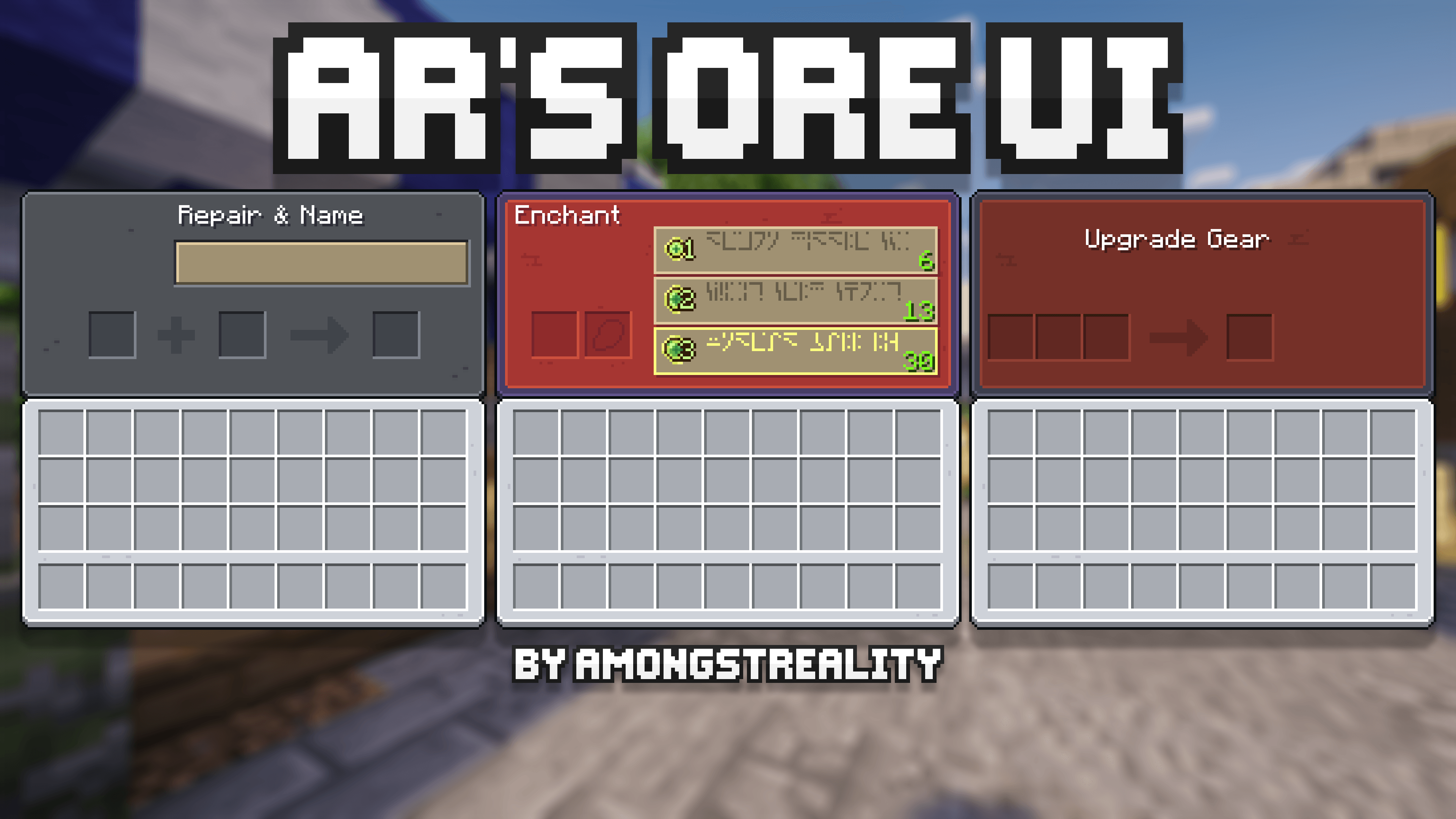
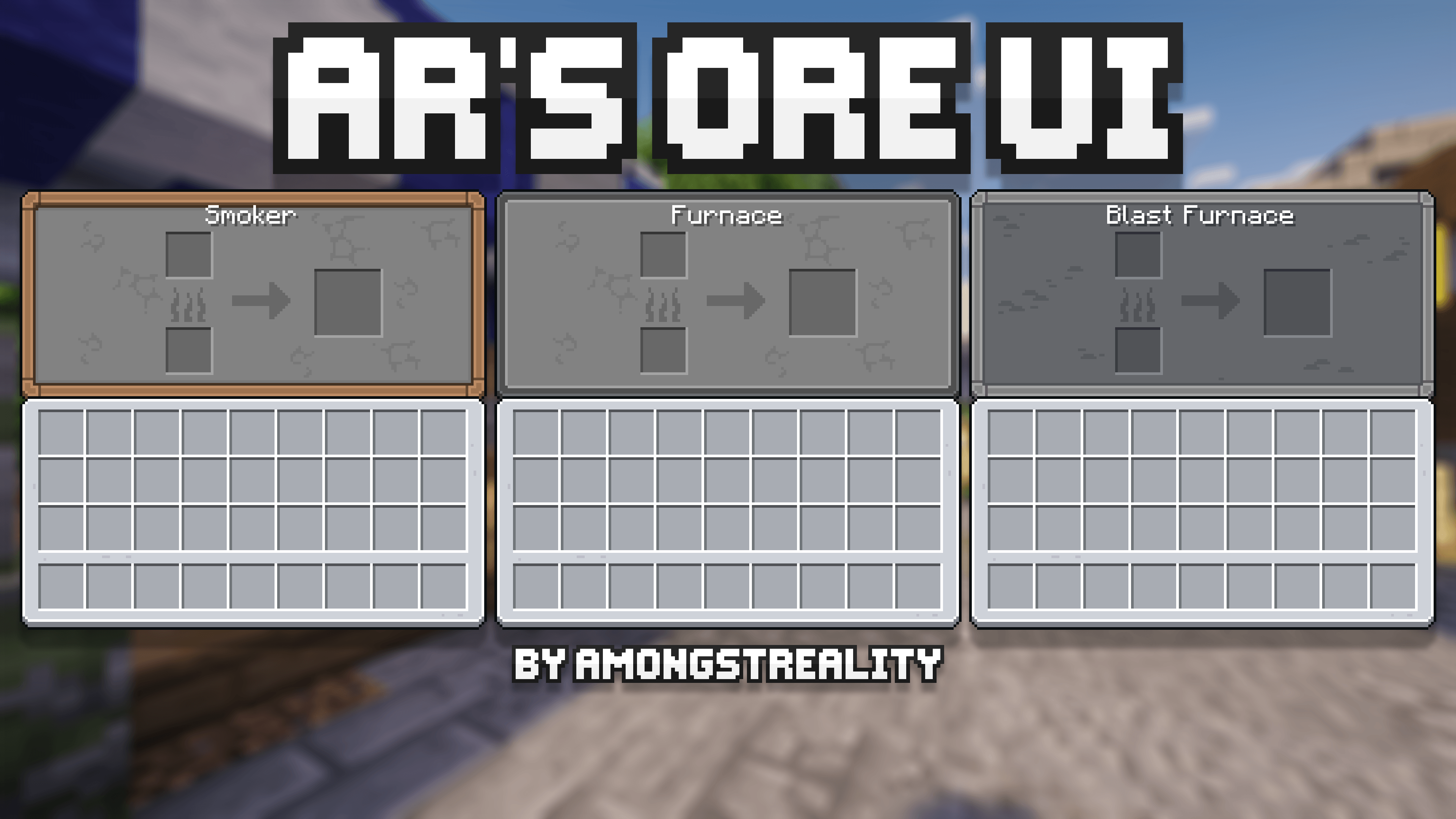
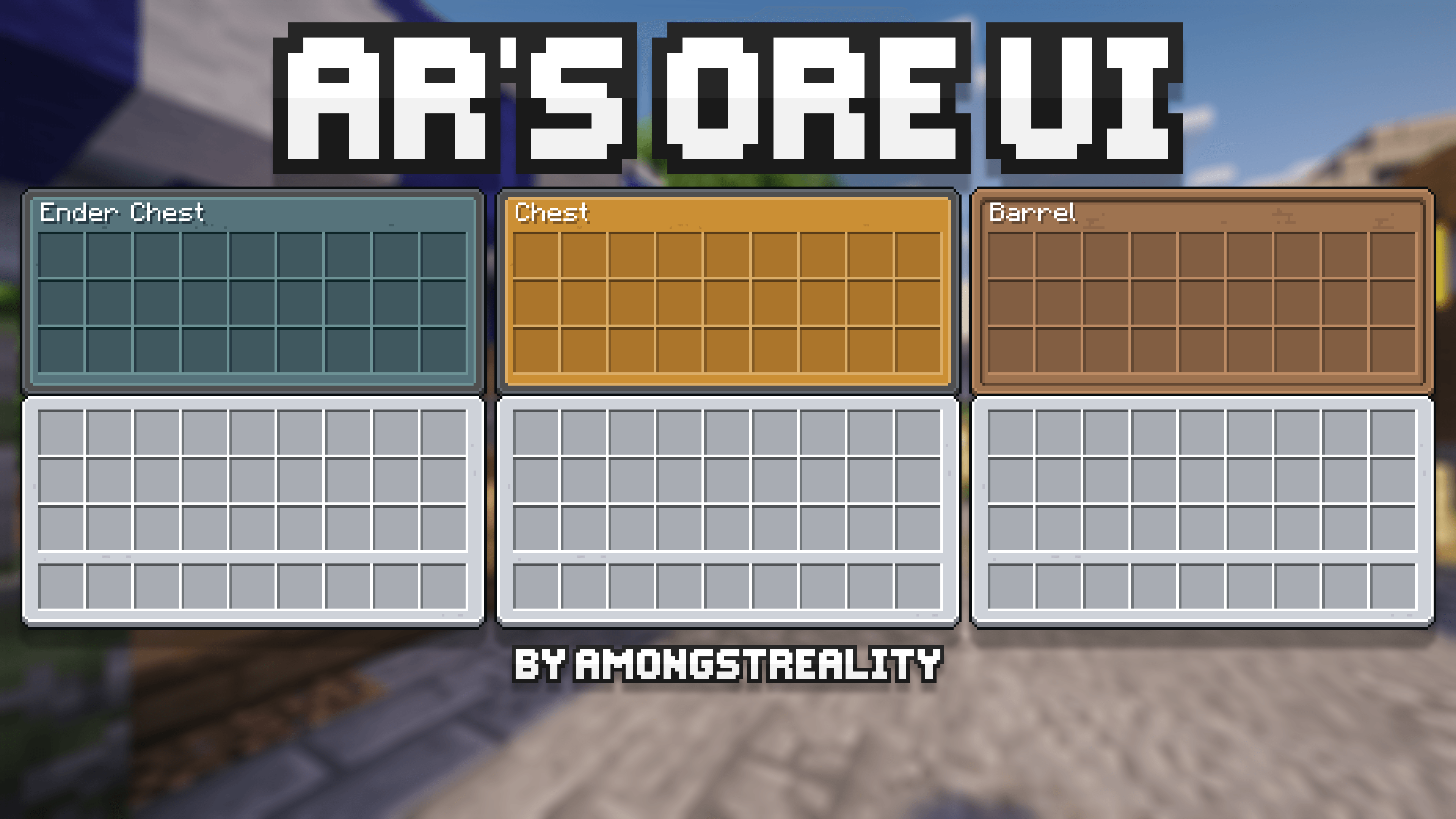
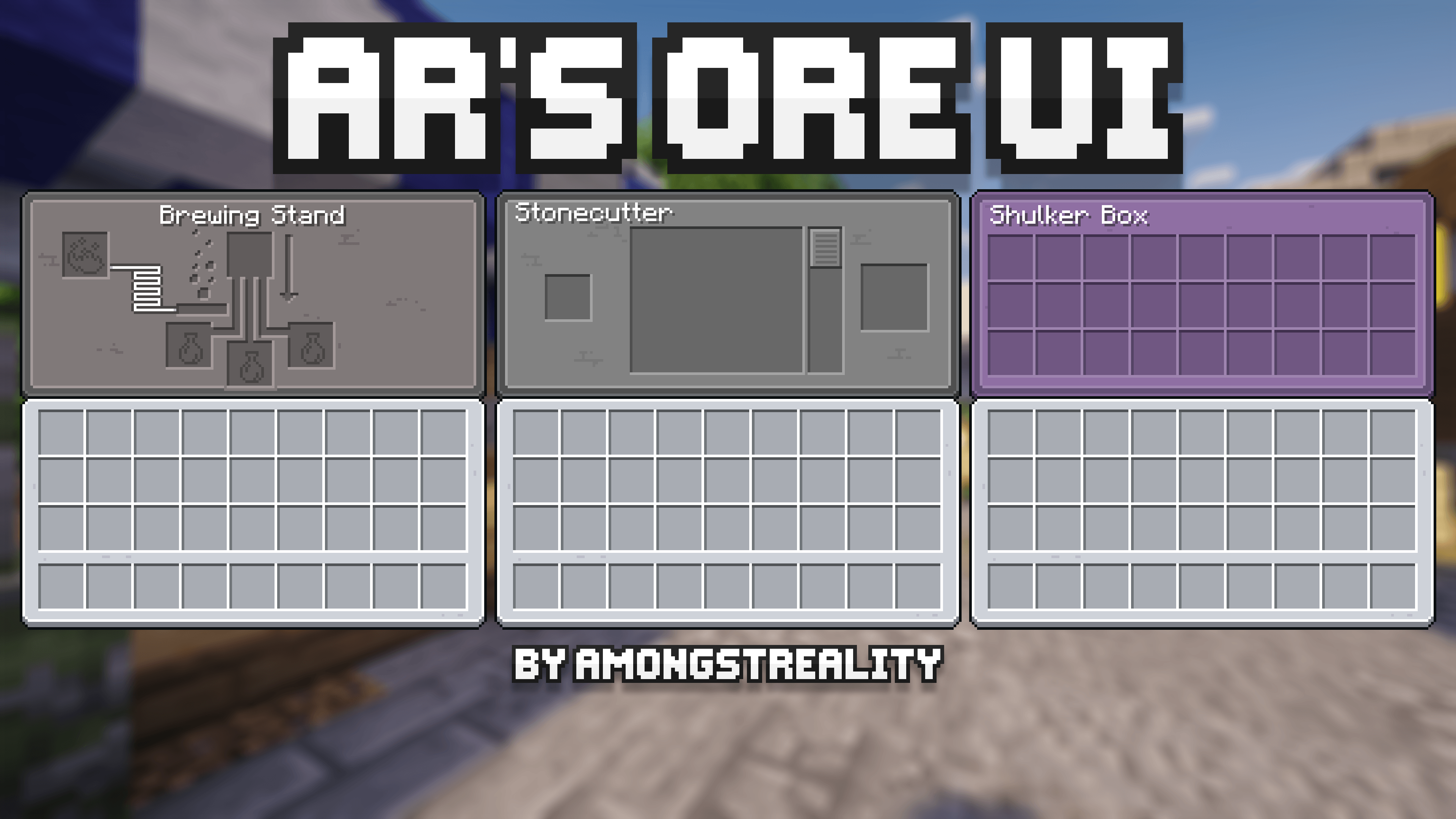
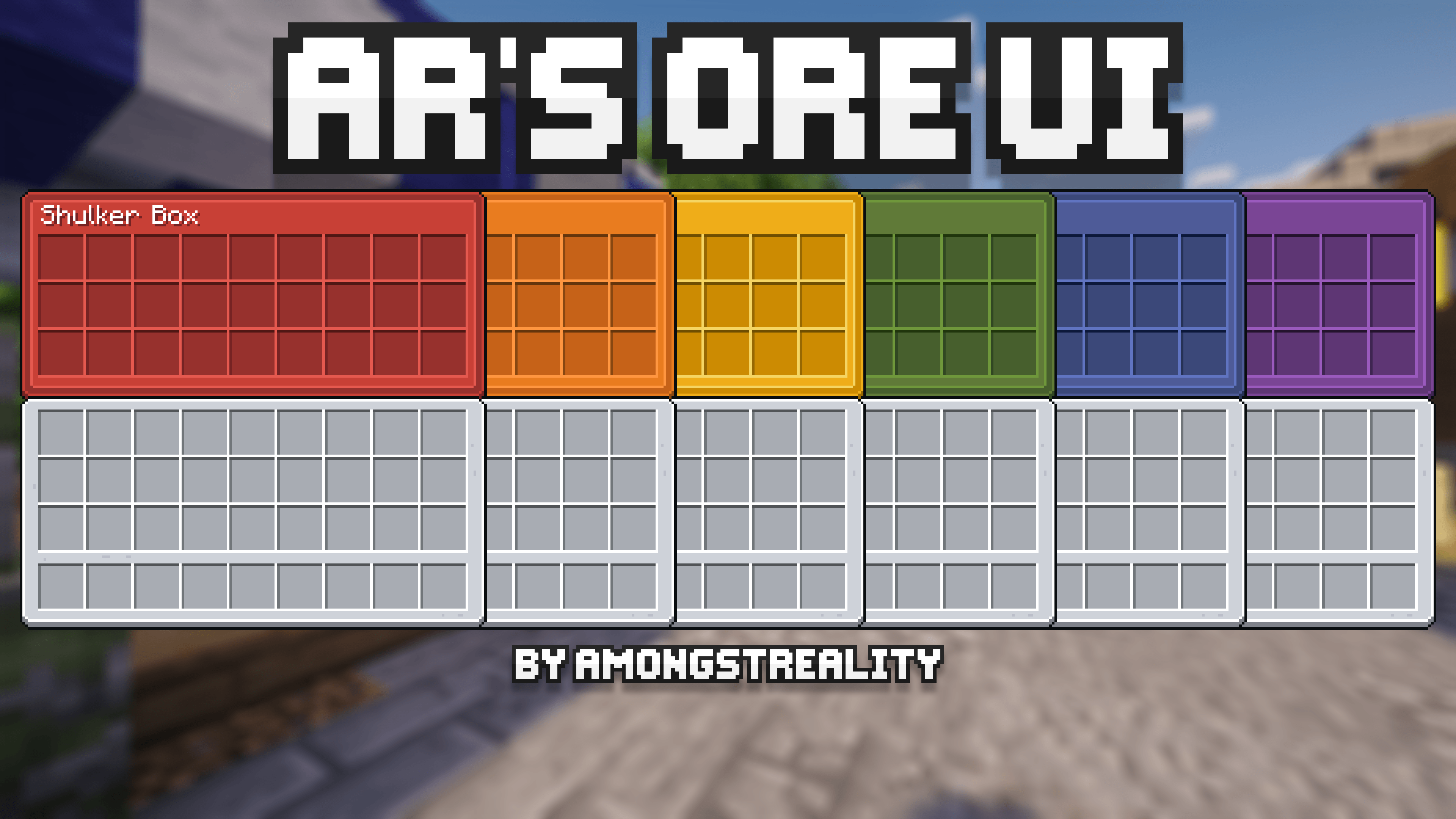
GUI resource pack based on early look of OreUI update
by amongstreality
Download Claim this project
8,081 downloads
0 likes
Updated Oct 14, 2026
0 hypes
16x Miscellaneous Modern Traditional
Advertisement Remove ads with Premium →

AR's OreUI(AmongstReality's OreUI)

AR's OreUI on Modrinth AR's OreUI on CurseForge amongstreality on Patreon amongstreality on Buy Me a Coffee

GUI resource pack based on early look of OreUI update. You can look it up here Minecraft Wiki - OreUI.

❗ Important: the resource pack REQUIRES OptiGUI. If you don't use it, chest, trapped chest, ender chest and barrel will have the same generic texture.

⚠️ Warning: this resource pack is only available for download on Modrinth and CurseForge and has its own page on Planet Minecraft. If you find it on any other platform - do not download it from them, because they redistribute it unofficially and unauthorized. The download links may lead to malicious websites and the content you download may contain viruses.

You can support me and my projects here:

Patreon Buy Me a Coffee

Terms of use

Copyright © AR's OreUI

Author AmongstReality

Links to pages of the author on different platforms:

When you can use my assets:

  • In public Modpacks on Modrinth/CurseForge.
  • If you want to add mod support as an addon for the resource pack. If you do that, you have to add clear credit that includes links to the original resource pack.
  • Any private modifications of the original resource pack.

When you can NOT use my assets:

  • Distribution on the Bedrock Marketplace.
  • Locking behind a paywall (e.g. Patreon).
  • Distribution of original/modified assets on any platforms.

Links to the resource pack's pages on different platforms:

AR's OreUI v3.1
MC 1.21, 1.20.2, 1.21.8, 1.20.5, 1.21.5, 1.21.4, 1.20.6, 1.21.1, 1.21.6, 1.21.3, 1.21.7, 1.20.4, 1.20.3, 1.21.2, 1.21.9, 1.21.10, 1.21.11, 26.1, 26.1.1, 26.1.2, 26.2, 26.3
Release 2026-05-25 Get
AR's OreUI 1.20.2-26.x v3.0
MC 1.21, 1.20.2, 1.21.8, 1.20.5, 1.21.5, 1.21.4, 1.20.6, 1.21.1, 1.21.6, 1.21.3, 1.21.7, 1.20.4, 1.20.3, 1.21.2, 1.21.9, 1.21.10, 1.21.11, 26.1, 26.1.1, 26.1.2
Release 2026-03-31 Get
AR's OreUI v2.2
MC 1.21, 1.20.2, 1.21.8, 1.20.5, 1.21.5, 1.21.4, 1.20.6, 1.21.1, 1.21.6, 1.21.3, 1.21.7, 1.20.4, 1.20.3, 1.21.2, 1.21.9, 1.21.10, 1.21.11, 26.1
Release 2026-03-26 Get
AR's OreUI 1.20.2+ v2.1
MC 1.21, 1.20.2, 1.21.8, 1.20.5, 1.21.5, 1.21.4, 1.20.6, 1.21.1, 1.21.6, 1.21.3, 1.21.7, 1.20.4, 1.20.3, 1.21.2, 1.21.9, 1.21.10, 1.21.11, 26.1
Release 2026-01-21 Get
AR's OreUI 1.20.2-1.21.x v2.0
MC 1.21, 1.20.2, 1.21.8, 1.20.5, 1.21.5, 1.21.4, 1.20.6, 1.21.1, 1.21.6, 1.21.3, 1.21.7, 1.20.4, 1.20.3, 1.21.2, 1.21.9, 1.21.10, 1.21.11
Beta 2025-12-30 Get
AR's OreUI 1.21.2-1.21.x v1.10
MC 1.21.8, 1.21.5, 1.21.4, 1.21.6, 1.21.3, 1.21.7, 1.21.2, 1.21.9, 1.21.10, 1.21.11
Release 2025-10-09 Get
AR's OreUI 1.21.2-1.21.x v1.9
MC 1.21.5, 1.21.8, 1.21.9, 1.21.10, 1.21.4, 1.21.3, 1.21.7, 1.21.6, 1.21.2
Release 2025-07-16 Get
AR's OreUI 1.21.2-1.21.x v1.8
MC 1.21.5, 1.21.4, 1.21.3, 1.21.6, 1.21.2
Release 2025-06-21 Get
AR's OreUI 1.21.2-1.21.x v1.7
MC 1.21.5, 1.21.4, 1.21.3, 1.21.6, 1.21.2
Release 2025-06-05 Get
AR's OreUI 1.21.2-1.21.x v1.6
MC 1.21.5, 1.21.4, 1.21.3, 1.21.2
Release 2025-04-14 Get
AR's OreUI 1.21.2-1.21.x v1.5
MC 1.21.5, 1.21.4, 1.21.3, 1.21.2
Release 2025-03-13 Get
AR's OreUI 1.21.2-1.21.x v1.4
MC 1.21.4, 1.21.3, 1.21.2
Release 2025-02-26 Get
AR's OreUI 1.21.2-1.21.x v1.3
MC 1.21.4, 1.21.3, 1.21.2
Release 2025-02-13 Get
AR's OreUI 1.21.2-1.21.x v1.2
MC 1.21.4, 1.21.3, 1.21.2
Release 2025-02-06 Get
AR's OreUI 1.21.2-1.21.x v1.1
MC 1.21.4, 1.21.3, 1.21.2
Release 2025-02-01 Get
AR's OreUI 1.21.2-1.21.x v1.0
MC 1.21.4, 1.21.3, 1.21.2
Release 2025-01-27 Get

Requirements & install

How to use this resource pack in Minecraft
Resolution
16x
Minecraft
1.21.9 – 26.3
Install folder
.minecraft/resourcepacks

How to install resource packs

  1. Download the resource pack .zip file (do not extract it).
  2. In Minecraft open Options → Resource Packs → Open Pack Folder.
  3. Drop the .zip into the resourcepacks folder (.minecraft/resourcepacks).
  4. Move the pack to the Selected column and click Done.
Browse more: 16x resource packs 32x resource packs 64x resource packs 128x resource packs 256x resource packs 512x+ resource packs Resource Packs for 26.3 All resource packs

More from amongstreality

Advertisement Remove ads with Premium →

You Might Also Like