Mineuniverse
Resource Packs
AppliedEnergistics2-TexturesBackport

AppliedEnergistics2-TexturesBackport

RESOURCE PACK
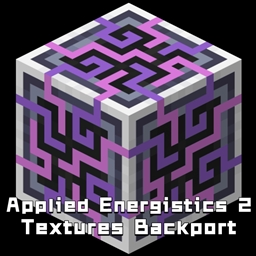
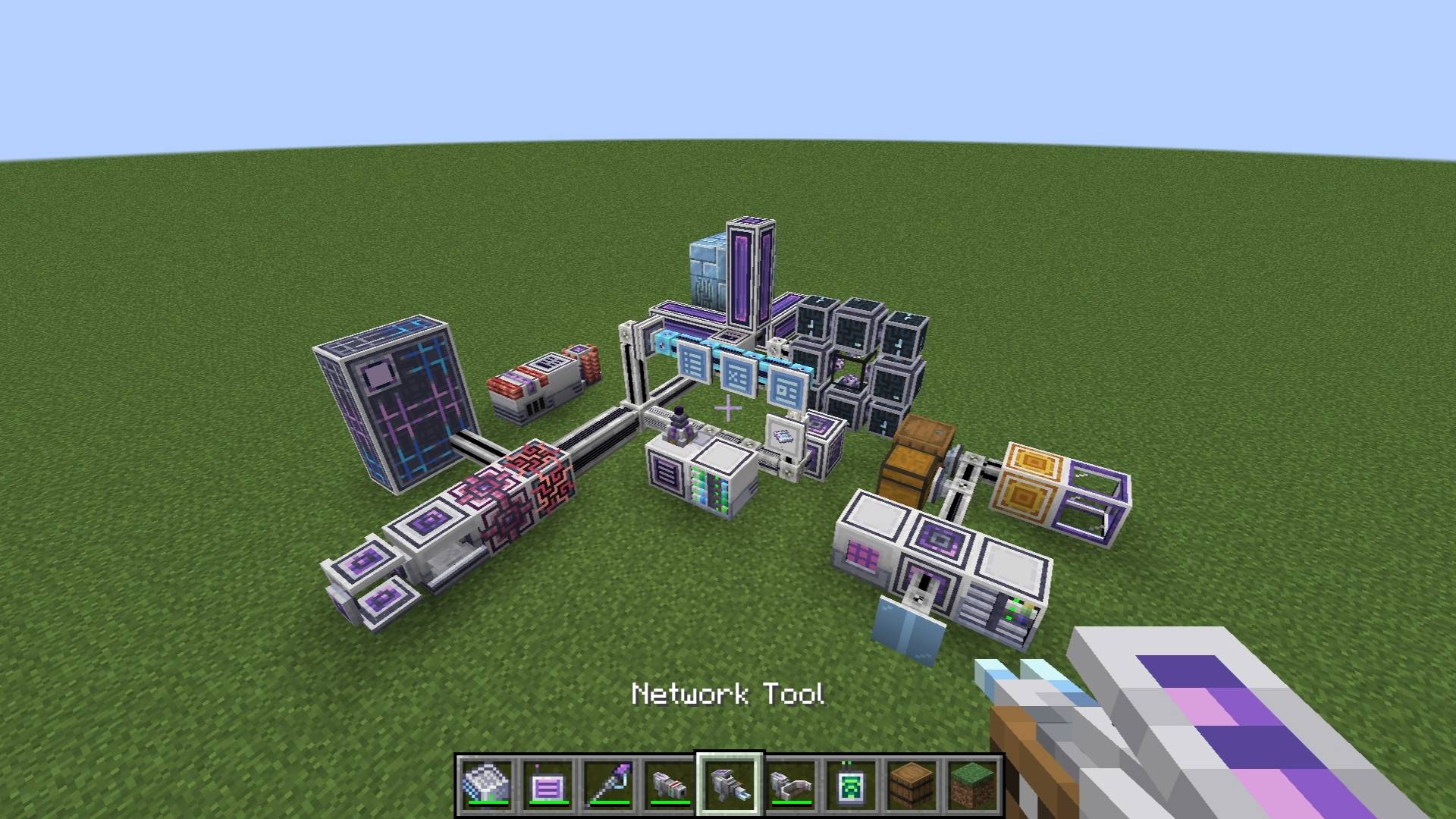
Replace older versions of AppliedEnergistics2 with new textures.
by Gelitvecz
Download Claim this project
528,900 downloads
0 likes
0 followers
Updated Oct 14, 2026
0 hypes
Follow0
16x Miscellaneous Mod Support Modern Traditional
Advertisement Remove ads with Premium →

Note: Requires the AE2 mod to work.

===📖Information📖===

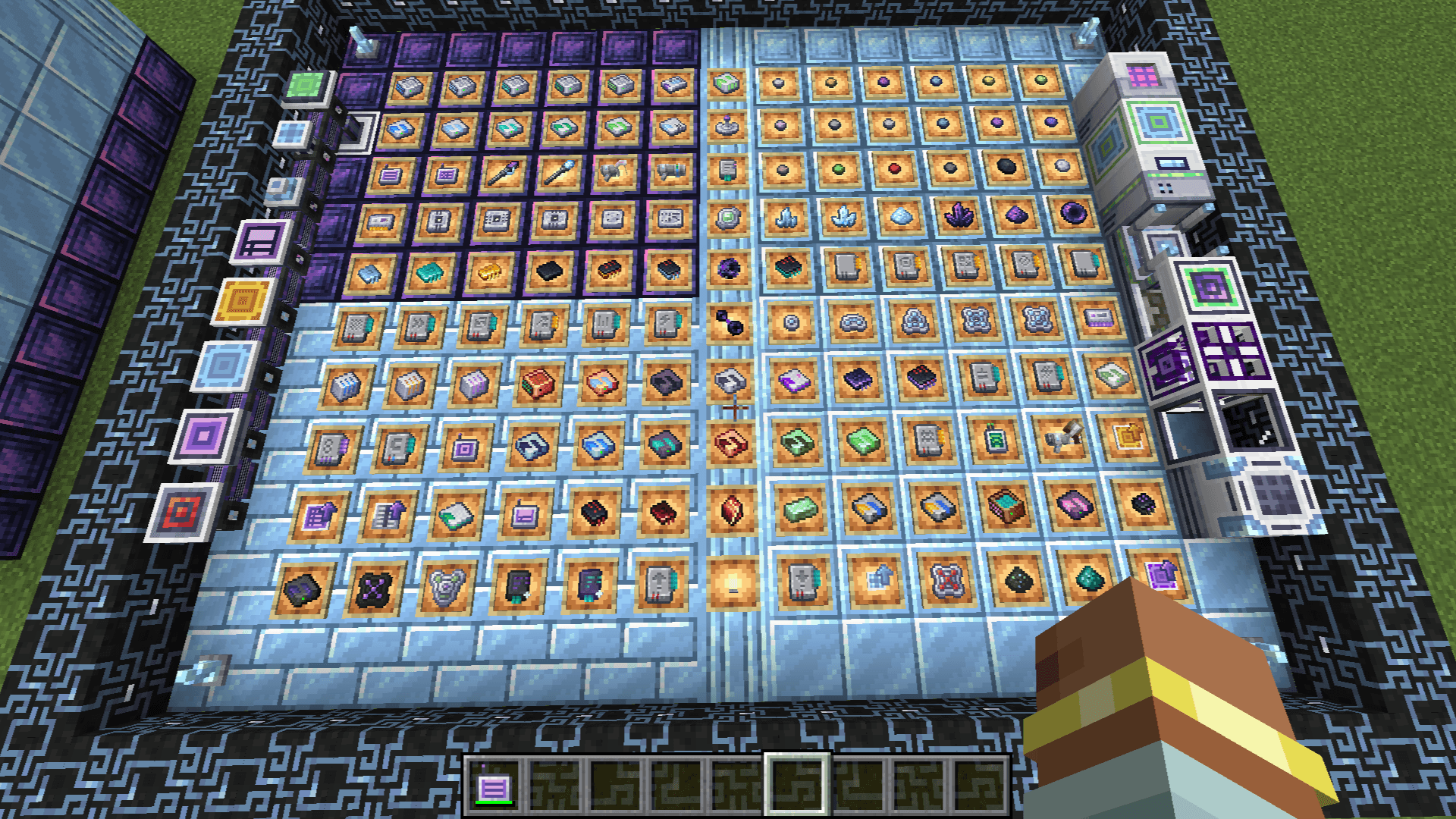
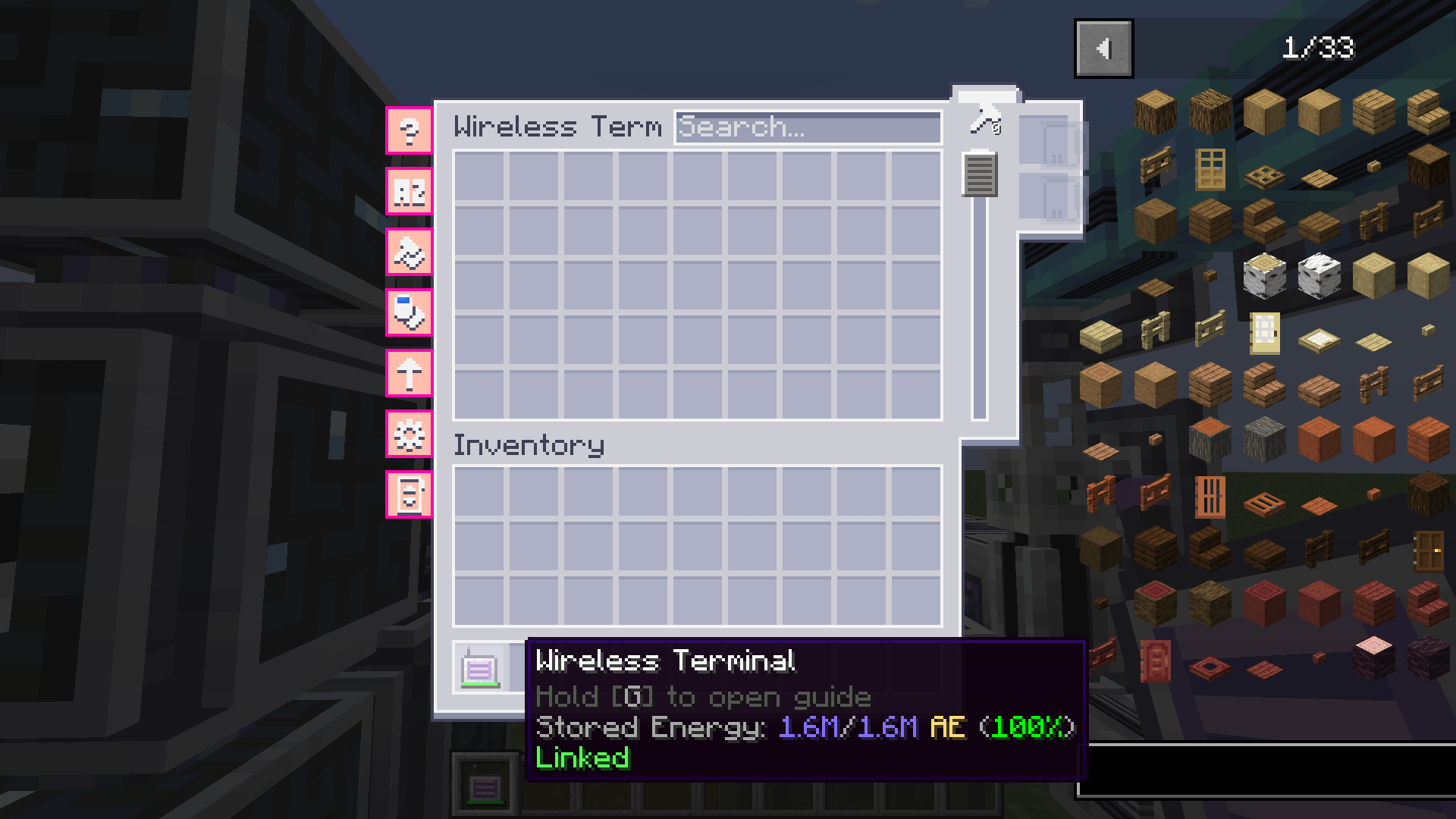
This resource pack is backporting work of the AppliedEnergistics2 mod textures. It designed to make AE2 mods for older minecraft versions have textures of 1.21 or higher.

It's great for players of older minecraft versions who like AE2's new textures or modern style!

This resource pack also supports some other mods that work with AE2, the following is a list of currently supported mods:

Advanced AE

AE2 Mega Things

AE2 Import Export Card

AE2 Things

AE2 WTLib

AE InfinityBooster

Applied Flux

Applied Mekanistics

Ars Energistics

Extended AE

Mega Cells

ME Requester

===📝Feedback📝===

If you have any questions or find bugs please leave them in the comments section.

===📢Credits📢===

Source link:

https://github.com/AppliedEnergistics/Applied-Energistics-2

License:

https://creativecommons.org/licenses/by-nc-sa/3.0/

AE2 TexturesBackport1.20-1.1.zip
MC 1.20.2, 1.20.5, 1.20.3, 1.20.1, 1.20, 1.20.6, 1.20.4
Release 2025-07-22 Get
AE2 TexturesBackport1.20-1.0.zip
MC 1.20.2, 1.20.5, 1.20.3, 1.20.1, 1.20, 1.20.6, 1.20.4
Release 2025-05-23 Get
AE2 TexturesBackport v0.9
MC 1.20.2, 1.20.5, 1.20.3, 1.20.1, 1.20, 1.20.6, 1.20.4
Beta 2024-12-22 Get
AE2 TexturesBackport v0.8
MC 1.20.2, 1.20.5, 1.20.3, 1.20.1, 1.20, 1.20.6, 1.20.4
Beta 2024-12-11 Get
AE2 TexturesBackport v0.7
MC 1.20.2, 1.20.5, 1.20.3, 1.20.1, 1.20, 1.20.6, 1.20.4
Beta 2024-12-10 Get

Requirements & install

How to use this resource pack in Minecraft
Resolution
16x
Minecraft
1.20 – 1.20.6
Install folder
.minecraft/resourcepacks

How to install resource packs

  1. Download the resource pack .zip file (do not extract it).
  2. In Minecraft open Options → Resource Packs → Open Pack Folder.
  3. Drop the .zip into the resourcepacks folder (.minecraft/resourcepacks).
  4. Move the pack to the Selected column and click Done.
Browse more: 16x resource packs 32x resource packs 64x resource packs 128x resource packs 256x resource packs 512x+ resource packs Resource Packs for 1.20.6 All resource packs
Advertisement Remove ads with Premium →

You Might Also Like