Mineuniverse
Resource Packs
Apothic Attributes Excalibur

Apothic Attributes Excalibur

RESOURCE PACK
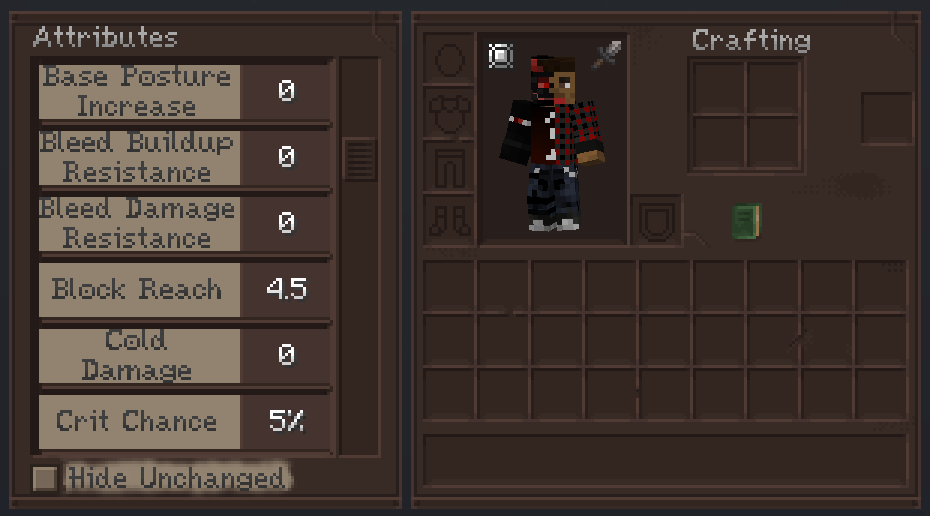
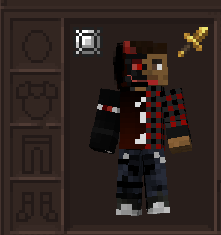
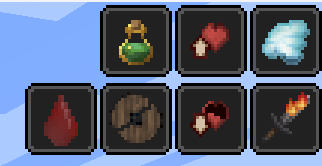
A texture pack that adds Excalibur-style textures to Apothic Attributes.
by anikiller4444
Download Claim this project
339,978 downloads
0 likes
Updated Oct 14, 2026
0 hypes
16x Medieval Mod Support
Advertisement Remove ads with Premium →

Excalibur – Apothic Attributes Compatibility

This unofficial resource pack provides full visual integration between Apothic Attributes and the artistic style of Excalibur.

Its purpose is to ensure that all relevant textures from Apothic Attributes seamlessly match the Excalibur aesthetic, maintaining visual consistency and immersion.


Features

Complete texture adaptation for Apothic Attributes

Fully aligned with the Excalibur visual styleDesigned for immersive and cohesive gameplay.

Clean and consistent UI integration.


Recommended Modpack

This pack was specifically developed for the Soulrend modpack to preserve its intended atmosphere and artistic direction.

While it may work independently, the best experience is achieved when used within Soulrend.


Requirements

Apothic Attributes
Excalibur Resource Pack


Supported mods

Apothic Attributes Extension by chen_1335

Credits

Thank you so much to:
Maffhew - Creator of Excalibur texture pack
Shadows_of_Fire - Creator of Apothic Attributes


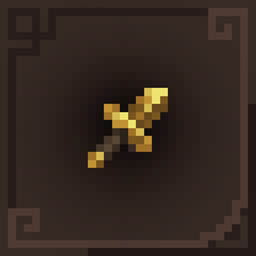
Probe of approval (Maffhew).


ApothicAttributes x Excalibur 1201v2.1.zip
MC 1.20.1
Release 2026-10-05 Get
ApothicAttributes x Excalibur 1211v1.1.zip
MC 1.21, 1.21.1, 1.20.4, 26.1.2
Release 2026-10-05 Get
ApothicAttributes x Excalibur 1211v1.zip
MC 1.21, 1.21.1, 1.20.4, 26.1.2
Release 2026-10-04 Get
ApothicAttributes x Excalibur 1201v2.zip
MC 1.20.1
Release 2026-10-04 Get
ApothicAttributes x Excalibur v1.zip
MC 1.20.1
Release 2026-02-26 Get

Requirements & install

How to use this resource pack in Minecraft
Resolution
16x
Minecraft
1.20.1 – 26.1.2
Install folder
.minecraft/resourcepacks

How to install resource packs

  1. Download the resource pack .zip file (do not extract it).
  2. In Minecraft open Options → Resource Packs → Open Pack Folder.
  3. Drop the .zip into the resourcepacks folder (.minecraft/resourcepacks).
  4. Move the pack to the Selected column and click Done.
Browse more: 16x resource packs 32x resource packs 64x resource packs 128x resource packs 256x resource packs 512x+ resource packs Resource Packs for 26.1.2 All resource packs

More from anikiller4444

Advertisement Remove ads with Premium →

You Might Also Like