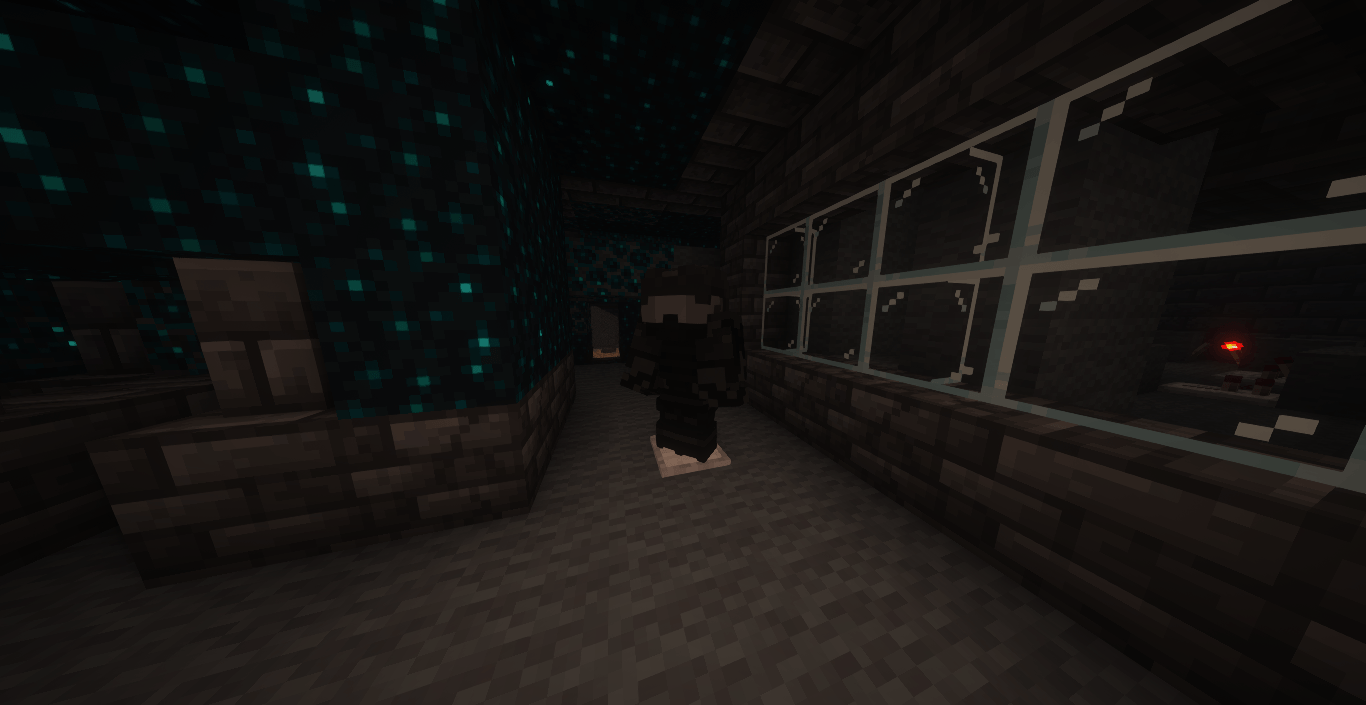
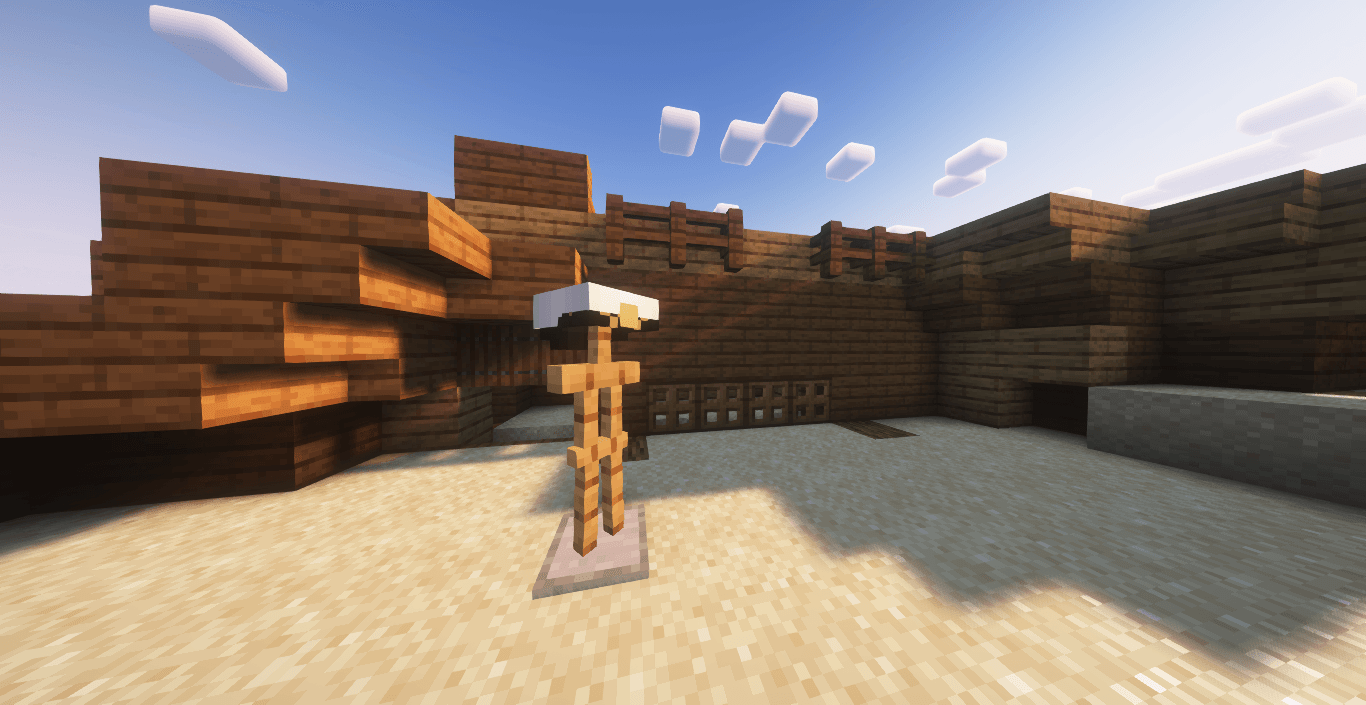
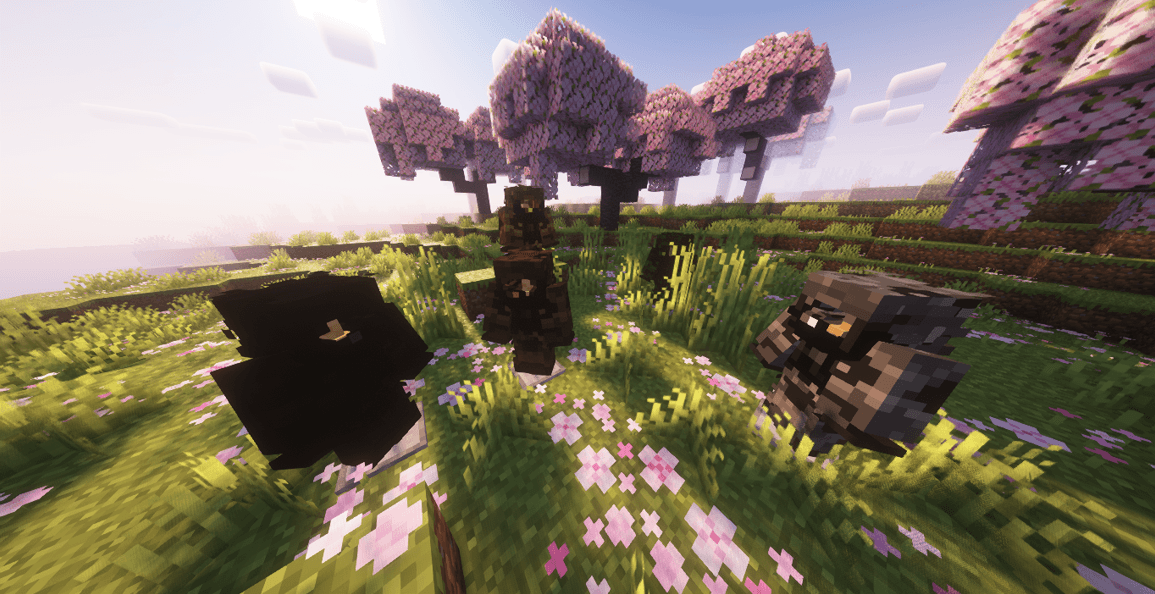
Working on replacing all third-party placeholders with 100% original textures.
Chainmail set currently missing.
Bugs may be found along with glitches & issues
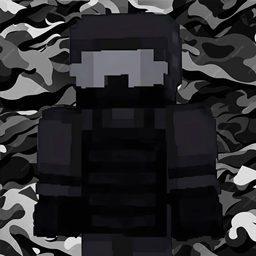
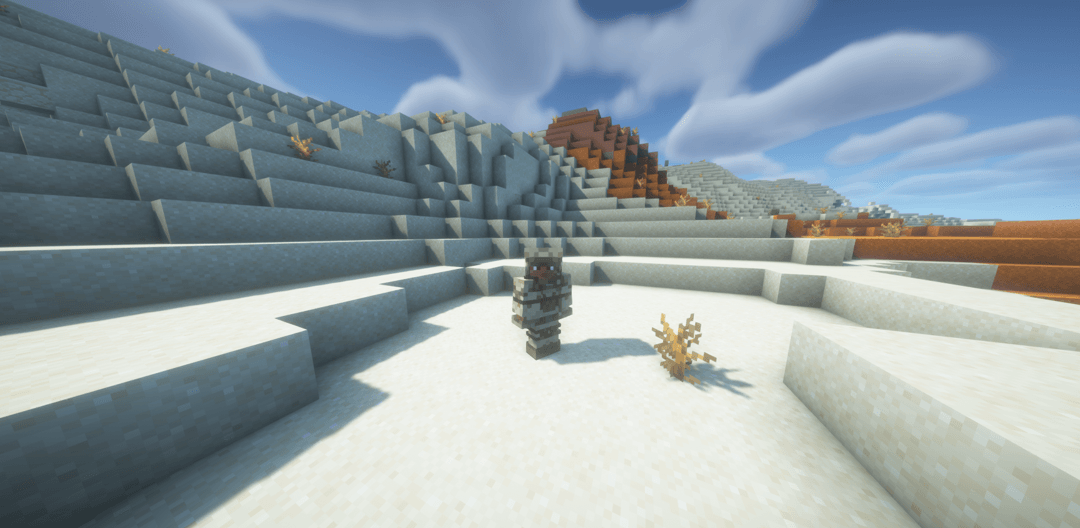
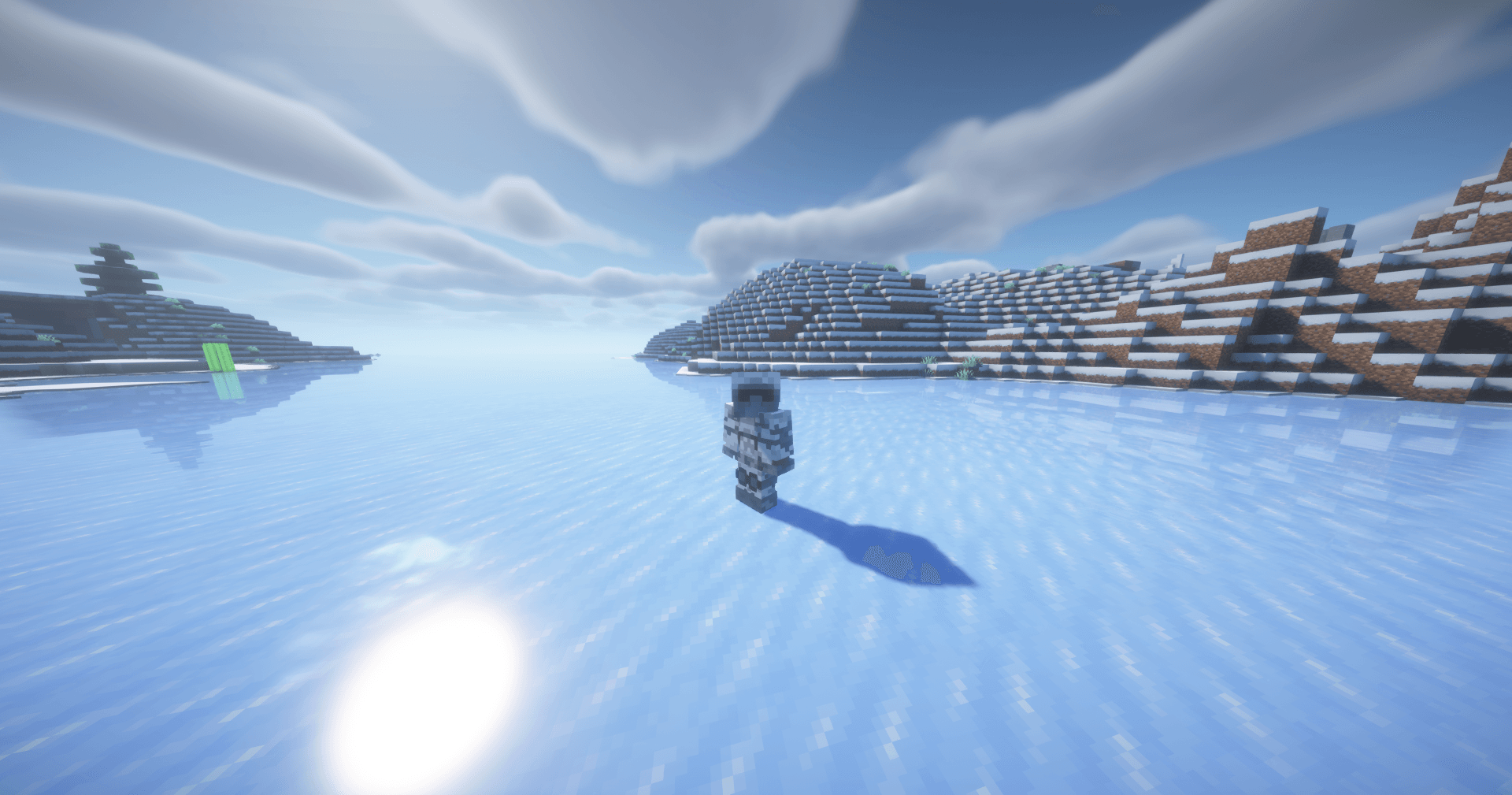
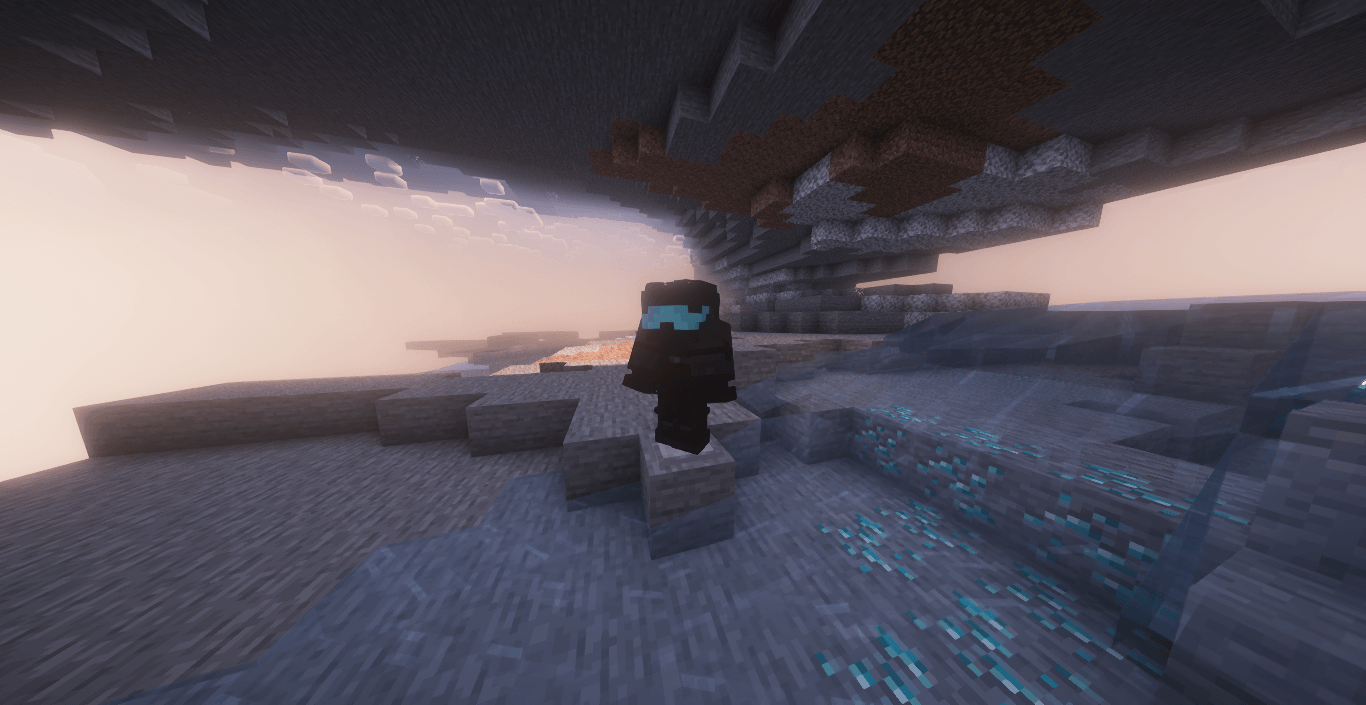
AORKOS' Military Armor-set
Stop running around in medieval gear. This pack replaces the standard Minecraft armor sets with a military-themed overhaul. It is designed to fit the standard 16x resolution, so it won’t look out of place with your current game aesthetic.
Features
Full Military Overhaul: Every armor piece (excluding Chainmail) has been redesigned with a tactical theme.
Turtle Helmet: Yes, it’s textured.
Immersion: I’ve renamed the items to match the military theme, so stop looking for "Diamond Chestplate" in your inventory.
Vanilla Camo: I’ve utilized the standard leather armor dyeing system. You can dye your gear to create your own camouflage patterns without needing to hunt down custom textures.
Layering: Fully utilizes the second helmet layer for better detail.
Plug and Play: No OptiFine, no shaders, no extra dependencies. If you can enable a resource pack, you can run this.
Status: Beta
This is a work in progress.
Chainmail: It is currently not textured. But fear not; it’ll get done when it gets done.
Bugs: If you find something glaringly broken, report it. Otherwise, assume it’s a design choice for now. If the pack doesn't work at all, I'll fix it later
Hand-held items: Still needs retexturing
Updates: Updates will be made to Diamond and Netherite sets
Download the .zip file.
Put it in your resourcepacks folder. Select it in-game.
If it doesn't work, ensure you are in the correct game version.
License & Usage
All Rights Reserved. You do not have permission to re-upload, redistribute, or modify this pack for public use without my explicit written consent. If you are making a video or showing this off, you are required to provide proper credit and a direct link to this CurseForge page. Don't be a thief; it’s not hard to provide credit.