Mineuniverse
Resource Packs
Anti Pumpkin Blur

Anti Pumpkin Blur

RESOURCE PACK
No more pumpkin blur
by ImHungry1480
Download Claim this project
297 downloads
0 likes
0 followers
Updated Oct 14, 2026
0 hypes
Follow0
32x
Advertisement Remove ads with Premium →

🎃 No Pumpkin Blur

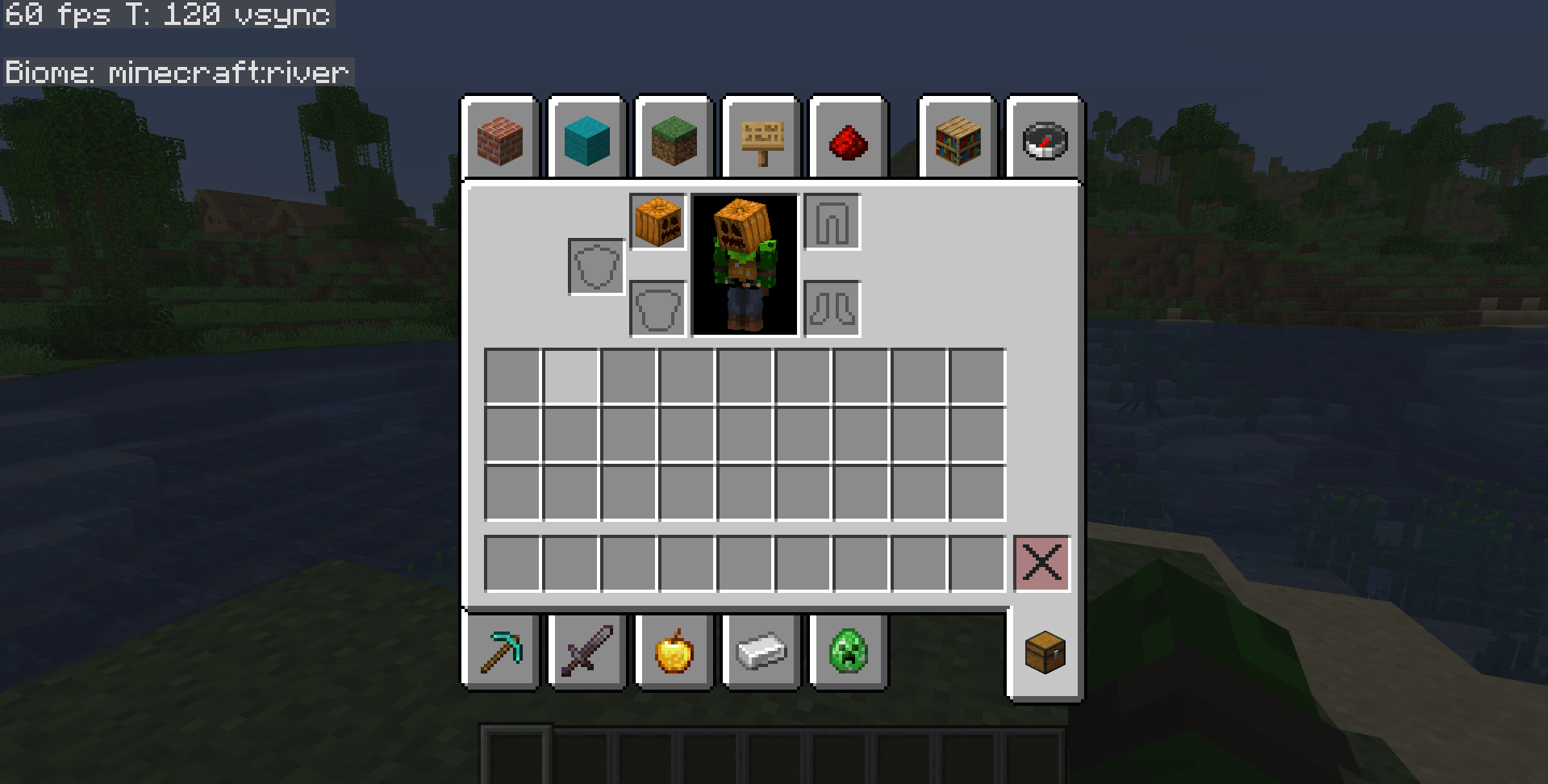
A simple Minecraft resource pack that removes the pumpkin blur overlay when wearing a carved pumpkin.

✨ Features

  • Removes the annoying pumpkin overlay
  • Clean fullscreen view while wearing pumpkins
  • Works in survival and multiplayer
  • Lightweight and performance friendly

📦 Installation

Minecraft Java Edition

  1. Download the resource pack .zip
  2. Open Minecraft
  3. Go to Options → Resource Packs
  4. Click Open Pack Folder
  5. Move the pack into the folder
  6. Enable the pack in-game

🛠️ Compatibility

  • Minecraft Java Edition
  • Works on latest versions (26.1+)

📸 What It Does

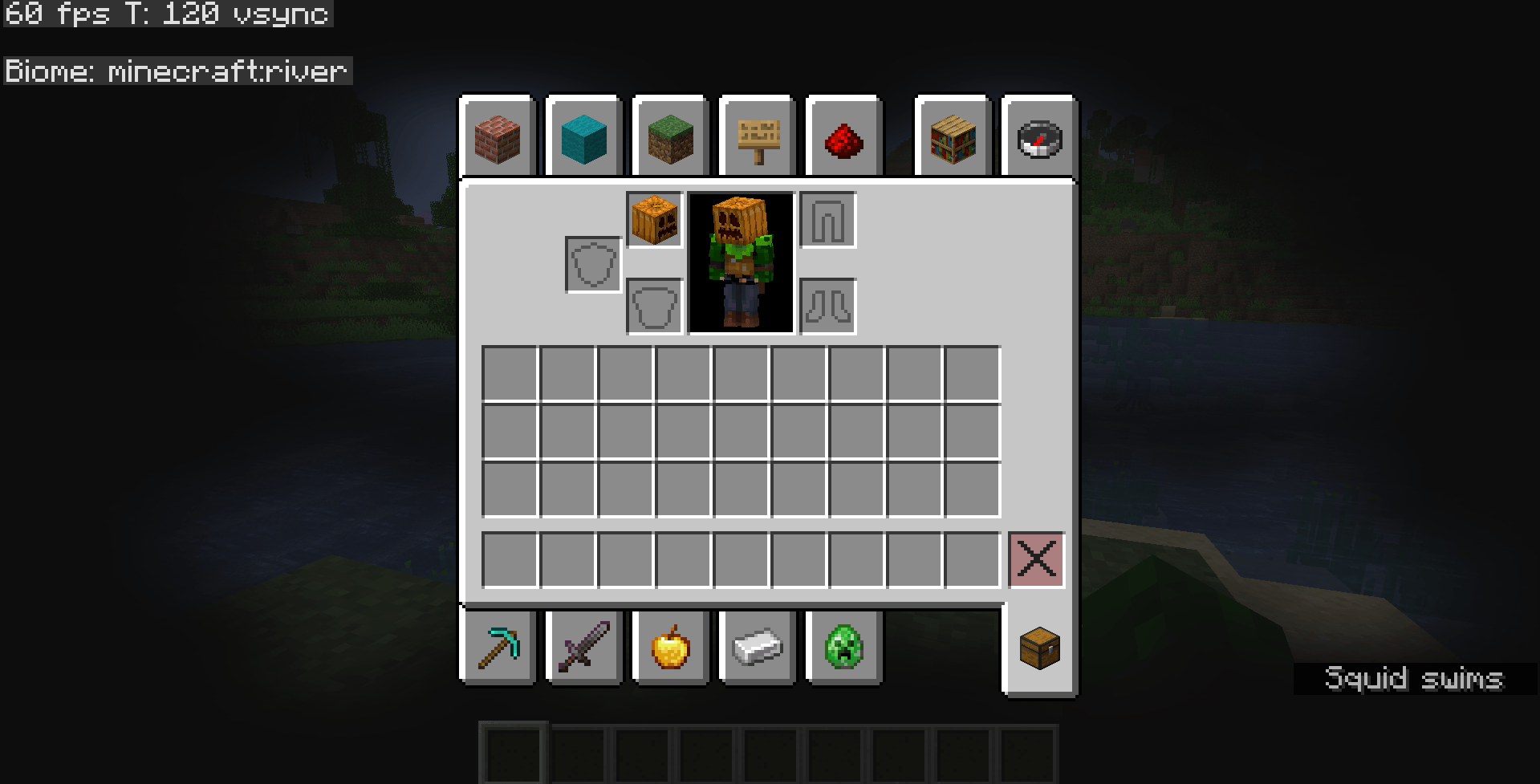
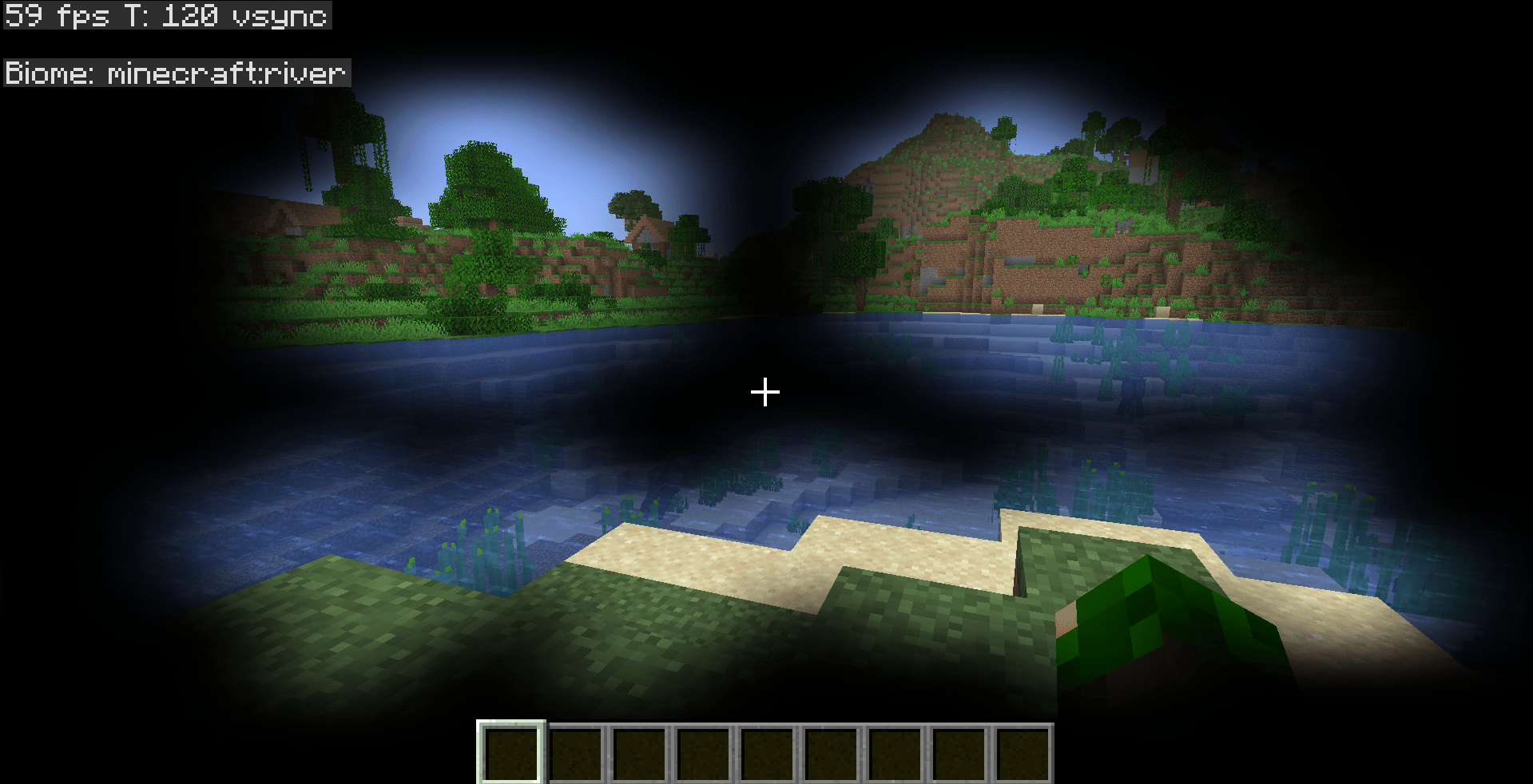
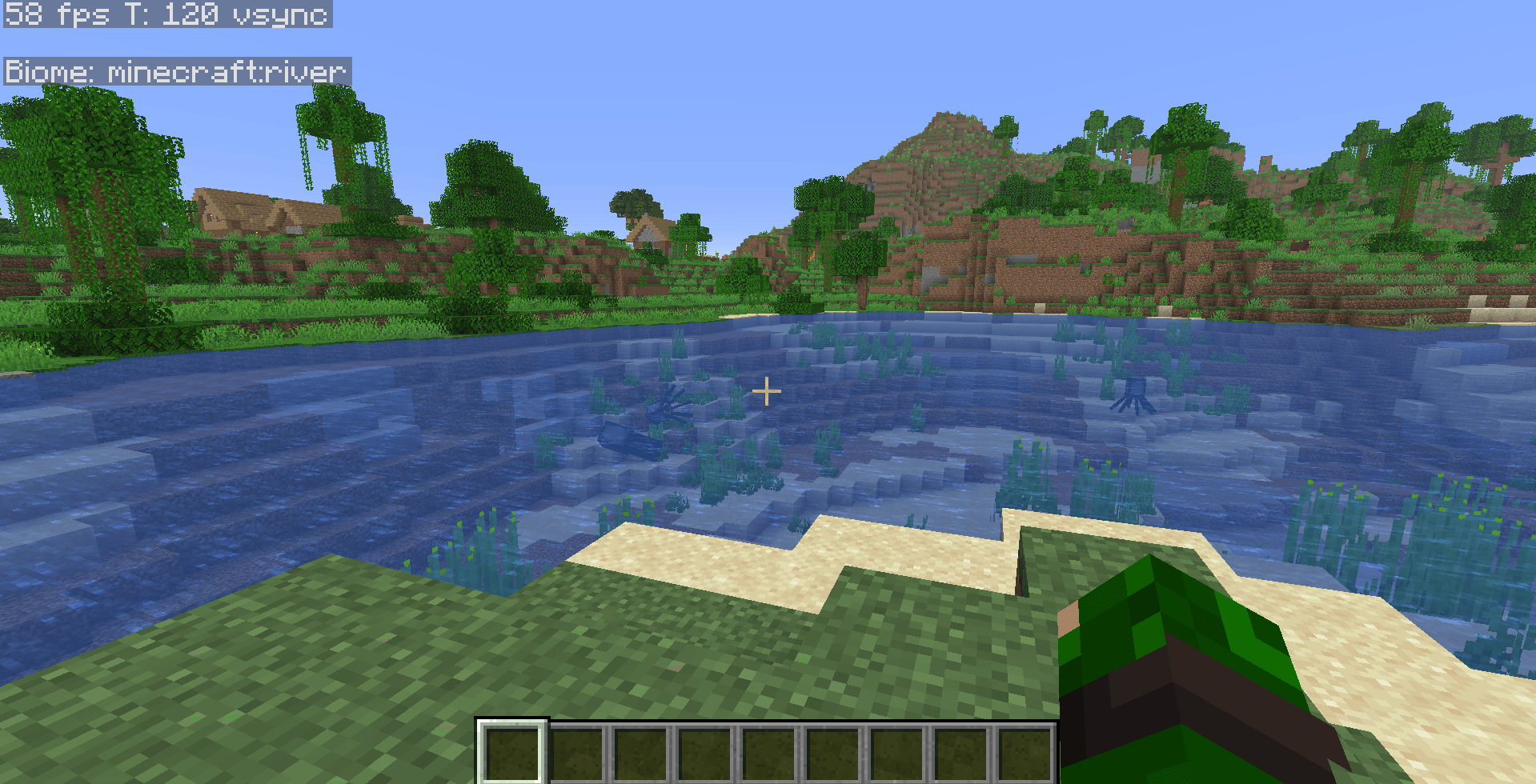
Normally, wearing a carved pumpkin adds a dark blur around your screen.
This pack removes that overlay completely while keeping the pumpkin wearable.

🗒️Notes: Please download the latest version, the older version have some bugs in its .mcmeta file.

👤 Author

Made by ImHungry1480

nopumpkinblur_1.2.zip
MC 26.1-snapshot, 26.1, 26.1.1, 26.1.2
Release 2026-05-28 Get
NoPumpkinBlur.zip
MC 26.1-snapshot, 26.1, 26.1.1, 26.1.2
Release 2026-05-10 Get

Requirements & install

How to use this resource pack in Minecraft
Resolution
32x
Minecraft
26.1-snapshot – 26.1.2
Install folder
.minecraft/resourcepacks

How to install resource packs

  1. Download the resource pack .zip file (do not extract it).
  2. In Minecraft open Options → Resource Packs → Open Pack Folder.
  3. Drop the .zip into the resourcepacks folder (.minecraft/resourcepacks).
  4. Move the pack to the Selected column and click Done.
Browse more: 16x resource packs 32x resource packs 64x resource packs 128x resource packs 256x resource packs 512x+ resource packs Resource Packs for 26.1.2 All resource packs

More from ImHungry1480

Advertisement Remove ads with Premium →

You Might Also Like