"First of all, sorry if I say meaningless phrases; I'm not English."
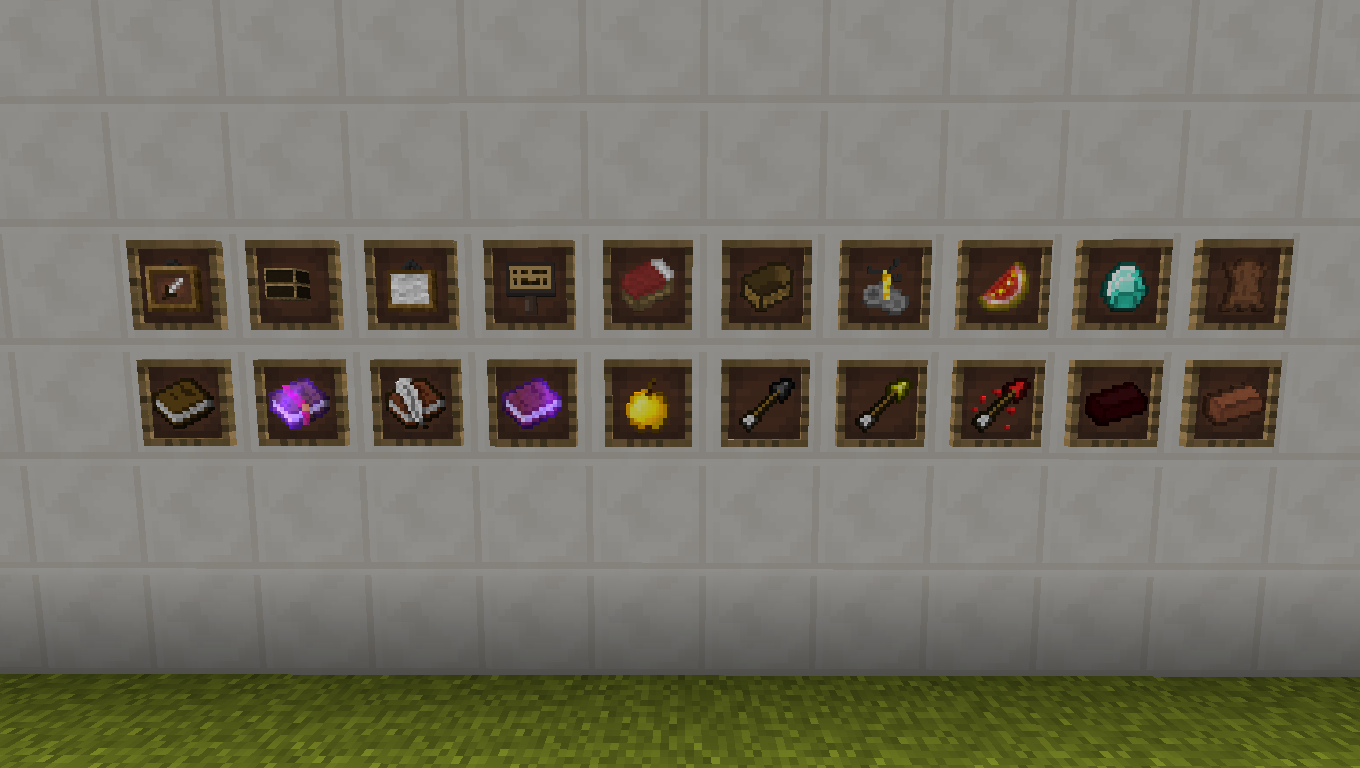
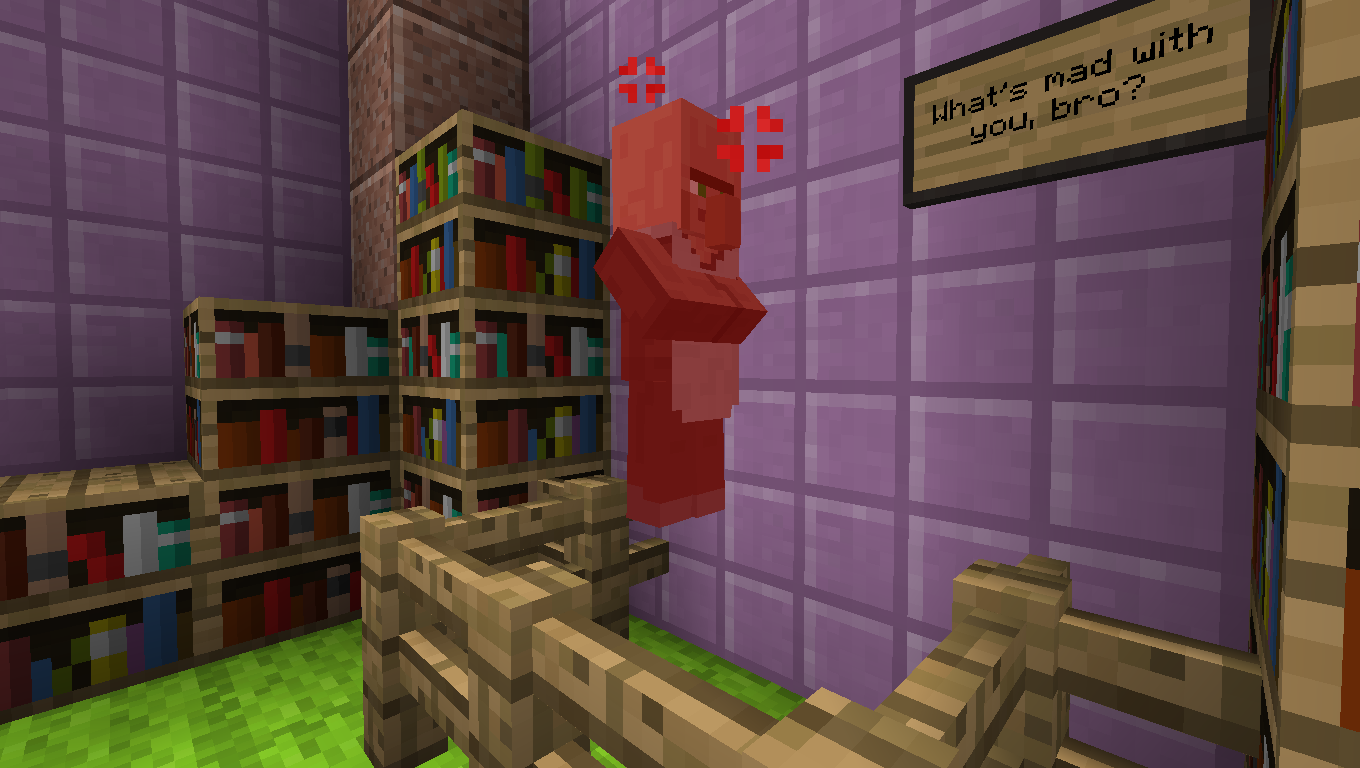
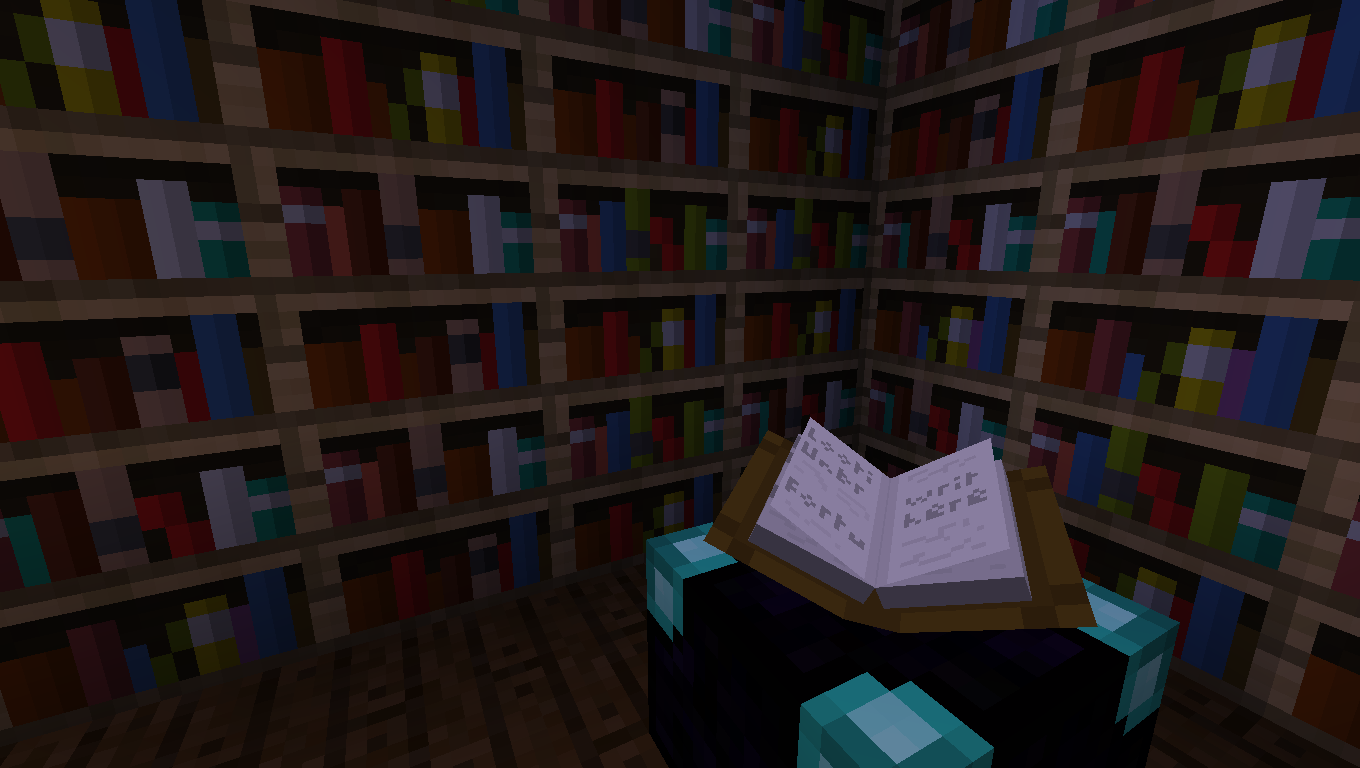
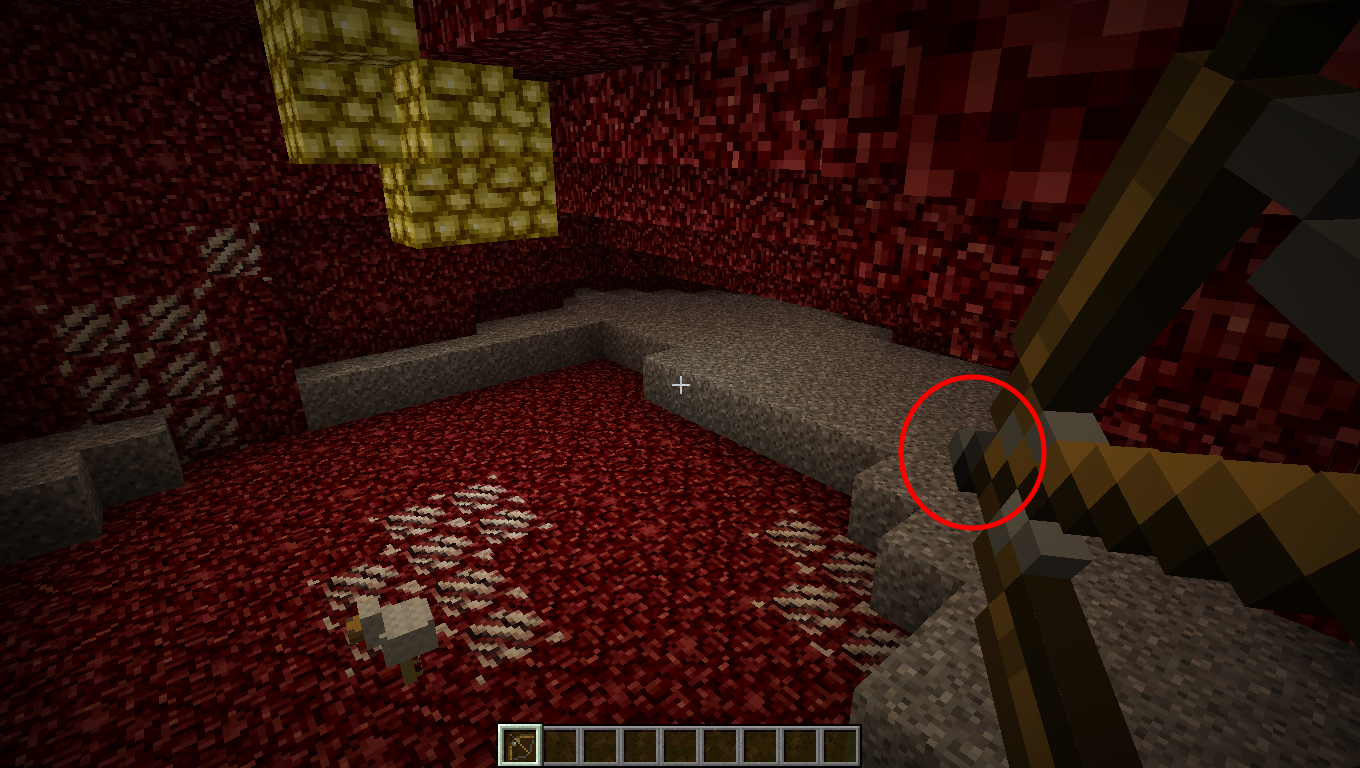
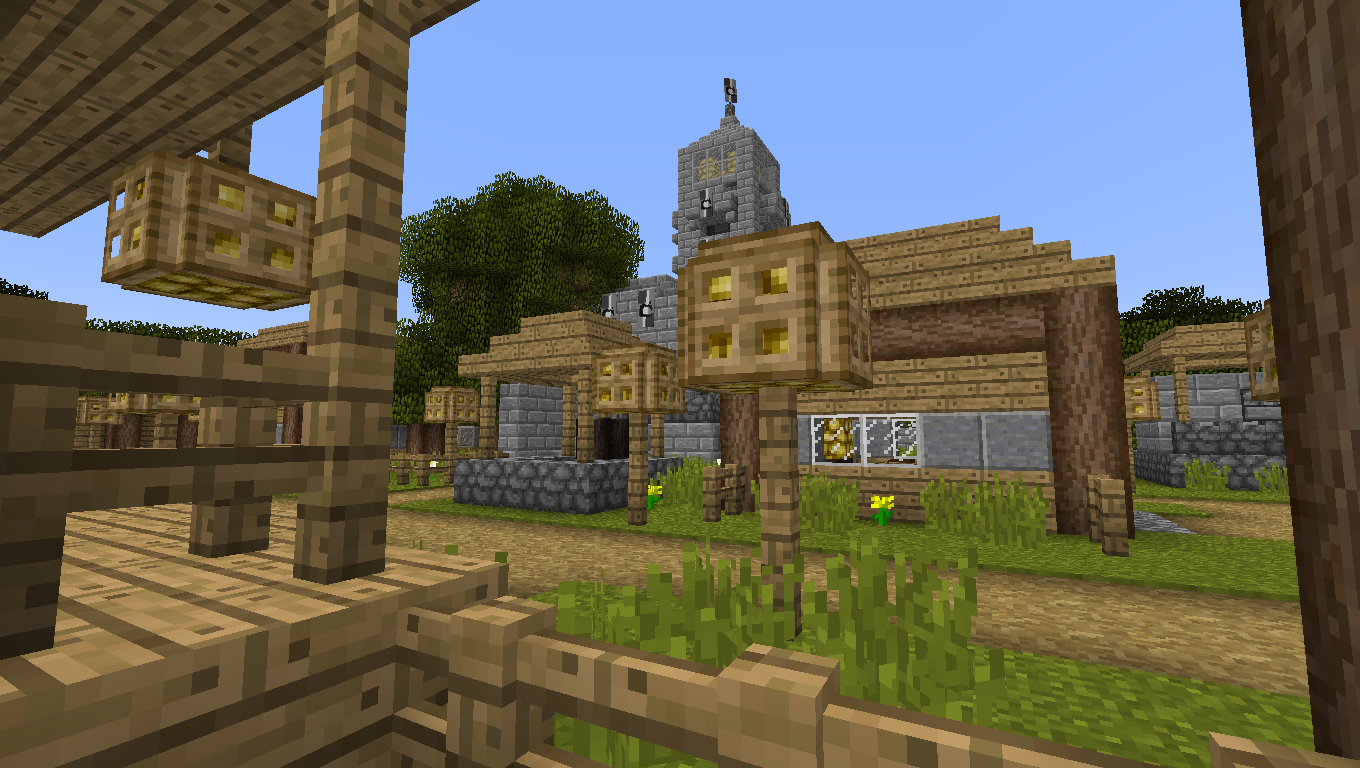
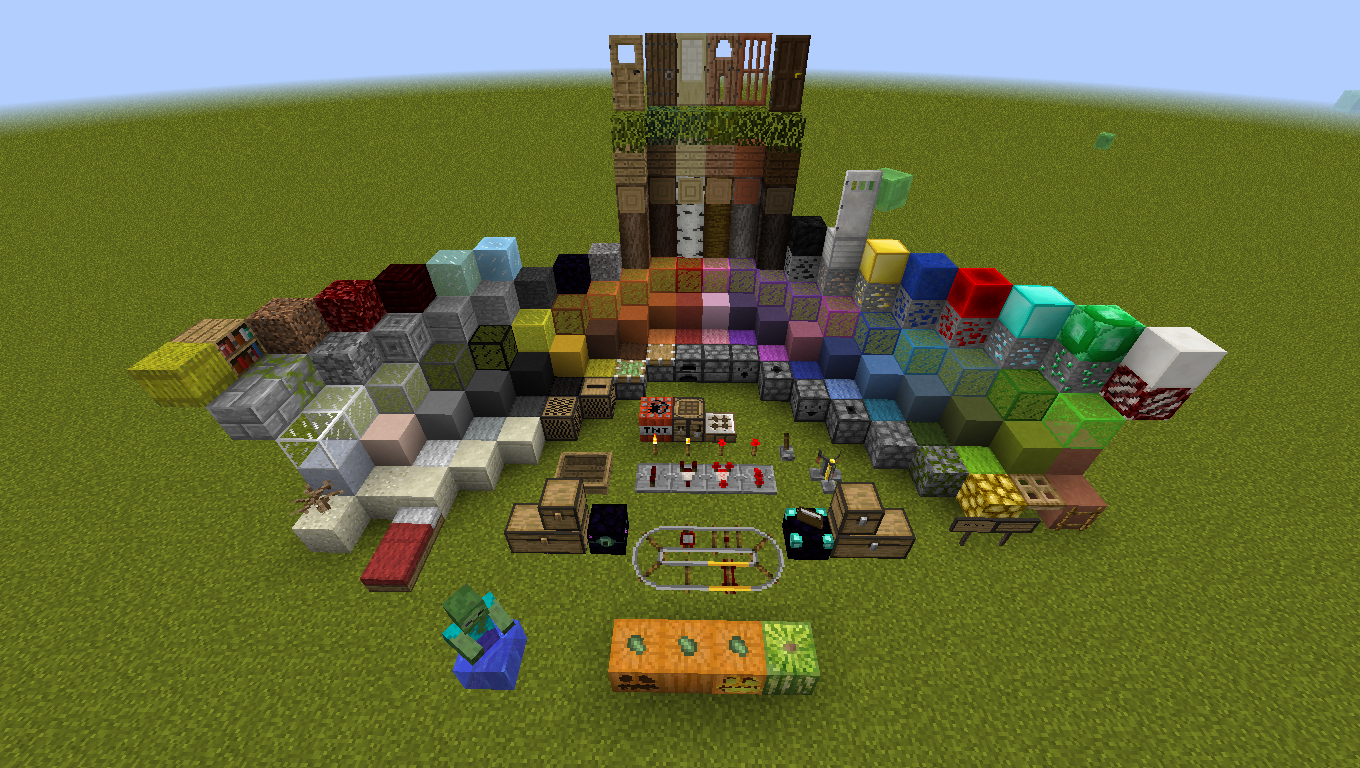
I've been modifying textures to make them seem more like the other ones in Minecraft. I explain: some textures, like wooden (oak) doors and wooden trapdors, even chests, etc., have a color that is different to another one. So, for example, I modified that textures in order to be similar to oak planks. Other things I've done are changing a few item textures to make them looks like the other Minecraft item textures or the respective block. On the other hand, more textures have been changed by me completely. In addition, there are new textures for HardcoreQuestigMod items and blocks to make them vanilla like.
To sum up, this resource pack consists in a series of improvements like making little modifications to Minecraft blocks in order to make them different but without losing the vanilla essence.
There's no much to say, just download the Resource pack, look them and say here if It looks great or so bad. Thank you so much and don't be rude! 

He estado trabajando modificando texturas para hacerlas similares a las otras que hay en Minecraft. Me explico: algunas texturas, como la puerta de madera de roble (oak wood) y la puerta trampa de madera, los cofres, etc., tienen un color diferente que no encaja demasiado bien con lo que es la textura de madera de roble. Así que, por ejemplo, he modificado la texturas de estos para hacerlas similares a los tablones de madera (wooden planks). También he cambiado algunos 'items' para hacerlos más parecidos al resto de texturas o al bloque respectivo. Por otro lado, muchas texturas han sido cambiadas por mi completamente. Además, los bloques y objetos de HardcoreQuestingMod han sido modificados para hacerlos similares a las texturas de Minecraft.
Para concluir, decir que este Resource pack consiste en una serie de cambios/mejoras a las texturas por defecto de Minecraft mediante pequeñas modificaciones para hacerlos distintos pero sin perder la esencia.
No hay mucho más que decir, así que descarga el Resource pack, échale un vistazo, y dime qué te parece. ¡Muchas gracias y no seas grosero!


See the post in Minecraft Forum!/¡Mira el 'post' en Minecraft Forum!:
Click to redirect/Pulsar para ir
(Changelog and more screenshots there/Changelog y más imágenes allí)