Mineuniverse
Resource Packs
Another Better Wolves

Another Better Wolves

RESOURCE PACK
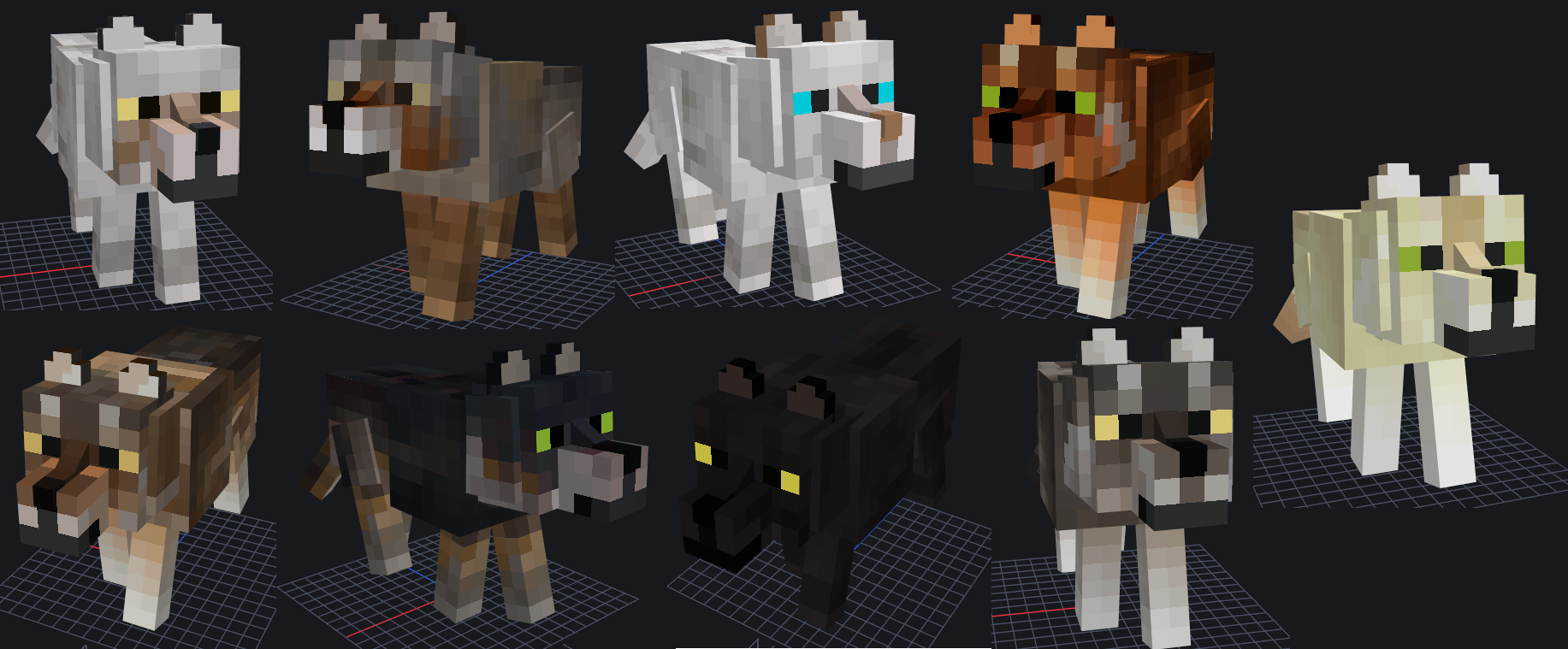
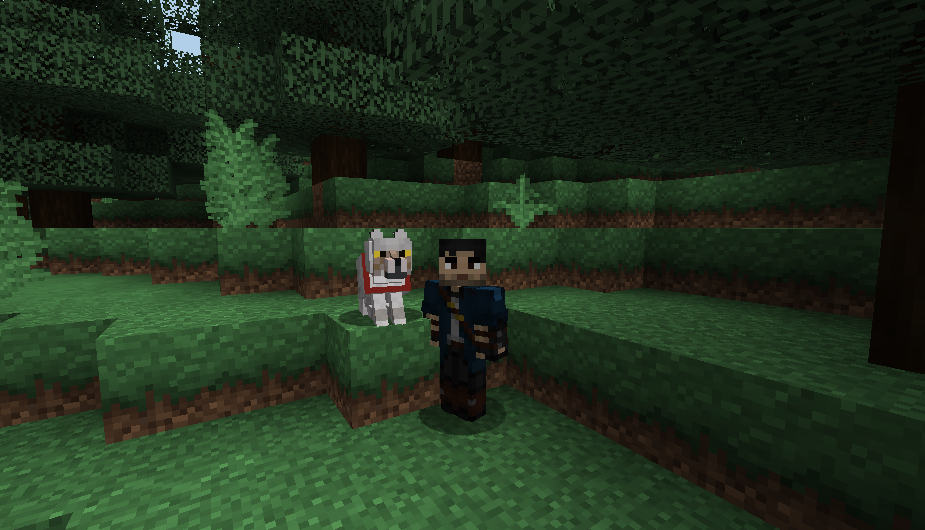
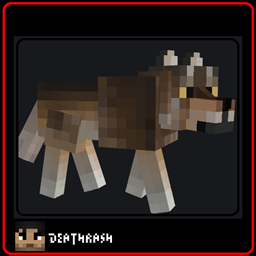
This is a simple wolf model that it keeps the MC vanilla feeling, OPTIFINE needed.
by DE4THR4SH
Download Claim this project
17,571 downloads
0 likes
Updated Oct 14, 2026
0 hypes
16x Animated Miscellaneous Traditional
Advertisement Remove ads with Premium →

VERSION 5


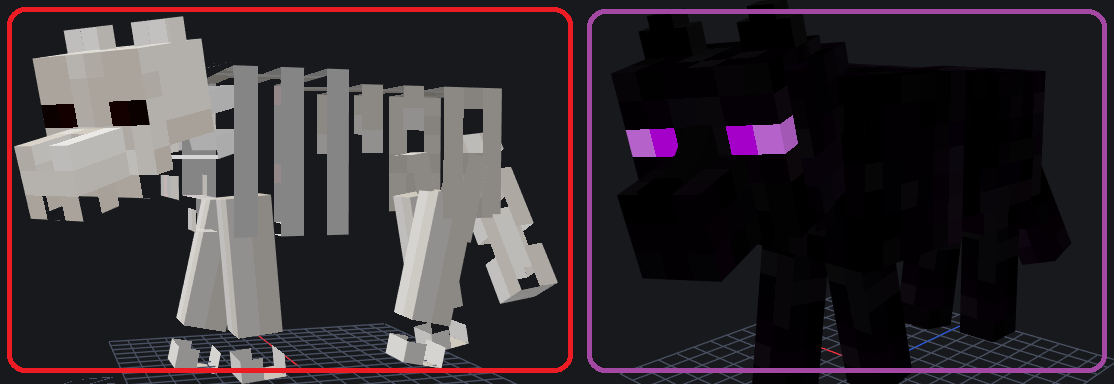
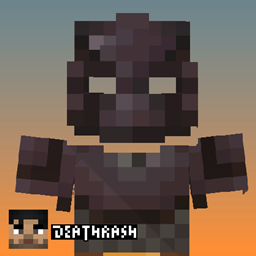
NAME TAGS:

+Ender

+Crossbones


IMPORTANT:

The nether and ender wolfs will only transform with its name tag if it is in the nether or end biomes. Otherwise it won't


ok Minecraft is a cube game, but that doesn't mean those cubes have details.


This texture pack is made so that the wolf (probably in the future more mobs) feels like Minecraft vanilla but with a different touch and not so square. If you like vanilla aesthetics but you want your wolf to be different without being so realistic or even ugly, this is for you.


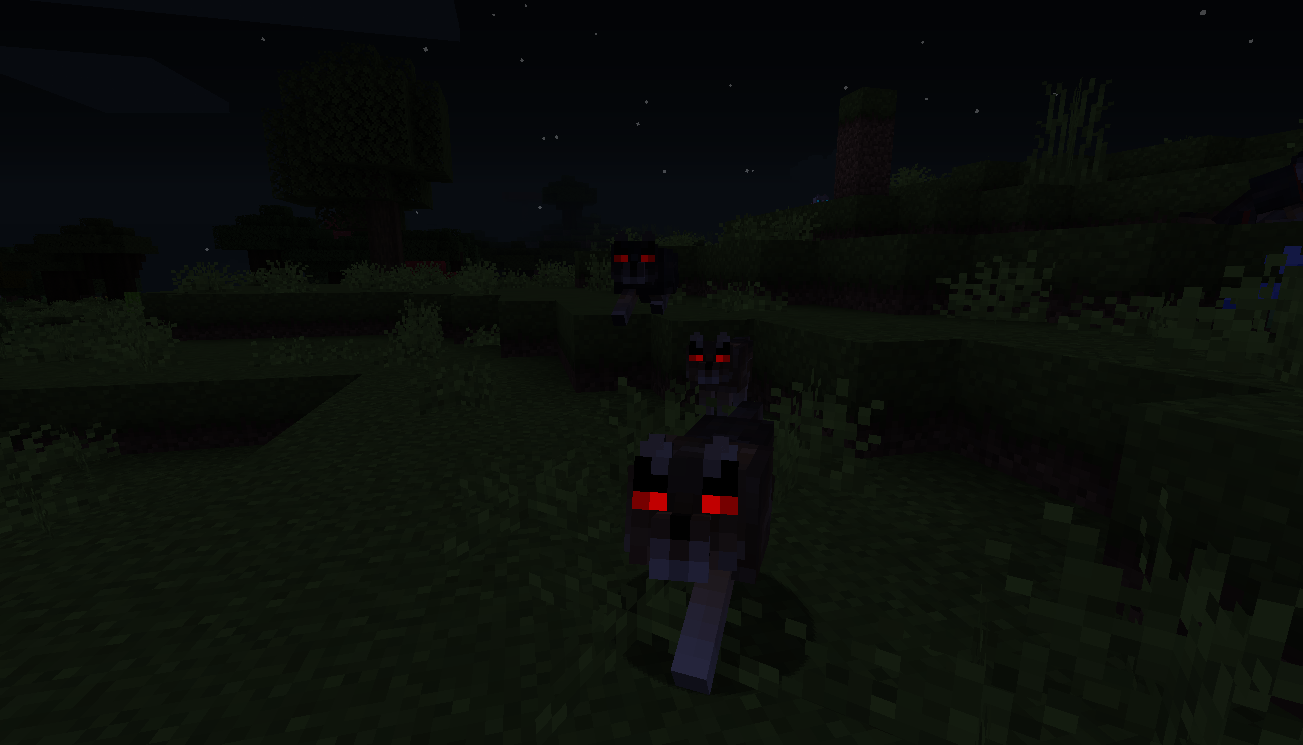
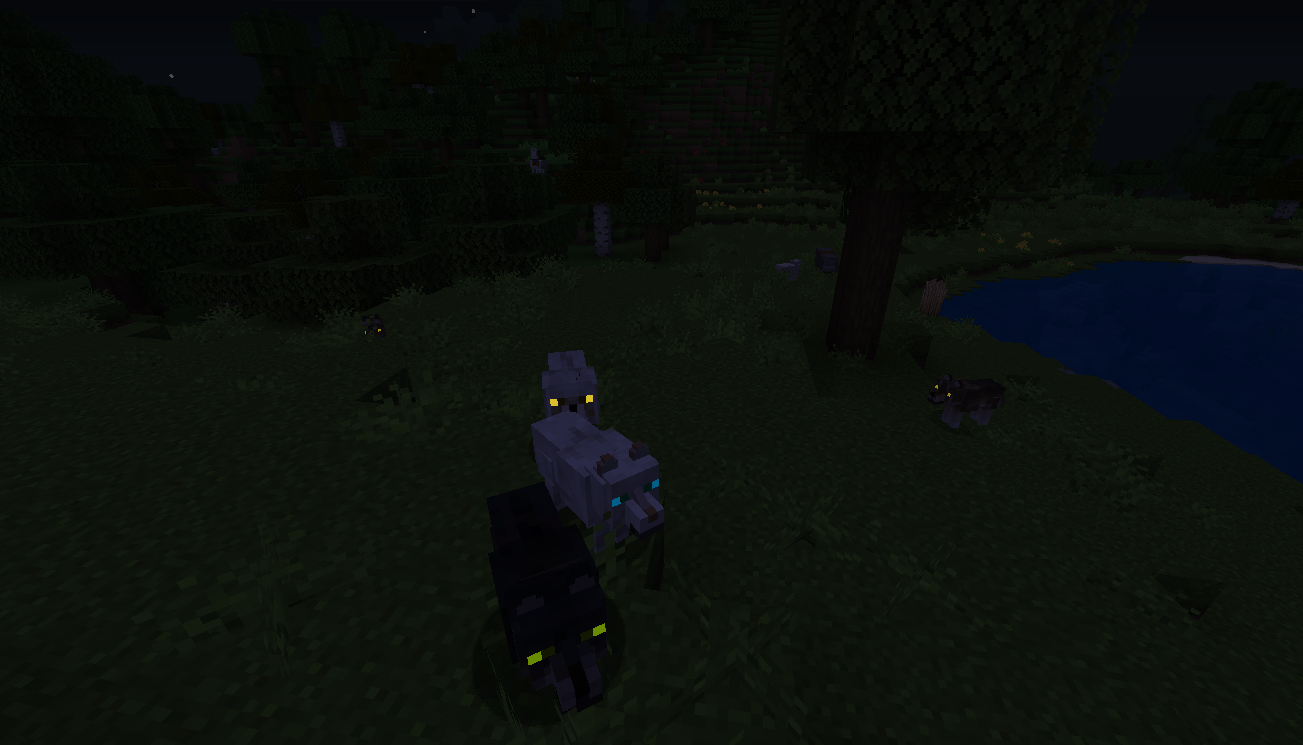
REQUIRES OPTIFINE - for the model, the new texture and the glow of her eyes in the dark, plus now I'm working on adding variations for the wolves like different colors :D.


Details:

+ is incompatible with mods that change de wolf model, sorry, but works with mods that add other things without change the model :) 

+ This only edits the textures and the wolf model so it won't conflict with other texture packs.
+ If you have a package that edits the wolves just put this package on top of that one.
+ Feel free to use this texture pack in your modpack You can tell me if there is any bug or error, you can also edit it as you want if you know how to do it. let me know your ideas.

AnotherBetterWolves_V5.1_MC1.16.X.zip
MC 1.16-Snapshot, 1.16.3, 1.16.1, 1.16, 1.16.5, 1.16.4, 1.16.2
Release 2021-03-03 Get
AnotherBetterWolves_V4.5.5_MC1.16.X.zip
MC 1.16-Snapshot, 1.16.3, 1.16.1, 1.16, 1.16.5, 1.16.4, 1.16.2
Beta 2021-01-19 Get
AnotherBetterWolves_V2.0_MC1.16.X.zip
MC 1.16-Snapshot, 1.16.3, 1.16.1, 1.16, 1.16.4, 1.16.2
Alpha 2021-01-03 Get

Requirements & install

How to use this resource pack in Minecraft
Resolution
16x
Minecraft
1.16-Snapshot – 1.16.5
Install folder
.minecraft/resourcepacks

How to install resource packs

  1. Download the resource pack .zip file (do not extract it).
  2. In Minecraft open Options → Resource Packs → Open Pack Folder.
  3. Drop the .zip into the resourcepacks folder (.minecraft/resourcepacks).
  4. Move the pack to the Selected column and click Done.
Browse more: 16x resource packs 32x resource packs 64x resource packs 128x resource packs 256x resource packs 512x+ resource packs Resource Packs for 1.16.5 All resource packs

More from DE4THR4SH

Advertisement Remove ads with Premium →

You Might Also Like