Mineuniverse
Resource Packs
Animal Husbandry x Fresh Animations

Animal Husbandry x Fresh Animations

RESOURCE PACK
Compatibility Resource Pack between AH and FA.
by RiftLabs
Download Claim this project
Add a badge to your pageLink to Animal Husbandry x Fresh Animations from a README, website or forum post.
Preview: Badge

Badges update automatically and link to the resource pack page on MineUniverse.

1,494 downloads
0 likes
0 followers
Updated Oct 14, 2026
0 hypes
Follow0
16x Mod Support
Advertisement Remove ads with Premium →

Animal Husbandry x Fresh Animations

Compatibility Resource Pack


Join our Discord Server    Buy Me a Coffee at ko-fi.com    Wiki


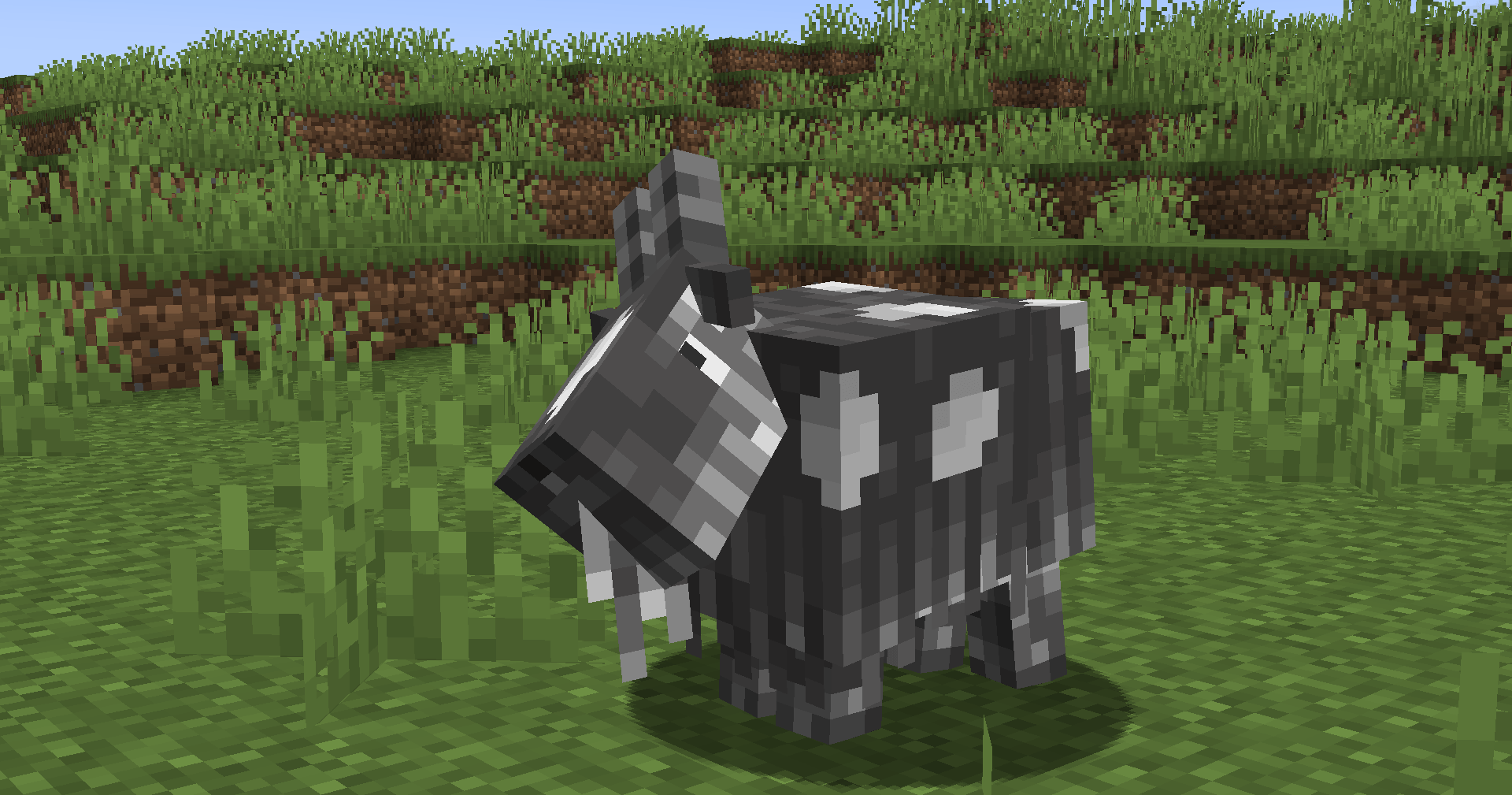
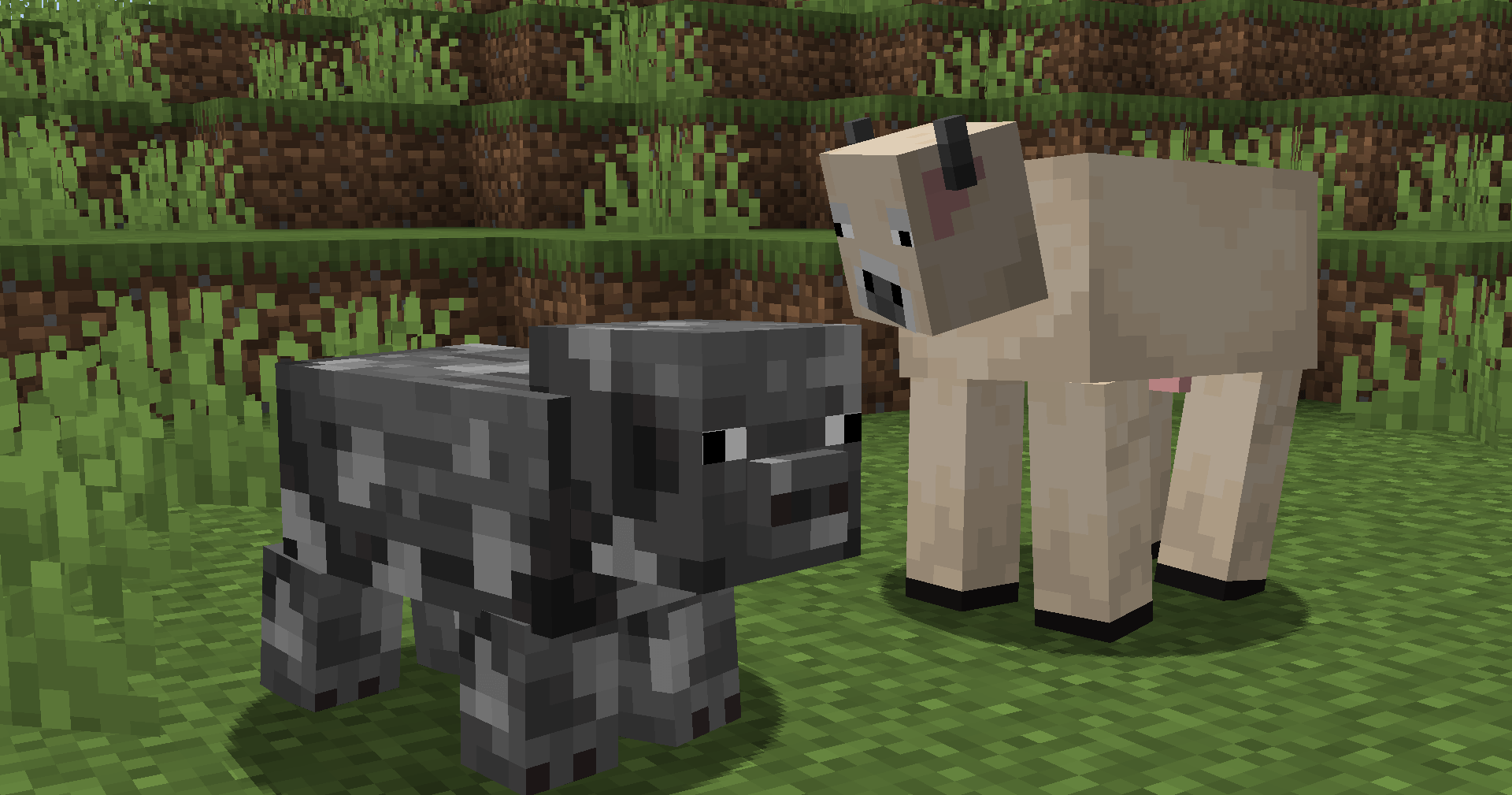
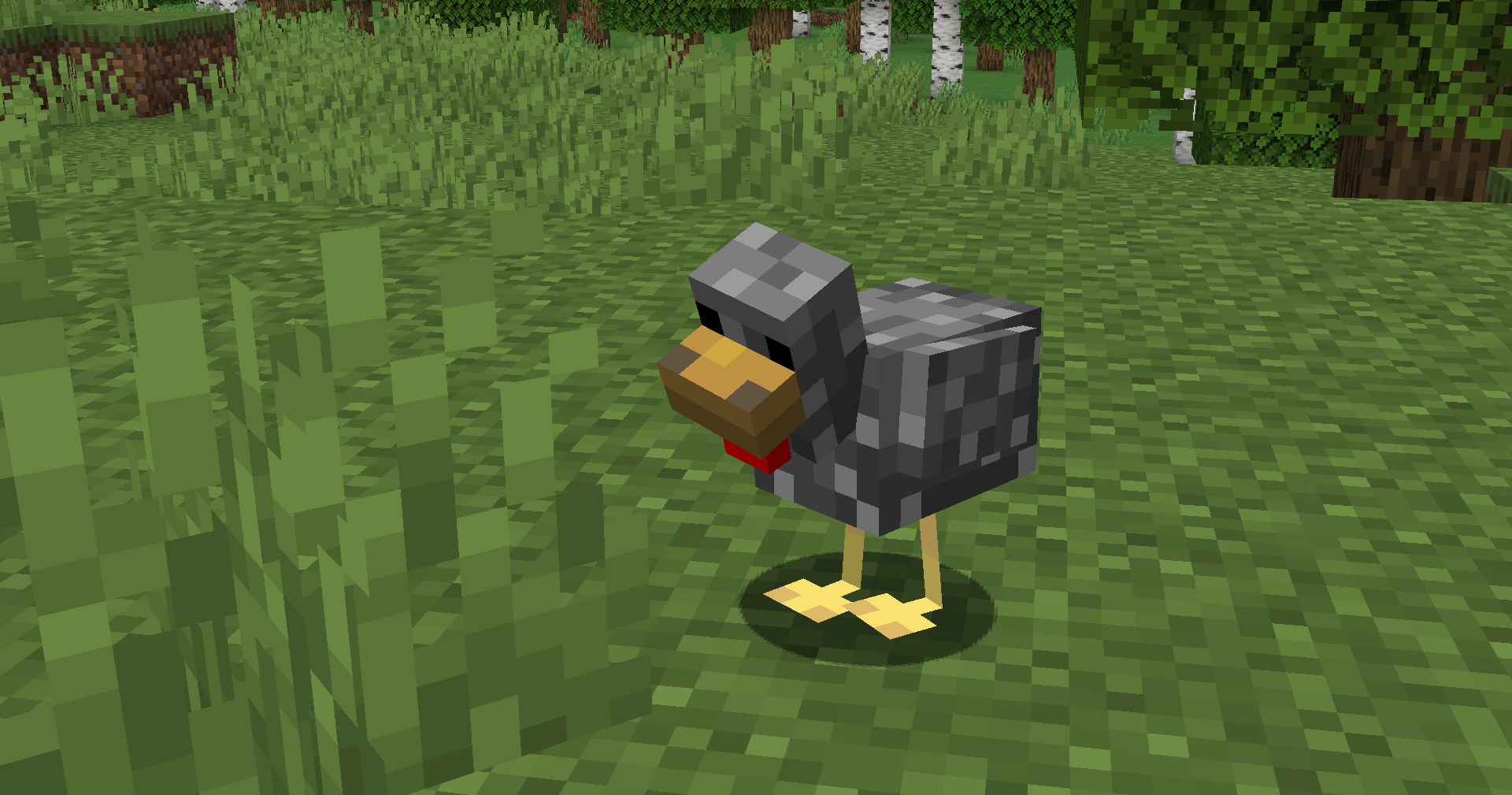
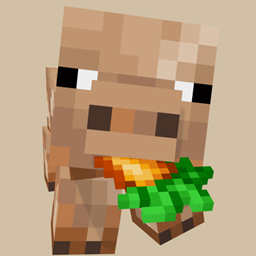
Bring the dynamic, lively movements of Fresh Animations to the beautiful animal variants of Animal Husbandry!

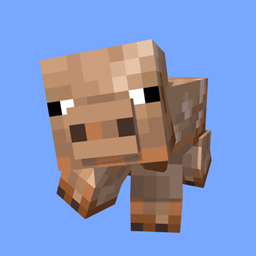
If you have tried using both of these projects together, you likely noticed that the custom cows, pigs, chickens, sheep, and goats from Animal Husbandry ended up with broken, glitched, or missing faces.

This happens because Fresh Animations uses custom 3D models with modified UV maps to allow for blinking eyes and moving eyelids. This add-on resource pack fixes the issue by fully adapting all of Animal Husbandry's custom textures to perfectly align with Fresh Animations' layouts.


📦 Installation & Load Order


For this compatibility pack to work, you must place it ABOVE Fresh Animations in your Resource Packs menu.

Your active load order should look exactly like this:

[✔️] Animal Husbandry x Fresh Animations (THIS PACK)

[✔️] Fresh Animations

[✔️] Default / Mod Resources


⚠️ Dependencies


This is strictly a texture compatibility pack. It does not contain any code or models on its own. You must have the following installed:

[Animal Husbandry] (The base mod)

[Fresh Animations] (The base resource pack)

[Entity Model Features (EMF)] & [Entity Texture Features (ETF)] OR OptiFine (Required for Fresh Animations to function).

 

AH x FA v1.1
MC 1.21.1
Release 2026-10-12 Get
AH x FA 1.0.zip
MC 1.21.1
Release 2026-07-20 Get

Requirements & install

How to use this resource pack in Minecraft
Resolution
16x
Minecraft
1.21.1
Install folder
.minecraft/resourcepacks

How to install resource packs

  1. Download the resource pack .zip file (do not extract it).
  2. In Minecraft open Options → Resource Packs → Open Pack Folder.
  3. Drop the .zip into the resourcepacks folder (.minecraft/resourcepacks).
  4. Move the pack to the Selected column and click Done.
Browse more: 16x resource packs 32x resource packs 64x resource packs 128x resource packs 256x resource packs 512x+ resource packs Resource Packs for 1.21.1 All resource packs

More from RiftLabs

Advertisement Remove ads with Premium →

You Might Also Like