Mineuniverse
Resource Packs
Animal Crossing Hats

Animal Crossing Hats

RESOURCE PACK
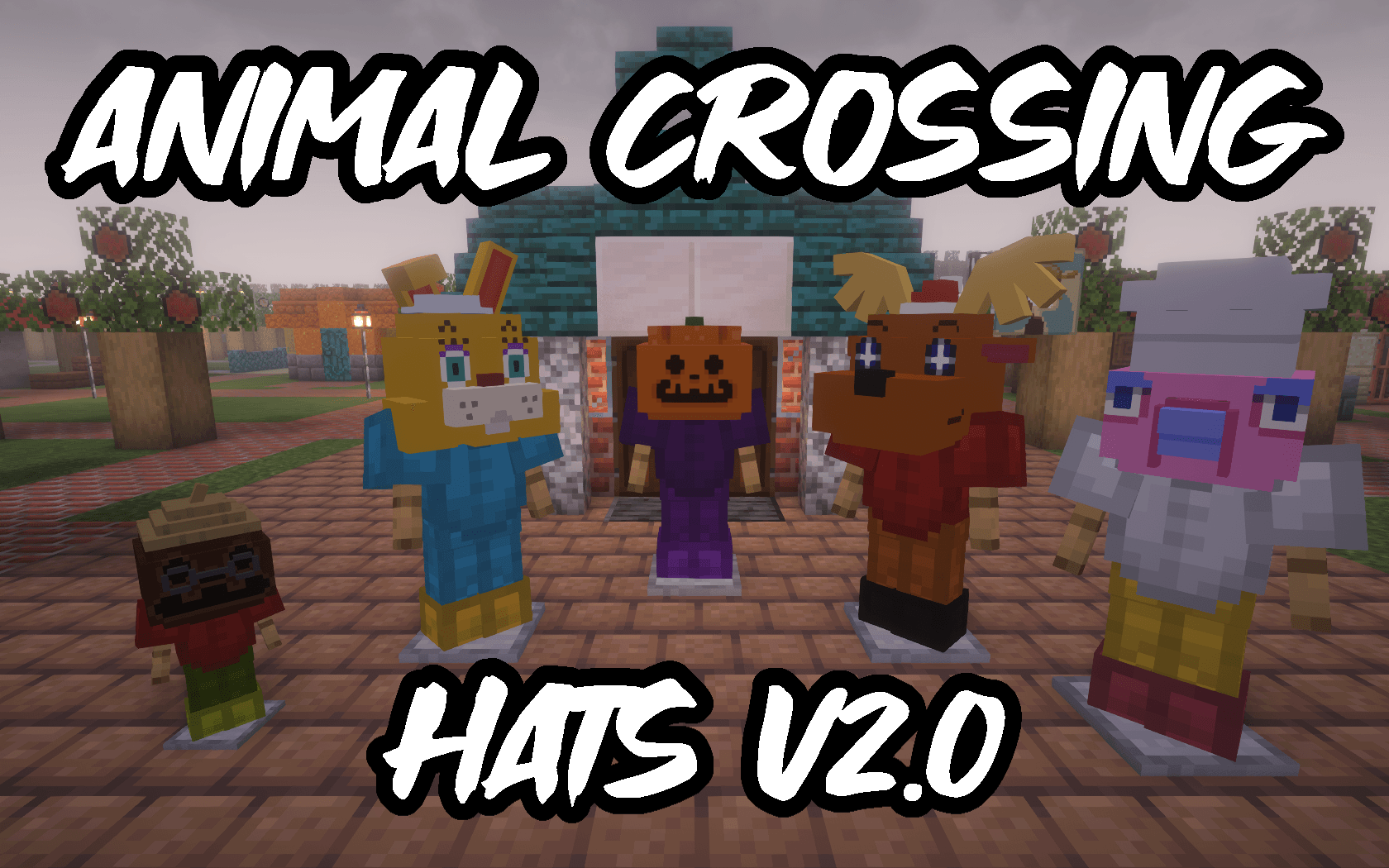
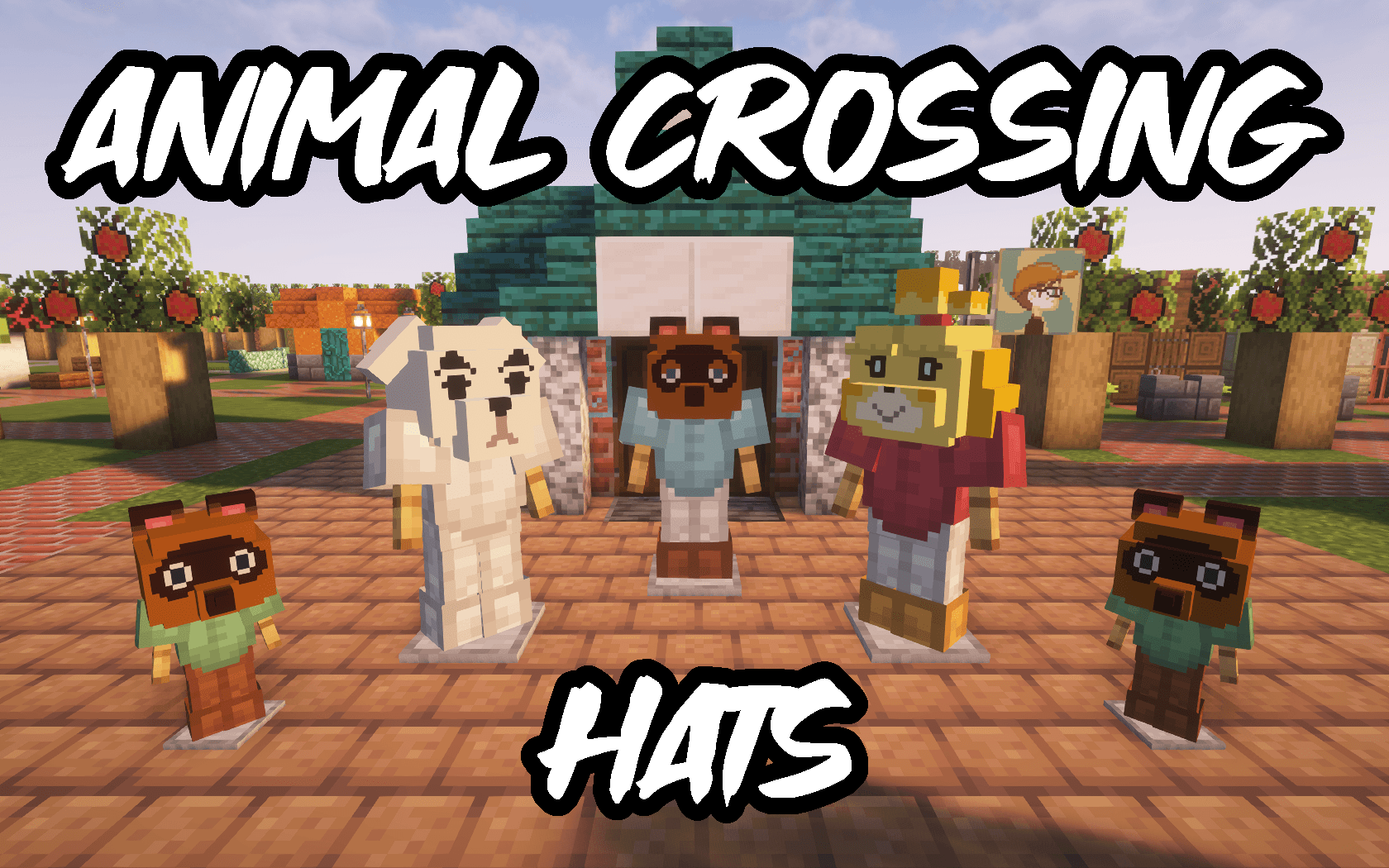
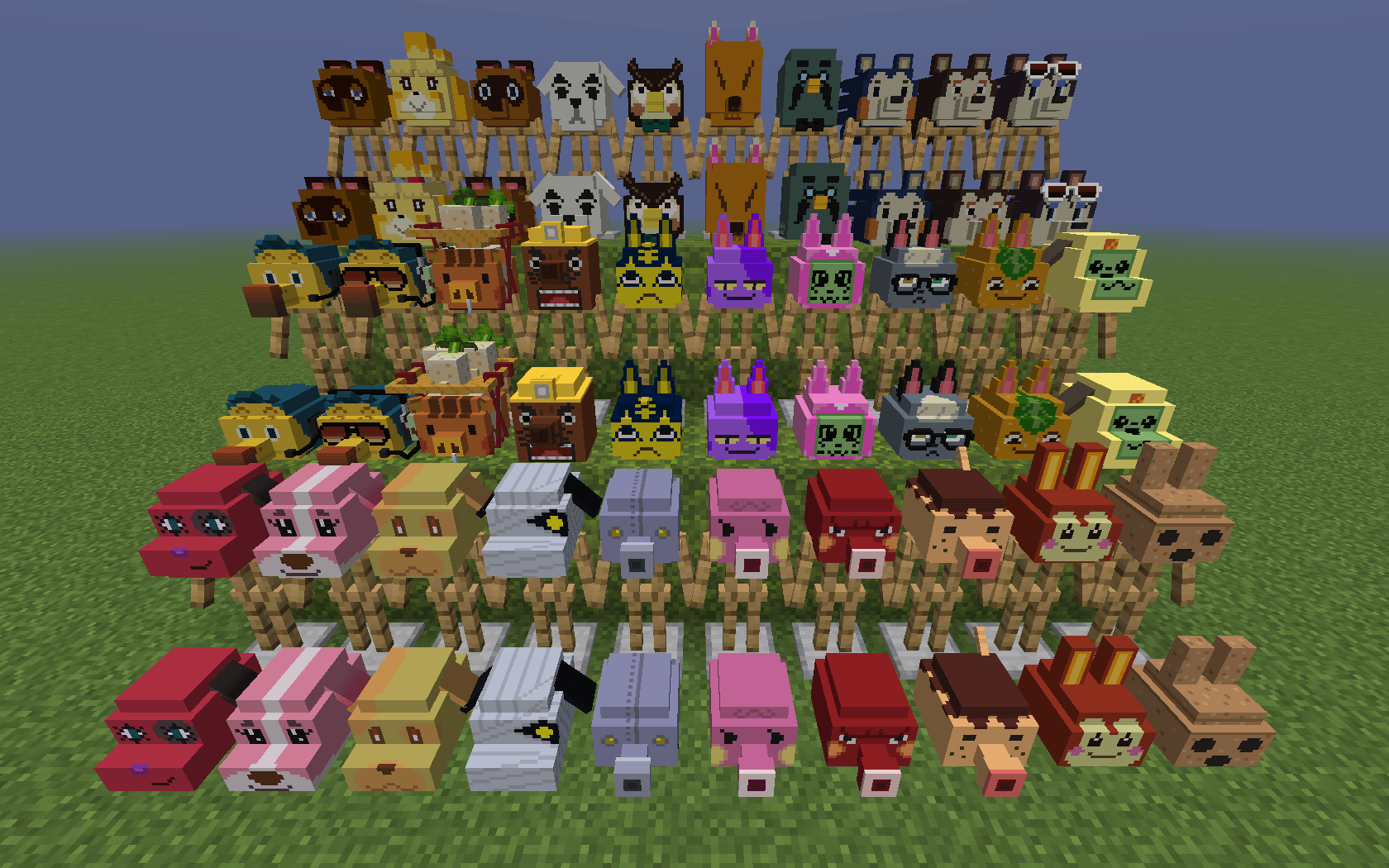
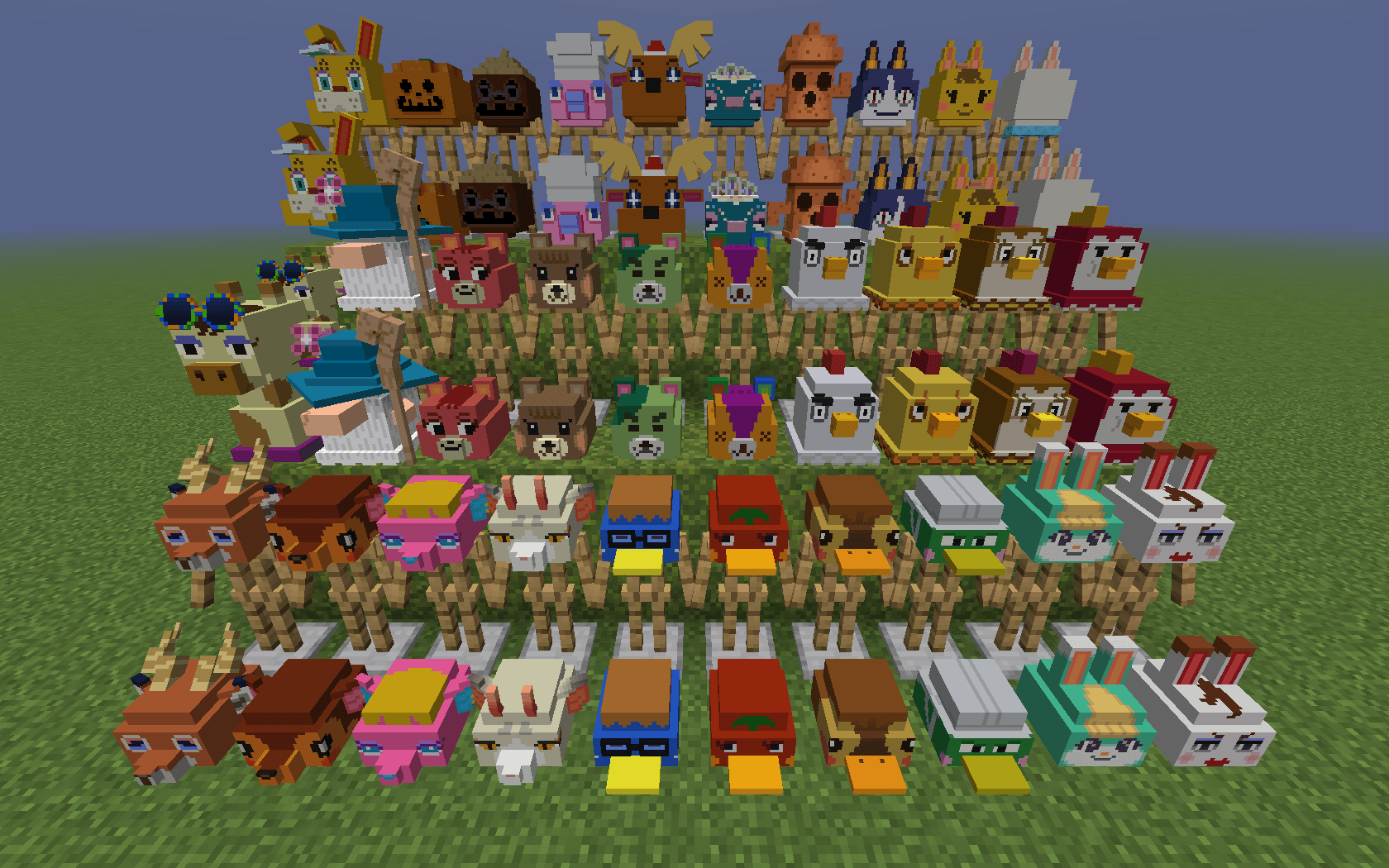
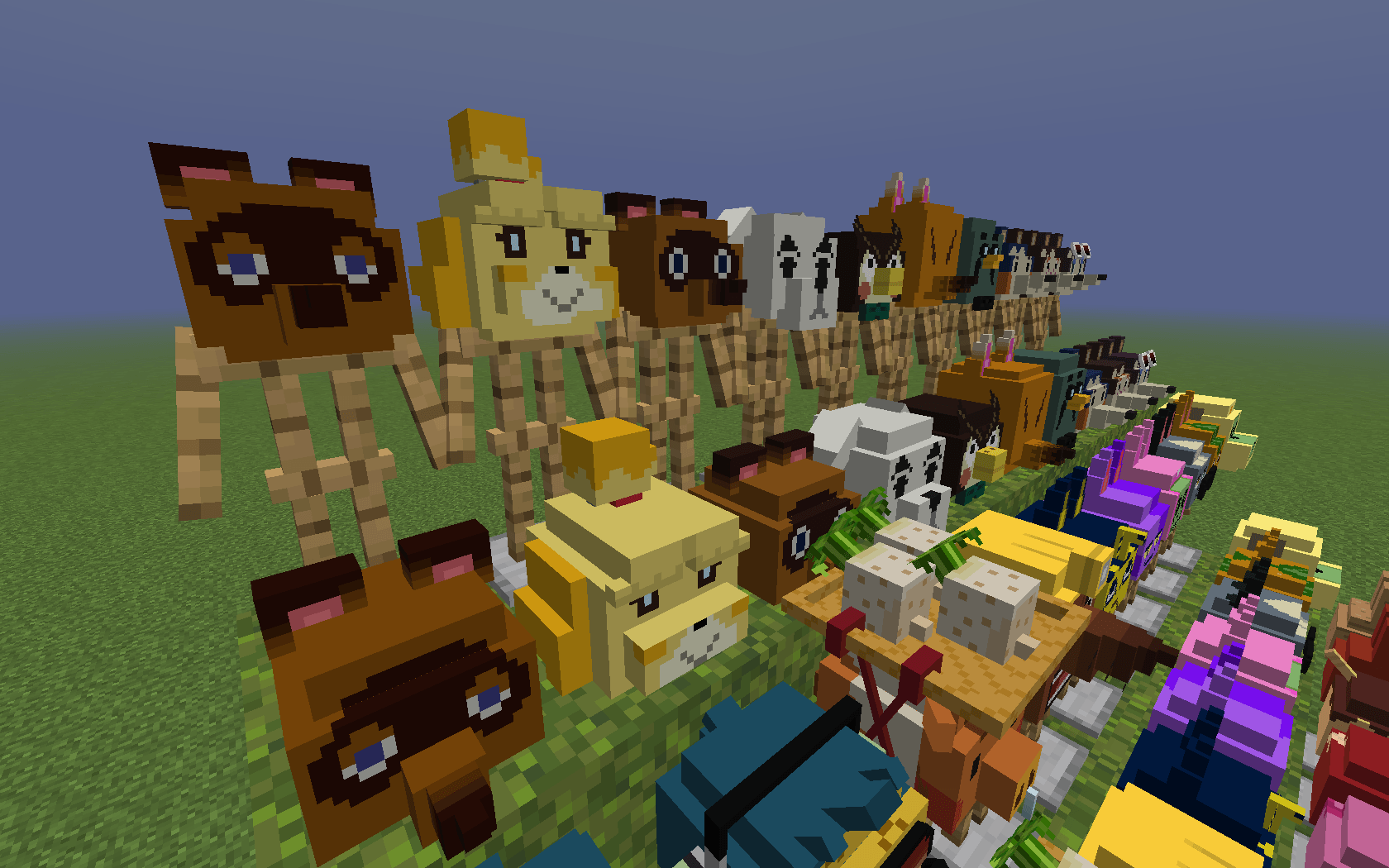
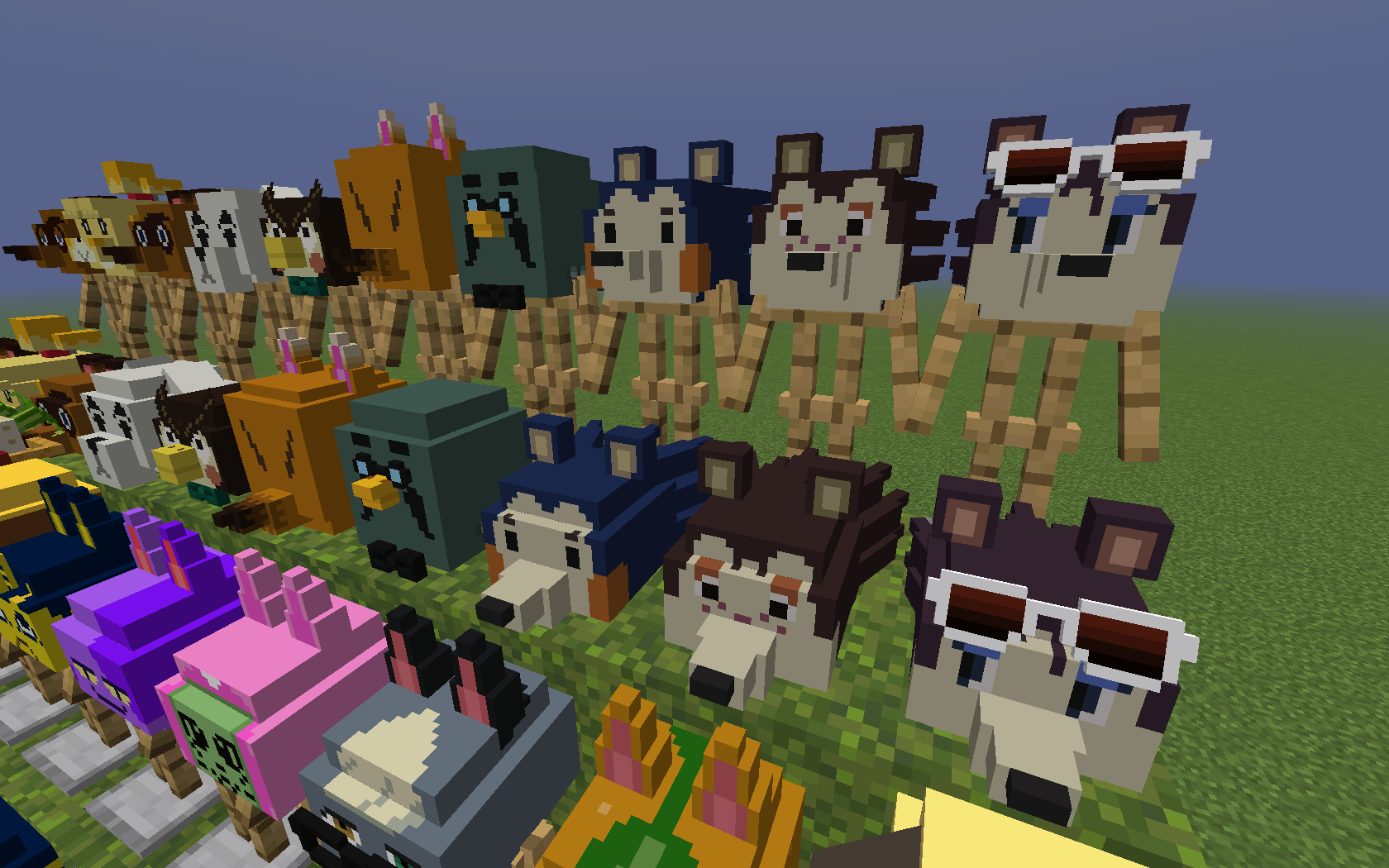
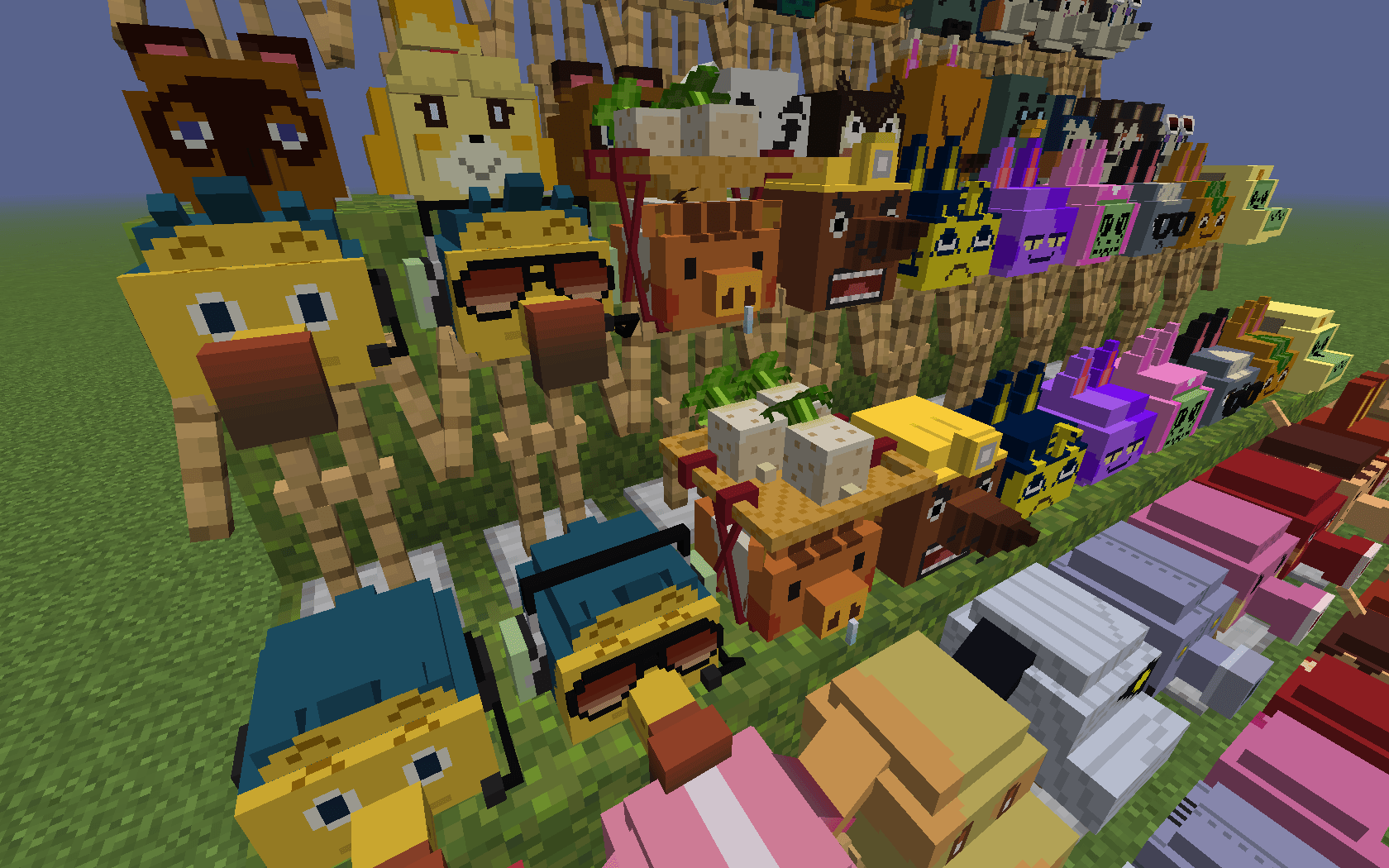
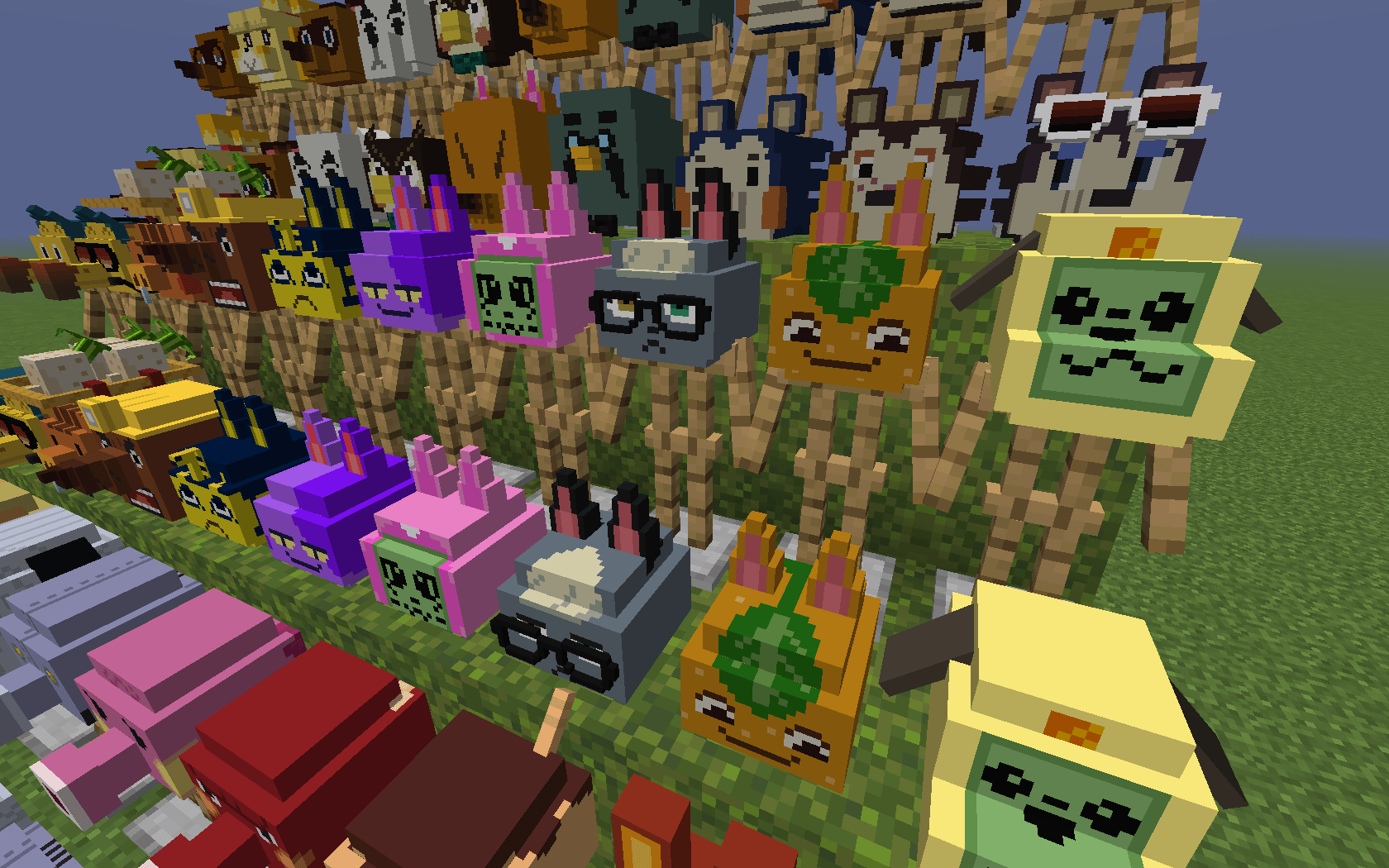
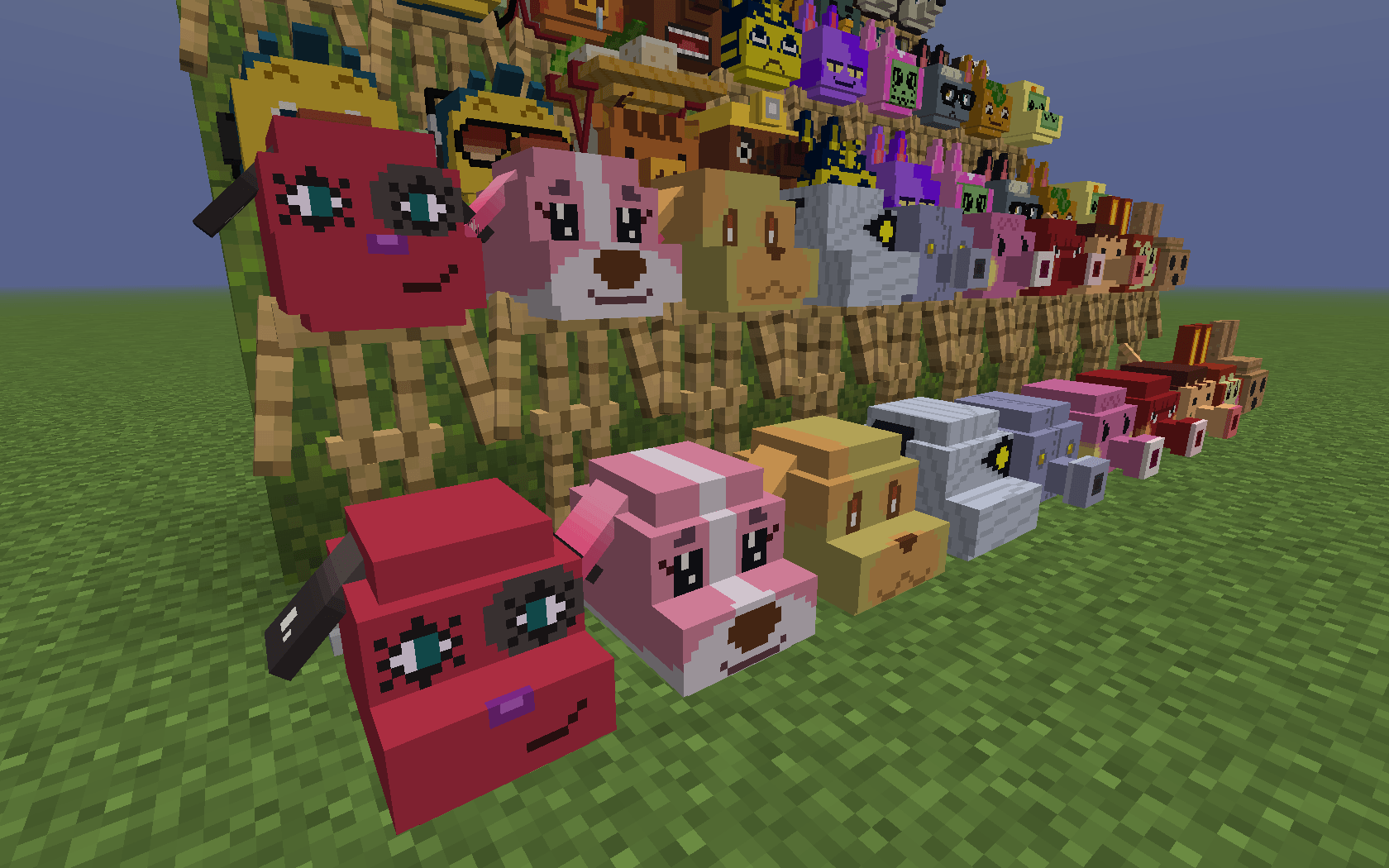
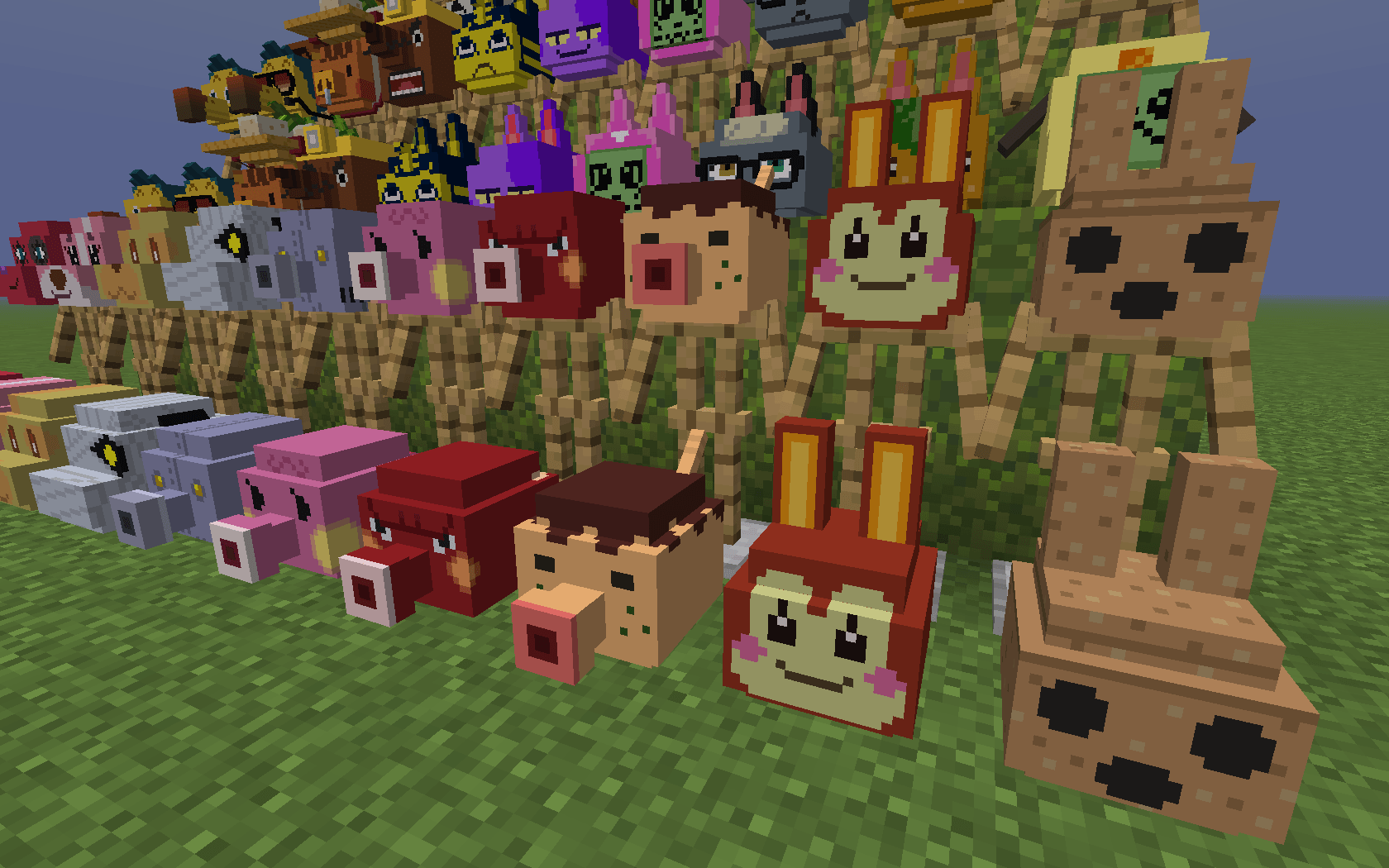
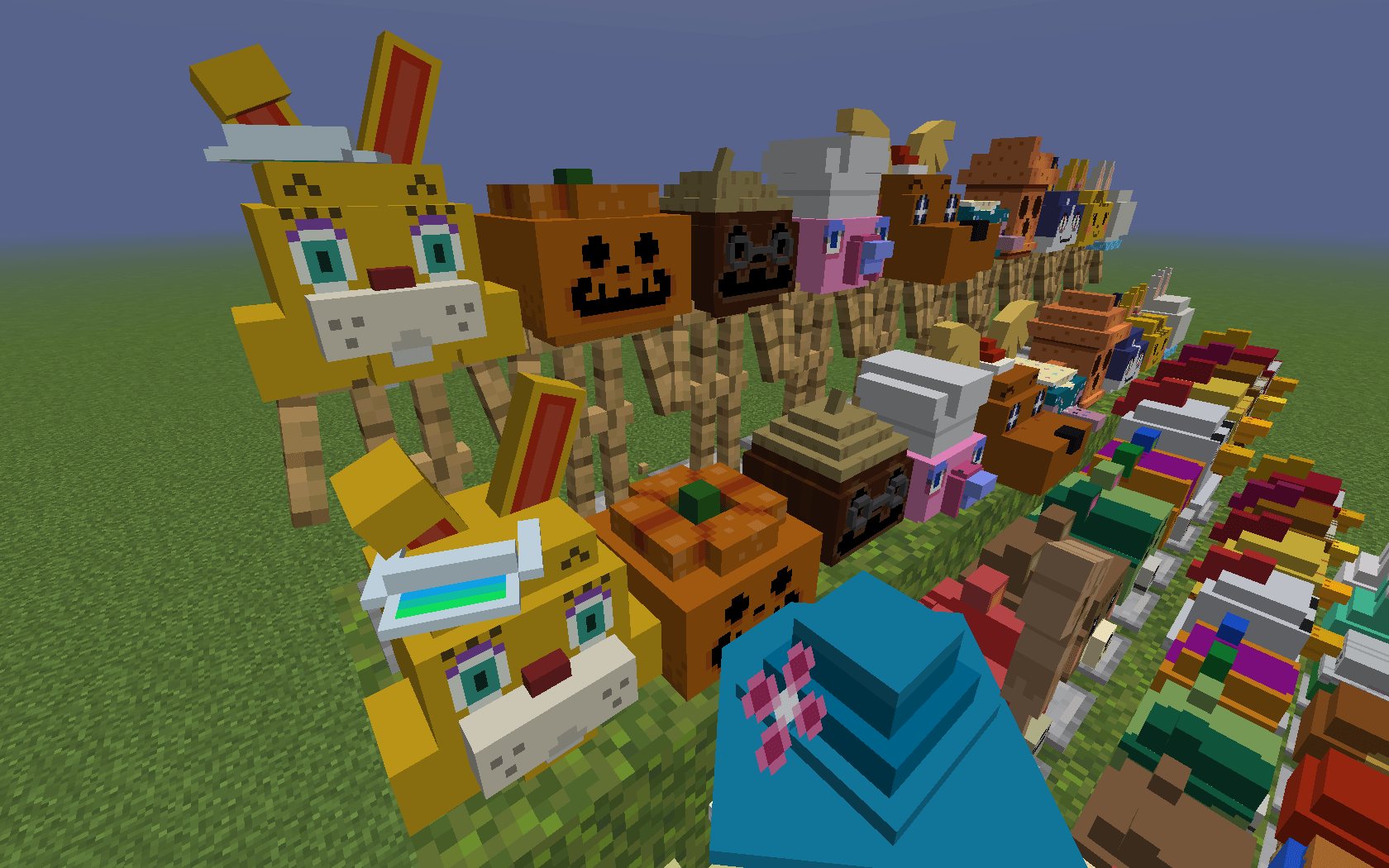
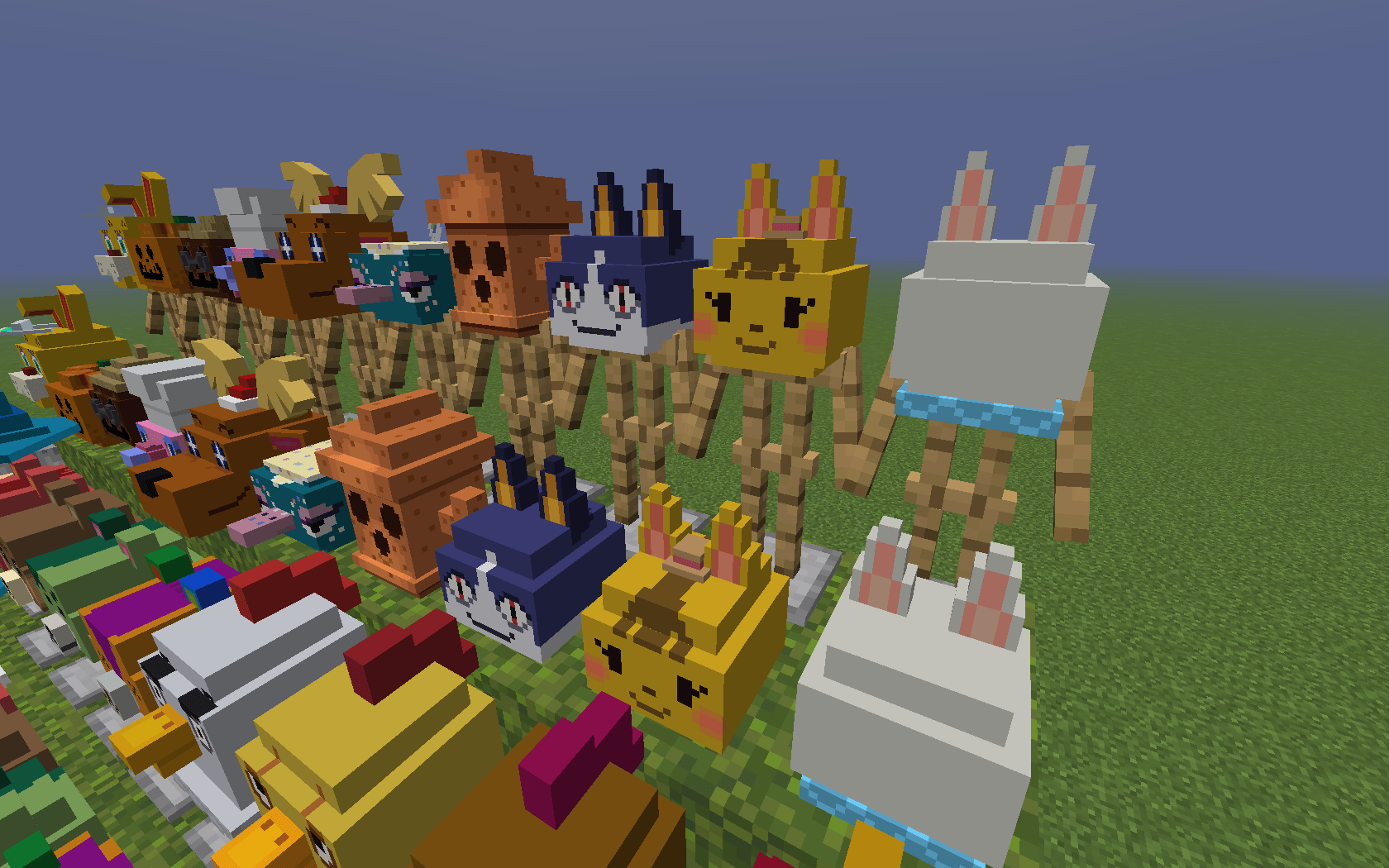
A resource pack that adds 60 new hats (More to come).
by jonden
Download Claim this project
Add a badge to your pageLink to Animal Crossing Hats from a README, website or forum post.
Preview: Badge

Badges update automatically and link to the resource pack page on MineUniverse.

224 downloads
0 likes
0 followers
Updated Oct 14, 2026
0 hypes
Follow0
32x Miscellaneous
Advertisement Remove ads with Premium →

v1.0 Video:

https://www.youtube.com/watch?v=dXlFblmeiMs


v2.0 Video:

https://www.youtube.com/watch?v=hQ41hrJPbSc


Instructions: Name a carved pumpkin one of the following names with an anvil to acquire a hat (Requires OptiFine):


v1.0 Additions:


Special Characters:

  • "Tom Nook"
  • "Isabelle"
  • "Timmy Tommy"
  • "K.K. Slider"
  • "Blathers"
  • "Redd"
  • "Brewster"
  • "Mable"
  • "Sable"
  • "Label"
  • "Wilbur"
  • "Orville"
  • "Daisy Mae"
  • "Mr. Resetti"

Cat Villagers:

  • "Ankha"
  • "Bob"
  • "Meow"
  • "Raymond"
  • "Tangy"


Dog Villagers:

  • "Bow"
  • "Cherry"
  • "Cookie"
  • "Goldie"
  • "Lucky"


Octopus Villagers:

  • "Cephalobot"
  • "Marina"
  • "Octavian"
  • "Zucker"


Rabbit Villagers:

  • "Bunnie"
  • "Coco"


v2.0 Additions:


Special Characters:

  • "Zipper T. Bunny"
  • "Jack"
  • "Cornimer"
  • "Franklin"
  • "Jingle"
  • "Pave"
  • "Gyroid"
  • "Rover"
  • "Katie"
  • "Blanca"
  • "Gracie"
  • "Farley"


Bear Cub Villagers:

  • "Cheri"
  • "Maple"
  • "Murphy"
  • "Stitches"


Chicken Villagers:

  • "Goose"
  • "Egbert"
  • "Ava"
  • "Benedict"


Deer Villagers:

  • "Beau"
  • "Fauna"
  • "Fuchsia"
  • "Shino"


Duck Villagers:

  • "Derwin"
  • "Ketchup"
  • "Molly"
  • "Scoot"


Rabbit Villagers:

  • "Sasha"
  • "Tiffany"


Enjoy!

Animal Crossing Hats v2.0.zip
MC 1.21.3
Release 2024-11-13 Get

Requirements & install

How to use this resource pack in Minecraft
Resolution
32x
Minecraft
1.21.3
Install folder
.minecraft/resourcepacks

How to install resource packs

  1. Download the resource pack .zip file (do not extract it).
  2. In Minecraft open Options → Resource Packs → Open Pack Folder.
  3. Drop the .zip into the resourcepacks folder (.minecraft/resourcepacks).
  4. Move the pack to the Selected column and click Done.
Browse more: 16x resource packs 32x resource packs 64x resource packs 128x resource packs 256x resource packs 512x+ resource packs Resource Packs for 1.21.3 All resource packs
Advertisement Remove ads with Premium →

You Might Also Like