Mineuniverse
Resource Packs
Altias's Horse Colors

Altias's Horse Colors

RESOURCE PACK
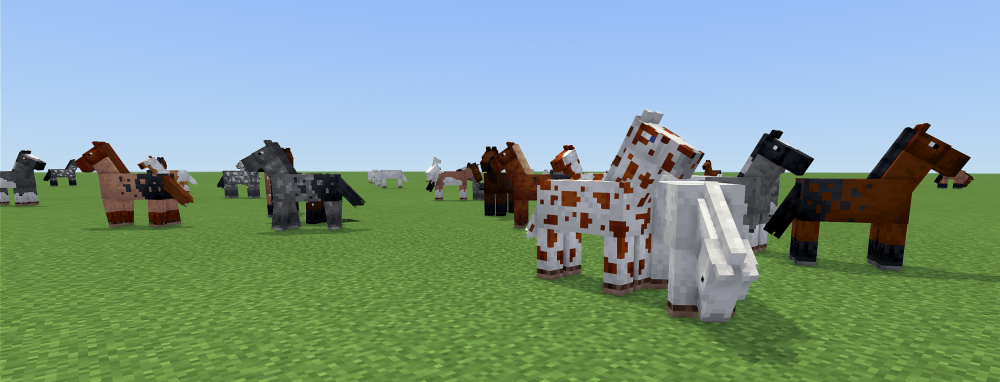
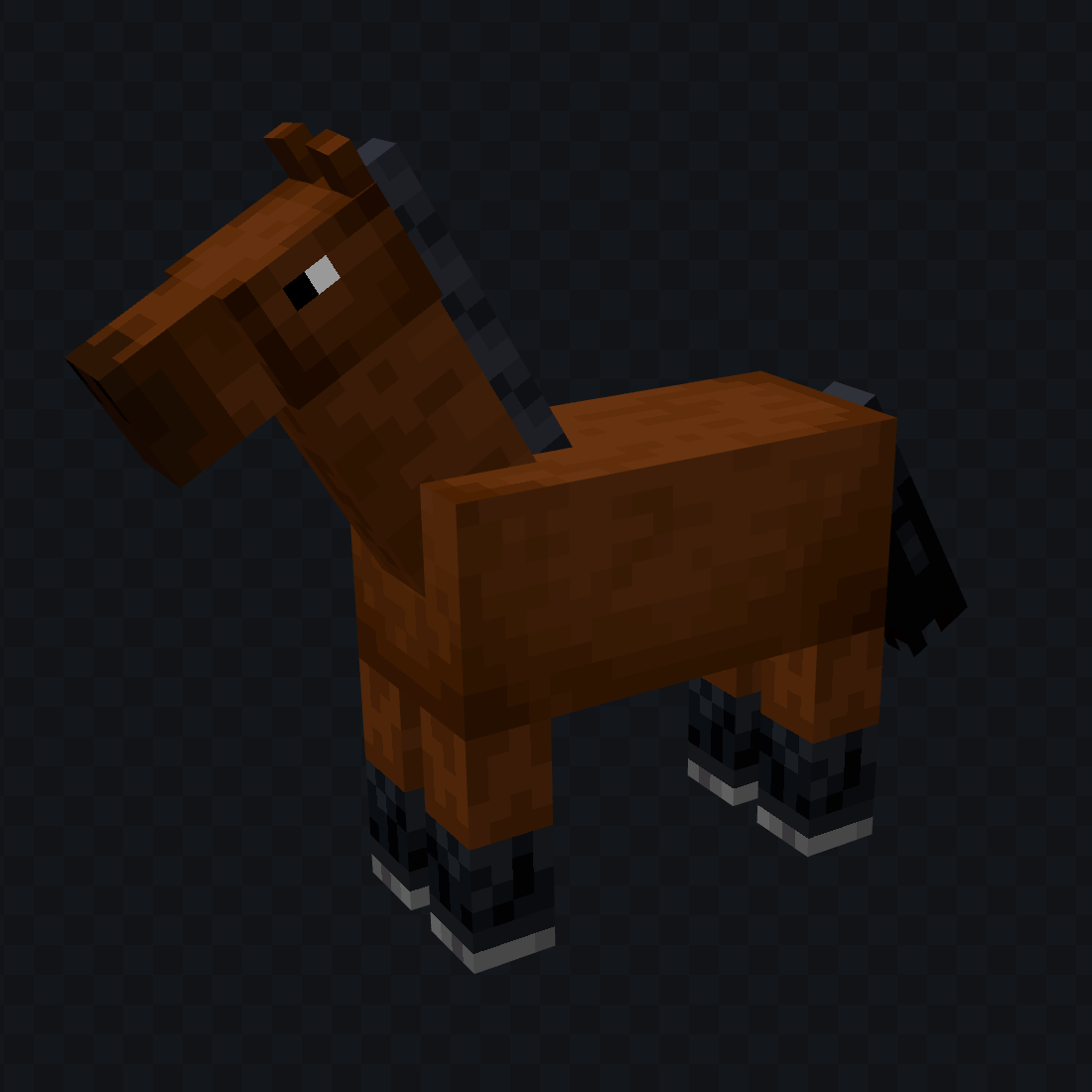
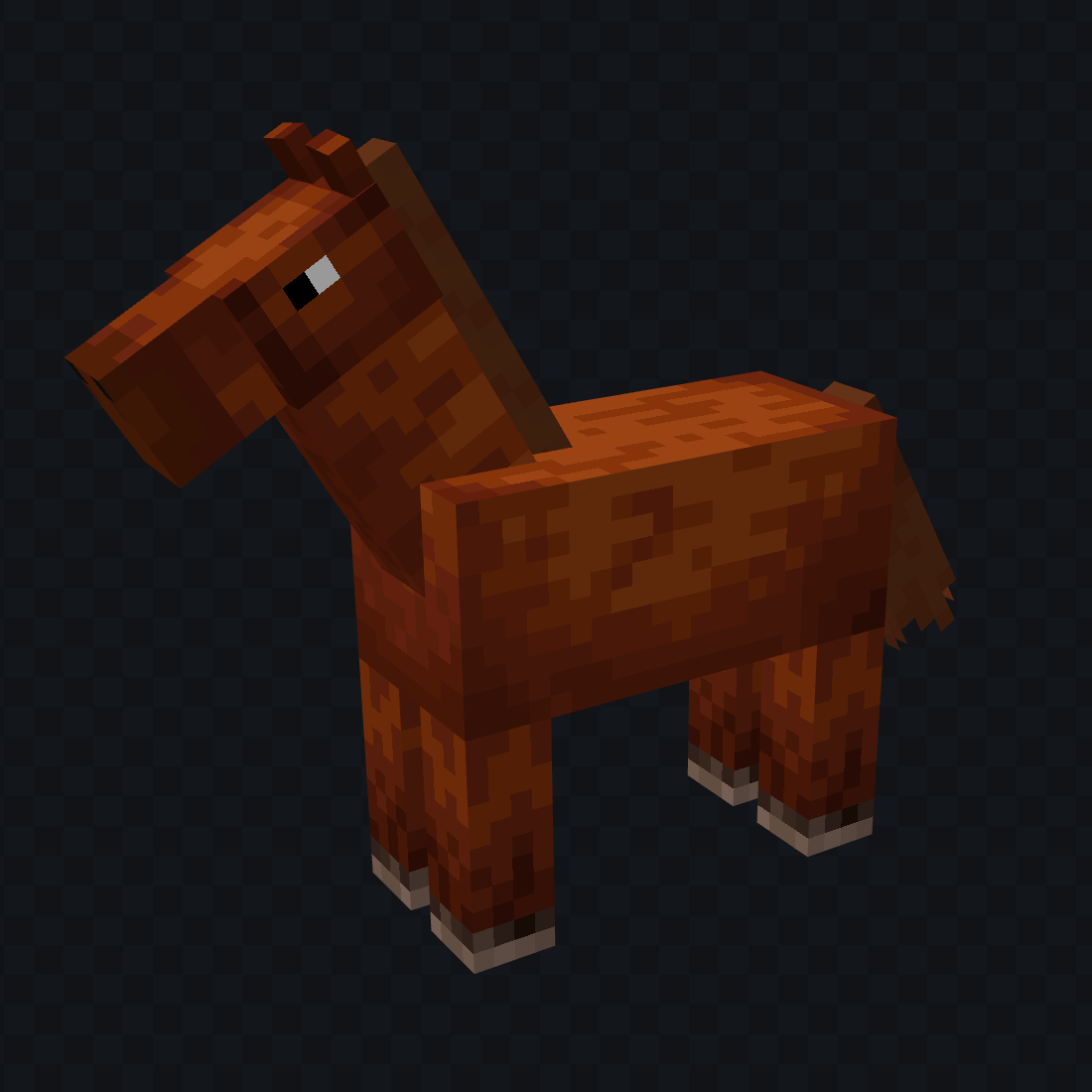
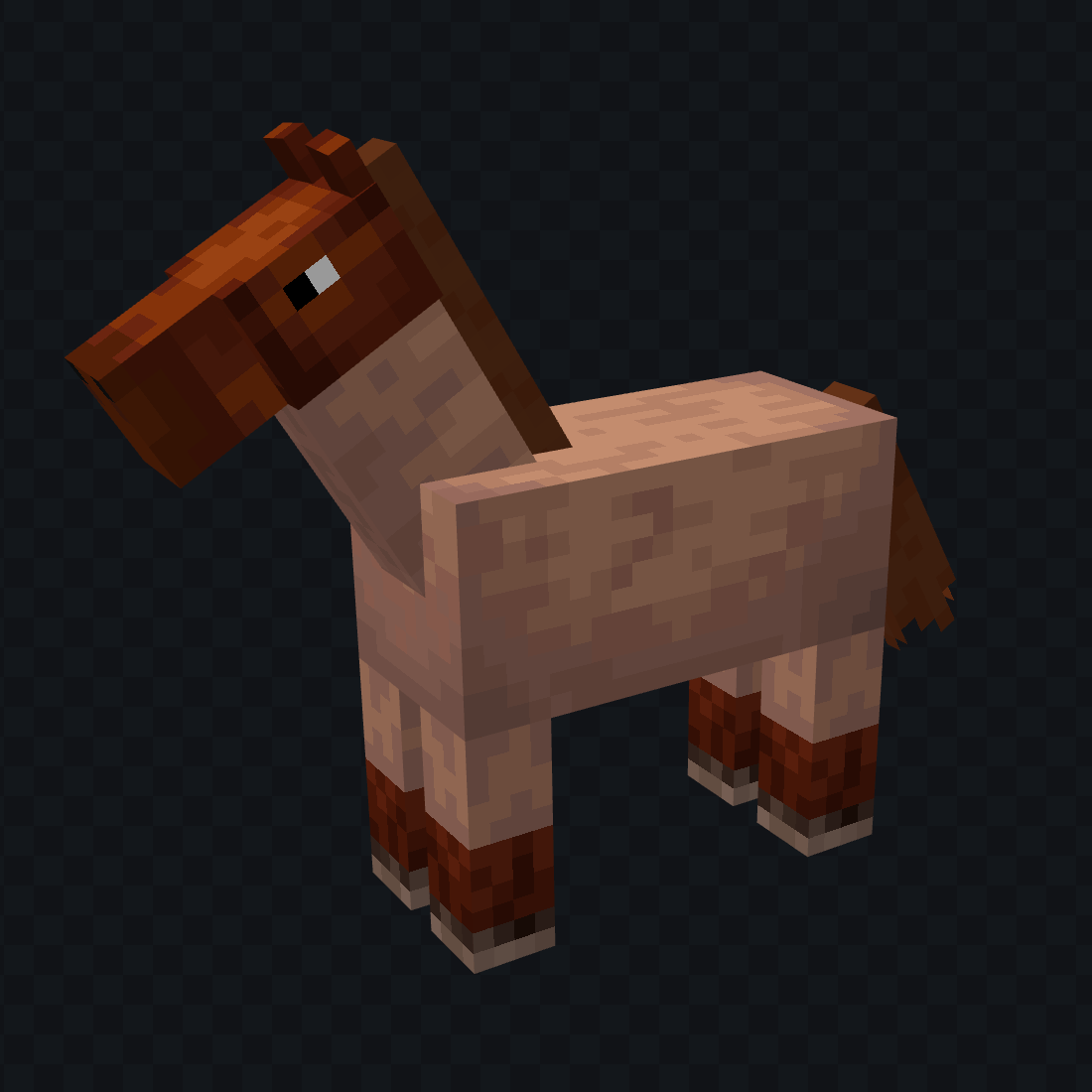
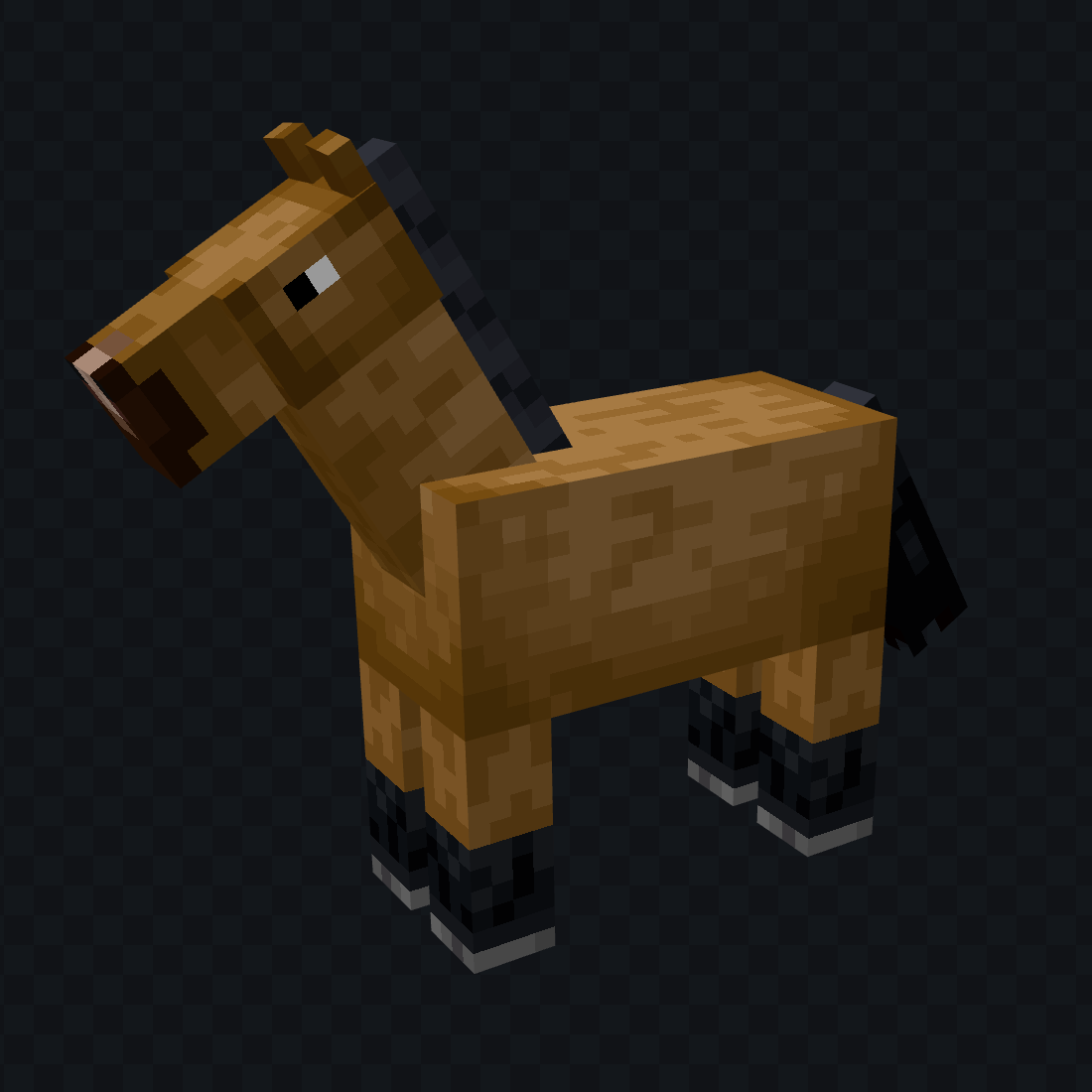
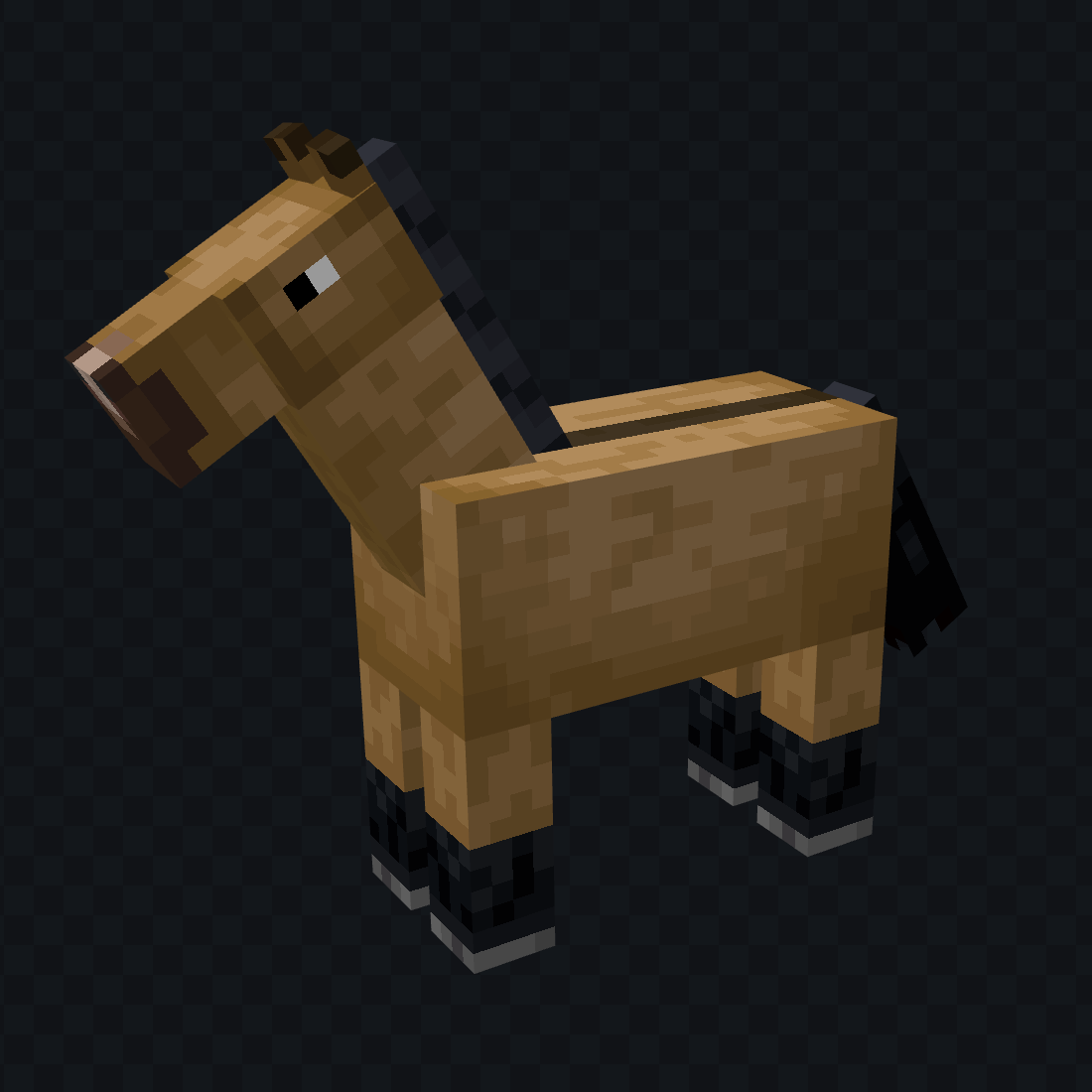
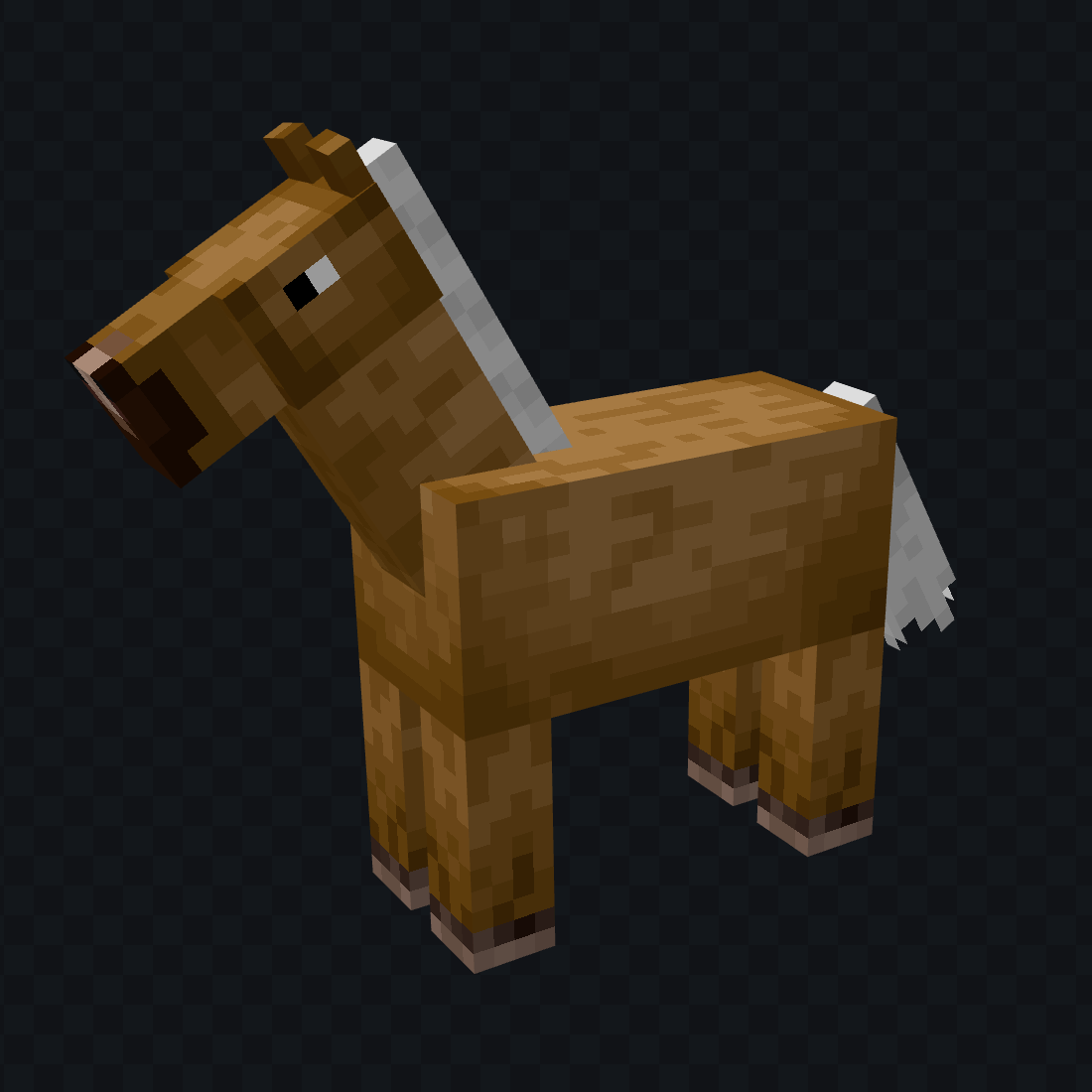
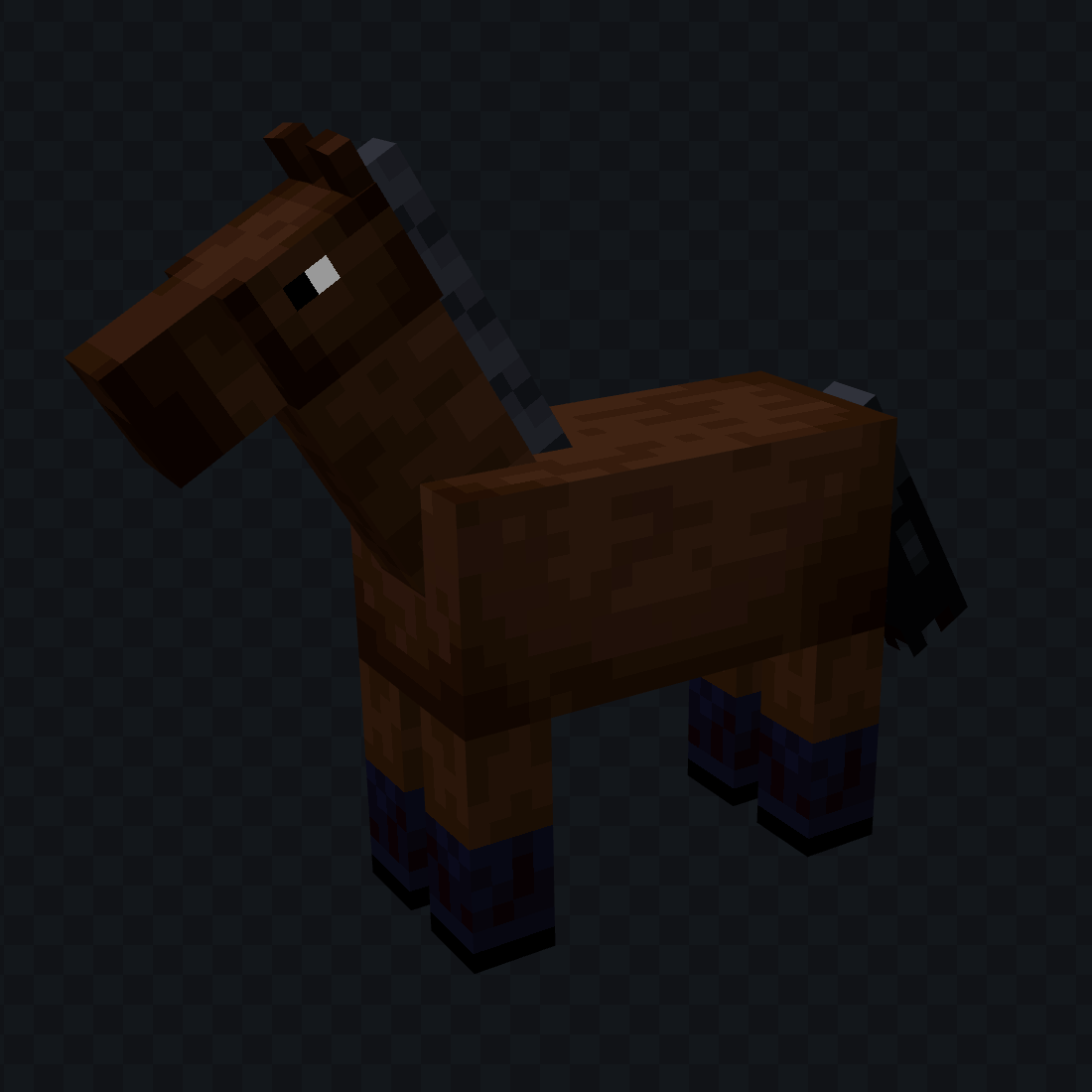
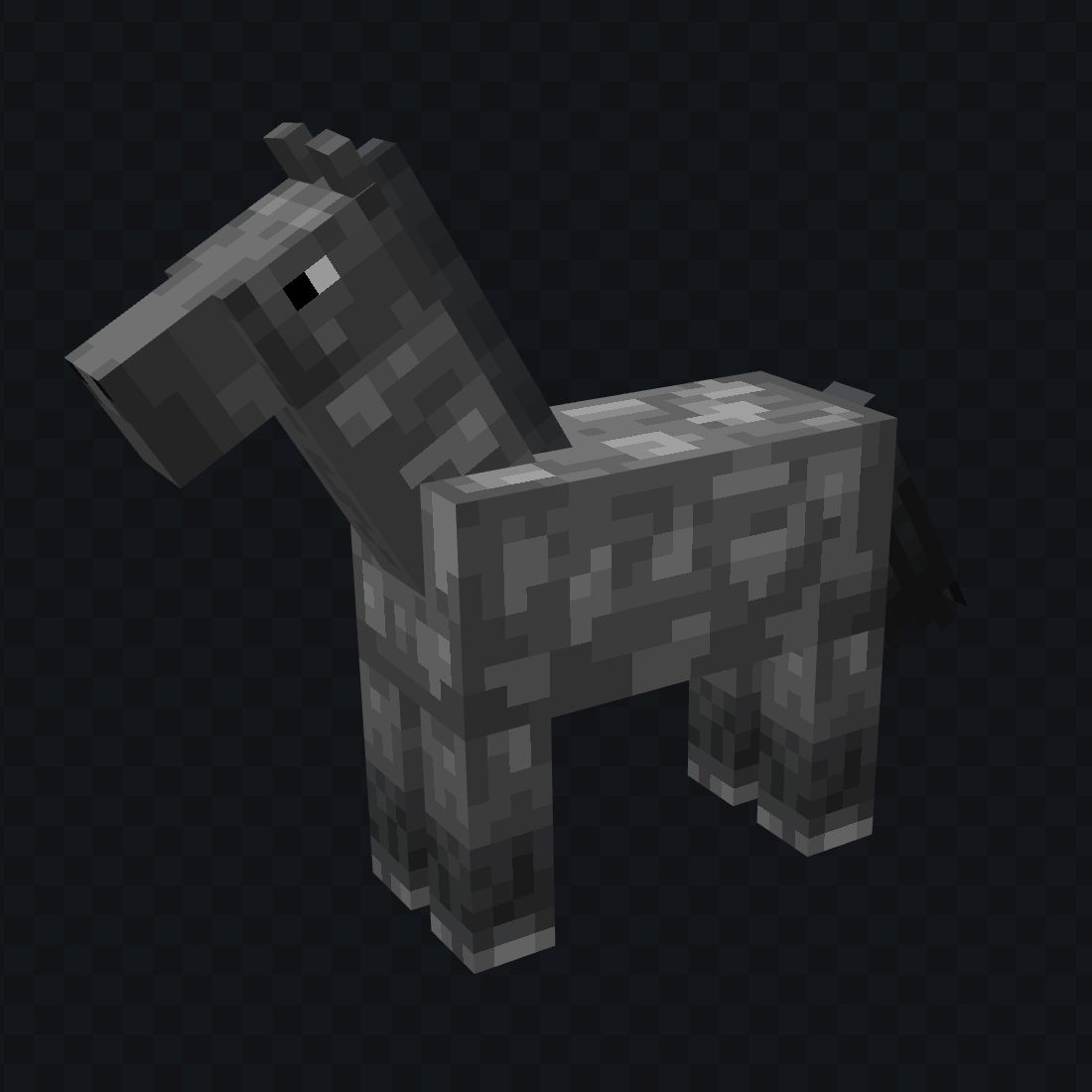
Tweaks vanilla horses and adds more colors to feel more like real horses!
by Altias
Download Claim this project
Add a badge to your pageLink to Altias's Horse Colors from a README, website or forum post.
Preview: Badge

Badges update automatically and link to the resource pack page on MineUniverse.

969 downloads
0 likes
0 followers
Updated Oct 14, 2026
0 hypes
Follow0
16x Miscellaneous Traditional
Advertisement Remove ads with Premium →

As a certified Horse Girl, some of the horse colors in Minecraft always bothered me. And it always felt like so many were missing. This resource pack aims to fix that without completely remodeling vanilla horses.

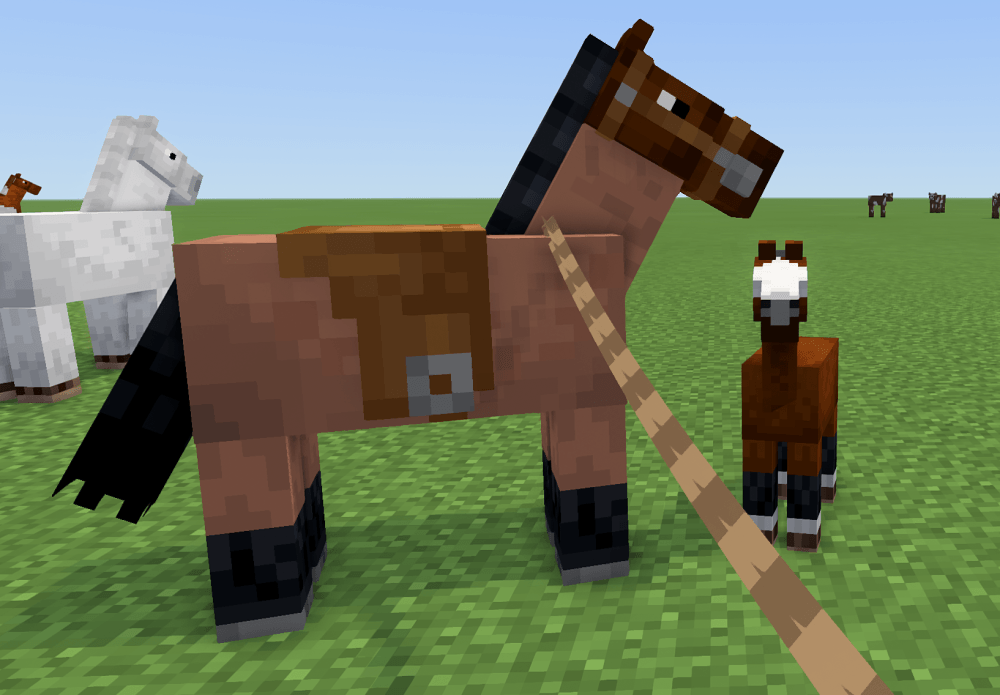
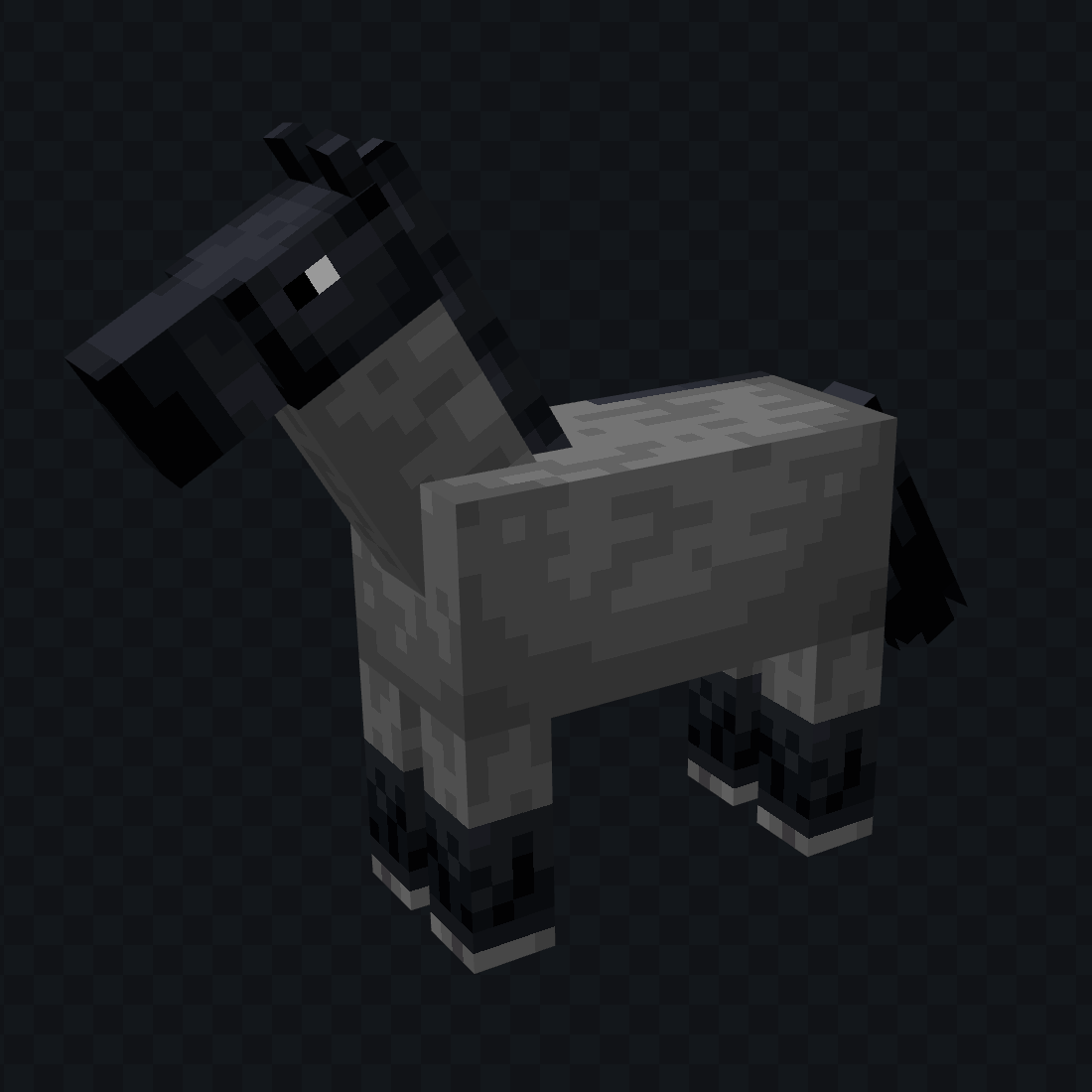
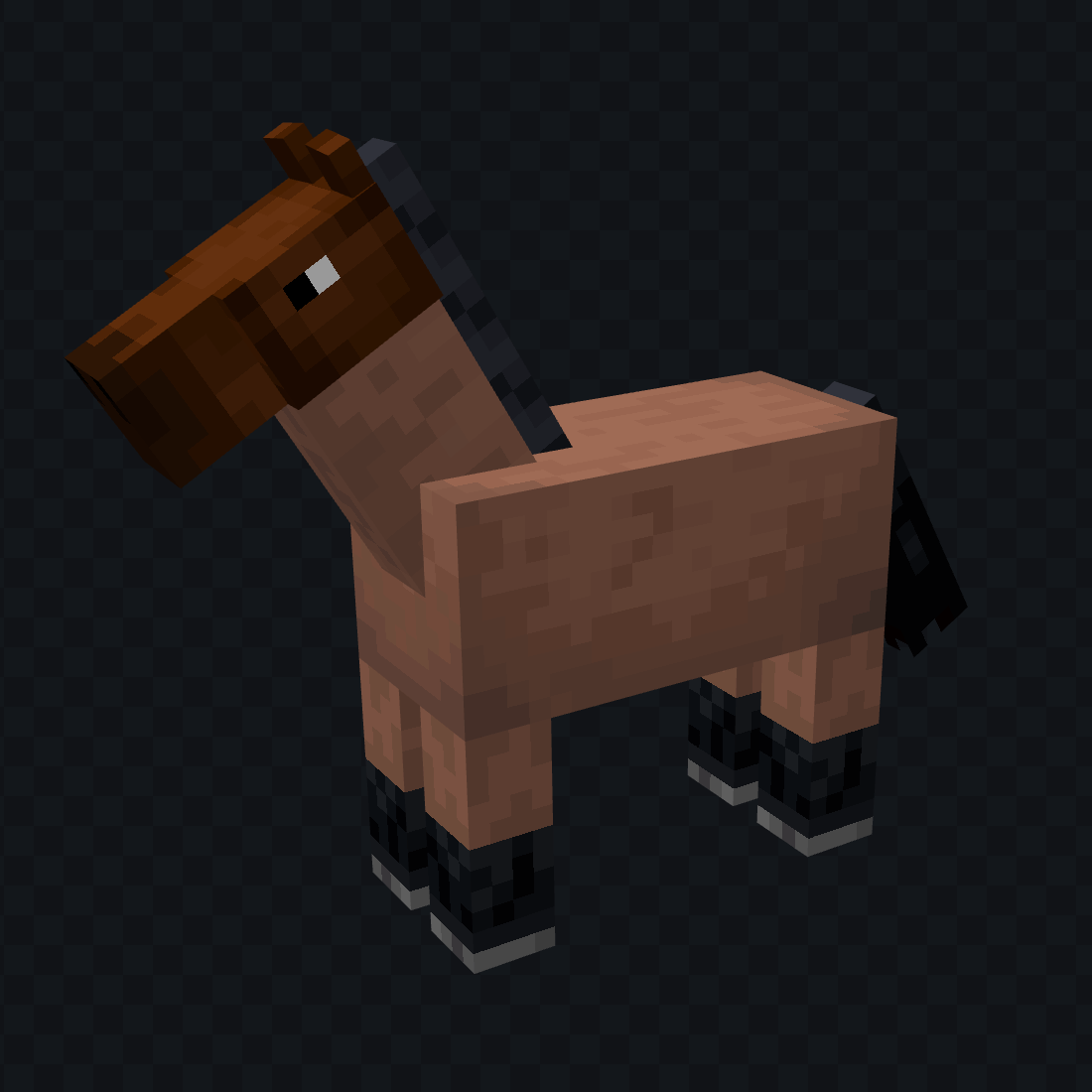
Most of my upates are accuracy tweaks. Black points on bays, appaloosa spots that aren't perfectly uniform, things like that. By using the white horse coat overlayed in the shape of markings, they blend far better into the fur rather than looking like stickers slapped on. I also adjusted the saddle a little bit, as it did not look like a saddle at all.

Without ETF, you'll get my updated/tweaked vanilla horse colors. But if you add ETF, you'll get a bunch more coats added to the game! A bit more variety in horses, and no more common colors glaringly missing! 

Fresh animations version of this is in progress, it mostly works but the white tail markings dont swish right and you lack the animated eyes. Once I figure out the tail thing I'll upload a version that works properly with it.

AltiasHorseColors.zip
MC 1.21.2-Snapshot, 1.21, 1.21.6-snapshot, 1.20.5-Snapshot, 1.21.1-Snapshot, 1.21.8, 1.20.5, 1.21.5, 1.21.4, 1.21.5-Snapshot, 1.20.6, 1.21.1, 1.21.6, 1.21.3, 1.21.7, 1.20.4
Release 2026-06-13 Get
AltiasHorseColors-1.1.zip
MC 1.21.2-Snapshot, 1.21, 1.21.6-snapshot, 1.20.5-Snapshot, 1.21.1-Snapshot, 1.21.8, 1.20.5, 1.21.5, 1.21.4, 1.21.5-Snapshot, 1.20.6, 1.21.1, 1.21.6, 1.21.3, 1.21.7, 1.20.4
Release 2026-06-13 Get

Requirements & install

How to use this resource pack in Minecraft
Resolution
16x
Minecraft
1.21.3 – 1.21.8
Install folder
.minecraft/resourcepacks

How to install resource packs

  1. Download the resource pack .zip file (do not extract it).
  2. In Minecraft open Options → Resource Packs → Open Pack Folder.
  3. Drop the .zip into the resourcepacks folder (.minecraft/resourcepacks).
  4. Move the pack to the Selected column and click Done.
Browse more: 16x resource packs 32x resource packs 64x resource packs 128x resource packs 256x resource packs 512x+ resource packs Resource Packs for 1.21.8 All resource packs

More from Altias

Advertisement Remove ads with Premium →

You Might Also Like