Mineuniverse
Resource Packs
Alternate 3D Tools

Alternate 3D Tools

RESOURCE PACK
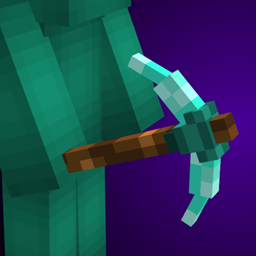
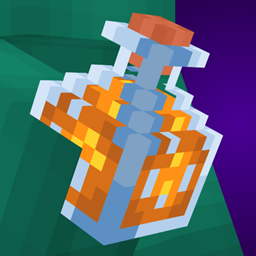
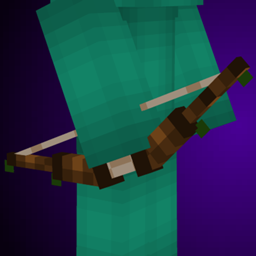
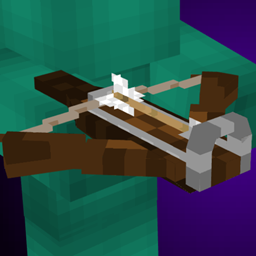
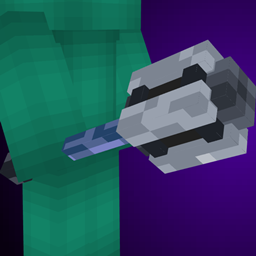
Give your tools some 3D flair!
by keyschain
Download Claim this project
42,107 downloads
0 likes
0 followers
Updated Oct 14, 2026
0 hypes
Follow0
16x
Advertisement Remove ads with Premium →

Works without mods!

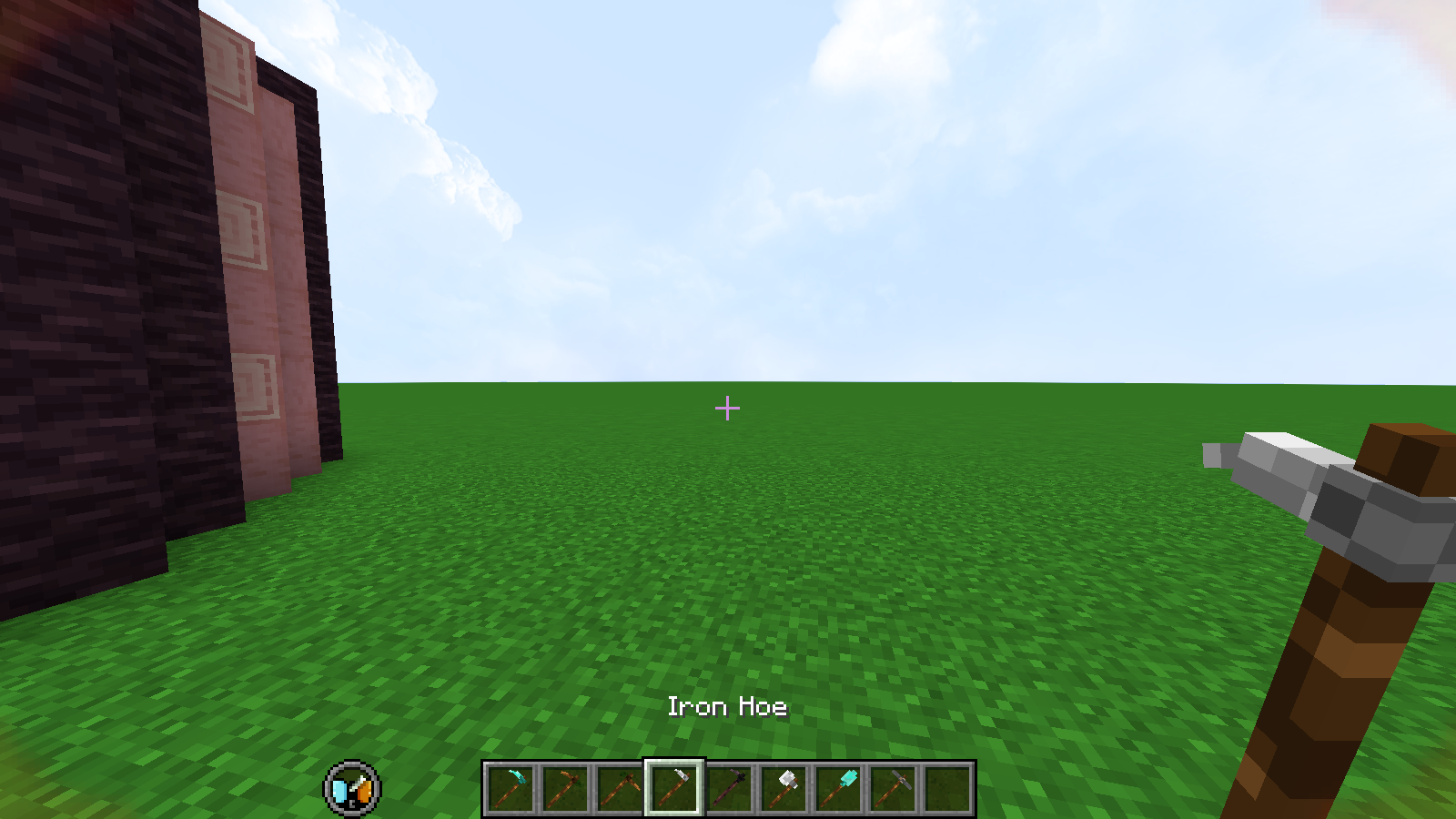
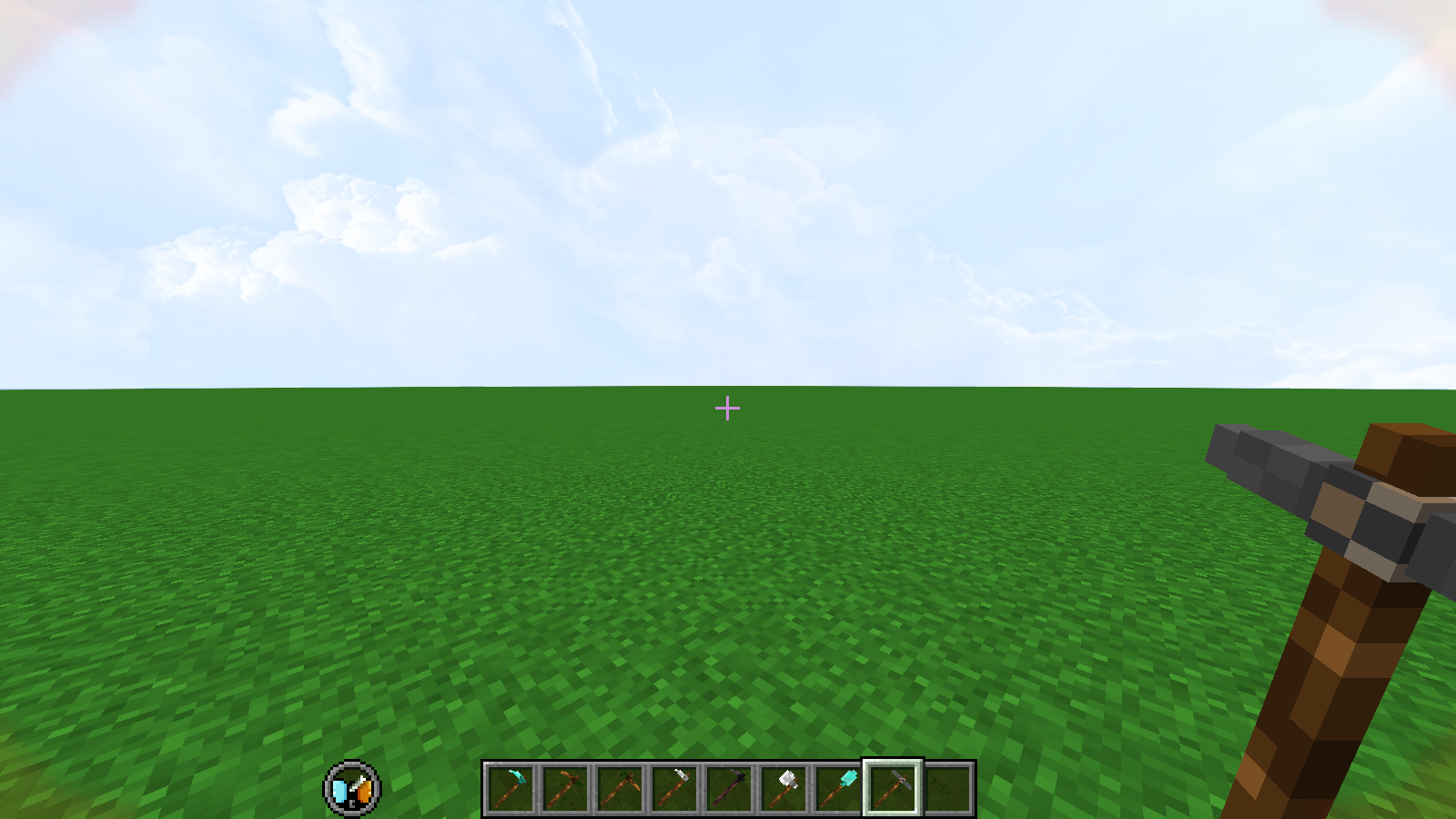
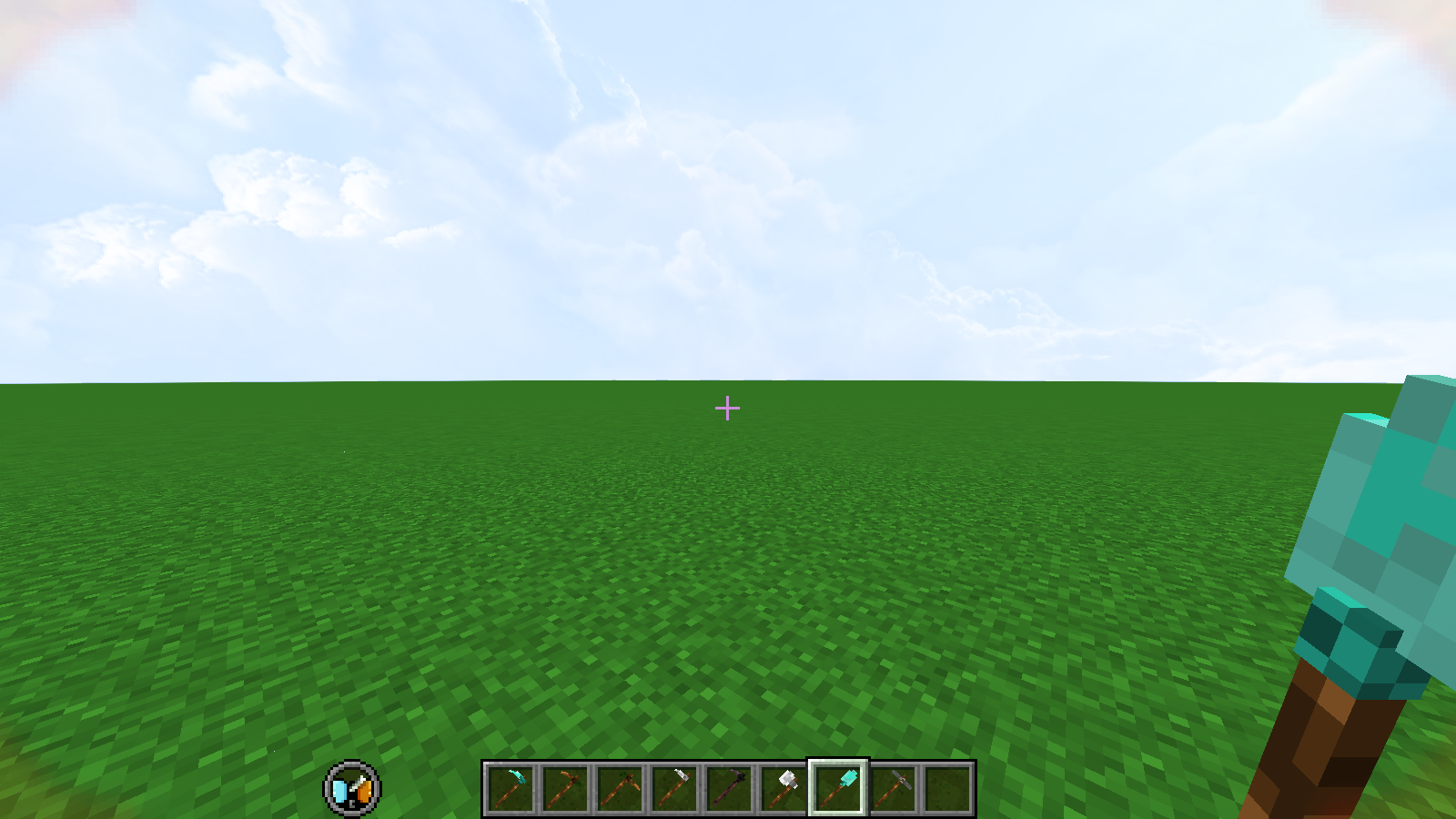
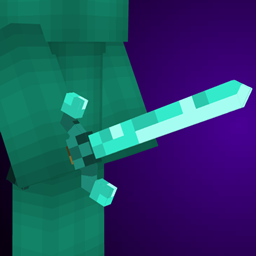
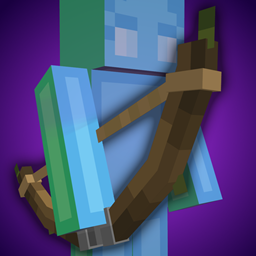
Give your tools some 3D flair with these custom models for every tool!

Resource pack contains only the tools' textures, so it should work with any other resource pack as long as you make sure this is on top in the resource pack menu!

If you have CIT resewn or Optifine installed you can rename a Netherite Pickaxe to Rock and Stone for a surprise :)


please do not redistribute without my consent (feel free to use in modrinth or curseforge modpacks though!)<br>if you make variations from this please credit me :]

logo modrinth-gallery

Alternate_3D_Tools_1.0-1.21.zip
MC 1.21.2-Snapshot, 1.21, 1.21.1-Snapshot, 1.21-Snapshot, 1.21.3, 1.21.1, 1.21.2
Release 2025-01-01 Get
Alternate_3D_Tools_1.0-1.21.4.zip
MC 1.21.5, 1.21.8, 1.21.4, 1.21.7, 1.21.6, 1.21.4-Snapshot
Release 2025-01-01 Get
Alternate_3D_Tools_1.0-1.20.1.zip
MC 1.20.1, 1.20
Release 2024-03-24 Get
Alternate_3D_Tools_1.0-1.20.3_1.20.4.zip
MC 1.20.3, 1.20.4
Release 2024-03-24 Get

Requirements & install

How to use this resource pack in Minecraft
Resolution
16x
Minecraft
1.21.2 – 1.21.8
Install folder
.minecraft/resourcepacks

How to install resource packs

  1. Download the resource pack .zip file (do not extract it).
  2. In Minecraft open Options → Resource Packs → Open Pack Folder.
  3. Drop the .zip into the resourcepacks folder (.minecraft/resourcepacks).
  4. Move the pack to the Selected column and click Done.
Browse more: 16x resource packs 32x resource packs 64x resource packs 128x resource packs 256x resource packs 512x+ resource packs Resource Packs for 1.21.8 All resource packs

More from keyschain

Advertisement Remove ads with Premium →

You Might Also Like