WARNING: Optifine is essential to this pack. Things could look quite strange without it.
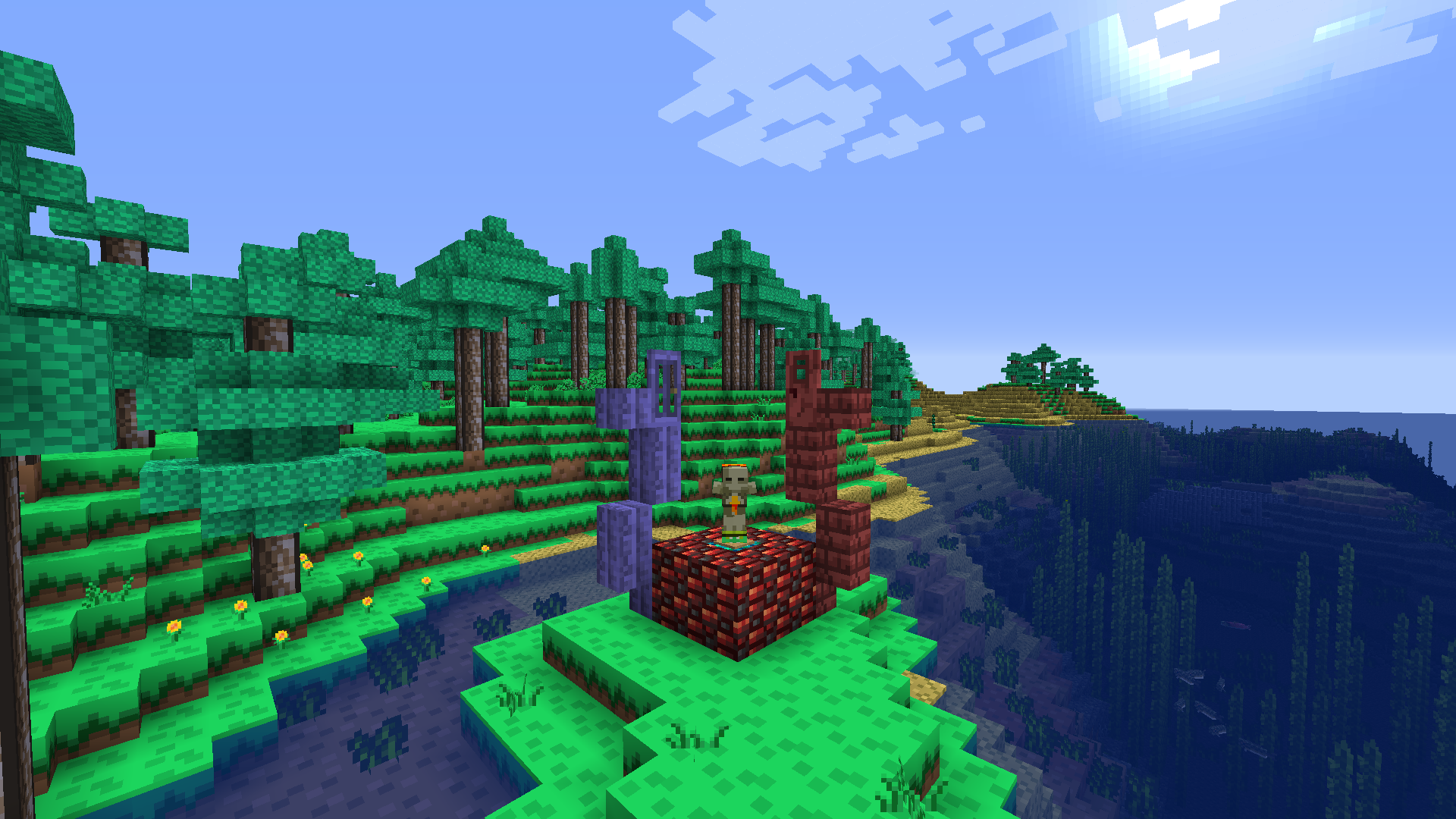
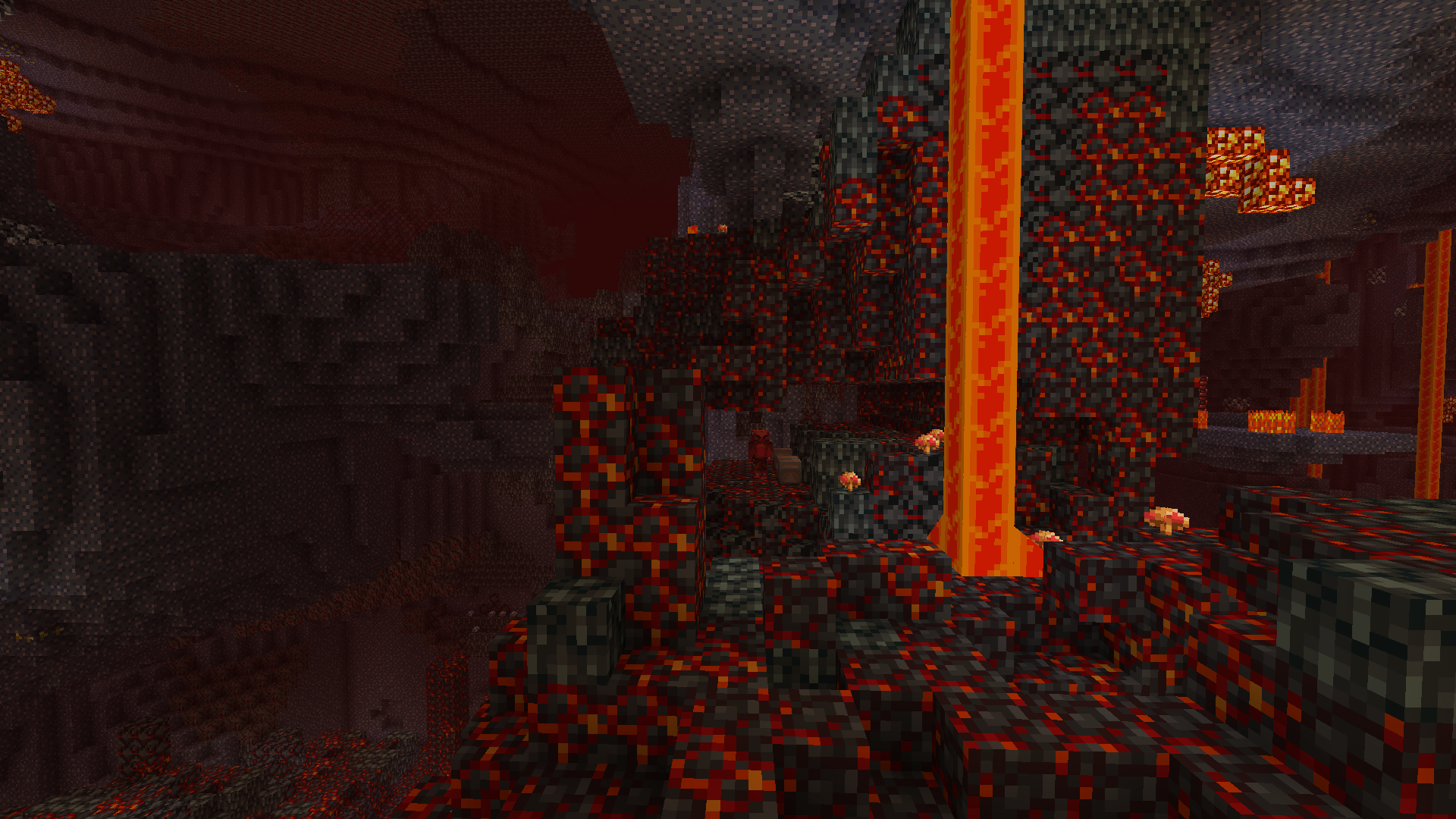
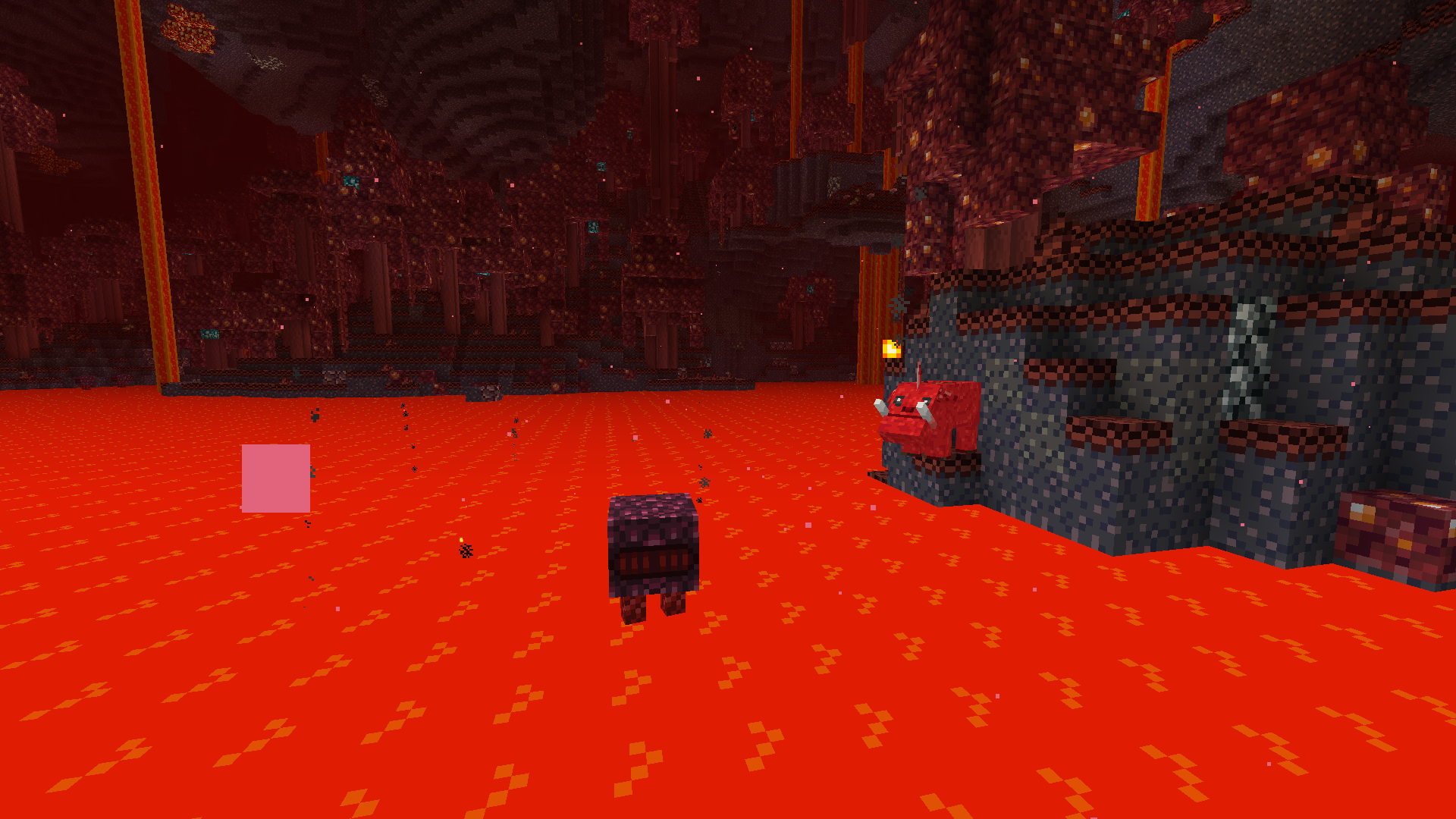
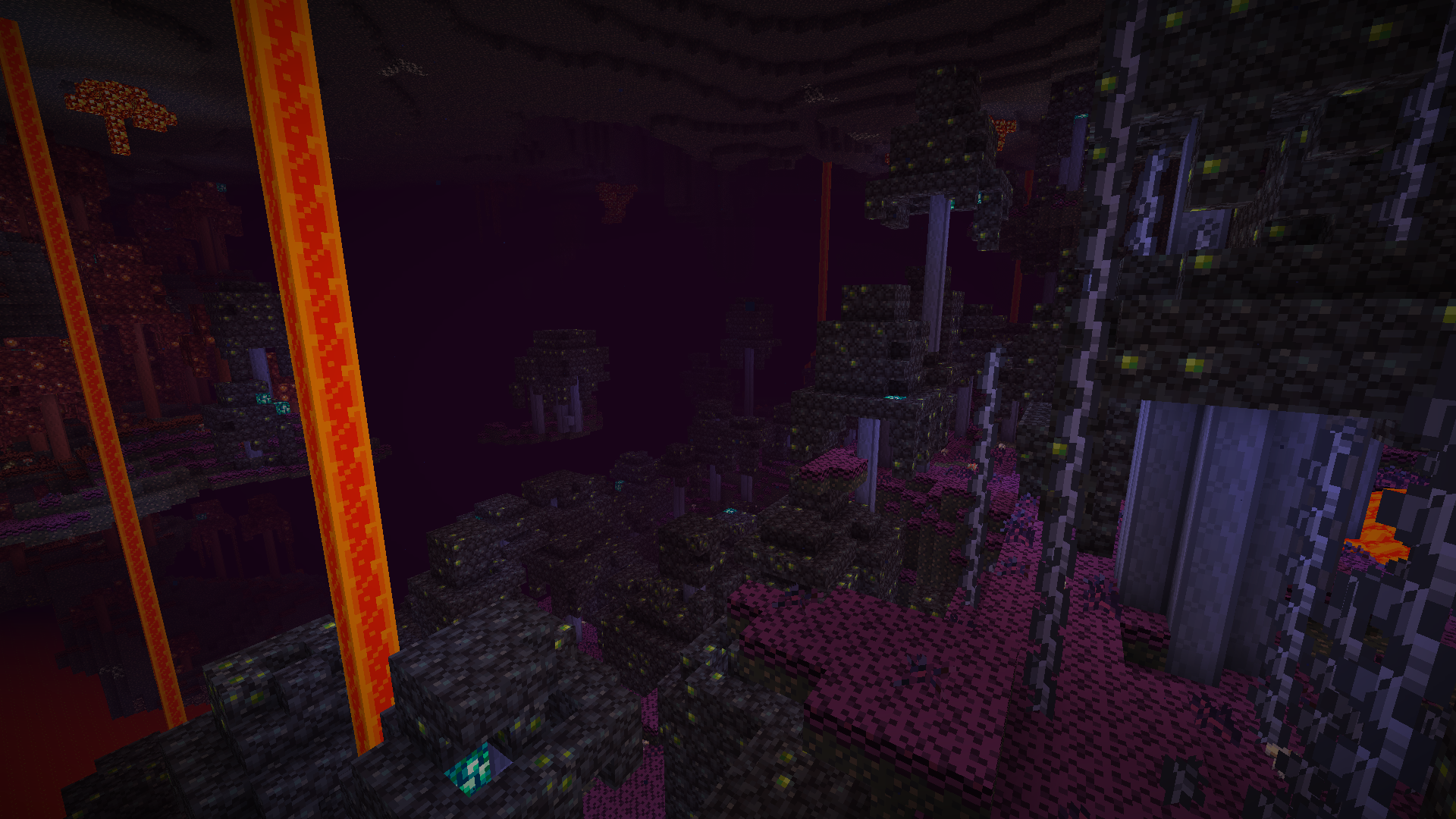
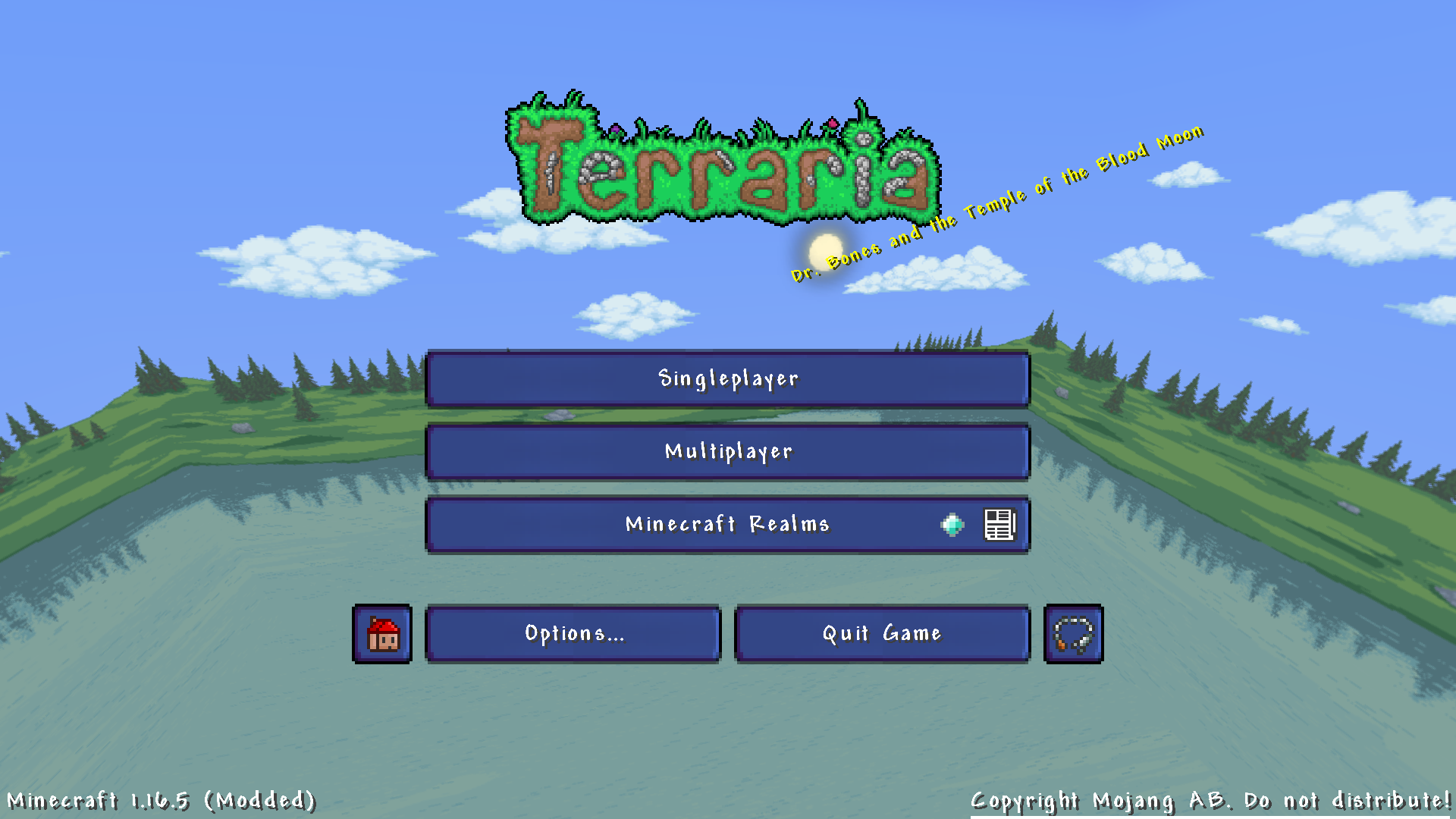
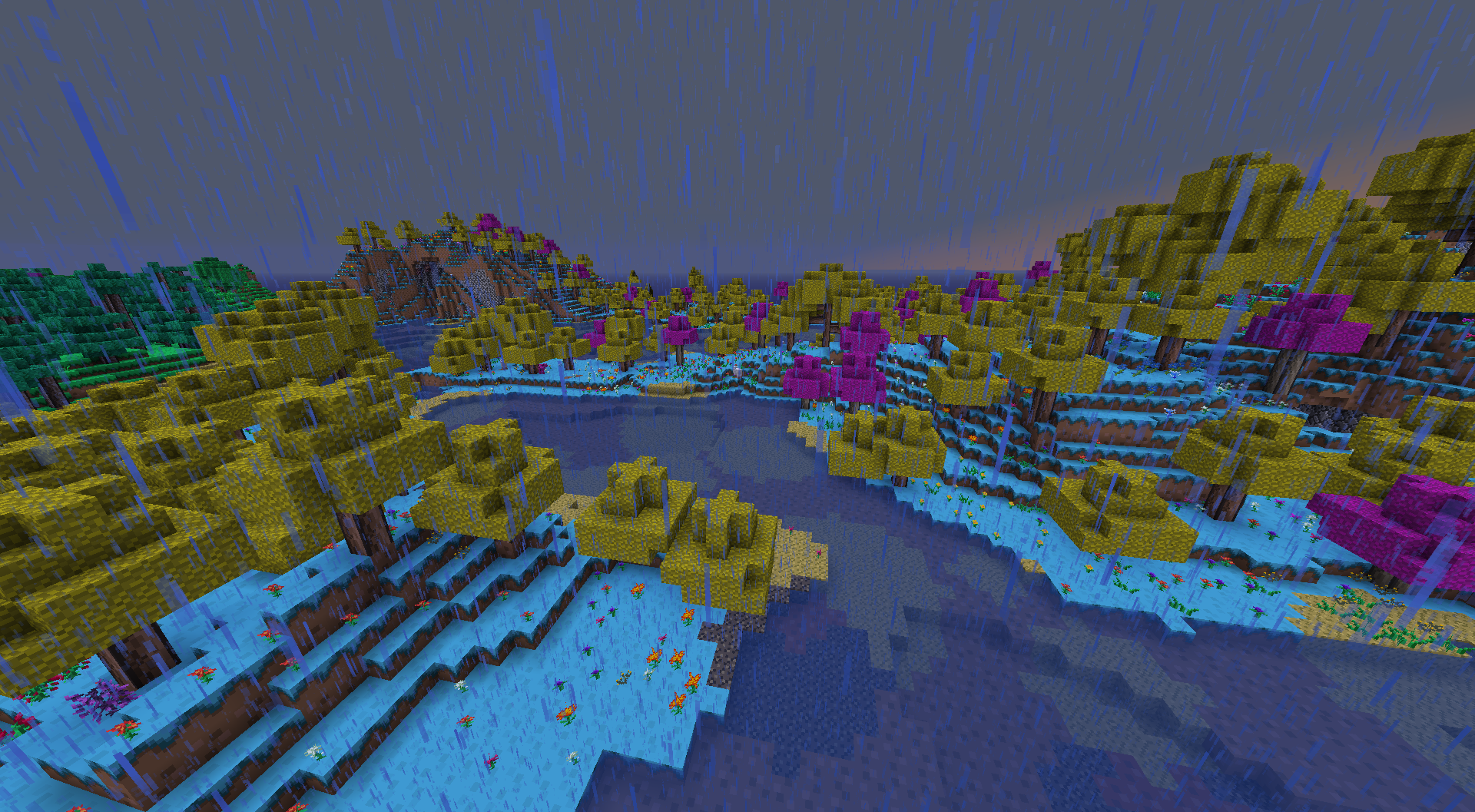
This is a complete Terraria resource pack for Minecraft, containing textures for blocks, items, mobs, GUI, and all the rest! This was originally made by a cool dude named Bagel, who posted a picture of this pack on Reddit and it blew up. After he and his team completed it, he moved on to other things and transferred ownership to the current team. That being said, frequent updates cannot be promised since nowadays it's mostly one dude (Soulburger (me)) working on it.
If you find any issues with the pack or have any feedback, please submit it in either the Discord server or the GitHub. And if you have any changes you want to make, please submit a pull request on Github! It would be very much appreciated and would take some of the workload off of the people who currently work on the pack.
I'd like to thank the amazing team over at the discord server who helped create this pack, you can find their names in a file within the pack. 😊 Thank you to Re-Logic and Mojang for both making amazing games that look amazing together! If there is any copyright infringement issues with this pack, please contact me on discord. Thanks!