Mineuniverse
Resource Packs
Alphex's Dot Crosshair

Alphex's Dot Crosshair

RESOURCE PACK
Dot Crosshair / By Alphex0
by Alphex0
Download Claim this project
Add a badge to your pageLink to Alphex's Dot Crosshair from a README, website or forum post.
Preview: Badge

Badges update automatically and link to the resource pack page on MineUniverse.

268 downloads
0 likes
0 followers
Updated Oct 14, 2026
0 hypes
Follow0
16x Font Packs
Advertisement Remove ads with Premium →

Kanka, Minecraft'ta "dot" (nokta) crosshair'ler özellikle PvP ve nişan alma odaklı oyuncular için çok tercih ediliyor. İşte CurseForge veya farklı bir platforma doğrudan yapıştırabileceğin, hem sade hem de etkileyici bir İngilizce açıklama:

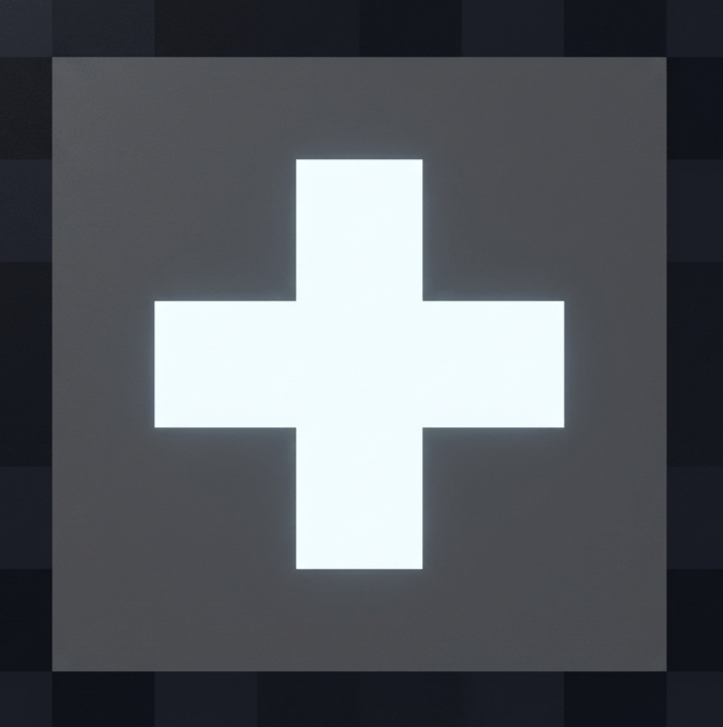
Dot Crosshair: Precision at Your Fingertips Stop struggling with the default, bulky Minecraft crosshair. Dot Crosshair provides a clean, minimalistic, and highly visible dot-style reticle that allows for pixel-perfect precision. Whether you are aiming with a bow, playing competitive PvP, or just exploring, this pack ensures that your focus stays exactly where it needs to be.

Why choose Dot Crosshair?

Minimalist Design: A clean, distraction-free dot that won't clutter your screen.

High Visibility: Perfectly contrasted to stand out against any background, so you never lose track of your aim.

PvP Optimized: Designed for faster target acquisition and better accuracy in intense combat situations.

Lightweight: Minimal impact on your game settings—just a simple, effective upgrade to your UI.

Take control of your aim and elevate your gameplay experience. Simplicity is the ultimate sophistication.

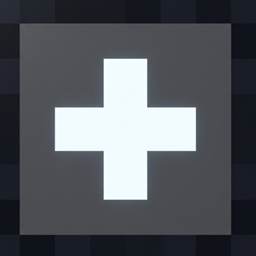
alphexs_dot_crosshair
MC 1.21.2-Snapshot, 1.21, 1.21.6-snapshot, 1.21.1-Snapshot, 1.21.8, 1.21.5, 1.21.4, 1.21.5-Snapshot, 1.21.1, 1.21.6, 1.21.3, 1.21.7, 1.21-Snapshot, 1.21.4-Snapshot, 1.21.2
Release 2026-06-25 Get

Requirements & install

How to use this resource pack in Minecraft
Resolution
16x
Minecraft
1.21.4-Snapshot – 1.21.8
Install folder
.minecraft/resourcepacks

How to install resource packs

  1. Download the resource pack .zip file (do not extract it).
  2. In Minecraft open Options → Resource Packs → Open Pack Folder.
  3. Drop the .zip into the resourcepacks folder (.minecraft/resourcepacks).
  4. Move the pack to the Selected column and click Done.
Browse more: 16x resource packs 32x resource packs 64x resource packs 128x resource packs 256x resource packs 512x+ resource packs Resource Packs for 1.21.8 All resource packs

More from Alphex0

Advertisement Remove ads with Premium →

You Might Also Like