Mineuniverse
Resource Packs
AlphaPack - The Old MC look

AlphaPack - The Old MC look

RESOURCE PACK
The Alpha look and feel
by lassebq
Download Claim this project
19,872 downloads
0 likes
0 followers
Updated Oct 14, 2026
0 hypes
Follow0
16x Miscellaneous Mod Support
Advertisement Remove ads with Premium →

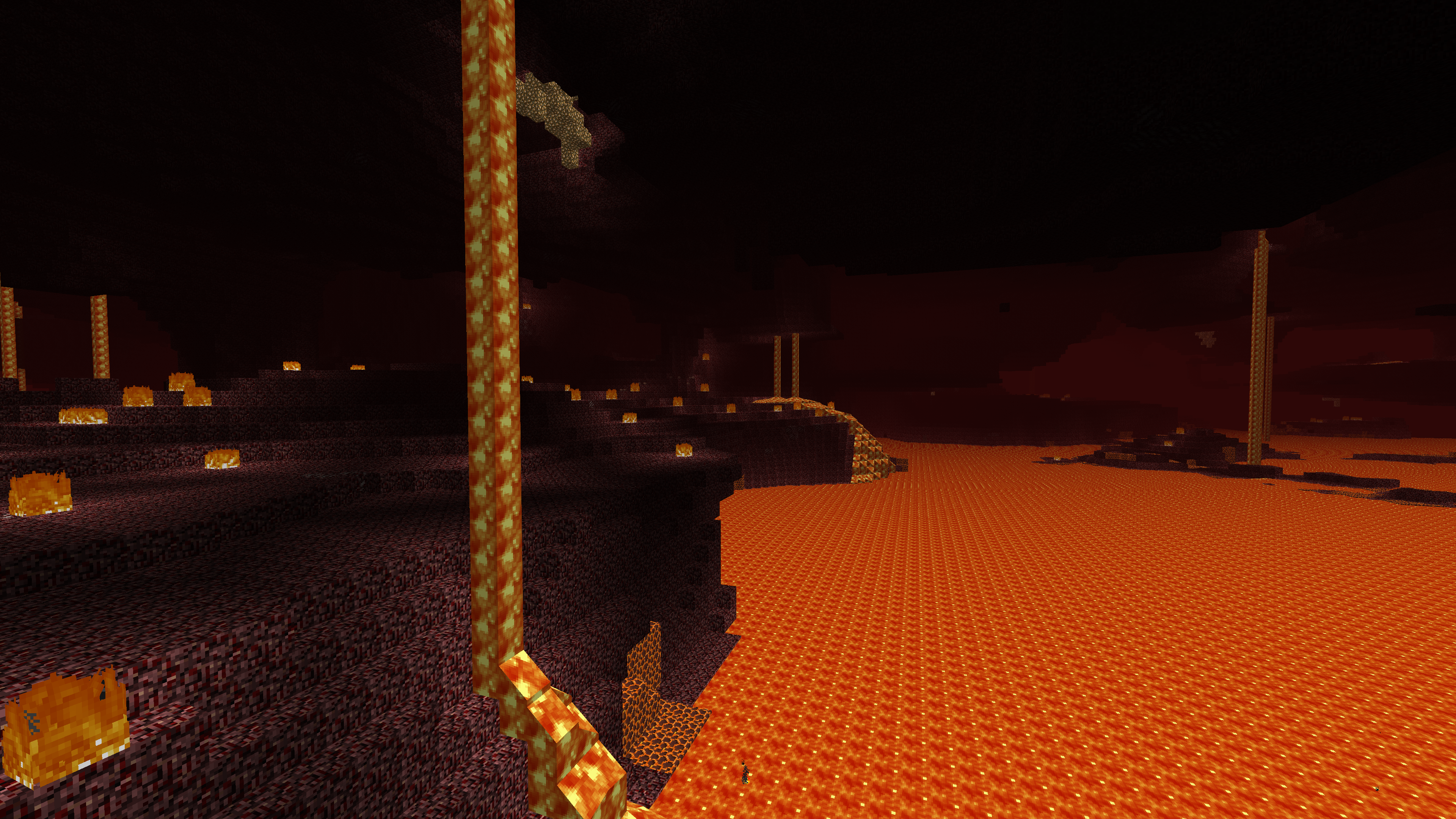
Pack previewThis pack requires Optifine!


Introduction:

There are a lot of resourcepacks with alpha textures and sounds, but this pack is a special one.
It has a lot of changed models, sounds and everything that can possibly be changed to match older versions of the game.


List of unique features:

  • Old lightmaps
  • Dragon head has a 2D texture while in the inventory or dropped as an item
  • All non-full blocks have different UVs to match older versions (Slabs, stairs, comparators and repeaters, trapdoors, etc.)
  • Leather armor has orange texture if not dyed
  • Constant sky and fog colors
  • Sheeps and wool have old color palette
  • Torches are squished instead of being angled
  • Old sounds
  • Old durability colors
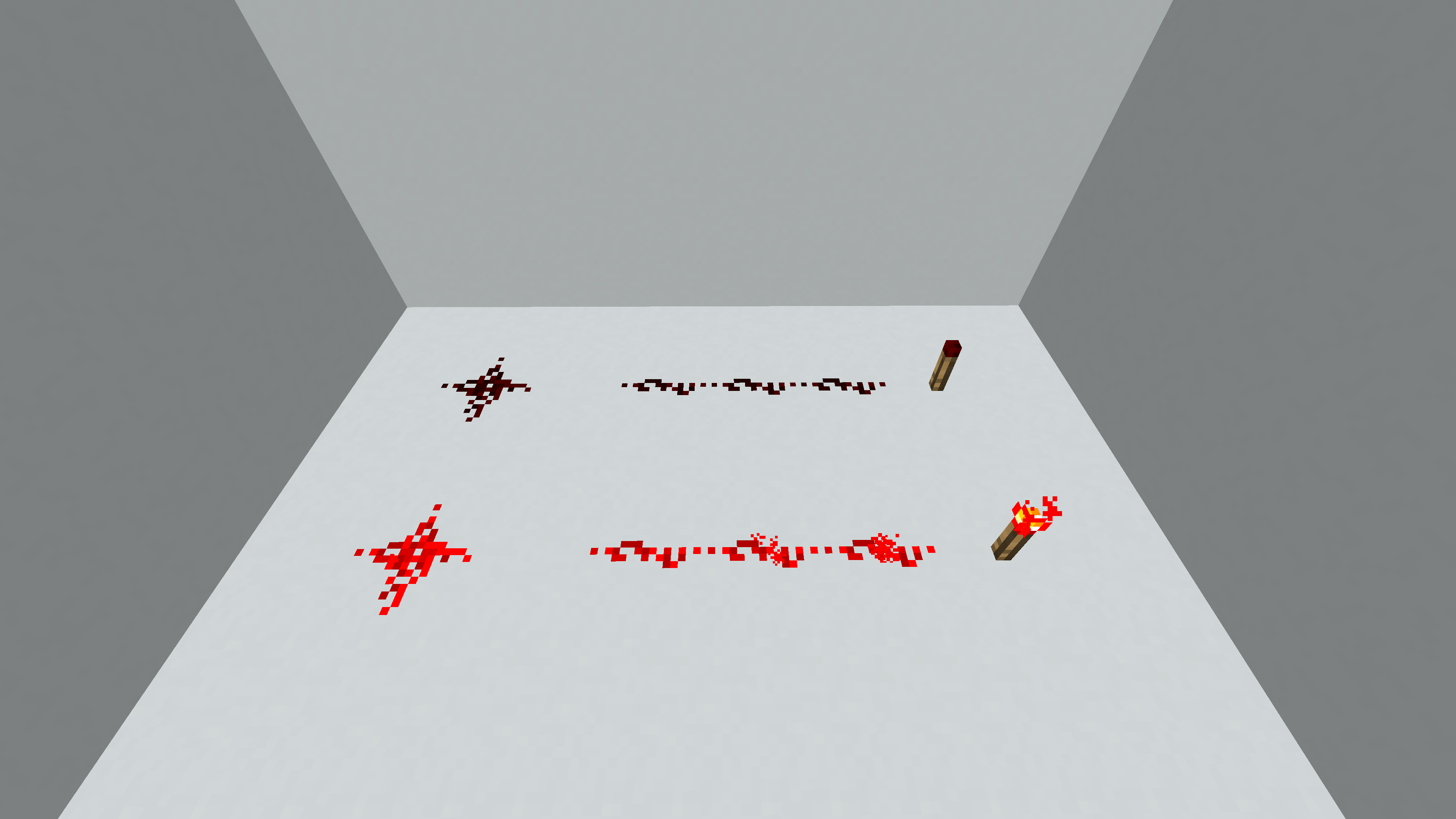
  • Old models for redstone wire
  • Old-styled command blocks
  • Old shulker box colors
  • Coal block texture from April fools version
  • Stained glass as in 1.7.2 snapshots
  • Beds have a 2D texture from Bedrock edition
  • Old glass panes and iron bars models
  • Full-block chests
  • Underwater overlay has animated texture
  • Old Zombie Villager model
  • Old Boat model
  • Removed 1.9 combat sounds


There are also a two mods I made textures for which are:


This pack is made for 1.11-1.12.2 versions, but I'll make sure to update it for the latest release with new features.

AlphaPack v1.1
MC 1.12.1, 1.12, 1.11, 1.11.1, 1.11.2, 1.11-Snapshot, 1.12.2, 1.12-Snapshot
Release 2021-08-12 Get
AlphaPack v1.1_01
MC 1.12.1, 1.12, 1.11, 1.11.1, 1.11.2, 1.11-Snapshot, 1.12.2, 1.12-Snapshot
Release 2021-08-12 Get
AlphaPack.zip
MC 1.12.1, 1.12, 1.11, 1.11.1, 1.11.2, 1.11-Snapshot, 1.12.2, 1.12-Snapshot
Release 2021-06-24 Get

Requirements & install

How to use this resource pack in Minecraft
Resolution
16x
Minecraft
1.11-Snapshot – 1.12.2
Install folder
.minecraft/resourcepacks

How to install resource packs

  1. Download the resource pack .zip file (do not extract it).
  2. In Minecraft open Options → Resource Packs → Open Pack Folder.
  3. Drop the .zip into the resourcepacks folder (.minecraft/resourcepacks).
  4. Move the pack to the Selected column and click Done.
Browse more: 16x resource packs 32x resource packs 64x resource packs 128x resource packs 256x resource packs 512x+ resource packs Resource Packs for 1.12.2 All resource packs
Advertisement Remove ads with Premium →

You Might Also Like