Mineuniverse
Resource Packs
All in one Pvp Pack

All in one Pvp Pack

RESOURCE PACK
The All in One PvP Texture Pack by ItzMASGaming is a Minecraft utility pack intended to enhance combat visibility and performance. Dc Link: discord.gg/jwjauhjkqj
by ItzMASGaming
Download Claim this project
9,710 downloads
0 likes
0 followers
Updated Oct 14, 2026
0 hypes
Follow0
32x
Advertisement Remove ads with Premium →

All in One Pvp Texture Pack


by ItzMASGaming


info:

A pvp texture pack this will help you alot i am sure if this didnt help you alot you can rate bed for others but if your like it plz rate and tell and if you want a thing in this pack tell me in my dc discord.gg/jwjauhjkqj

 Note: in 1.21.1/older version gets a shield bug i am Sure this happened because you use more than my pack if you get that problem just remove all pack and try  if that problem come again join my dc server and tell your problem so i can fix also if you use this text on any version it say itz a newer/older texture use or no you click on yes use itz not to big problem but as i maked this on 1.21.8 and now i use this on 1.21.11 so thats why you get this error but itz to ez to fix as only need to click on yes

Discord Link:

 discord.gg/jwjauhjkqj

Features

Small Item Models:

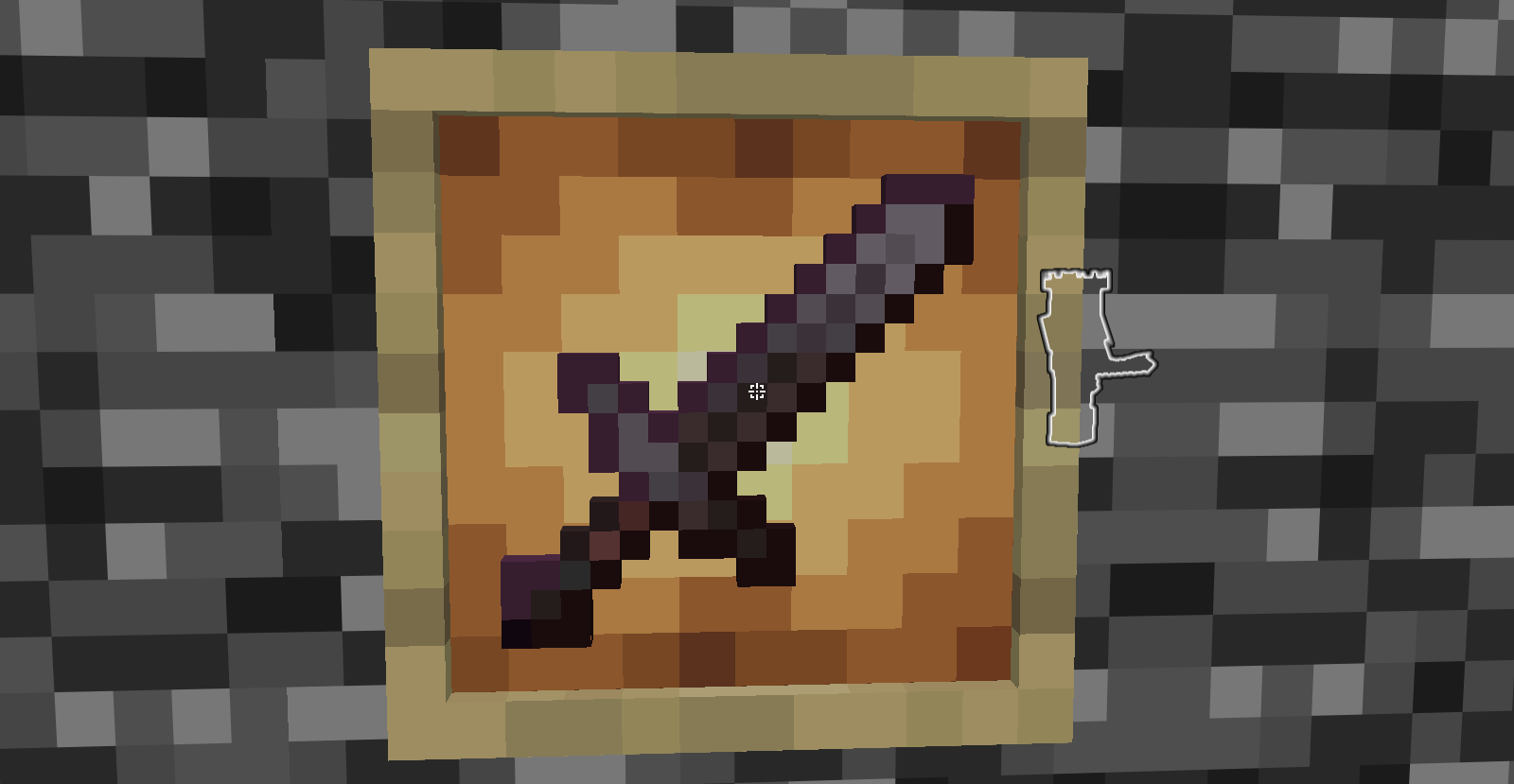
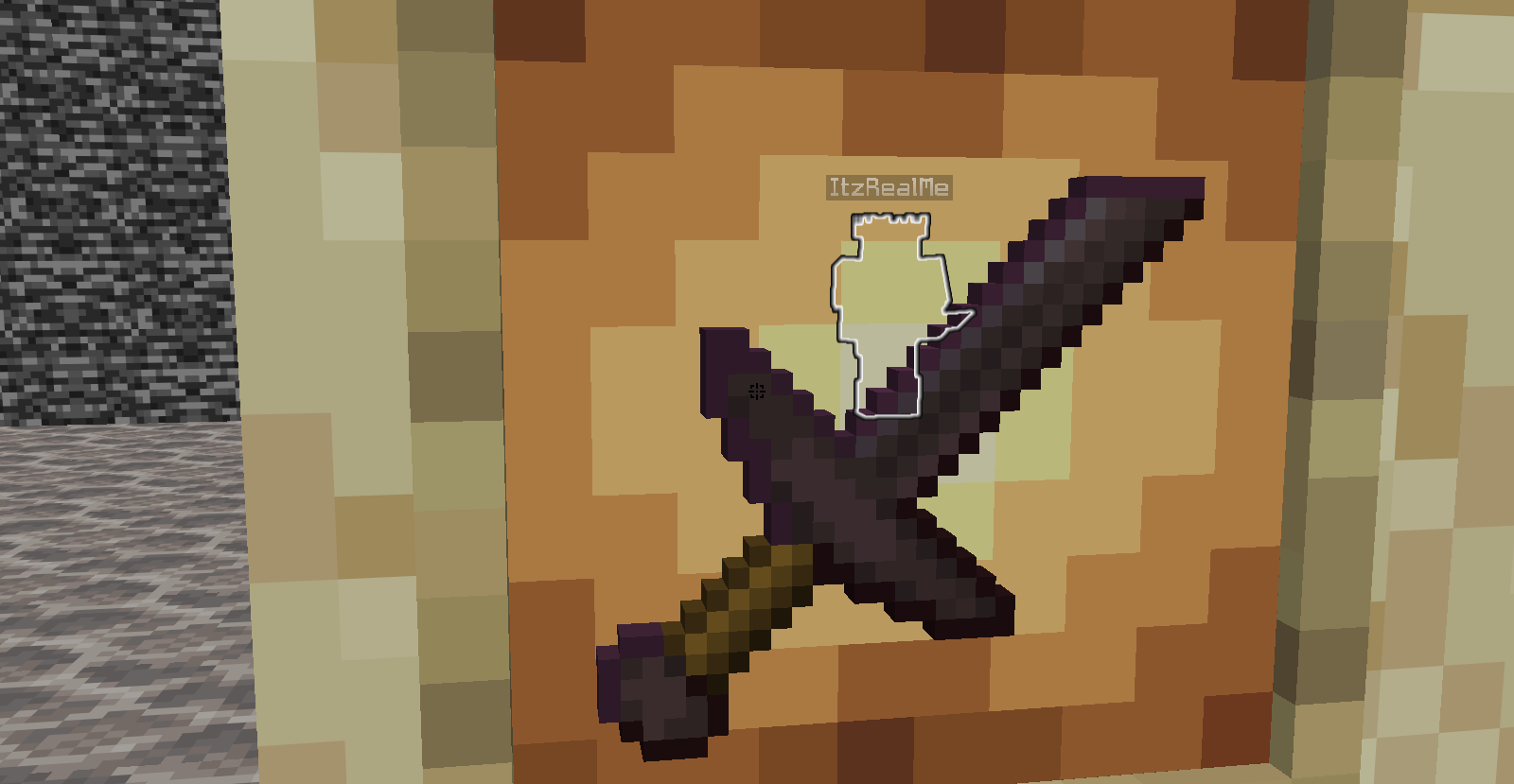
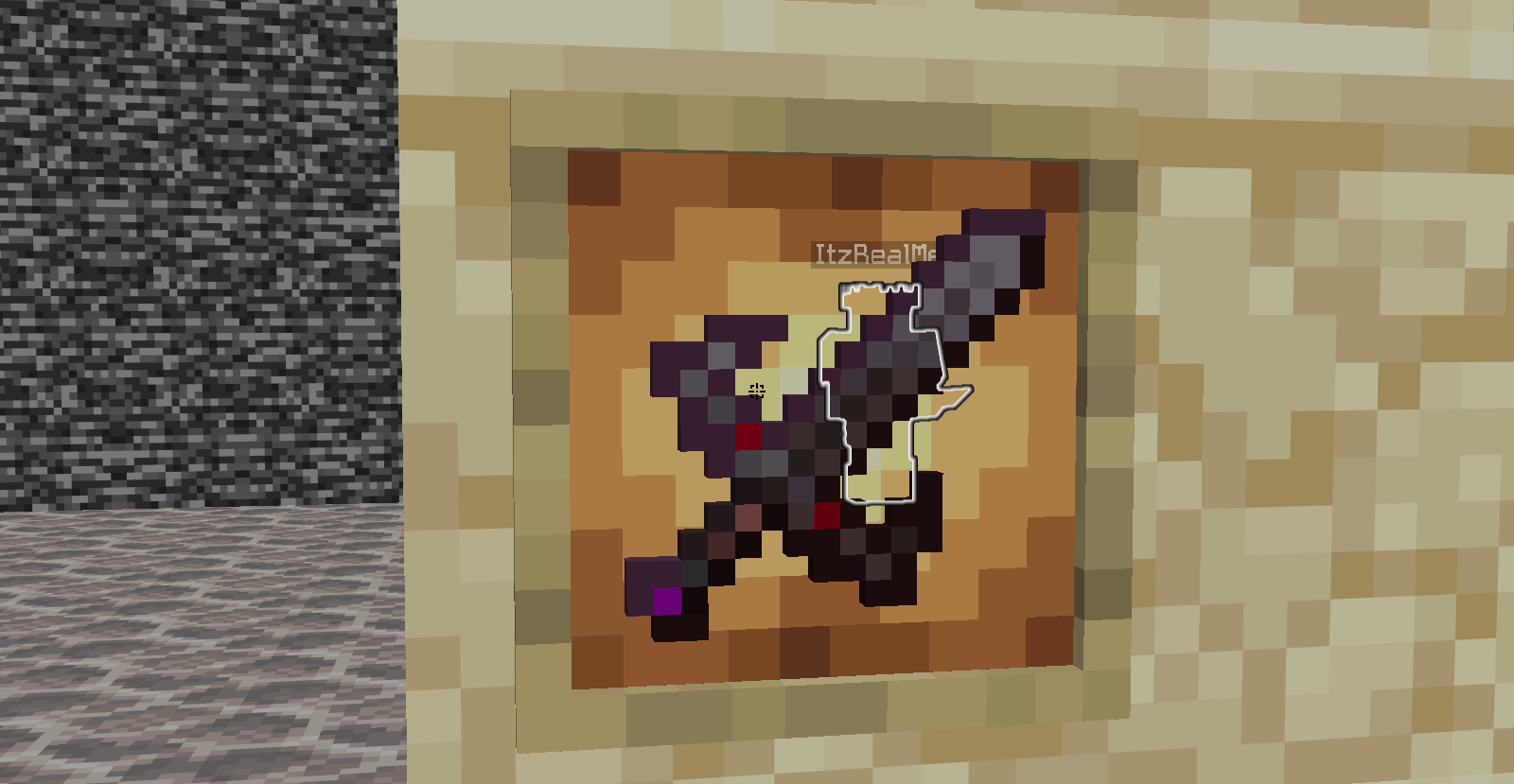
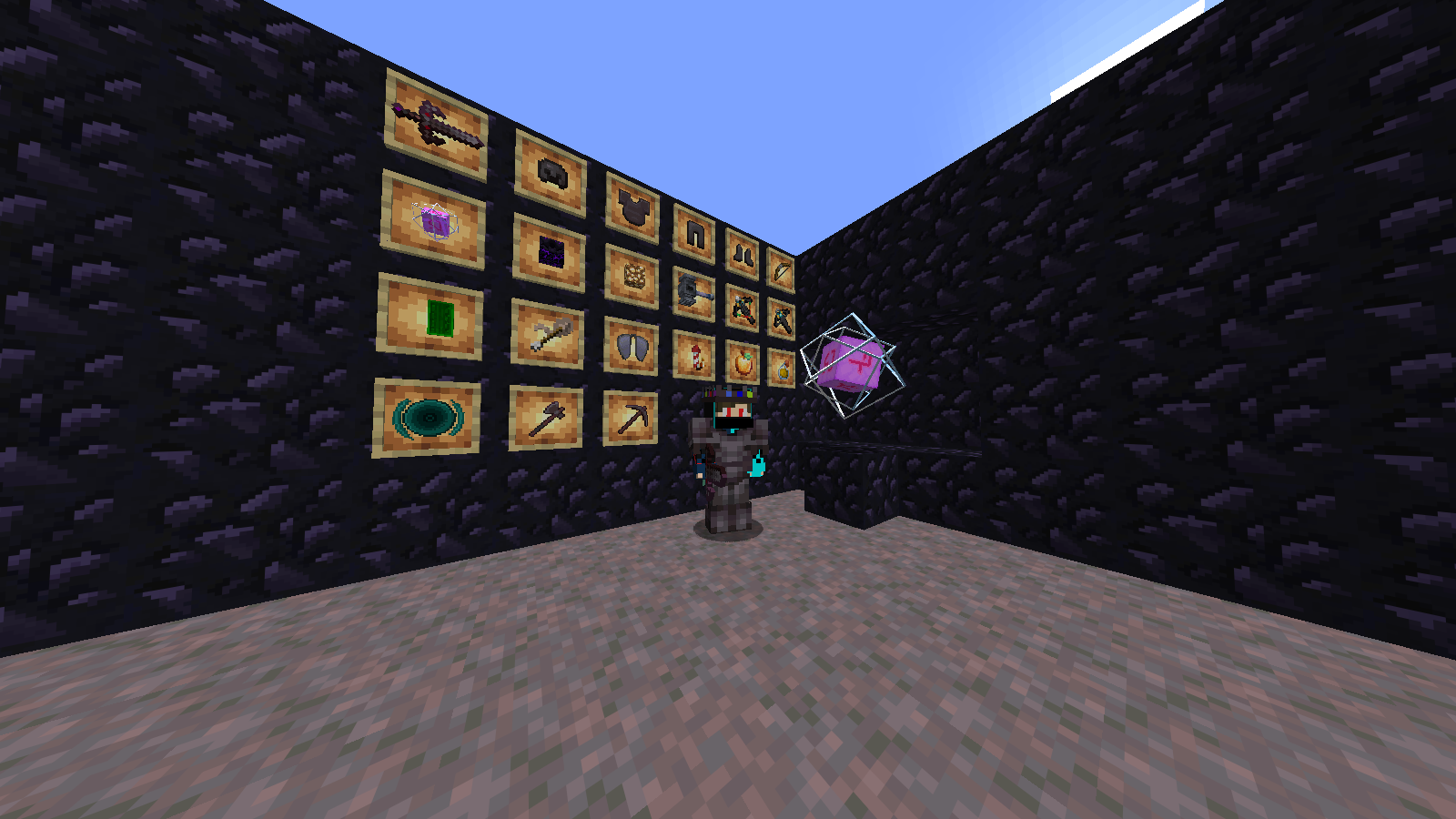
This Feature Make All items small like 80% of item people who use GUI2 80% of screen is used by shield , totem of undying , etc

No Explosion Particles:

This will removed your crystal Explosion Particles it helps alot to see your ememy rather than Particles that created by crystal

Good looking Crystals:

This will make your game Pov good not that bed looking crystal in hands also this make your placed crystal good as well

Crown Helmets:

This helps your eyes yo see your ememy skin because i see 90% of time me killing my teammate and saving ememy because that helmet soo i maked a helmet that is looks different and too clear to see and if you thing how i think helmet is broken i add diamonds and etc color to helmet so you can see helmet but player skin as well

Side shield:

i dont know about this alot because my friend make me to use this in my pack but this will small you shield also in my friend texture it is making problems so i fix some problem

Recommended:

Dont use any texture to see all things because if you useing 10 texture you will think what my texture do but if you use my texture only for once you will maybe dont use that all texture packs

More things you see after use:


All in One V1.3.1
MC 1.17.1, 1.21, 1.18.1, 1.16.5, 1.19.3, 1.20.2, 1.19.4, 1.21.8, 1.17, 1.20.5, 1.21.5, 1.18, 1.21.4, 1.20.1, 1.20, 1.20.6, 1.21.1, 1.21.6, 1.21.3, 1.21.7, 1.19.1, 1.20.4, 1.18.2
Release 2026-01-25 Get
All in One V1.3.2
MC 1.17.1, 1.21, 1.18.1, 1.16.5, 1.19.3, 1.20.2, 1.19.4, 1.21.8, 1.17, 1.20.5, 1.21.5, 1.18, 1.21.4, 1.20.1, 1.20, 1.20.6, 1.21.1, 1.21.6, 1.21.3, 1.21.7, 1.19.1, 1.20.4, 1.18.2
Release 2026-01-14 Get
All In One V1.3
MC 1.17.1, 1.21, 1.18.1, 1.16.5, 1.19.3, 1.20.2, 1.19.4, 1.21.8, 1.17, 1.20.5, 1.21.5, 1.18, 1.21.4, 1.20.1, 1.20, 1.20.6, 1.21.1, 1.21.6, 1.21.3, 1.21.7, 1.19.1, 1.20.4, 1.18.2
Release 2026-01-13 Get
All in One v1.zip
MC 1.21, 1.21.8, 1.21.5, 1.21.4, 1.21.1, 1.21.6, 1.21.3, 1.21.7, 1.21.2
Release 2026-01-04 Get
All in One v1.2.zip
MC 1.21.9, 1.21.10, 1.21.11
Release 2026-01-04 Get

Requirements & install

How to use this resource pack in Minecraft
Resolution
32x
Minecraft
1.21.4 – 1.21.11
Install folder
.minecraft/resourcepacks

How to install resource packs

  1. Download the resource pack .zip file (do not extract it).
  2. In Minecraft open Options → Resource Packs → Open Pack Folder.
  3. Drop the .zip into the resourcepacks folder (.minecraft/resourcepacks).
  4. Move the pack to the Selected column and click Done.
Browse more: 16x resource packs 32x resource packs 64x resource packs 128x resource packs 256x resource packs 512x+ resource packs Resource Packs for 1.21.11 All resource packs

More from ItzMASGaming

Advertisement Remove ads with Premium →

You Might Also Like