Badges update automatically and link to the resource pack page on MineUniverse.
Come one and all! Are you tired of the same old sonics in the Dalek Mod? or need something to show off your Hazbin Hotel spirit while fighting off Daleks in Minecraft?
Look no further as here we have a pack for you..
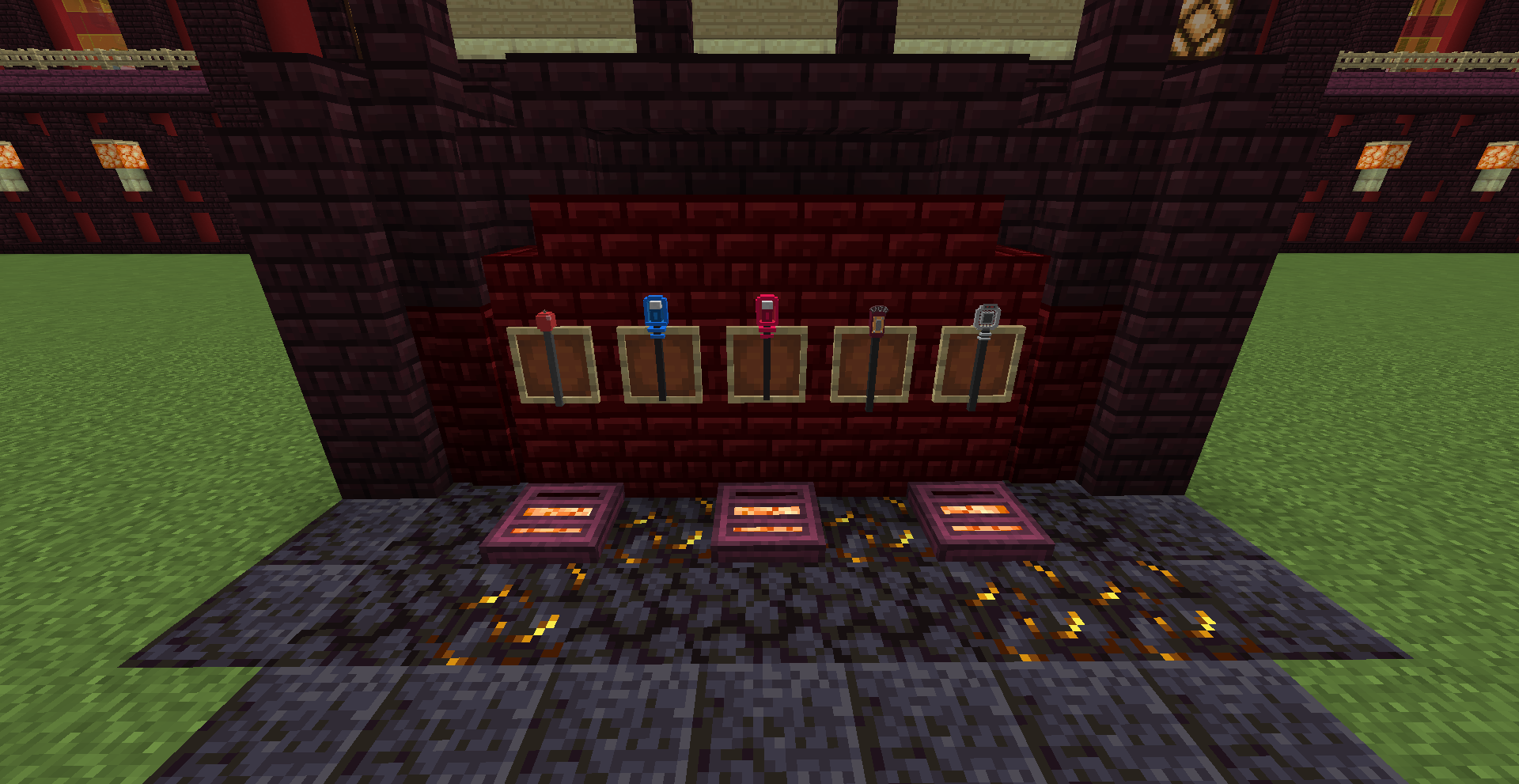
This resource pack will change some of the known Sonic Screwdrivers in the Dalek Mod to different looks and sounds!
And will need you to have the Dalek Mod installed! Link: The Dalek Mod
The resource pack adds in a few designs I made in BlockBench at the time...
This pack was made by me, and special thanks to my friend MaouUmbra for helping me with the sounds!
Some Models Available:
- Alastor's Microphone (Red & Blue variations)
- 1930s Microphone
- 30s inspired Microphone (Design from a few Hazbin comics online)
- Lucifer's Cane (Added this after the microphones) - Just a few to name...
Installation:
The same as any other resource packs for Minecraft, place into your game's "resourepacks" folder and enable in-game to use
NOTE: New designs can be made in the future, BUT wanting to wait until I can make a .jar file variant to add new sonics to the game, rather than changing pre-existing ones in the mod due to limitations
- Updates can be posted when available/applicable -
(I do not own or am affiliated with Hazbin Hotel or Dalek Mod or their copyright owner(s)) This is just a small addon for a mod