Mineuniverse
Resource Packs
AL's Piglins Revamped

AL's Piglins Revamped

RESOURCE PACK
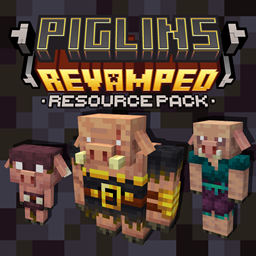
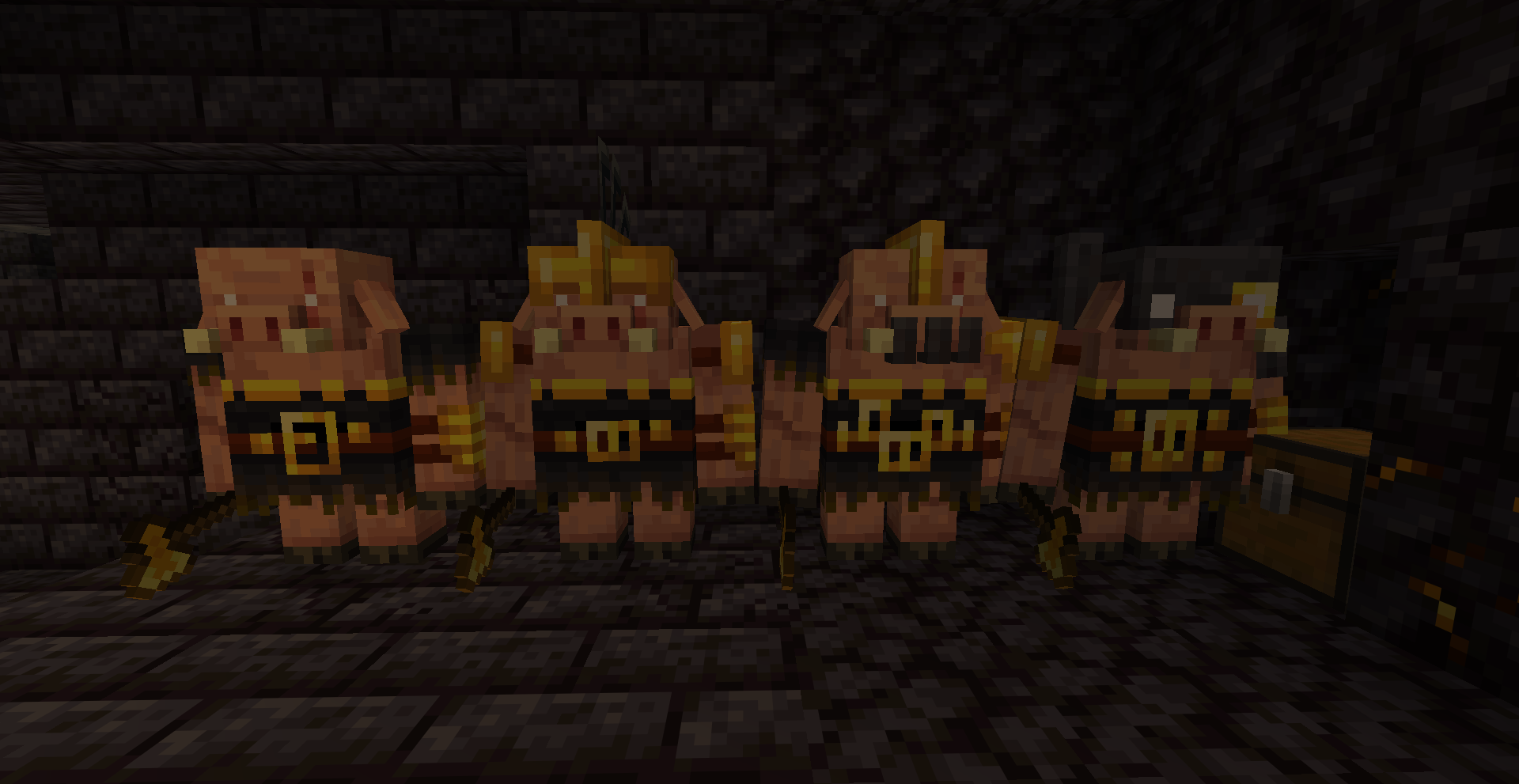
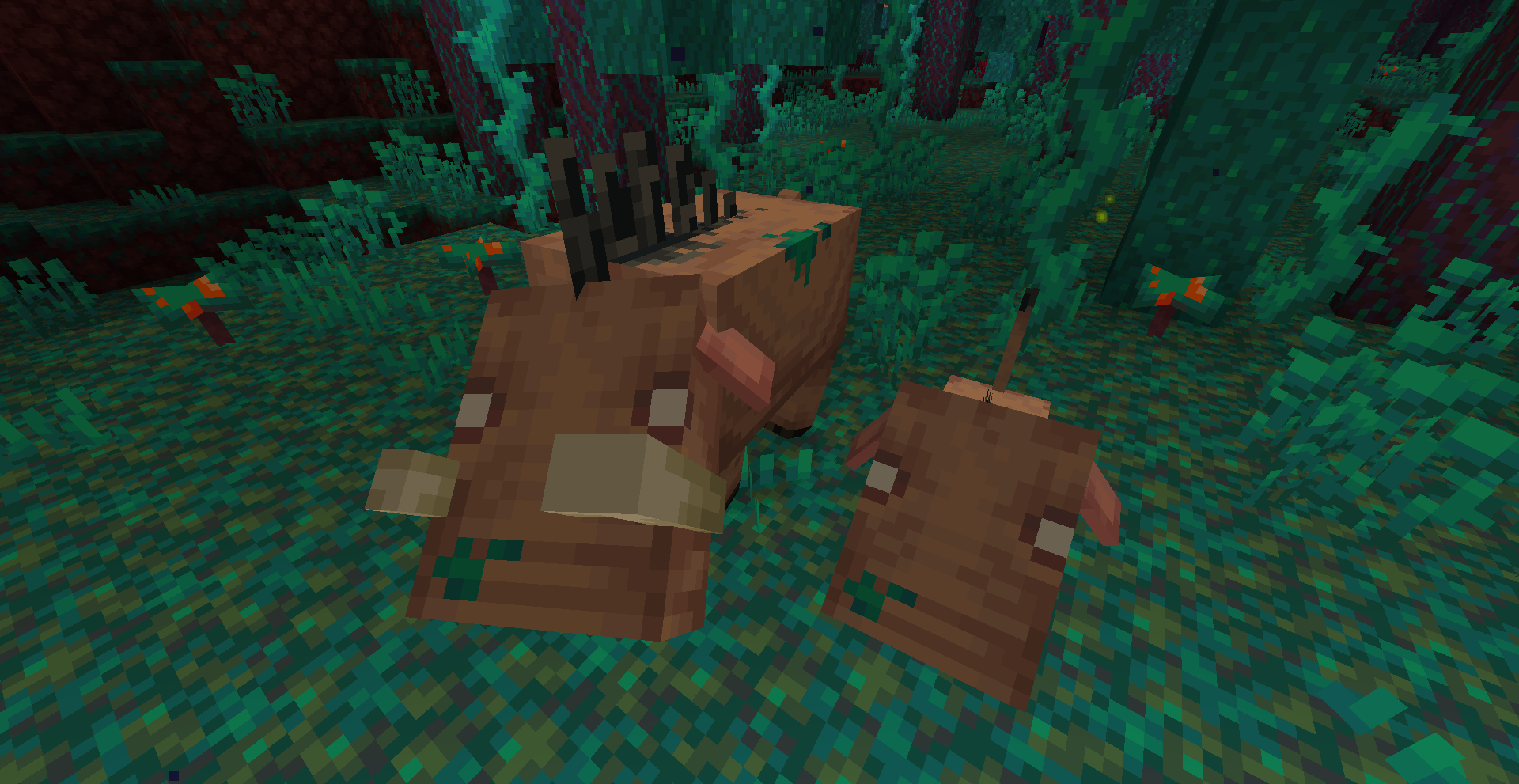
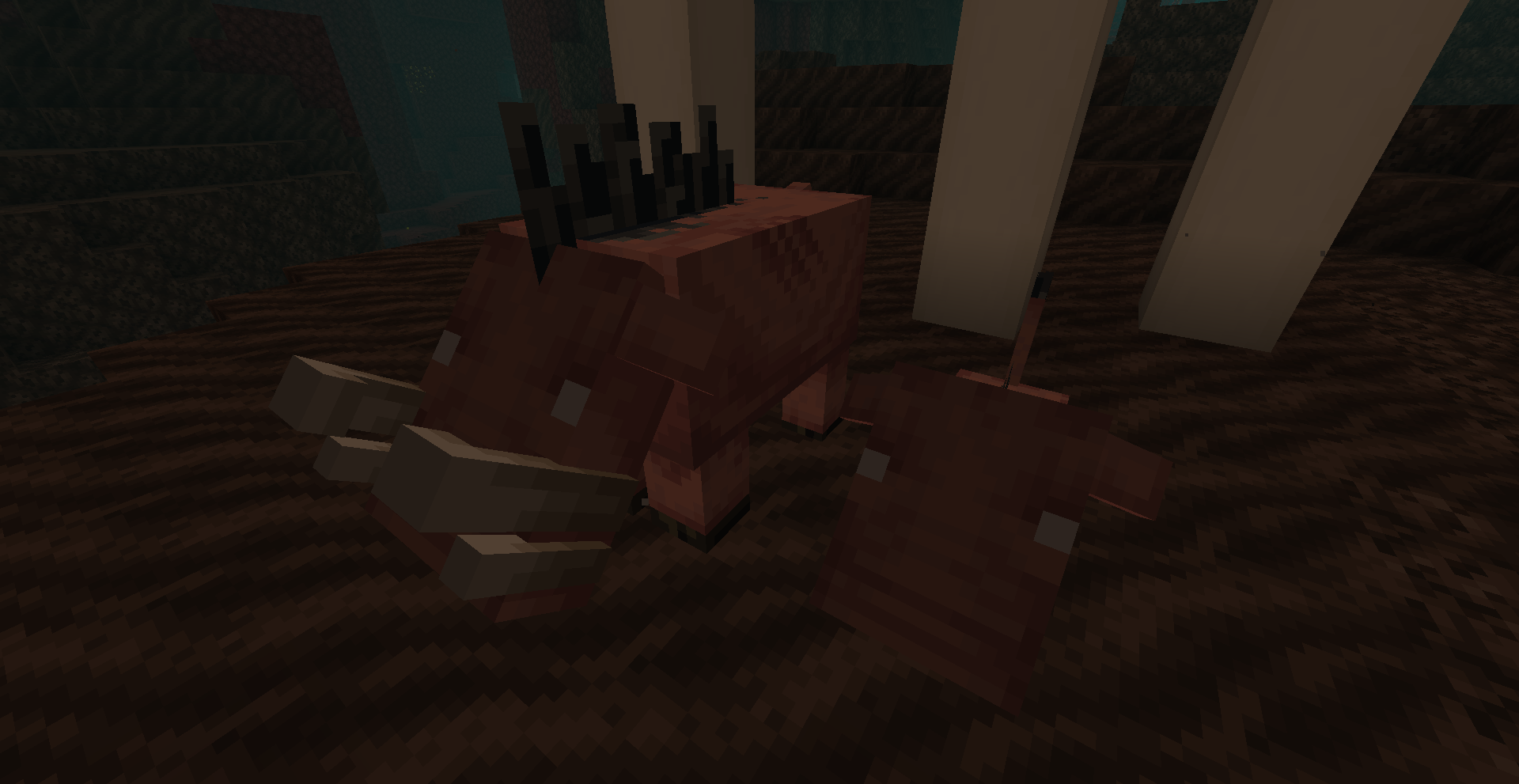
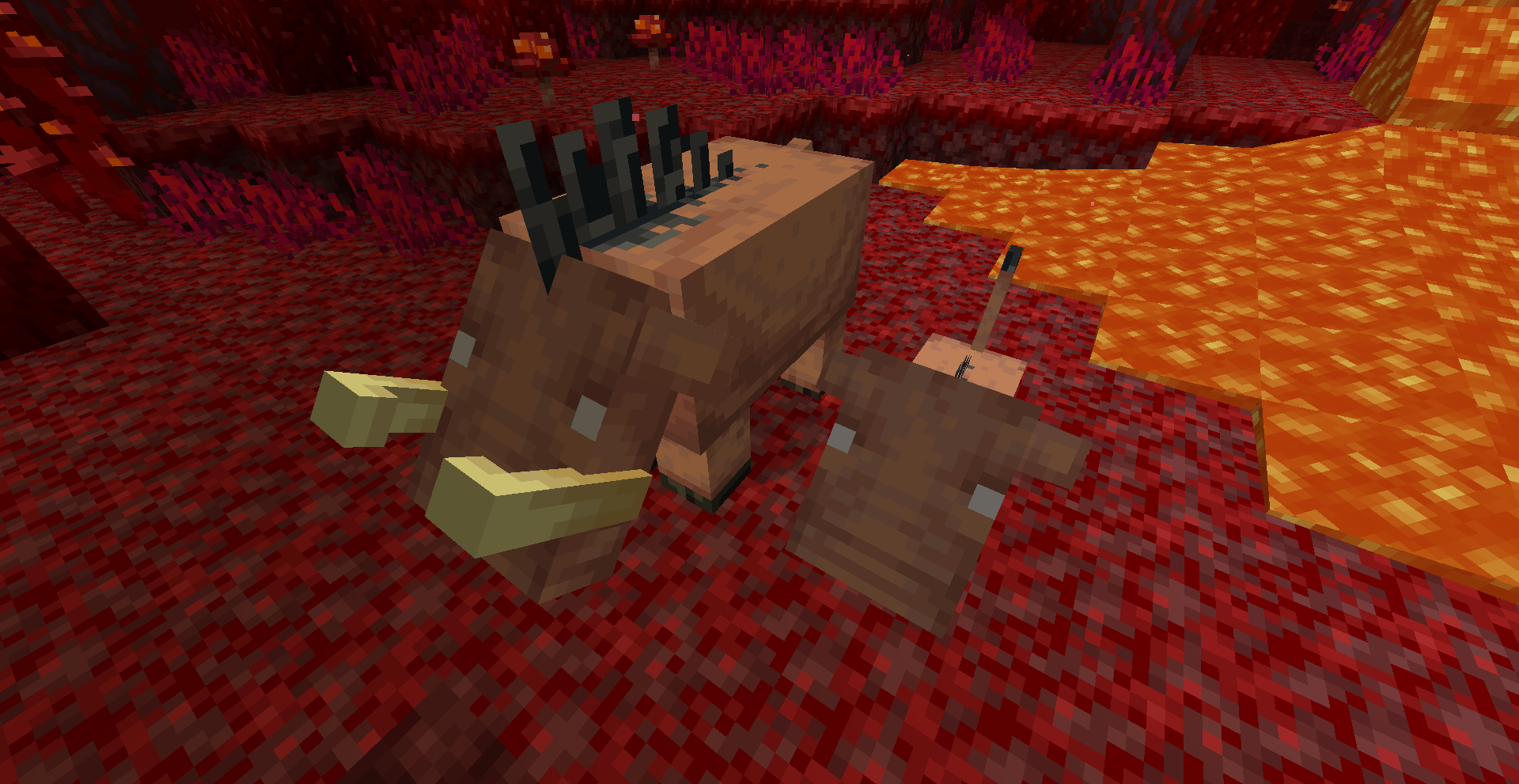
A pack that revamps Piglins and Hoglins and adds more variants!
by ALthegatorMC
Download Claim this project
42,863 downloads
0 likes
0 followers
Updated Oct 14, 2026
0 hypes
Follow0
16x Medieval Miscellaneous
Advertisement Remove ads with Premium →

*IMPORTANT!!!*: Since Piglins Revamped uses custom entity models and textures, this pack will require the following:

*Entity Model Features + Entity Texture Features 

...or alternatively:

*OPTIFINE


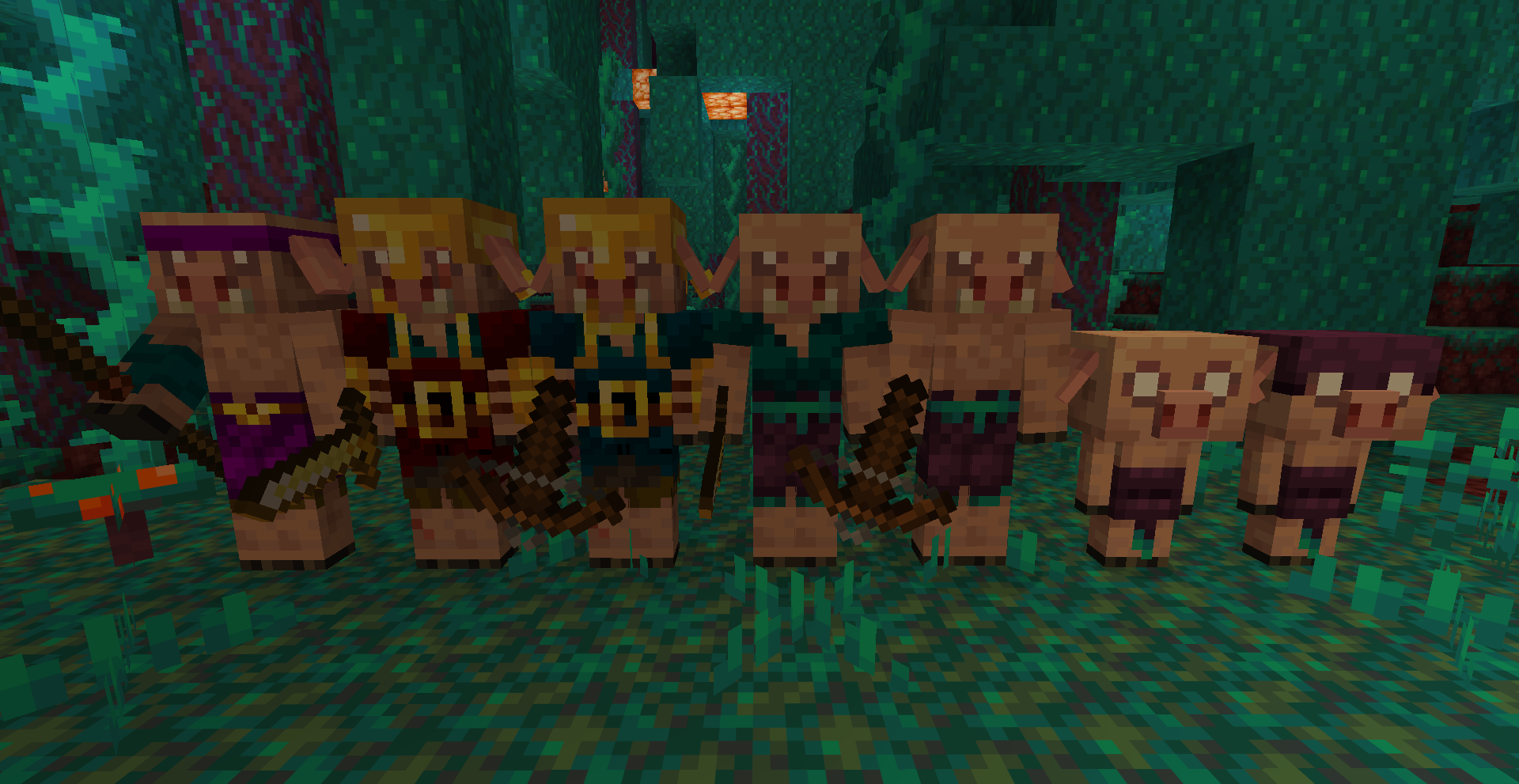
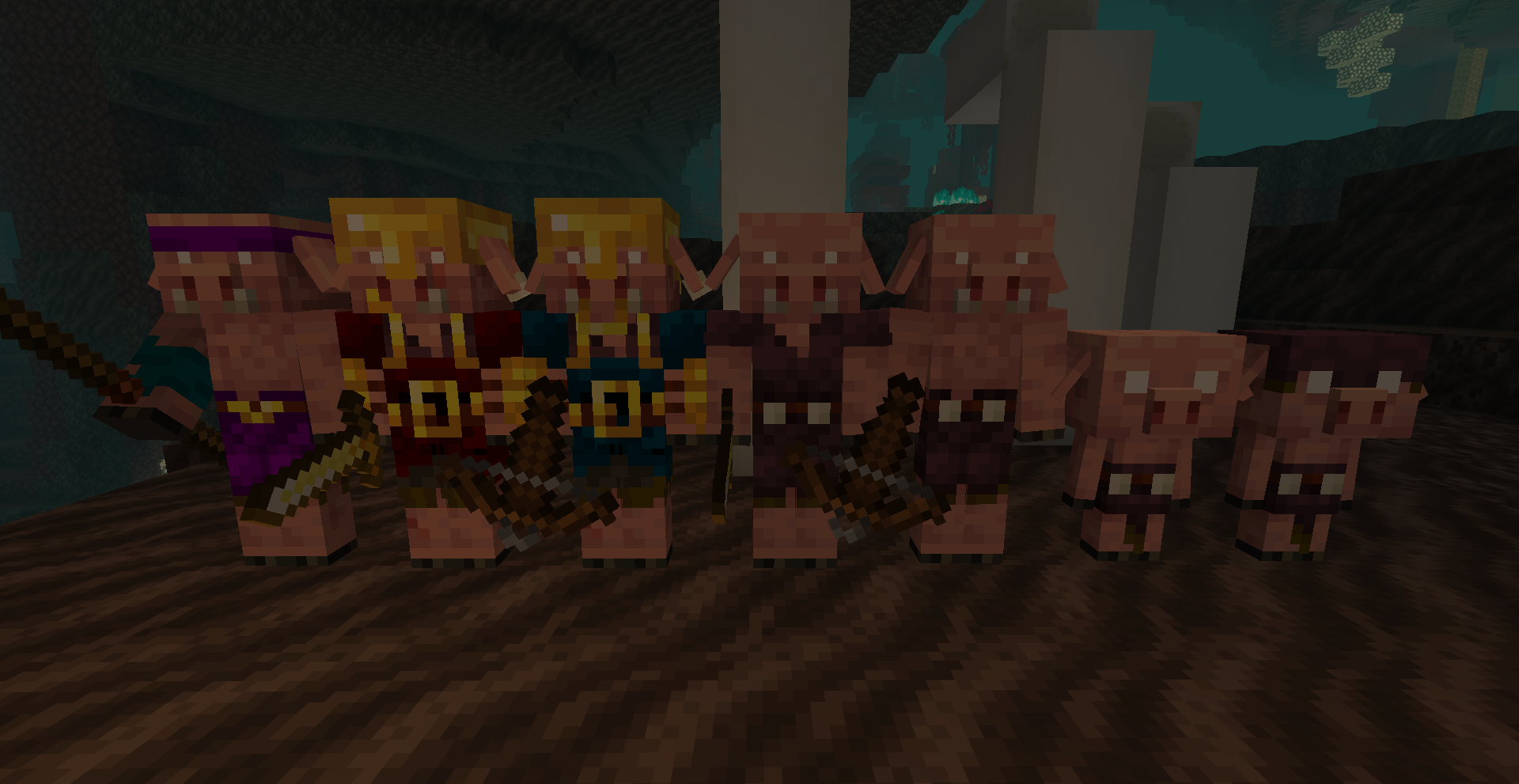
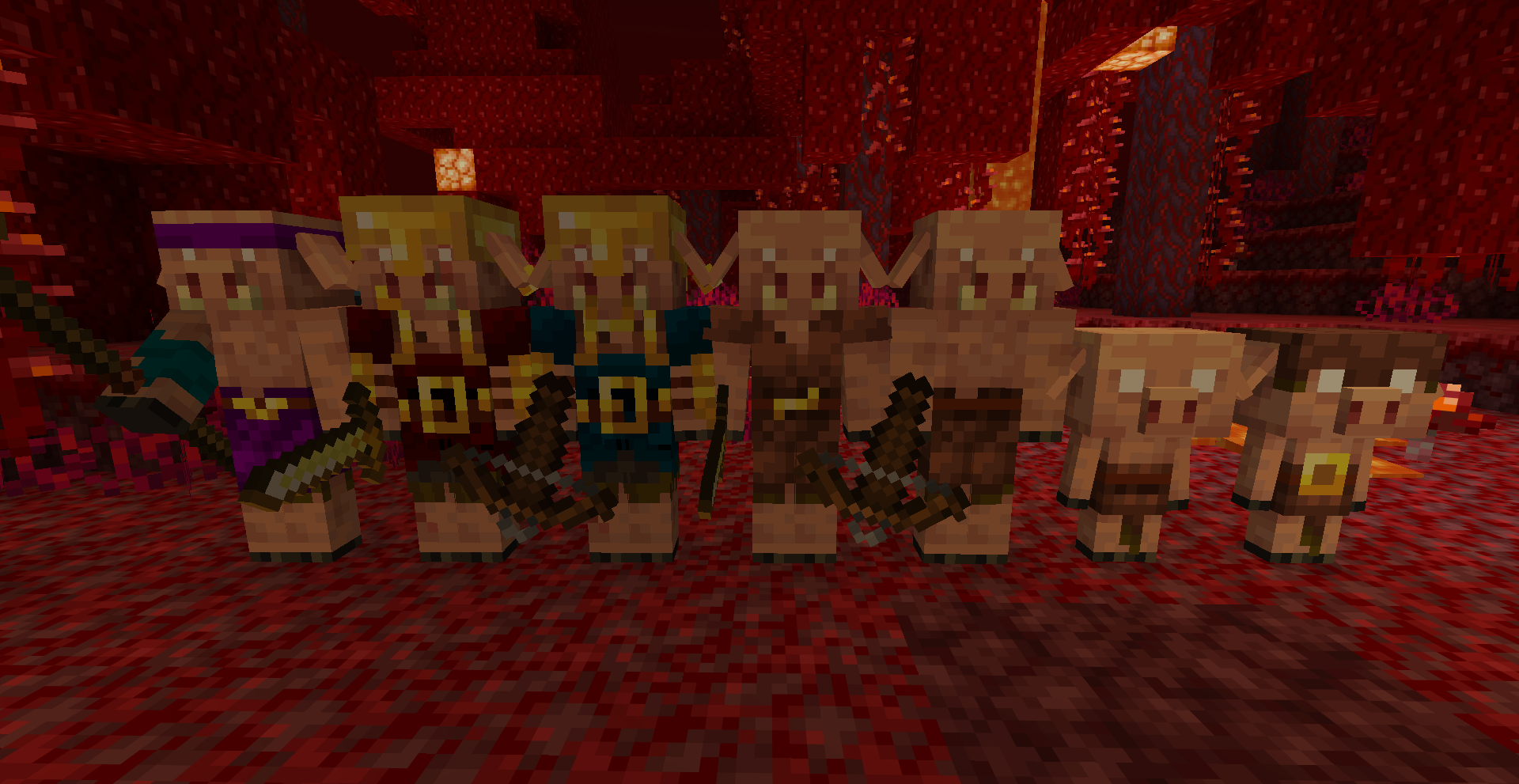
A pack that revamps Piglins and Hoglins and adds more variants by changing the models and textures!

I made this as a more "Vanilla style" pack while still giving them a well needed revamp.


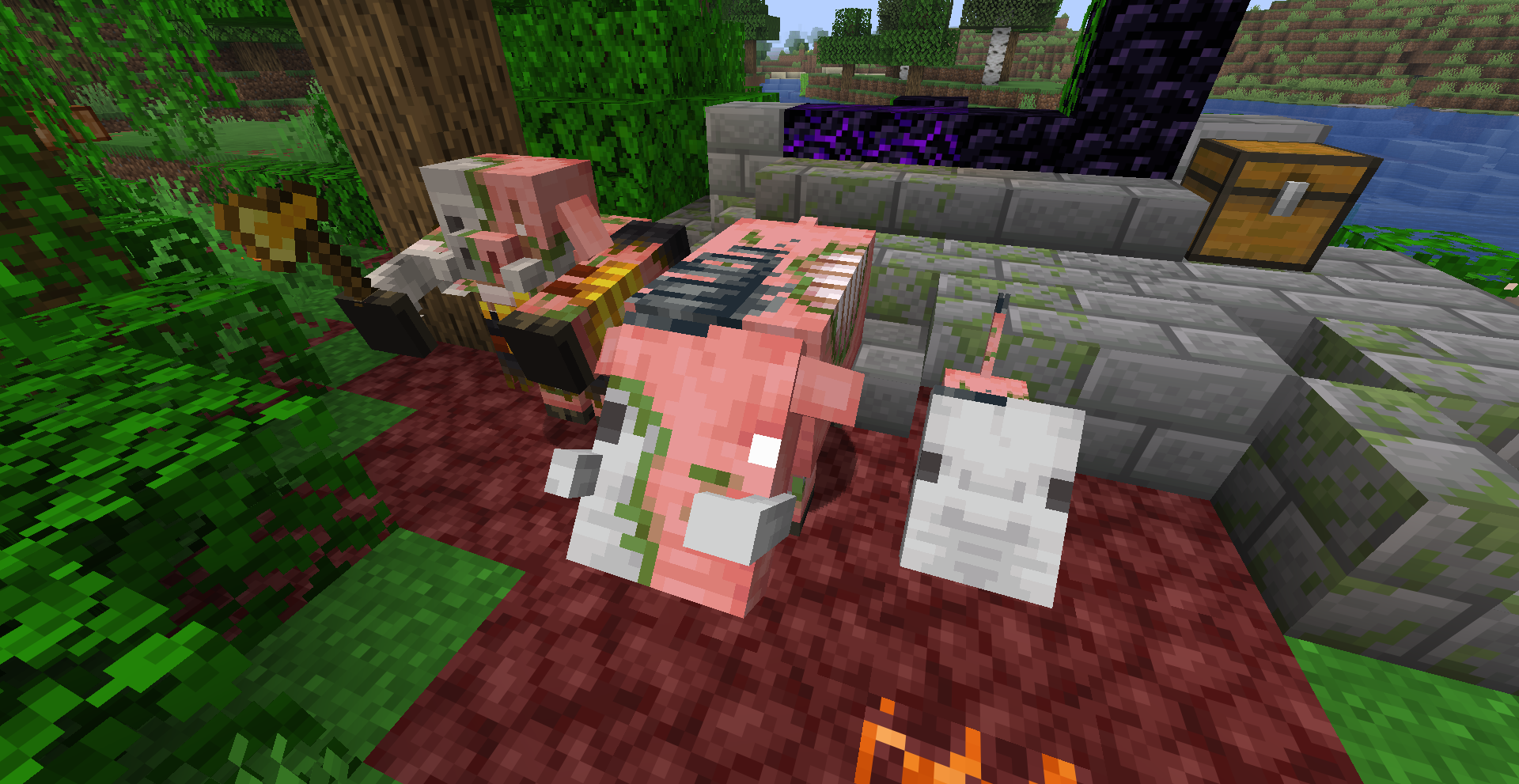
This pack adds Biome-variants based on Minecraft Legends as well as new models for things like Piglin Brutes, Baby Piglins!

Hoglins get Biome-variants as well as a slightly improved model with a 3D tail and bigger tusks.

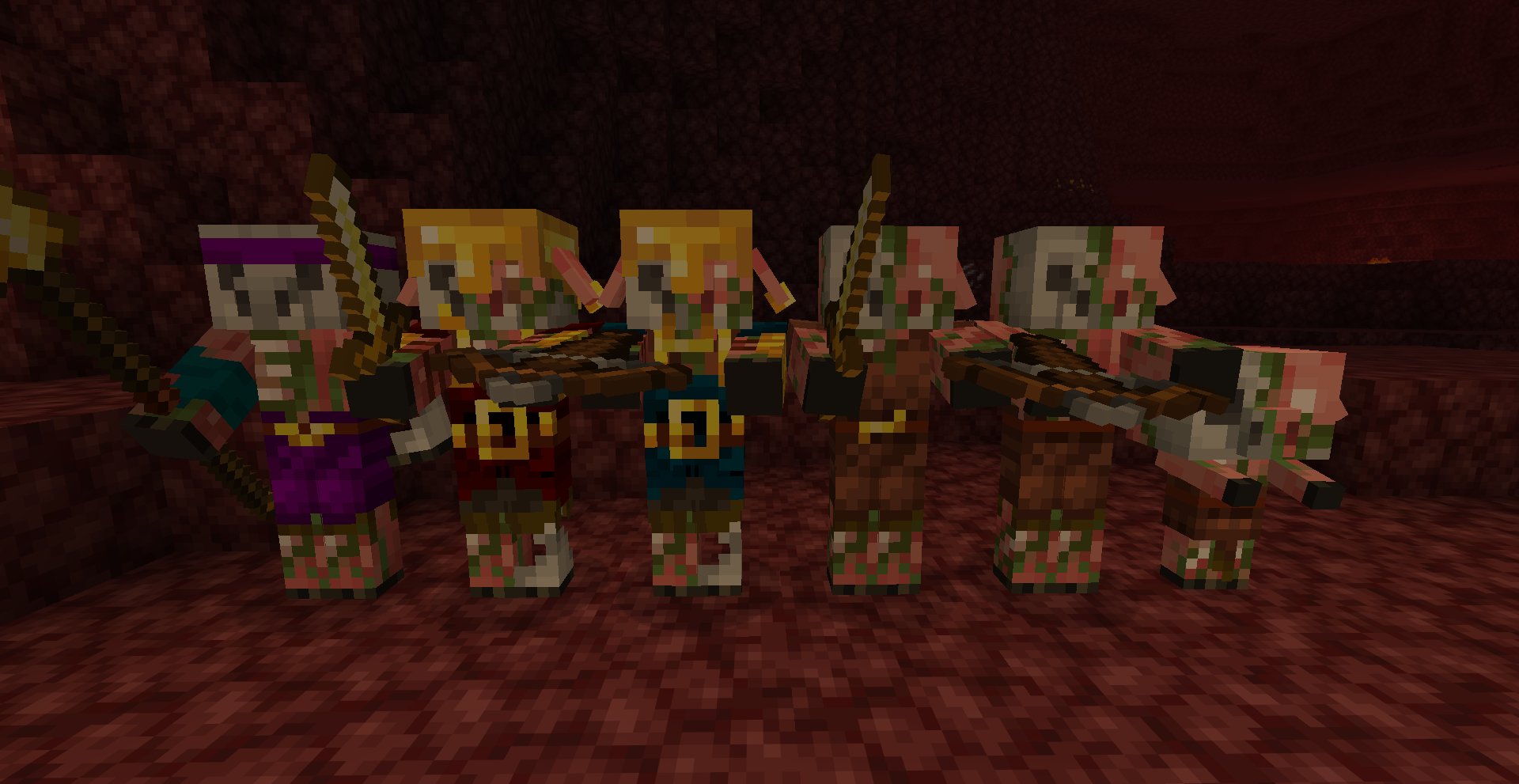
Regular Piglins also have different textures depending on if they're holding a Sword, Crossbow, or even wearing Armor!


You can also get a Nametag-only easter egg if you rename a Piglin Brute to:
*Suichopath


Make sure that these are all set to "ON":

Custom Entity Models
Random Entities

Emissive Textures

You can find these toggles by going into:

Options>Video Settings>Quality


There's also a version compatible with Fresh Animations!

AL's Piglins Revamped 1.2
MC 1.21.11
Release 2026-01-11 Get
AL's Piglins Revamped 1.1.3
MC 1.21.5, 1.21.8, 1.21.7, 1.21.6
Release 2025-09-17 Get
AL's Piglins Revamped 1.1.2
MC 1.21.8, 1.21.7, 1.21.6
Release 2025-09-06 Get
AL's Piglins Revamped 1.1.1
MC 1.21.8, 1.21.7, 1.21.6
Release 2025-08-22 Get
AL's Piglins Revamped 1.1
MC 1.21.6
Release 2025-07-11 Get
AL's Piglins Revamped.zip
MC 1.21.4, 1.21.3, 1.21.2
Release 2025-01-11 Get

Requirements & install

How to use this resource pack in Minecraft
Resolution
16x
Minecraft
1.21.2 – 1.21.11
Install folder
.minecraft/resourcepacks

How to install resource packs

  1. Download the resource pack .zip file (do not extract it).
  2. In Minecraft open Options → Resource Packs → Open Pack Folder.
  3. Drop the .zip into the resourcepacks folder (.minecraft/resourcepacks).
  4. Move the pack to the Selected column and click Done.
Browse more: 16x resource packs 32x resource packs 64x resource packs 128x resource packs 256x resource packs 512x+ resource packs Resource Packs for 1.21.11 All resource packs

More from ALthegatorMC

Advertisement Remove ads with Premium →

You Might Also Like