Mineuniverse
Resource Packs
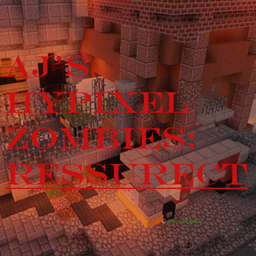
AJ's Hypixel Zombies: Resurrected

AJ's Hypixel Zombies: Resurrected

RESOURCE PACK
If you want to have an incredible Hypixel Zombies experience, download this pack!
by ApocalypticAJ
Download Claim this project
1,800 downloads
0 likes
0 followers
Updated Oct 14, 2026
0 hypes
Follow0
16x Miscellaneous
Advertisement Remove ads with Premium →

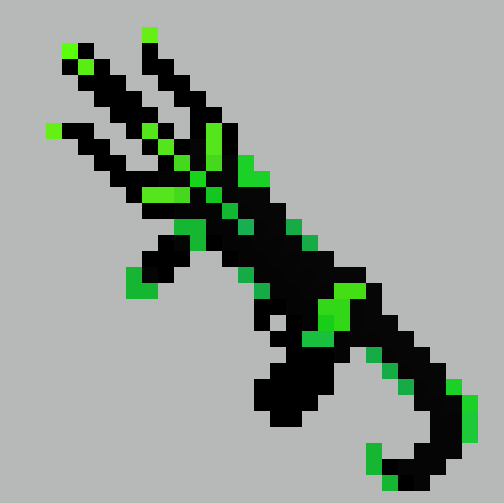
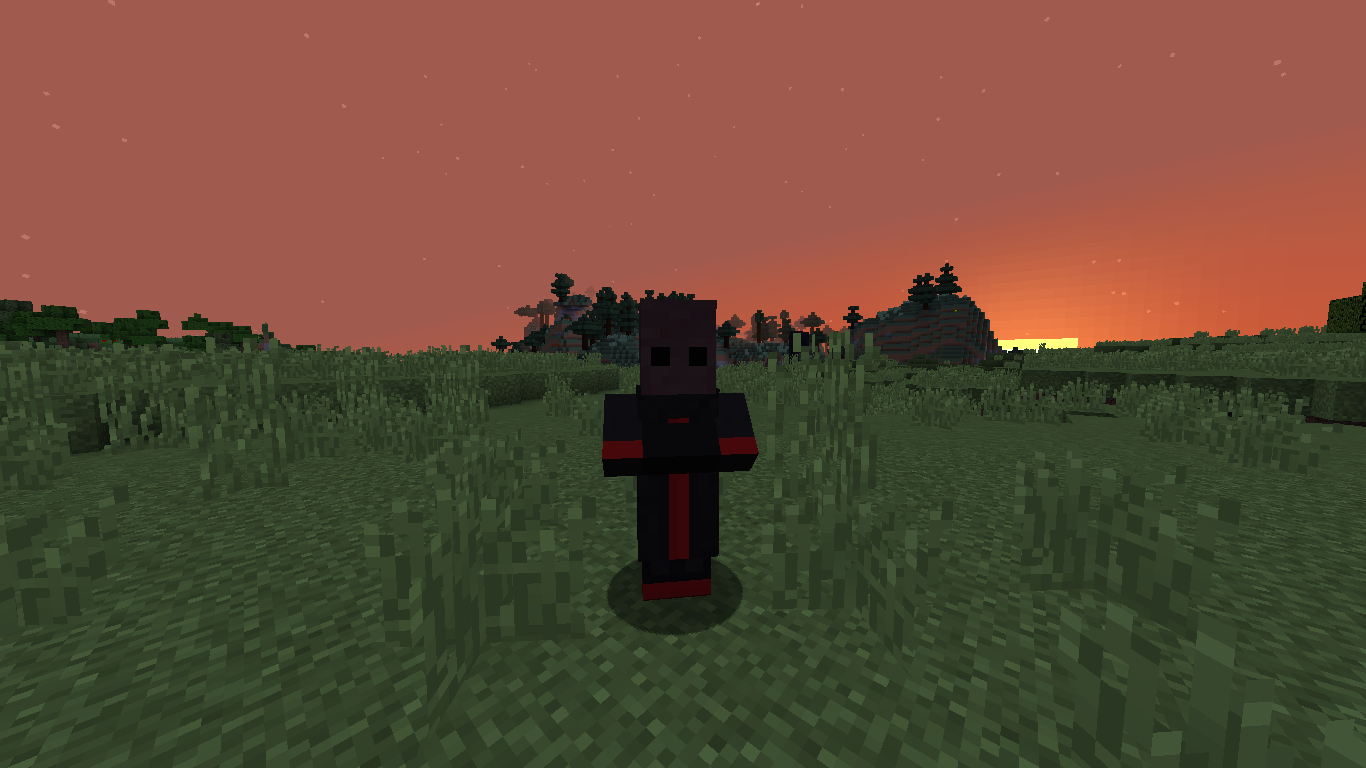
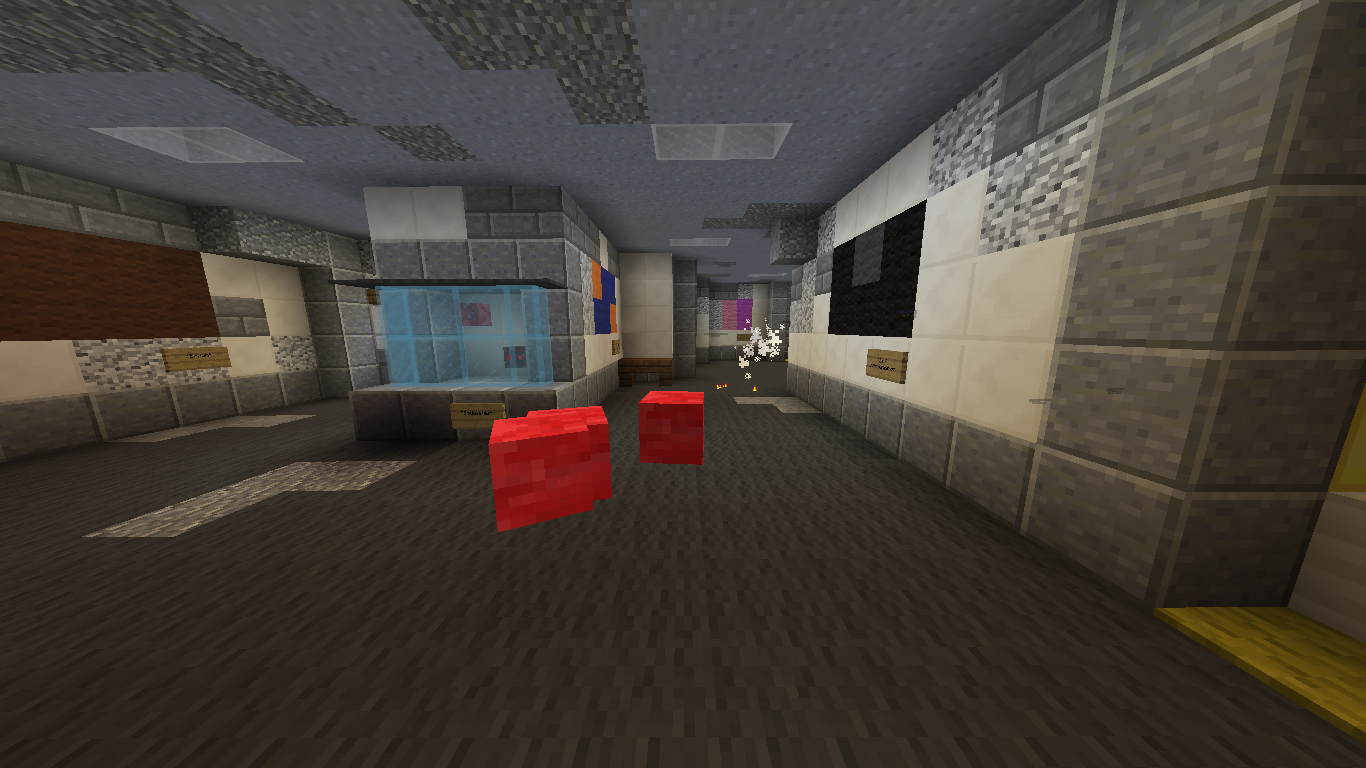
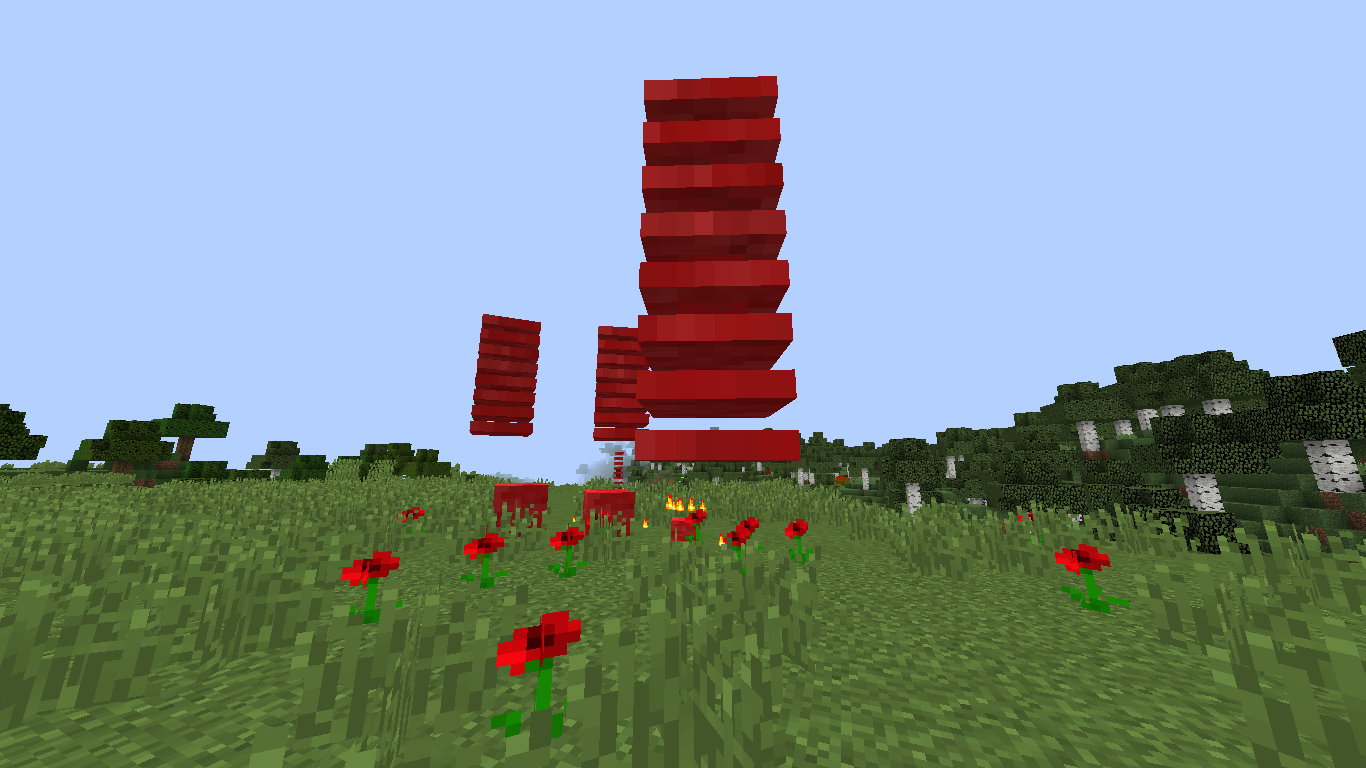
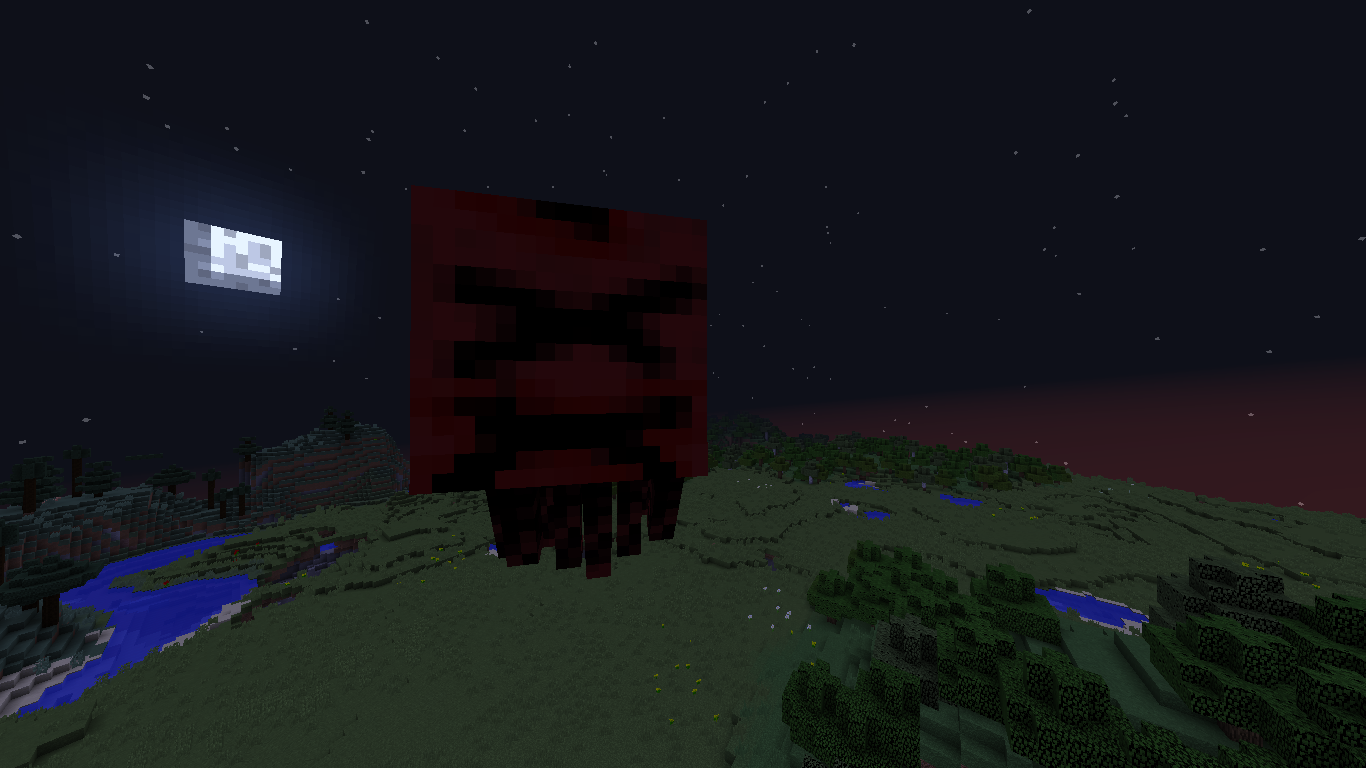
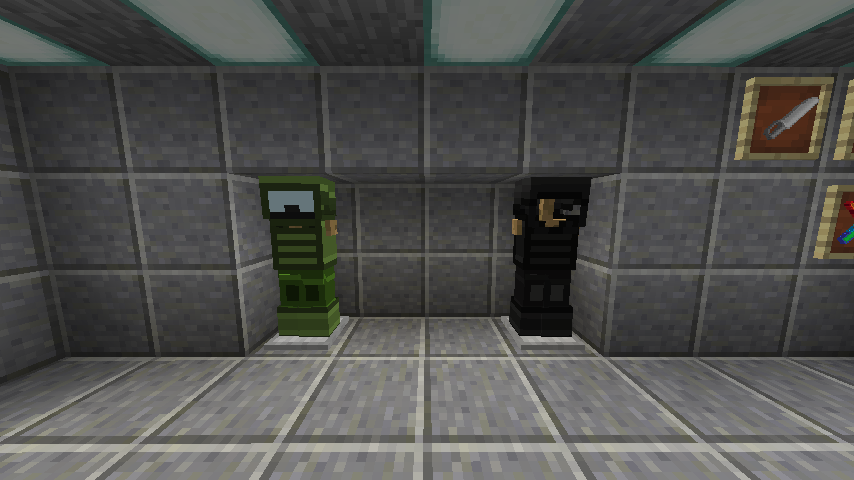
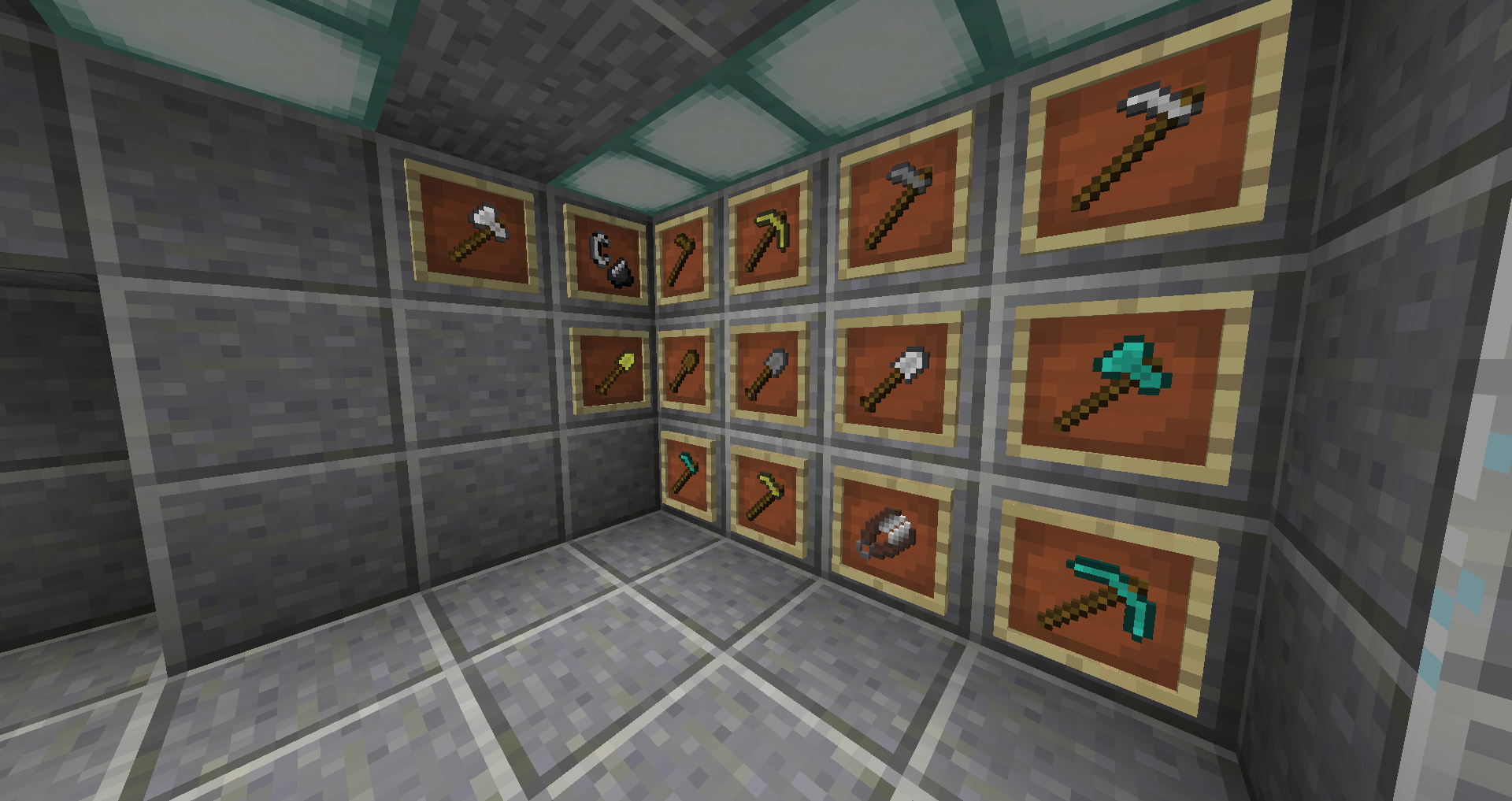
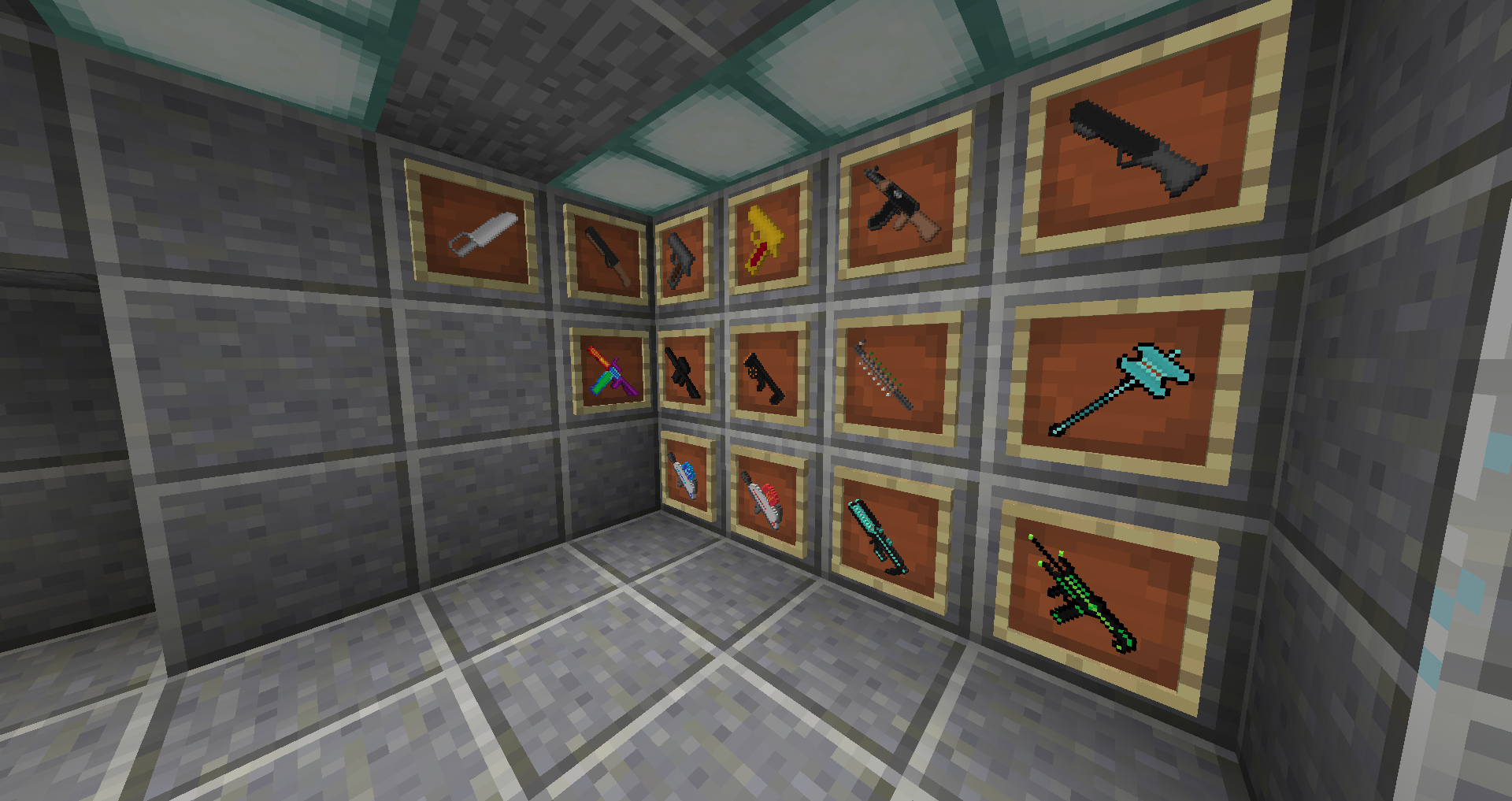
A resource pack for the underrated game, Hypixel Zombies.(Located in the Arcade) Prepare for an entirely new experience, for this resource pack makes some HUGE changes! (here's a hint: the guns actually look and sound like guns!) 

Some of the sounds are taken from C.O.D: Zombies to enhance your time using the pack.

Disclaimer: this is NOT a Minecraft mod, it's a RESOURCE PACK intended for Version 1.8.9. It does not function well without Optifine, or on Versions higher than 1.8.9. (Especially 1.21, trust me...)


The 3.3 VERSION IS OUT!
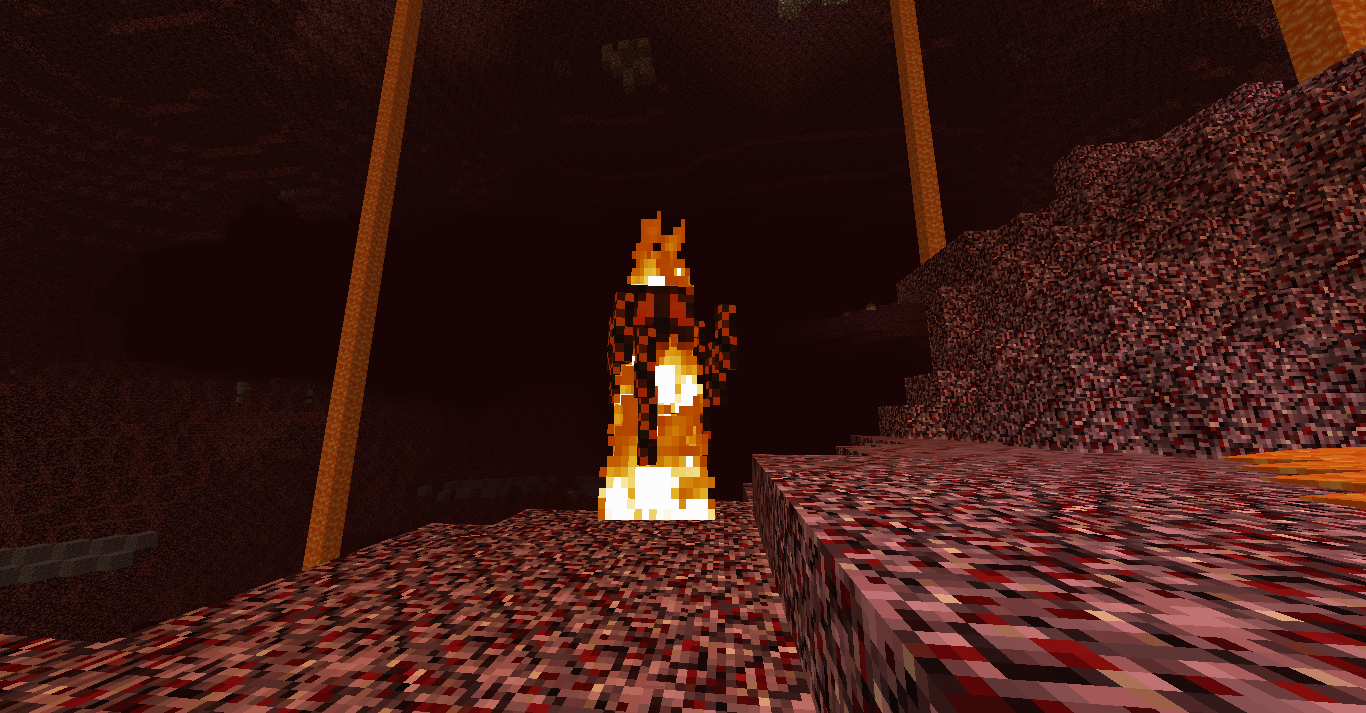
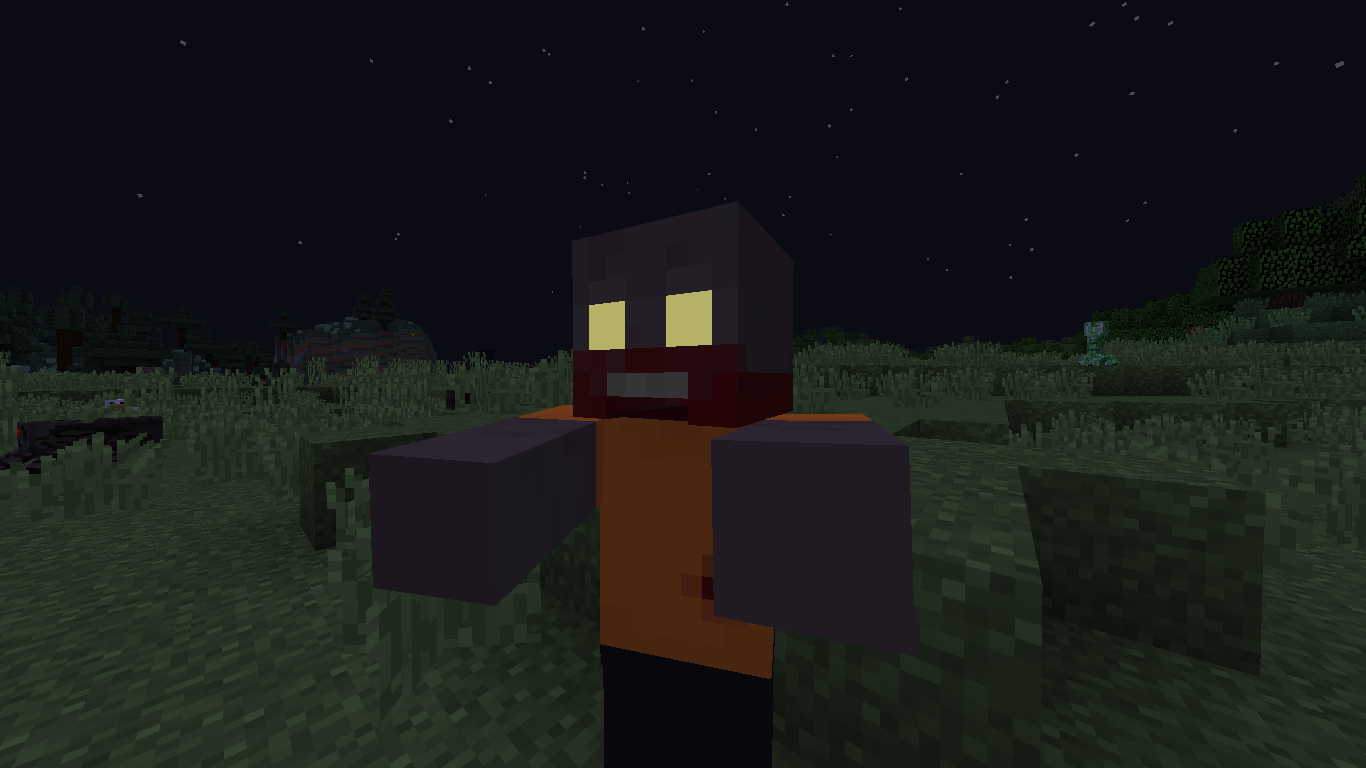
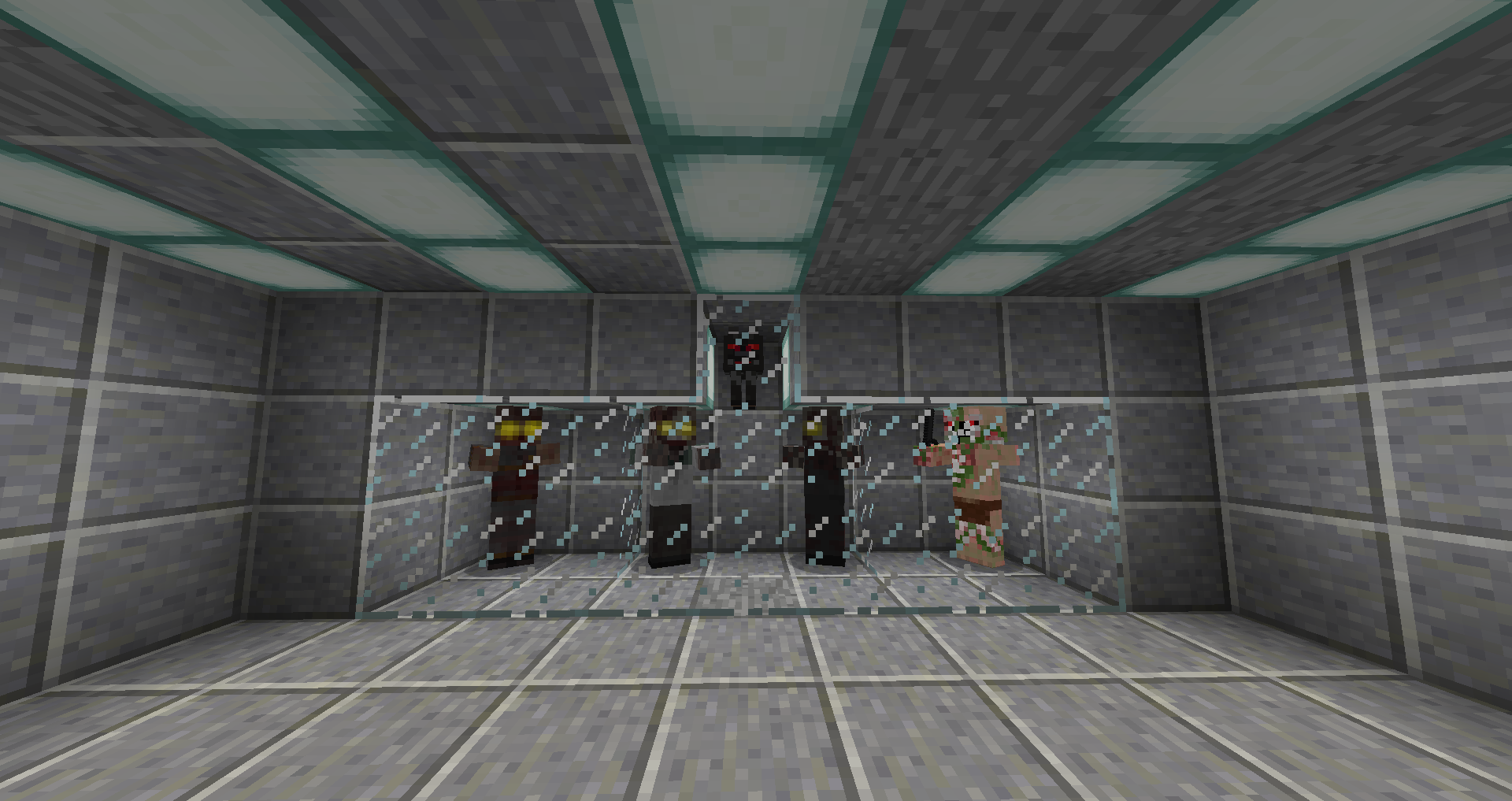
3.0 (AKA the Monsters Update due to the amount of new monster textures added) is guaranteed to give that old 2.0 version a run for its money, with its new polished gun sounds (I speak from experience when I say they're satisfying) and the retexturing of all the monsters you will encounter in Zombies. I hope you enjoy this new version; make sure to share it with your friends if you do!

(All changes listed inside the Changelog)


Random Stuff Below
Showcase for 2.0: Click here to Watch!

Join the Discord Server! (its pretty inactive lol) Click here to join!

Trailer for 1.0: Click here to Watch!

A.H.Z.R 3.3
MC 1.8.9
Release 2023-07-17 Get
A.H.Z.R 3.2
MC 1.8.9
Release 2023-02-06 Get
A.H.Z.R 3.1
MC 1.8.9
Release 2023-01-15 Get
A.H.Z.R 3.0
MC 1.8.9
Release 2023-01-14 Get
A.H.Z.R 2.0
MC 1.8.9
Release 2022-06-20 Get
A.H.Z.R
MC 1.8.9
Release 2021-12-30 Get

Requirements & install

How to use this resource pack in Minecraft
Resolution
16x
Minecraft
1.8.9
Install folder
.minecraft/resourcepacks

How to install resource packs

  1. Download the resource pack .zip file (do not extract it).
  2. In Minecraft open Options → Resource Packs → Open Pack Folder.
  3. Drop the .zip into the resourcepacks folder (.minecraft/resourcepacks).
  4. Move the pack to the Selected column and click Done.
Browse more: 16x resource packs 32x resource packs 64x resource packs 128x resource packs 256x resource packs 512x+ resource packs Resource Packs for 1.8.9 All resource packs

More from ApocalypticAJ

Advertisement Remove ads with Premium →

You Might Also Like