Mineuniverse
Resource Packs
Aino's Mermod Mermaid Tail Retexture 🀍 (Resource Pack Addon)

Aino's Mermod Mermaid Tail Retexture 🀍 (Resource Pack Addon)

RESOURCE PACK
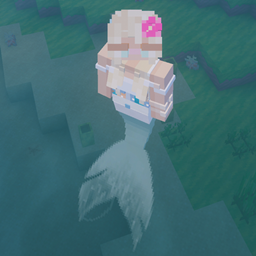
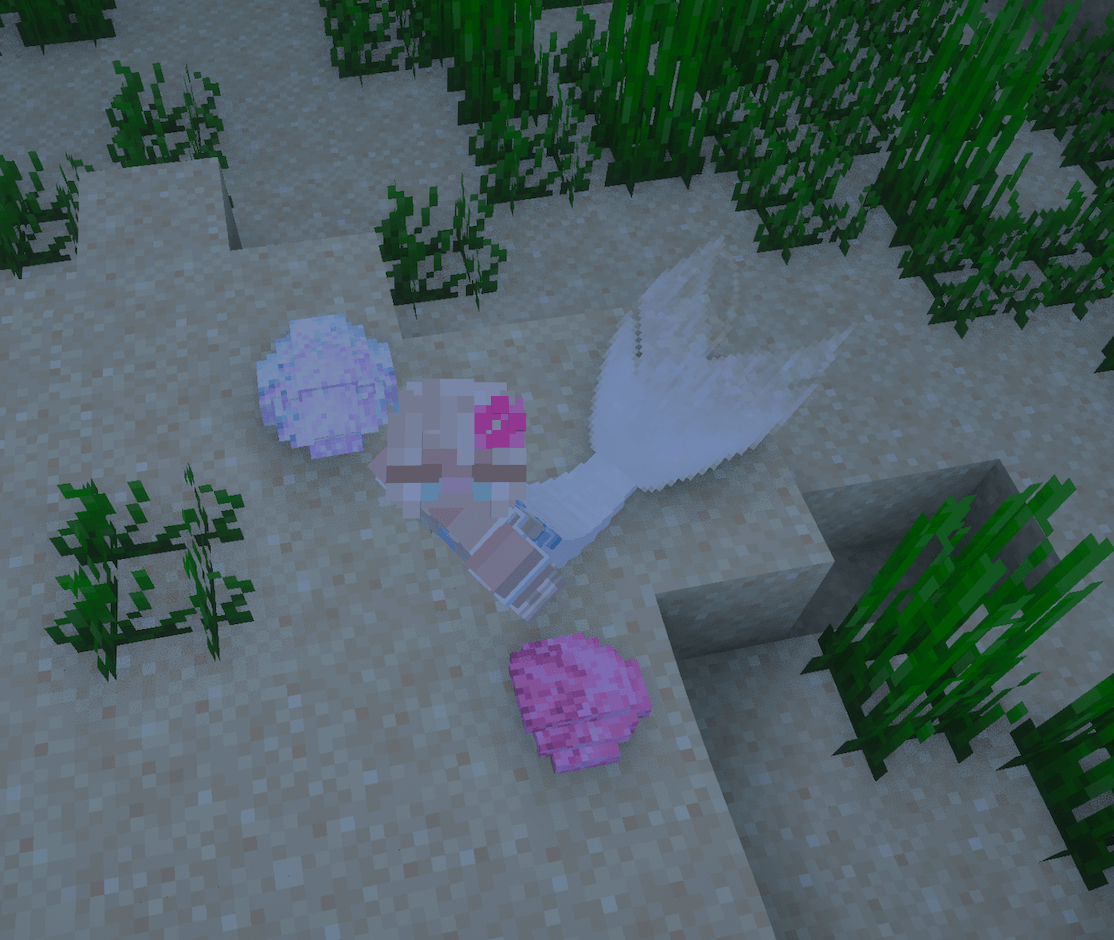
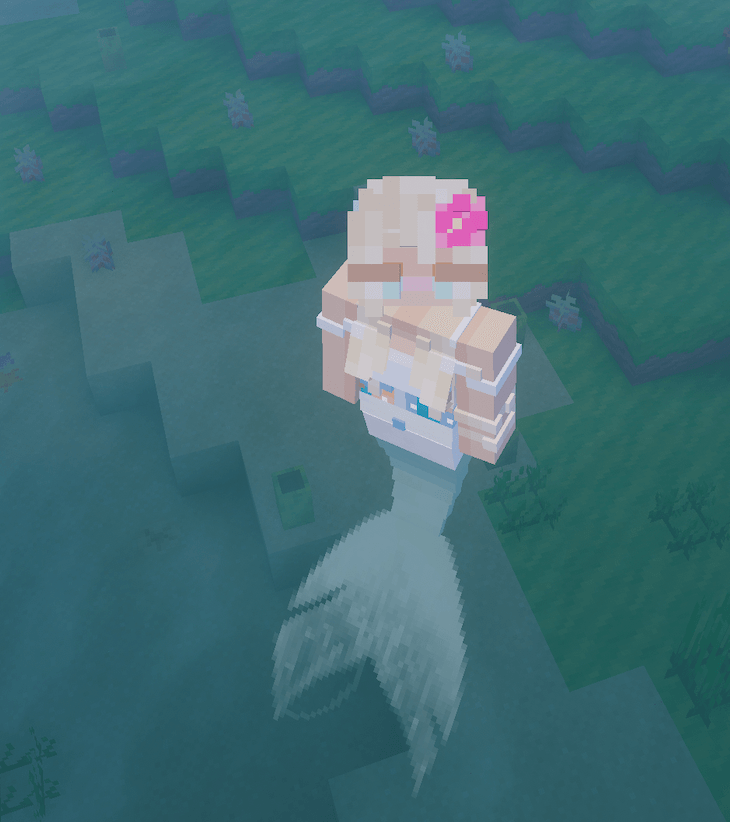
A custom texture pack that retextures the mermaid tail from the MerMod for Minecraft 1.20.1.
by sweetlyaino
Download Claim this project
Add a badge to your pageLink to Aino's Mermod Mermaid Tail Retexture 🀍 (Resource Pack Addon) from a README, website or forum post.
Preview: Badge

Badges update automatically and link to the resource pack page on MineUniverse.

11,727 downloads
0 likes
0 followers
Updated Oct 14, 2026
0 hypes
Follow0
128x Mod Support
Advertisement Remove ads with Premium →

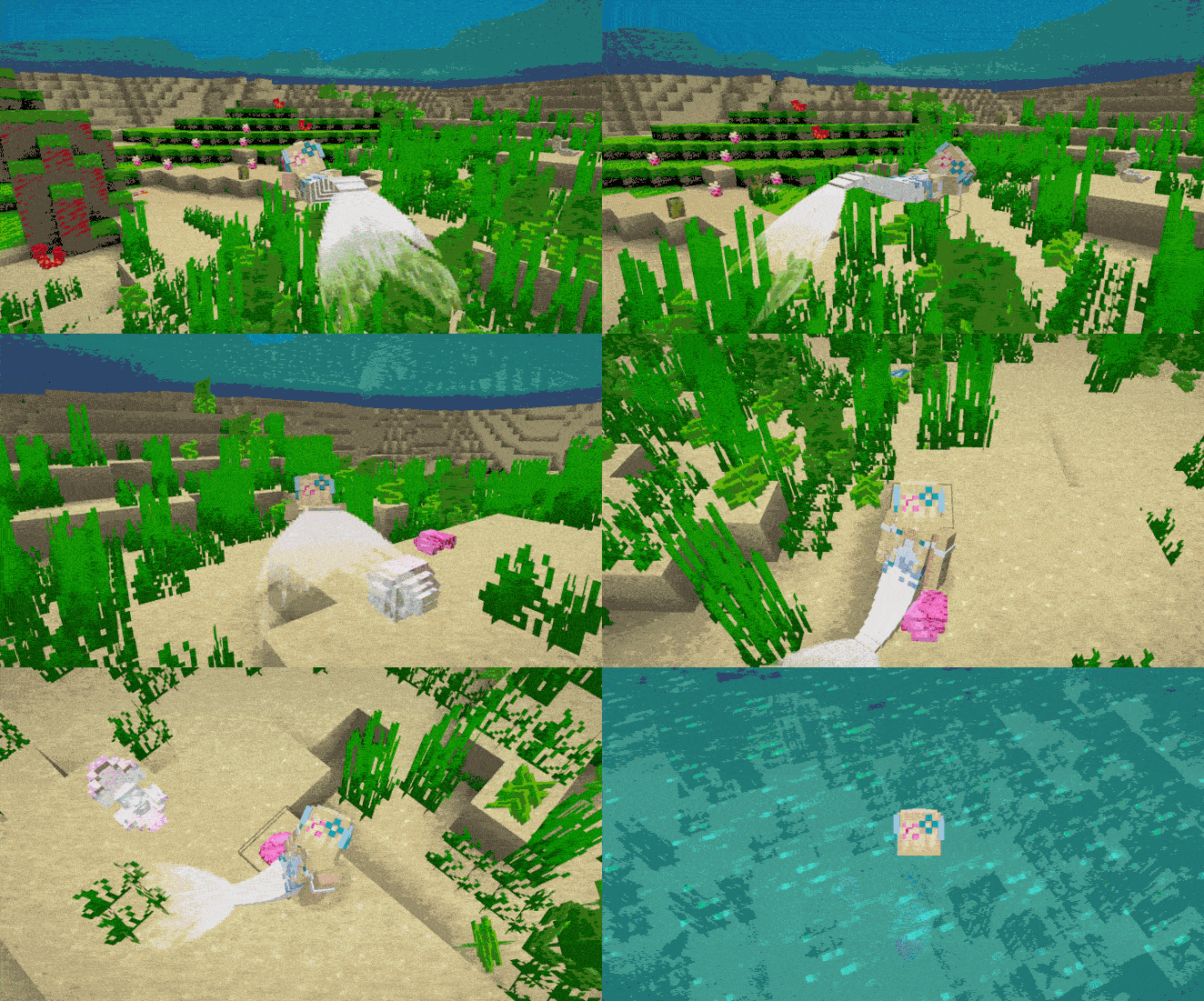
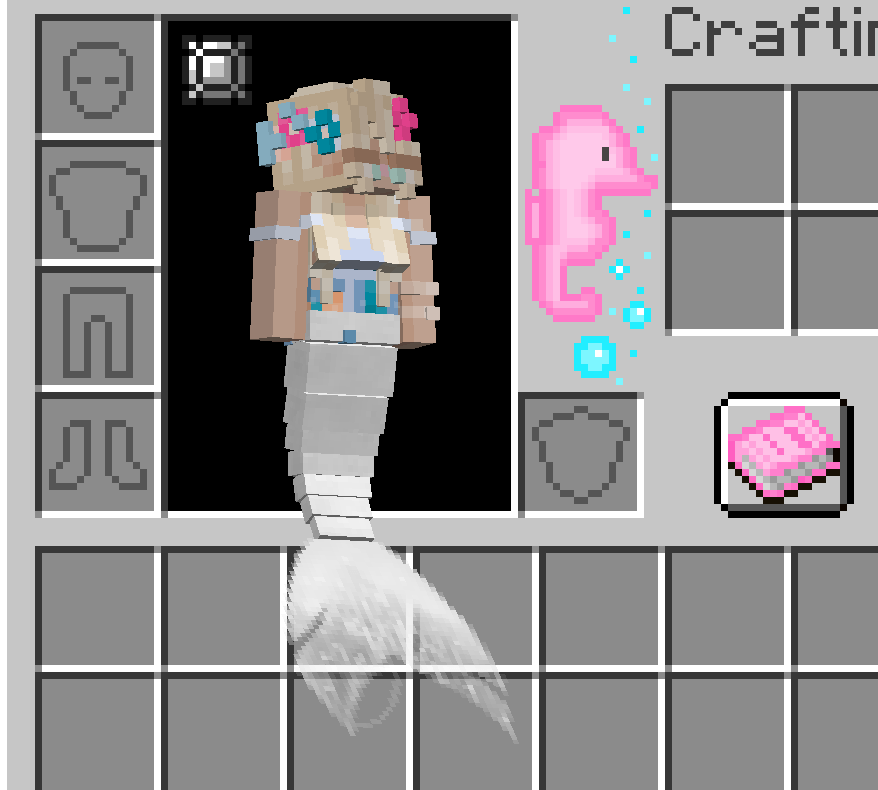
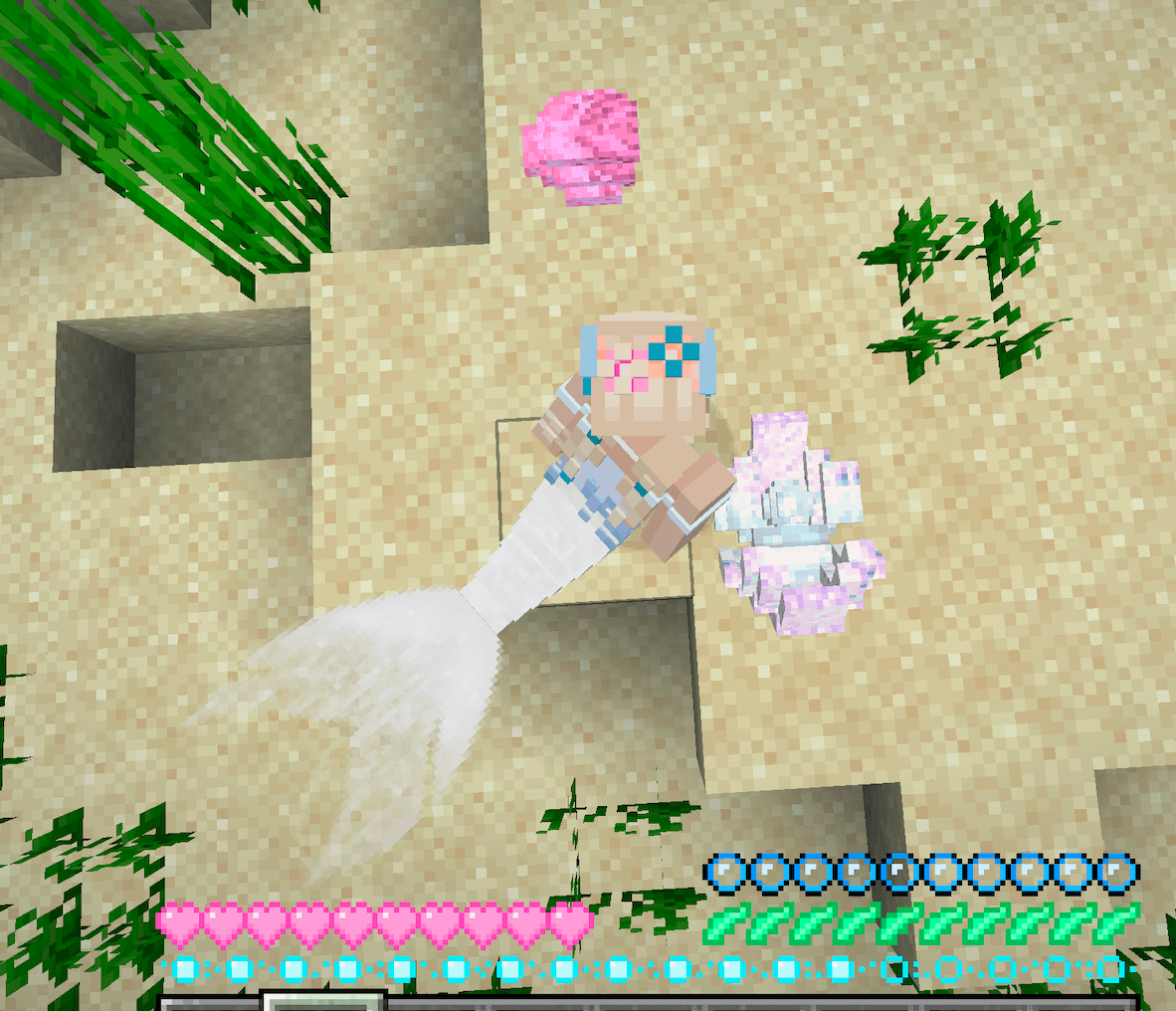
This resource pack replaces the mermaid tail texture from the MerMod.

This is a texture pack addon only and requires the MerMod to work. I do NOT own the MerMod, here are the links to the original creator’s project owned by ThatPreston.


Link Forge: https://www.curseforge.com/minecraft/mc-mods/mermod-neoforge

Link Fabric: https://www.curseforge.com/minecraft/mc-mods/mermod-fabric


This resource pack only overrides textures using Minecraft’s resource pack system and does not include the original mod files or redistribute the mod.


I do not allow anyone to reuse, distribute or claim my own texture pack or the texture in it as their own. 


The default tail colour is white. To recolour the tail, use dye or the tail gradient item on the sea necklace. The recolouring also works on the mermaid bra item, which you can add to the sea necklace.


This texture pack does not change the Siren, Ariel or H2O tail textures.


IMPORTANT: Remember to put this texture pack on top of the default texture in the resource packs, or it will not work!


License:

This project follows the same license as the original MerMod project (Mozilla Public License 2.0).


Minecraft Version: 1.20.1


-Aino 🀍

Aino's Mermod Mermaid Tail Retexture 🀍
MC 1.20.1
Release 2026-03-25 Get

Requirements & install

How to use this resource pack in Minecraft
Resolution
128x
Minecraft
1.20.1
Install folder
.minecraft/resourcepacks

How to install resource packs

  1. Download the resource pack .zip file (do not extract it).
  2. In Minecraft open Options β†’ Resource Packs β†’ Open Pack Folder.
  3. Drop the .zip into the resourcepacks folder (.minecraft/resourcepacks).
  4. Move the pack to the Selected column and click Done.

Packs from 128x upwards need more video memory: install a performance mod such as Sodium for smooth frame rates.

Browse more: 16x resource packs 32x resource packs 64x resource packs 128x resource packs 256x resource packs 512x+ resource packs Resource Packs for 1.20.1 All resource packs
Advertisement Remove ads with Premium →

You Might Also Like