Badges update automatically and link to the resource pack page on MineUniverse.
Take your Minecraft experience to the next level with Aimmy, a simple yet stylish crosshair improvement designed for players who want a cleaner and more modern look.
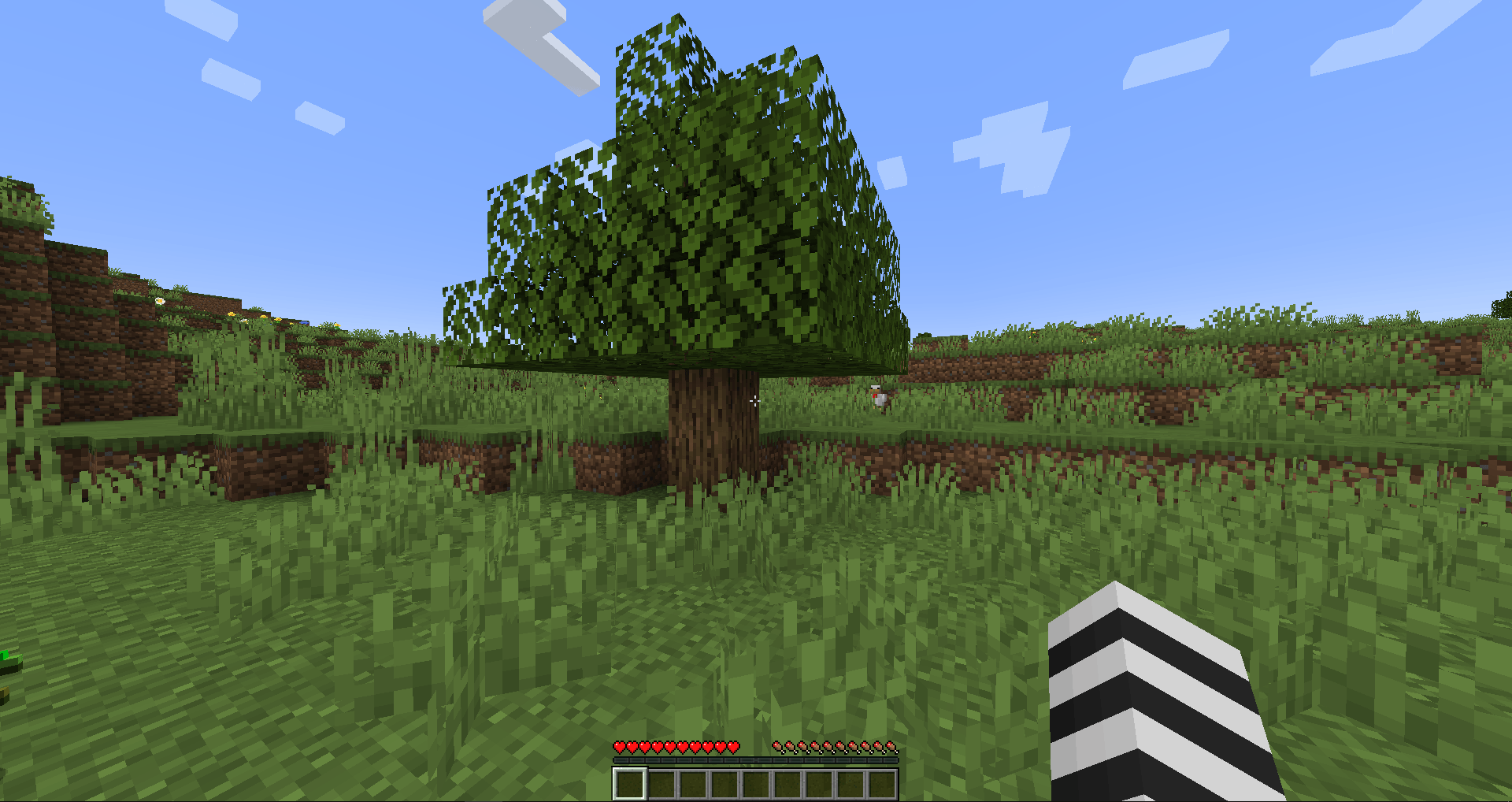
Replace the standard vanilla Minecraft crosshair with a sleek crosshair design inspired by crosshairs commonly seen in competitive FPS games. Whether you're fighting other players in PvP, exploring the world in survival, battling mobs, or building your next big project, Aimmy gives your screen a fresh new look.
Designed to keep things minimal and distraction-free, the aimmy crosshair helps you focus on what matters most: your gameplay. Its clean appearance fits naturally into Minecraft while adding a modern touch without changing the core vanilla experience.
Features:
• Modern Dot Design – Replace the traditional crosshair with a clean, minimal dot.
• PvP Ready – Perfect for combat, aiming, and competitive gameplay.
• Survival Friendly – Great for everyday Minecraft adventures and exploration.
• Clean & Minimal – Keep your screen simple without a bulky crosshair.
• Vanilla-Friendly – Enhance Minecraft's appearance while keeping its classic feel.
• Lightweight & Simple – A straightforward visual upgrade focused on your crosshair.
Whether you're a PvP enthusiast or a casual survival player, Aimmy brings a fresh, modern look to Minecraft with a small change that makes a big difference.
Aim better. Play cleaner. Experience Minecraft with Aimmy.