Mineuniverse
Resource Packs
AESEXL+

AESEXL+

RESOURCE PACK
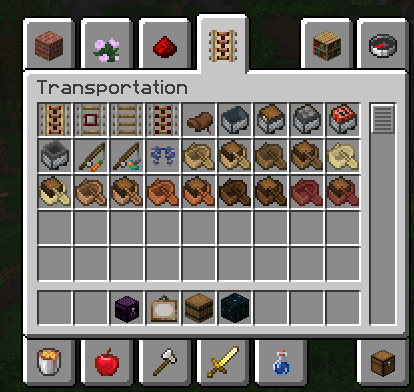
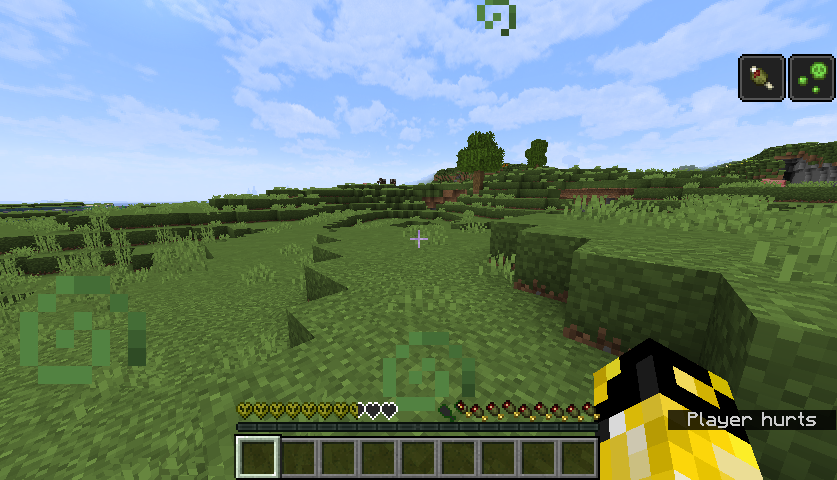
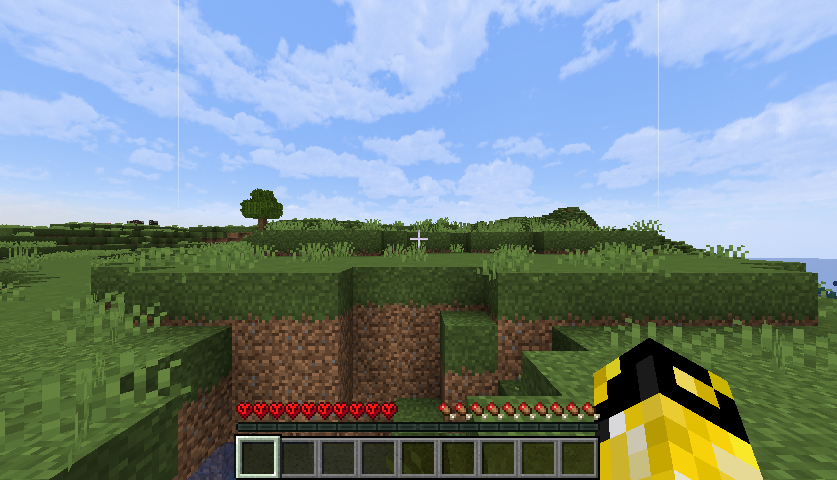
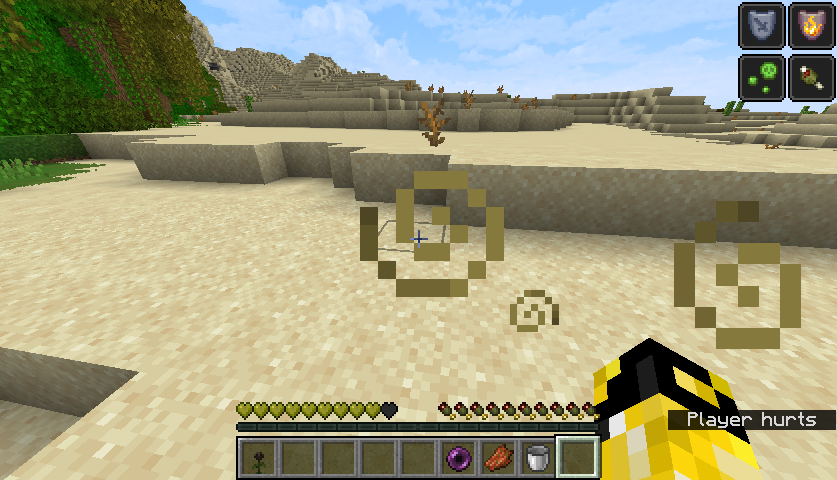
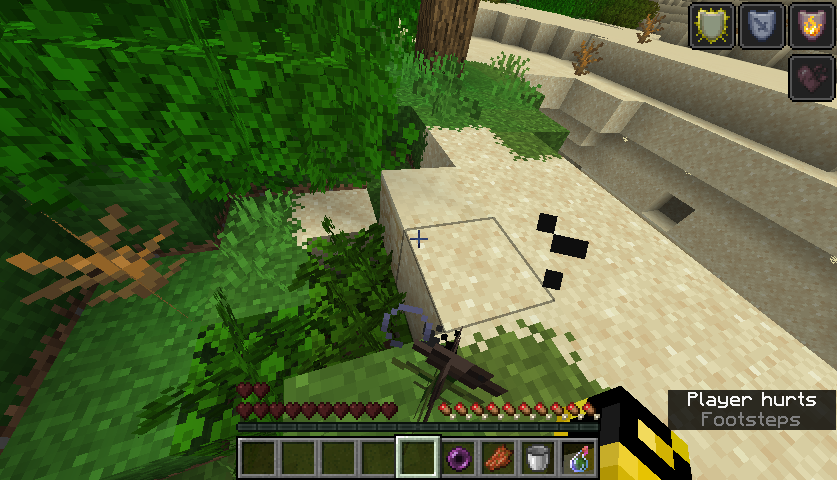
Vanilla-ish texturepack made to keep the vanilla feeling while changing as much as it can
by andronixese
Download Claim this project
Add a badge to your pageLink to AESEXL+ from a README, website or forum post.
Preview: Badge

Badges update automatically and link to the resource pack page on MineUniverse.

15,635 downloads
0 likes
0 followers
Updated Oct 14, 2026
0 hypes
Follow0
16x Traditional
Advertisement Remove ads with Premium →


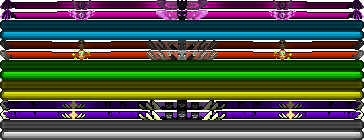
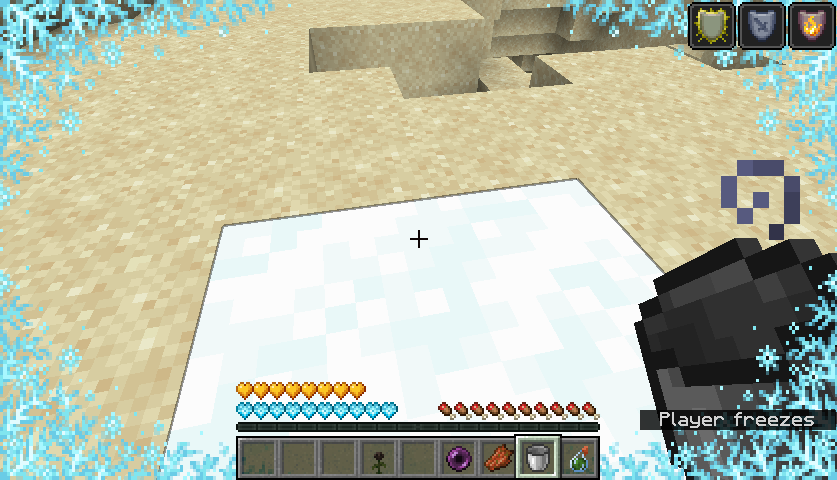
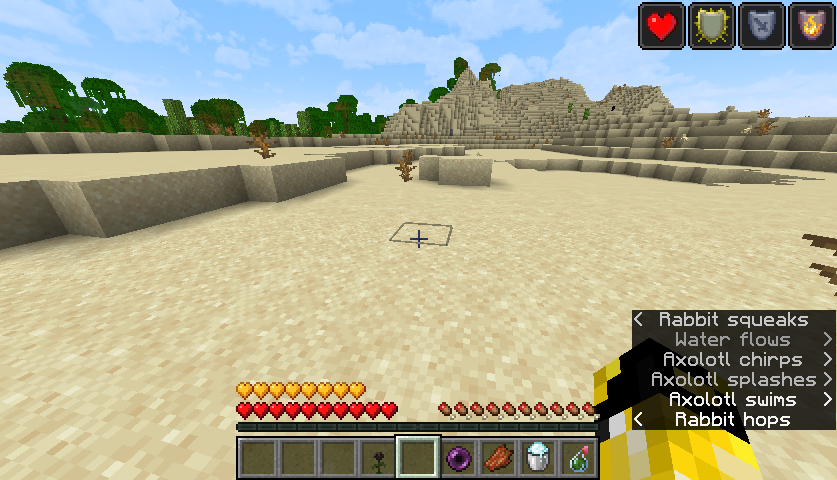
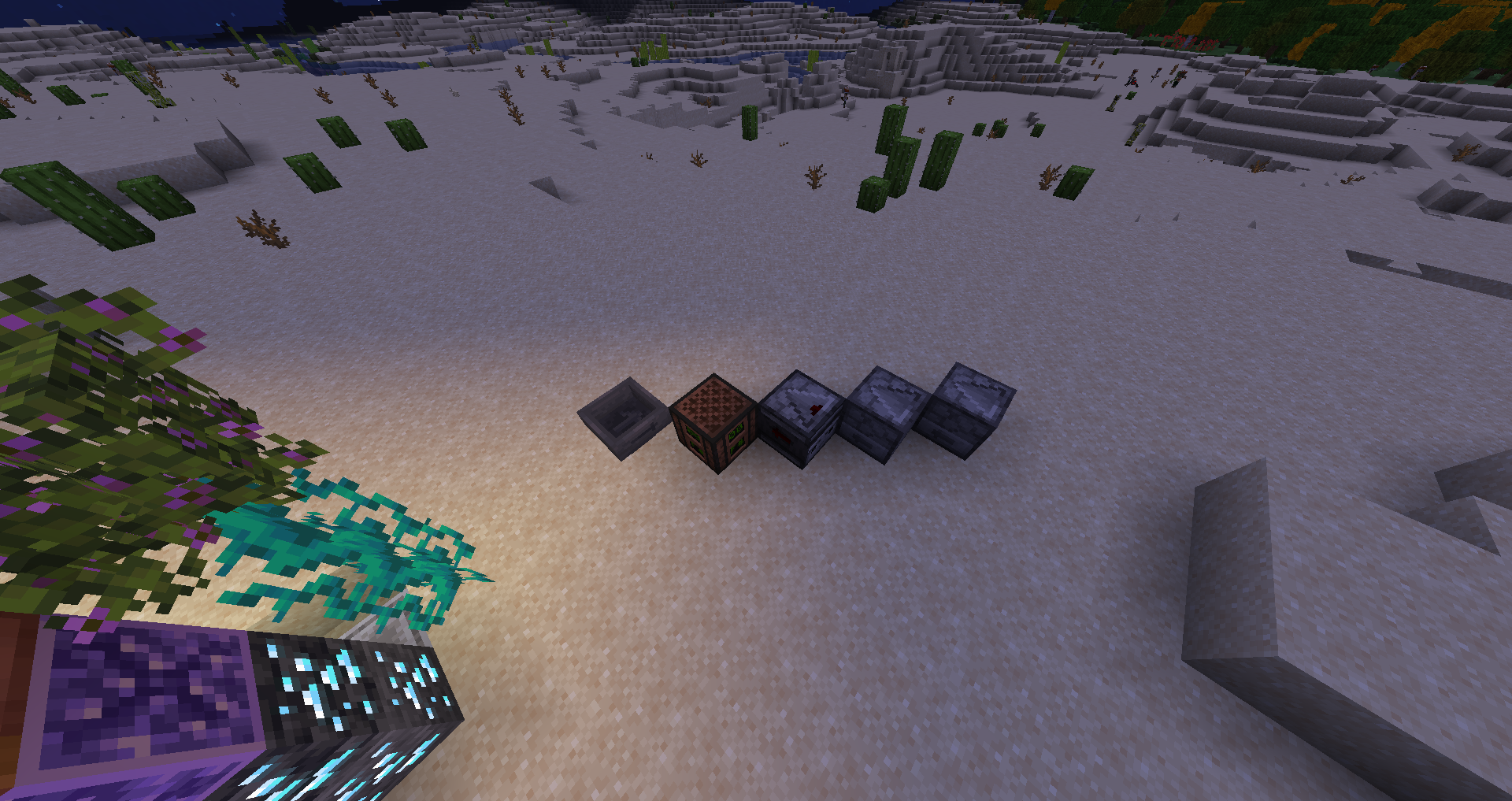
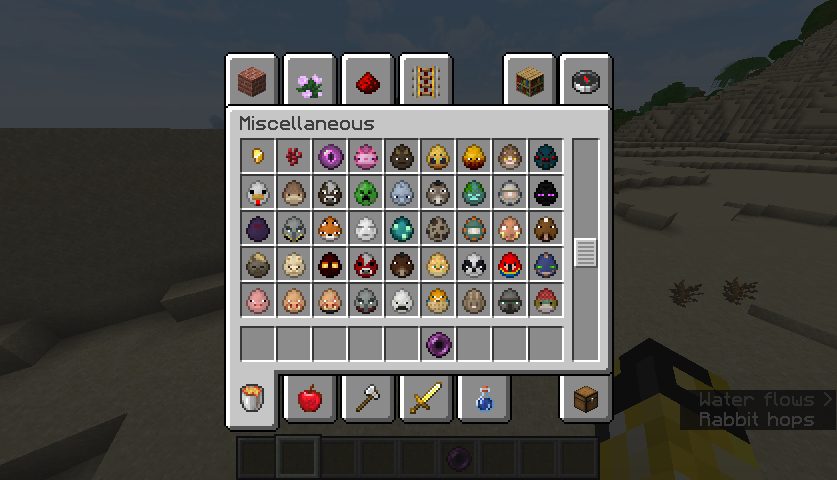
This is a texturepack that aims to keep vanilla-ish feeling, but make it better, more interesting and with more variation! Some parts of this texturepack require OptiFine (or other mods that give you the same effects). Sadly some of those parts break when not using those mods(like in some cases breaking particles). Im currently working on it. To make this pack i used many inspirations and textures from other texturepacks(you can see the full list of them in README in the texturepack). Please tell me what you think in the comments! If you notice any bugs, please report them. If you want me to add anything just ask and i'll try! I hope you'll like it and have a great time using it.


Remember to install the latest version of the texturepack, because it still has a lot of bugs which im still working on fixing! 


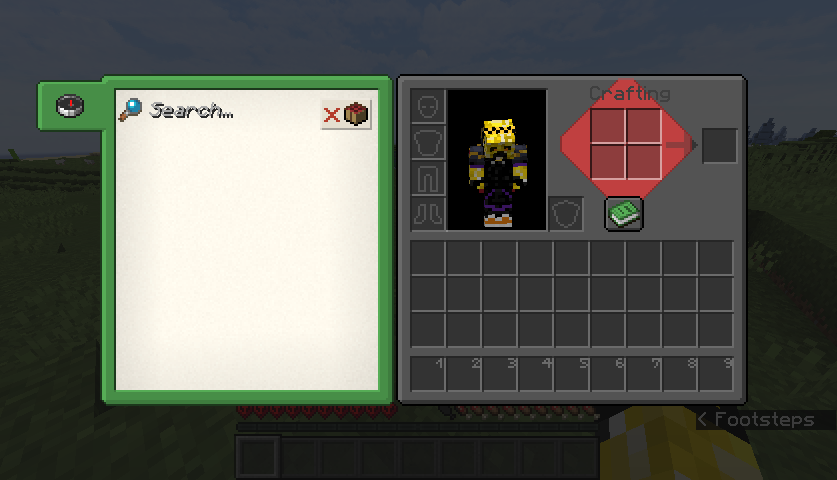
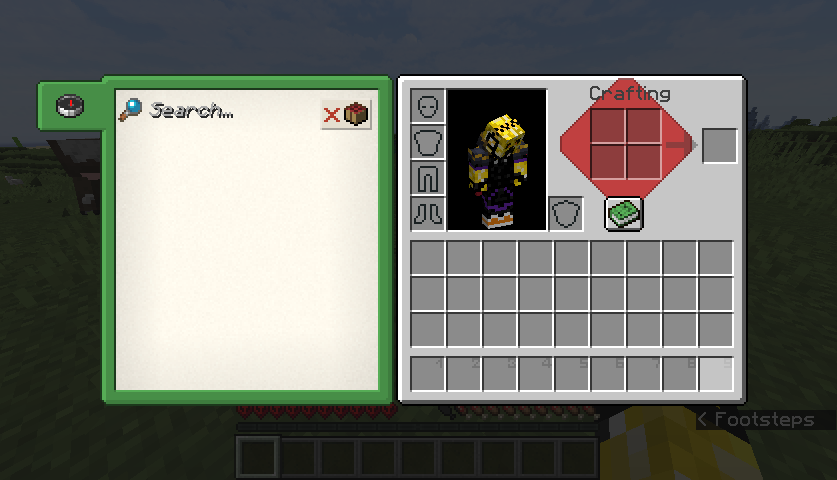
Now also has dark mode!

AESEXL dark 1.5
MC 1.21
Release 2024-06-21 Get
AESEXL+ 1.8
MC 1.21
Release 2024-06-21 Get
AESEXL dark 1.4
MC 1.19.3, 1.19-Snapshot
Release 2023-02-15 Get
AESEXL+ 1.7
MC 1.19.3, 1.19-Snapshot
Release 2023-02-15 Get
AESEXL+ 1.6
MC 1.19.3
Release 2023-01-03 Get
AESEXL dark 1.3
MC 1.19.3
Release 2023-01-03 Get
AESEXL dark 1.2
MC 1.18.2, 1.19.2, 1.19.1, 1.19
Release 2022-10-18 Get
AESEXL+ 1.5
MC 1.18.2, 1.19.2, 1.19.1, 1.19
Release 2022-10-18 Get
AESEXL dark 1.1.1
MC 1.18.1, 1.18.2, 1.19.2, 1.19.1, 1.18, 1.19
Release 2022-09-03 Get
AESEXL+ 1.4.1
MC 1.18.1, 1.18.2, 1.19.2, 1.19.1, 1.18, 1.19
Release 2022-09-03 Get
AESEXL+ 1.4
MC 1.18.1, 1.18.2, 1.19.2, 1.19.1, 1.18, 1.19
Release 2022-09-02 Get
AESEXL dark 1.1
MC 1.18.1, 1.18.2, 1.19.2, 1.19.1, 1.18, 1.19
Beta 2022-09-02 Get
AESEXL dark 0.10
MC 1.18.1, 1.18.2, 1.18
Release 2022-04-17 Get
AESEXL+ 1.3
MC 1.18.1, 1.18.2, 1.18
Release 2022-04-17 Get
AESEXL dark 0.9
MC 1.18.1, 1.18.2, 1.18
Release 2022-04-10 Get
AESEXL+ 1.2
MC 1.18.1, 1.18.2, 1.18
Release 2022-04-10 Get
AESE dark 0.8
MC 1.17.1, 1.18.1, 1.17, 1.16.5, 1.18.2, 1.18
Release 2022-03-25 Get
AESEXL+ 1.1
MC 1.17.1, 1.18.1, 1.17, 1.16.5, 1.18.2, 1.18
Release 2022-03-25 Get
AESEXL dark 0.7
MC 1.17.1, 1.18.1, 1.16.5, 1.18.2, 1.18
Release 2022-03-17 Get
AESEXL+ 1.0
MC 1.17.1, 1.18.1, 1.17, 1.16.5, 1.18.2, 1.18
Release 2022-03-17 Get
AESEXL dark 0.6
MC 1.17.1, 1.18.1, 1.18.2, 1.18
Release 2022-03-02 Get
AESEXL+ 0.10
MC 1.17.1, 1.18.1, 1.18.2, 1.18
Release 2022-03-02 Get
AESEXL dark 0.5
MC 1.17.1, 1.18.1, 1.17, 1.18
Release 2022-02-17 Get
AESEXL+ 0.9
MC 1.17.1, 1.18.1, 1.17, 1.18
Release 2022-02-17 Get
AESEXL+ 0.7
MC 1.17.1, 1.18.1, 1.17, 1.16.5, 1.18
Release 2022-02-15 Get
AESEXL dark 0.4
MC 1.17.1, 1.18.1, 1.18
Release 2022-02-15 Get
AESEXL+ 0.8
MC 1.17.1, 1.18.1, 1.17, 1.18
Release 2022-02-15 Get
AESEXL dark 0.3
MC 1.17.1, 1.18.1
Release 2022-02-09 Get
AESEXL+ 0.6
MC 1.17.1, 1.18.1, 1.18
Release 2022-02-09 Get
AESEXL dark 0.2
MC 1.18.1, 1.18
Release 2022-01-23 Get
AESEXL+ 0.5
MC 1.17.1, 1.18.1, 1.18
Release 2022-01-23 Get
AESEXL-dark 0.1
MC 1.17.1, 1.18.1, 1.16.5, 1.18
Release 2022-01-21 Get
AESEXL+.zip
MC 1.17.1, 1.18.1, 1.18
Release 2022-01-15 Get
AESEXL+ 0.4
MC 1.18.1, 1.16.5, 1.18
Release 2022-01-04 Get
AESEXL+ 0.3
MC 1.17.1, 1.16.5, 1.18
Release 2021-12-07 Get
AESEXL+ 0.2
MC 1.17.1, 1.17, 1.16.5, 1.18-Snapshot
Alpha 2021-11-11 Get
AESEXL+ 0.1
MC 1.17.1, 1.17, 1.16.5, 1.17-Snapshot, 1.18-Snapshot
Release 2021-11-05 Get

Requirements & install

How to use this resource pack in Minecraft
Resolution
16x
Minecraft
1.18.1 – 1.21
Install folder
.minecraft/resourcepacks

How to install resource packs

  1. Download the resource pack .zip file (do not extract it).
  2. In Minecraft open Options → Resource Packs → Open Pack Folder.
  3. Drop the .zip into the resourcepacks folder (.minecraft/resourcepacks).
  4. Move the pack to the Selected column and click Done.
Browse more: 16x resource packs 32x resource packs 64x resource packs 128x resource packs 256x resource packs 512x+ resource packs Resource Packs for 1.21 All resource packs
Advertisement Remove ads with Premium →

You Might Also Like