Mineuniverse
Resource Packs
AE2 Overlay

AE2 Overlay

RESOURCE PACK
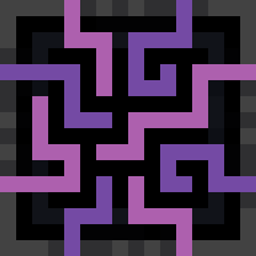
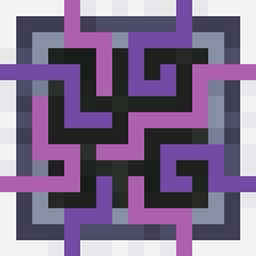
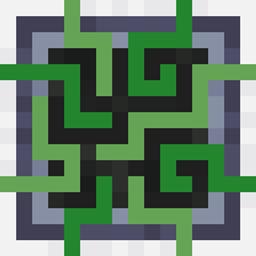
Keep the default AE2 theme while having the dark and pleasing guis of blackout.
by Void_Fractal
Download Claim this project
4,268 downloads
0 likes
Updated Oct 14, 2026
0 hypes
16x Modern
Advertisement Remove ads with Premium →

NOTE: This Resource Pack is still WIP, and more Overlay textures will be added to it once available (i.e. AddOn Support).

Currently Supported Addons:

Contact me on discord if needed: void_odyssey

Features

Makes all gui textures in AE2 and its addons dark mode.
And retextures some items to look a bit nicer.

Item Changes

*Item Changes*

AE2Overlay-V1.0
MC 1.21.3, 1.21.1, 1.21.2
Release 2025-05-28 Get

Requirements & install

How to use this resource pack in Minecraft
Resolution
16x
Minecraft
1.21.1 – 1.21.3
Install folder
.minecraft/resourcepacks

How to install resource packs

  1. Download the resource pack .zip file (do not extract it).
  2. In Minecraft open Options → Resource Packs → Open Pack Folder.
  3. Drop the .zip into the resourcepacks folder (.minecraft/resourcepacks).
  4. Move the pack to the Selected column and click Done.
Browse more: 16x resource packs 32x resource packs 64x resource packs 128x resource packs 256x resource packs 512x+ resource packs Resource Packs for 1.21.3 All resource packs

More from Void_Fractal

Advertisement Remove ads with Premium →

You Might Also Like