Mineuniverse
Resource Packs
AE-Dark-UI Multi-module

AE-Dark-UI Multi-module

RESOURCE PACK
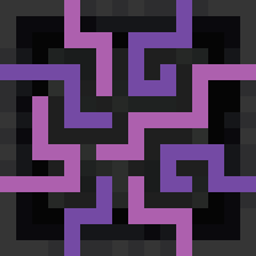
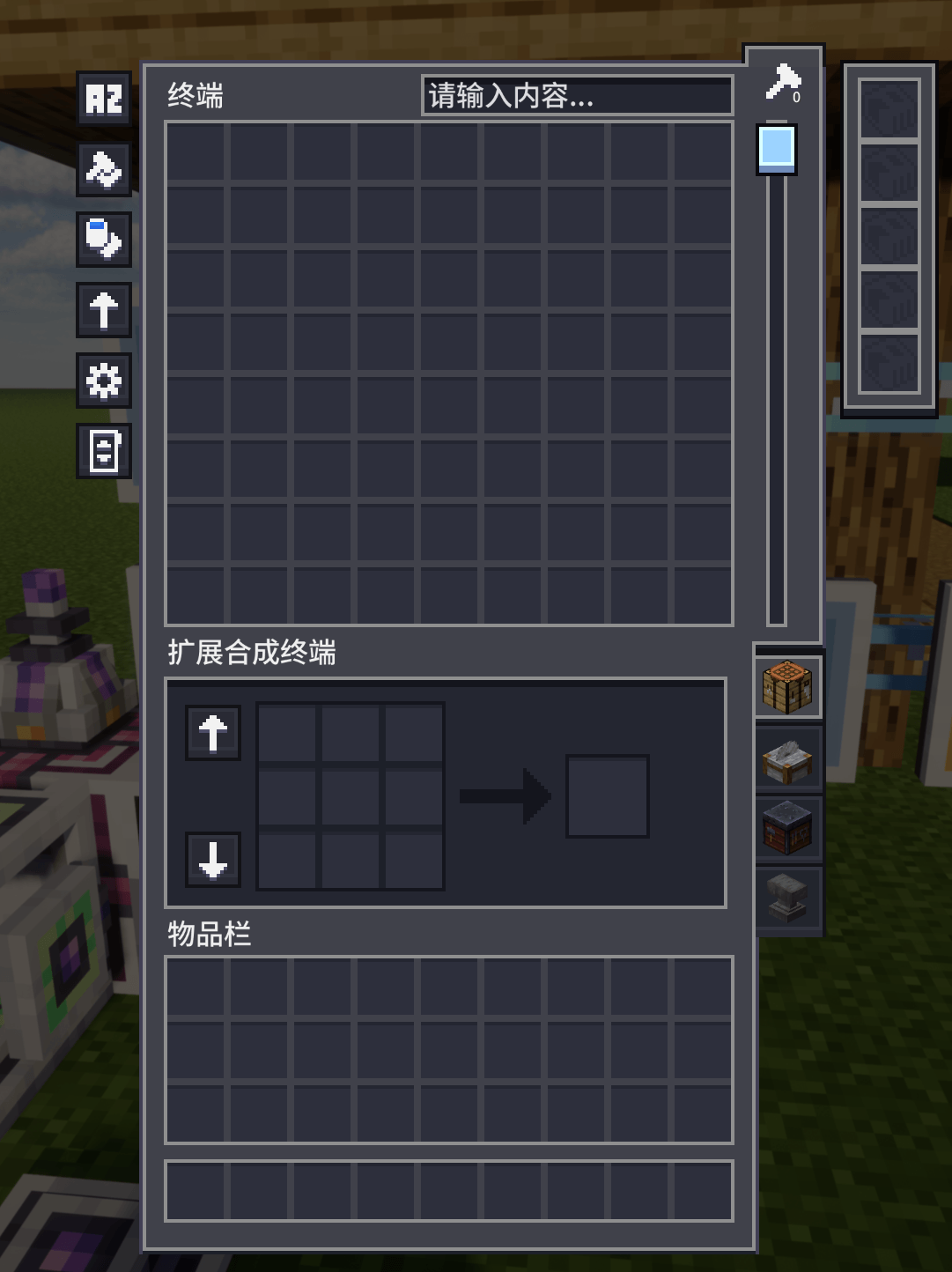
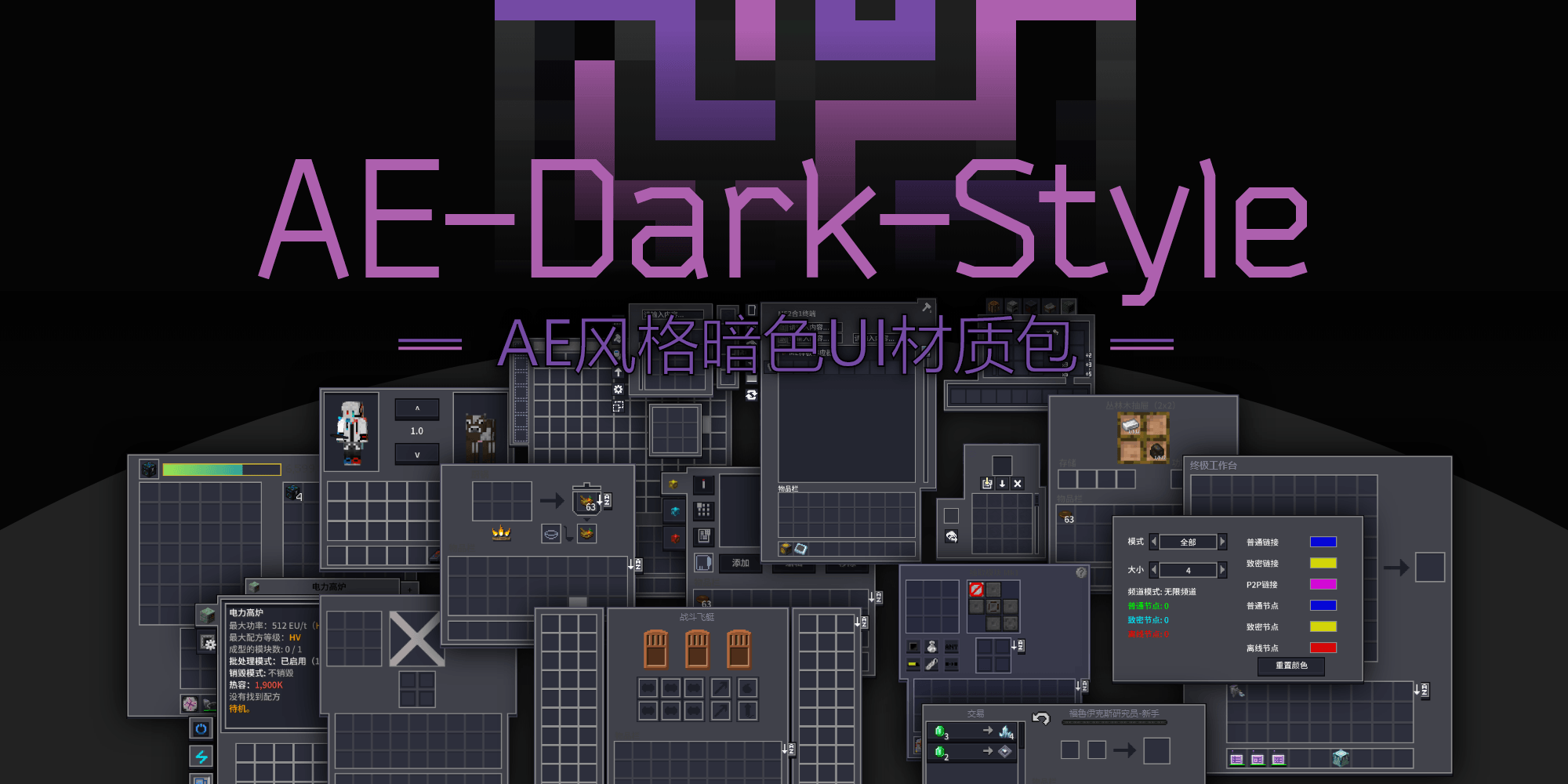
The AE-Dark-UI texture pack for version 1.20 and 1.21 includes certain text and texture corrections
by LeeQianXi
Download Claim this project
24,683 downloads
0 likes
0 followers
Updated Oct 14, 2026
0 hypes
Follow0
16x
Advertisement Remove ads with Premium →

AE-Dark-UI Multi-module adaptation

Language


AE-Dark-Style

English

The AE-UI texture pack for version 1.20 includes certain text and texture corrections

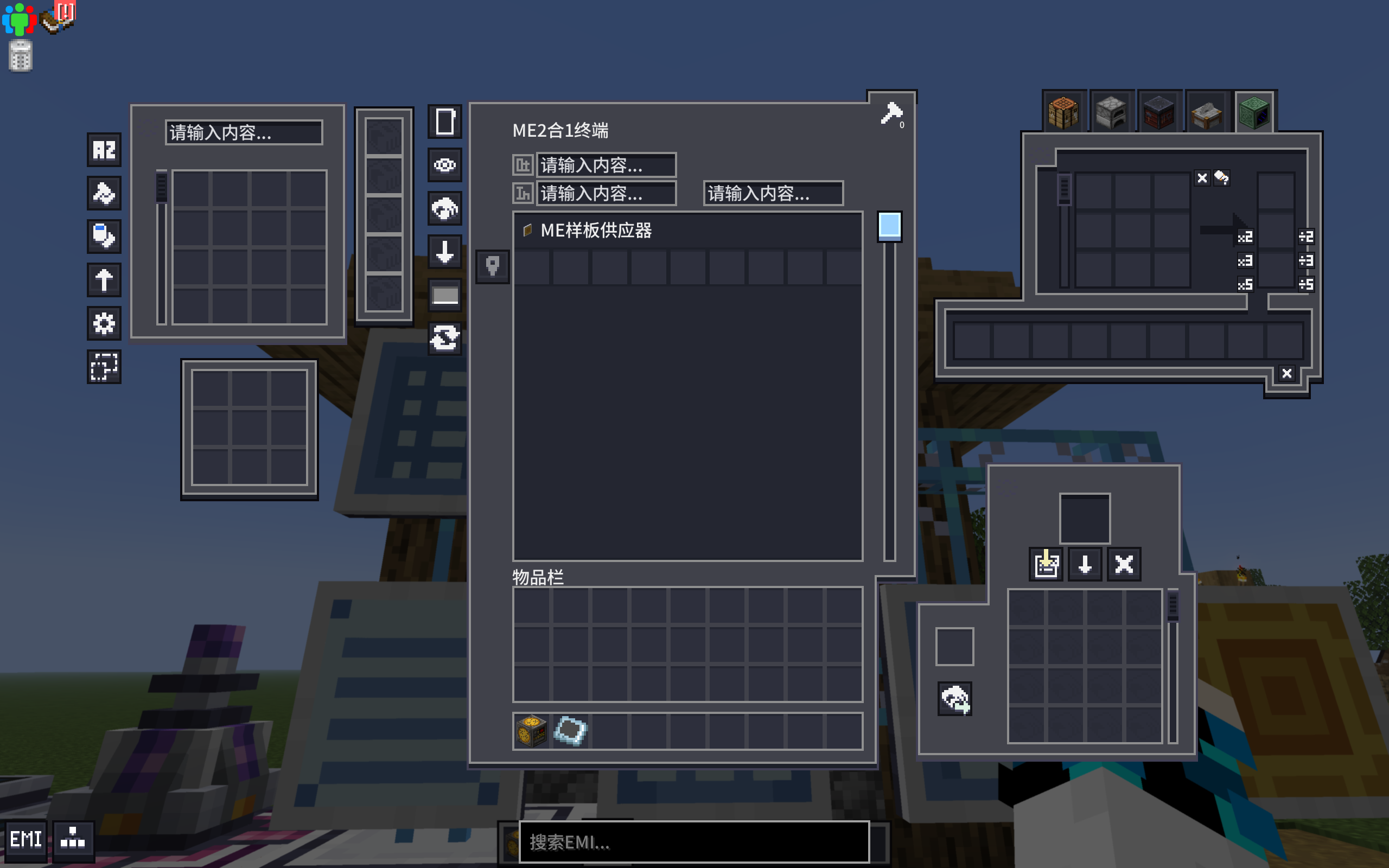
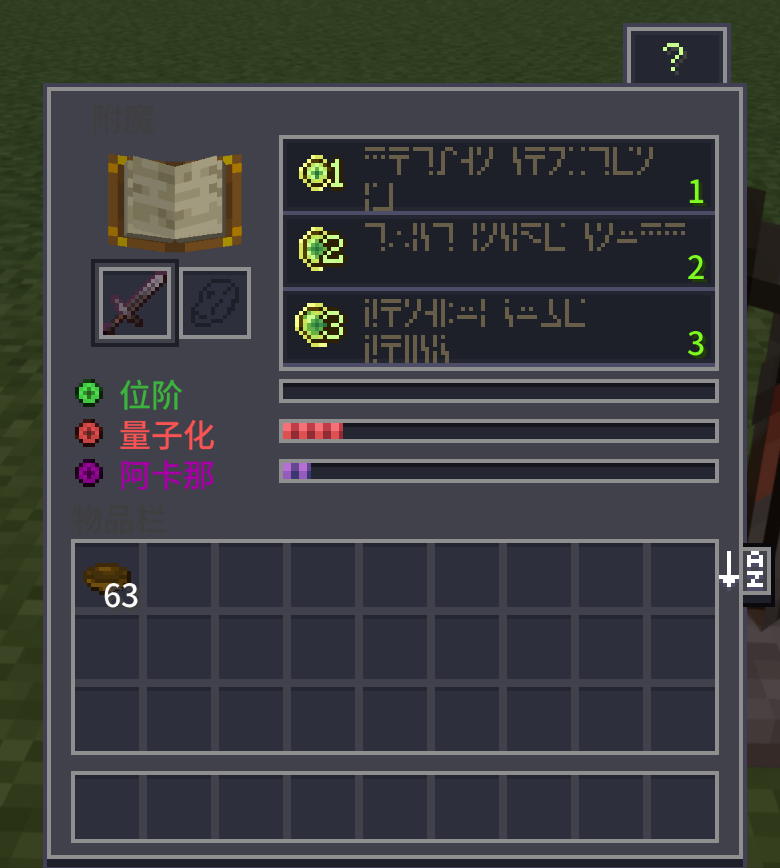
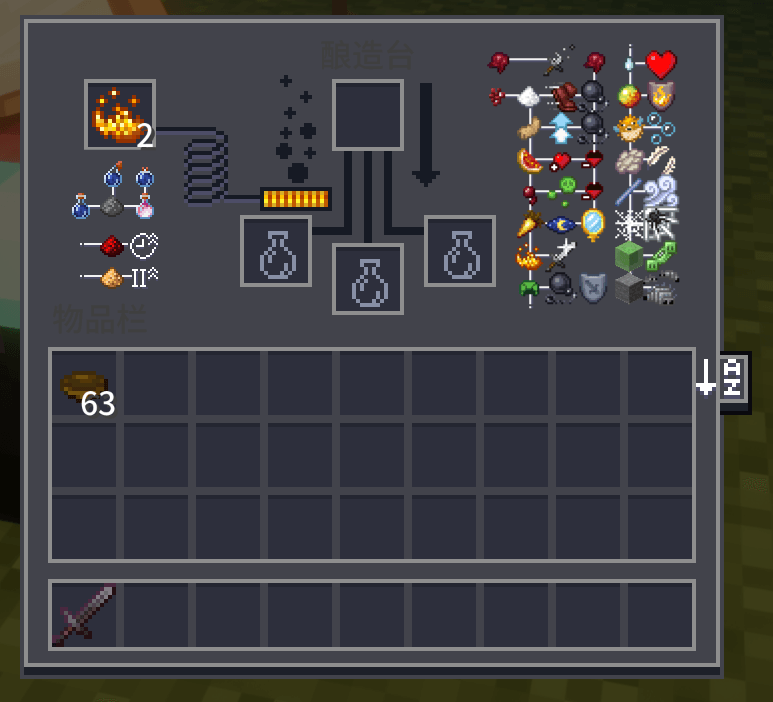
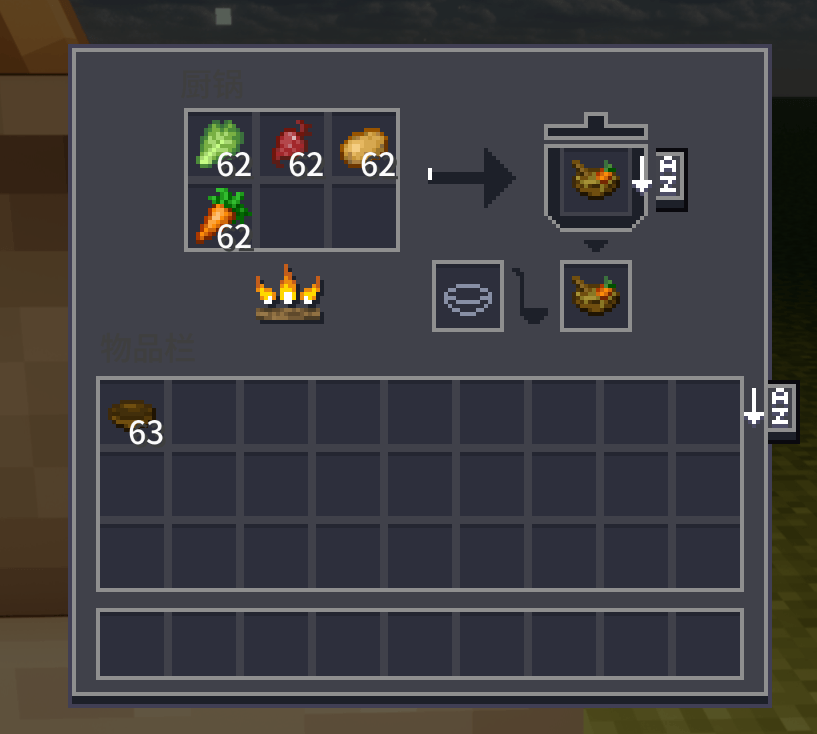
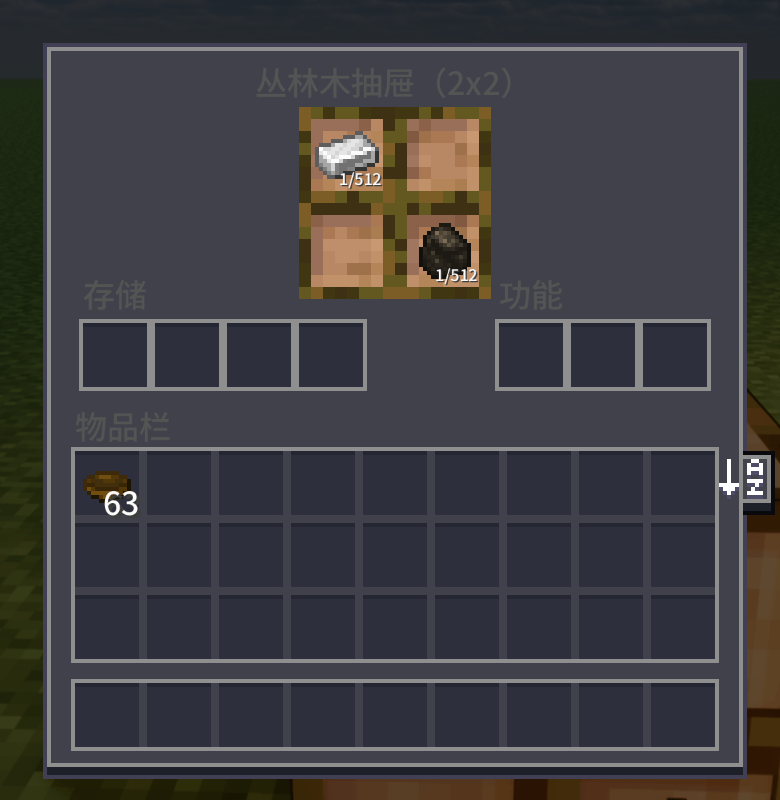
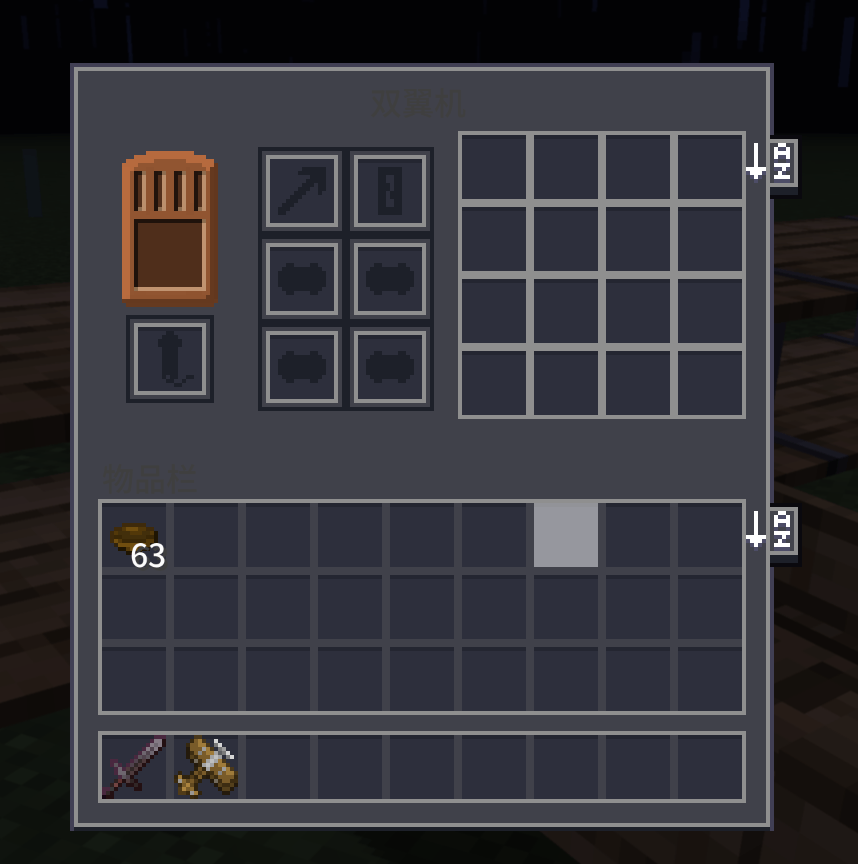
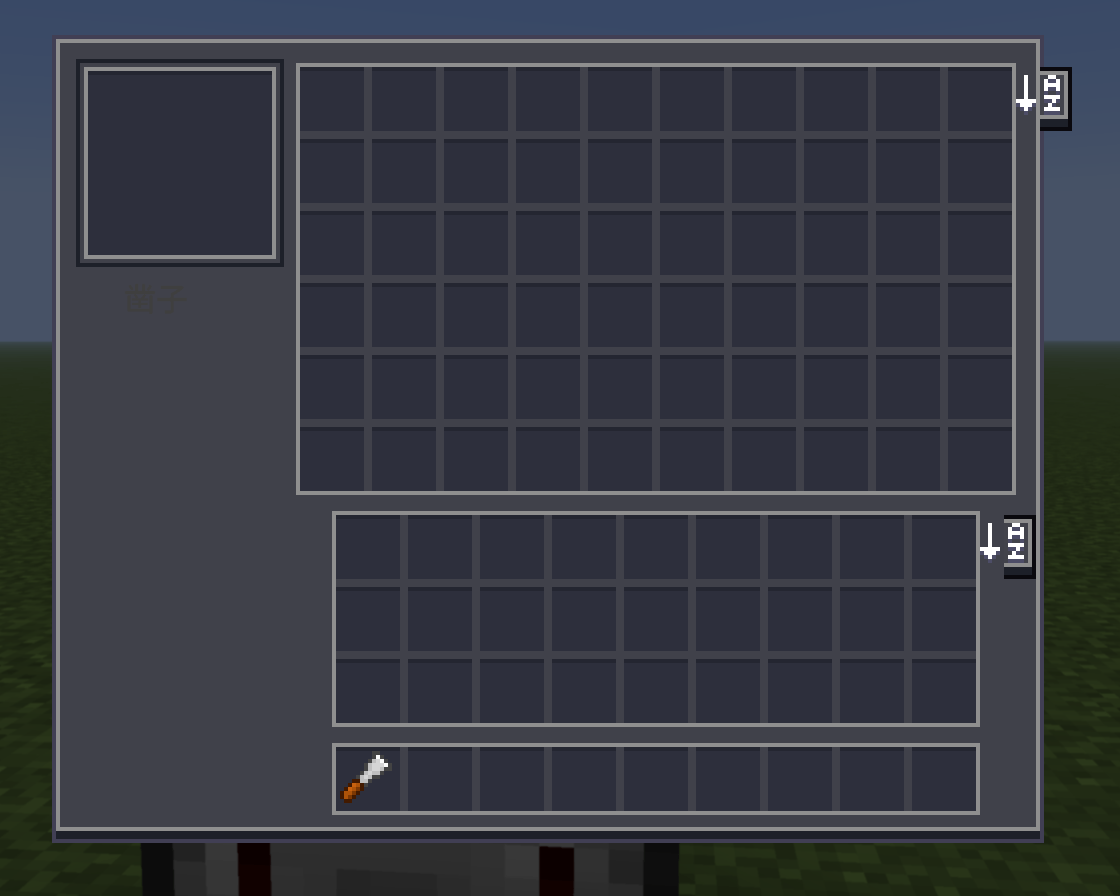
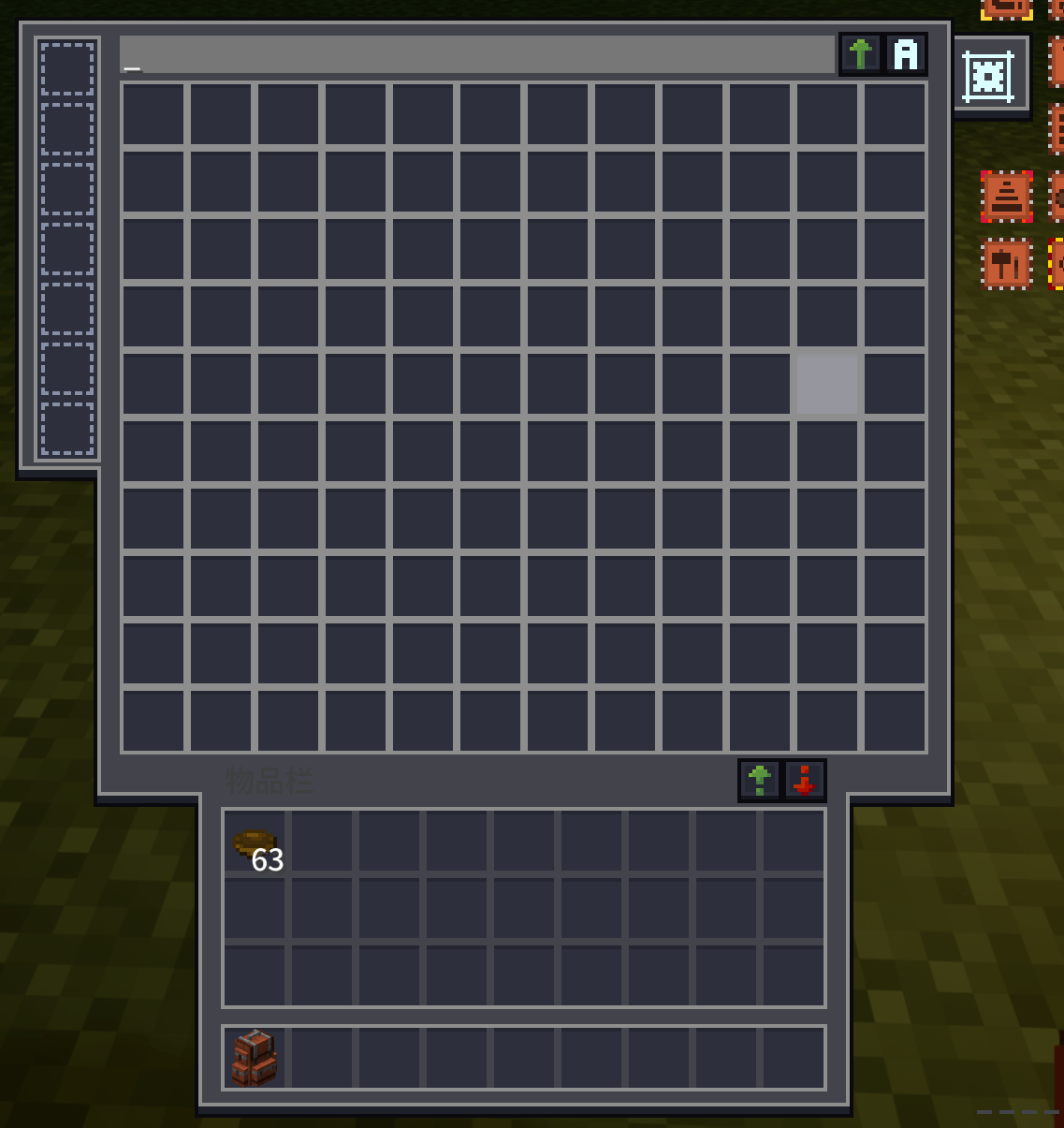
We have added AE-Dark-style UIs for a large number of mods, such as Farmers' Delight, Sophisticated, Avaritia, and so on. The UIs for other mods are currently in the pipeline

Note

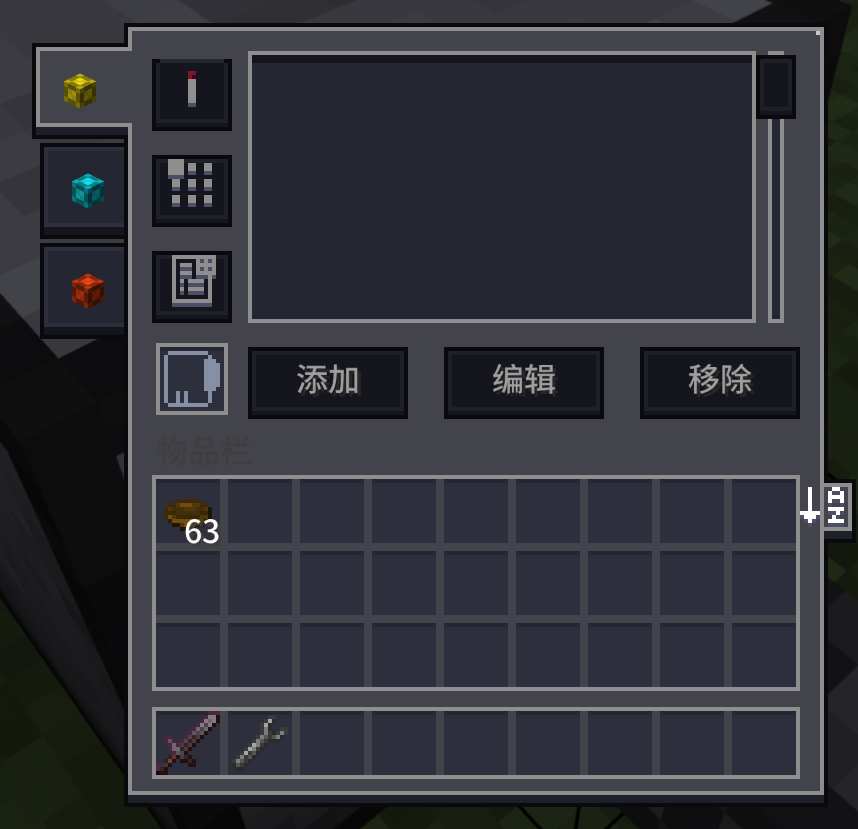
With the assistance of the GTO community, we have specifically adapted for the GregTech Odyssey

Q&A

  • Q: How to use this texture pack.
    A: Place the resource package at the top of the resource package interface. It has undergone many modifications and is not compatible with other AE UI resource packages

中文

适用于1.20版本的AE-UI材质包,包含一定文本修正,贴图修正.

为大量模组添加了AE风格的暗色UI,例如: 农夫乐事,精妙存储,无尽贪婪…,其他mod的UI加紧制作中.

注

在GTO社区帮助下,特别针对GTO整合包进行适配

Q&A

  • Q:如何使用本材质包.
    A:将材质包放在资源包界面最上面,修改过很多内容,与其他AE的UI材质包不兼容

ModList

AE-Dark-UI-GTO-v0.5.6.0.zip
MC 1.20.1, 1.20
Release 2026-06-05 Get
AE-Dark-UI-1.20.1-v3.6.0.zip
MC 1.20.1, 1.20
Release 2026-06-02 Get
AE-Dark-UI-1.20.1-v3.5.8.zip
MC 1.20.1, 1.20
Release 2026-05-28 Get
AE-Dark-UI-1.20.1-GTO-v3.5.7.zip
MC 1.20.1, 1.20
Release 2026-05-25 Get
AE-Dark-UI-1.20.1-GTL-v3.5.7.zip
MC 1.20.1, 1.20
Release 2026-05-25 Get
AE-Dark-UI-1.20.1-v3.5.7.zip
MC 1.20.1, 1.20
Release 2026-05-25 Get
AE-Dark-UI-1.20.1-v3.5.6.zip
MC 1.20.1, 1.20
Release 2026-05-01 Get
AE-Dark-UI-1.20.1-v3.5.5.zip
MC 1.20.1, 1.20
Release 2026-04-03 Get
AE-Dark-UI-1.21.1-v0.1.1.zip
MC 1.21.1
Release 2026-04-03 Get
AE-Dark-UI-1.20.1-v3.5.4.zip
MC 1.20.1, 1.20
Release 2026-03-23 Get
AE-Dark-UI-1.20.1-v3.5.3.zip
MC 1.20.1, 1.20
Release 2026-03-20 Get
AE-Dark-UI-1.20.1-v3.5.2.zip
MC 1.20.1, 1.20
Release 2026-03-08 Get
AE-Dark-UI-1.20.1-v3.5.1.zip
MC 1.20.1, 1.20
Release 2026-03-04 Get

Requirements & install

How to use this resource pack in Minecraft
Resolution
16x
Minecraft
1.20 – 1.21.1
Install folder
.minecraft/resourcepacks

How to install resource packs

  1. Download the resource pack .zip file (do not extract it).
  2. In Minecraft open Options → Resource Packs → Open Pack Folder.
  3. Drop the .zip into the resourcepacks folder (.minecraft/resourcepacks).
  4. Move the pack to the Selected column and click Done.
Browse more: 16x resource packs 32x resource packs 64x resource packs 128x resource packs 256x resource packs 512x+ resource packs Resource Packs for 1.21.1 All resource packs

More from LeeQianXi

Advertisement Remove ads with Premium →

You Might Also Like