Mineuniverse
Resource Packs
Advent of Ascension Resource Pack

Advent of Ascension Resource Pack

RESOURCE PACK
This is just my rendition on textures styled like the new Minecraft sprite art for advent of ascension
by nebsemaj2
Download Claim this project
Add a badge to your pageLink to Advent of Ascension Resource Pack from a README, website or forum post.
Preview: Badge

Badges update automatically and link to the resource pack page on MineUniverse.

2,110 downloads
0 likes
0 followers
Updated Oct 14, 2026
0 hypes
Follow0
16x Miscellaneous Mod Support Traditional
Advertisement Remove ads with Premium →

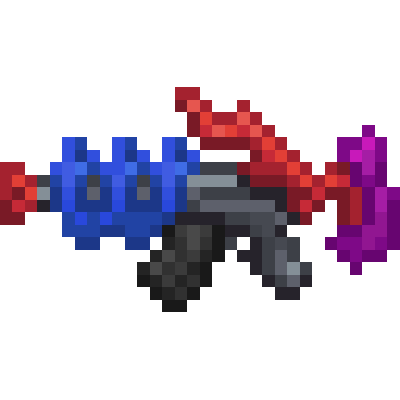
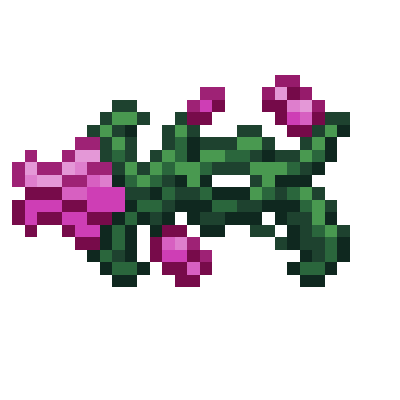
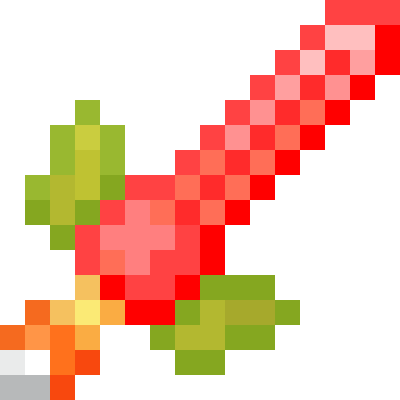
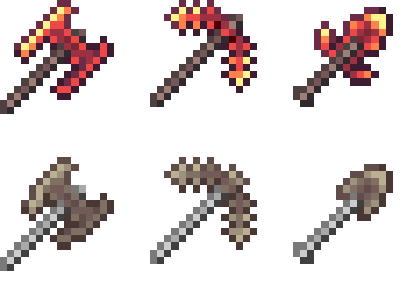
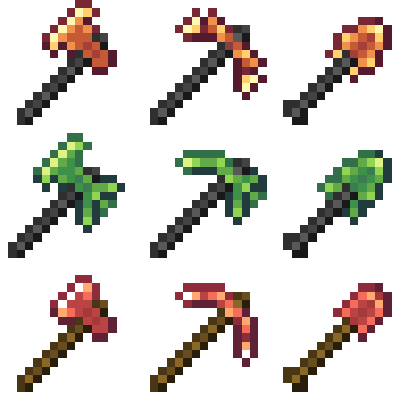
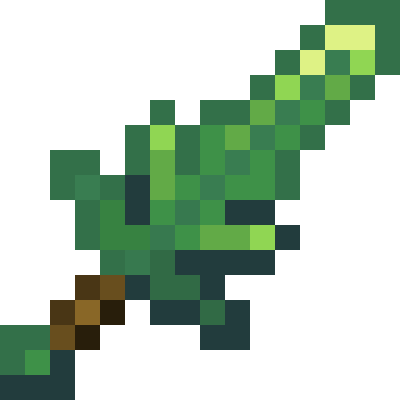
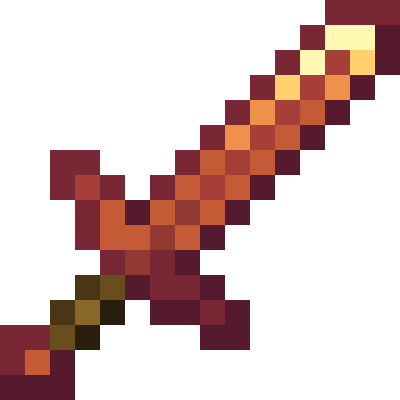
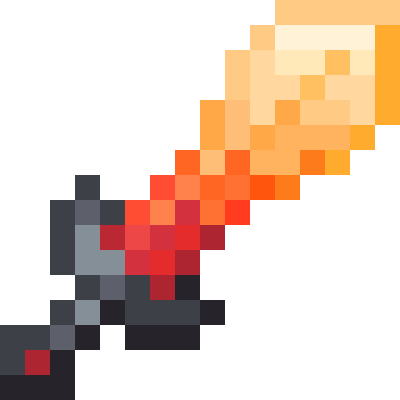
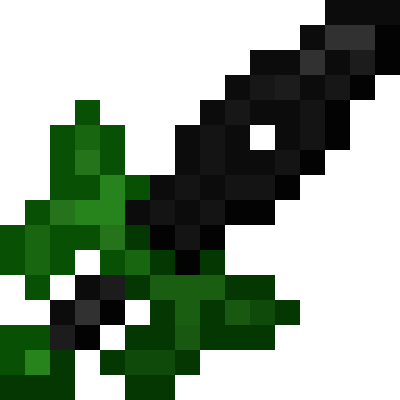
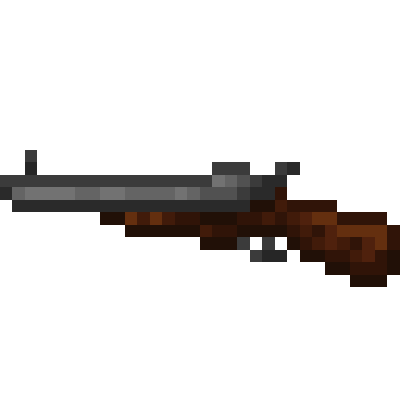
this is a resource pack for the Minecraft mod Advent of Ascension made to make the Advent of Ascension textures feel more in line with the newer artstyle of Minecraft 
this texture pack currently only respites the tools and swords found in the mod, but i will eventually get to respiting other things like foliage and such
if you would like to see some of the work I've done so far you can check the images tab

also just to say, all credit goes to the original sprite artist for advent of ascension, as most of my work is just done in making the sprites look 1.16-ey.

updates every like, 2 - 6 months or whenever i randomly start making a bunch of sprites i guess

Advent 1.13 Textures Pack
MC 1.16.3, 1.16.1, 1.16, 1.16.5, 1.16.4, 1.16.2
Alpha 2022-05-03 Get
Advent 1.13 Textures Pack
MC 1.16.3, 1.16.1, 1.16, 1.16.5, 1.16.4, 1.16.2
Release 2022-02-21 Get
Advent 1.13 Textures Pack
MC 1.16.3, 1.16.1, 1.16, 1.16.5, 1.16.4, 1.16.2
Release 2021-12-08 Get
Advent 1.13 Texture Pack
MC 1.16.3, 1.16.1, 1.16, 1.16.5, 1.16.4, 1.16.2
Release 2021-10-07 Get
Advent 1.13 Textures Pack
MC 1.16.3, 1.16.1, 1.16, 1.16.5, 1.16.4, 1.16.2
Release 2021-09-03 Get
Advent 1.13 Textures Pack.zip
MC 1.16.3, 1.16.1, 1.16, 1.16.5, 1.16.4, 1.16.2
Release 2021-07-13 Get

Requirements & install

How to use this resource pack in Minecraft
Resolution
16x
Minecraft
1.16 – 1.16.5
Install folder
.minecraft/resourcepacks

How to install resource packs

  1. Download the resource pack .zip file (do not extract it).
  2. In Minecraft open Options → Resource Packs → Open Pack Folder.
  3. Drop the .zip into the resourcepacks folder (.minecraft/resourcepacks).
  4. Move the pack to the Selected column and click Done.
Browse more: 16x resource packs 32x resource packs 64x resource packs 128x resource packs 256x resource packs 512x+ resource packs Resource Packs for 1.16.5 All resource packs
Advertisement Remove ads with Premium →

You Might Also Like