Mineuniverse
Resource Packs
Actually Not Bad 3D Stuff

Actually Not Bad 3D Stuff

RESOURCE PACK
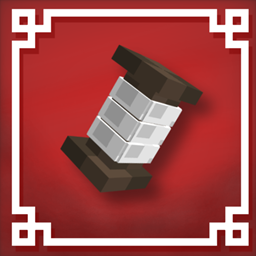
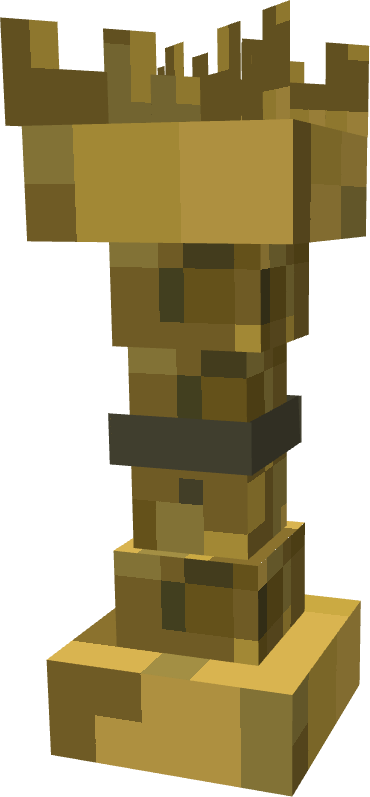
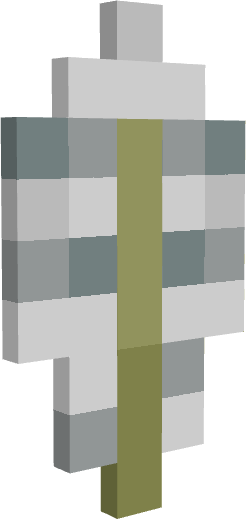
This resource pack adds 3D Models for items that Actually 3D Stuff didn't
by notprofanelanguage
Download Claim this project
Add a badge to your pageLink to Actually Not Bad 3D Stuff from a README, website or forum post.
Preview: Badge

Badges update automatically and link to the resource pack page on MineUniverse.

12,454 downloads
0 likes
0 followers
Updated Oct 14, 2026
0 hypes
Follow0
16x Miscellaneous
Advertisement Remove ads with Premium →

Logo

Actually Not Bad 3D Stuff

Warning: This is an early build.BETA-2.5 released!

Open for testing.

You can make a YouTube video about it or test it alone.

Hold My Items mod is REQUIRED.

Features

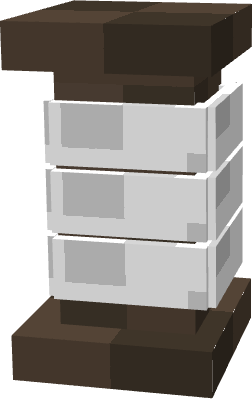
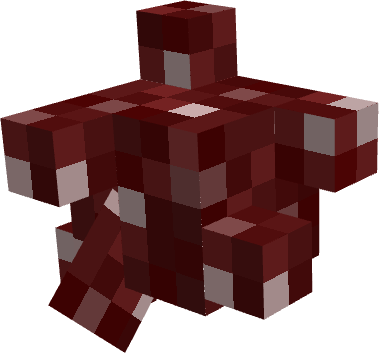
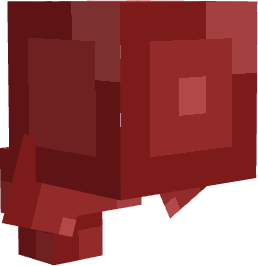
3D models for:

-String

-Wheat

-Spider Eye

-Fermented Spider Eye

-Feather


Leaks/Pictures

No leaks right now


-Optimized 3D models for better performance

-Adds more items in 3D that weren’t included in Actually 3D Stuff

News / Development Status

BETA released, full release is not available yet.

Actively working on it every day, but development is slow.

Planned Release: April 21, 2026

Some textures/models may not display correctly yet

•By downloading this pack,you agree to these terms:

You may:

-Redistribute this pack while showing clear sign of credit towards me.

-Add elements/things in it for personal use.

-Send it to your friends modified or normally.

-Put it in your modpack.

You may not:

-Upload it to third party websites without permission/credit.

-Reupload to modrinth unmodified,and without credit.

-Claim this pack as your own.

ANB3DS BETA-2.5
MC 1.21.8, 1.21.6, 1.21.7, 1.21.9, 1.21.10, 1.21.11
Beta 2026-02-28 Get
Actually Not Bad 3D Stuff (BETA-2.1) (2).zip
MC 1.21.8, 1.21.6, 1.21.7
Beta 2026-02-27 Get

Requirements & install

How to use this resource pack in Minecraft
Resolution
16x
Minecraft
1.21.6 – 1.21.11
Install folder
.minecraft/resourcepacks

How to install resource packs

  1. Download the resource pack .zip file (do not extract it).
  2. In Minecraft open Options → Resource Packs → Open Pack Folder.
  3. Drop the .zip into the resourcepacks folder (.minecraft/resourcepacks).
  4. Move the pack to the Selected column and click Done.
Browse more: 16x resource packs 32x resource packs 64x resource packs 128x resource packs 256x resource packs 512x+ resource packs Resource Packs for 1.21.11 All resource packs

More from notprofanelanguage

Advertisement Remove ads with Premium →

You Might Also Like