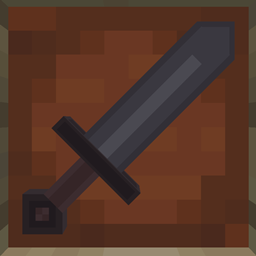
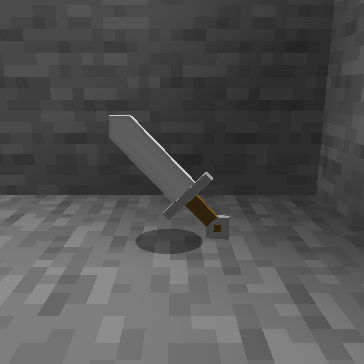
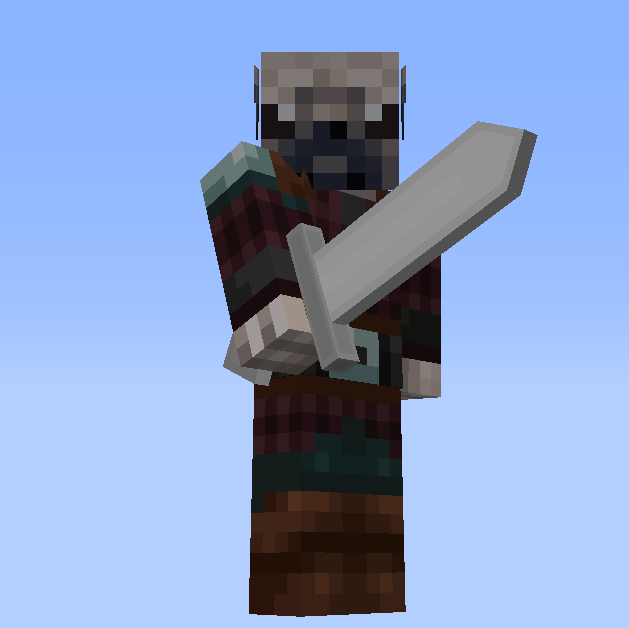
Did you ever get tired of Minecraft's diagonal items? So did I! Now all of your tools swords, currently, have straightened models and re-appropriated textures. The pack is designed to fit right in with the vanilla textures and cause no impact on performance. OptiFine is not needed for the models to render properly.
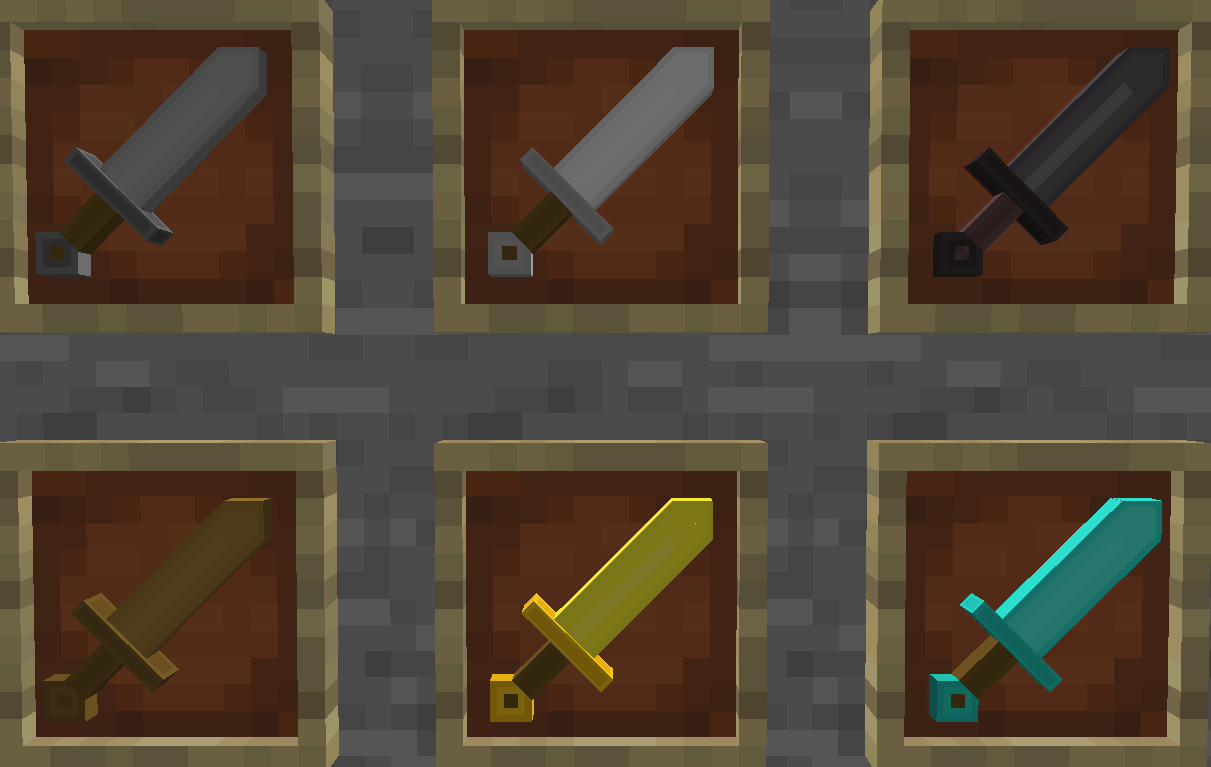
Swords
Swords now have a defined edge and are scaled near-perfectly compared to the default models.
Quality of Life Changes
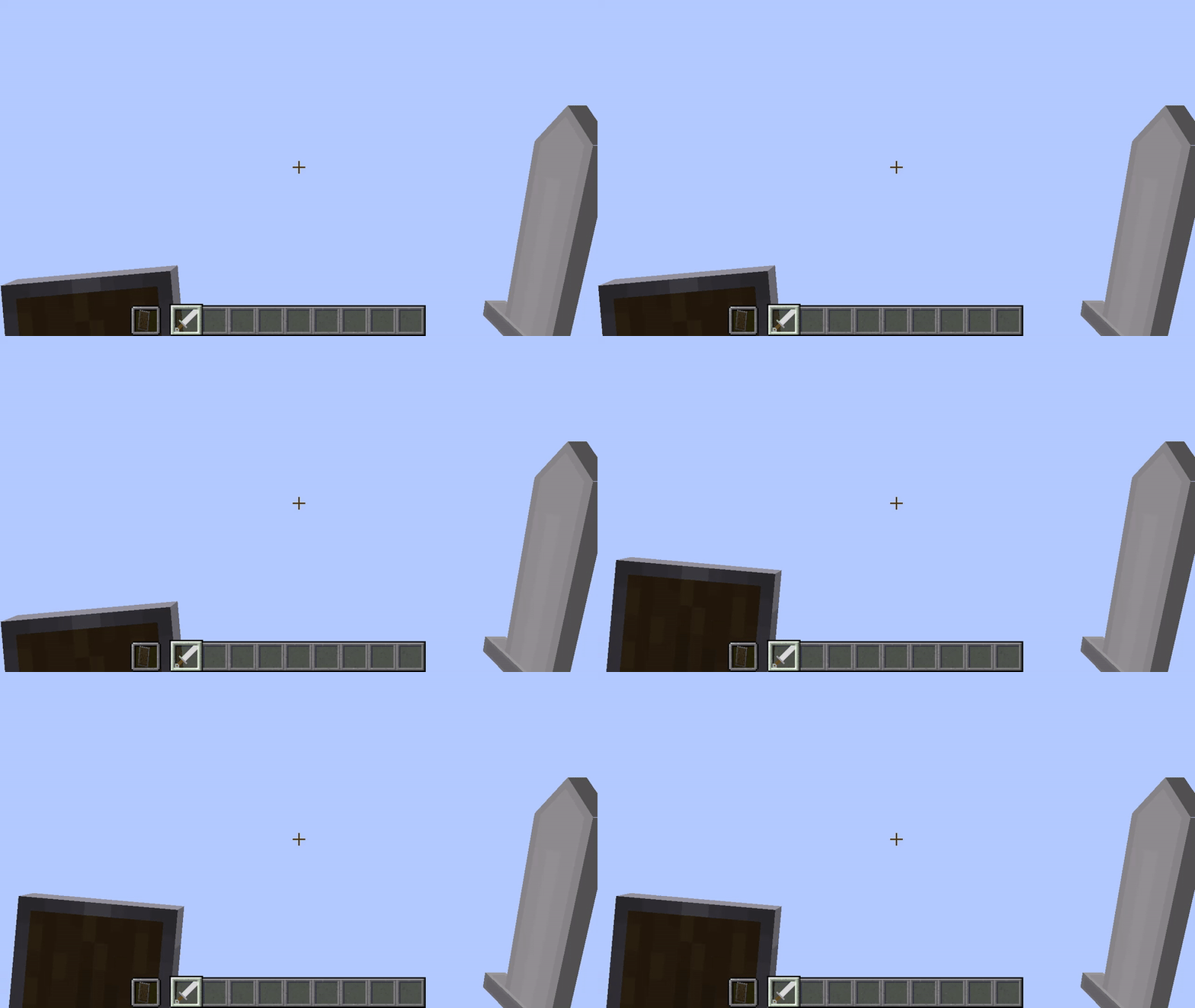
Shields
Shields are now smaller in first-person and no longer obstruct the player's vision.
Other tools are planned.
I use Blockbench to make my models, and can recommend it for any 3D modeling for Minecraft, including for mods.
All Rights Reserved
You are allowed to:
- Edit models for private use only.
- Upload a heavily modified version of the pack under your name, crediting/linking to this page.
You are NOT allowed to:
- Redistribute the pack in any way shape, or form.
- Claim ownership of this project.
- Post the project on another website or CurseForge page.
- Charge money for a heavily modified version of the pack.
You may use this in a video or other media that you release, but you MUST put an easily accessible link to this page!
Please direct any Issues to the Issues tab, stating what version of Minecraft you are using and whether or not you used OptiFine.