Mineuniverse
Resource Packs
Acidul's Wolves [OPTIFINE/EMF]

Acidul's Wolves [OPTIFINE/EMF]

RESOURCE PACK
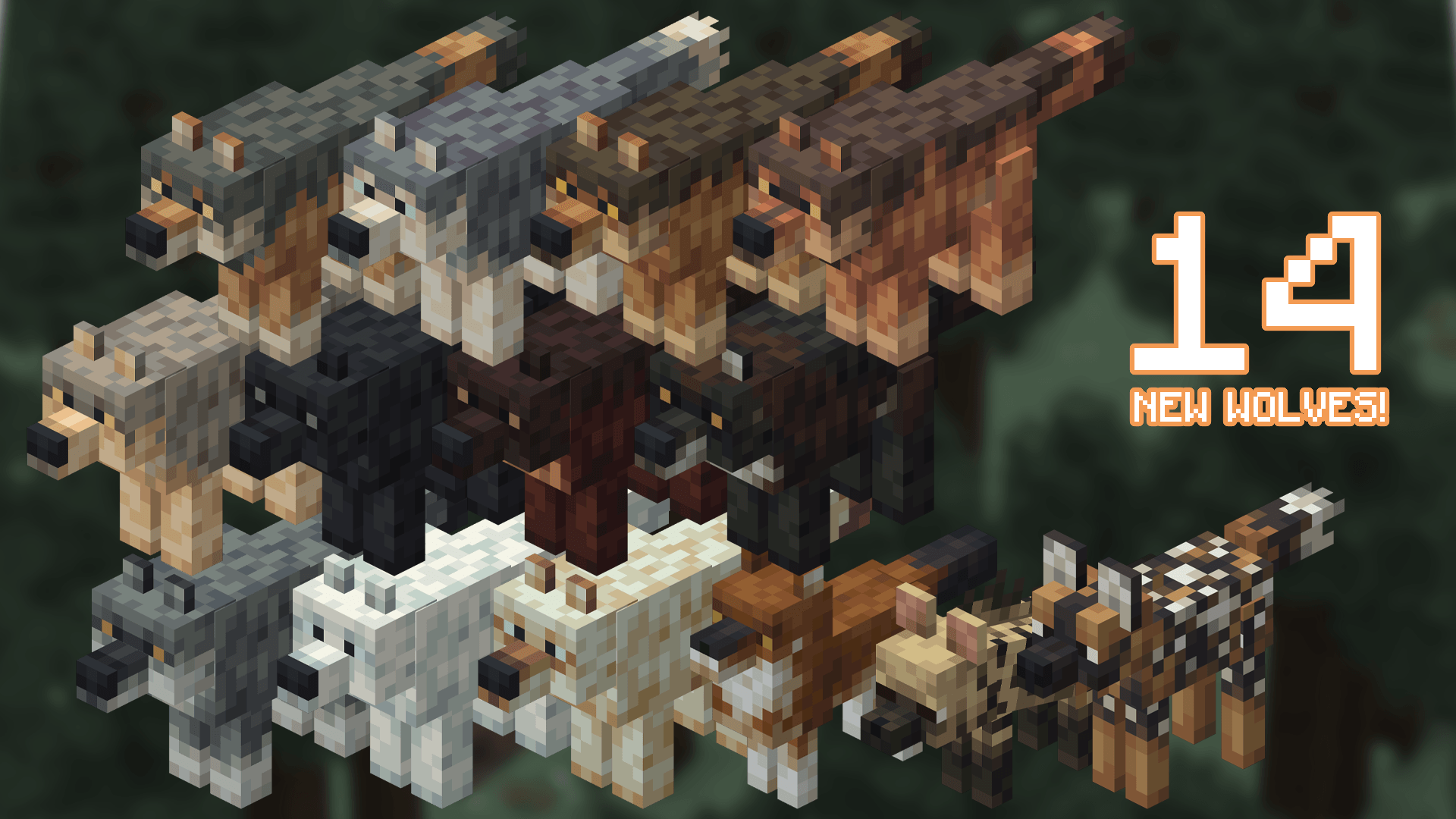
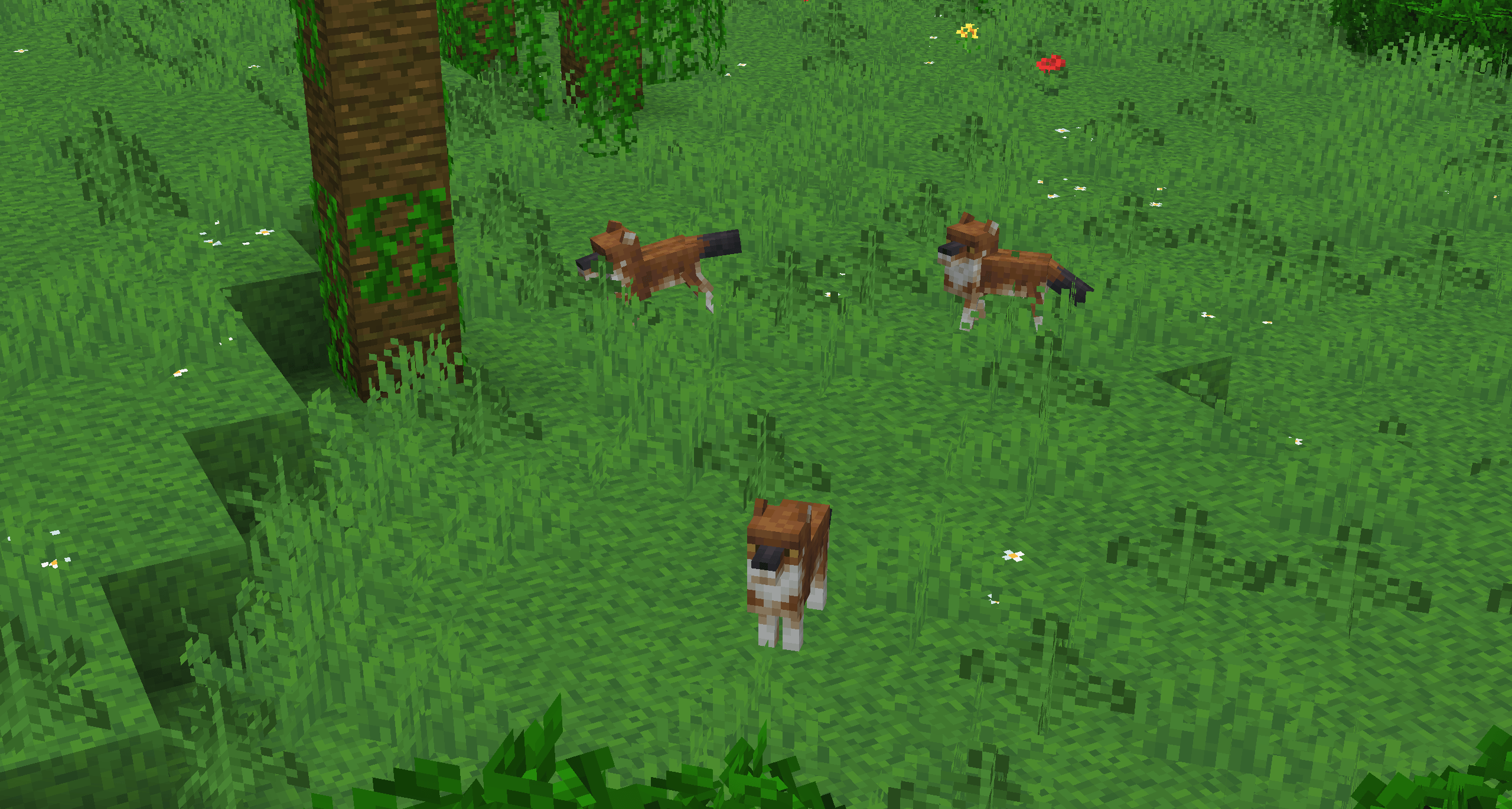
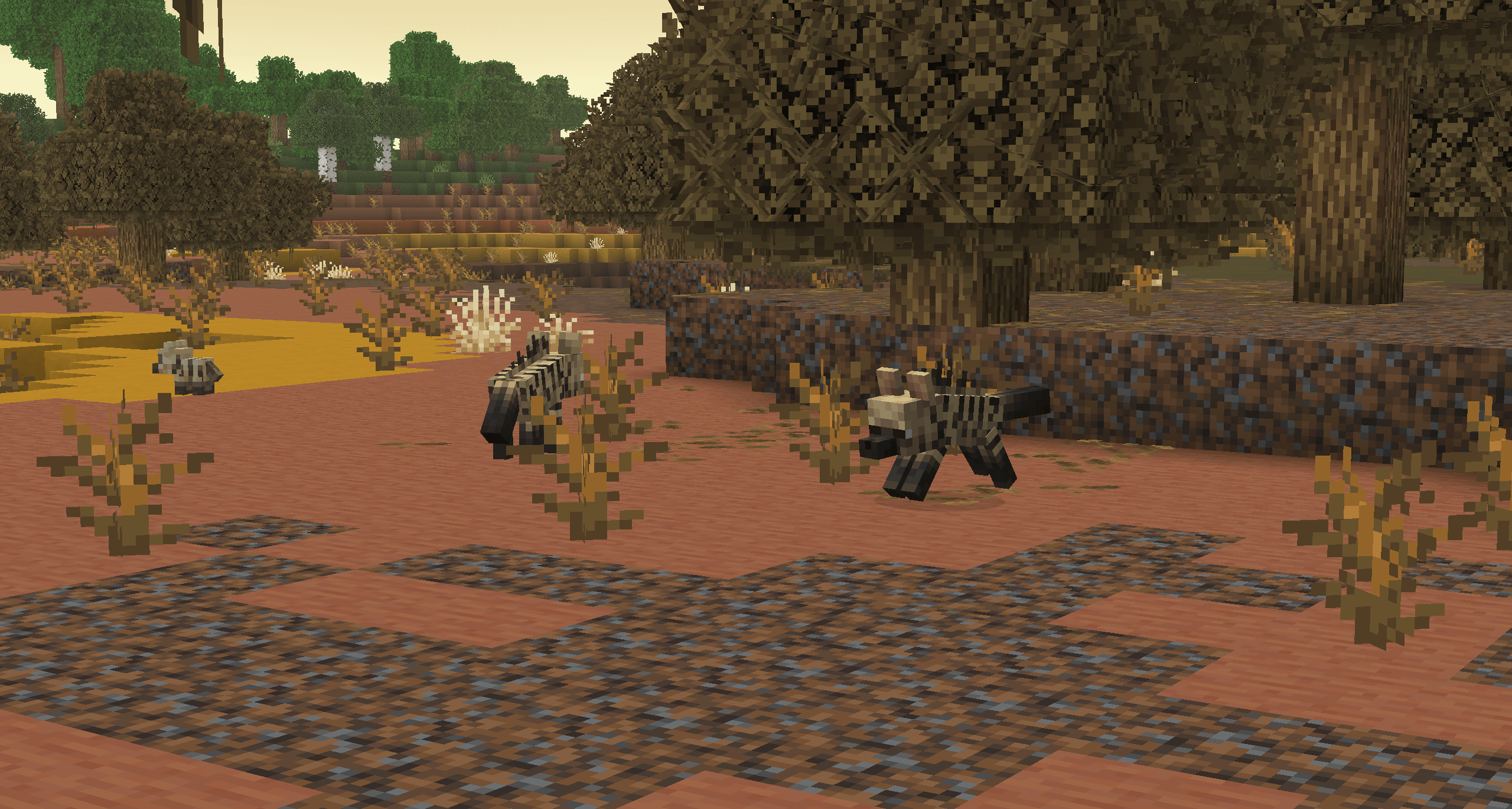
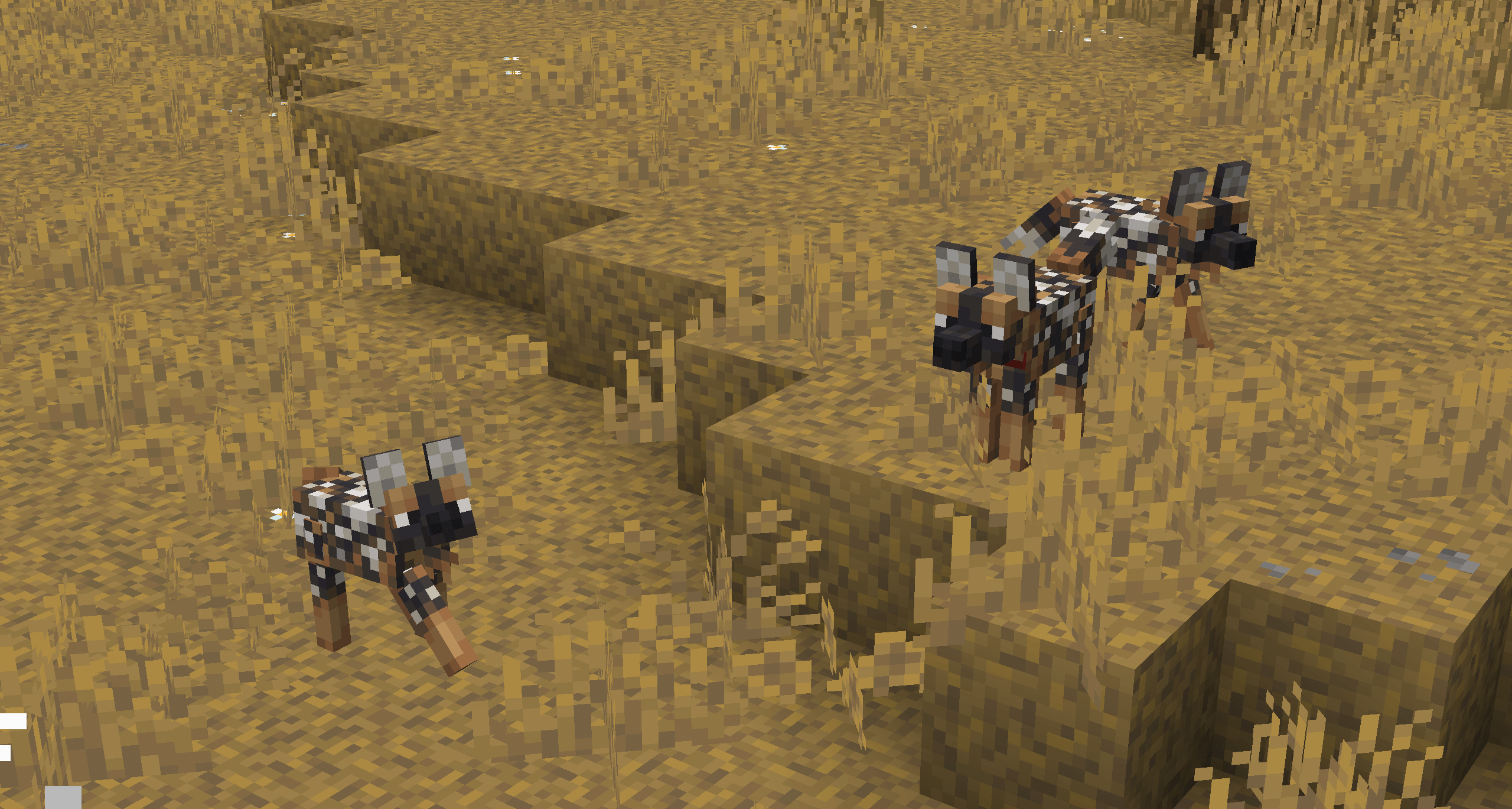
A resource pack that aims to replace vanilla wolves (and their variants) with 14 new wolf types stylizeed around modern Minecraft.
by aciduul
Download Claim this project
Add a badge to your pageLink to Acidul's Wolves [OPTIFINE/EMF] from a README, website or forum post.
Preview: Badge

Badges update automatically and link to the resource pack page on MineUniverse.

1,207 downloads
0 likes
0 followers
Updated Oct 14, 2026
0 hypes
Follow0
16x Animated
Advertisement Remove ads with Premium →

Welcome to the New and Improved Acidul's Wolves Resource Pack!

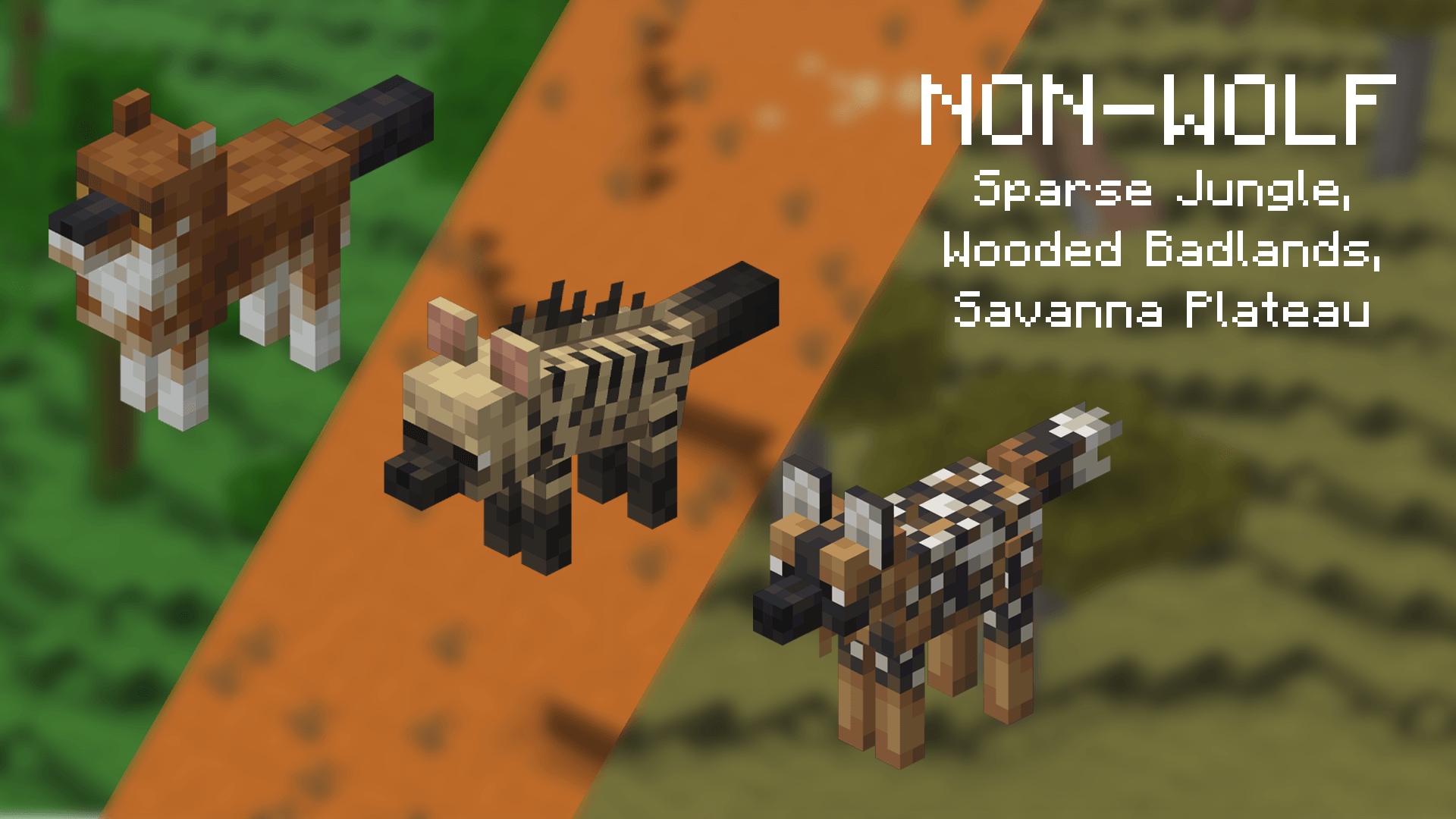
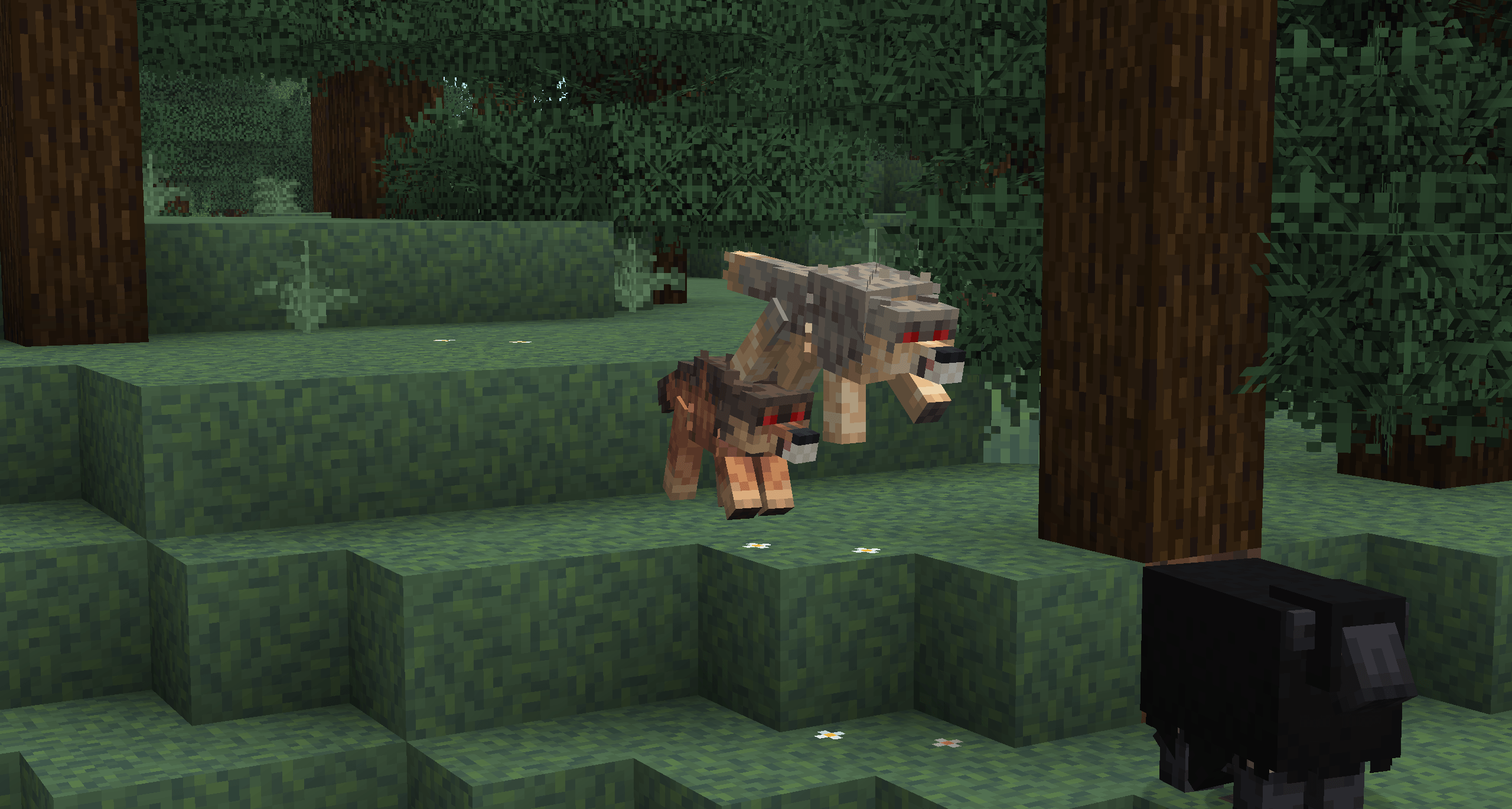
This pack aims to replace vanilla wolves (and their variants) with 14 new wolf types styled around modern Minecraft.

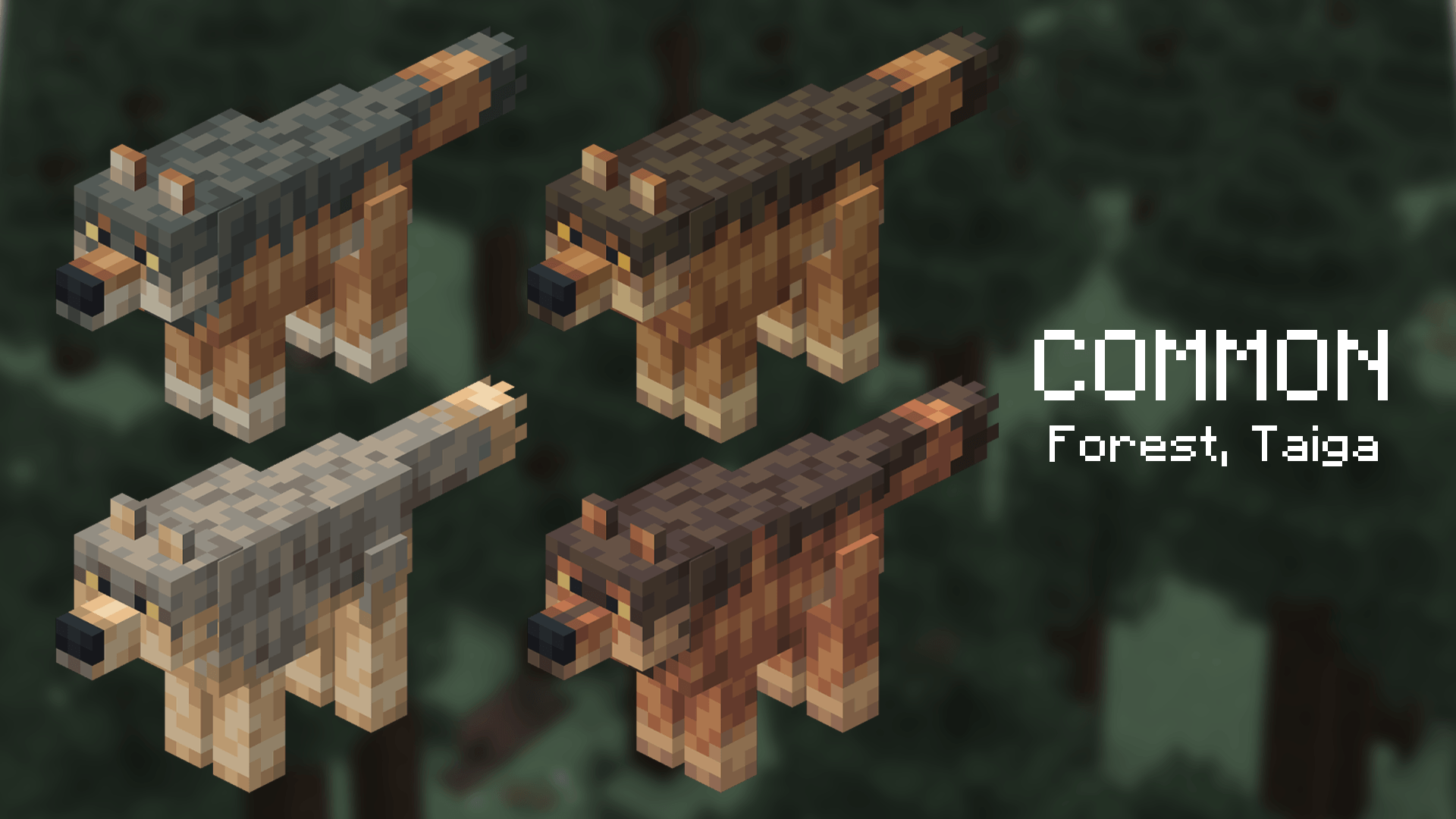
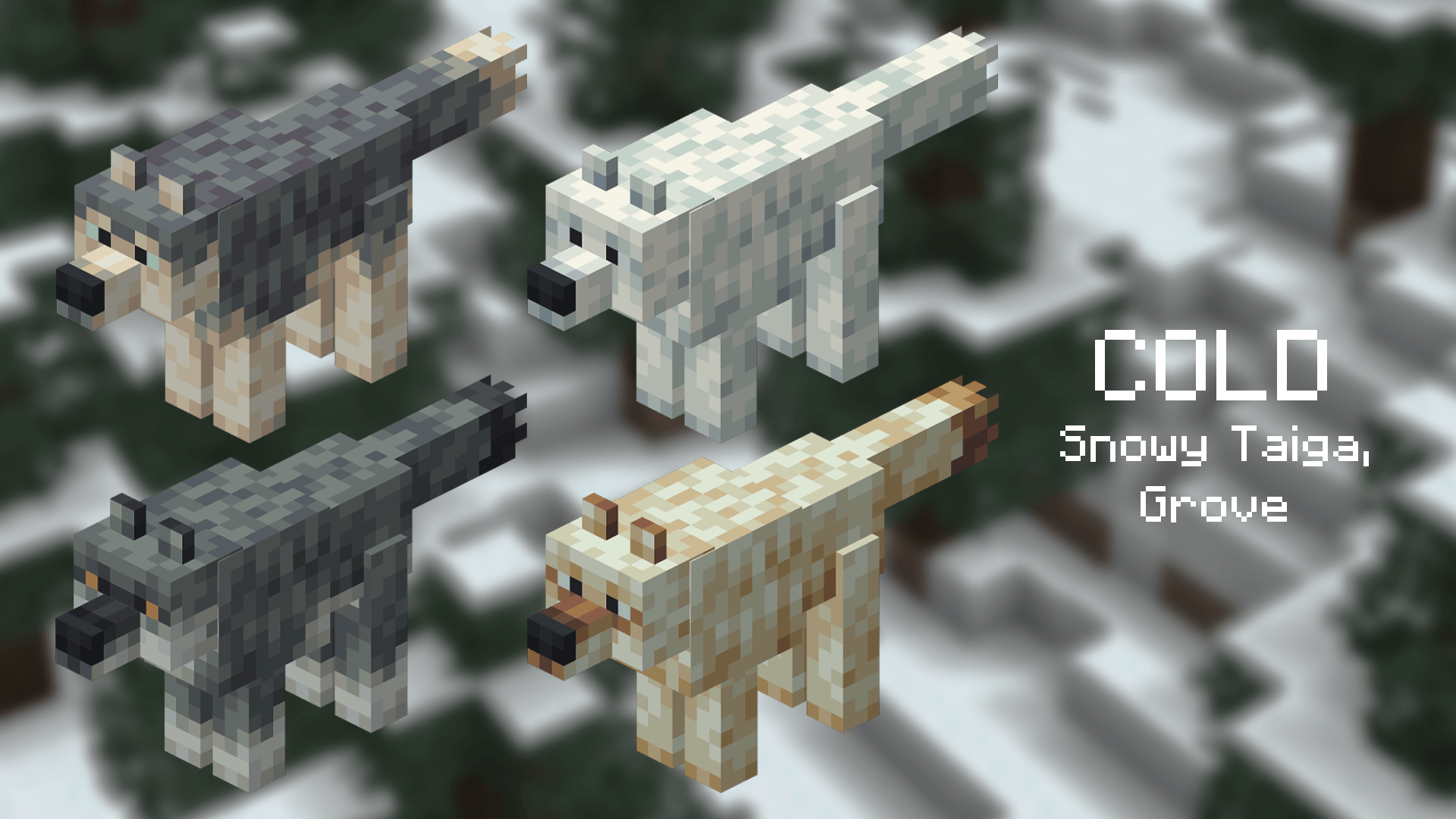
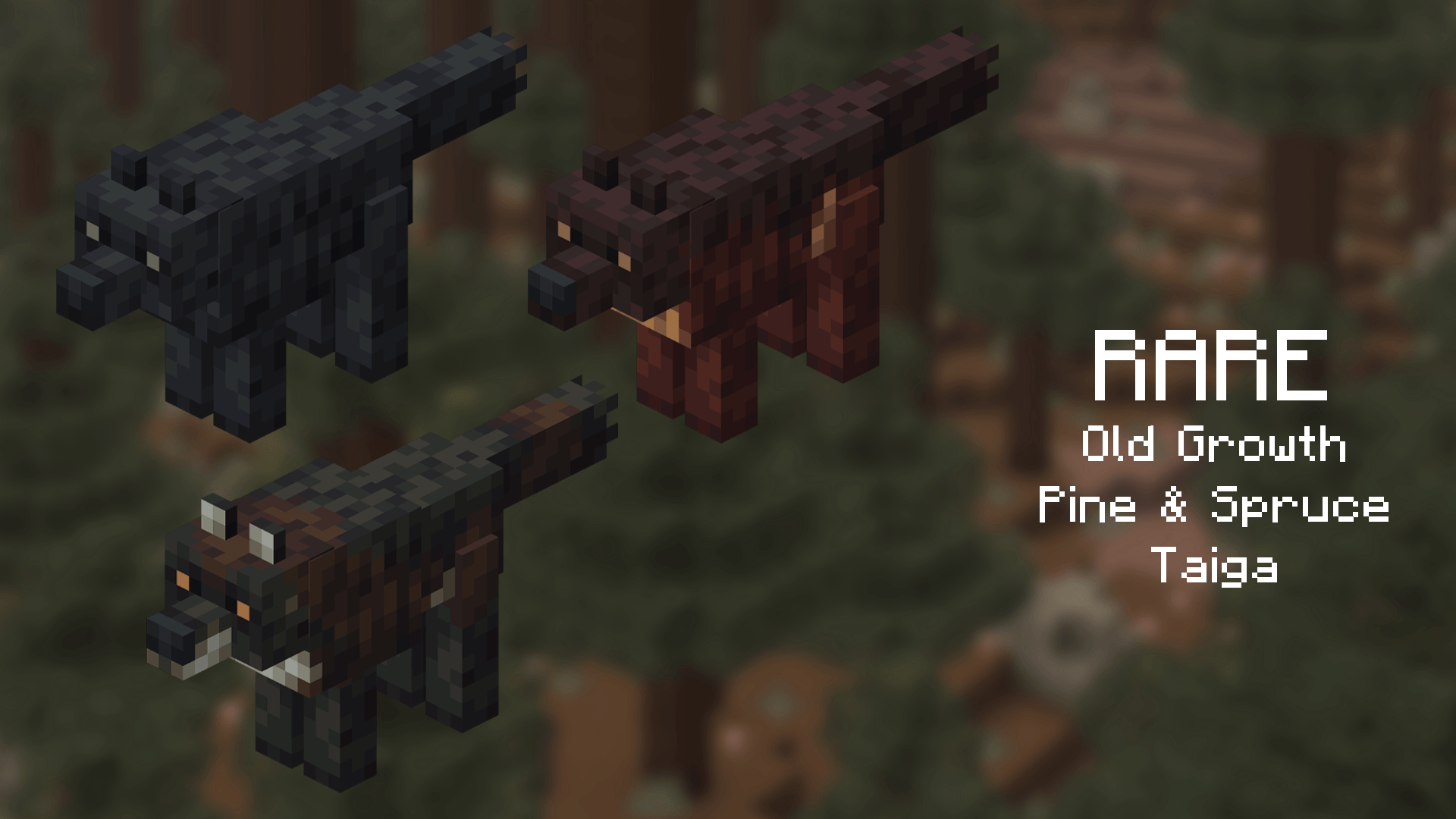
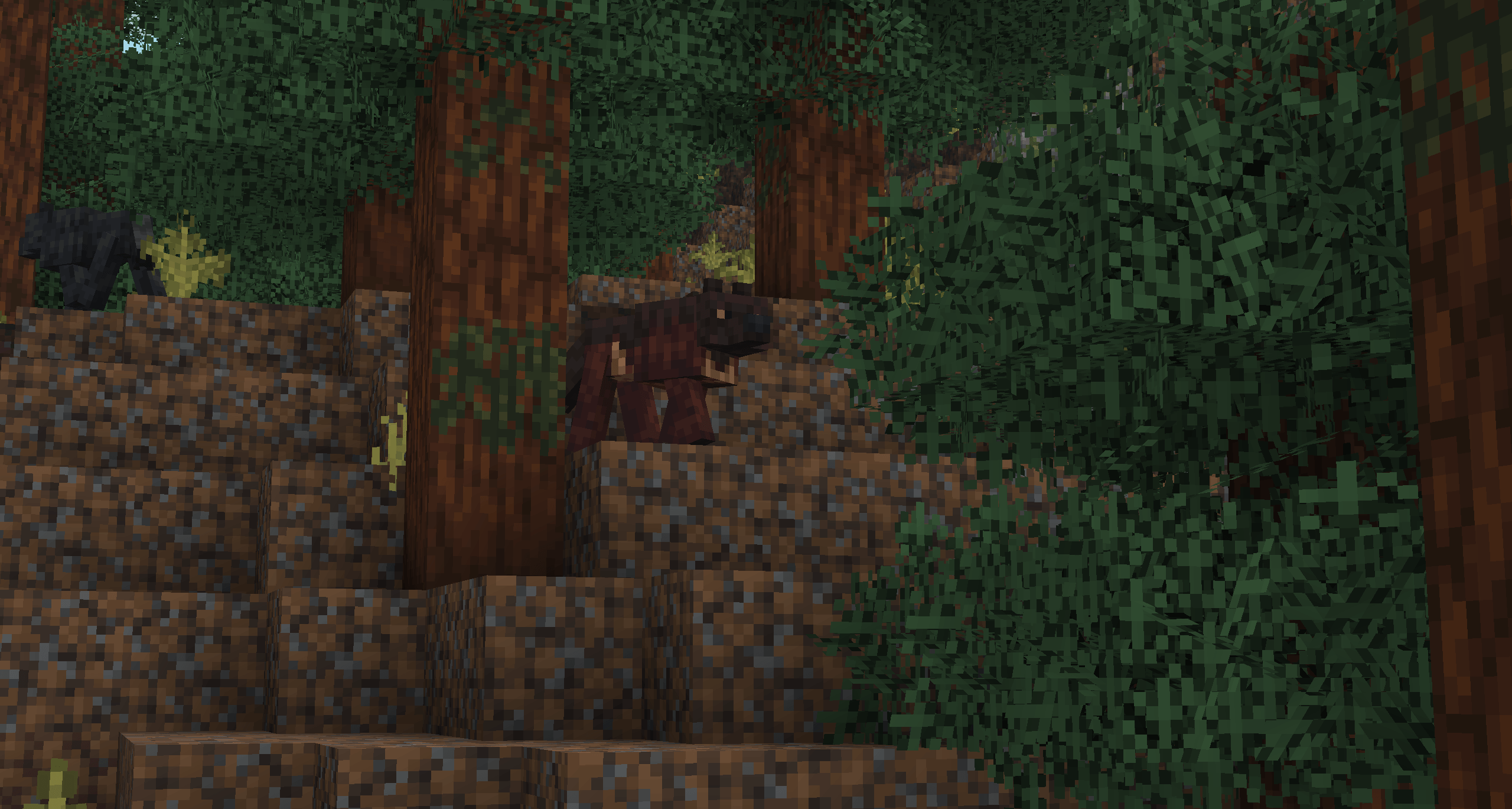
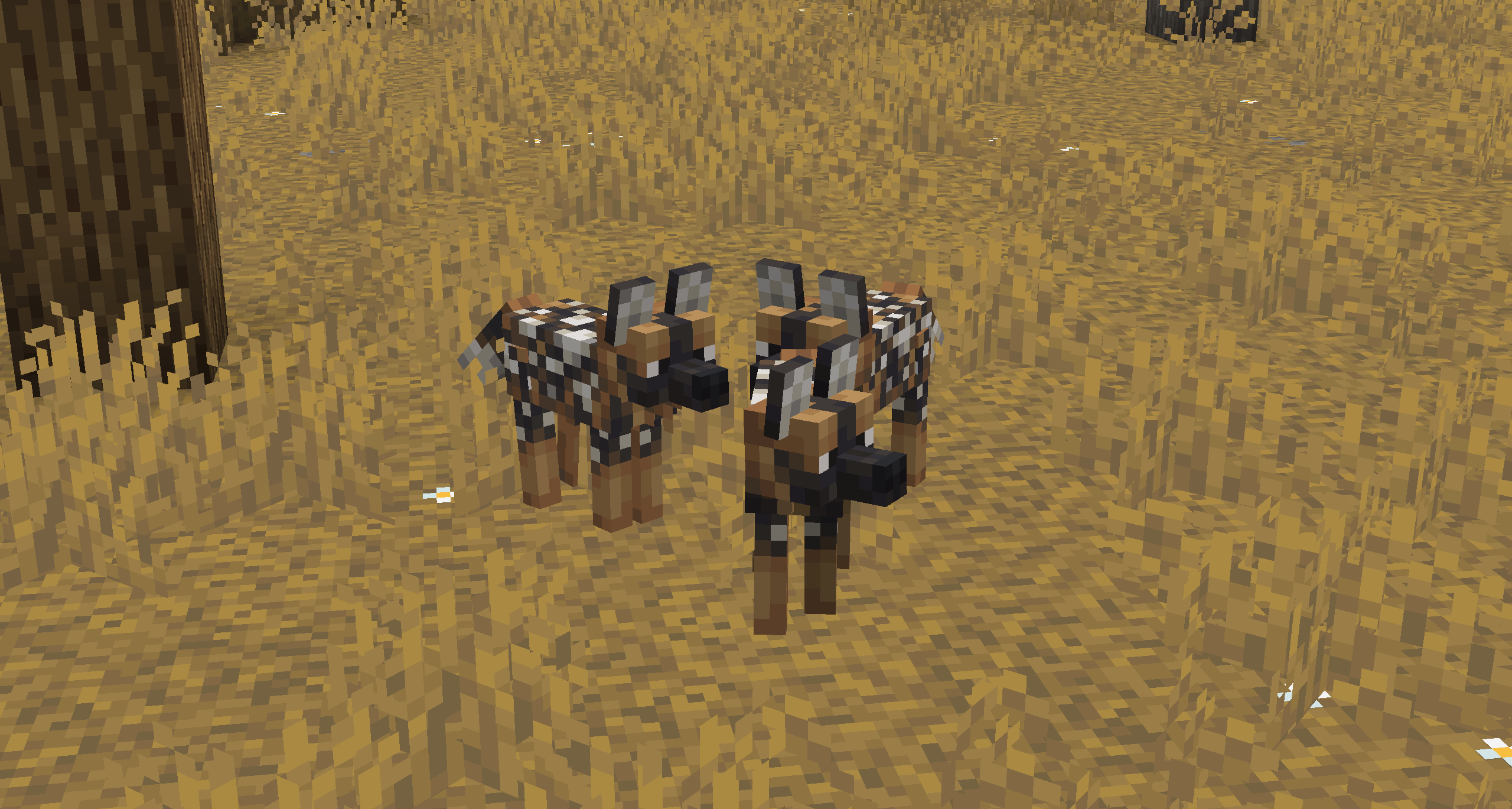
Added are 12 wolf variants along with three alternative takes on the vanilla Spotted, Rusty, and Striped wolf variants. Each wolf is bigger, uniquely textured, has custom animations, and have biome-based colors/coats. I also added custom puppy models.

The purpose of this pack is purely a subjective redesign that I saw necessary solely for my own enjoyment. It is not a criticism of Minecraft's art direction, it is just how I want MY Minecraft wolves to look.

DISCLAIMER: The biome-specific alternate models (Striped, Rusty, Spotted) will break if they are spawned outside their respective biomes when using OptiFine. I recommend not moving your Spotted, Rusty and Striped wolves outside their native biomes. Sorry!

!!!! OptiFine/ETF+EMF REQUIRED !!!!

[I recommend the latest version for all, here are the links: OptiFine ETF EMF]


aciduls_wolves.v.2.1.zip
MC 1.21.8
Release 2025-09-05 Get

Requirements & install

How to use this resource pack in Minecraft
Resolution
16x
Minecraft
1.21.8
Install folder
.minecraft/resourcepacks

How to install resource packs

  1. Download the resource pack .zip file (do not extract it).
  2. In Minecraft open Options → Resource Packs → Open Pack Folder.
  3. Drop the .zip into the resourcepacks folder (.minecraft/resourcepacks).
  4. Move the pack to the Selected column and click Done.
Browse more: 16x resource packs 32x resource packs 64x resource packs 128x resource packs 256x resource packs 512x+ resource packs Resource Packs for 1.21.8 All resource packs
Advertisement Remove ads with Premium →

You Might Also Like