Mineuniverse
Resource Packs
Accuratecture

Accuratecture

RESOURCE PACK
A resourcepack that changes default minecraft blocks more useful.
by BowskeCraft
Download Claim this project
1,562 downloads
0 likes
Updated Oct 14, 2026
0 hypes
16x Traditional
Advertisement Remove ads with Premium →

Accuratecture

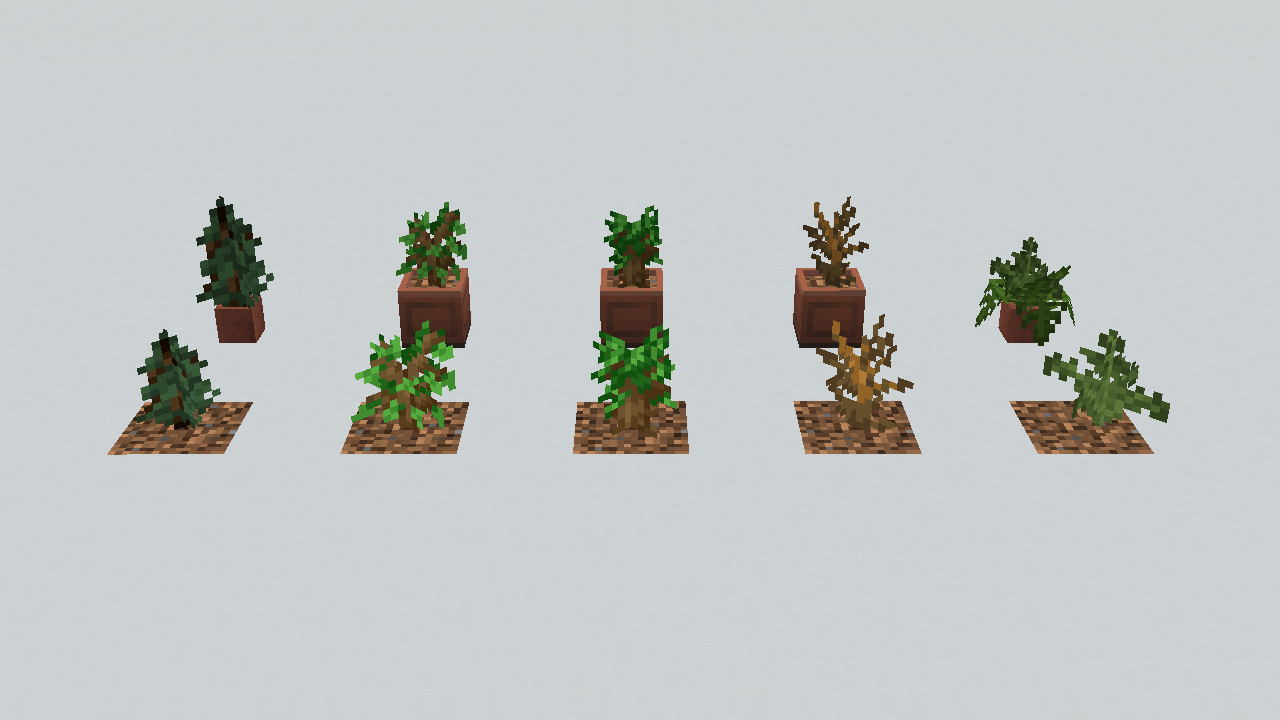
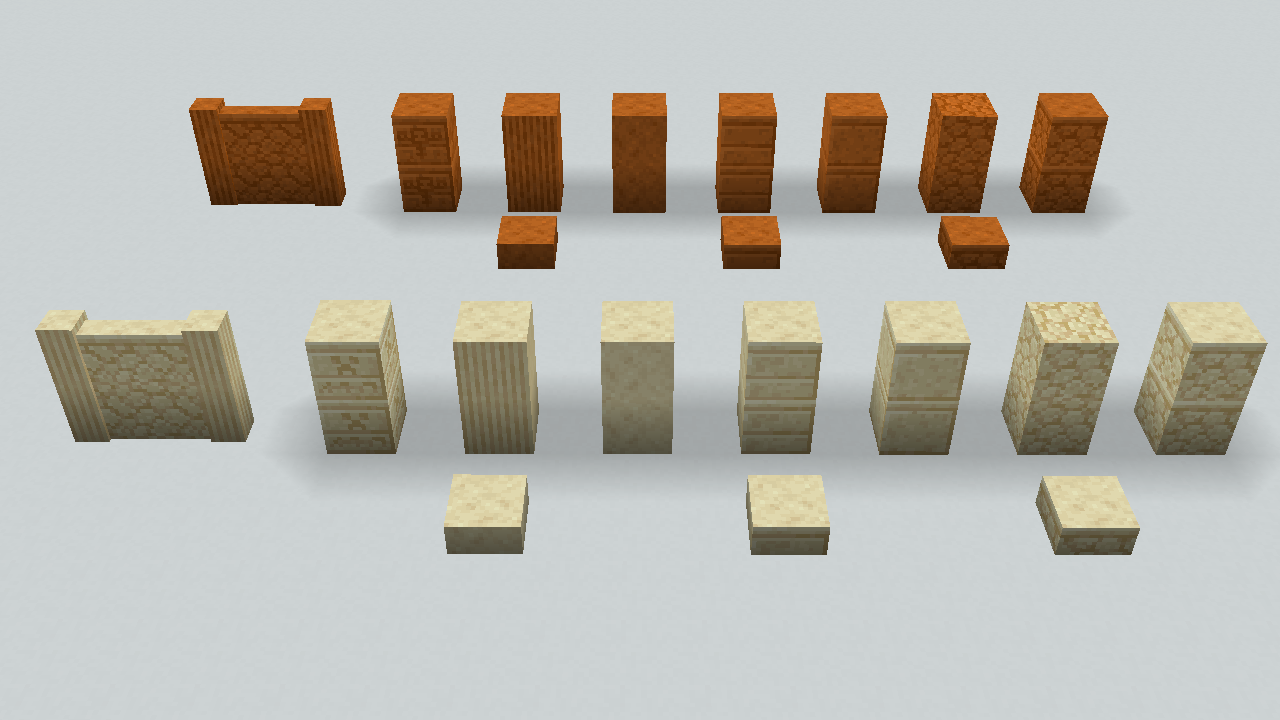
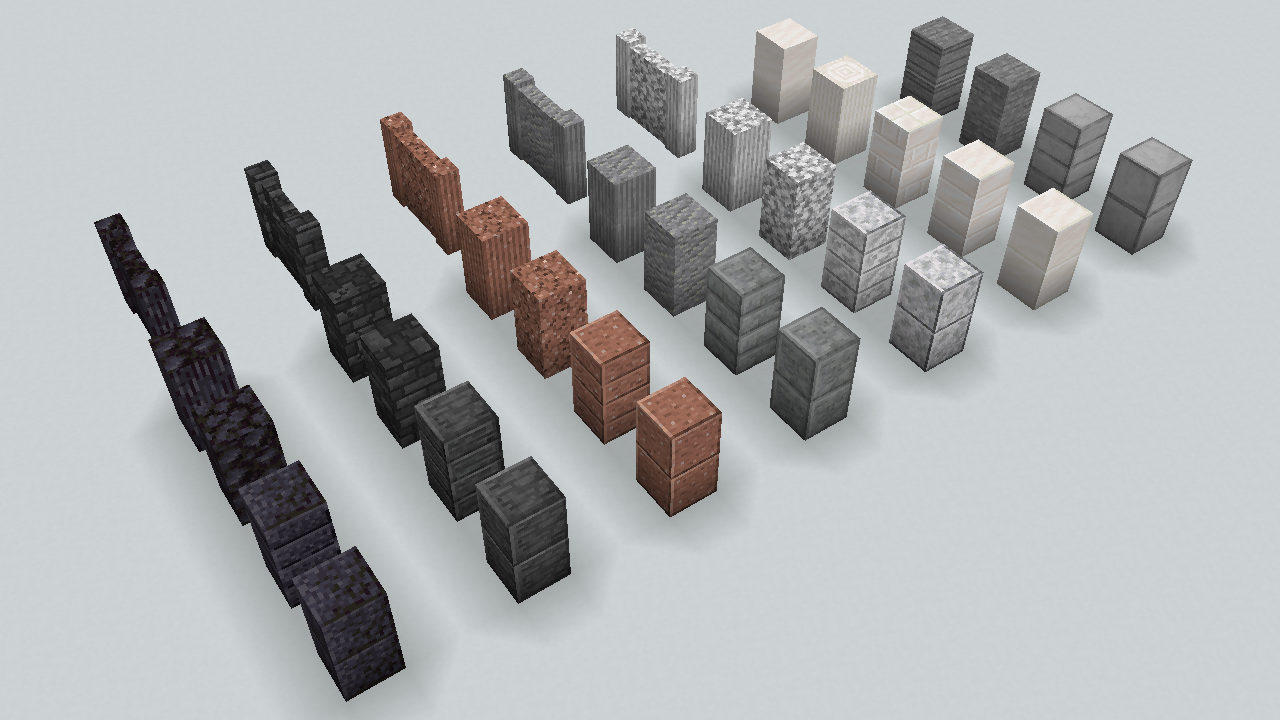
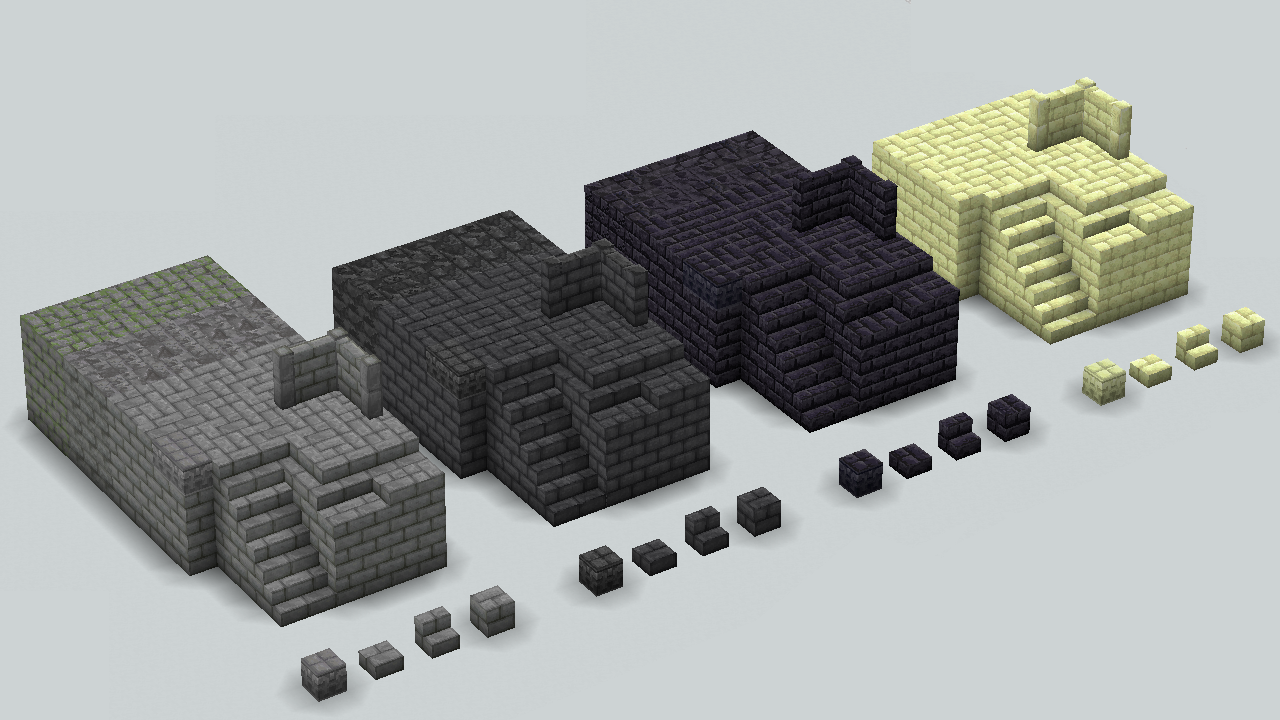
"Accuratecture" is a 16x resource pack that partiallly conform default minecraft resourcepack.This pack is a personal project by βøɯșke'sCraftRoom.

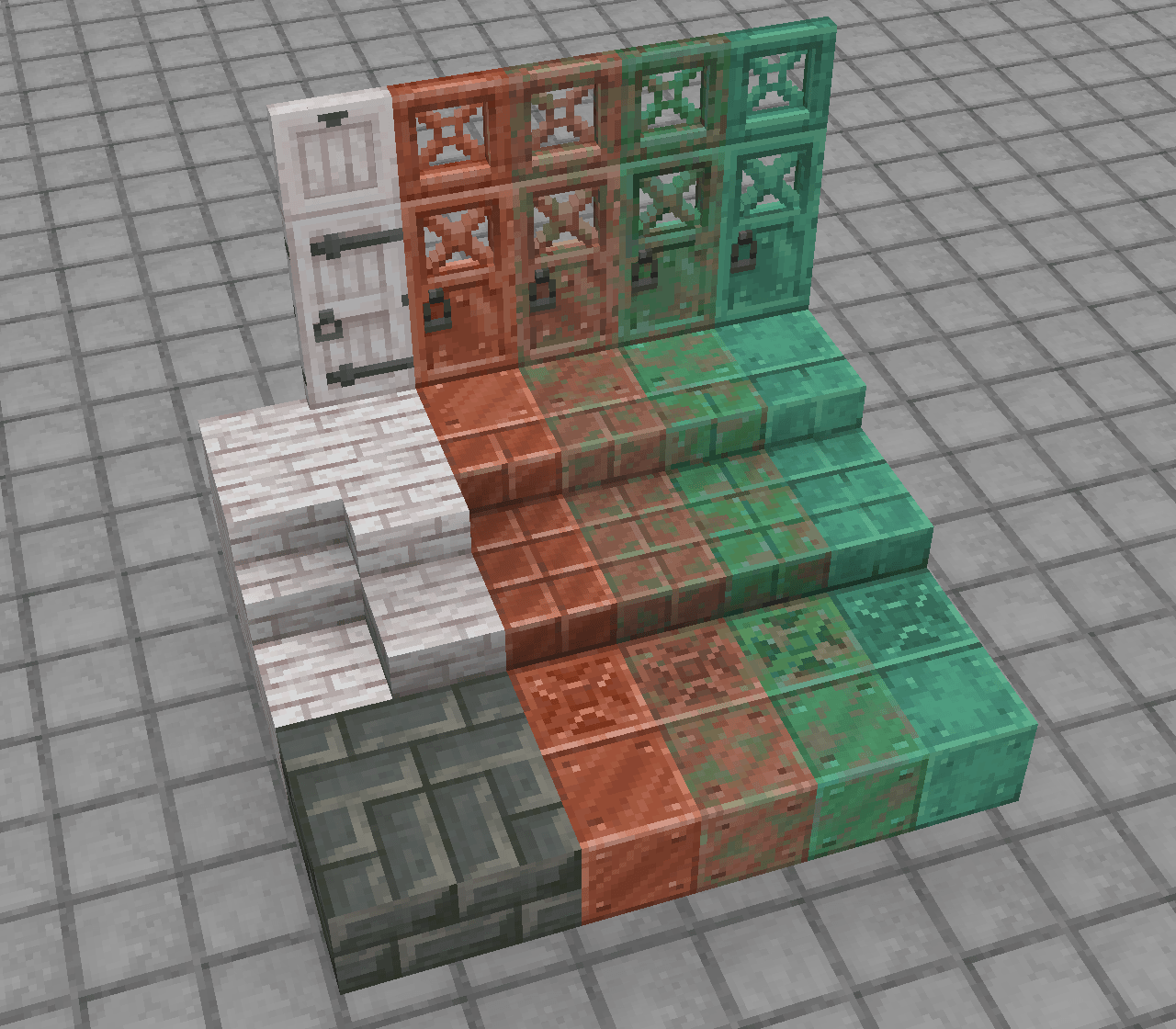
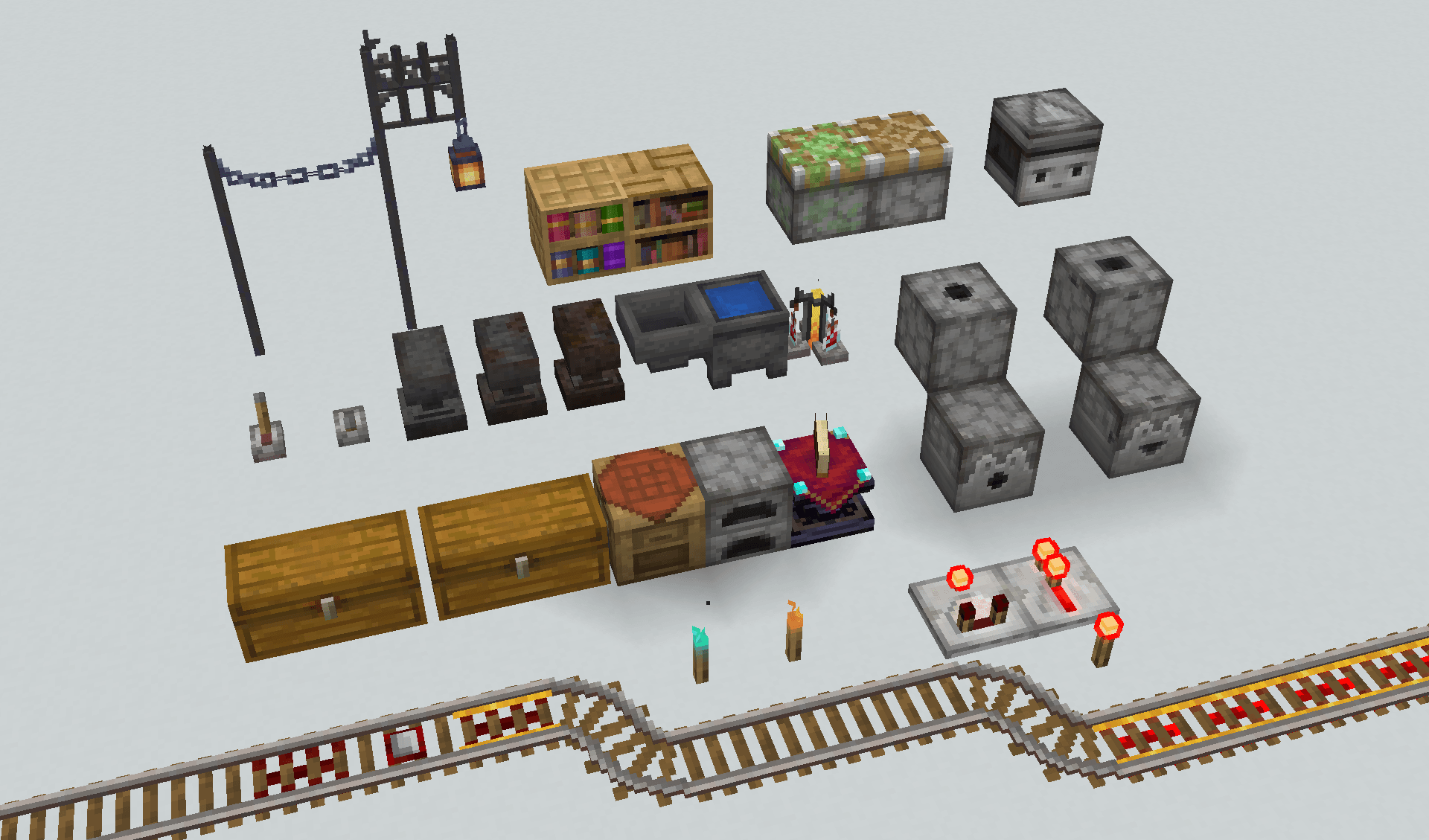
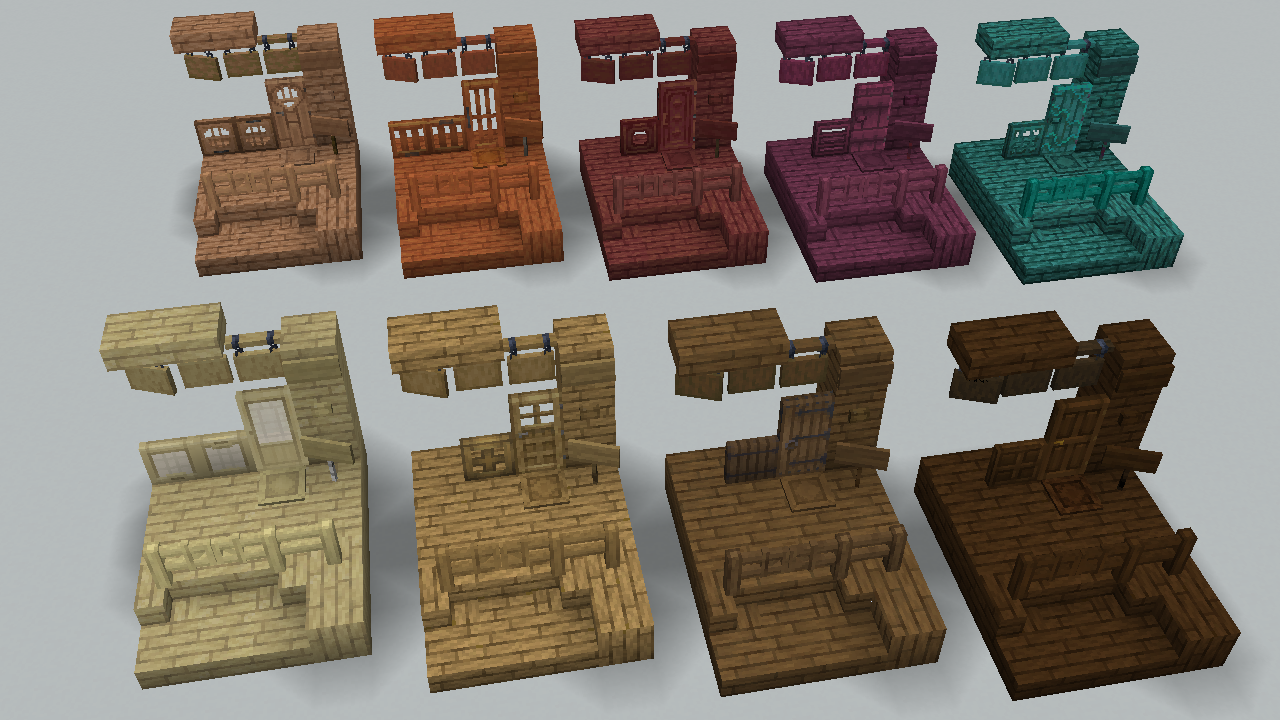
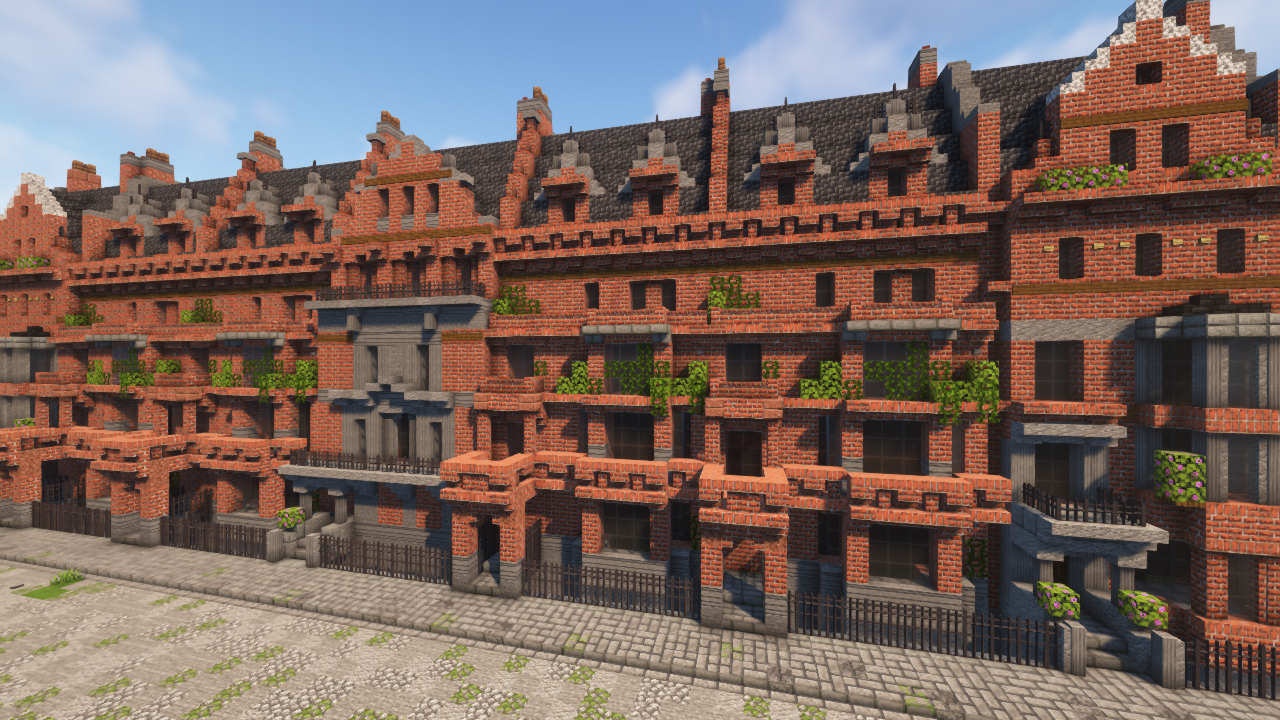
The textures of this pack is like default one in terms of its colors,but the patterns are not. Not all blocks are supported,but there must be little discomfort even when you put blocks together.

This pack don't assumes another resource packs that changes vanilla blocks. We don't guarantee the behavior when used with them.

This pack is NOT for Bedrock Edition. For technical reasons, NO future supports for it are planned either.

This pack is under development. Some blocks are not supported yet , but I planning to support eventually.

Pack features


Features:

  • Better block Appearance

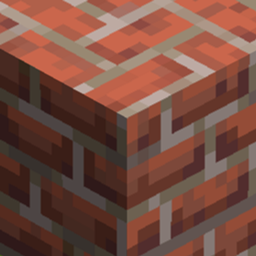
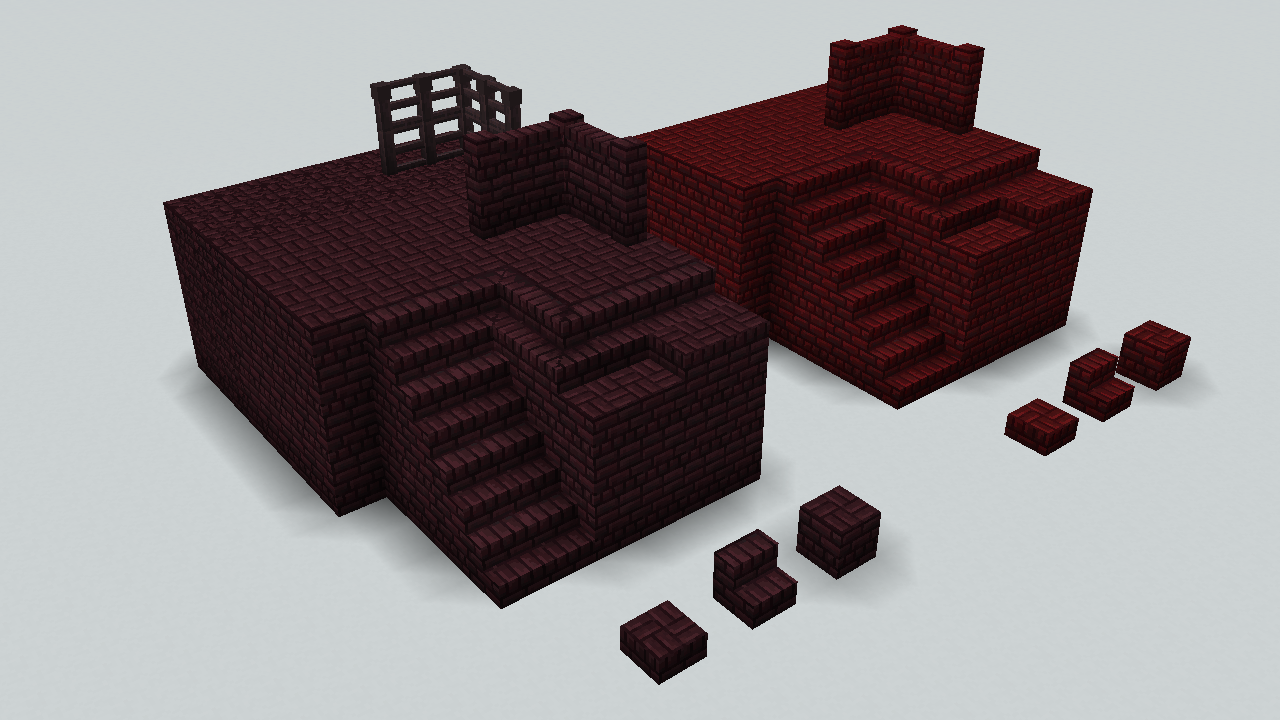
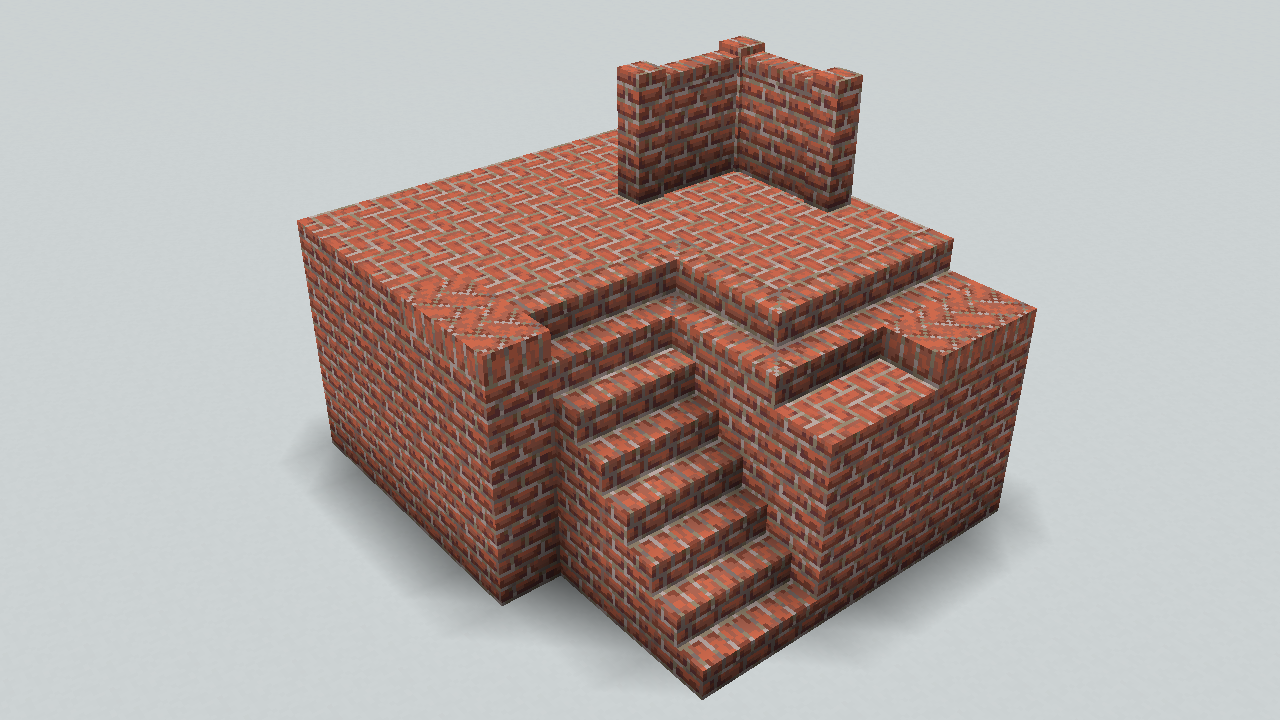
    This resourcepack make some blocks more accurately/conveniently.For example,the top face of bricks are changed into fishbone pattern to remove direction dependency.

  • Deformable blocks

    Some gets new appearance,some are stacked/connected more accuratery.

  • PBR support (beta)

    Almost all original textures in this pack have 16x normal maps and specular maps that besed on LabPBR standard.Some vanilla textures also have them.

  • CTM support (beta)


Recommended Settings:

  • Shader settings

    Recommend Activating PBR(labPBR) or Normal maps.

    If possible, activate Parallax Occlusion Mapping ,Parallax ,or POM.

  • Optifine,Optifabric

    Enable: Options>Video settings>Details>Alternate Blocks

    (Since we couldn't confirm normal rendering with optifine, do NOT enable CTM with them.)

  • Sodium with Iris, Rubidium with Oculus

    Disable: Options>Video settings>Performance>Use Block Face Culling

Accuratecture 3.2.1
MC 1.20.2, 1.21, 1.20.5, 1.21.5, 1.21.4, 1.20.3, 1.20.1, 1.20.6, 1.20.4, 1.21.3, 1.21.7, 1.21.1, 1.21.6, 1.21.2
Release 2025-07-05 Get
Accuratecture_3.2.0beta.zip
MC 1.20.2, 1.21, 1.20.5, 1.21.5, 1.21.4, 1.20.3, 1.20.1, 1.20.6, 1.20.4, 1.21.3, 1.21.1, 1.21.2
Beta 2025-04-12 Get
Accuratecture 3.1.0
MC 1.20.2, 1.20.5, 1.20.3, 1.20.6, 1.20.4
Release 2024-06-09 Get
Accuratecture_3.0.0_BETA_mc1.20.x.zip
MC 1.20.2, 1.20.5, 1.20.3, 1.20.1, 1.20.6, 1.20.4
Beta 2024-04-29 Get
Accuratecture 2.0.1 [Java Edition 1.19.3]
MC 1.19.3
Release 2023-03-24 Get
Accuratecture 2.0.0 [Java Edition 1.19.3]
MC 1.19.3
Release 2023-03-10 Get
Accuratecture 1.1.0 [mc1.19.3]
MC 1.19.3
Release 2023-01-02 Get
Accuratecture 1.0.0 [mc1.19.3]
MC 1.19.3
Release 2022-12-25 Get

Requirements & install

How to use this resource pack in Minecraft
Resolution
16x
Minecraft
1.21 – 1.21.7
Install folder
.minecraft/resourcepacks

How to install resource packs

  1. Download the resource pack .zip file (do not extract it).
  2. In Minecraft open Options → Resource Packs → Open Pack Folder.
  3. Drop the .zip into the resourcepacks folder (.minecraft/resourcepacks).
  4. Move the pack to the Selected column and click Done.
Browse more: 16x resource packs 32x resource packs 64x resource packs 128x resource packs 256x resource packs 512x+ resource packs Resource Packs for 1.21.7 All resource packs
Advertisement Remove ads with Premium →

You Might Also Like